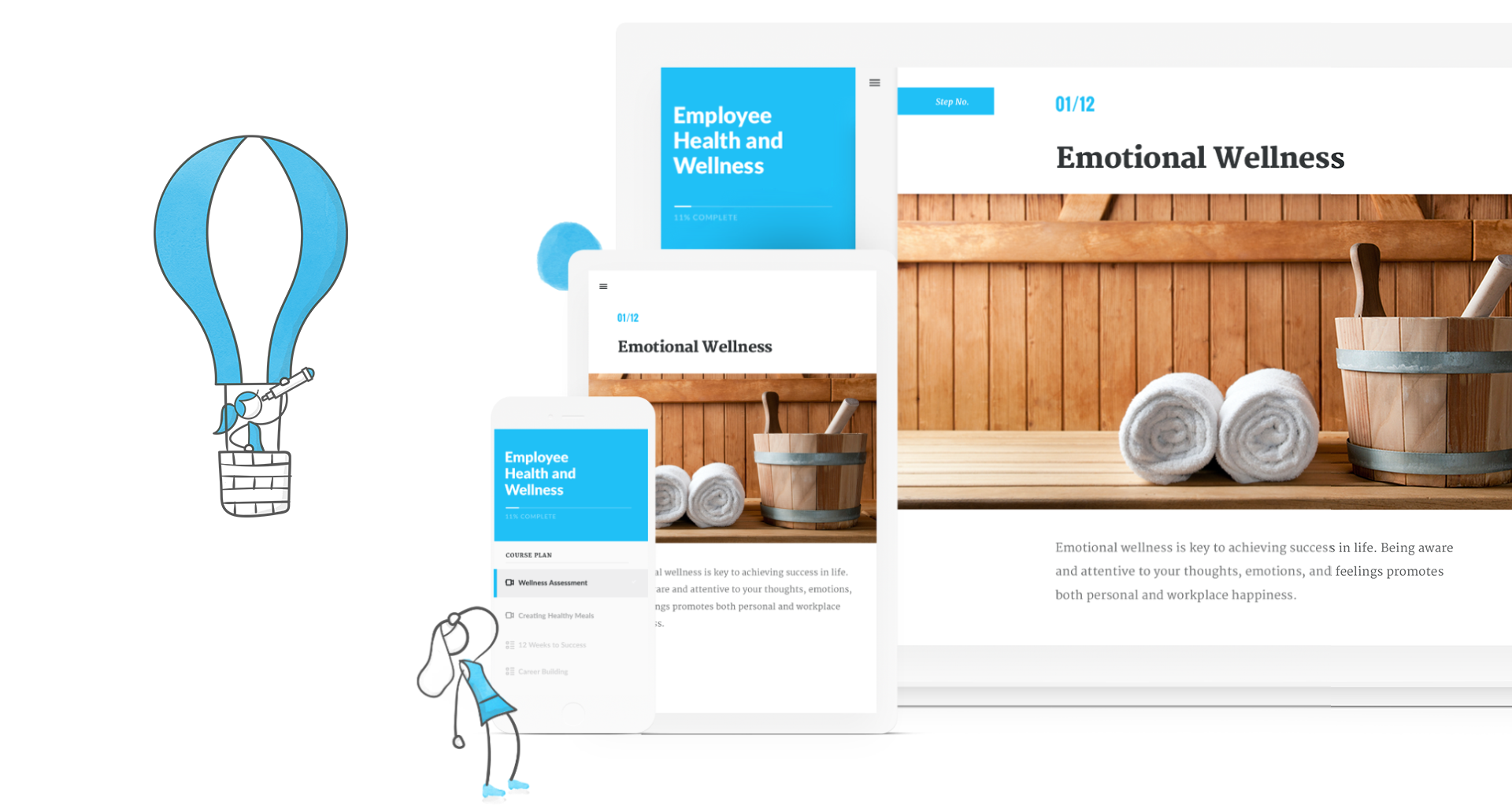
Articulate 360 is an e-learning platform for creating workplace training. Users can build engaging courses with AI-enhanced authoring, simplify collaboration, and quickly share content. A subscription includes robust onboarding resources and access to a community of 1.5M pros.
$1,449
per year
Microsoft Powerpoint
Score 8.0 out of 10
N/A
Microsoft PowerPoint is a presentation software designed to allow users to create slide-based presentations including video and images, as well as slide transitions and animations.
$139.99
Pricing
Articulate 360
Microsoft Powerpoint
Editions & Modules
Articulate 360 AI - Personal Plan
$1,449
per year
Articulate 360 AI - Teams Plan
$1,749
per year
One Time Purchase
$139.99
Offerings
Pricing Offerings
Articulate 360
Microsoft Powerpoint
Free Trial
Yes
No
Free/Freemium Version
No
No
Premium Consulting/Integration Services
No
No
Entry-level Setup Fee
Optional
No setup fee
Additional Details
Those new to Articulate 360 can try it free of charge for 30 days. Articulate 360 is available on the Articulate website and through Articulate Authorized Resellers.
Articulate is vastly superior to Microsoft Powerpoint in many ways. Obviously, for computer-based training, Articulate is in a category of its own, but even for facilitated training, the different features like variables, layers, and states give it an edge over PowerPoint. The …
Articulate 360 leaves Captivate in the dust. The look and feel of Articulate 360 products is so much more sleek and flexible. Captivate feels constrained and clunky in comparison.
Articulate 360 has a very high skill cap, but it has the ability to develop a lot more and give you grading or results feedback when it comes to demonstrating and distributing out different information. The creative design behind it allows for a classroom to be virtual in your …
I have used a lot of bespoke in house products that are similar to Rise. As well as PowerPoint. PowerPoint is not interactive so that is a strong benefit of Articulate. Typically the in house products are more customizable but less attractive and don’t work as well out of the …
I honestly don’t know if any products that can even be compared to the articulate programs. I’ve use simple things like PowerPoint and canvas to create material for training needs. I can’t say that they are even remotely close to what you achieve in Articulate. However, …
I use these systems with the Articulate suite, as they integrate nicely with the products. I prefer Articulate as the primary authoring tool because it is easy to use and allows for this type of integration. This allows for other divisions in our organization who may not have …
The user interface is so similar to PowerPoint that it makes it easy to learn how to use the product. Adobe Captivate is ok, but the user interface is challenging to navigate for new users. Adobe Captivate also has an issue right now where they have new features in the "New" …
For most projects, Storyline is the best of all of these. Not sure what Adobe is doing with Captivate. The attention that Articulate pays to Storyline & updates vs Adobe doesn't to Captivate is telling.
Articulate 360 is usable. Easy to learn. Captivate is like learning to walk. Nothing is intuitive and you have to just keep trying stuff to make it work. It also takes much more effort to make anything happen in Captivate rather than Storyline. Articulate 360 is friendly to may …
Articulate 360 is great for online courses, courses for an LMS, courses that use media, text to speech audio, interactive items. Courses can be translated into other languages quickly. You can bring in outside media into the course pretty easily. The layouts are professional looking and blocks can be copied easily and repeated as needed.
The learning curve with Microsoft Powerpoint is not too steep, and most everyone can create really nice-looking presentations. The thing I like most about the new advancements in Microsoft Powerpoint comes to formatting. If you are creating a newsletter, don't get bogged down by all of the annoying formatting rules and issues you would have if creating in Publisher or Word. Microsoft Powerpoint makes it very simple. You can add text boxes and move them anywhere on the page. The templates are a nice touch, but they could use more, as most of these are outdated. I believe there are many free websites for downloading more templates.
Unrivaled Power and Customization. After 15 years in the training industry, Storyline 360 remains my favorite tool because it is, simply put, the most powerful authoring tool I have ever used, giving me complete creative control.
Advanced Interactivity. I love being able to 'overengineer' content using Triggers, Variables, States, and Layers, which allows me to build the most sophisticated and deep functionality.
Superior to Basic Tools. Storyline's capability to build detailed branching scenarios and realistic simulations sets it leaps and bounds apart from basic tools like PowerPoint, which is essential for high-impact training.
I haven't seen any other platform for developing learning materials that is as comprehensive or as reliable as Articulate has proven to be for our use. Because our group has a number of PowerPoint power users, the PowerPoint integration with Articulate is particularly beneficial.
Usability is where Articulate shines. Anyone who has ever built a PowerPoint can open the tool and quickly understand how to use it. The more complex aspects of the tool are also very user-friendly, but you can build great content without ever going into advanced variables or JavaScript.
It’s great overall! I can think of a few improvements that would make it a 10, for example: better Smart Art graphs, automatic distribution of columns and rows in tables, and being able to more easily save templates for graphs. For example, if I could determine that a same brand name in all graphs would have a specific color, it would be great
I've never had any issues with its availability. As it is installed on my machine, it's ready when I need it, online or offline. Creating large slide decks with complex elements like video and audio doesn't affect its stability. The only limitation would be the capability of your own computer, as far as I can tell.
The performance is very strong. It loads reasonably quickly. Large presentations load relatively quickly too, given their complexity, and once loaded each slide is readily available. It's easy to scroll up and down through your slide deck and go to the slide you want. Videos, pictures and music all load on demand, controllable by clicks.
I rate the overall support for Articulate 360 with a 9. On the one hand because of the smooth and accurate support from Articulate's support team (usually within 24 hours) and on the other because of the commitment / use of a community (e-learning Heroes) where I have all kinds of insights from other helpful users.
I have never had to use the actual support. Most of my questions are "how to" questions and there is a rich internet full of users sharing their tips and tricks with this application. Sometimes I find the answers on Microsoft support site but often I don't
The online training options given by the online tutorials, forums, and "E-Learning Heroes" community are simply awesome. Examples galore, easy to understand descriptions including step-by-step guides, images, occasionally videos, and the "Articulate Insiders" sub-community give you more materials to learn about Storyline than you are likely to be able to read.
Outside of having to dedicate a powerful enough PC for the installation and having to update Flash in our browsers there really isn't much pain involved in using Articulate. For the most part this is an easy to implement and roll-out product. The installation occurs quickly and smoothly with no additional steps needed.
I have not used any other elearning development software other than Articulate 360. Though, I have seen demos of other products and while they are great, they still don’t seem to be as great as Articulate 360. This opinion also shows up in other places like product reviews and instructional design groups on Facebook.
Adobe Illustrator is an excellent software but it's not easy to use for [everyone without] having any training or previous experience in working with illustrator. Microsoft Powerpoint is very easy to use and it's fantastic as it saves time more than illustrator. Another thing is it takes small space while illustrator takes a significant amount of space in the business machine
Scaling up use of Microsoft Powerpoint would be a simple case of buying further licences. The software is intuitive and therefore training demands from scaling it to more departments or more individuals would be relatively straightforward. Google Slides may be easier to share among those organisations that use Google's suite of apps, however.