
Atlassian Confluence vs. Creativity 365 vs. Flock
Atlassian Confluence vs. Creativity 365 vs. Flock
| Product | Rating | Most Used By | Product Summary | Starting Price |
|---|---|---|---|---|
 Confluence | N/A | Confluence is a collaboration and content sharing platform used primarily by customers who are already using Atlassian's Jira project tracking product. The product appeals particularly to IT users. | $6.40 per month per user | |
 Creativity 365 | N/A | Creativity 365 is a comprehensive, cross-device contention creation tool set designed for both business and creative professionals. The suite aims to help individuals and teams collaborate and improve their productivity and efficiency. The set includes five apps along with 1TB Kdan Cloud storage and access to all of Kdan Mobile's online communities. Platforms: Android, iOS, Mac, Windows According to the vendor key features and business benefits… | N/A | |
 Flock | N/A | Flock is a collaborative business messaging application, designed to compete with Slack. The app is presented as a fast and reliable means of communication, and is available in a free edition for teams of up to twenty members. | $0 for teams of 1-20 members |
| Atlassian Confluence | Creativity 365 | Flock | ||||||||||||||||||||||
|---|---|---|---|---|---|---|---|---|---|---|---|---|---|---|---|---|---|---|---|---|---|---|---|---|
| Editions & Modules |
| No answers on this topic |
| |||||||||||||||||||||
| Offerings |
| |||||||||||||||||||||||
| Entry-level Setup Fee | No setup fee | No setup fee | No setup fee | |||||||||||||||||||||
| Additional Details | Prices shown here reflect prices for deployments with 100 users or less. The prices decrease wien the user base surpasses 100. | Monthly $9.99 (*3-day free trial available) Semi-annually $39.99 Annually $59.99 (*14-day free trial available) Also, comes with a free stylus.** Quarterly plan with 7-day free trial to come in the following months. *Special and bulk purchasing options available for educational institutions and businesses. *Free trials only available on iTunes. **Free stylus details. Currently, new users subscribing to our Creativity 365 annual plan will receive an Adonit Dash 3 stylus. Once the free stylus has been shipped order is no refundable. | Discount available for annual pricing. | |||||||||||||||||||||
| More Pricing Information | ||||||||||||||||||||||||
| Atlassian Confluence | Creativity 365 | Flock |
|---|
| Atlassian Confluence | Creativity 365 | Flock | |||||||||||||||||||||||||||||||||||
|---|---|---|---|---|---|---|---|---|---|---|---|---|---|---|---|---|---|---|---|---|---|---|---|---|---|---|---|---|---|---|---|---|---|---|---|---|---|
| Project Management |
| ||||||||||||||||||||||||||||||||||||
| Communication |
| ||||||||||||||||||||||||||||||||||||
| File Sharing & Management |
|
| Atlassian Confluence | Creativity 365 | Flock | |
|---|---|---|---|
| Small Businesses |  Stackby Score 8.9 out of 10 | Stackby Score 8.9 out of 10 | Stackby Score 8.9 out of 10 |
| Medium-sized Companies |  Troop Messenger Score 9.8 out of 10 | Troop Messenger Score 9.8 out of 10 | Troop Messenger Score 9.8 out of 10 |
| Enterprises |  HCL Connections Score 9.0 out of 10 | HCL Connections Score 9.0 out of 10 | HCL Connections Score 9.0 out of 10 |
| All Alternatives | View all alternatives | View all alternatives | View all alternatives |
| Atlassian Confluence | Creativity 365 | Flock | |
|---|---|---|---|
| Likelihood to Recommend | 8.2 (173 ratings) | 10.0 (4 ratings) | 9.4 (13 ratings) |
| Likelihood to Renew | 9.0 (21 ratings) | - (0 ratings) | 9.0 (1 ratings) |
| Usability | 8.0 (61 ratings) | - (0 ratings) | 9.5 (7 ratings) |
| Availability | 9.0 (3 ratings) | - (0 ratings) | - (0 ratings) |
| Performance | 8.0 (5 ratings) | - (0 ratings) | - (0 ratings) |
| Support Rating | 5.4 (25 ratings) | 10.0 (1 ratings) | 8.8 (3 ratings) |
| Implementation Rating | 8.8 (4 ratings) | - (0 ratings) | - (0 ratings) |
| Configurability | 6.0 (1 ratings) | - (0 ratings) | - (0 ratings) |
| Ease of integration | 8.0 (4 ratings) | - (0 ratings) | - (0 ratings) |
| Product Scalability | 8.0 (2 ratings) | - (0 ratings) | - (0 ratings) |
| Vendor post-sale | 8.0 (1 ratings) | - (0 ratings) | - (0 ratings) |
| Vendor pre-sale | 8.0 (1 ratings) | - (0 ratings) | - (0 ratings) |
| Atlassian Confluence | Creativity 365 | Flock | |
|---|---|---|---|
| Likelihood to Recommend |  Atlassian
| Kdan Mobile Software Ltd.
 James Baca Owner | Titan.Mail
|
| Pros | Atlassian
| Kdan Mobile Software Ltd.
 Kindred Alana Freelance graphic design | Titan.Mail
|
| Cons | Atlassian
| Kdan Mobile Software Ltd.
 Patrick Enderson Illustrator | Titan.Mail
 Tim Mack Instructor |
| Likelihood to Renew | Atlassian
 Charles Thomasset, MBA Director, Project/Process Management | Kdan Mobile Software Ltd. No answers on this topic | Titan.Mail
|
| Usability | Atlassian
| Kdan Mobile Software Ltd. No answers on this topic | Titan.Mail
|
| Reliability and Availability | Atlassian
 Normand Whitehead Senior R&D Eng. Technologist | Kdan Mobile Software Ltd. No answers on this topic | Titan.Mail No answers on this topic |
| Performance | Atlassian
| Kdan Mobile Software Ltd. No answers on this topic | Titan.Mail No answers on this topic |
| Support Rating | Atlassian
| Kdan Mobile Software Ltd.
Patrick Enderson Illustrator | Titan.Mail
 Sasha Jacobsen Model |
| Implementation Rating | Atlassian
 Bill Kratzer Chief Innovation Officer | Kdan Mobile Software Ltd. No answers on this topic | Titan.Mail No answers on this topic |
| Alternatives Considered | Atlassian
| Kdan Mobile Software Ltd.
| Titan.Mail
 Anthony Zurica Owner |
| Scalability | Atlassian
| Kdan Mobile Software Ltd. No answers on this topic | Titan.Mail No answers on this topic |
| Return on Investment | Atlassian
| Kdan Mobile Software Ltd.
James Baca Owner | Titan.Mail
Anthony Zurica Owner |
| ScreenShots | Creativity 365 Screenshots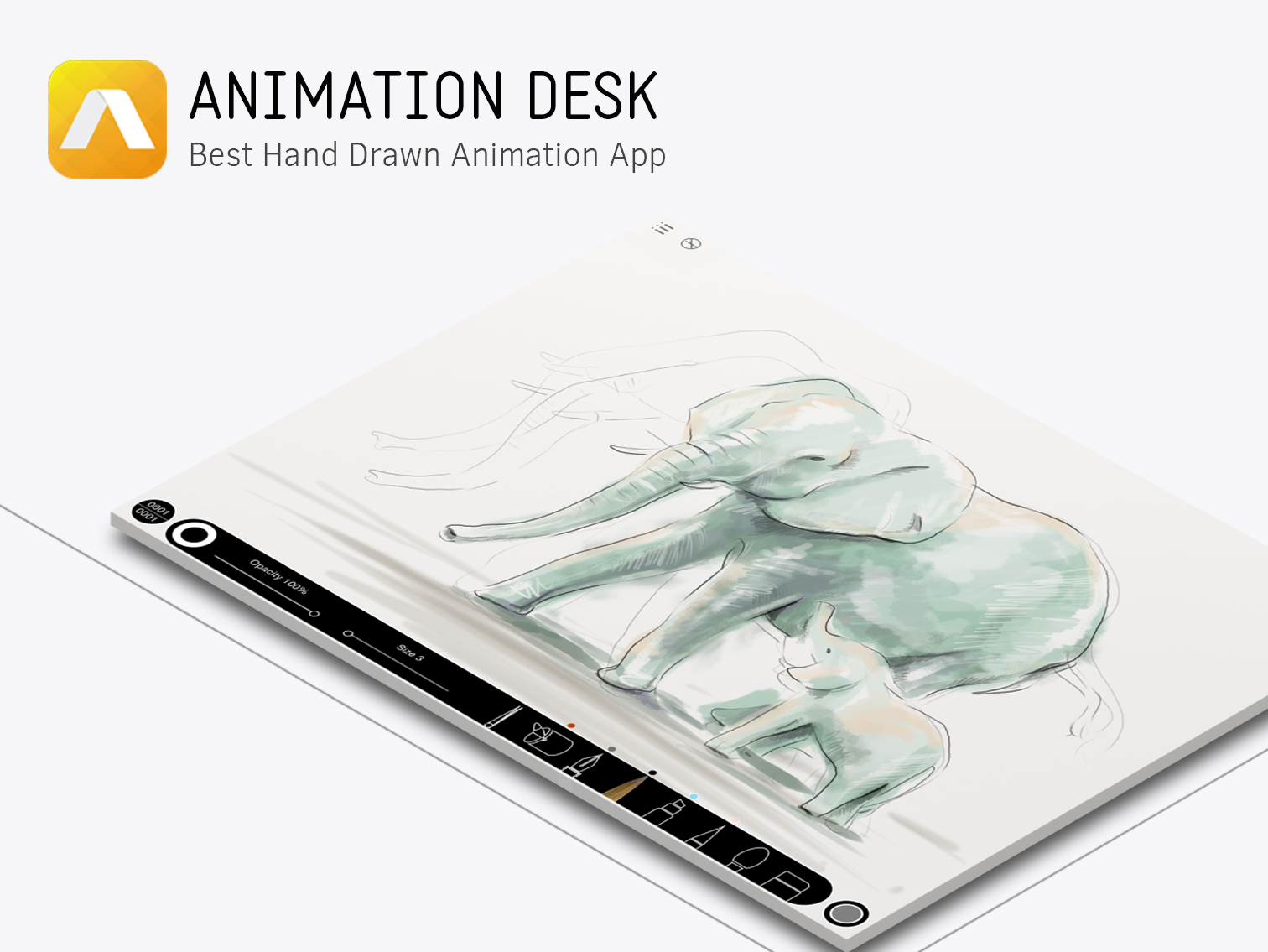  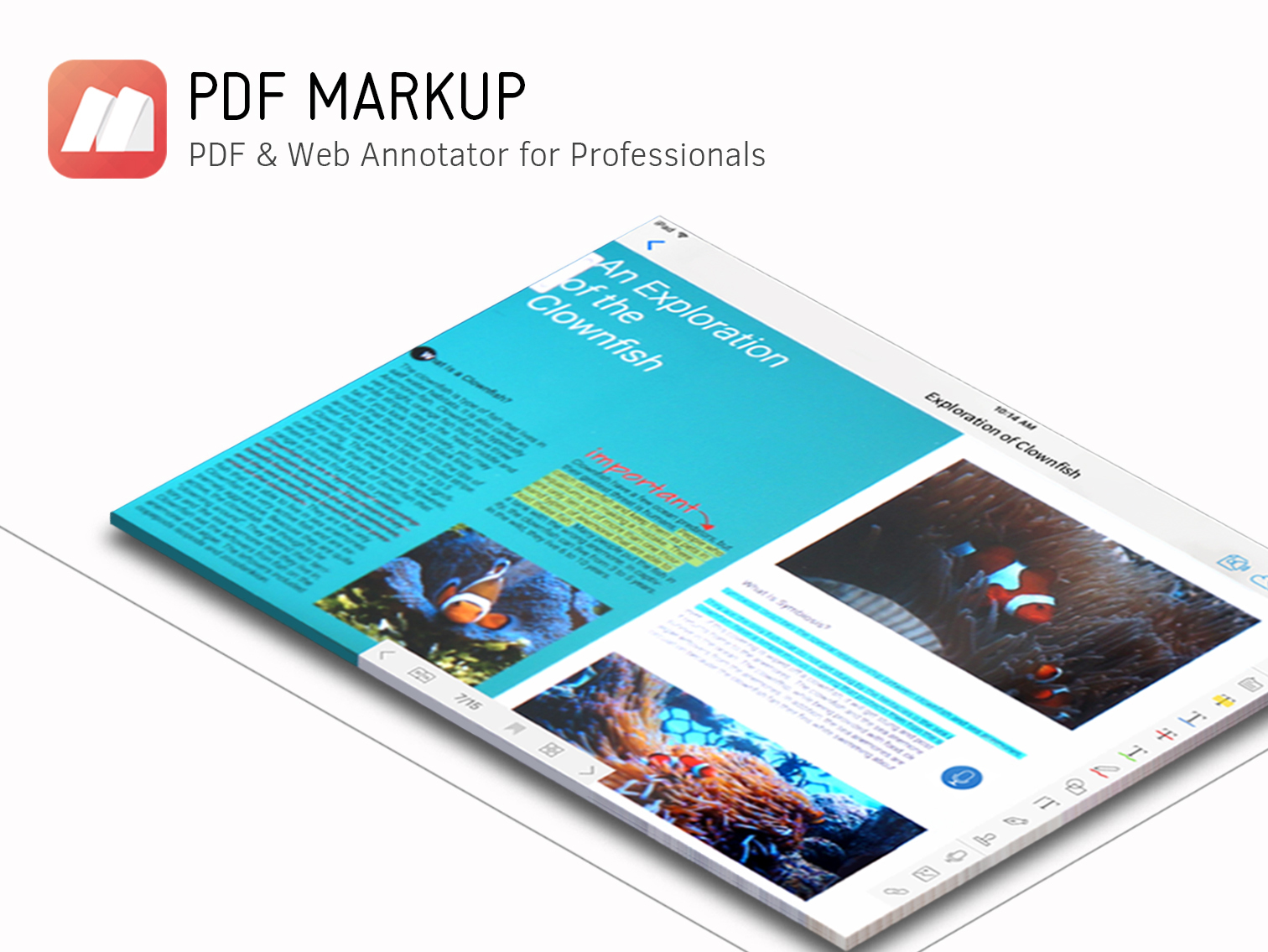  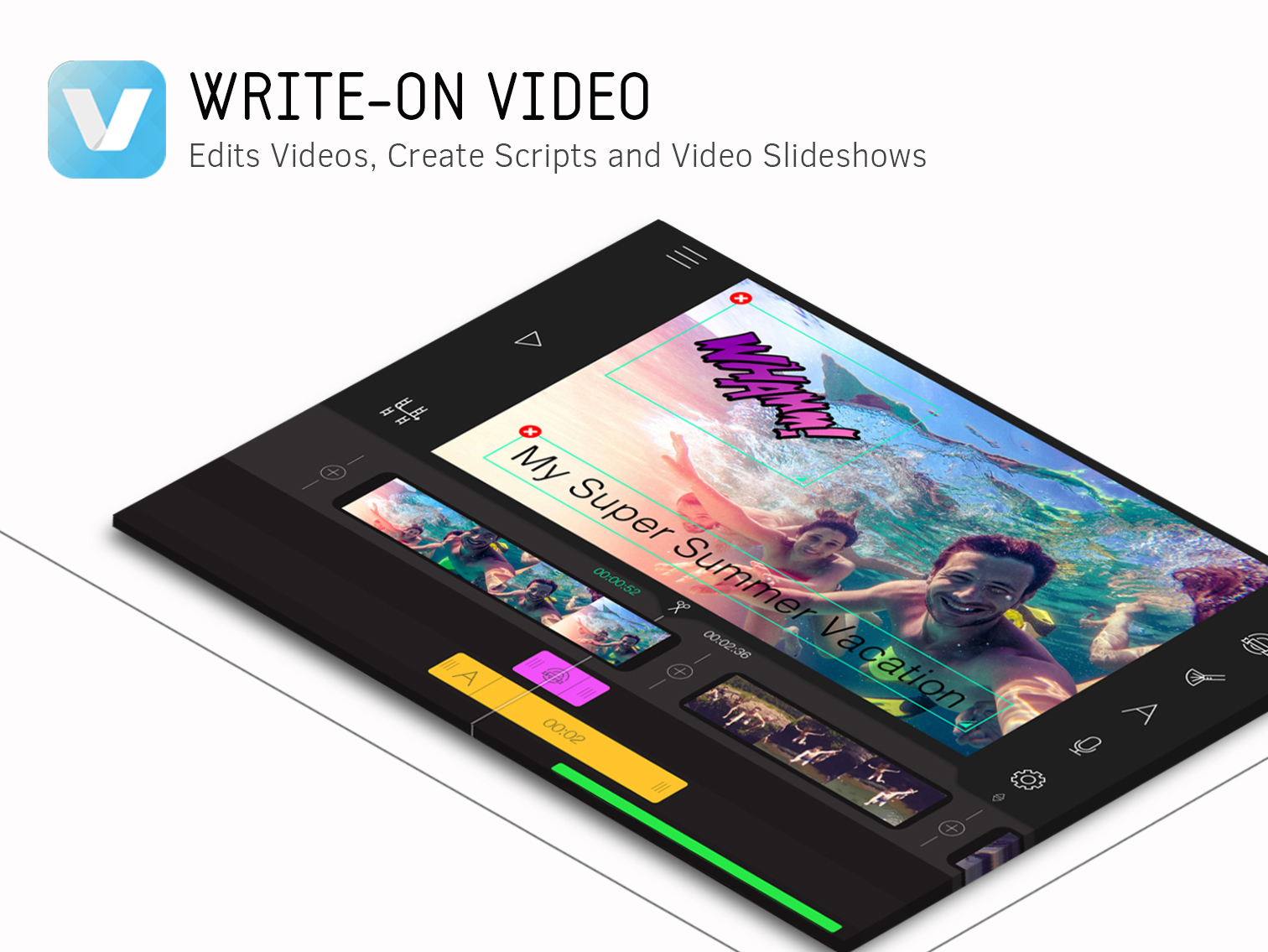  | Flock Screenshots   |
