
Atlassian Confluence vs. Lightlytics vs. Splunk Observability Cloud
Atlassian Confluence vs. Lightlytics vs. Splunk Observability Cloud
| Product | Rating | Most Used By | Product Summary | Starting Price |
|---|---|---|---|---|
 Confluence | N/A | Confluence is a collaboration and content sharing platform used primarily by customers who are already using Atlassian's Jira project tracking product. The product appeals particularly to IT users. | $6.40 per month per user | |
 Lightlytics | N/A | Lightlytics enables SRE/DevOps teams to automatically predict, pre-empt, and prevent failures, downtime, or business disruption caused by infrastructure development or updates by simulating all possible dependencies and impact on operations before deployment. | $3.25 per month per resource | |
 Splunk Observability Cloud | N/A | Splunk Observability Cloud aims to enable operational agility and better customer experience through real-time AI-driven streaming analytics allowing accurate alerts in seconds. It is designed to shorten MTTD and MTTR by providing real-time visibility into cloud infrastructure and services. | $180 per year per host |
| Atlassian Confluence | Lightlytics | Splunk Observability Cloud | ||||||||||||||||||||||
|---|---|---|---|---|---|---|---|---|---|---|---|---|---|---|---|---|---|---|---|---|---|---|---|---|
| Editions & Modules |
| No answers on this topic |
| |||||||||||||||||||||
| Offerings |
| |||||||||||||||||||||||
| Entry-level Setup Fee | No setup fee | No setup fee | No setup fee | |||||||||||||||||||||
| Additional Details | Prices shown here reflect prices for deployments with 100 users or less. The prices decrease wien the user base surpasses 100. | — | — | |||||||||||||||||||||
| More Pricing Information | ||||||||||||||||||||||||
| Atlassian Confluence | Lightlytics | Splunk Observability Cloud |
|---|
| Atlassian Confluence | Lightlytics | Splunk Observability Cloud | |||||||||||||||||||||||||||||||||||
|---|---|---|---|---|---|---|---|---|---|---|---|---|---|---|---|---|---|---|---|---|---|---|---|---|---|---|---|---|---|---|---|---|---|---|---|---|---|
| Project Management |
| ||||||||||||||||||||||||||||||||||||
| Communication |
| ||||||||||||||||||||||||||||||||||||
| File Sharing & Management |
|
| Atlassian Confluence | Lightlytics | Splunk Observability Cloud | |
|---|---|---|---|
| Small Businesses |  Stackby Score 8.9 out of 10 |  GitHub Score 9.1 out of 10 |  InfluxDB Score 8.8 out of 10 |
| Medium-sized Companies |  Troop Messenger Score 9.8 out of 10 | GitHub Score 9.1 out of 10 |  Sumo Logic Score 8.8 out of 10 |
| Enterprises |  HCL Connections Score 9.0 out of 10 |  Perforce P4 Score 7.2 out of 10 |  NetBrain Technologies Score 9.2 out of 10 |
| All Alternatives | View all alternatives | View all alternatives | View all alternatives |
| Atlassian Confluence | Lightlytics | Splunk Observability Cloud | |
|---|---|---|---|
| Likelihood to Recommend | 8.2 (173 ratings) | - (0 ratings) | 7.7 (57 ratings) |
| Likelihood to Renew | 9.0 (21 ratings) | - (0 ratings) | 7.0 (2 ratings) |
| Usability | 8.0 (61 ratings) | - (0 ratings) | 7.6 (16 ratings) |
| Availability | 9.0 (3 ratings) | - (0 ratings) | - (0 ratings) |
| Performance | 8.0 (5 ratings) | - (0 ratings) | - (0 ratings) |
| Support Rating | 5.4 (25 ratings) | - (0 ratings) | 10.0 (1 ratings) |
| Implementation Rating | 8.8 (4 ratings) | - (0 ratings) | 10.0 (1 ratings) |
| Configurability | 6.0 (1 ratings) | - (0 ratings) | - (0 ratings) |
| Ease of integration | 8.0 (4 ratings) | - (0 ratings) | - (0 ratings) |
| Product Scalability | 8.0 (2 ratings) | - (0 ratings) | - (0 ratings) |
| Vendor post-sale | 8.0 (1 ratings) | - (0 ratings) | - (0 ratings) |
| Vendor pre-sale | 8.0 (1 ratings) | - (0 ratings) | - (0 ratings) |
| Atlassian Confluence | Lightlytics | Splunk Observability Cloud | |
|---|---|---|---|
| Likelihood to Recommend |  Atlassian
| Lightlytics No answers on this topic |  Cisco
|
| Pros | Atlassian
| Lightlytics No answers on this topic | Cisco
|
| Cons | Atlassian
| Lightlytics No answers on this topic | Cisco
|
| Likelihood to Renew | Atlassian
 Charles Thomasset, MBA Director, Project/Process Management | Lightlytics No answers on this topic | Cisco
|
| Usability | Atlassian
| Lightlytics No answers on this topic | Cisco
|
| Reliability and Availability | Atlassian
 Normand Whitehead Senior R&D Eng. Technologist | Lightlytics No answers on this topic | Cisco No answers on this topic |
| Performance | Atlassian
| Lightlytics No answers on this topic | Cisco No answers on this topic |
| Support Rating | Atlassian
| Lightlytics No answers on this topic | Cisco
 Giuseppe Cusello GRC Director |
| Implementation Rating | Atlassian
 Bill Kratzer Chief Innovation Officer | Lightlytics No answers on this topic | Cisco
Giuseppe Cusello GRC Director |
| Alternatives Considered | Atlassian
| Lightlytics No answers on this topic | Cisco
 David Williams CIO (Chief Information Officer) |
| Scalability | Atlassian
| Lightlytics No answers on this topic | Cisco No answers on this topic |
| Return on Investment | Atlassian
| Lightlytics No answers on this topic | Cisco
|
| ScreenShots | Lightlytics Screenshots | Splunk Observability Cloud Screenshots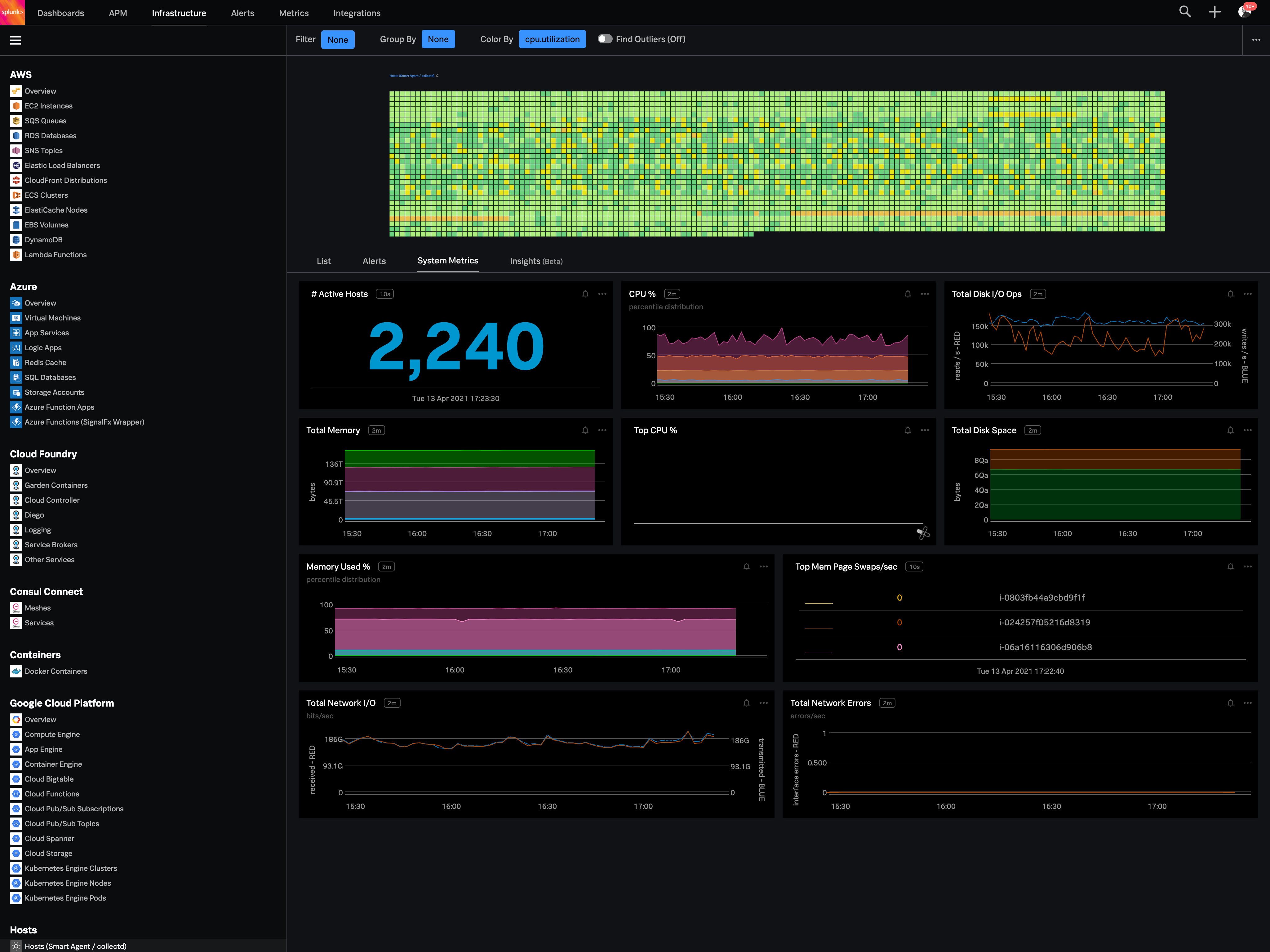 |
