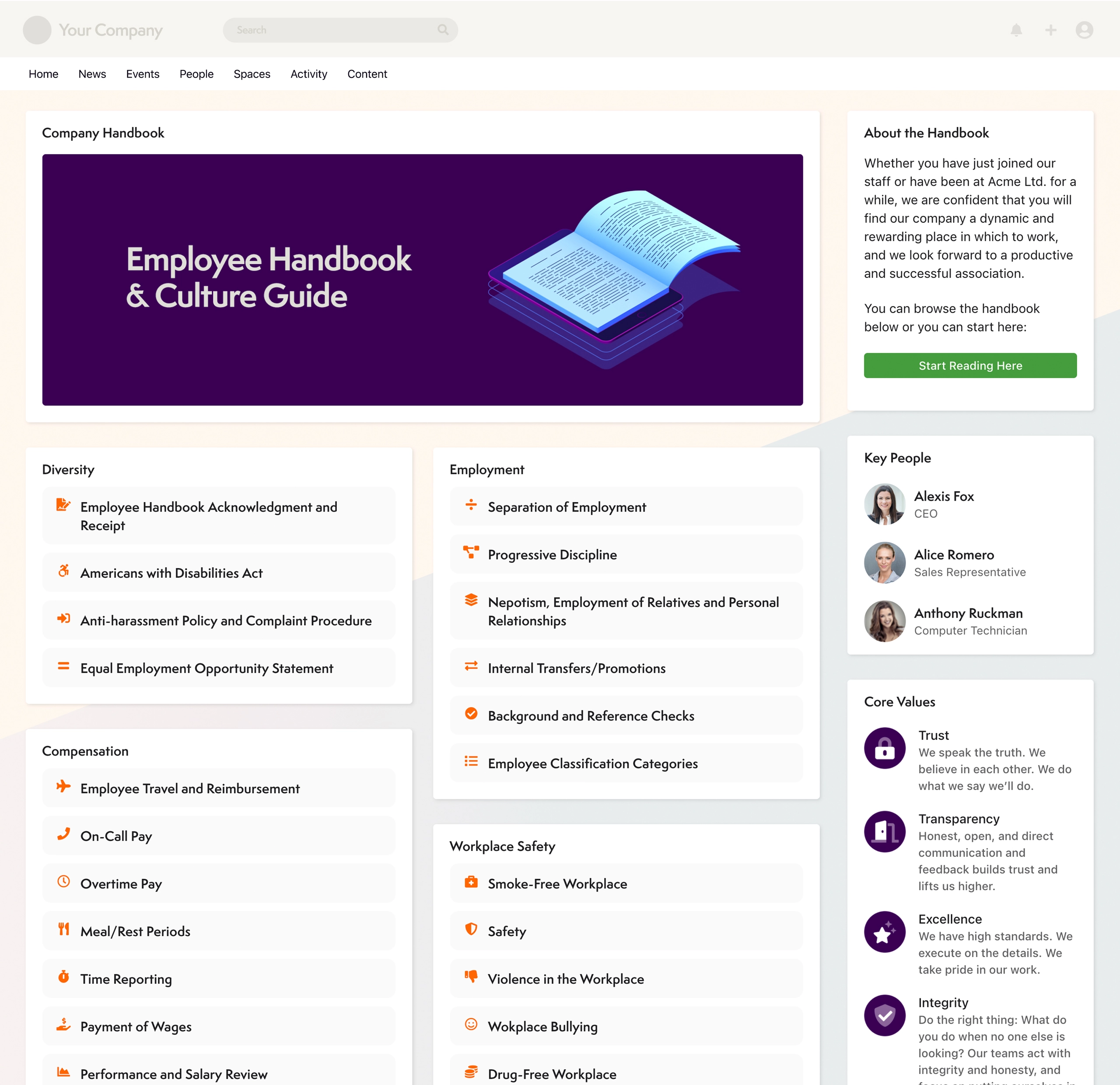
Axero's Communifire is an Enterprise Social and Collaboration platform. Used internally, it connects employees, key customers and partners to pursue shared goals. Used to build an online community, it puts the emphasis on working together, not just meeting socially. The platform, designed to encourage the spread and expansion of ideas is suited for organizations that want their community to not only get connected but also feel they are getting things done.
$49
per month
Conceptboard
Score 7.3 out of 10
N/A
Conceptboard is a collaboration software built for teams of any size. Its primary features are project management, team whiteboards, integration into business workflows, and real-time collaboration.
N/A
Mural
Score 7.5 out of 10
N/A
MURAL (formerly Mural.ly) from Tactivos (DBA MURAL) in San Francisco is described by the vendor as a digital workspace and visual collaboration tool, designed for creative teams to make the process of design more efficient for distributed teams, working remotely.
$12
per month
Pricing
Axero
Conceptboard
Mural
Editions & Modules
No answers on this topic
No answers on this topic
Starter
$12
per month
Plus
$20
per month
Enterprise
Contact sales team
Offerings
Pricing Offerings
Axero
Conceptboard
Mural
Free Trial
Yes
No
Yes
Free/Freemium Version
No
No
No
Premium Consulting/Integration Services
Yes
No
No
Entry-level Setup Fee
No setup fee
No setup fee
No setup fee
Additional Details
Axero tailors your investment to meet your unique needs. Custom pricing and volume discounting available. Contact Axero for details.
Conceptboard has a very simple interface design. and stands out with a successful UX/UI design. can offer a rapid adaptation process for volatile employees and customers. While it has many features compared to its competitors, its interface is not complicated. However, some of …
Initially, we selected Conceptboard due to its quick TAT with respect to integration and implementation. Also, it is a quite cheaper option as compared to its direct competitors. The main reason to select Conceptboard was - 1. The infinite canvas really helped with longer …
Specific scenarios where Communifire would be well suited to an organisation, would be companies that are people focused and committed to frequent and open communication channels from both the top-down and bottom-up. It also would suit organizations that are committed to providing the staff opportunities to collaborate, share and actively contribute to company initiatives and planning. If these aren't elements of your organization's culture, the system would still work for you or those companies who just want to push information out and have an effective intranet. Communifire would cater to these scenarios just as well and is more than capable of providing that type of simple solution.
Well suited - 1. Whiteboarding, brainstorming, designing, workshops, etc. 2. Templates - Pretty good repository of ready-to-use templates esp for project management, agile, etc. Less appropriate - 1. Anything that requires integration with existing enterprising software - limitations like no integration with Jira, Asana, etc. 2. Embedding anything related to images, videos, etc. The embed is not very smooth, it lags, and sometimes straight out doesn't work 3. Image search - Many competitors provide this feature and hence Conceptboard lacks here
I've recommended MURAL to a lot of people in a lot of fields. This is a great tool for any group of people that might stand around a white board if they were in person. Even if they are in person, I still recommend it pretty often because, unlike a white board, MURAL is virtual, so it can go offline with you. I've recommended it to other Software Teams, individual software developers, engineering teams, Sales Managers, Office Staff, Manufacturing teams, and more.
Communifire allows people to connect easily through instant chat and messaging. It works similarly to other social media platforms like Facebook so its not hard to learn.
Communifire makes it easy to share news and events with our community and the presentation of this information looks very professional.
I found Communifire quite easy to configure to our individual needs. There were a lot of options to turn things on or off. This was important to us because in some areas of our community we wanted to allow our contractors many features and in other areas we wanted to really limit what was on offer.
We had a big list of things we needed a platform to do. Communifire ticked all the boxes.
Great user interface that's very intuitive and easy to use. This is an important aspect of collaboration, brainstorming sessions often involve a lot of people coming from different functions who may not be too familiar with these tools
Allows users to see real-time changes and actions done by others from sticky notes/comments down to their cursor movements
Lets users add/attach files and annotate/comment on each directly on the board which skips the hassle of having to look at files using different programs/platforms and referencing on the board
enables easy for all collaboration especially in the hybrid environment
makes brainstorming better as users can create digital sticky notes, draw diagrams, and add images to visually represent concepts and ideas
it helps to visualize data effectively - users can create charts, graphs, and diagrams to present data-driven insights to team members and stakeholders
Our business depends upon this software to provide information on all aspects of our business. The future of business is a marriage between web site and customer interaction. This software will allow us to move in that direction.
This rating has a caveat - there is always room for improvement, and this team gets it. You always learn from customers how to do things better and easier, so it is a constant learning of how people use the site. Although the search engine is exceptional, most people do not use it as their first line of research. Much of the usability has to do with layout - and is not just a software usability item, so the rating is severely dependent up on the layout/options you choose for your usage. And their team will do anything in their power to get the results and layout you want. The areas that need improvement - and acknowledged by the team - are the administrative tools. There are a ton of options, and it takes a little to learn some of those. For most people, however, this won't be an issue, because the support team will always help you. This is always the case with more power. If there were fewer options it would no doubt be easier, but they give you the keys to all of the cars in the lot; so a little more to learn.
Overall, MURAL is really easy to use, but there are a couple downsides. It's really easy to make areas of the board consistent because double clicking adds stickies that match those around the current one. It's really easy to connect the elements. And it's really easy to organize elements. Inconsistent controls, Panning, Line Connections, and latency are the only issues I had. My biggest issue is that the MURAL mouse buttons are very different from most similar software. This always causes me problems switching to a graphics software or 3D modelling software. Because MURAL uses the same button to pan and move elements, it's really easy to move things when panning around. The lines can also be a (sometimes huge) problem because thew will occasionally disappear or connect to things incorrectly. I think this is tied to latency issues which, in addition to causing phantom lines, can sometimes cause confusion to your team.
We selected Communifire for the excellent sales support, strong feature set and quick set up time. We were able to get started immediately and build out features as need required which led to faster execution and higher adoption rates among our team.
Miro is a superior product with more capabilities and better suited for advanced users. We selected Conceptboard as a short-term solution that was low-cost compared to Miro but allowed users to create boards. Once users are versed in Conceptboard, they are better off using Miro which has more integration, better capabilities, and is overall a more complete product.
Mural was easier to use and share compared with Whiteboard. Whiteboard's functionality is limited. It is also integrated into Teams in an odd way that makes it difficult for team members to refer to old whiteboards. Mural as a stand alone web app is better.
We are still building out features of the platform but with implemention of paid features by members, we will be able to cover our operating cost of the platform.
I can say that this tool is unique since its impact on our work team has been one of the best we have ever had since it allows us to exchange ideas in one place through boards, which is more fun with the video call function