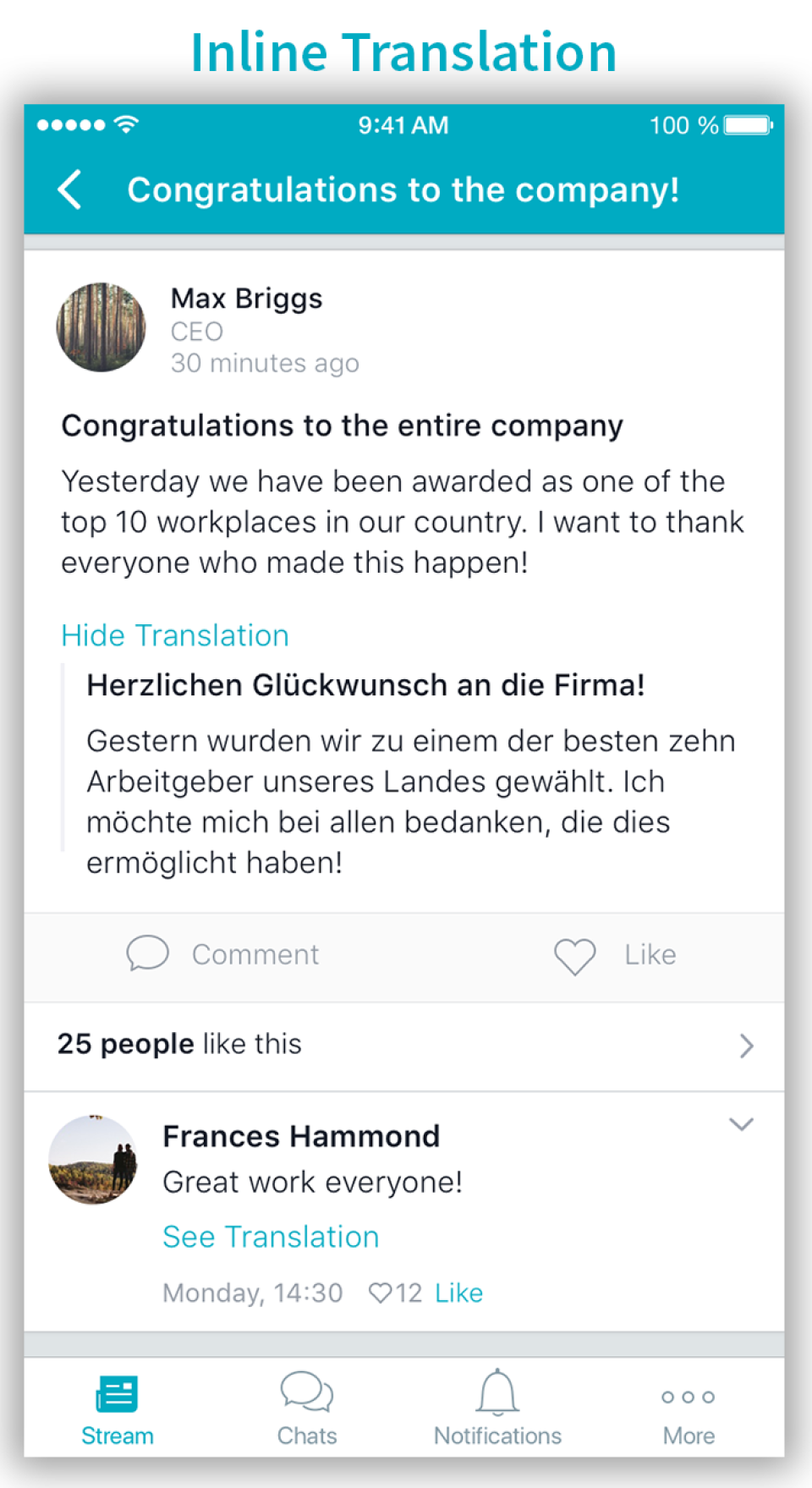
Beekeeper is a social collaboration software solution offered by Beekeeper AG.
N/A
Microsoft Teams
Score 8.1 out of 10
N/A
Microsoft Teams combines video conferencing software with team collaboration tools. The communications platform allows MS Office users to conduct conference calls and share files via SharePoint, and join or initiate a group chat.
$4.80
per month per user
Podio
Score 8.7 out of 10
N/A
Podio is a cloud-based platform for organizing team communication, business processes, and reporting in project management workspaces; also it may be used as a light CRM platform. It enables workflow automation and integrations. It includes a free version and paid packages with additional features.
$14
per month per user
Pricing
Beekeeper
Microsoft Teams
Podio
Editions & Modules
No answers on this topic
Microsoft Teams Essentials
$4.80
per month per user
Microsoft Teams Enterprise
$5.25
per month (paid yearly) per user
Microsoft Teams Enterprise
$5.25
per month per user
Microsoft 365 Business Basic
$7.20
per month per user
Microsoft 365 Business Standard
$15
per month per user
Plus
$14
per month per user
Premium
$24
per month per user
Offerings
Pricing Offerings
Beekeeper
Microsoft Teams
Podio
Free Trial
Yes
Yes
No
Free/Freemium Version
No
Yes
Yes
Premium Consulting/Integration Services
Yes
No
No
Entry-level Setup Fee
Optional
No setup fee
No setup fee
Additional Details
—
Discounts are available for non profit organizations.
A discount is available for annual pricing.
More Pricing Information
Community Pulse
Beekeeper
Microsoft Teams
Podio
Features
Beekeeper
Microsoft Teams
Podio
Project Management
Comparison of Project Management features of Product A and Product B
Beekeeper
-
Ratings
Microsoft Teams
8.0
236 Ratings
3% above category average
Podio
7.7
28 Ratings
0% below category average
Task Management
00 Ratings
7.9175 Ratings
8.026 Ratings
Gantt Charts
00 Ratings
7.792 Ratings
2.09 Ratings
Scheduling
00 Ratings
8.0203 Ratings
6.523 Ratings
Workflow Automation
00 Ratings
8.2122 Ratings
10.026 Ratings
Mobile Access
00 Ratings
8.1224 Ratings
6.523 Ratings
Search
00 Ratings
7.4207 Ratings
00 Ratings
Visual planning tools
00 Ratings
8.4138 Ratings
00 Ratings
Resource Management
00 Ratings
00 Ratings
9.522 Ratings
Team Collaboration
00 Ratings
00 Ratings
7.528 Ratings
Support for Agile Methodology
00 Ratings
00 Ratings
9.016 Ratings
Support for Waterfall Methodology
00 Ratings
00 Ratings
9.012 Ratings
Document Management
00 Ratings
00 Ratings
8.524 Ratings
Email integration
00 Ratings
00 Ratings
6.022 Ratings
Timesheet Tracking
00 Ratings
00 Ratings
7.014 Ratings
Change request and Case Management
00 Ratings
00 Ratings
9.019 Ratings
Budget and Expense Management
00 Ratings
00 Ratings
9.017 Ratings
Communication
Comparison of Communication features of Product A and Product B
Beekeeper
-
Ratings
Microsoft Teams
8.0
245 Ratings
0% below category average
Podio
-
Ratings
Chat
00 Ratings
9.0244 Ratings
00 Ratings
Notifications
00 Ratings
8.3243 Ratings
00 Ratings
Discussions
00 Ratings
8.6230 Ratings
00 Ratings
Surveys
00 Ratings
8.1141 Ratings
00 Ratings
Internal knowledgebase
00 Ratings
8.5152 Ratings
00 Ratings
Integrates with GoToMeeting
00 Ratings
6.547 Ratings
00 Ratings
Integrates with Gmail and Google Hangouts
00 Ratings
5.743 Ratings
00 Ratings
Integrates with Outlook
00 Ratings
9.1155 Ratings
00 Ratings
File Sharing & Management
Comparison of File Sharing & Management features of Product A and Product B
Beekeeper
-
Ratings
Microsoft Teams
8.1
230 Ratings
1% above category average
Podio
-
Ratings
Versioning
00 Ratings
8.4162 Ratings
00 Ratings
Video files
00 Ratings
8.3197 Ratings
00 Ratings
Audio files
00 Ratings
8.6195 Ratings
00 Ratings
Document collaboration
00 Ratings
8.8210 Ratings
00 Ratings
Access control
00 Ratings
8.5192 Ratings
00 Ratings
Advanced security features
00 Ratings
8.3152 Ratings
00 Ratings
Integrates with Google Drive
00 Ratings
5.353 Ratings
00 Ratings
Device sync
00 Ratings
8.5166 Ratings
00 Ratings
Professional Services Automation
Comparison of Professional Services Automation features of Product A and Product B
Beekeeper is one of those gems which can not get replaced by any other application that easily as it comes in everyday use. Being an SDE I can say that it get used a lot in creating, updating or deleting any data also sharing files is really fast among users. It is suitable if you have a vivid project and need to store huge database and contacts and interaction is daily requirement . It takes sometime to get load but that does not make it any less suitable.
It's amazing as a daily driver for team communication, and document search/store. Also, if you're doing a lot of LONG meetings and have trouble remembering details, the AI summarization is amazing and convenient. It just works. I'm not saying I always do this, of course, but if I need to 'skim' instead of really digging into every detail from a meeting, the AI-generated summary is generally good enough that I can get away with it.
[Citrix Podios's] customer support is very quick and they provide you an option to convert your project into small tasks so that you can better assist your team and extract maximum work out of them hence I will totally recommend its usage. I could not think that keeping track of tasks could be this much easier and smart. It is a fully customizable tool that manages my tasks efficiently and deal with them effectively.
Very easy for people without coding or technical skills to set up and maintain information in "Apps".
Platform is very easy to learn and adopt--it's intuitive.
Project management potential is awesome--instead of having to fit your projects into a structure that is industry specific, you can build an app that tracks what you want, in the order you want it.
Has a "relationship" field that allows you to relate an individual item or record to a record in another app. It effectively gives some of the functionality of a relational database.
Very useful for information sharing when staff members are in different regions or places.
The webinars feature has some missing functionally such as the ability for all users to use the Q&A feature (only those with a Microsoft Teams account can use it now), the ability to upload documents for attendees to easily access and download, and the ability for presenters and organizers to easily chat amongst themselves throughout the webinar.
The "Channels" organization hierarchy could be more clear. If you have several channels set up, it can get clunky and hard to find the specific channel you are looking for.
The MS Planner tool lacks functionality and organization. You cannot assign more than one person to a task and it's confusing when you try to share tasks with people - it would be nice if they were automatically added to someone's calendar.
A customizable profile status – would love to work with Podio in silent mode (logged in while working, but "not available" for requests when in heavy work mode)
Microsoft Teams is included with our Office 365 subscription and we have no intention of migrating off of Office 365 and Microsoft products. Since Microsoft Teams is included for free with our Office 365 subscription, and since we enjoy all the features, benefits, and functionality, there is no question that our team will continue to use the product
Podio customer service is great. The cloud and mobile service is fast (almost instant, continuous syncing). With a solid user base, and backed by Citrix, this is a serious business solution. They're also constantly working on improving and making it more powerful. I anticipate it only getting better
If you have the full Microsoft Office suite, it works really well because it's integrated well within its ecosystem, but if not, it can be annoying because it tries to open a shared file in the web versions of the file equivalents. The web version is also a bit slow, and the login is very difficult to handle if you have multiple Microsoft or Outlook accounts.
It takes a while to understand how to wield the power of 'relationship' fields and unlocking the flow of data across Podio apps and workspaces. Once the lightbulb comes on, the options and builds are effortless and limitless. Because of the unrestrained customization, you truly start with a blank slate and must endure a potentially frustrating learning curve to crack to (no)code. But once you get it, all the power is readily at your fingertips.
The overall support provided by Microsoft for Microsoft Teams has been quite good but there is still some room for improvements. Microsoft needs to proactively work on fixing the open bugs in order to provide a seamless experience to the users. But over the service and experience provided by the Microsoft team have been quite satisfactory.
Podio support was always responsive and very quick to provide answers and assistance during the history of using this product, their support team has always been top notch. There have been several cases where calling podio support a feature was not available and they provided either workaround solutions or added the features straight into their roadmap.
Beekeeper has been able to bring us considerable advantages in terms of communication and collaboration within our organization. It is a fantastic tool that allows us to communicate with colleagues.
Microsoft Teams offers a much more integrated experience between their chat and video call function compared to Google Chat and Slack. Both other tools are much better for internal communications are they have simpler UI without other features. Whereas Microsoft Teams can be used for more critical conversations, particularly between external companies, and has been very useful in sales conversations which is what we chose it for when speaking to companies that work exclusively through Microsoft.
I have not yet found a permanent solution that meets all of our needs. We continue to use different tools across our different departments, and none of our tools really communicate with one another to our satisfaction. We remain optimistic, however, that a company will emerge that embraces an abstract, highly customizable interface and also provides exceptional customer service with an open-minded development team that does not simply say no to everything by default.
Honestly, this tool is worth every penny. Yes, it's not free and you pay for the quality of services and the license. But the ROI and the benefits are all there. Also, the renewal, negotiation, and contract terms are all very well explained by our Microsoft account manager, and she's a charm.
I used Skype for Business to take calls, hold conferences, and provide remote assistance to users. Microsoft Teams, on the other hand, is superior to Skype for Business in my opinion. My job entails a lot of screen sharing.
Since we need to deploy project and beekeeper makes it easy to store database it has positive impact on ROI.
Beekeeper makes whole task very easy and hassle free making it easier to developers to work and get the tasks done thus having a positive impact on ROI.
Personally, I would say that by using Microsoft Teams, it upped my collaboration with my colleagues by around 50% or around more than half of what I usually did prior to using it.
I had 100% show rate and attendance on all of my meetings in the past 6 months.
If I may add, I also have been chattier & collaborative towards my colleagues in past 3 months particularly the month of December when we had huge traffic at work. I would estimate this behavior to have been increased by around 60% than what I usually incur during normal operating days.
Podio is great for task assignment and tracking. The ability to enter and assign tasks from mobile and track their completion saves me several phone calls a day.
Podio outdoes email as my go to place to search for information. The ability to forward emails into the system, organize by projects and contacts, and search it all saves considerable time and confusion.
Podio has considerable potential to reduce overall admin time spent organizing information (filing, tracking, etc) The ability to keep a single record of a given piece of information without being tied to email vs file structure works very well.