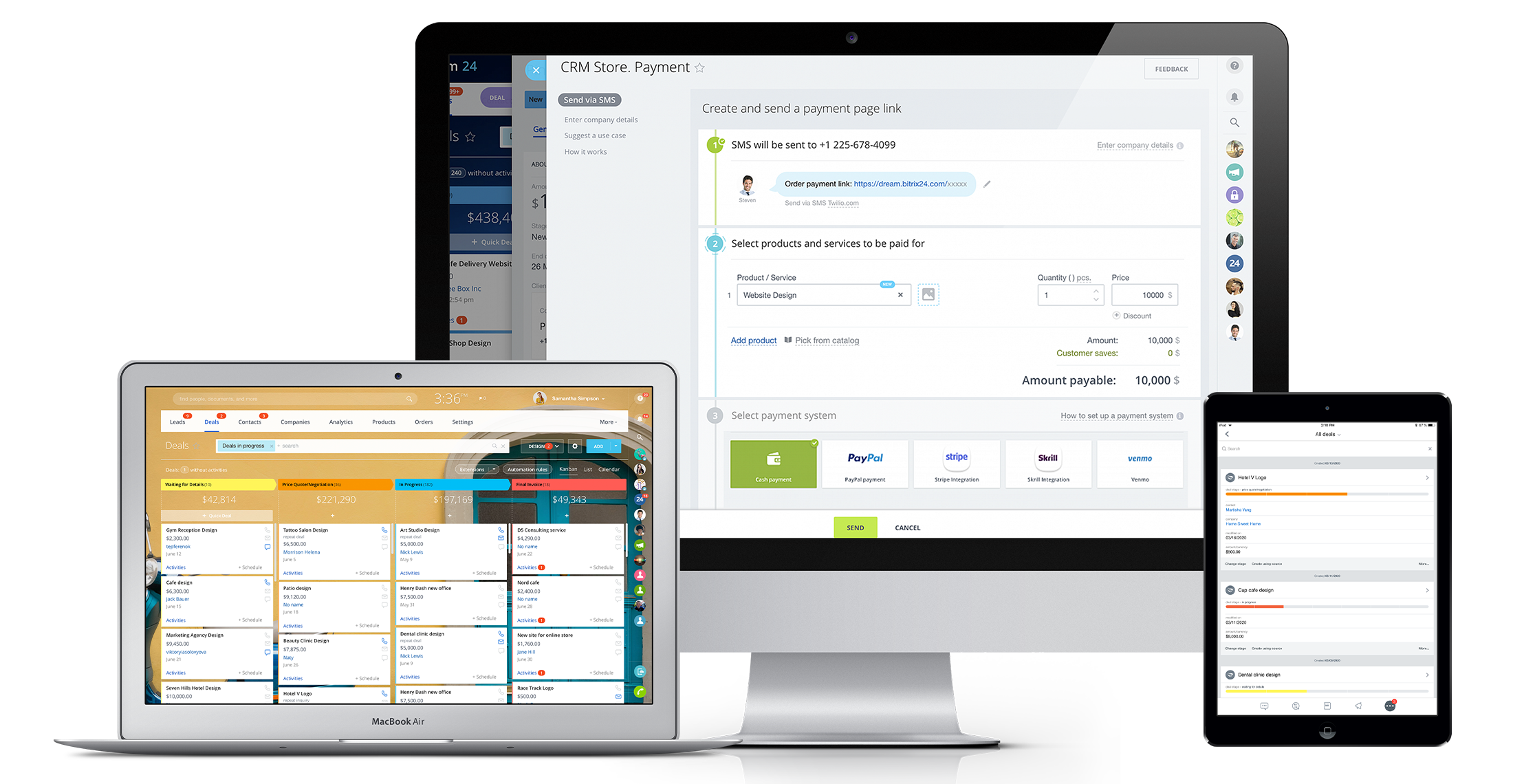
Bitrix24 is a local-hosted or cloud-based social intranet and project management platform that also contains core HR (HRMS) and CRM features. Bitrix24 also provides time management services and employee self-service.
$61
per month up to 5 users
MethodCRM
Score 9.2 out of 10
N/A
Method:crm is a QuickBooks-integrated, cloud-based CRM platform.
$35
per month per user
Pricing
Bitrix24
MethodCRM
Editions & Modules
Basic
$61
per month up to 5 users
Standard
$124
per month up to 50 users
Professional
$249
per month up to 100 users
Enterprise 250
$399.00
per month 250 Users
Enterprise
$499
per month up to 250 Users
Enterprise 500
$639.00
per month 500 Users
Enterprise 1000
$799.00
per month 1000 Users
CRM Quick Start
$35
per month per user
CRM Pro
$59
per month per user
CRM Enterprise
$97
per month per user
CRM Multi-Entity
Custom Quote
Offerings
Pricing Offerings
Bitrix24
MethodCRM
Free Trial
Yes
Yes
Free/Freemium Version
No
No
Premium Consulting/Integration Services
Yes
Yes
Entry-level Setup Fee
No setup fee
No setup fee
Additional Details
Price per month when paying for 1 year.
Discount available for annual billing.
More Pricing Information
Community Pulse
Bitrix24
MethodCRM
Features
Bitrix24
MethodCRM
Project Management
Comparison of Project Management features of Product A and Product B
Bitrix24
8.8
22 Ratings
12% above category average
MethodCRM
-
Ratings
Task Management
8.022 Ratings
00 Ratings
Gantt Charts
8.017 Ratings
00 Ratings
Scheduling
10.019 Ratings
00 Ratings
Workflow Automation
8.919 Ratings
00 Ratings
Mobile Access
9.921 Ratings
00 Ratings
Search
8.019 Ratings
00 Ratings
Visual planning tools
9.020 Ratings
00 Ratings
Communication
Comparison of Communication features of Product A and Product B
Bitrix24
8.6
22 Ratings
7% above category average
MethodCRM
-
Ratings
Chat
9.021 Ratings
00 Ratings
Notifications
9.922 Ratings
00 Ratings
Discussions
8.021 Ratings
00 Ratings
Surveys
8.815 Ratings
00 Ratings
Internal knowledgebase
8.019 Ratings
00 Ratings
Integrates with GoToMeeting
8.38 Ratings
00 Ratings
Integrates with Gmail and Google Hangouts
9.012 Ratings
00 Ratings
Integrates with Outlook
8.011 Ratings
00 Ratings
File Sharing & Management
Comparison of File Sharing & Management features of Product A and Product B
Bitrix24
8.1
23 Ratings
1% above category average
MethodCRM
-
Ratings
Versioning
8.019 Ratings
00 Ratings
Video files
6.516 Ratings
00 Ratings
Audio files
6.715 Ratings
00 Ratings
Document collaboration
7.923 Ratings
00 Ratings
Access control
9.921 Ratings
00 Ratings
Advanced security features
9.019 Ratings
00 Ratings
Integrates with Google Drive
7.016 Ratings
00 Ratings
Device sync
9.819 Ratings
00 Ratings
Sales Force Automation
Comparison of Sales Force Automation features of Product A and Product B
Bitrix24
-
Ratings
MethodCRM
8.1
22 Ratings
3% above category average
Customer data management / contact management
00 Ratings
8.422 Ratings
Workflow management
00 Ratings
8.420 Ratings
Territory management
00 Ratings
1.81 Ratings
Opportunity management
00 Ratings
8.420 Ratings
Integration with email client (e.g., Outlook or Gmail)
00 Ratings
8.820 Ratings
Contract management
00 Ratings
8.711 Ratings
Quote & order management
00 Ratings
9.218 Ratings
Interaction tracking
00 Ratings
9.019 Ratings
Channel / partner relationship management
00 Ratings
10.012 Ratings
Customer Service & Support
Comparison of Customer Service & Support features of Product A and Product B
Bitrix24
-
Ratings
MethodCRM
10.0
2 Ratings
26% above category average
Case management
00 Ratings
10.01 Ratings
Call center management
00 Ratings
9.92 Ratings
Help desk management
00 Ratings
10.01 Ratings
Marketing Automation
Comparison of Marketing Automation features of Product A and Product B
Bitrix24
-
Ratings
MethodCRM
8.9
19 Ratings
14% above category average
Lead management
00 Ratings
8.817 Ratings
Email marketing
00 Ratings
9.014 Ratings
CRM Project Management
Comparison of CRM Project Management features of Product A and Product B
Bitrix24
-
Ratings
MethodCRM
7.6
20 Ratings
1% below category average
Task management
00 Ratings
9.218 Ratings
Billing and invoicing management
00 Ratings
10.015 Ratings
Reporting
00 Ratings
3.617 Ratings
CRM Reporting & Analytics
Comparison of CRM Reporting & Analytics features of Product A and Product B
Bitrix24
-
Ratings
MethodCRM
7.7
18 Ratings
0% above category average
Forecasting
00 Ratings
8.09 Ratings
Pipeline visualization
00 Ratings
9.017 Ratings
Customizable reports
00 Ratings
6.017 Ratings
Customization
Comparison of Customization features of Product A and Product B
Bitrix24
-
Ratings
MethodCRM
7.6
19 Ratings
1% below category average
Custom fields
00 Ratings
6.619 Ratings
Custom objects
00 Ratings
6.618 Ratings
Scripting environment
00 Ratings
9.212 Ratings
API for custom integration
00 Ratings
8.014 Ratings
Security
Comparison of Security features of Product A and Product B
Bitrix24
-
Ratings
MethodCRM
8.3
19 Ratings
1% below category average
Single sign-on capability
00 Ratings
8.217 Ratings
Role-based user permissions
00 Ratings
8.419 Ratings
Integrations with 3rd-party Software
Comparison of Integrations with 3rd-party Software features of Product A and Product B
Bitrix24
-
Ratings
MethodCRM
10.0
2 Ratings
29% above category average
Marketing automation
00 Ratings
10.02 Ratings
Compensation management
00 Ratings
10.02 Ratings
Platform
Comparison of Platform features of Product A and Product B
Bitrix24 is highly beneficial for teams that are geographically dispersed or working remotely. Its real-time communication tools, including instant messaging and video conferencing, enable seamless collaboration regardless of physical location. The centralized document management feature ensures that team members can easily access and collaborate on shared documents from anywhere, facilitating efficient teamwork in a remote or distributed environment.
Method[:CRM] is well suited when you have a large company that needs to keep track of customers. It also connects with Quickbooks and that has really been nice for our organization. Our company is small so this really helps us stay on track and build our data base of customers.
It's user interface can use some work. Although it doesn't take as long as some other software to learn, there is still a bit of a learning curve when it comes to day to day usage.
Bitrix offers a lot of features. It would be nice to have those features laid out in an easier-to-read layout, versus the long list at the side of the page.
It's mobile app functionality is quite limited. It can be difficult to work with other team members, solely off of their mobile app.
It has become the central nervous system of the business and has constantly proven to be of value. We are not just renewing but might even upgrade to advanced Bitrix24 plans and will be adding more user licenses in the next 3 months. Bitrix24 has a sharper learning curve initially. However once it is surpassed, it opens doors to a range of creative deployment strategies
The things Method does well - QuickBooks data integration and extreme customization - it does very, very well. If you are looking for a CRM product or any business process automation software that integrates with QuickBooks, you have to look at Method CRM
It is a time-saving CRM that will help save time by using one application for all your business needs. Our brain sees colors, images, drawings, it is very visual, and so is Bitrix24. You can plan visually and easily see how everything is progressing. It has tasks, projects management, chat and video, CRM (as you know), visual staff structure, calendar, shared drive, mobile app. You can't ask for anything better out on the market for what you get with their free version and also their step-up plan is $20/month, all the way up to $200, they have a plan for your business. Get your free account and try it out for a few weeks.
Method has a great overall "usability". Once we started using the software; it did not take long before we were able to start editing our own web lead forms, email templates, etc. I think there is a learning curve however the learning curve is not bad. Anyone looking for a cloud CRM should start here
I can't recall any instance of unplanned outages over the past 1 year of use. Likewise for application errors. However note that, advanced users will have a learning curve
The absolute worst! Your only contact method is via the paid version and via a chat window. They will take days to answer and when they finally do answer, they will provide nothing but a half baked canned help file.
The Customer Support of this app is fantastic. If you ever have any questions they are there to answer you or fix whatever issue that you are having. The FAQ pages are also extremely helpful when you want to learn about the more in-depth qualities this program has to offer.
Overall the training was very comprehensive. The trainer did provider necessary additional reading materials as well. However the general approach at Bitrix24 is to divert users to self-help documentation and videos. It is recommended that atleast 1-2 personnel in the organization be "Bitrix24 experts" so that lower phases of training requirements are covered internally itself. Also the best part about Bitrix24 is that not all users need to go very deep while using it. We have multiple counsellors who started using it on day 2 without any major hiccups
Be available to learn! There is a huge learning curve to this program. You have to be willing to take it all in. Be available to the Method expert and be patient.
In fact, I use both, but in different ways, monday to control the internal agenda, Bitrix for all other parts within the company, such as task control, chat with employees and with calendar also for control in two systems. Bitrix is more complete and has many more features, but its purpose is also different from monday.
We chose Method:CRM for the QuickBooks integration. It was important for us to have integrations that allowed us to view payments, organize our contacts, and manage our sales force. There were some learning curves, however, such as creating activities, leads, customers and making sure our payments were being logged appropriately. I do wish that payments would be added to the calendar automatically so that the sales rep could view and make a phone call letting them know their invoice is due.
The scalability and reliability is almost 9.5/10 to be honest. We istarted with Bitrix24 for just 2 functions and now have expanded its usage to 2 more. In terms of users, every full-time employee (FTE) now uses Bitrix24 without fail. We are also working on giving limited/partial access to external service providers