Bluebeam Revu is a PDF management, control, and editing tool. It enables collaboration and markup within shared documents across projects’ life cycles and has takeoff and bid creation capabilities.
$240
per year per user
HCSS
Score 8.8 out of 10
Mid-Size Companies (51-1,000 employees)
HCSS is a construction software suite. It includes functionality for bidding, time card and project management, safety, planning, scheduling, equipment management, and data warehousing and reporting. Each module can be purchased separately. The suite can be hosted in the cloud.
N/A
InEight
Score 8.3 out of 10
N/A
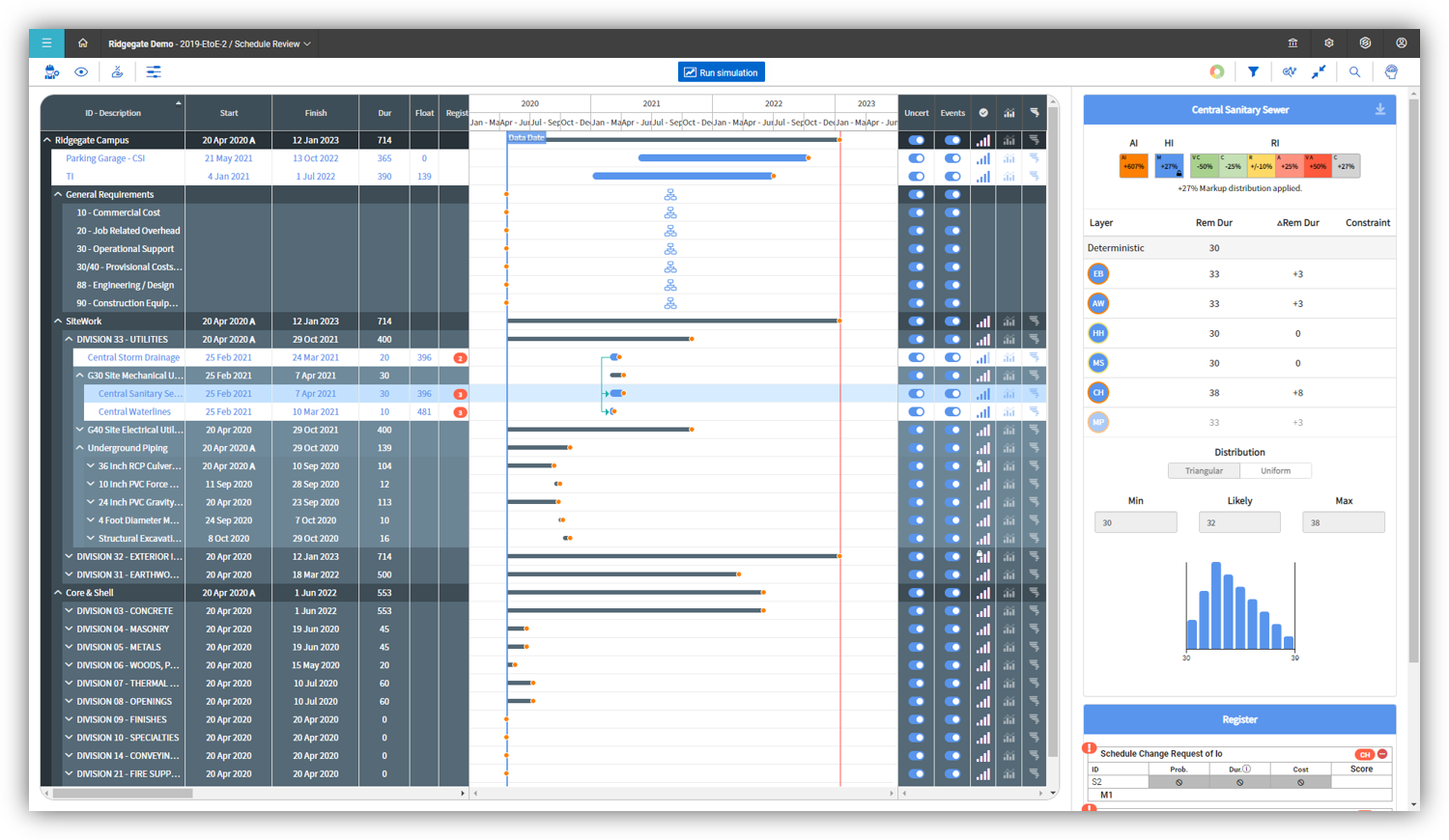
InEight's modular project controls software connects complex project data to improve visibility and delivery in capital construction.
N/A
Pricing
Bluebeam
HCSS
InEight
Editions & Modules
Revu Standard
$349
per seat
Revu CAD
$449
per seat
Revu eXtreme
$599
per seat
No answers on this topic
No answers on this topic
Offerings
Pricing Offerings
Bluebeam
HCSS
InEight
Free Trial
Yes
No
No
Free/Freemium Version
No
No
No
Premium Consulting/Integration Services
Yes
Yes
No
Entry-level Setup Fee
No setup fee
Required
No setup fee
Additional Details
—
—
InEight offers a modular, integrated project controls platform. Because the InEight platform covers the entire construction lifecycle, customers purchase the software based on their specific needs – purchasing stand-alone products, a bundle of products, or the entire platform. As a result, the pricing will vary depending on the specific product, number of users and length of contract. Once InEight has identified the highest impact areas, they offer potential customers a custom proposal. The options they consider include:
Per user pricing: typically annual subscriptions.
Revenue-based: using a percentage of the customer’s revenue.
Project-based: software use dedicated to a specific project or program of work.
We used to use Estimating Link. It was very helpful in our transition to a larger company. It was like HeavyBid light, but also a fraction of the cost.
InEight is more robust than the other services I have used. I think it does a better job of rolling up a massive amount of individual user data into one complete project progress report. I like that most of our clients also use it, which makes collaboration easier. I think it …
We looked at HCSS and Bid 2 Win but chose Ineight due to the fact that it seemed more user friendly, plus I had used it at a former company when it was available from the Grantlun Corporation and was very familiar with it in its ease of use and reliability.
Ineight is almost similar to Unifier in the sense that we get automatic updates on documents, Ineight also make it easier to sort out previous revisions of documents which makes it very necessary in the case that we are looking for a past version and not necessarily the latest …
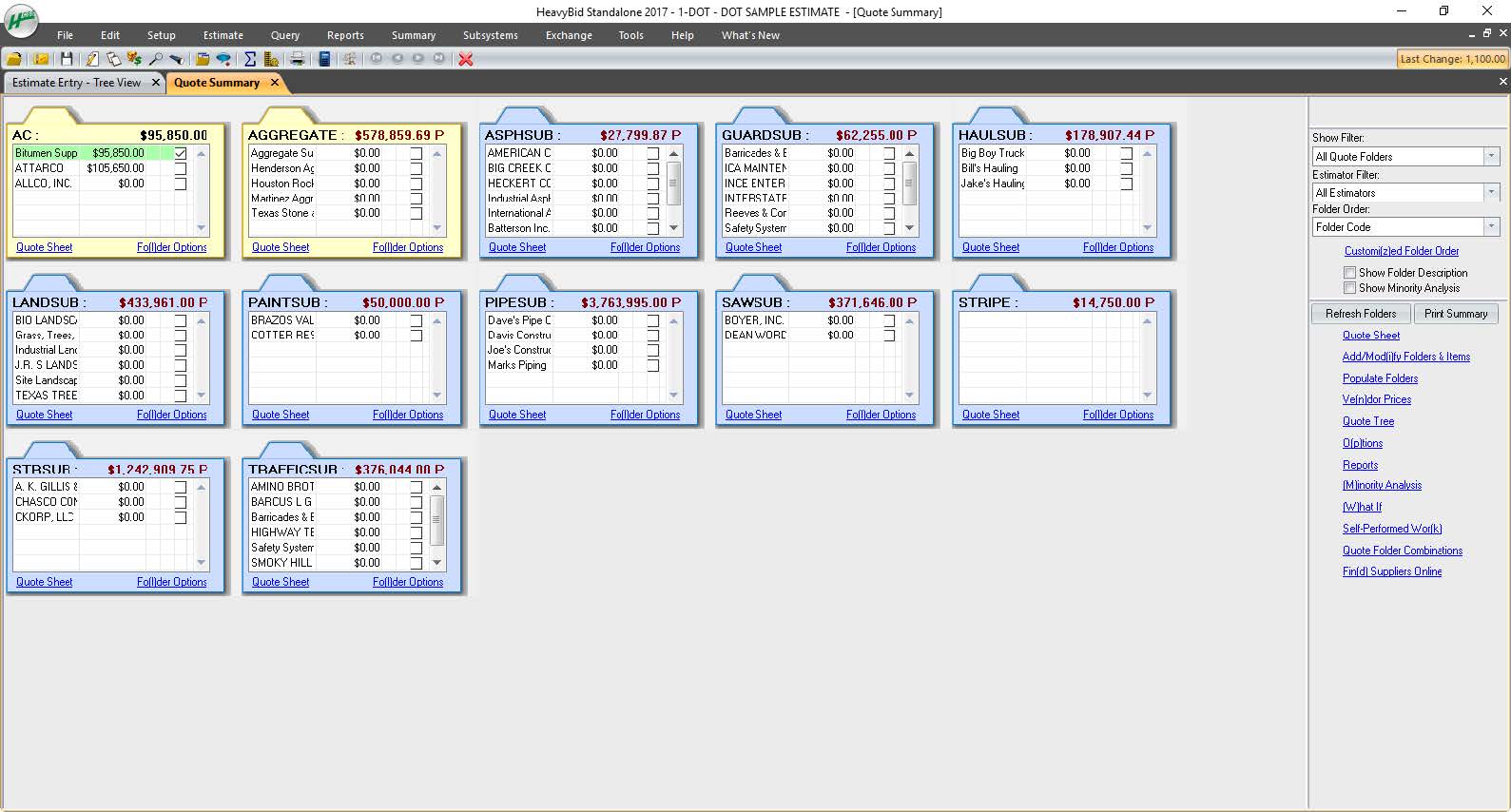
heavy bid is okay for bid item work and has a few things in the quote folder screen that are nice and user friendly but the ability to tag is not as useful.
The two items that set InEight apart was the estimating module with the ability to track cost to the exact estimate line item and the ability to export manhours to payroll. The other software's were either lacking or deficient in these items.
The program is great for editing construction drawings, stamping/approving official documents and overlaying revised documents to see design changes. You can use it as an estimating takeoff tool, estimating database, document control, cloud document storage, the list goes on! Bluebeam poses many applications for the user to utilize for the desired needs. There may be some other software that has one specific function that can perform the specific task better, but Bluebeam is a holistic program with many tools for use.
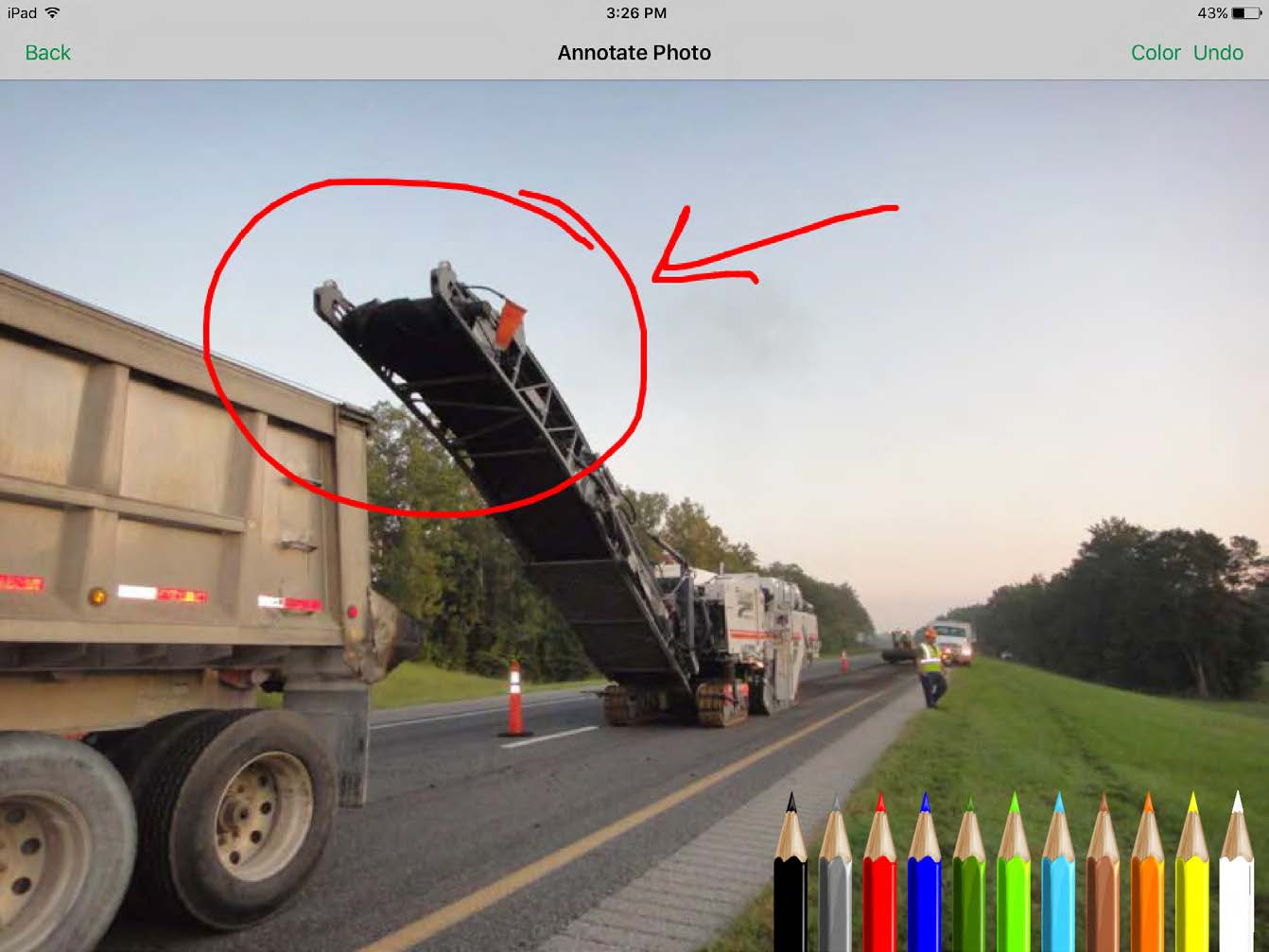
Our operation uses several pieces of what we call specialty equipment (not used every day on every job). The foreman when finished will give a location of where this equipment is left, this many times can be very vague and lead to a lowboy driver trying to block around to find the piece or driving down a street he cannot get turned around in. With the GPS devices, the driver can pinpoint exactly where the unit is and if he has room to turn around at that location.
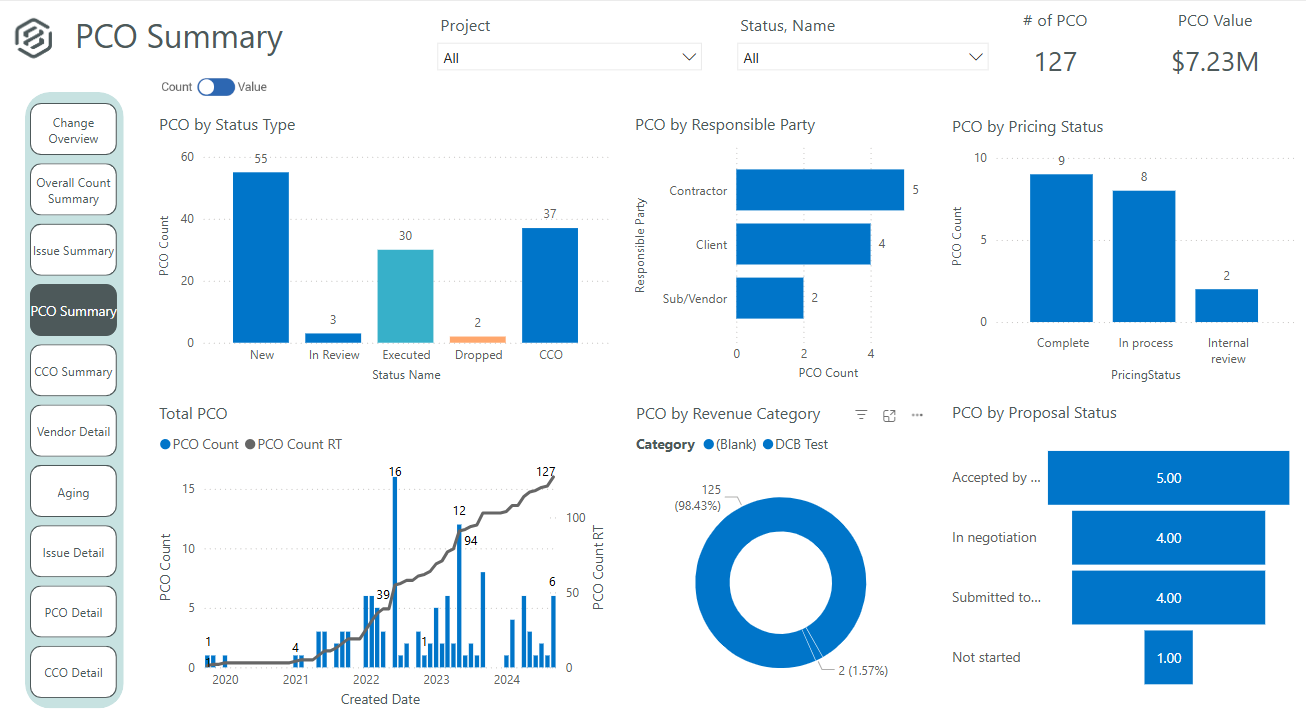
It's definitely a good tool for progress tracking, as well as time tracking. The ability to forecast quantities provide an even better scenario, closer to the reality, supporting even change management. The change management is also a good method, besides the fact of rework if you think in the whole process of issue creation, promoting to PCO, promote to CCO, execute the issue, move to change in controls, and so on... just now I think having all in a single place would minimize the manual work and maybe increase the engagement on it. About a negative point, I'd use a feature that appears to be in all modules. It's pretty much a cosmetic, but it impact in the productivity, a lot. For all fields you will fill with information, whenever your mouse hover over it, a tooltip appears, impeding you to continue, so you have to walk around, click in a place that's not being covered by that tooltip, go back to your keyboard and continue... again, it's a cosmetic, but having this in a Monday, with a full job to plan, claim quantities, and whatever else, it's annoying.
Once you set Bluebeam Revu as your default PDF handler, it launches immediately when clicking a PDF to open. The speed with which it opens documents is impressive.
Creating PDF's out of other documents, such as Word, Excel, JPG's, etc. is simple.
Digitally signing documents is a simple, secure process. You can keep your signature password-protected, yet still access it quickly.
The Bluebeam Revu mobile application ( I use the iOS version on an iPad Pro), is awesome. Not only does it handle PDF's like you would expect it to, it allows for effortless digital signing of documents on the fly. Nice to be able to quickly sign a document and email right back out from the tablet no matter where I am.
#1 is support! HCSS is by far the best software support of any product we have ever used. Unlike most software companies HCSS utilizes their support calls to help upgrade their software. When you here them tell you that they will write down a particular issue you come across during a support call if they can't help you then and there they will research and get an answer to you extremely fast. If the software will not do it, you can bet there is a good chance it will be on the list of enhancements you will see come out in the near future.
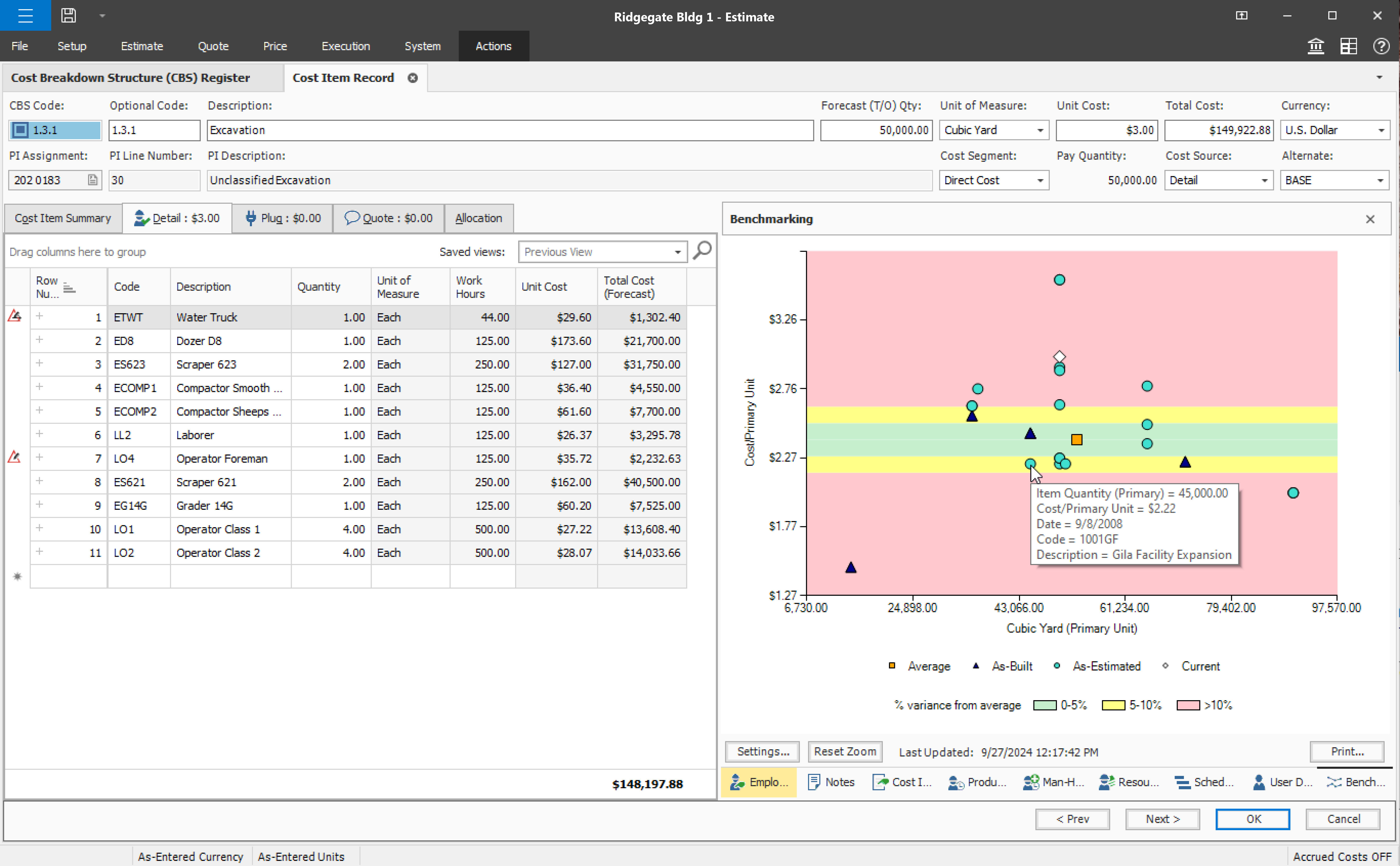
Estimating software is very extensive. Their software is capable of handling the smallest estimate all the way to the largest joint venture estimate. It has advanced features that make it extremely useful for analyzing job materials, subcontractors etc.
HeavyJob is an extremely useful tool for the field to keep the office up to date with job costs. Everything is at the Foreman's fingertips on Tablets to allow the information from the field to get uploaded to HeavyJob manager which then can export to accounting. We are also able to give our Foreman the ability to deal with the Daily and weekly safety needs (Tailgate Meetings, incident Investigation, observations etc.) right on the Tablets thru HeavyJob.
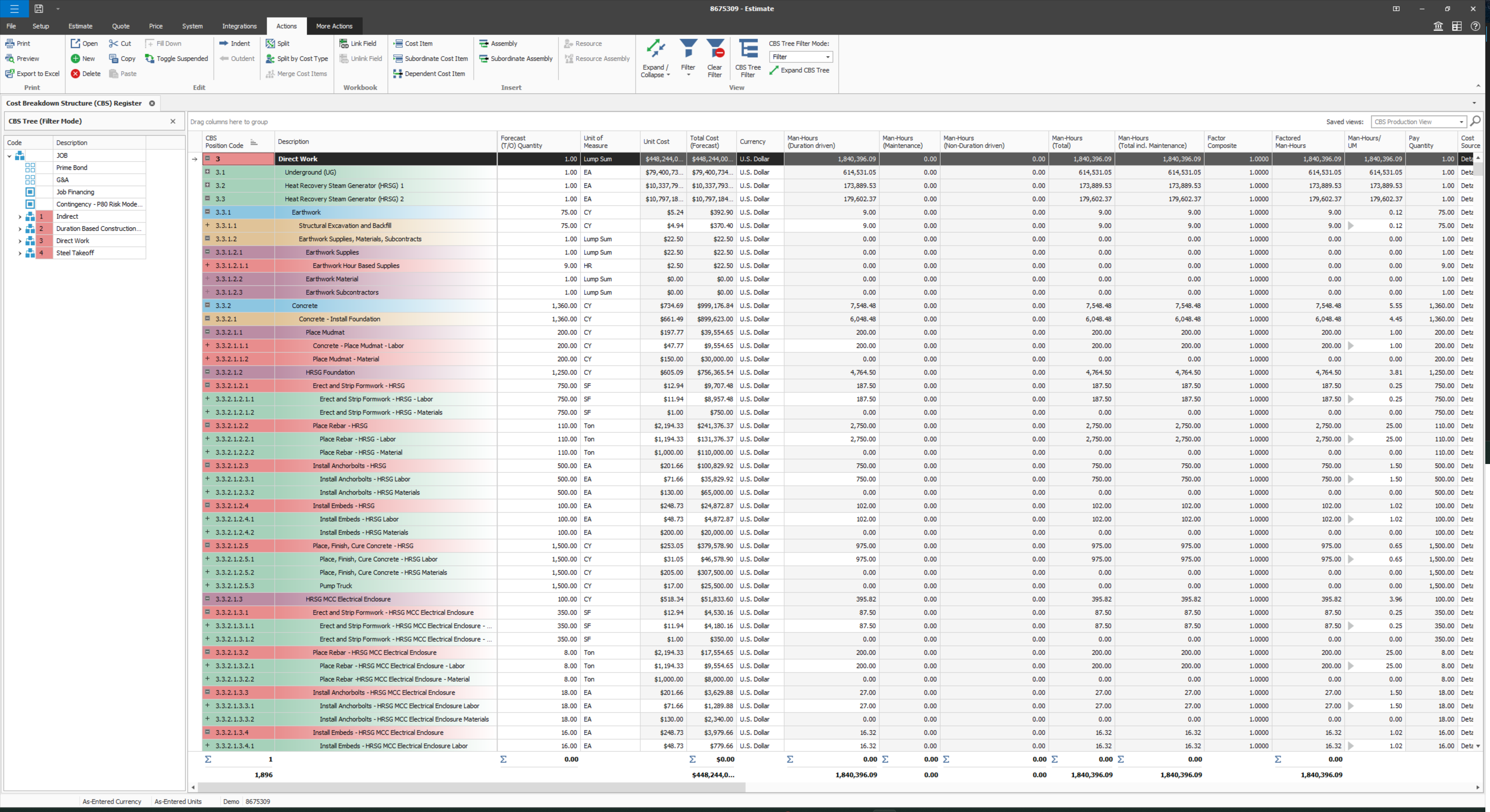
User defined views and descriptions for all screens.
Customizable ribbons to provide an efficient use of the software.
Multiple layers/dependents to allow for an extreme drill down of the work and the ability to roll up to a more useful level for upper management review.
You can bid the work as you would build it, in detail.
If you have several tabs open and you try to drag one out for a side by side view then you do not have all the modification options and you have to combine them back together.
There is a lag time when hitting the print option.
There is also a lag time when opening files, sometimes I think the window is frozen.
I wish the basic version also had basic file editing, as in editing a document as Adobe does.
All their apps are on mobile devices. Although there is not a clear company policy on Android versus iPhone. Updates for features lag behind on Android. Some apps are exclusive to one platform making it hard to fully interconnect all programs.
Provide a simpler version (cliff notes) of the knowledge database
Offer versions of InEight for smaller companies, i.e. less than 20 emplyees, under $5M in revenue
When an estimate is complete, offer a dialog box to ask if the job was won, lost, or still in progress. We tend to leave most of our estimates in the bidding column. This is a user error, but the prompt would be helpful.
Bluebeam is a powerful PDF viewer and mark-up tool. We are more familiar with it than Adobe Acrobat Pro or other viewers, and it has more features geared towards construction document managers than Acrobat Pro does.
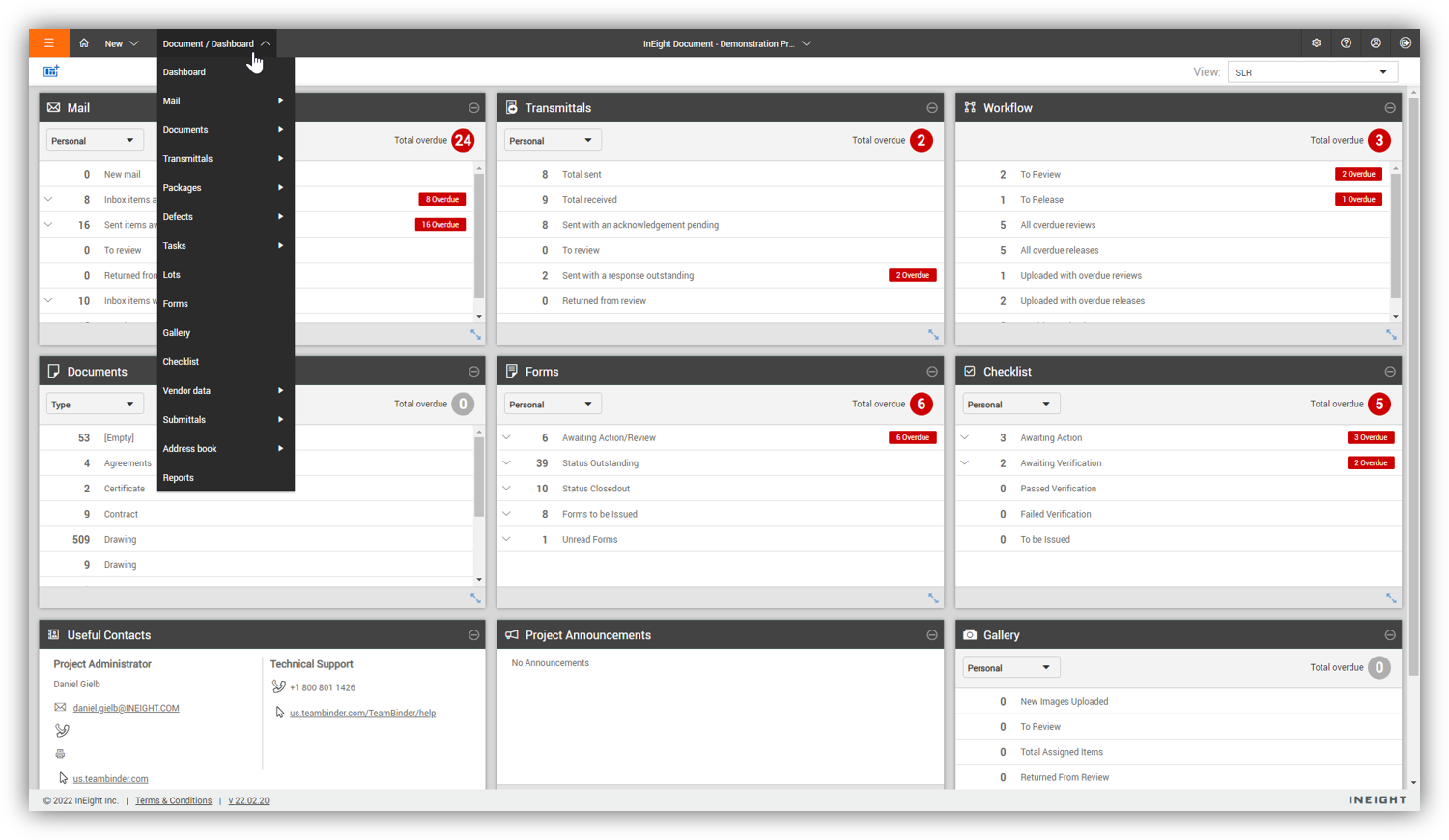
Some features with InEight's TeamBinder are worthy of single use, however the review feature and subsequent revision and version numbering could be improved. We will be aiming to roll out the package to encompass our internal documentation in the near future and will be in a better position to judge the usability after that point in time.
I'm constantly finding that Bluebeam Revu does more than I knew it could. And when I find something that it can't do, I've found that Bluebeam truly listens to its user base and will work to incorporate any good suggestion when feasible.
As mentioned, user interface appears messy and complicated at initial onset. Training is necessary but becomes easy to maneuver through after solid daily use.
I would give it an 8 out of 10 because the software can be a bit cumbersome to new users. It also takes a long time to set up the library and input all of your companies needs so that the software will provide the level of service required to estimate projects. However, once the software is set up it is a powerful tool. We only use a portion of what the software is capable of delivering
Its hard for me to give a rating on this one as we rarely have to use the support feature for Bluebeam. However, when we have used it, they have been ultra supportive in helping us get exactly what we needed. I know another engineer was trying to figure out a feature and the rep gave a detailed tutorial on how to complete the task
I have never had a bad experience or heard of one in 4 years of doing business with HCSS. That is unheard of even with the hurricanes and flooding in Houston area it feels like HCSS was always there and willing to help in every way.
We are new to the use of the system, and so far, we have not reached out for any support. The only support we have requested so far is the development of a training program that involves other staff - some are to learn the use of the program, and some are for informational purposes in understanding the capabilities of InEight.
I was not employed with PPI upon implementation. I would prefer to reference my previous statement, that each company needs to evaluate its culture and address your implementation accordingly. The purchasing company should assign an employee as point person and really take charge of not just the technical side of the implementation (HCSS pretty much handles that), but focus on company culture and training.
Since the original inception, I have been required to overhaul the system so that it is more user friendly and combines both aspects of our business, documentation and drawings. Being able to control revision and version numbering has been a key struggle that only staff training has been able to mark this as complete.
We feel there is not another program out there that would compare to Bluebeam at this current time. Some of the other programs out there do not include studio or the overlaying process which is one of our main uses. The ease of hyperlinking makes this product stand out the most.
Other estimating products I have used consist of ICE/MC2 and MS Excel. ICE was not a good fit for our company, as they have awful technical support and offer very poor training. MS Excel is great for simple estimates where there is not a lot of data being compiled. However neither hold a candle to the power of HCSS Heavybid
We looked at HCSS and Bid 2 Win but chose Ineight due to the fact that it seemed more user friendly, plus I had used it at a former company when it was available from the Grantlun Corporation and was very familiar with it in its ease of use and reliability.
InEight is a good system that has scaled nicely as the company has grown. the tools are still readily available and applicable for our larger scope of work. It has kept up with the growth of the company very nicely
A major positive aspect is being able to take your computer home without taking the entire set of paper drawings. They have made it so easy to navigate a set of drawings that I can work at home using only the digital drawings.
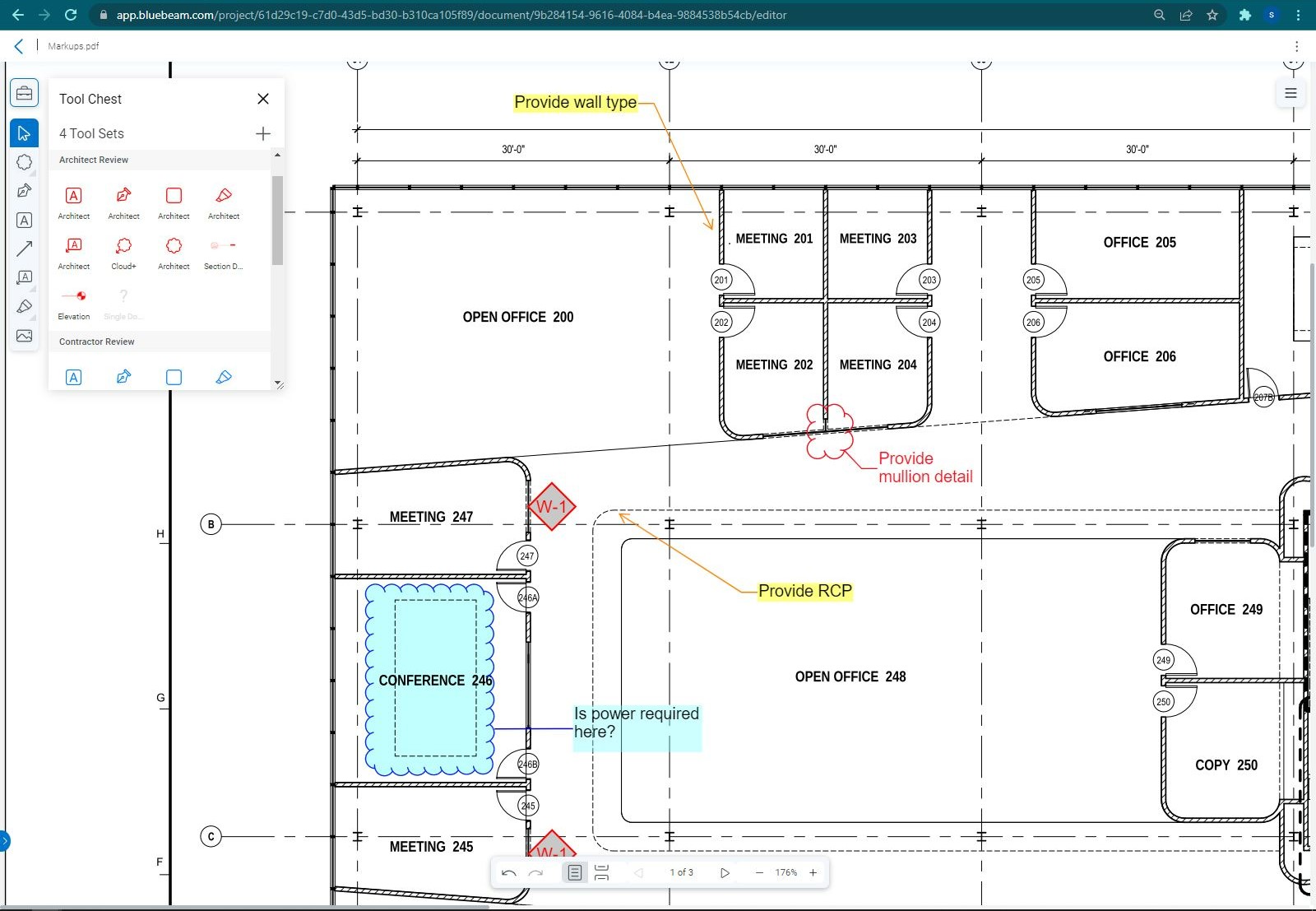
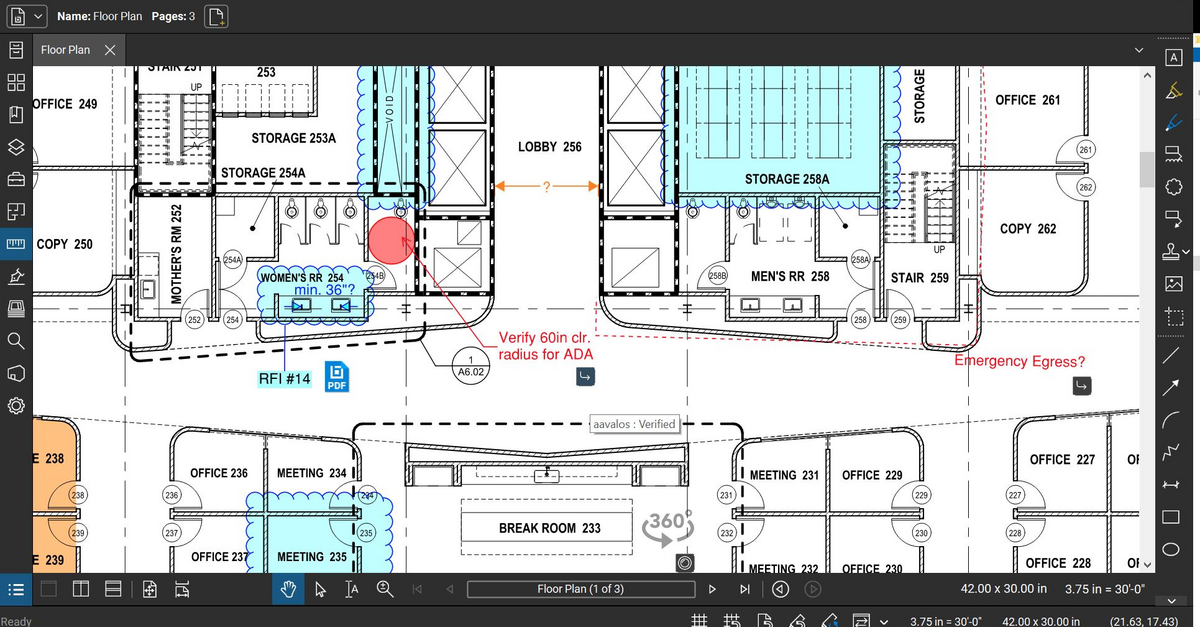
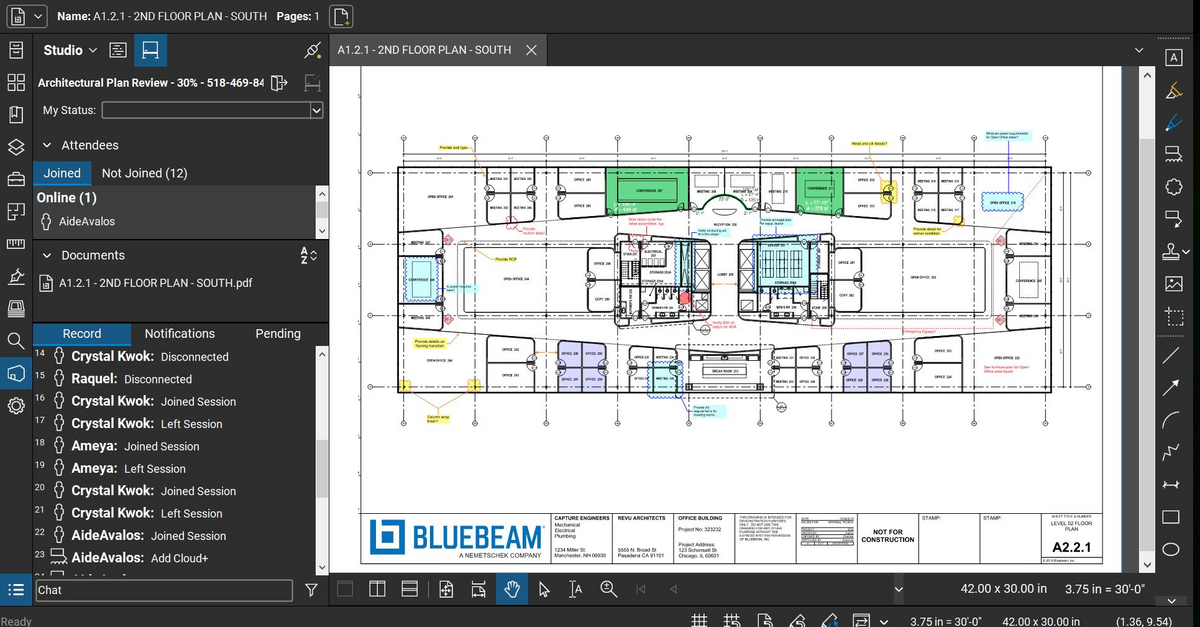
Collaboration with owners and architects has been a great feature. Setting up a Bluebeam studio and having everyone get in and mark things up, then having the architect be able to go in and see what markups have been added, has made the constructability review process much much better.
Even when not working on drawings, Bluebeam is a very good tool for working with standard PDF documents. The markup tools are very easy to use.
The negative aspect is the takeoff function because some people would like estimators to use the Bluebeam takeoff because it would make their job easier down the road; however, the actual act of doing a full scale takeoff in Bluebeam would require much more time.
Because of the codebooks (bid item codebook for DOT's specifically), we're able to carve off significant time in "stick-building" estimates
It's very easy to train newer estimators with HeavyBid due to the abundance of resources available on HCSS Academy and elsewhere (i.e. Arthur Nix's material)
The KPI's and Insights that Pre-Con offers helps us to make better decisions on Bid Day.