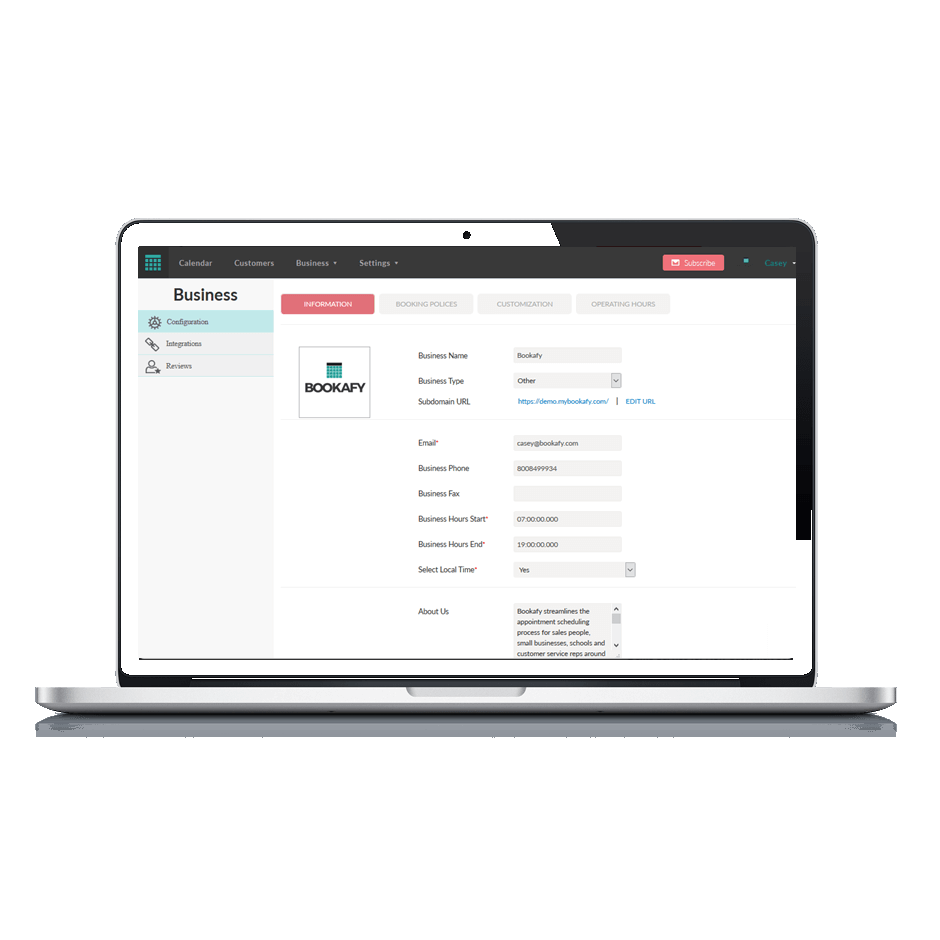
Bookafy is an online appointment scheduling solution targeted at a variety of industries. The vendor’s value proposition is that their solution is simple to use, fully customizable, has an elegant user interface and can be embedded into the business user’s website. Support is available via phone, email or chat.
$9
per month
Acuity Scheduling, a Squarespace company
Score 8.3 out of 10
N/A
Acuity Scheduling is an appointment management platform developed by the company of the same name in New York and acquired by Squarespace in 2019.
$14
per month
Workmate
Score 8.0 out of 10
Mid-Size Companies (51-1,000 employees)
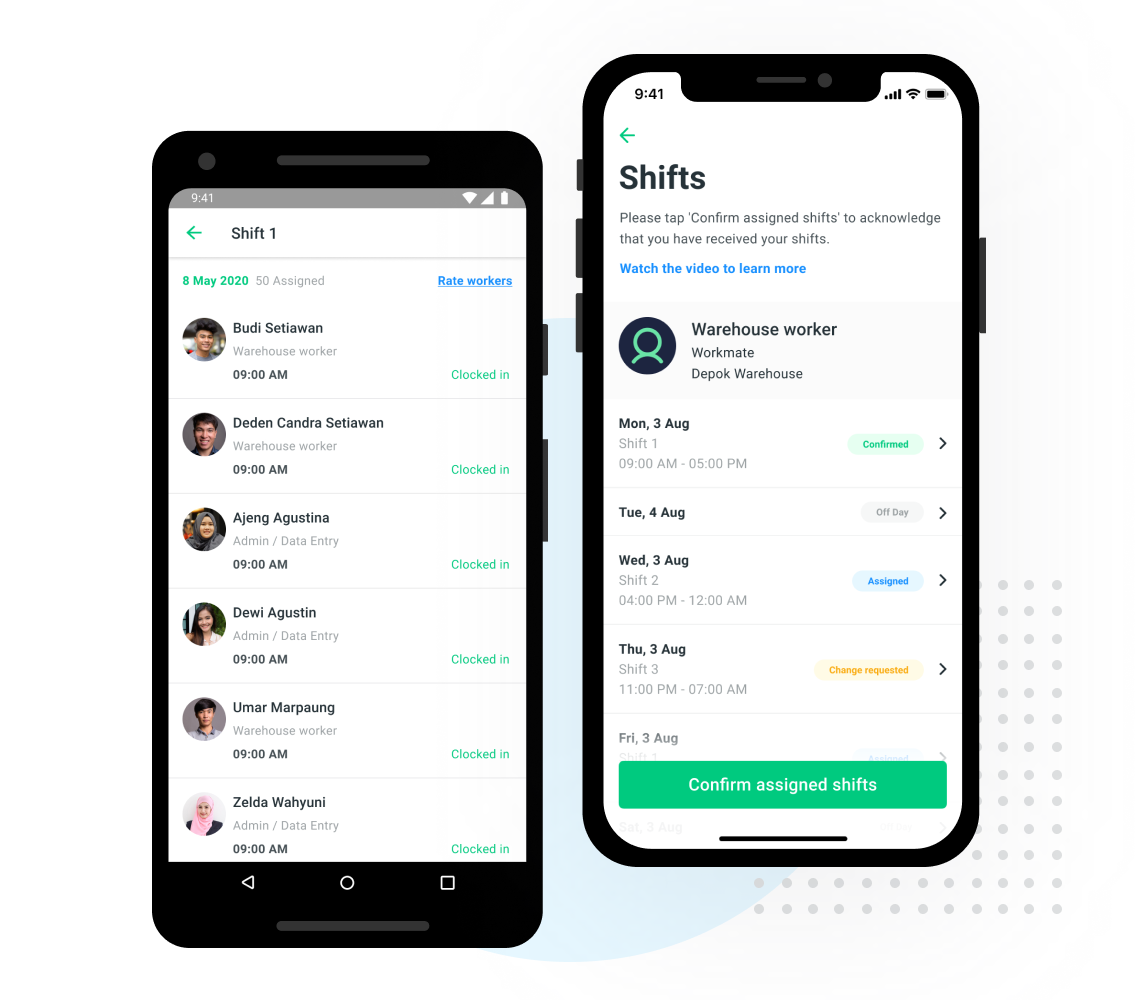
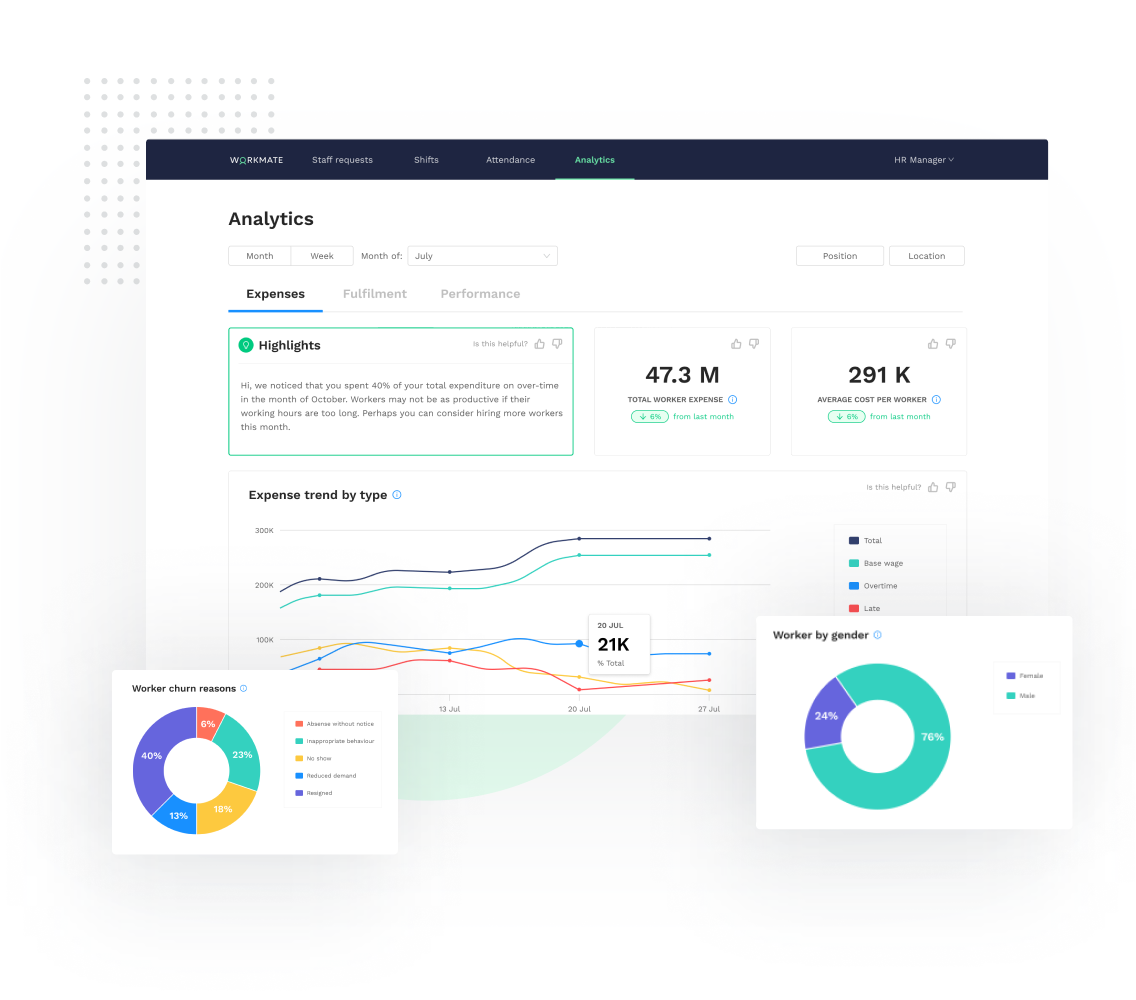
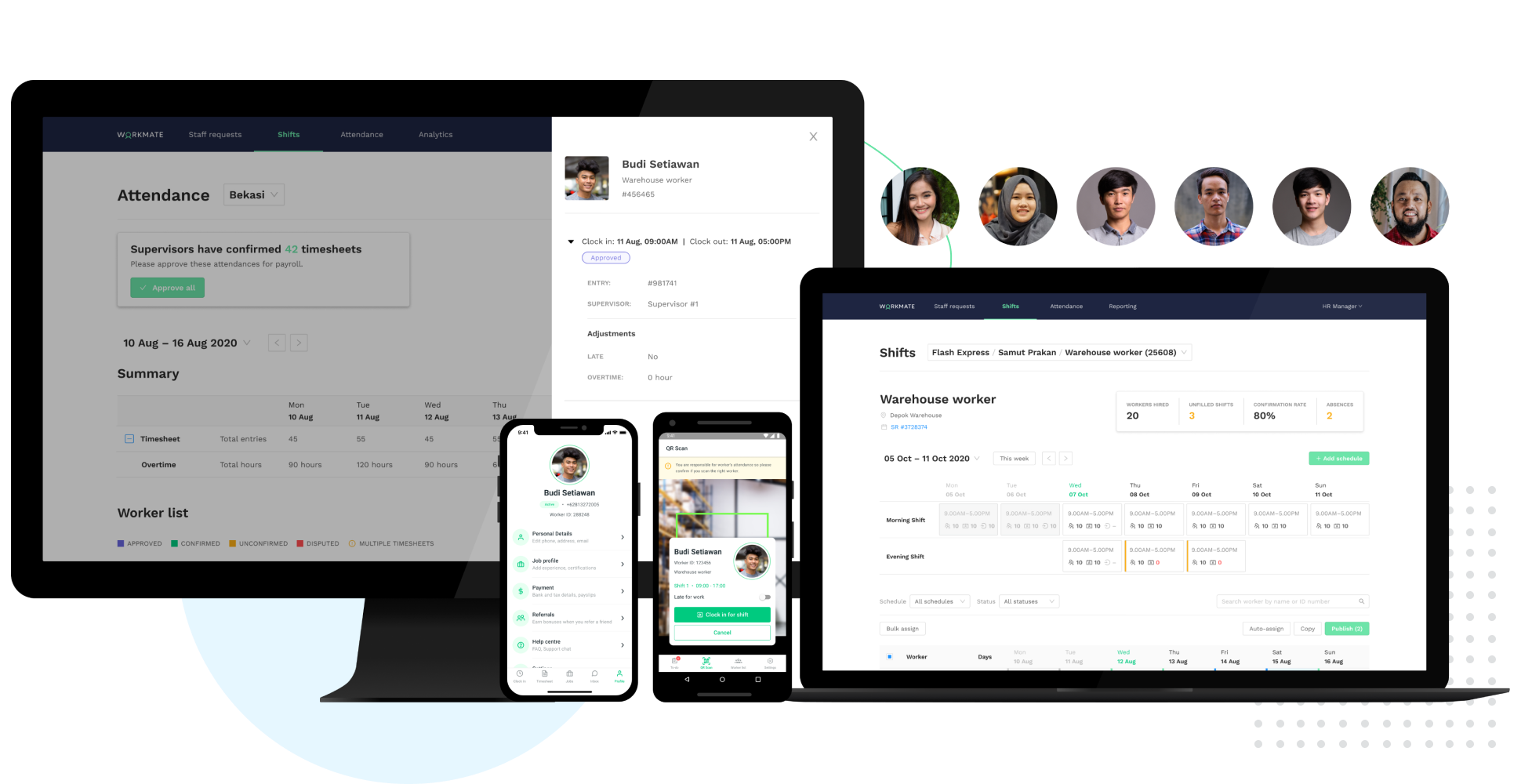
Workmate provides businesses an automated workforce management solution, with an integrated network of blue-collar workers on a data-driven hiring platform. Workmate aims to provide businesses with visibility into their entire workforce through automating hiring, onboarding, scheduling, attendance, and performance reporting processes in one seamless system, while leveraging a qualified network of 50,000+ pre-vetted workers to support recruitment needs. Using real-time performance data, Workmate…
In my experience, Bookafy has pretty much the same features as the other well-known scheduling apps. In terms of functionality, the two obstacles I experience were setting up a hidden (not shown on the main booking page) meeting for special bonus calls you don't want anyone to have access to. Yes, you can set up a paid meeting and give someone a coupon to access it free but that seems like an extra unnecessary step. The other limitation was how ugly it looks to embed meetings on a website. The scheduler looks fine inside Bookafy, but when embedded, it doesn't flow as well. For everything else, it works well. If you want to sync the scheduler with email marketing systems, most of the integrations work through Zapier so that can be an additional cost. Bookafy focuses on the meeting schedules.
I think any business can benefit from Acuity Scheduling. In my experience, however, and maybe I just haven’t found the correct settings yet, it’s been difficult to manage 4 business schedules with multiple employees and varying hours that change day-to-day and week-to-week. So I definitely would recommend it to more simple business models with set hours, as it seems like it would have all the functions one might need. I still would recommend to more complex businesses like mine as well, but also include discussion of some of the potential drawbacks.
As a supervisor this software is a big help for us to be able to make a proper tracking of our task force, without interfering or being over the shoulder, the variety of options available is great, while I had no full control of the software by company regulations I was able to use it in specific for the managing of the shifts and performance of our teams.
Clicking on the link opens up my calendar, which has an uncluttered look, making it easy for my prospects and clients to review their options and make their choice.
I am able to customize my schedule, the types of appointments I want to offer, and even decide how many appointments I want in a day. There are so many details that I can customize.
I can customize how my calendar and emails look for my prospects and clients so that I come across professional and coordinated. I want the look of my business, website, etc. to have a polished, cohesive, and interesting presence.
I love that there is a workshop/class/series option for my workshops. My attendees reserve their place and pay upfront. I can duplicate these events or add future dates. It's wonderful. This saves us a lot of time and is so convenient.
I haven't had any trouble with my scheduler. It works flawlessly, so I don't have to take time out of my day to fix, troubleshoot or call customer service.
I love that I can add questions for my prospects to answer right away before booking a call. This means 3 fewer steps for me. 1. They answer these questions without an email from me. 2. They make their reservation and get a follow-up email, right away. 3. I customized the follow-up email with more details and actions to take to prepare for our call.
Acuity Scheduling has been very reliable. If you don't believe me, check out their status page here. They do a pretty decent job maintaining their app. To be fair, it's a pretty simple tool so they shouldn't run into too many hiccups given it doesn't feature near as many options as other applications on the market run.
It is very easy to use once you get to know the program but with years of working with the program I am still finding new things that I had wished I knew about earlier. I feel like aspects of the website become hidden that would help productivity a lot if I knew they existed beforehand.
Every time I had a question on how to do something or had any issues with Acuity Scheduling, mainly in the very beginning, when I was learning the platform, customer service was excellent. They were prompt to respond, friendly, and very helpful until I had the right solution.
The training came from one of our associates it was not directly from a Workmate employee, however, it was good enough to let us understand it, and the person who gave us the training was open to ask questions even after the training ended, however as it was really easy to use, we only contacted him for small details.
Bookafy is more advanced and has more features that I need comparing to these other brands. Calendly is very basic while Bookfy offers more robust features.
In the case of Schedulicity, the system was awesome (very easy to set up and had some nice features) but did not offer the functionality and flexibility that AcuityScheduling does. In the case of SimplyBook.me, they offer lots of functionality but the interface is extremely complex and you pay a la carte for features so you're going to pay exponentially more for the same set of features as compared to AcuityScheduling. Their customer service was also lacking, in my opinion.
It was not my decision to use it, it was the software available for that current campaign in the company, being honest while both of them are excellent to work with, the design in OnShift is more user friendly, most of my colleagues were in agreement with that, as for Workmate, it was really helpful but some times we were confused by the user interface, it wasn't very negative but it really gets on your nerves.