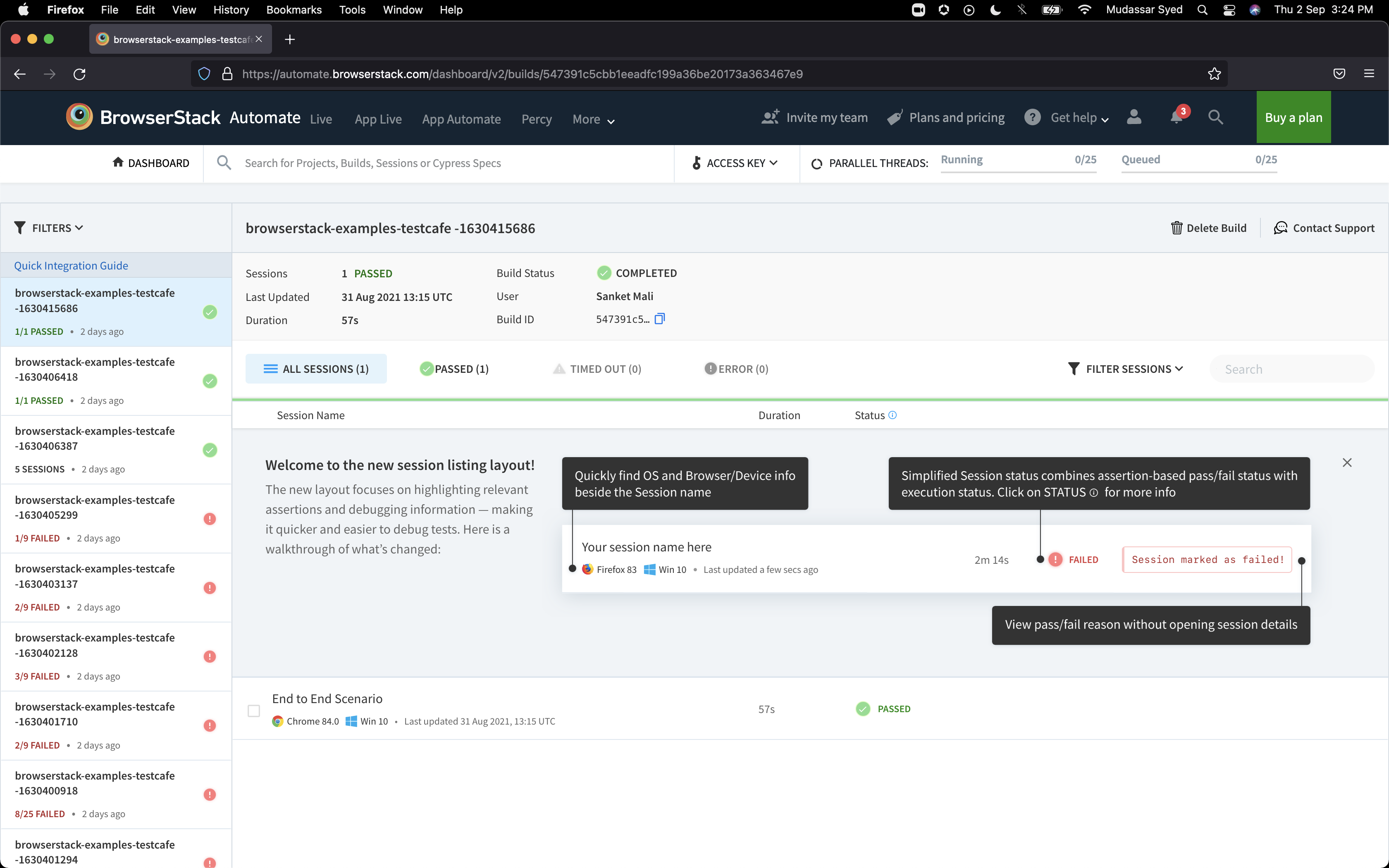
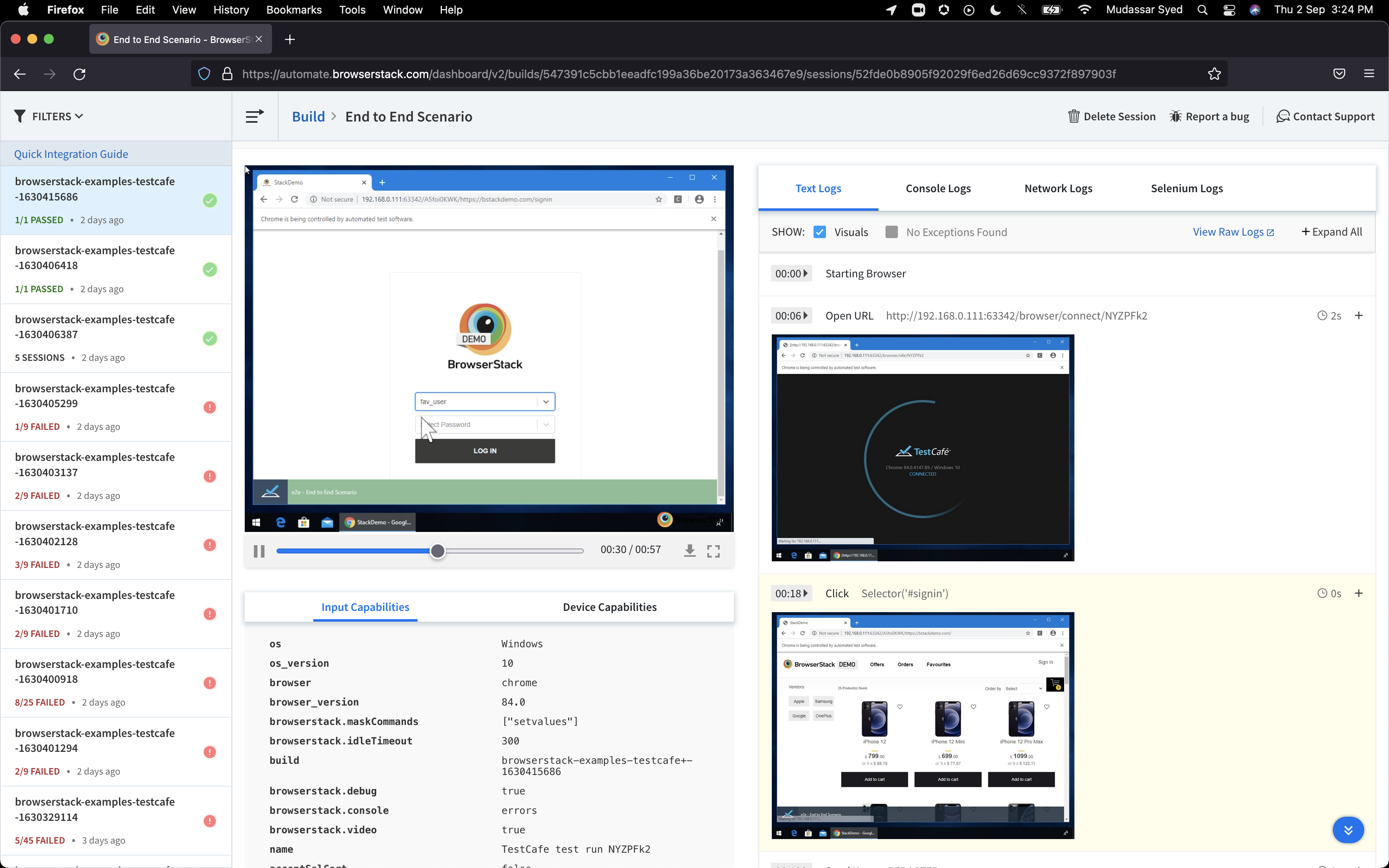
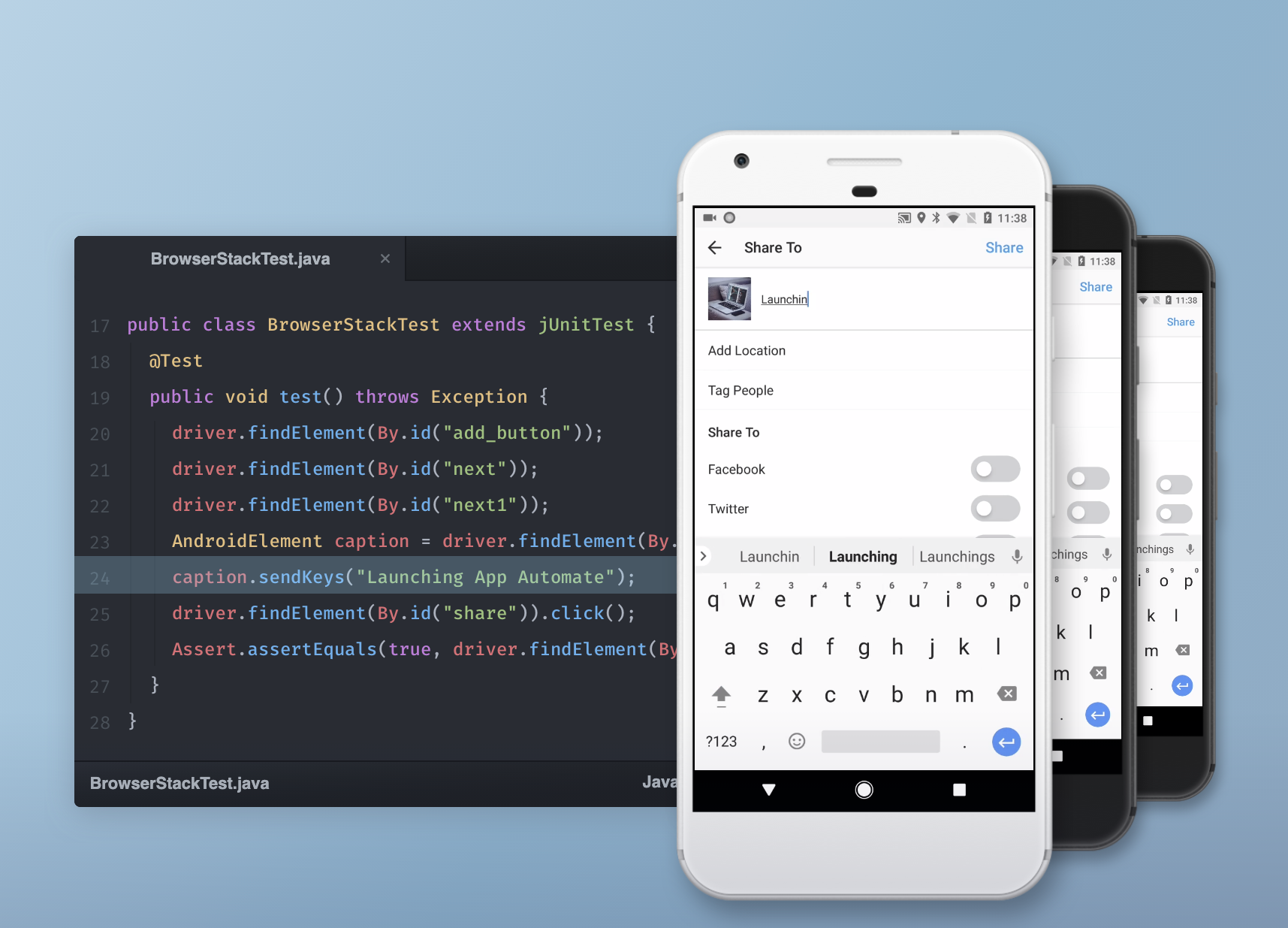
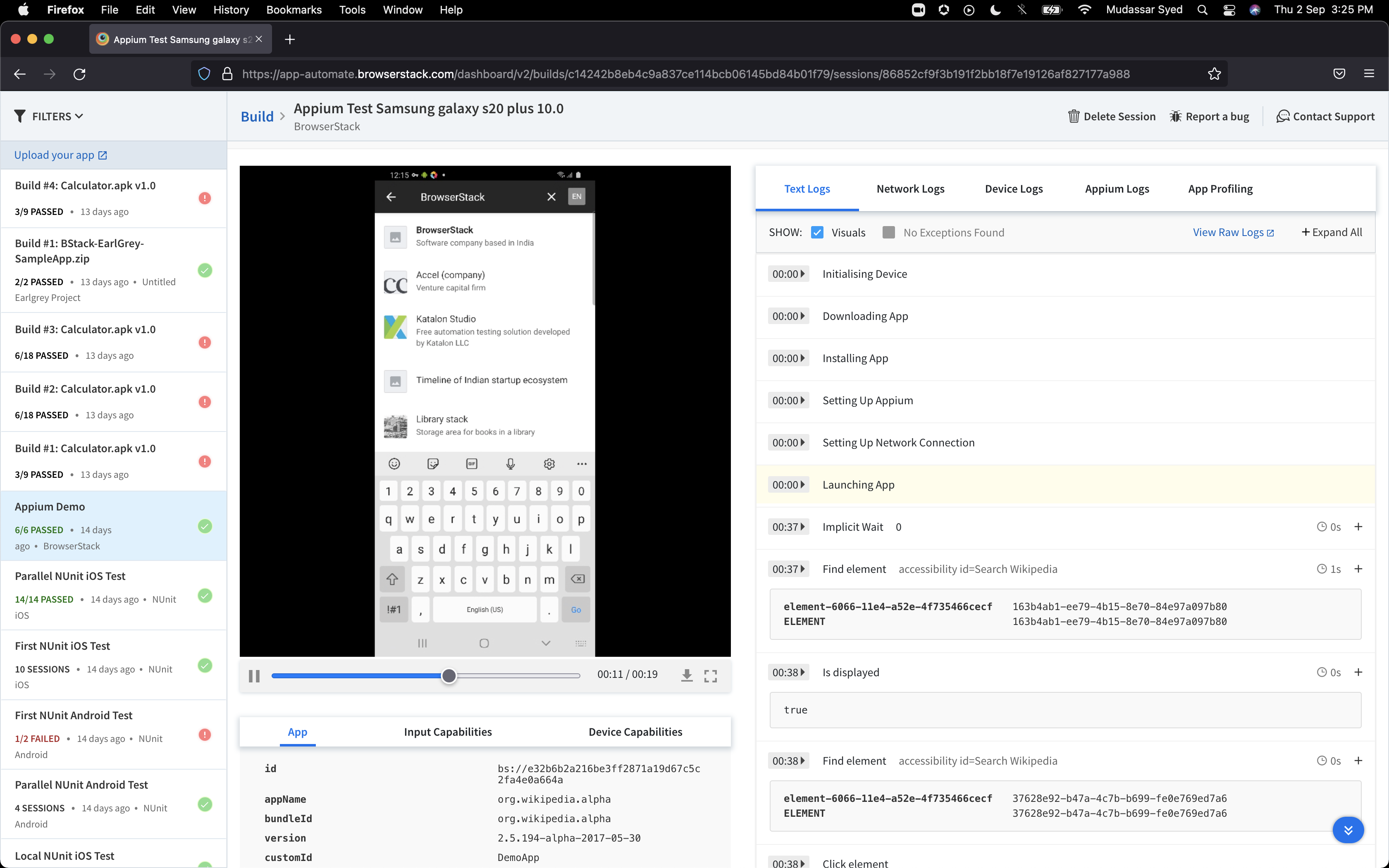
BrowserStack is a test platform built for developers and QAs to expand test coverage, scale and optimize testing with cross-browser, real device cloud, accessibility, visual testing, test management, and test observability. BrowserStack states it currently powers over a billion tests a year for customers who include Amazon, Paypal, Well Fargo Bank, Nvidia, MongoDB, Pfizer, GE, Discovery, React JS, Apache, JQuery and several others rely on BrowserStack to test their web and mobile apps.
$0
per month Unlimited users and 5000 free screenshots
Chrome DevTools
Score 9.6 out of 10
N/A
Chrome DevTools is a set of authoring, debugging, and profiling tools built into Google Chrome.
N/A
Microsoft Visual Studio Code
Score 9.3 out of 10
N/A
Microsoft offers Visual Studio Code, an open source text editor that supports code editing, debugging, IntelliSense syntax highlighting, and other features.
$0
Pricing
BrowserStack
Chrome DevTools
Microsoft Visual Studio Code
Editions & Modules
Percy - Free
$0
per month Unlimited users and 5000 free screenshots
App Percy - Free
$0
per month 5000 free screenshots and 100 minutes of infrastructure
BrowserStack's library of devices and browsers is way bigger than Chrome DevTools. Additionally, I find that BrowserStack is more accurate than Chrome DevTools in regards to how pages render on the various devices I need to test on. Overall, BrowserStack is far better than Chrom…
BrowserStack provided similar features at a lower cost than any other platform. All features surpass those of our competitors. Support from the BrowserStack team is awesome.
I have used Saucelabs with Jenkins and would say both of them are really comprehensive. Yet I suggested BrowserStack to our customers and team since I have used it recently and felt it easy to use and implement Tests on it. BrowserStack support team is another reason behind why …
BrowserStack is much easier to use than virtual machines or local devices. It makes switching between devices or browsers much faster and has a better integration into local development. Having as many virtual machines as BrowserStack has for operating systems would be …
I looked into other software, but I did not find any of them to be as intuitive as BrowserStack. It was easy to use and had all of the devices we required for testing. The pricing structure also suited the needs of our team. Other team members had familiarity with BrowserStack …
Unable to enter Firefox Developer Tools above, but that was the main alternative. We do still use it on occasion as sometimes things look/work well in Chrome but not in Firefox. In general, however, Chrome DevTools are more commonly used as that is the browser most of our …
I tried Mozilla Firefox Development Tools, but I find it to be harder than Chrome DevTools, maybe it's because I'm used to Chrome's layout and UI, but I simply find it to be superior
Chrome DevTools is a library of tools where others like a visual studio can only offer some under level. Chrome DevTools let also debug websites on the internet even if you don't own them. Chrome DevTools is really easy to use and you don't need a lot to understand how it is …
We can use code editors but by using DevTools we can write code and see output on the fly. We have similar alternatives like Firefox, and Microsoft edge but they did not provide this much flexibility and options. Chrome DevTools introduced some features like full screenshots. …
Although it uses a lot of memory, we chose Chrome DevTools over Sentry since it comes pre-installed with the browser and has better performance overall. Manipulating the Document Object Model (DOM) and pseudo-classes in Chrome DevTools is a breeze, and you can even do it from …
Chrome DevTools is our team's go-to solution for development and debugging, but most major browsers include similar tools. Firefox and Edge include tools that do just about every major item DevTools does, but Chrome's implementation is at least as polished as Firefox's and …
1. More features compared to Notepad++ 2. fast performance compare to Android Studio 3.More and usefull extensions then other two 4. Easy to use and everyone can start using it instantly 5. Version Control system is top notch 6.If you start using it , you will forget other ides …
Verified User
Consultant
Chose Microsoft Visual Studio Code
Microsoft Visual Studio Code does everything better than the previously mentioned software; it improves visual code and overall application visualization. It is easy to use as everything is at hand with shortcuts allowing to improve development time. It is so lightweight that …
Visual Studio Code stacks up well against these other products, and I selected it to use for various projects as it met our needs and did not require purchasing anything.
Visual Studio Code has the feel of Atom but with a larger company supporting it. Even though Atom has been around a while, Visual Studio Code feels a little more mature.
If you need immediate testing (for example, from Azure pipelines agents), use BrowserStack instead of LambdaTest (which makes you wait in a "pool" until the device/platform combo you are querying is accessible). If you don't need your tests to be immediate and prefer a wider range of devices, then use Lambdatest.
Chrome DevTools are great for troubleshooting bugs, broken elements on pages, styling issues, responsiveness, identifying performance issues, third-party connections for data privacy, reviewing cookies and local storage, screenshots in different dimensions. Chrome DevTools are for technical users, so you do need to have a decent understanding of some basics like HTML and CSS to get started using them.
As a general workhorse IDE, Microsoft Visual Studio Codee is unmatched. Building on the early success of applications such as Atom, it has long been the standard for electron based IDEs. It can be outshone using IDEs that are dedicated to particular platforms, such as Microsoft Visual Studio Code for .net and the Jetbrains IDEs for Java, Python and others. For remote collaborative development, something like Zed is ahead of VSCode live share, which can be quite flakey.
As one delves into DevTools, one encounters a gradually steeper learning curve. You can do a lot very quickly, but to fully utilize DevTools takes time as one explores what it can do.
With many new updates, tools and items are moved, and a comfortable workflow becomes a frustrating search. This often happens when following only slightly outdated tutorials on a given feature, even in Google's own documentation.
The experimental flags, settings, and options are scattered about and a little clunky to configure when one has to make changes in multiple places.
The customization of key combinations should be more accessible and easier to change
The auxiliary panels could be minimized or as floating tabs which are displayed when you click on them
A monitoring panel of resources used by Microsoft Visual Studio Code or plugins and extensions would help a lot to be able to detect any malfunction of these
It's almost the 3rd year for us and it's renewal time for us. So yes, we are already discussing how many licenses we need to increase as users are increasing internally. So it's 100% sure that we are already planning renewal this year as well BrowserStack with live and app automate.
Solid tool that provides everything you need to develop most types of applications. The only reason not a 10 is that if you are doing large distributed teams on Enterprise level, Professional does provide more tools to support that and would be worth the cost.
So many options that it can be a little overwhelming, but the core functions are easy to find and use and it's usually not too hard to figure things out for the more complex tasks. Very easy to boot up a device and a specific browser from the dashboard to begin a manual website test.
While Chrome DevTools are very powerful, it's not the easiest thing to use, as there are so many different tools built in. It takes some exploring to discover all the options possible within DevTools, but with a little exploring, the DevTools become a very powerful asset. Accessing the basic HTML and CSS inspection is very easy though, and that's the most common usage for the DevTools.
Microsoft Visual Studio Code earns a 10 for its exceptional balance of power and simplicity. Its intuitive interface, robust extension ecosystem, and integrated terminal streamline development. With seamless Git integration and highly customizable settings, it adapts perfectly to any workflow, making complex coding tasks feel effortless for beginners and experts alike.
I rated BrowserStack's availability a 10 because it is consistently reliable, with minimal to no downtime or unplanned outages. The platform is accessible whenever needed, ensuring uninterrupted testing. Its robust infrastructure and proactive monitoring ensure a seamless experience, allowing us to meet deadlines without delays caused by availability issues and all
Overall, Microsoft Visual Studio Code is pretty reliable. Every so often, though, the app will experience an unexplained crash. Since it is a stand-alone app, connectivity or service issues don't occur in my experience. Restarting the app seems to always get around the problem, but I do make sure to save and backup current work.
The tests are fast considering the fact that they're Appium tests. I've seen tests reliably pass or fail when they're supposed to, with next to zero issues on the BrowserStack side of things. Tests launch only seconds after I kick off them off from my CLI.
Microsoft Visual Studio Code is pretty snappy in performance terms. It launches quickly, and tasks are performed quickly. I don't have a lot of integrations other than CoPilot, but I suspect that if the integration partner is provisioned appropriately that any performance impact would be pretty minimal. It doesn't have a lot of bells and whistles (unless you start adding plugins left and right).
I've not had much direct interaction with the BrowserStack support team. The help and community are great and we've not run into any issue that has really required us to reach out. I guess having a stable and easy to use system means you may never need to contact support.
I'm not entirely sure what to rate the support for DevTools, because I don't have any experience dealing with official customer support for DevTools. I would guess the primary support for DevTools would be in a Chrome forum. Typically if I have a question or issue, I am able to find an answer from doing a quick Google search. It's pretty widely used, so it's not difficult to find answers.
Active development means filing a bug on the GitHub repo typically gets you a response within 4 days. There are plugins for almost everything you need, whether it be linting, Vim emulation, even language servers (which I use to code in Scala). There is well-maintained official documentation. The only thing missing is forums. The closest thing is GitHub issues, which typically has the answers but is hard to sift through -- there are currently 78k issues.
Yes, it was online training on meet, and trainer looks like skilled and technical strong, he has covered end to end all the features and he has answers all the queries. because of this trainings we are able to implement it by our own in the organization, thank you for support and training.
It was a quick training from the support of browserstack, it was nice and easy to understand, thanks again for the support given by the team. and regularly I used to receive mails for training from support for any new feature they launch, I was able to spread same training to all my team and dev.
I rated the implementation satisfaction an 8 because while it went smoothly overall, there were some challenges during the initial learning phase and integration with existing tools. Key insights include the importance of providing sufficient training upfront and ensuring seamless integration with other systems to minimize disruptions and improve adoption speed.
BrowserStack products has been found better for low code automations and visual regression techniques. We have been struggling to maintain the API endpoint sanity tests and writing a lot of code for them while releasing the builds, while we chose BrowserStack accessibility solutions, we found it a way easier than we thought and worked it up.
I find them pretty much the same, they have the same tools except Firefox doesn't provide the lighthouse functionality. I do prefer firefox's dark theme and colour palette. But I use Chrome Dev tools because of the Light house functionality that analyzes the page load and scores the website on desktop and mobile experience.
Visual Studio Code stacks up nicely against Visual Studio because of the price and because it can be installed without admin rights. We don't exclusively use Visual Studio Code, but rather use Visual Studio and Visual Studio code depending on the project and which version of source control the given project is wired up to.
I may not be the best person to answer this as I am only using it for 1 department and at 1 site but will still try my best As far as Scalability for Devices for Mobile Automation is concerned, it gets a Solid 10, as the users can run cases on upto 10 device parallel and also have the best choices of devices to choose
It is easily deployed with our Jamf Pro instance. There is actually very little setup involved in getting the app deployed, and it is fairly well self-contained and does not deploy a large amount of associated files. However, it is not particularly conducive to large project, multi-developer/department projects that involve some form of central integration.