Calendly helps organizations globally automate the meeting lifecycle by removing the scheduling back and forth, with the goal of enabling companies to close deals, hire candidates faster, and build relationships.
$12
per month per seat
Really Simple Systems
Score 7.6 out of 10
Small Businesses (1-50 employees)
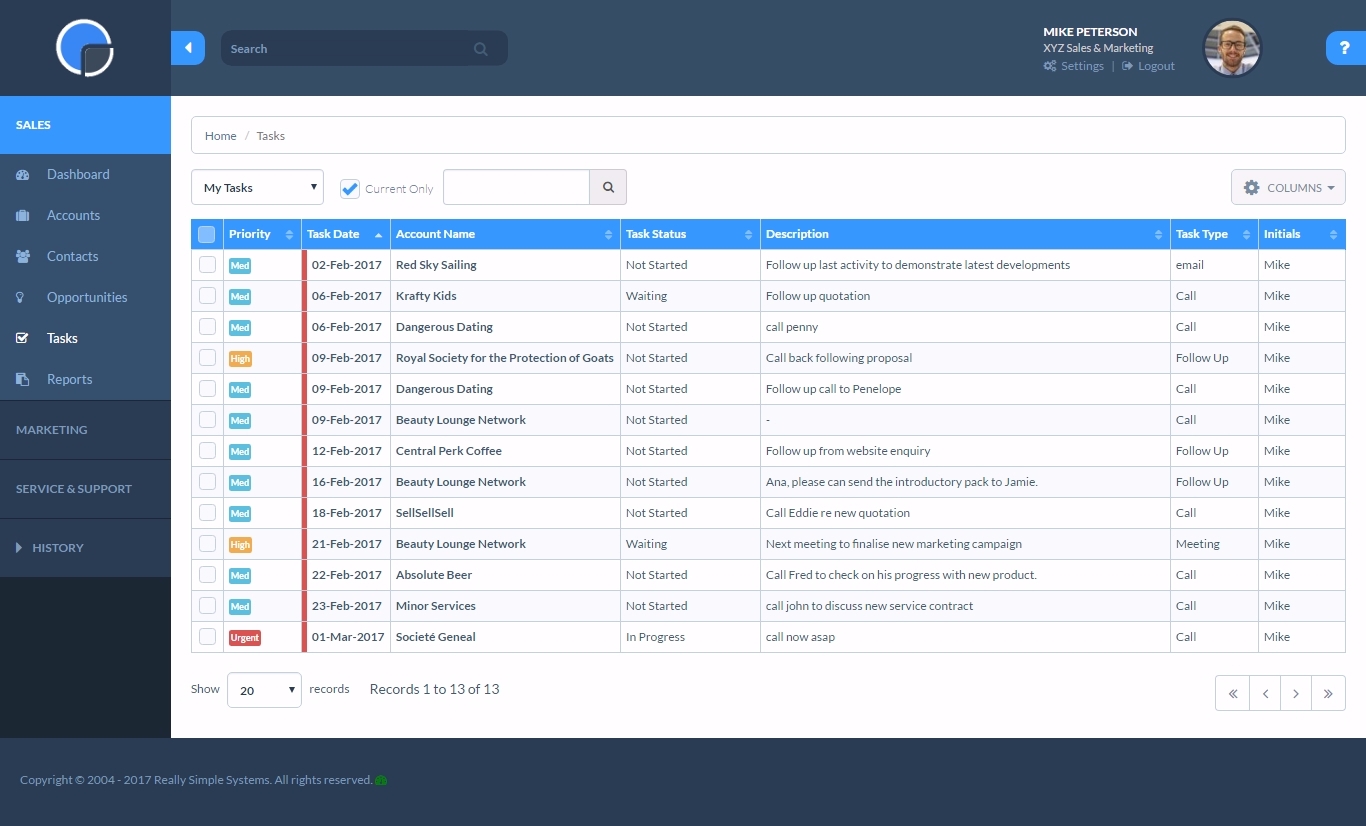
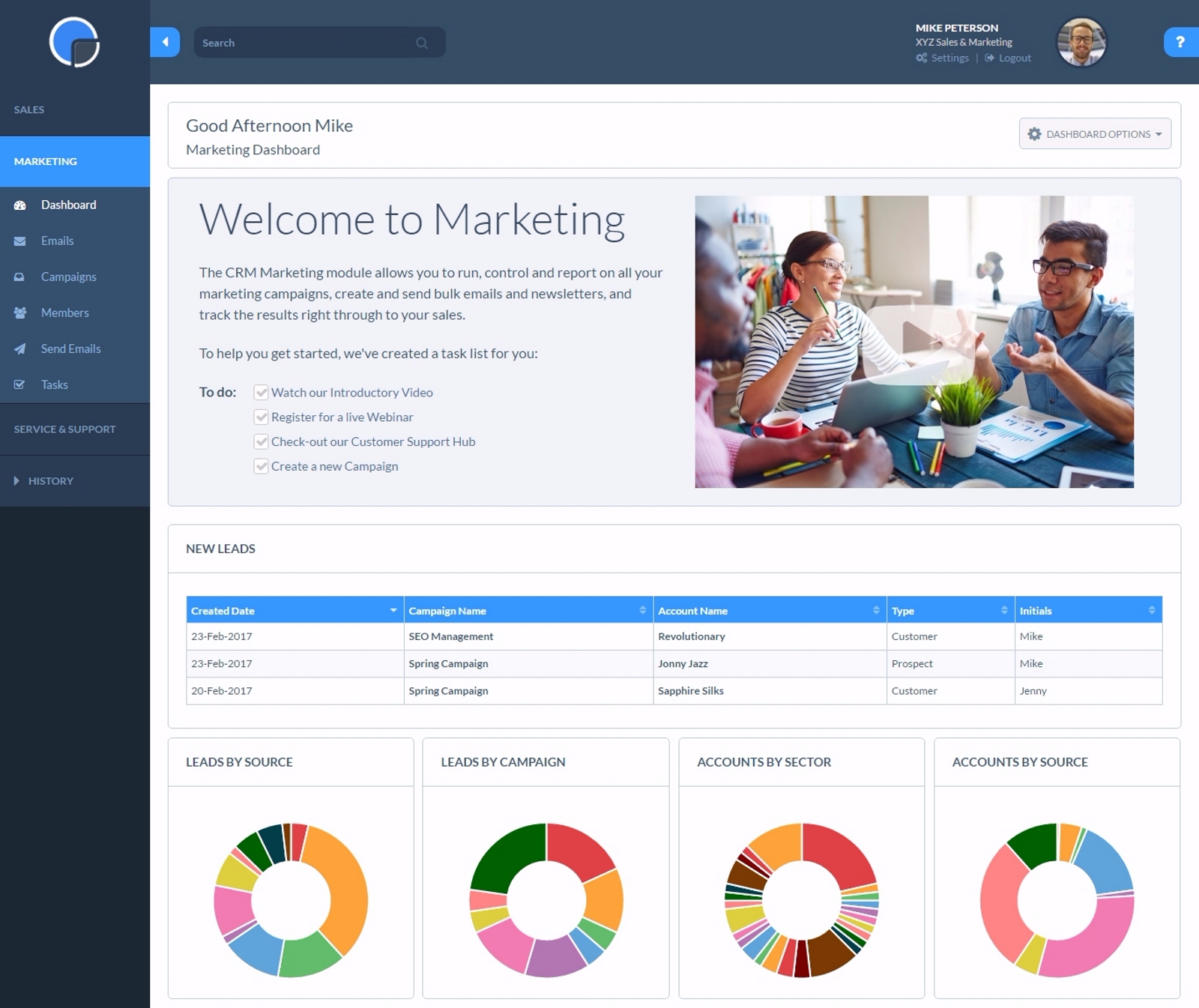
Really Simple Systems is a customer relationship management (CRM) software deployed via cloud with built-in features like email marketing, pipeline management, and case management.
$8
per month
vcita
Score 9.0 out of 10
N/A
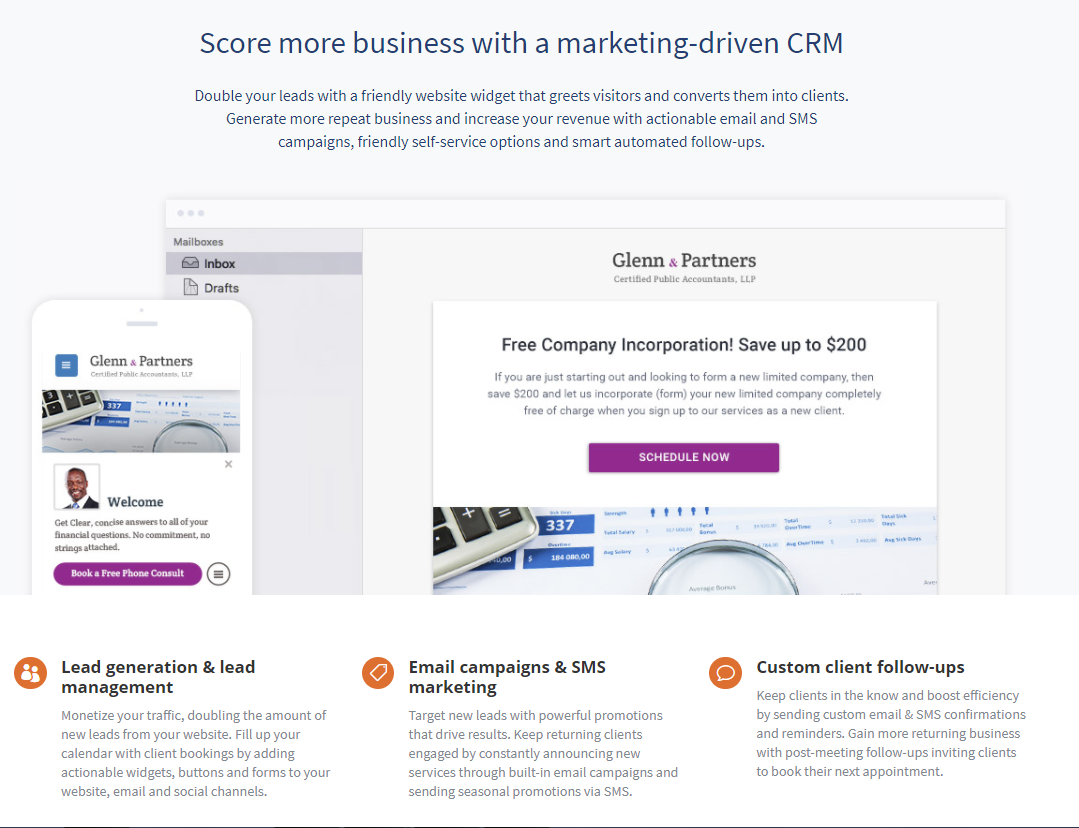
vCita is a marketing-focused CRM for service providers. According to the vendor, the product helps service providers move clients through every stage of the sales cycle: from the first point of contact to closing, upselling and follow-up. vCita is a lightweight CRM with the following features: - Manage appointments, payments, and clients - Access info & respond to clients on the go with a mobile app - Invite clients to…
$35
per month
Pricing
Calendly
Really Simple Systems
vcita
Editions & Modules
Standard
$10
per month (billed annually) per seat
Teams
$16
per month (billed annually) per seat
Enterprise
Starts at $15k
per year
Free CRM
$0
2 Users and 100 Company Records
Starter
$15
per User, 1000 Company Records, Unlimited Contacts, 1 GB Document Storage, MailSync, Custom Settings, Custom Reports, API Integration, Online ‘self-service’ Support Hub, Email and Online Chat Support, Optional Marketing Module
Professional
$33
per User, 5000 Company Records, Unlimited Contacts, 5 GB Document Storage, MailSync, Custom Settings, Custom Reports, API Integration, Advanced User Permission Levels, Online ‘self-service’ Support Hub, Free Email, Chat and Phone Support, Priority Technical Support, Optional Marketing and Service Desk Modules
Enterprise
$50
per User, Unlimited Company Records, Unlimited Contacts, Unlimited Document Storage, MailSync, Advanced Reporting, Custom Settings, Advanced User Permission Levels, API Integration, Online ‘self-service’ Support Hub, Free Email, Chat and Phone Support , Top Priority Technical Support, Dedicated Account Manager, Free Online Team Training , Optional Marketing and Service Desk Modules
Essentials
$35
per month
Business
$65
per month
Platinum
$110
per month
Offerings
Pricing Offerings
Calendly
Really Simple Systems
vcita
Free Trial
Yes
Yes
Yes
Free/Freemium Version
Yes
Yes
No
Premium Consulting/Integration Services
Yes
No
No
Entry-level Setup Fee
No setup fee
No setup fee
No setup fee
Additional Details
Monthly billing also available.
All plans include free customer support and setup help.
Discount available for annual billing.
More Pricing Information
Community Pulse
Calendly
Really Simple Systems
vcita
Features
Calendly
Really Simple Systems
vcita
Sales Force Automation
Comparison of Sales Force Automation features of Product A and Product B
Calendly
-
Ratings
Really Simple Systems
7.2
33 Ratings
9% below category average
vcita
8.8
5 Ratings
11% above category average
Customer data management / contact management
00 Ratings
7.833 Ratings
9.55 Ratings
Workflow management
00 Ratings
7.213 Ratings
8.04 Ratings
Territory management
00 Ratings
6.98 Ratings
00 Ratings
Opportunity management
00 Ratings
7.727 Ratings
00 Ratings
Integration with email client (e.g., Outlook or Gmail)
00 Ratings
6.325 Ratings
00 Ratings
Interaction tracking
00 Ratings
7.525 Ratings
00 Ratings
Customer Service & Support
Comparison of Customer Service & Support features of Product A and Product B
Calendly
-
Ratings
Really Simple Systems
7.2
25 Ratings
7% below category average
vcita
-
Ratings
Case management
00 Ratings
7.423 Ratings
00 Ratings
Help desk management
00 Ratings
7.024 Ratings
00 Ratings
Marketing Automation
Comparison of Marketing Automation features of Product A and Product B
Calendly
-
Ratings
Really Simple Systems
7.1
27 Ratings
9% below category average
vcita
7.0
3 Ratings
10% below category average
Lead management
00 Ratings
7.024 Ratings
00 Ratings
Email marketing
00 Ratings
7.220 Ratings
7.03 Ratings
CRM Project Management
Comparison of CRM Project Management features of Product A and Product B
Calendly
-
Ratings
Really Simple Systems
7.0
29 Ratings
10% below category average
vcita
8.0
5 Ratings
4% above category average
Task management
00 Ratings
7.127 Ratings
00 Ratings
Reporting
00 Ratings
6.925 Ratings
7.03 Ratings
Billing and invoicing management
00 Ratings
00 Ratings
9.05 Ratings
CRM Reporting & Analytics
Comparison of CRM Reporting & Analytics features of Product A and Product B
Calendly
-
Ratings
Really Simple Systems
6.5
25 Ratings
16% below category average
vcita
-
Ratings
Forecasting
00 Ratings
6.320 Ratings
00 Ratings
Pipeline visualization
00 Ratings
6.321 Ratings
00 Ratings
Customizable reports
00 Ratings
6.824 Ratings
00 Ratings
Customization
Comparison of Customization features of Product A and Product B
Calendly
-
Ratings
Really Simple Systems
6.8
28 Ratings
12% below category average
vcita
6.8
7 Ratings
12% below category average
Custom fields
00 Ratings
7.128 Ratings
6.67 Ratings
Custom objects
00 Ratings
6.824 Ratings
00 Ratings
API for custom integration
00 Ratings
6.517 Ratings
7.02 Ratings
Platform
Comparison of Platform features of Product A and Product B
Calendly
-
Ratings
Really Simple Systems
6.8
21 Ratings
11% below category average
vcita
8.6
7 Ratings
12% above category average
Mobile access
00 Ratings
6.821 Ratings
8.67 Ratings
Security
Comparison of Security features of Product A and Product B
It's well suited for music students' lessons. It's well suited for online coaching, primarily through places like Zoom and more. It helps simplify things for your clients, lets you program your schedule, and allows it all to go automatically! If you are working with a senior population, it may be a little tricky for them to sign up and then really hard for them to cancel lessons. There isn't a way to go to the site and cancel. You have to pull up the confirmed email and cancel from there, but people can lose emails.
If you have a customer/job where there are steps to be followed such as quotes, follow up, purchase orders received, etc. You can set reminders for a member of the team with their next step and they will be sent reminders. Works well as long as it is kept updated.
It makes client communication extremely easy - we can message and schedule online appointments. Clients really like those options. We also like the online payment portal. That way clients can pay at their convenience, and we don't end up with credit card information that requires PCI compliance. It also helps with payments. It would also help with invoicing, but unfortunately, there are only 3 linked payment options (Square, Stripe, and PayPal). If you don't use one of those payment processors, you cannot link to billing.
Sync with multiple calendar types so my schedule is always current.
Integration with Zoom to schedule meetings, send invites, and populate my Zoom app accordingly.
Automatic email communication to all parties with all relevant details in a clear format.
Allowing team members to do the same in a way that I'm also notified of what meetings are taking place saves a lot of time in terms of coordinating to find out what other people are doing.
Well-designed interface that simplifies everything down to its clearest expression. Language instruction and interaction are wonderfully simple and clear.
After a meeting is booked, having the ability to change the location without canceling the entire booking.
Being able to offer 2 different locked in locations for certain time periods of the day within the same event. So you're not having to create 2 events for the same thing, only different locations.
Giving users permission to create their own routing forms. We run an independent business model where our users like to have control over their subscriptions.
Resends - I would like a simple [one-click] function to resend email campaigns to [non-openers.]
[Emails] that have been created but not sent or attached to a campaign I would like to see a place that they could be in [the] draft so I can come back to them at a later date without them appearing on the email list[.]
For all reasons like workflows, UI, and the way Calendly keeps all of us engaged through the Collective forum. It's indeed undeniable that no other product covers all business needs like Calendly does. On the other side, this has also reduced the workload by enabling us to focus more on other tasks for the day
Calendly is extremely easy to use for selecting times and days for meetings. From my end, it's very easy to indicate the days and times that I am available for meetings. I have used other scheduling products, but Calendly has the smoothest way of operating. I highly recommend it for scheduling meetings
Simple systems is great for smaller sales and marketing teams to log their territories and report on progress on their opportunities. There are many useful features such as tasks and reporting to show to management how opportunities are progressing and when the estimated close date would occur. The two main issues are scalability within larger [organizations] and the ease to duplicate contacts.
Overall - easy to use. There are some missing features (like fillable pdf forms), and it also requires using certain credit card processors to link billing (otherwise it doesn't work).
There is a lot of support for Calendly. Whenever I have had issues navigating through it, especially as a new user, I found multiple support on the web addressing my questions or concerns. There is a lot of in app informative notes accessible to users to navigate through Calendly when needed.
Whenever I have had any issues, which is probably only 3 times in 10 years, the back office support has been fantastic and got me up and running again in a very short time. Cannot fault them at all. But as I stated, problems have been very few and far between.
I do miss the days when I could easily call up a rep and talk to them about any issues I had with the service. But I still do hear back from the customer service rep during the week within 24 hours.
When I started using it, there were not many competitors in this space. I've seen some like Mixmax that seem to work well for solopreneurs or where free version might be better than Calendly's free version. I use the paid version of Calendly and it's just kept serving us well so why change?
We choose RSS due to cost. We are a startup and needed a great solution that did not cost [a lot]. RSS [fits] all our needs at the perfect price. We could not be more thrilled with our choice and it has simplified our client interaction[.]
A very positive effect on our understanding of our customers and what kind of events are working well at the venue and which aren't. This will allow us to work more smartly when responsive to enquiries, improving our overall productivity.
Very positive impact on our current review of marketing and sales strategy.