Canva is a popular, simple online graphic design tool. Users can import images, use templates to design banners and logos, or pay to use Canva's premium stock images/paid templates (elements starting at $1).
$12.95
per month
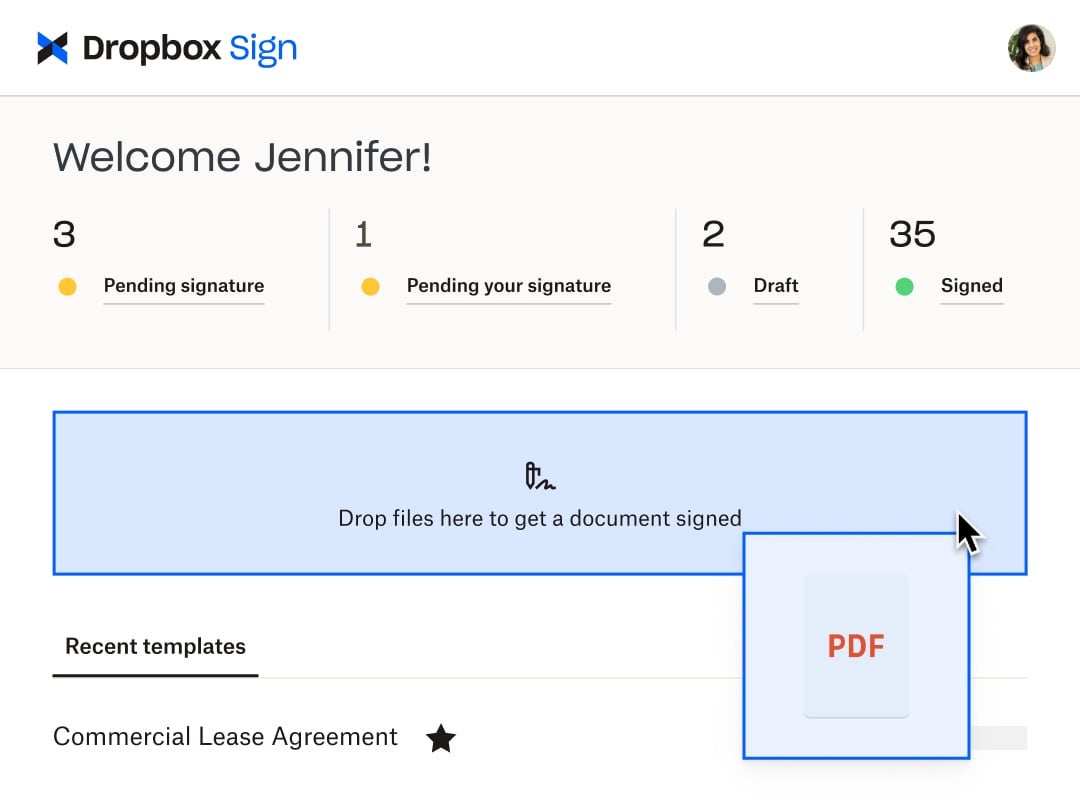
Dropbox Sign
Score 8.9 out of 10
N/A
HelloSign is an electronic signature software offering acquired by Dropbox in early 2019. It includes features such as customization for businesses of any size and bank-level security.
$0
per month
Venngage
Score 9.9 out of 10
Small Businesses (1-50 employees)
Venngage is an infographics creation platform. Users can create inforgraphics for their marketing team from scratch or from a template.
$19
per month per user
Pricing
Canva
Dropbox Sign
Venngage
Editions & Modules
Pro
$12.95
per month
Enterprise
$30.00
Per Month Per User
Free
$0
Essentials
$15
per month
Standard
$17.5
per month starting at two users, per user
Essentials API
$75
per month Starting at 50 signature requests / mo.
Standard API
$250
per month Starting at 100 signature requests / mo.
Premium
Custom
Custom
Premium
$19
per month per user
Business
$49
per month per user
Enterprise
starting at $499
per month 10+ seats (billed yearly)
Offerings
Pricing Offerings
Canva
Dropbox Sign
Venngage
Free Trial
No
Yes
Yes
Free/Freemium Version
Yes
Yes
Yes
Premium Consulting/Integration Services
No
No
No
Entry-level Setup Fee
No setup fee
Optional
No setup fee
Additional Details
—
Additional pricing available for HelloWorks and HelloFax
50% discount for Premium and Business plans for annual pricing.
Years ago, I used to use Adobe Photoshop and Illustrator. My old job paid for them and some basic design classes, but I was mostly self-taught. And there was a steep learning curve on those programs since they are used by professional designers. So, it made perfect sense when Ad…
Canva is easy to use and offers a free version with basic features. It doesn't take a lot of time to figure out how to create stunning images in a few minutes. We selected Canva as it more free features than the other applications and had sharing feature as well so others could …
HelloSign is a simpler and more cost-effective platform that fulfills all my needs for signing documents. A good start if you don't have large volumes of documents to process. Simple, flexible, and easy to use. No gimmicks, it does the job.
Overall, they are pretty similar platforms. Canva is a nicer platform and more professional. Venngage is easier for people with zero experience to use, which some of the people on our team have, so we like that. Canva also offers more options we have noticed and more …
Venngage's template library is easier to sort through than Canva, in my opinion. I also found the templates to be more applicable and valuable to my organization (more corporate, whereas I found Canva to have more social and e-commerce driven templates).
I prefer Canva. It has a greater number of free options, more flexible pricing, and a great printing package.
Verified User
Director
Chose Venngage
We prefer Canva but feel Venngage is easier for us. In comparison to Adobe, we prefer Venngage because of the ability to have everything in one system and not have to jump around.
Canva had a lot of features, which is great, but I got overwhelmed and I didn't know where to start. Adobe PhotoShop is great too, but I think it's better for more experienced editors/designers? I'm not an editor, I don't know a lot of stuff with editing, so it was difficult. I …
All though these other programs work well, they are not as user-friendly as Venngage... I was able to do a 30min review with my team and they were all able to start producing quality infographics. The other programs were a little more complicated and were not able to ensure …
I think Venngage is easier to use, navigate, and fewer people know about Venngage, so I feel like when I need customer service, they are more responsive to my requests.
They are suited to serve the non-profit space, offering premium features at no charge for up to 50 users. They provide tools for non-graphic designers that help to create appealing and attractive pieces. For those who are unsure about where to start with a project, Canva offers templates that can be edited to suit the current need.
Someone who has never used Dropbox Sign before could quickly figure it out without needing a tutorial or guide. It is very useful in instantly collecting signatures and keeping others in the loop as well, even if they aren't signers. I love that there's an option to cc someone in basically and they'll be able to see the documents and when it's signed. It's also impossible to miss a document not being signed because it automatically sends reminders to signers if they do not sign and emails reminders daily, letting me know how many documents are pending signatures.
I find it great for personal use especially when you are a visual person. As an assistant that needs a lot of organizing, it's wonderful. It helped me a lot and I usually don't require a lot of features. I also find it great for accessibility stuff, I respect that since I have a relative who has special needs. I didn't really need that specifically, but it's nice to know it was considered.
It helps you find the right design and helps you start with the right template
It helps in creating for all platforms, basically you need to create the design only once and Canva takes care of the rest by resizing the design for whichever platform you want to publish it to.
It also comes with a content planner which is extremely helpful for obvious reasons. It relieves you from the hassle of posting when the right time hits.
There's a Brand feature which is also extremely fascinating as it helps you store all your brand information (even color) at the same place.
Extremely user-friendly: simple, easy-to-follow interface really made ramping up on the offering incredibly fast and painless.
Variety of templates: Venngage has a HUGE assortment of templates ranging from corporate reports and business decks to more visually-engaging, "fun" content such as infographics, awesome charts, and highly customizable social graphics.
Brand-alignment: we really appreciated the opportunity to tee up our brand guidelines and have those remain on the back-end and let us apply our style guide to multiple templates instantaneously.
I have a hard time coming up with any improvements, perhaps increase the number of free elements to use in design.
Maybe, Canva should check if you start editing a previous document to see if you want to change the current design or create a new one as a clone of the current document (design).
I'm sorry, I really can't think of a 3rd. Overall, I really like working in Canva.
It would be nice to be able to build a template for just the location of the signature boxes that would allow me to upload a document, and the boxes could be basically replaced. I have the exact same doc for each of my clients, but there are small changes here and there, and I have to fill in their personal info through another program, so it would be nice to be able to do a template this way instead of just tying a template to one document.
It's hard to lock graphics into place in Venngage once you create something.
Layering is next to impossible. The feature is there but is very difficult to use and most times the user is better off copying the object over instead
Unless you have a business account (we have a professional account- middle grade) you cannot sort and organize your infographics. This is messy and cumbersome to go through and the price difference between professional and business grade accounts was quite large.
The ease of use makes Canva a powerful tool for manipulating images, creating original content, and testing ideas without requiring the involvement of graphic design or more time-intensive image editing software such as Photoshop. While it doesn't have the full functionality of a mature software, such as Photoshop, The speed and simplicity of Canva makes it a necessity in a business of any size
Because this product has been affordable which is so important for a non profit however it is also of good quality so its not like you get a cheap version of this you get a quality product at an affordable price and that is so important for a non profit
It is super easy to use, but it could be limiting if you're on a small device. It is easier on a bigger device because you can resize graphics and text easier than with your fingers on a small device. I do think it's perfect and easy for non-designers who don't have any training. As long as you have a good eye for visuals, Canva is a wonderful substitute for graphics programs on-the-go.
I found this to be super user-friendly and easy to teach other teammates how to use in 5 minutes. I use it frequently, and there was little to no learning curve with this product. I also find that document signers have no problem navigating the documents we need them to review.
I find it very user friendly, straight to the point, and the minor issues I found wasn't really impacting on my role. So I think it would depend? but personally I find it perfect for me. There were lots of templates I could use, and they were very open to feedback and customer service was very accommodating.
I have yet to encounter Canva being offline in at least 6 years of using it regularly. They also announce well in advance if there may be upgrades to the code and the hours during which there may be issues accessing the service.
I have not encountered this because it was so easy to use however just seeing how they created a community is great and shows that they are here for their users. I am going to say I am sure they are available and ready to assist when needed. The fact that we have not yet experienced an outage and issues says a lot though :)
I haven't ever had issues with a slow-loading site and there haven't been any lag issues within the software. There have been maybe a handful of times over the past six years where I have tried to upload a large image and it will slow down as it loads the last megabyte, but I have yet to have the system time out or require any interference by me
Again I cannot say it is enough this app is simple. We are preparing to be able to integrate with Salesforce and Sharepoint at a very small cost per user (these are the platforms we use) and it is great that they have the option to integrate these apps. We love this app
Overall, Canva is easy to use, easy to train others to use, allows for creativity with a professional look without enormous associated costs. The mobile apps works almost as easily, but at a minimum allows for easy review and downloading in a pinch. Really, anyone can learn to use Canva quickly and will immediately benefit from the results.
Support is limited to email only (for our subscription level), which might be OK for a e-signing platform if support was relatively rapid. This is not the case with HelloSign. Since the issues first arose a week ago, we have made no discernible progress in solving the problem. No matter how quickly I respond to a follow-up email, we receive only 1 email a day from the support. The other issue, which is a true edge case situation, is their insistence on receiving email from the same email account as the HelloSign registration. We changed our organizational email recently, and I was still logging into HS using our old email address. This became a hard stop on further support, which doesn't make sense on a practical level. Why would someone write in for support with specific issues if they weren't a customer? And if they did, wouldn't that be a miniscule proportion of the support requests? So if you adopt a policy that stops providing support to anyone who isn't verified, regardless of the situation, isn't that using a blunt instrument to solve a very rare issue? Reflects the overall organizational values, in my opinion, which is not to value the small customer.
I think that the attention that I get as a small business owner from Venngage is excellent. They quickly respond to questions and provide information that helps to resolve the issue that I am having.
Remember to download the mobile app onto your phone for easy image manipulation on the go. Adding company colors, logos, and typefaces to your company account is an easy process. When images are uploaded, these can also be shared between accounts within a company, as can canvases you've created for easy editing among teams.
I can not say it enough - this was the easiest implementation we have had with an application. I became an admin, I added the person who would be the back up admin, we moved forward with adding accounts and that was it. All the users we have were self sufficient enough to move forward with very little guidance and the guidance they received was in house.
Canva is faster and easy to use. There aren't complex menus like Adobe products and everything is generally intuitive. Menus are mostly open and visible or relatively small. Small changes to the program add to it's usability rather than detract. I also appreciate that Canva helps the user become more creative through use. By giving you editable examples through templates you can choose to re-design something ir create something from scratch w/ a similar concept or feel. Canva often gives me ideas that I can implement into my design or into the entire project even. I also like how Canva is intuitive in it's approach. The program gives you suggestions when it comes to graphics, etc. without getting in your way if you know what you already want
Dropbox Sign seems a little more intuitive and user-friendly than DocuSign. DocuSign also has a limit to the number of documents that you can send for signature over a period of time. Dropbox Sign integrates with just as many applications and software as DocuSign does. I also think the amount of templates that they give you to use is more than adequate for most business applications and more than other services seem to give you.
We prefer Canva but feel Venngage is easier for us. In comparison to Adobe, we prefer Venngage because of the ability to have everything in one system and not have to jump around.
Very easy to add accounts and share content between them. Collaboration is also easy to manage and can be done on a project-by-project basis. The cloud-based software means it is incredibly fast to add a coworker and have them editing images within minutes. A live internet connection is required to access Canva so this is something to consider if expecting to use the software while on journeys without access to wifi etc
Between the easy to use app, the pricing, and the team at dropbox. This app is hands down great! Easy to use. Anyone can start using it and if not I am sure the team at dropbox will guide you to implement. The cost especially for us as a nonprofit is sustainable which is great.
As far as ROI is concerned, Canva has proven itself time and time again as having a positive impact for business.
Just yesterday, I had to prepare an hour-long presentation on the fly; the great reviews of the presentation and the materials (all made in Canva) only served to advertise for Canva and it proves that Canva is a smart investment.
I don't think in the time that I have been a Canva pro user that I can say that my ROI has been negatively impacted. Highest recommendation. The software more the casually pays for itself time and time again.