Chrome Remote Desktop from Google is a cross-platform remote administration and remote desktop tool that requires the Chrome browser and an extension. It is free to use.
$0
ManageEngine Endpoint Central
Score9 out of 10
N/A
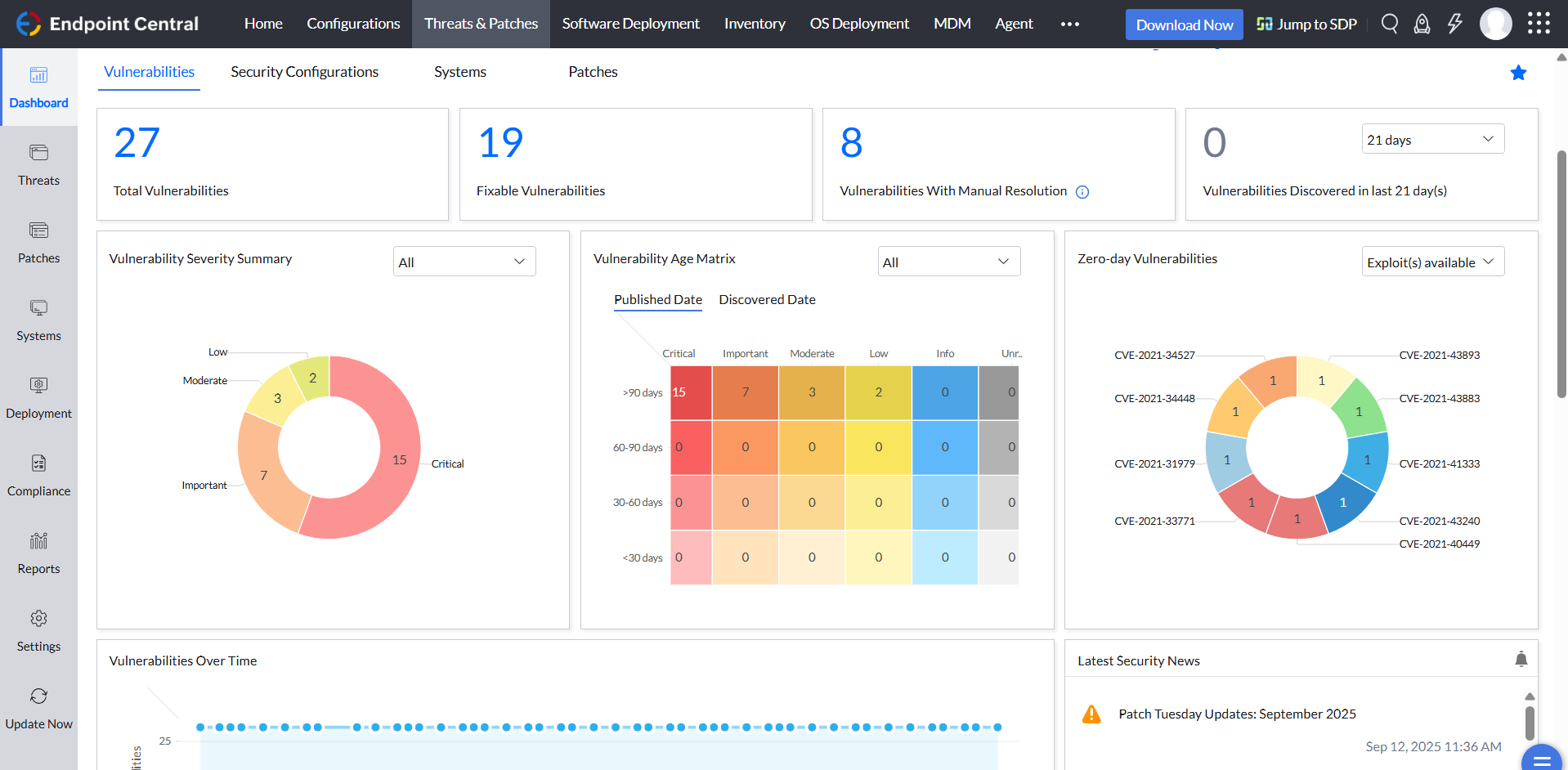
Desktop Central from ManageEngine is a client desktop management with patching, remote control, and configuration.
It is well suited in cases where your company/organization is looking for a low/no cost remote desktop solution, or is looking for something that can be used by most anyone right away. Most organizations don't want things to be too complex, especially with a remote desktop solution, which is generally not very complex software to begin with. It would be less appropriate in cases where the company/organization has already purchased licensing for a commercial product, and/or has been heavily using a commercial product for some time.
A de minimis incentive was given to thank the reviewer for their time. The incentive was not used to bias or drive a particular response, nor was the incentive contingent on a positive endorsement. More Info
For small businesses, it is also free, which, for what it offers, is really helpful. It works better than similar products, such as SCCM, both within and outside the internal network. I do not see scenarios in which it could be less appropriate.
Unlike Microsoft's Remote Desktop, this program is the same across platforms, which is helpful for users.
This program also allows direct control over the desktop (like TeamViewer) and doesn't give you a simulated log on (like Remote Desktop). This is advantageous for seeing exactly what's on the screen but can make it a little laggy.
The interface is very nice and clear once it's set up. It's obvious which computer is which and it's just a couple of clicks from opening the program to a connection.
A de minimis incentive was given to thank the reviewer for their time. The incentive was not used to bias or drive a particular response, nor was the incentive contingent on a positive endorsement. More Info
We set alerts when a devices gets low on disk space. That is automatic and creates a ticket in ME SDP. We are then able to Add space to a VM Desktop, and then go thru ManageEngine Endpoint Central to extend the drives so the entire process can be done without interruption to the end user.
Using the patch scans we can easily see what patches have been installed for all manufacturers not just Microsoft, without having to physically go to the device. It also allows us to choose which patches we want to push out and automate the process so we can be hands off, freeing up out time for other things.
Remote access to devices. This allows us to remotely make changes, not just via remote control but also make registry changes and clean up space without going to the device and without interruption to the end user.
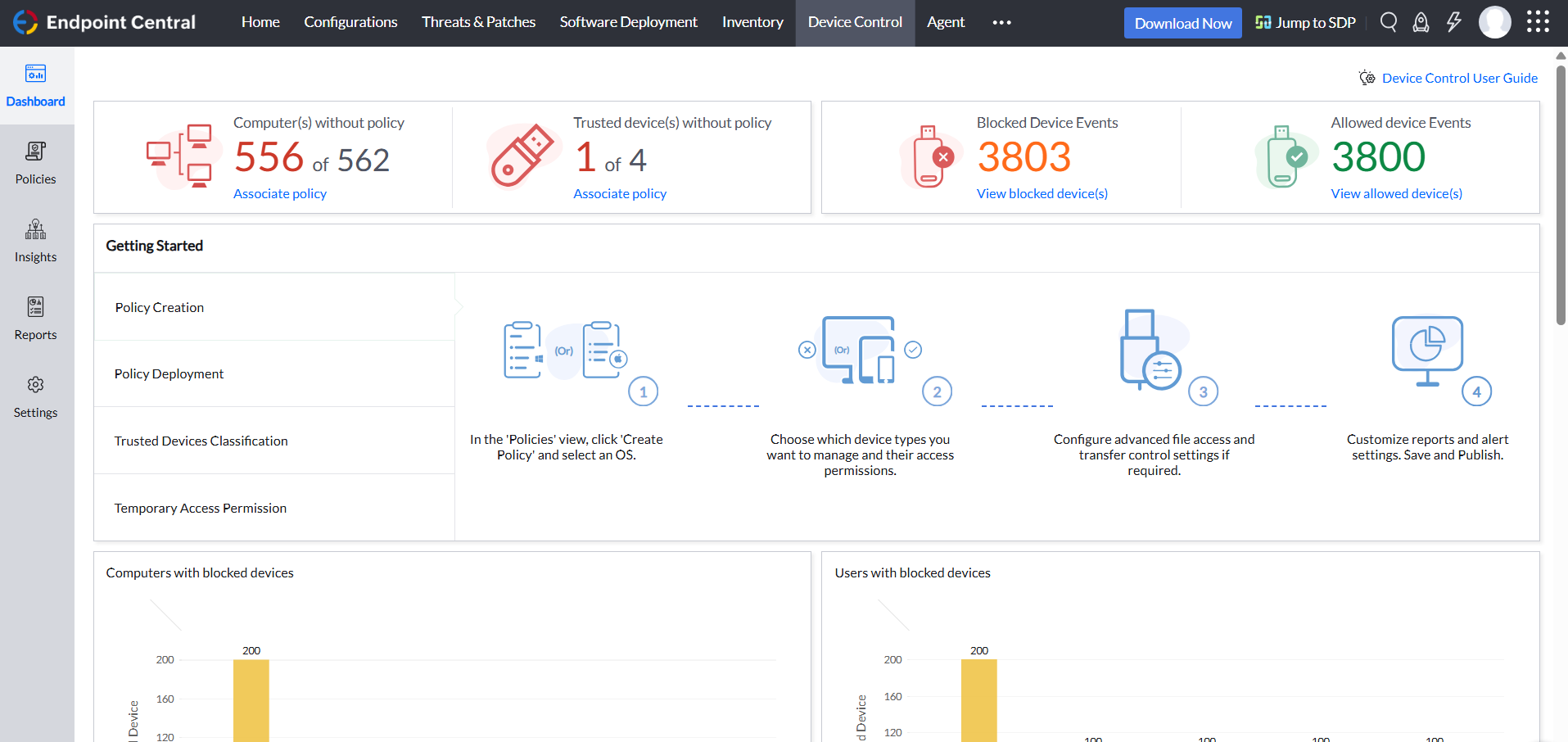
Alerts. We have set up to get email alerts when new hardware is plugged into any computers. This lets us know if someone is bringing in un-authorized equipment (thumb drives, hubs, etc) to better manage what is/is not on our network.
A de minimis incentive was given to thank the reviewer for their time. The incentive was not used to bias or drive a particular response, nor was the incentive contingent on a positive endorsement. TR verified that a representative sample of customers was invited. More Info
A de minimis incentive was given to thank the reviewer for their time. The incentive was not used to bias or drive a particular response, nor was the incentive contingent on a positive endorsement. More Info
A de minimis incentive was given to thank the reviewer for their time. The incentive was not used to bias or drive a particular response, nor was the incentive contingent on a positive endorsement. More Info
A very easy lightweight tool that is completely scalable and deployed via google admin platform. The tool is free to use and works extremely well with the chrome devices we currently have deployed. Any organization using chrome or google suites should look into this tool as it's much easier to use then other remote software in the market
A de minimis incentive was given to thank the reviewer for their time. The incentive was not used to bias or drive a particular response, nor was the incentive contingent on a positive endorsement. More Info
ManageEngine is considered an excellent product due to its comprehensive suite of solutions for IT management, with ManageEngine Endpoint Central specifically excelling in endpoint management. The platform stands out for its user-friendly interface, robust features, and versatility in addressing diverse IT needs. It offers organizations a centralized solution for endpoint security, patch management, software deployment, and asset management
Just a great product that has saved countless hours of commute to work and given the flexibility to be able to work from anywhere, whether at home or when away on holiday overseas. I love that it is a free product and is just as great as its competitors' products. It has also allowed me to prepare for work for the following day.
A de minimis incentive was given to thank the reviewer for their time. The incentive was not used to bias or drive a particular response, nor was the incentive contingent on a positive endorsement. More Info
Not using WNS to communicate with the endpoint console is a big plus. We now use Workspace One, and WNS can be really annoying at times. After deployment, it cleans itself, which is important for us because our current solution leaves the package on the computer and requires maintenance. The remotely script command is a lifesaver.
A de minimis incentive was given to thank the reviewer for their time. The incentive was not used to bias or drive a particular response, nor was the incentive contingent on a positive endorsement. More Info
The only support I ever accessed were help files and web tutorials. I never tried to access personal support, mostly because I don't believe much of it is available. As a free service, my expectations for support are pretty low; that said, Chrome Remote Desktop is easy enough to configure and troubleshoot even with limited technical knowledge.
A de minimis incentive was given to thank the reviewer for their time. The incentive was not used to bias or drive a particular response, nor was the incentive contingent on a positive endorsement. More Info
The immediate chat support is great and very helpful. However, if you need escalated support or have a deeper need that the chat tool can't help with, you will experience significant wait times and slow responses. The time zone difference becomes painful to the point of often just giving up.
A de minimis incentive was given to thank the reviewer for their time. The incentive was not used to bias or drive a particular response, nor was the incentive contingent on a positive endorsement. More Info
It seems that the services offered with the purchase change from what is covered to what is an additional cost. Somethings I thought we had ended up requiring an additional purchase if we wanted to continue using the feature.
A de minimis incentive was given to thank the reviewer for their time. The incentive was not used to bias or drive a particular response, nor was the incentive contingent on a positive endorsement. More Info
Chrome Remote Desktop seems to be a an easy to use and efficient program. Such as TeamViewer, however TeamViewer offers more program features such as able to control a device's function (shutting down, restarting, audio input, cmd etc). With those added program features I believe Chrome Remote Desktop can almost be up to par with TeamViewer.
A de minimis incentive was given to thank the reviewer for their time. The incentive was not used to bias or drive a particular response, nor was the incentive contingent on a positive endorsement. TR verified that a representative sample of customers was invited. More Info
I was not a part of the initial selection process, but I understand the issue was related to cost per endpoint. As a user of the other solutions I would say that the other solutions do have other strengths that ManageEngine is missing. The remote access tools are superior but at the end of the day you get what you pay for.
A de minimis incentive was given to thank the reviewer for their time. The incentive was not used to bias or drive a particular response, nor was the incentive contingent on a positive endorsement. More Info
A de minimis incentive was given to thank the reviewer for their time. The incentive was not used to bias or drive a particular response, nor was the incentive contingent on a positive endorsement. More Info
A de minimis incentive was given to thank the reviewer for their time. The incentive was not used to bias or drive a particular response, nor was the incentive contingent on a positive endorsement. TR verified that a representative sample of customers was invited. More Info