
James Whittemore
Salesforce Administrator
Chose Cirrus Insight
Salesforce Einstein Activity Capture - See previous response regarding this native tool and why it doesn't work for us. Cirrus Insight is much better.

| Product | Rating | Most Used By | Product Summary | Starting Price |
|---|---|---|---|---|
 Cirrus Insight | Mid-Size Companies (51-1,000 employees) | Cirrus Insight integrates Salesforce with Gmail, Google Calendar, and Google Contacts. Instantly View Contextual Salesforce Information in Your Inbox. Save Emails & Attachments to Salesforce with a Click. Sync Your Google & Salesforce Calendars. Create & Edit Salesforce Records on the Fly. Customize Your Salesforce Workflow in Gmail. Add Google Contacts to Salesforce. Salesforce Tasks Integration. Salesforce Templates Integrated with Gmail. | $27 per user/month | |
 GridBuddy Connect | N/A | GridBuddy Connect, from Validity, is a data productivity platform that keeps teams more focused on growing the business rather than updating data. GridBuddy Connect combines data from separate systems into an editable, spreadsheet-simple view. Users finally have all insights they need in one place, and they can engage confidently using the right data. | N/A | |
 Shared Contacts for Gmail | N/A | Shared Contacts for Gmail enables Google Workspace (G-Suite) & Gmail users to create, manage, share team address books (labels) from anywhere (Gmail, Google Contacts, Mobile phones etc.). Define access permissions exactly like you would do with a Google Doc: View Only Edit Delete permission Re-share Transfer of ownership Access contacts shared from anywhere in a workspace (Gmail, Google Contacts, Calendar, Mobile phones etc.).… | $0.99 per user per month |
| Cirrus Insight | GridBuddy Connect | Shared Contacts for Gmail | ||||||||||||||||||||||
|---|---|---|---|---|---|---|---|---|---|---|---|---|---|---|---|---|---|---|---|---|---|---|---|---|
| Editions & Modules |
| No answers on this topic |
| |||||||||||||||||||||
| Offerings |
| |||||||||||||||||||||||
| Entry-level Setup Fee | $500 per installation | No setup fee | $0.99 per user per month | |||||||||||||||||||||
| Additional Details | Pricing based on annual billing. | — | — | |||||||||||||||||||||
| More Pricing Information | ||||||||||||||||||||||||
| Cirrus Insight | GridBuddy Connect | Shared Contacts for Gmail | |
|---|---|---|---|
| Considered Multiple Products |  Cirrus Insight James Whittemore Salesforce Administrator Chose Cirrus Insight Salesforce Einstein Activity Capture - See previous response regarding this native tool and why it doesn't work for us. Cirrus Insight is much better.  Brian Hasenbauer Vice President of Marketing Chose Cirrus Insight We used Cirrus Insights for a period of time and then switched to Salesforce Inbox because Salesforce Inbox was included in our Salesforce license which made the change easier to do since there was no financial impact of making the switch. We didn't spend very much time …  Jeff Bramhall Team Lead, Inside Sales Chose Cirrus Insight We use Outreach to drive campaigns now. We've been successful with it for several reasons: 1- Our business operations team knows it and is able to coach us on how to use it 2- We use it across several departments (Marketing, SDE team, AE team, Customer Success - though we may be …  Sasha Chait Director of Development Chose Cirrus Insight N/A I haven't use any competitors.  Jason Miller Director of Business Development Chose Cirrus Insight We use gmail as our corporate email server and was by far the best option for our combined use of gmail and Salesforce.  Pedram Mizani, MD, MHSA Chief Clinical Officer Chose Cirrus Insight Poor. If this is not fixed, I’ll move to Salesforce Gmail integration  David Jacoby President & Co-Founder Chose Cirrus Insight More robust and better UI.  Blake Cohen Sr. Customer Success Manager Chose Cirrus Insight Yesware regularly sent me alerts that my emails had been opened by someone who I hadn't sent them to, from locations they couldn't possibly have been. I also don't recall its Salesforce activity logging working as smoothly, though I last used Yesware more than 12 months ago so …  Kelsie Hamilton Program Associate Chose Cirrus Insight We were just using the free email to Salesforce option, which sends your email to an inbox within Salesforce. Then you are required to address it to the correct location. It's a two step process, so that was cumbersome. Or, some of my coworkers would drag the email onto their …  Evan Carlson Account Executive Chose Cirrus Insight Cirrus Insight works for us because we use Outlook and MailTrack does not work with Outlook last time I checked.  Graham Hill Corporate Sales Representative Chose Cirrus Insight We have Outreach and can't tell you why we switched  Dailius Wilson Director - BD Chose Cirrus Insight Cirrus Insight is a light-weight affordable tool that offers reasonable bang for your buck. However it does not have the reliability of other more enterprise-like platforms nor does it have the advanced features that are becoming of an email support tool - such as more advanced …  Chad Griffeth President Chose Cirrus Insight While I really liked Toutapp's social integration, it left a lot to be desired with the SFDC integration, which was a higher priority for me. It does what both Boomerang and Yesware do IMO for my purposes in one, easy to use app that doesn't dominate my screen.  Monika Covelli Sales Associate Chose Cirrus Insight integration, and convenience  Craig Grella Co-Founder Chose Cirrus Insight Appirio was already being used by our organization. We'd also tried using various email connectors. |  GridBuddy Connect  Vibha Ravi Salesforce Administrator Chose GridBuddy Connect We have not used or evaluated any other products. We used list view updates which is not as easy to update as GridBuddy. |  Shared Contacts for Gmail |
| Cirrus Insight | GridBuddy Connect | Shared Contacts for Gmail | |
|---|---|---|---|
| Small Businesses |  Salesflare Score 10.0 out of 10 |  Cloze Score 9.9 out of 10 | Cloze Score 9.9 out of 10 |
| Medium-sized Companies |  Mailtrack Score 9.6 out of 10 | Shared Contacts for Gmail Score 7.9 out of 10 |  Kintone Score 9.6 out of 10 |
| Enterprises |  Groove by Clari Score 7.4 out of 10 | Shared Contacts for Gmail Score 7.9 out of 10 |  Agentforce Sales Score 8.8 out of 10 |
| All Alternatives | View all alternatives | View all alternatives | View all alternatives |
| Cirrus Insight | GridBuddy Connect | Shared Contacts for Gmail | |
|---|---|---|---|
| Likelihood to Recommend | 9.7 (0 ratings) | 7.9 (0 ratings) | 9.0 (0 ratings) |
| Likelihood to Renew | 9.1 (0 ratings) | 9.1 (0 ratings) | - (0 ratings) |
| Usability | 10.0 (0 ratings) | 9.1 (0 ratings) | 9.0 (0 ratings) |
| Availability | 9.1 (0 ratings) | - (0 ratings) | - (0 ratings) |
| Performance | 9.1 (0 ratings) | - (0 ratings) | - (0 ratings) |
| Implementation Rating | 9.1 (0 ratings) | 9.1 (0 ratings) | - (0 ratings) |
| Cirrus Insight | GridBuddy Connect | Shared Contacts for Gmail | |
|---|---|---|---|
| Likelihood to Recommend |
|
|
|
| Pros |
|
|
|
| Cons |
Dailius Wilson Director - BD |
|
|
| Likelihood to Renew |
Craig Grella Co-Founder |
| No answers on this topic |
| Usability |
Craig Grella Co-Founder |
|
|
| Reliability and Availability |
Craig Grella Co-Founder | No answers on this topic | No answers on this topic |
| Performance |
Craig Grella Co-Founder | No answers on this topic | No answers on this topic |
| Implementation Rating |
Craig Grella Co-Founder |
| No answers on this topic |
| Alternatives Considered |
Blake Cohen Sr. Customer Success Manager |
|
|
| Return on Investment |
Kelsie Hamilton Program Associate |
 Bilal Comertpay Business Development Manager |
|
| ScreenShots | Cirrus Insight Screenshots 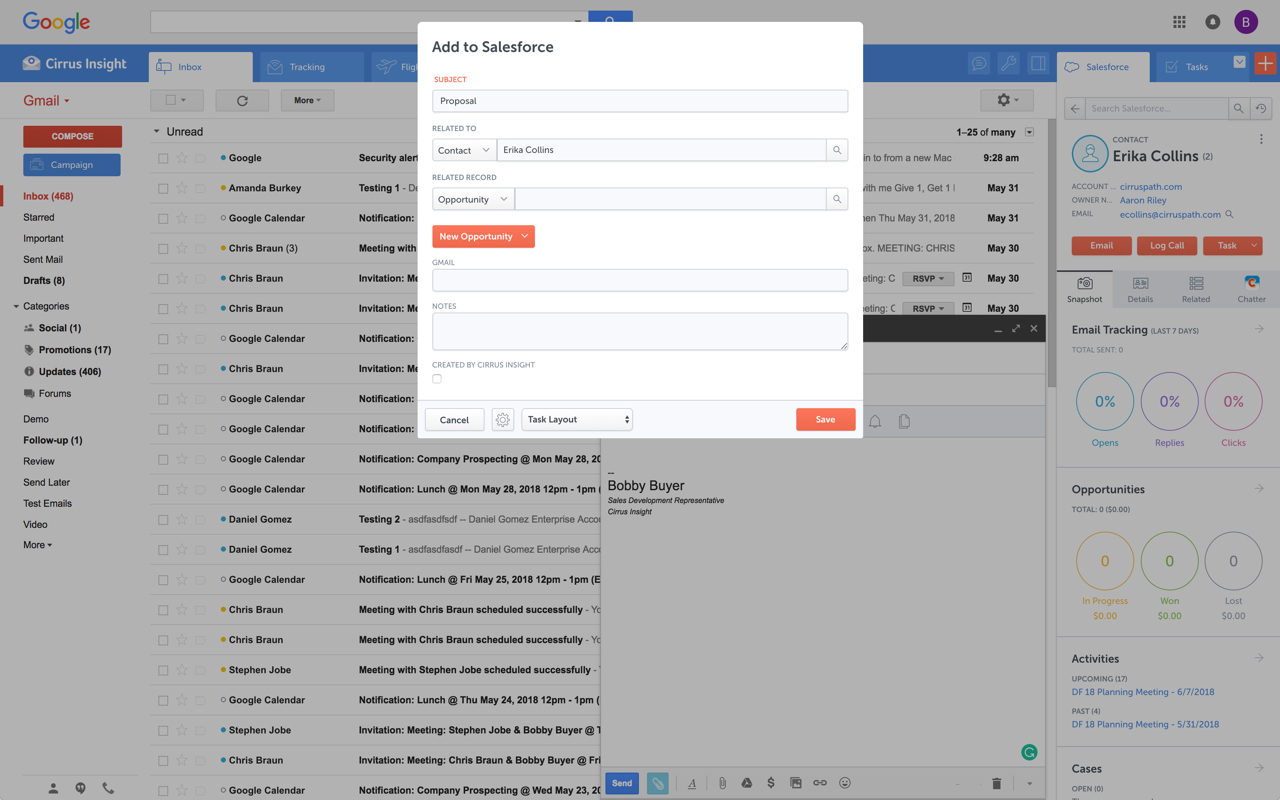   | GridBuddy Connect Screenshots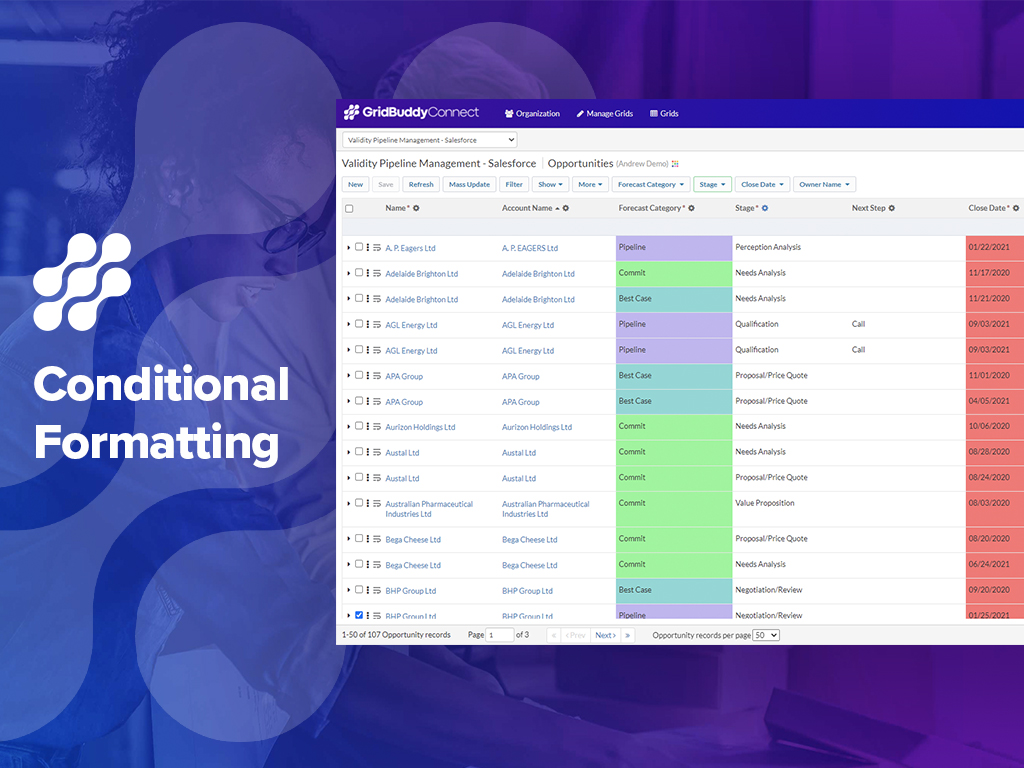 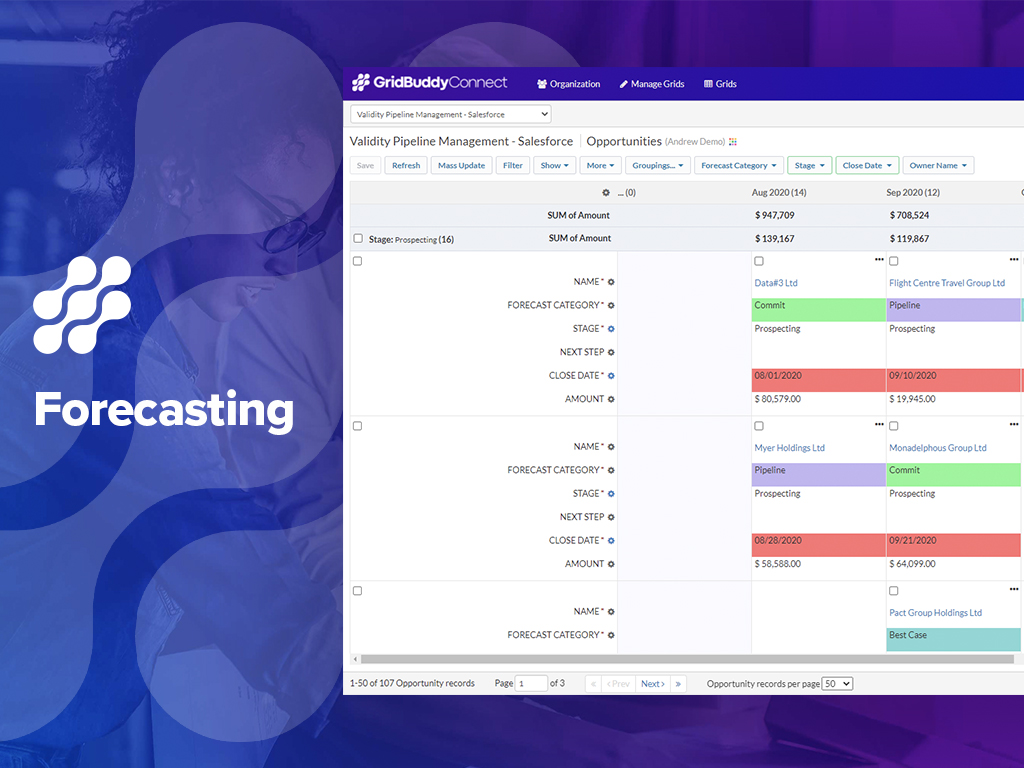  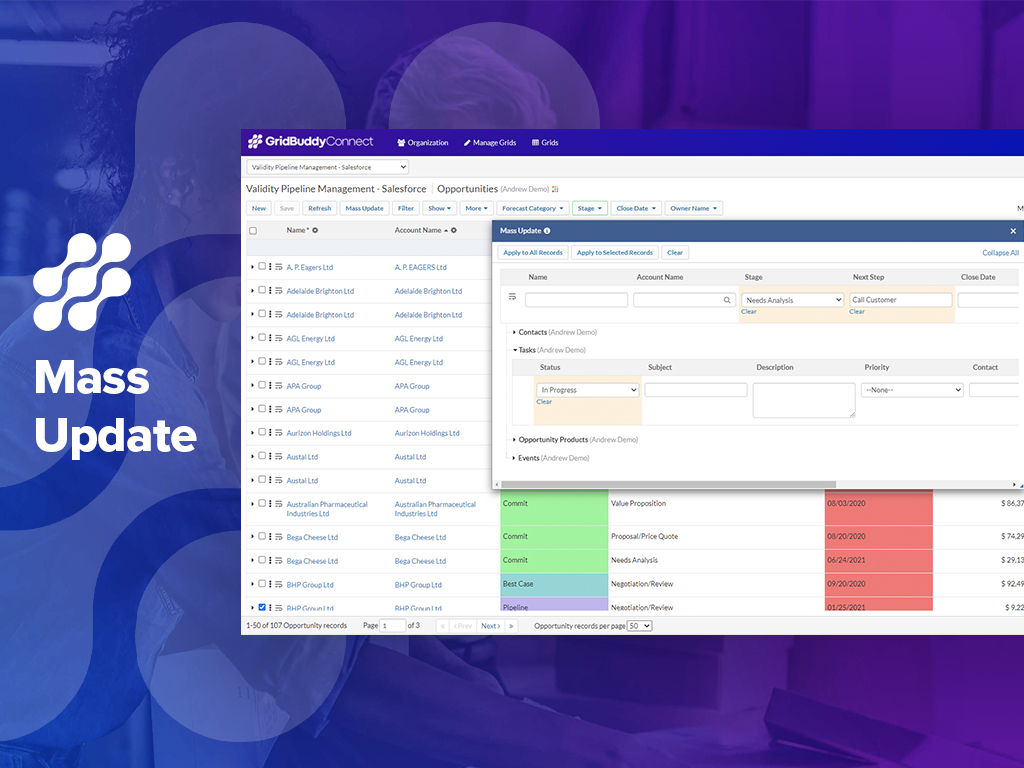  | Shared Contacts for Gmail Screenshots   |