
Constant Contact vs. ContactsFlow (formerly Shared Contacts for Gmail™)
| Product | Rating | Most Used By | Product Summary | Starting Price |
|---|---|---|---|---|
 Constant Contact | Score8 out of 10 | N/A | Constant Contact is a full-featured email marketing solution with capabilities such as social media integration, drag-and-drop editing, and real-time reporting. It is a bulk email tool designed for SMB customers. Since 2019, Constant Contact also offers marketing automation features, a website and landing page builder, and other tools to support midsize businesses. | $12 per month |
 ContactsFlow (formerly Shared Contacts for Gmail™) | Score7.9 out of 10 | N/A | ContactsFlow (formerly Shared Contacts for Gmail) is a contact-management platform for Google Workspace. It enables organizations to create shared contact directories and contact groups, then make approved records available in Gmail, Google Contacts, Calendar, Google Drive, mobile devices, and connected business applications. Teams can centralize professional contacts and labels, add custom details such as company, job title, phone number, notes, and interaction… | $1.99 per month per user |
| Constant Contact | ContactsFlow (formerly Shared Contacts for Gmail™) | |||||||||||||||
|---|---|---|---|---|---|---|---|---|---|---|---|---|---|---|---|---|
| Editions & Modules |
|
| ||||||||||||||
| Offerings |
| |||||||||||||||
| Entry-level Setup Fee | No setup fee | Optional | ||||||||||||||
| Additional Details | The SMS Marketing tool can be added to any Standard or Premium Constant Contact account. SMS is only available in the US for Standard and Premium paid plans. SMS can be added when logged in to an account after purchase. Plans start at $10/month for up to 500 messages. | — | ||||||||||||||
| More Pricing Information | ||||||||||||||||
| Constant Contact | ContactsFlow (formerly Shared Contacts for Gmail™) | |
|---|---|---|
| Considered Both Products | No answer on this topic | No answer on this topic |
| Key User Insights | ||
| Would buy again | ||
85% Would buy again 61 Answers | 100% Would buy again 7 Answers | |
| Delivers good value for the price | ||
94% Delivers good value for the price 61 Answers | 100% Delivers good value for the price 7 Answers | |
| Happy with the feature set | ||
85% Happy with the feature set 61 Answers | 100% Happy with the feature set 7 Answers | |
| Lived up to sales and marketing promises | ||
91% Lived up to sales and marketing promises 42 Answers | No answers on this topic | |
| Implementation went as expected | ||
90% Implementation went as expected 46 Answers | 100% Implementation went as expected 6 Answers | |
| Constant Contact | ContactsFlow (formerly Shared Contacts for Gmail™) | |||||||||||||||||||||||||||||||
|---|---|---|---|---|---|---|---|---|---|---|---|---|---|---|---|---|---|---|---|---|---|---|---|---|---|---|---|---|---|---|---|---|
| Email & Online Marketing |
| |||||||||||||||||||||||||||||||
| Reporting & Analytics |
| |||||||||||||||||||||||||||||||
| Pre-Send Testing |
| |||||||||||||||||||||||||||||||
| Constant Contact | ContactsFlow (formerly Shared Contacts for Gmail™) | |
|---|---|---|
| Small Businesses |  Mad Mimi Score10 out of 10 |  Cloze Score9.9 out of 10 |
| Medium-sized Companies |  Campaign Monitor by Marigold Score9 out of 10 |  Outlook4Gmail Score8.8 out of 10 |
| Enterprises |  Emma by Marigold Score8.5 out of 10 | Outlook4Gmail Score8.8 out of 10 |
| All Alternatives | View all alternatives | View all alternatives |
| Constant Contact | ContactsFlow (formerly Shared Contacts for Gmail™) | |
|---|---|---|
| Likelihood to Recommend | 9.8 | 9.0 |
| Likelihood to Renew | 9.9 | - |
| Usability | 10.0 | 9.0 |
| Availability | 9.0 | - |
| Performance | 10.0 | - |
| Support Rating | 10.0 | - |
| Online Training | 10.0 | - |
| Implementation Rating | 10.0 | - |
| Configurability | 10.0 | - |
| Product Scalability | 10.0 | - |
| Constant Contact | ContactsFlow (formerly Shared Contacts for Gmail™) | |
|---|---|---|
| Likelihood to Recommend |
|
|
| Pros |
|
|
| Cons |
|
|
| Likelihood to Renew |
| No answers on this topic |
| Usability |
|
|
| Reliability and Availability |
| No answers on this topic |
| Performance |
| No answers on this topic |
| Support Rating |
| No answers on this topic |
| Implementation Rating |
| No answers on this topic |
| Alternatives Considered |
|
|
| Scalability |
| No answers on this topic |
| Return on Investment |
|
|
| ScreenShots | Constant Contact Screenshots      | ContactsFlow (formerly Shared Contacts for Gmail™) Screenshots    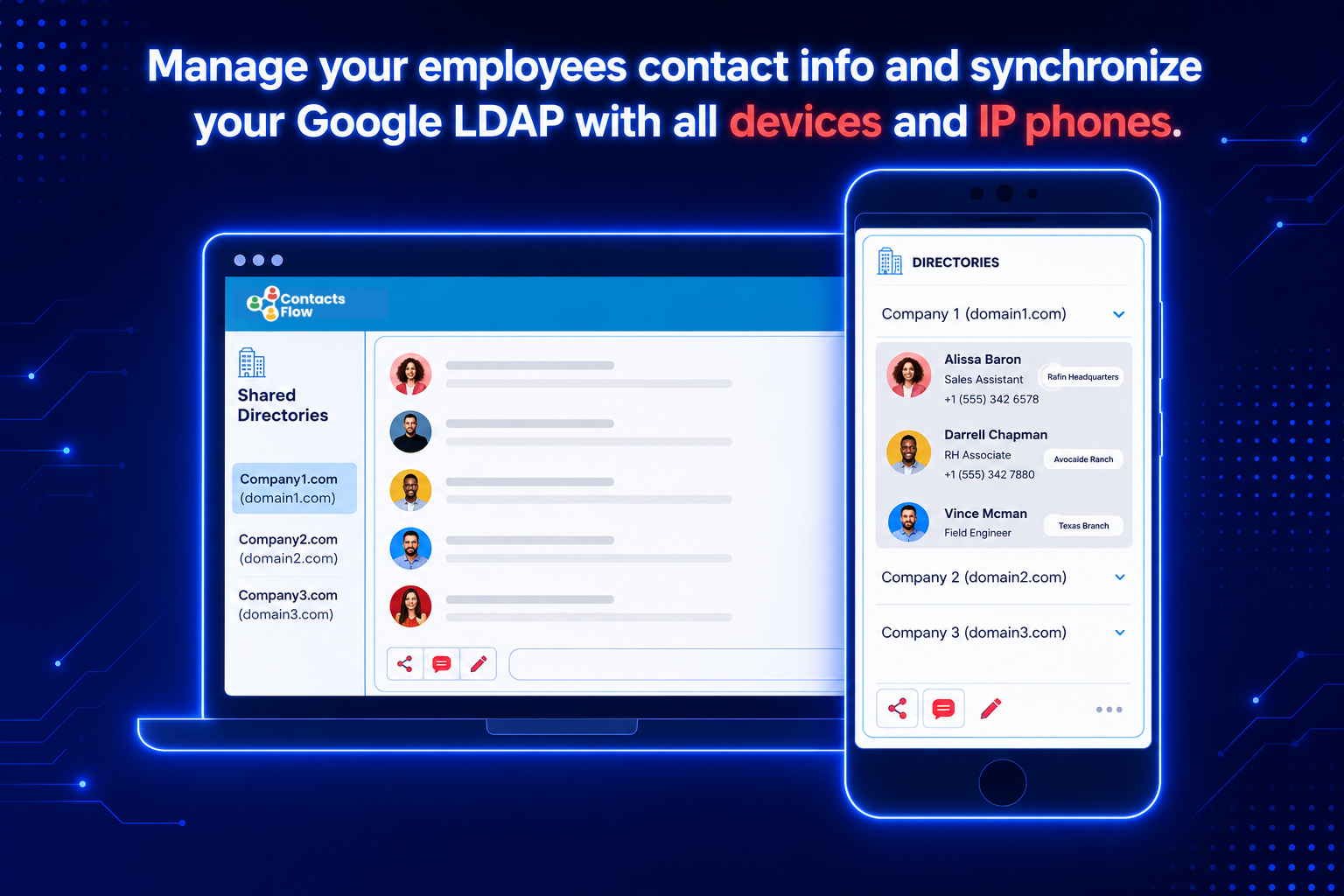  |


