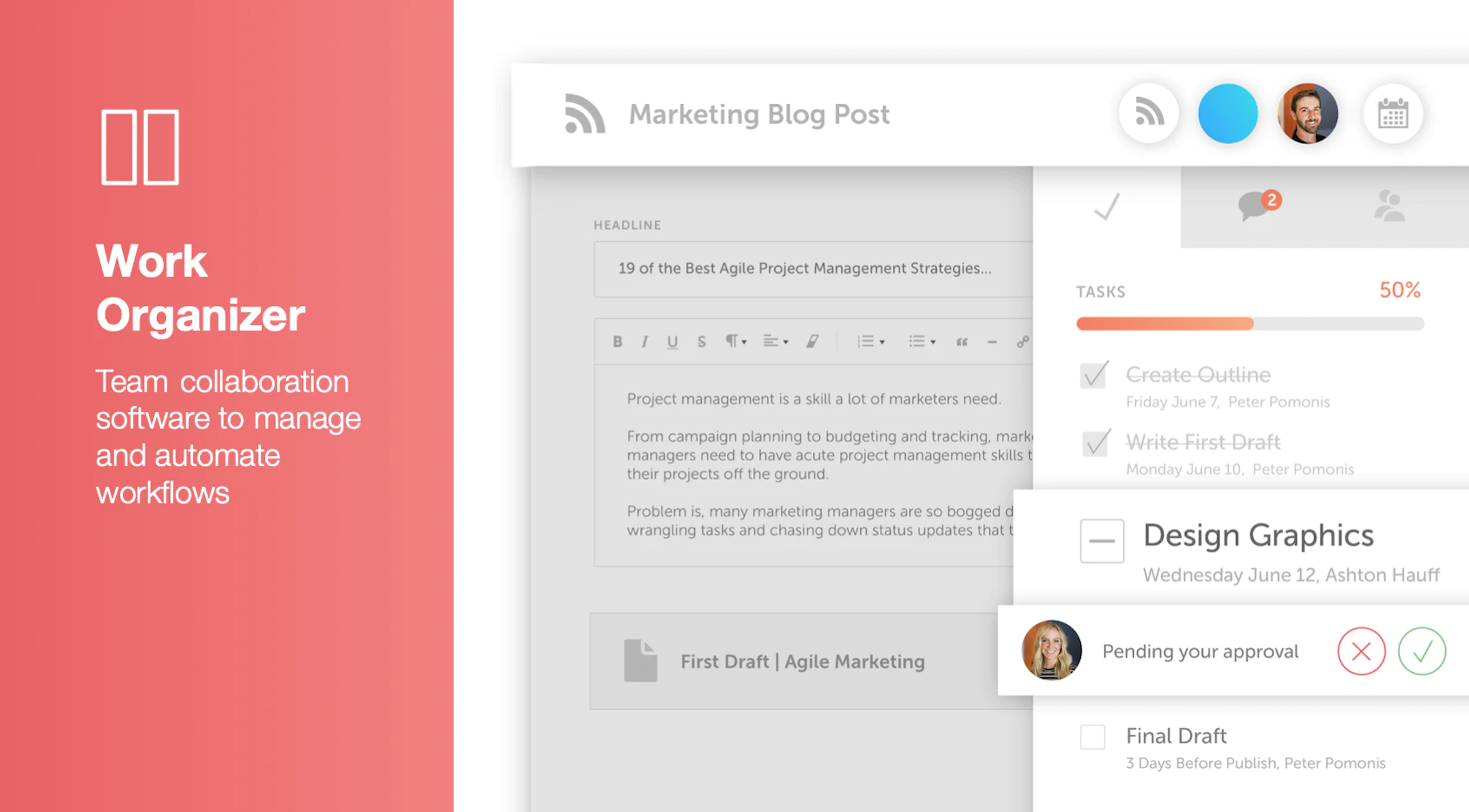
CoSchedule provides a content calendar, content optimization, and contentmarketing products, with users among 50,000 marketers worldwide, helping them organize their work, deliver projects on time, and prove marketing team value.
N/A
Trello
Score 8.4 out of 10
N/A
Trello from Atlassian is a project management tool based on a Kanban framework. Trello is ideal for task-management in a to-do list format. It supports sharing boards and cards across users or teams. The product offers a free version, and paid versions add greater automation, collaboration, and administrative control.
$6
per month per user
Workamajig
Score 7.5 out of 10
N/A
Workamajig is a project management system with capabilities such as file sharing, resource management, and revenue projection.
$41
per month per user
Pricing
CoSchedule Marketing Suite
Trello
Workamajig
Editions & Modules
No answers on this topic
Standard
$6
per month per user
Premium
$12.50
per month per user
Enterprise
$17.50
per month per user
Free
Forever Free
In-house
$41
per month per user
Agency
$41
per month per user
Enterprise
Contact
per month per user
Offerings
Pricing Offerings
CoSchedule Marketing Suite
Trello
Workamajig
Free Trial
No
No
No
Free/Freemium Version
Yes
Yes
No
Premium Consulting/Integration Services
No
No
No
Entry-level Setup Fee
No setup fee
No setup fee
No setup fee
Additional Details
—
A discount is offered for annual billing and for larger numbers of users.
Workamajig definitely isn't the prettiest among the project management tools I've used, nor does it have the friendliest UX/UI. But it does have some advantages when it comes to automating tasks in a schedule, automatically replacing versions of files with the same name and …
WMJ is a fully integrated system. Accounting, time management, invoicing, project management, estimating, sales CRM, all occur in one integrated package. This is ultimately why we selected WMJ. Other packages do portions of the workflow well but don't always integrate via …
CoSchedule is great for businesses or agencies who need an overview of all their marketing efforts, and who want to establish collaboration between multiple departments. The calendar view is one of the best we've worked with and makes it easy to see exactly what's happening. There is some slight clunkiness when it comes to admin-related tasks, and a few things aren't easy to find, but there's great support.
For teams or individuals with lots of individual tasks/details to track, Trello is perfect! It basically removes the need for a paper checklist. For those that need an overall project management tool that requires less tasks and more overarching goals, collaboration amongst various teams, and gantt charts I would suggest monday.com
If you're looking for a system to help you address accounting that's not suited for marketing agency structures, this is the right tool. It is a bit cumbersome, but it has streamlined our reporting, billing, estimating, and tracking. As for project management, it's great that it integrates with the estimating and finances, but it's just not enjoyable to use. The interface is clunky. So if project management is your main criteria, I'd choose something else. We would never use it to collaborate with clients either because I'd be afraid of making them frustrated by the tool, so we use Basecamp to do that.
The Platinum version has a particularly robust time tracking system, down to a 'timer' function that can be critical for an agency like mine where you want to be accountable for billing a client arruately
The ability to make projects available only to those who are permitted to assign their time to it has apparently been very helpful during our revenue reconciliation meetings where time incurred is reviewed against scope
The mobile app, while I still feel needs some work, is pretty handy for a quick calendar check if I'm in a client meeting and cannot utilize my browser to get information
The platform seems sluggish as of late, likely as a result of the robust amount of data we are entering and the number of filters we're creating.
Social media scheduling exists, but we do run into publishing errors more often then we'd like.
Task templates when updated are not retroactive, so when you create projects for an entire year and then change a template, you need to go back and change them manually.
WMJ's interface is dated. Despite an html5 driven "sheets"-based interface, it takes a lot of time and effort to manage the interface, which could be streamlined considerably. On a UX/UI scale of 1 to 10, with 10 being the best, WMJ would earn a 6 from me.
Despite the amount of documentation available, there is a distinct lack of clarity in that documentation, and it doesn't fully cover everything you would expect. Branching thoughts, for instance, are not addressed. Additionally, because there are two editions of the software online, there are two support sites that aren't sequestered. So information from both commingles, creating confusion.
Support is available on an email and phone basis. They strongly encourage you to use email, however, and they are resistant to phone time. This is likely because the support staff is limited in number, but has a great depth of knowledge. If you want immediate phone support, however, YOU ARE OUT OF LUCK. You are placed in a queue and the odds of same-day help are low. For email, the response is usually within an hour, but when you are stuck with a configuration issue, or need to generate a report and don't know how to do something, waiting is not optimal. That said, the support team is TERRIFIC.
I am very likely to renew Trello, because it doesn't cost anything to do so. I am also very likely to use Trello's upgraded features in the future because a lot of my team's data is stored on there and they have already gotten used to the platform. Trello is very easy for new team members to pick up, making the onboarding and usability very streamlined.
The interface is very intuitive, from setting up social profiles, to posting, to tags, to optimizing for best day/time to post. It's super easy to scan the aggregate analytics. The calendar is very easy to grok at a glance, and the more advanced functionality is intuitive to set up.
Trello is incredibly intuitive, both on desktop and mobile right away. It is also full of helpful features that make it even easier to use, and is flexible enough to suit almost any organizational need. Onboarding for the software is thorough, but concise, and the service is frequently updated with even more QOL improvements.
I didn't have to use their official support, but I can say that they put out a lot of content online to help users. Their YouTube page has quite an array of tutorial videos explaining how things work and how to get the most out of their tools. If you're struggling, before picking up a phone or blasting off an email, try searching for your problem on YouTube or their forums.
I haven't reached out to their support very often and their support is very limited anyway for the free users. They do have tons of great articles and videos in their Help Center and constantly send emails with updates and add-ons to the product. The fact that I've barely ever had to contact their support team means that they've developed a great product.
For our small business, getting a few of us started well on Trello was the key, I think. As long as a couple of us were really comfortable with the interface, we could lead others and help them with any questions. From now on, anyone who works with us just naturally uses Trello for information sharing - it's just part of what we do.
CoSchedule provides collaborative planning of projects. The calendar view is very well designed. Meetings and tasks can be scheduled and tracked easily. Whatever is being done, no matter how big the task/project is, it gives a bird-eye view of everything. Additionally, it also integrated very well with WordPress. Their customer service team is also very helpful.
Trello is more simple and not as "robust" as the other tools, but it's easier to use and manage and understand and ACTUALLY get stuff done with. It's simplicity is part of the beauty of using it. You don't need a million options that nobody uses, you just need to get stuff done.
Workamajig was selected over a decade ago when there were very few project management platforms that has integrations with other platforms, support for Agile, KanBan, etc etc. Most of the other offerings did not offer the type of security available with us hosting an on premises server behind a VPN although now there are plenty of cloud based solutions that have security compliance greater than what we can provide (fedRamp, etc.)
It has saved me about 1 hour per day to keep things organized from Asana to WordPress.
By not having a functioning Google Doc import feature, it costs me about 30 minutes for each blog post to copy paste all the content, images, etc.
By bundling too many features into their plans, many of which we don't use (e.g. social media scheduling), we lose a little ROI because we are not using the full feature set. We use and prefer Buffer for social media, so when CoSchedule raised their price $40+ per month on features we would not be using, that hurt.
Trello keeps me organized, focused, and on track. I could filter the Trello board to only see my issues and understand what I needed to work on and when.
Trello helped our team implement an agile structure. It's a very simple kanban method of viewing all of your team's tasks and statuses. You can completely customize the columns to your team's specific workflow and create tags relevant to your work.
Trello helps reduce unnecessary communications between teams. When I want to request translations, I simply create a card on the localization Trello board -- no need to directly message anyone on the team, and I can watch the status of the card change from "in progress" to "in review" to "translated," all without having to directly ask for updates.
The agency switched to an hourly allocation so our clients were subject to a certain amount of hours each quarter. JIG helped us keep track of who was going over hours or who had some to spare. Once the clients went over we would use JIG to help charge the additional fees for going over. It helped keep clients accountable.
It was used to keep track of time sheets and through those time sheets, the directors were able to make a case for more employees on certain accounts. The corporate team hired 3 additional people that were truly needed and our time sheets helped reflect that.