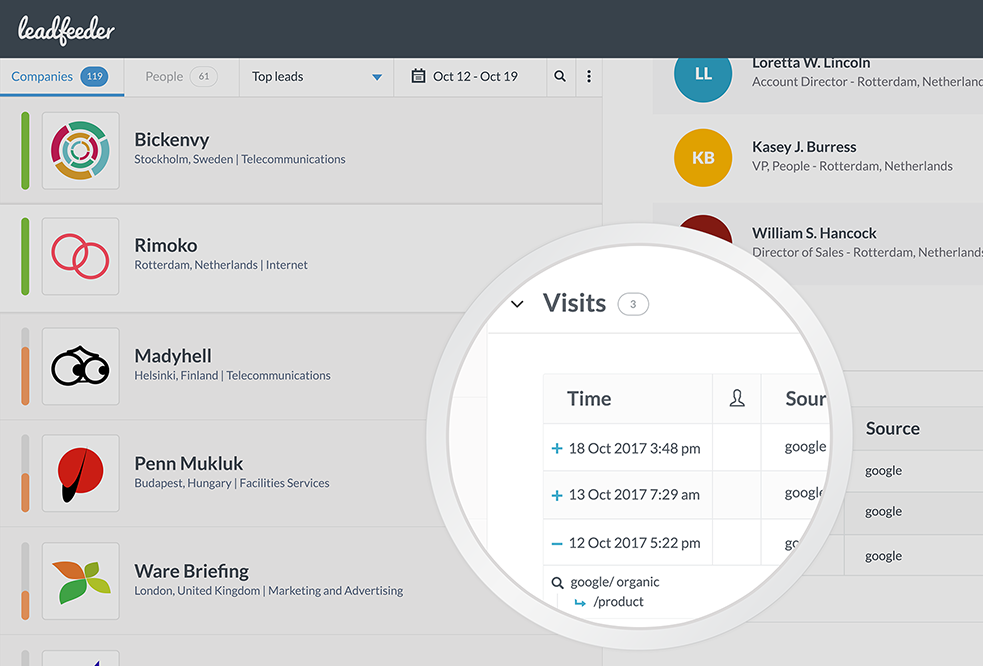
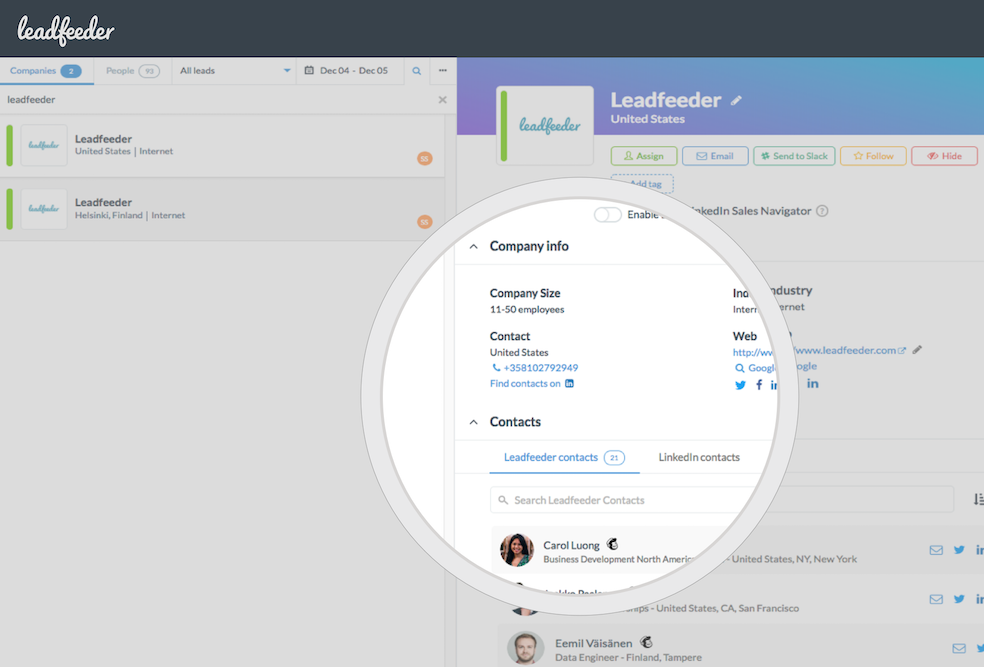
Formed from the merger of Leadfeeder and Echobot, Dealfront is a Go-to-Market Platform for Europe used by businesses to find leads and close deals.
N/A
Google Tag Manager
Score9.5 out of 10
N/A
From Google, the Google Tag Manager is a tag management application that facilitates creating, embedding, and updating tags across websites and mobile apps. It is a free option, vs. the company's enterprise-tier Google Tag Manager 360.
$0
Pricing
Dealfront
Google Tag Manager
Editions & Modules
No answers on this topic
No answers on this topic
Offerings
Pricing Offerings
Dealfront
Google Tag Manager
Free Trial
Yes
No
Free/Freemium Version
Yes
Yes
Premium Consulting/Integration Services
Yes
No
Entry-level Setup Fee
No setup fee
No setup fee
Additional Details
—
—
More Pricing Information
Community Pulse
Dealfront
Google Tag Manager
Considered Both Products
Dealfront
Verified User
Chose Dealfront
While HubSpot CRM has it's own visitor tracking on an individual level, it is very much determined by if the visitor has submitted their details via a form before you can get this information. With Dealfront we can get this analytics before any action is taken to better improve …
A de minimis incentive was given to thank the reviewer for their time. The incentive was not used to bias or drive a particular response, nor was the incentive contingent on a positive endorsement. More Info
If you're looking to find new sales/customer contacts and are not a fan of complete "cold calling", Leadfeeder is a great source for finding those contacts or companies which may benefit you as they're clearly already looking at you. It weeds out half of the footwork for you.
A de minimis incentive was given to thank the reviewer for their time. The incentive was not used to bias or drive a particular response, nor was the incentive contingent on a positive endorsement. More Info
I have found Google Tag Manager as the go to solution for managing all of your event and conversion tags for your website. Not only does it make it easy to manage all of your tags in the one place, it is fairly intuitive to use and there is plenty of videos and help documentation online to help set up what ever you need. No scenarios come to mind at the moment on where it is less appropriate to use.
A de minimis incentive was given to thank the reviewer for their time. The incentive was not used to bias or drive a particular response, nor was the incentive contingent on a positive endorsement. More Info
Research Quality versus invested Time is absolutely efficient and motivating. Quick Research or Standard Alerts, both are done easily with instant results.
Usability of the User Interface in any of the modules is very supportive. New Team members are trained in short time. Very much self-explaining.
The connectivity between the modules is great and saves time. Each module has its key topic, but in Connection with the other modules this practical tool turns out to be even smarter more and powerful.
Selecting elements on a site [object, class, cookie, etc] (to later fire an event, send some data, etc) is very easy with triggers. Want to add an event when someone clicks on a button? Super easy. It was many many DOM selectors and you can even add custom functions if you need to do something more specific
In general, firing events in different circumstances is very easy mixing triggers and tags. You can track almost any element of the DOM and do whatever you want with it.
Testing is a great functionality. Only you can see what's on the site and you can debug it easily by seeing which events or tags were triggered and all the DOM elements involved (and why they matched the trigger).
Working in environments (staging, production) and versioning is easy to do, deploying changes in 2 clicks.
A de minimis incentive was given to thank the reviewer for their time. The incentive was not used to bias or drive a particular response, nor was the incentive contingent on a positive endorsement. More Info
Leadfeeder has basic lead Tagging capabilities and some native integrations. It would be great to see more lead Activity Tracking and integration capabilities that sync with sales tools so a team could hypothetically keep their eyes on Leadfeeder-only while updating the CRM/sales tool.
A de minimis incentive was given to thank the reviewer for their time. The incentive was not used to bias or drive a particular response, nor was the incentive contingent on a positive endorsement. More Info
There are several good integrations, but there can always be more. Native tracking for call tracking solutions, analytics providers, non-Google advertisers would be top of my list.
Documentation is just dreadful. Luckily there are some awesome folks out there doing crowdsourced tutorials (shout out to Simo Ahava) but by and large the Google Tag Manager instructions are worth what you pay for them.
A de minimis incentive was given to thank the reviewer for their time. The incentive was not used to bias or drive a particular response, nor was the incentive contingent on a positive endorsement. More Info
Leadfeeder is the best anonymous visitor tracking software platform that I've ever used. Sitting as a layer on top of Google Analytics, the tool consistently provides us with accurate intelligence of what our hottest prospects are looking at while visiting our site. The Leadfeeder customer support is top notch and the company is always coming out with new updates that further improve the technology. On top of all of this, Leadfeeder integrates with Slack and our CRM, allowing me to continue to do my job without having to switch between various platforms throughout the day.
A de minimis incentive was given to thank the reviewer for their time. The incentive was not used to bias or drive a particular response, nor was the incentive contingent on a positive endorsement. More Info
I haven't found another option for us to use especially one that is free. Down the road we may go a different route but for now GTM is a good option and does what we need it to do. It'd be nice to get more support or more integrations but with the free version there's only so much one can expect to get I suppose.
A de minimis incentive was given to thank the reviewer for their time. The incentive was not used to bias or drive a particular response, nor was the incentive contingent on a positive endorsement. More Info
Always found the system super intuitive to use. I've never been stuck finding what I'm looking for and the team has some very clear and easy to understand documentation online.
A de minimis incentive was given to thank the reviewer for their time. The incentive was not used to bias or drive a particular response, nor was the incentive contingent on a positive endorsement. More Info
No difficult obstacle to overcome but Google Tag Manager can still be difficult for many users to deploy. Sure the basic HTML script can be deployed quite easily, but when you start to require triggers, variables, etc, it can be a little daunting.
A de minimis incentive was given to thank the reviewer for their time. The incentive was not used to bias or drive a particular response, nor was the incentive contingent on a positive endorsement. More Info
GTM does not provide support. This is one of GTM's biggest issues but it's due to the level of customization for each website. If your team thinks they would heavily rely on the need for a support staff it is probably better to invest in a paid service with a team that can support your needs.
A de minimis incentive was given to thank the reviewer for their time. The incentive was not used to bias or drive a particular response, nor was the incentive contingent on a positive endorsement. More Info
Planning and communication will help greatly with an in-house implementation. If there are large teams, try to limit the number of people involved to 1-2 developers (back-end dev may be necessary depending on your platform), one analytics marketer and one project manager.
A de minimis incentive was given to thank the reviewer for their time. The incentive was not used to bias or drive a particular response, nor was the incentive contingent on a positive endorsement. More Info
Leadfeeder is very easy to set up, use, and maximize functionality. It is also easy to train. Other tools have a higher cost of acquisition and ownership. Plus, the customer support and training are helpful and very accessible! It's great for small to mid-market businesses.
A de minimis incentive was given to thank the reviewer for their time. The incentive was not used to bias or drive a particular response, nor was the incentive contingent on a positive endorsement. More Info
We moved to GTM from a standard Google Analytics implementation. GTM is much more flexible and easier to make changes, especially as the changes relate to multiple sites and environments. While there is a learning curve when figuring out how to use GTM, I believe the change has been worth it because it helps us understand at a more fundamental level how our tracking works and gives us a lot more control over what we track and how.
A de minimis incentive was given to thank the reviewer for their time. The incentive was not used to bias or drive a particular response, nor was the incentive contingent on a positive endorsement. More Info
It has helped support us to understand our market and if our website is properly communicating to and providing value to that market
We currently do not have the sales staff to go after potentially qualified organizations that visit the site but don't convert but it is a strategy we will employ at some point.
A de minimis incentive was given to thank the reviewer for their time. The incentive was not used to bias or drive a particular response, nor was the incentive contingent on a positive endorsement. More Info
GTM is very useful to determine if a particular element on the site is useful (i.e. is it being watched, is it being clicked, does it help customers navigate through more pages). As an SEO person, I can use this information to decide what to optimize for but also to track progress and see improvements in engagement.
With the use of Google Tag Manager, I was able to easily inject an A/B testing tool which lead to several improvements in lead generation.
A de minimis incentive was given to thank the reviewer for their time. The incentive was not used to bias or drive a particular response, nor was the incentive contingent on a positive endorsement. More Info