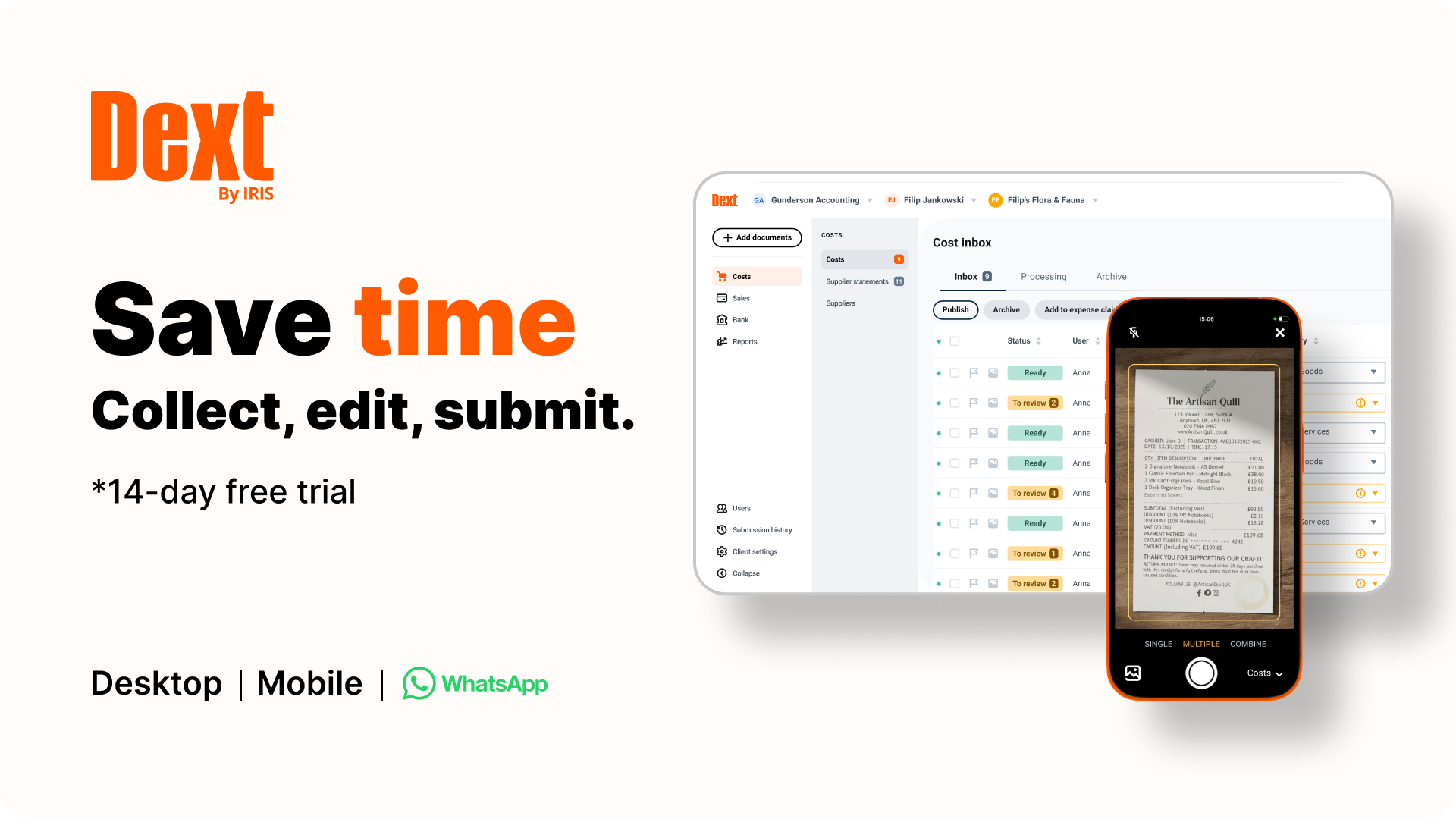
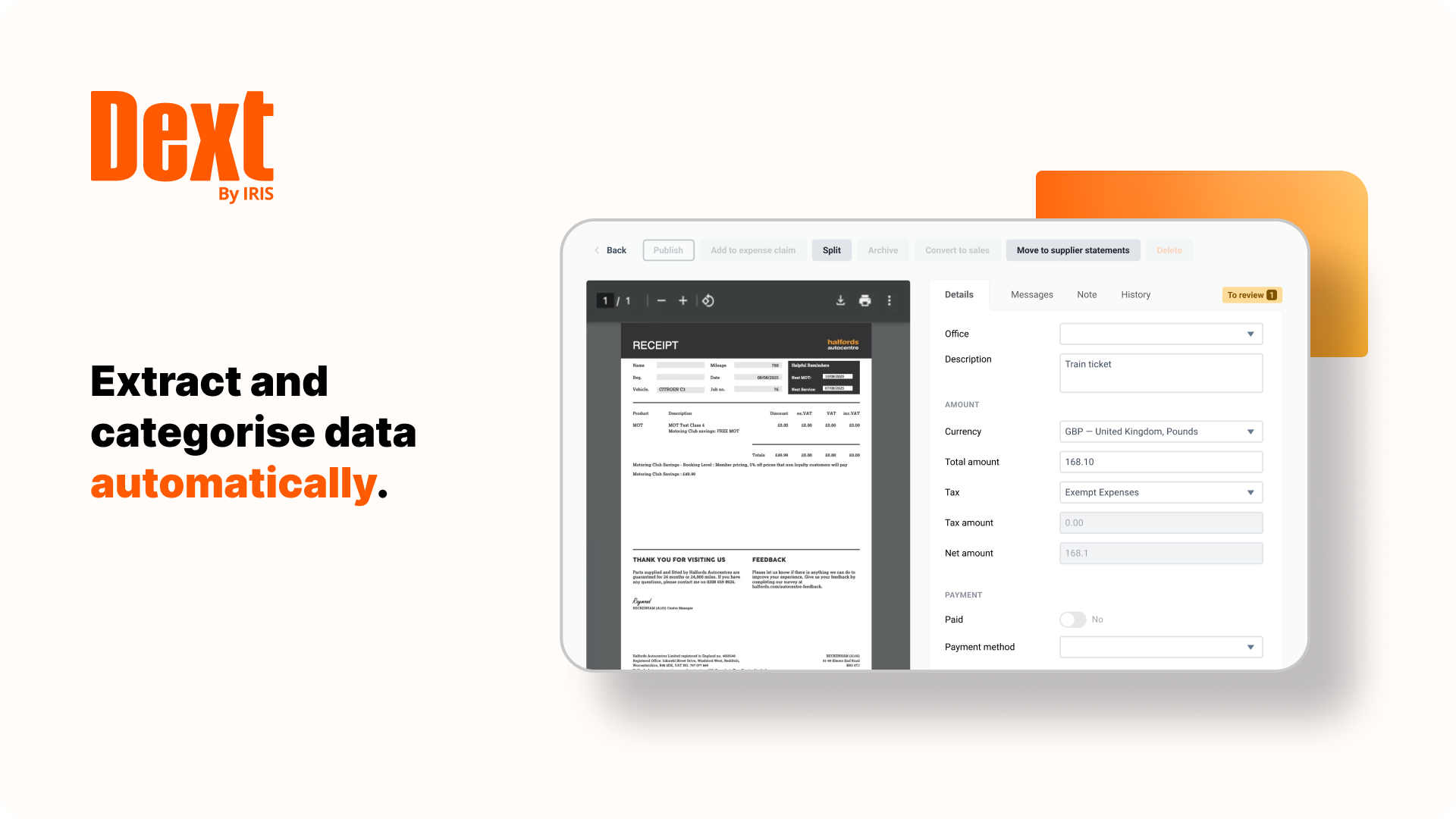
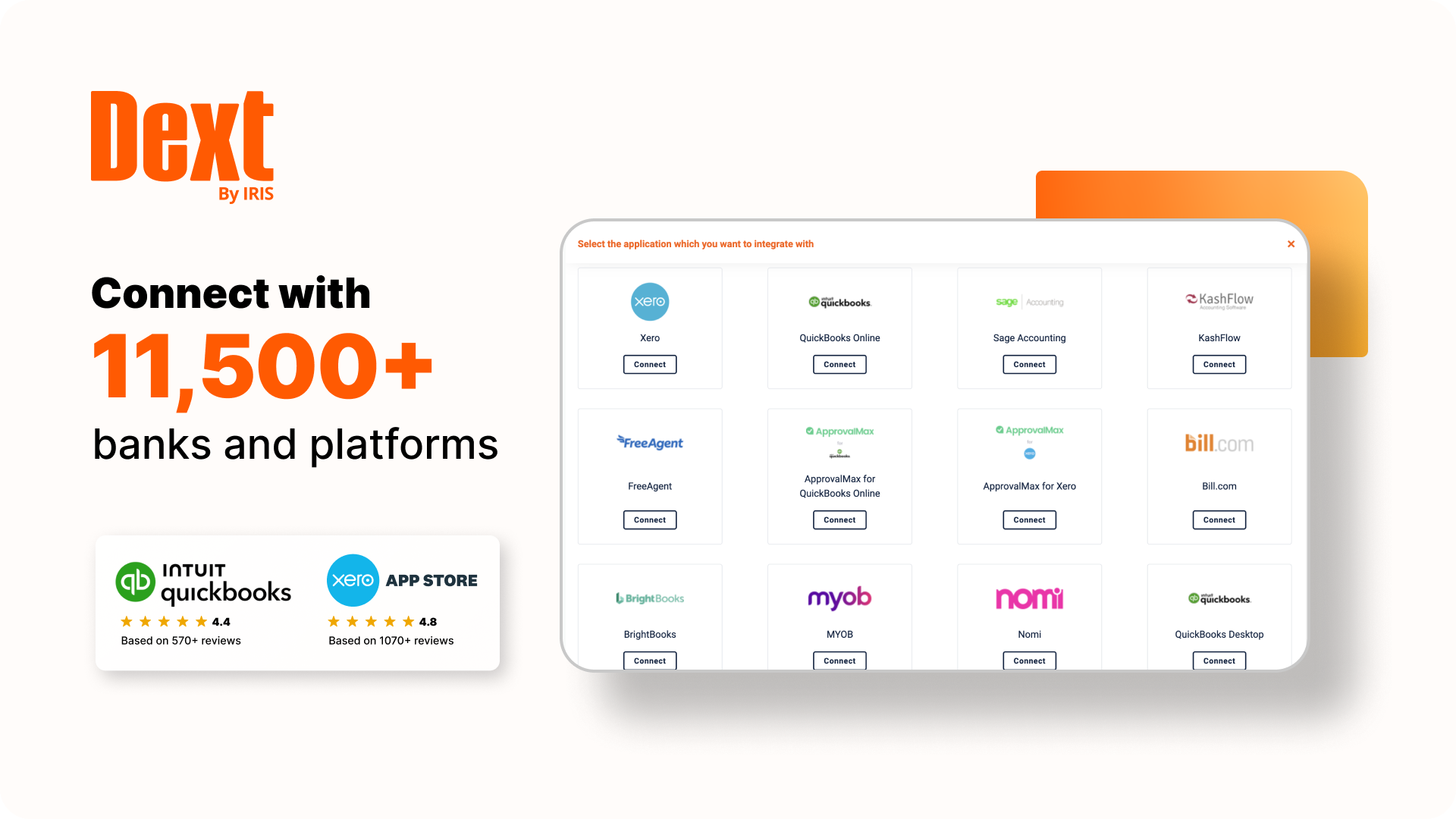
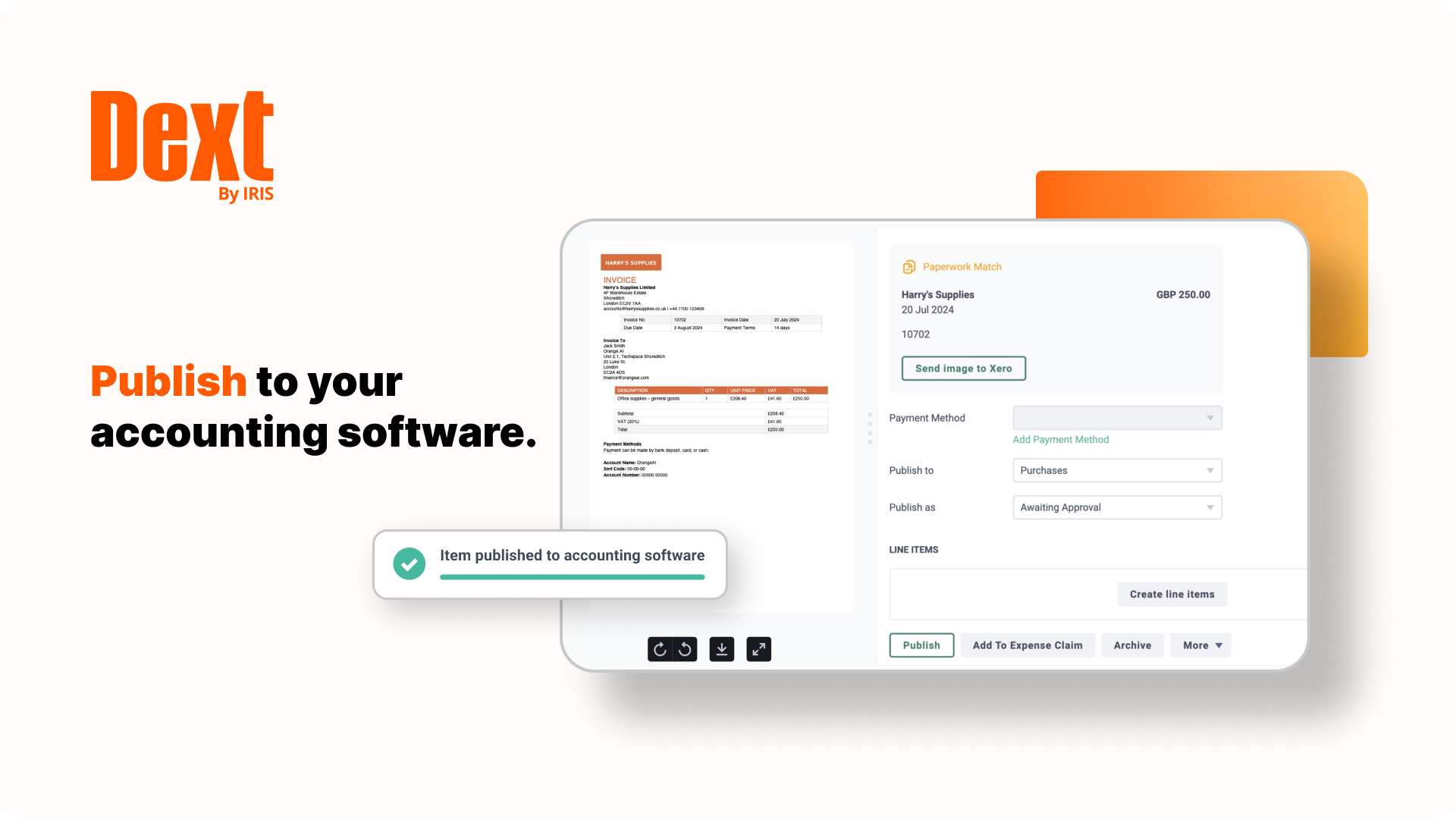
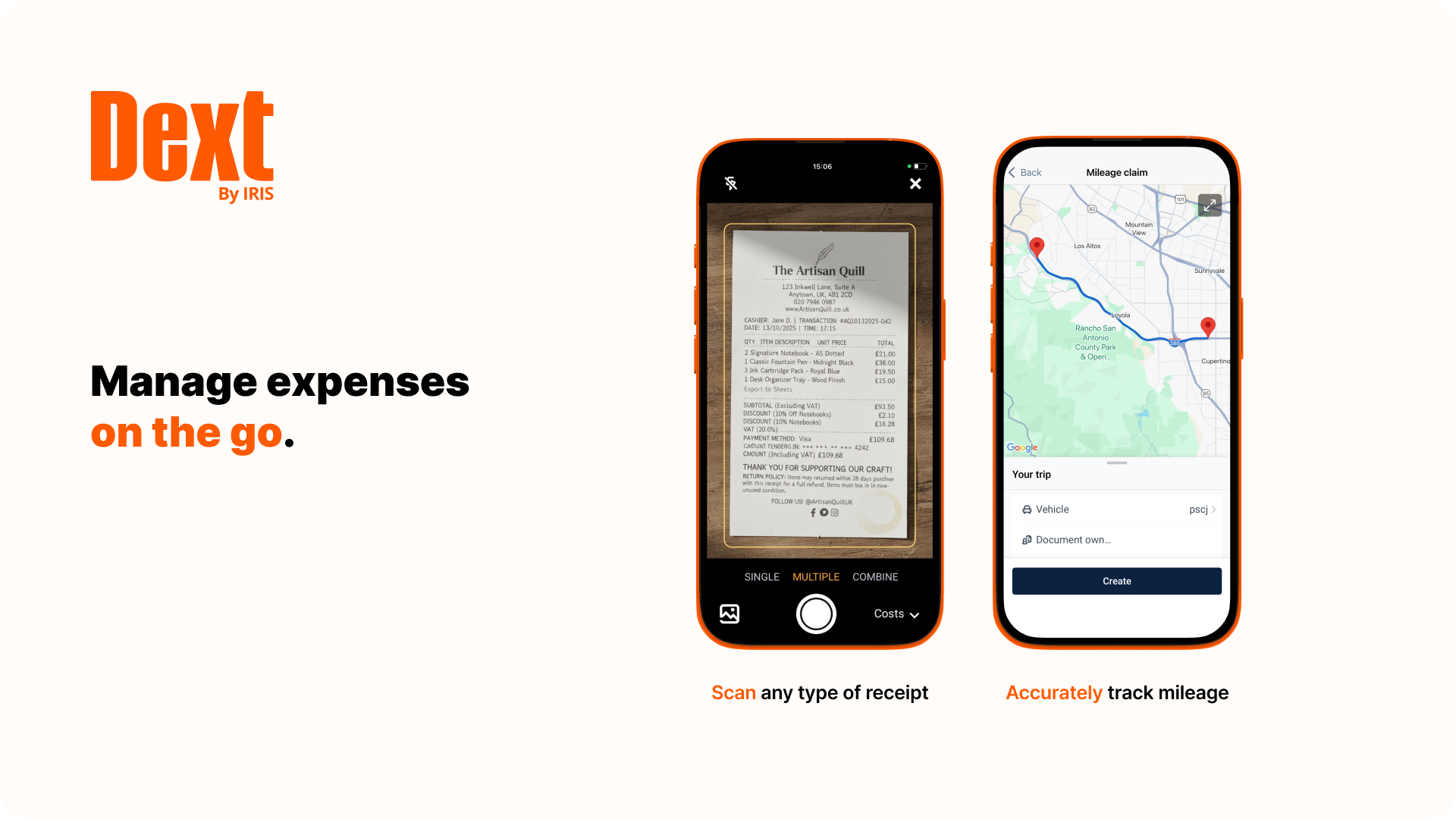
Dext is a bookkeeping automation platform now from IRIS (acquired December 2024) that eliminates much of the manual work associated to accounting processes.
$32
per month for 5 users (minimum) and 250 documents per month
Zoho CRM
Score8.4 out of 10
N/A
Zoho CRM is a simple, very low-cost CRM option for the smaller end of the SMB segment.
The product has several useful integrations with other products, including QuickBooks, and Google Apps and Google Docs.
The product also has an integrated project management module.
$14
per month
Pricing
Dext
Zoho CRM
Editions & Modules
Dext Essential (Pricing for practices)
$23.92
per month per client (10 minimum, for accounting & bookkeeping firms)
Dext Advanced (Pricing for practices)
$25.64
per month per client (10 minimum, for accounting & bookkeeping firms)
It is great for accounting firms. Easy to add and administer client accounts. Easy to integrate with QuickBooks Online. Easy for clients to capture and submit receipts on the go. It is hard to use for manual data entry, and if your clients frequently have very long receipts the Dext Mobile app does not work well as it compresses the image to the point where it is completely illegible. It does not seem to be designed for business owners to use directly rather than using it through their accounting firm.
A de minimis incentive was given to thank the reviewer for their time. The incentive was not used to bias or drive a particular response, nor was the incentive contingent on a positive endorsement. More Info
Interfacing with our target clients at the correct minute is crucial in today's society. Another valuable include is its capacity to coordinated with other programs. It helps me in keeping track of the every day work emails I send to my colleagues or get. Zoho CRM makes it straightforward to consequence or send out information agreeing to our needs. Zoho makes a difference keep in mind individuals by means of e-mail and pop-ups, which dispenses with the issue of overlooking follow-ups and reminders. This not as it were helps within the organization of this incredible instrument but moreover within the execution of data.
A de minimis incentive was given to thank the reviewer for their time. The incentive was not used to bias or drive a particular response, nor was the incentive contingent on a positive endorsement. TR verified that a representative sample of customers was invited. More Info
Receipt Bank does a stellar job of extracting information from photos of receipts and bills. I'd say 95% of the time the information pulled is correct, so very rarely do I have to correct an amount or date.
One feature I really enjoy is not only the syncing with Quickbooks Online, but the fact that it also pushes the image to Quickbooks Online as an attachment! This means that for every expense/bill processed through Receipt Bank, an image of it is available inside of the transaction inside of Quickbooks Online. This makes researching a breeze.
Receipt Bank makes it very simple for users to add documents to the platform. Each company receives a dedicated Receipt Bank email address, which they can email to and upload documents, or users can use the phone apps (which are really easy to use), or they can upload documents from their computer. Training our clients to use it really can't be any easier!
A de minimis incentive was given to thank the reviewer for their time. The incentive was not used to bias or drive a particular response, nor was the incentive contingent on a positive endorsement. More Info
A de minimis incentive was given to thank the reviewer for their time. The incentive was not used to bias or drive a particular response, nor was the incentive contingent on a positive endorsement. More Info
Receipt Bank Practice Platform has many great features. As they develop the platform I would like to see a rigorous review of all features so as not to add too many and overwhelm my team.
Having the flexibility to pick and choose from a suite of features and implement the ones that best suit my practice. A tailor made Receipt Bank Practice Platform. this would allow my practice to grow into the features rather than be overwhelmed by too many.
A de minimis incentive was given to thank the reviewer for their time. The incentive was not used to bias or drive a particular response, nor was the incentive contingent on a positive endorsement. More Info
Need some way to switch a field type without losing the pre-existing data.
The settings controls should be broken out differently - I don't like that I can't keep some users from exporting all contact records (i.e., the entire Contacts module) because if the export function is turned off, the export function of Reports for those same modules is also blocked.
Frustrating that only 3 custom lookup fields are allowed per module in our license.
A de minimis incentive was given to thank the reviewer for their time. The incentive was not used to bias or drive a particular response, nor was the incentive contingent on a positive endorsement. TR verified that a representative sample of customers was invited. More Info
Dext is the best way for us to manage our business expenses. Physical and PDF receipts/invoices will be around for a while, but the move to eInvoicing is very good and we look forward to Dext adding this feature
A de minimis incentive was given to thank the reviewer for their time. The incentive was not used to bias or drive a particular response, nor was the incentive contingent on a positive endorsement. More Info
i have already renewed my subscription twice. I am in the 3rd Year now. I have been using it for a while and have been recommending to my friends as well.. have attended ZOHOLICs the annual program of zoho and it gave me new insights of managing the crm solutoin.
A de minimis incentive was given to thank the reviewer for their time. The incentive was not used to bias or drive a particular response, nor was the incentive contingent on a positive endorsement. More Info
Dext Prepare's usability is great, it has lots of functions and you can scan any type of document, including hard copy handwritten documents. It is not very accurate but it is handwritten!! Apart from it, you can use multiple functions like one page at a time, multiple, in bulk. You can send emails with multiple attachments and one of the greatest function is the mobile application capabilities.
A de minimis incentive was given to thank the reviewer for their time. The incentive was not used to bias or drive a particular response, nor was the incentive contingent on a positive endorsement. More Info
The methodology of the 'out of the box' user interface is fairly easy to learn. In some cases however, the interface is not consistent throughout the software. Upgrades to the interface has certainly improved some of this--- but now we are seeing the same kinds of inconsistencies across Zoho apps, particularly those more recently added to their platform. This issue is not major in that everybody on staff seems able to learn how to work the programs--- it's just annoying and less than efficient when inconsistent user interfaces or inconsistent terms are used in the programs and/or the requisite documentation.
A de minimis incentive was given to thank the reviewer for their time. The incentive was not used to bias or drive a particular response, nor was the incentive contingent on a positive endorsement. More Info
In my many years using Zoho, I think there were only 1 or 2 days when there was something happening and I was not able to log in. Sure, it wasn't fun and we all panicked a bit, but right after that, all was well and work-life continued. Being cloud based, I'm never worried about losing my iPhone, iPad or Laptop as I know I can log in anywhere on any device and workflow won't stop.
A de minimis incentive was given to thank the reviewer for their time. The incentive was not used to bias or drive a particular response, nor was the incentive contingent on a positive endorsement. More Info
I don't recall every having any issues with a page not loading due to it being a Zoho issue. Anytime I've had any issues with something being wonky, I clear cache and that has always solved the problem. Or a simply computer reboot and we're back, hard at work. Look, I don't expect any product to delivery 100%, 100% of the time but if I had any consistent ongoing issues, I would have left many years ago. I still keep my eyes open to what is new but after a quick evaluation, I know Zoho will long be my home.
A de minimis incentive was given to thank the reviewer for their time. The incentive was not used to bias or drive a particular response, nor was the incentive contingent on a positive endorsement. More Info
When I think I have broken the platform the help guys and girls are simply fantastic. They take time to understand the problem and usually resolve the issue on the spot. I have not had to wait more than an hour to get anything resolved - be that an issue I have created or a fault in my understanding of the program. Can't rate their support I have received to date highly enough.
A de minimis incentive was given to thank the reviewer for their time. The incentive was not used to bias or drive a particular response, nor was the incentive contingent on a positive endorsement. More Info
We did the training and that was a huge waste of money. The information provided was basic and the instructor was sloppy (he even forgot to turn off his mic when he used the restroom - no one should ever hear what we heard). I offered up a 9 because we were able to find what we needed on your website.
A de minimis incentive was given to thank the reviewer for their time. The incentive was not used to bias or drive a particular response, nor was the incentive contingent on a positive endorsement. More Info
I attended a Zoho-Holics event in Austin, TX, several years ago, and it blew my mind. So many industries were represented using Zoho in so many different ways. It was unbelievable all that I learned from that experience, as there were features that I wasn't aware of that I immediately started using. Best of all, the trainers were patient and knowledgeable
A de minimis incentive was given to thank the reviewer for their time. The incentive was not used to bias or drive a particular response, nor was the incentive contingent on a positive endorsement. More Info
There is an endless supply of YouTube videos from Zoho and the many Zoho partners/consultants. Plus, Zoho has it's own library of training videos and webinars to learn from plus an entire community at the ready to answer any questions. While Zoho has been available for many years, there are constantly new training videos and webinars available for the novice and the experienced users.
A de minimis incentive was given to thank the reviewer for their time. The incentive was not used to bias or drive a particular response, nor was the incentive contingent on a positive endorsement. More Info
When you switch CRMs, you can automatically assume everything isn’t going to match up correctly. We had used Salesforce for 10+ years and had a ton of data and customizations. It was not a clean transfer, but we were able to sort it all out. The only issue that really bothered me was Zoho support. Even simple questions couldn’t be answered over chat, and we would have some team members try for hours to find the right answer
A de minimis incentive was given to thank the reviewer for their time. The incentive was not used to bias or drive a particular response, nor was the incentive contingent on a positive endorsement. TR verified that a representative sample of customers was invited. More Info
Dext is much easier to use than Hubdoc. You can approve documents in batches whereas in Hubdoc you need to review each document separately. Once Dext is set up properly, there is little need to review every document.
Hubdoc does have the ability to save documents to an external site, like Google docs as a backup.
Free user access was one reason to use it more than any other software. Also, for a mid-size organization, the Salesforce cost was a little higher, and Pipedrive was almost similar to Zoho. As we were already using Zoho, we found no urgency to switch.
A de minimis incentive was given to thank the reviewer for their time. The incentive was not used to bias or drive a particular response, nor was the incentive contingent on a positive endorsement. TR verified that a representative sample of customers was invited. More Info
I think Zoho CRM is priced at a reasonable amount. Simply put, you get what you pay for and Zoho does not disappoint. My organization is comfortable with what we pay and pleased with continually renewing the software. The billing frequency is just right. There are no complaints on our end
A de minimis incentive was given to thank the reviewer for their time. The incentive was not used to bias or drive a particular response, nor was the incentive contingent on a positive endorsement. TR verified that a representative sample of customers was invited. More Info
We're still in the early stages of scaling this across departments. We have high aspirations of doing this, but it takes time to migrate to the new system and to help people get acquainted of doing their work in a different way thru Zoho.
A de minimis incentive was given to thank the reviewer for their time. The incentive was not used to bias or drive a particular response, nor was the incentive contingent on a positive endorsement. More Info
In addition to being a user of Zoho CRM, we are a reseller as well. Often, at times our Partners request for on-boarding the platform configuration for them. During such requirements, we have utilized the Professional services team directly from the Zoho CRM team. Our partner feedback was quite positive, throughout.
A de minimis incentive was given to thank the reviewer for their time. The incentive was not used to bias or drive a particular response, nor was the incentive contingent on a positive endorsement. TR verified that a representative sample of customers was invited. More Info
I am a single operator Bookkeeping business and run a very profitable business because DEXT provides me a very efficient process to capture critical data without the need for additional manpower.
The information DEXT captures, stores and reports helps me plan an present relevant information to the client to support pricing increases at client reviews
The information DEXT contains helps me present business insights to the client thereby assisting in their business aspirations which helps deepen client relationships
A de minimis incentive was given to thank the reviewer for their time. The incentive was not used to bias or drive a particular response, nor was the incentive contingent on a positive endorsement. More Info
A de minimis incentive was given to thank the reviewer for their time. The incentive was not used to bias or drive a particular response, nor was the incentive contingent on a positive endorsement. More Info