Based in New York City, ElaBoard is an online whiteboard platform for distributed team collaboration. The platform's limitless working canvas facilitates its more than 5M users to lead engaging workshops and meetings, innovate products, and brainstorm conceptions. It is excellent for cross-functional teams at organizations of all sizes, regardless of industry.
$7
per month per user
HipChat (discontinued)
Score 9.7 out of 10
N/A
Hipchat was discontinued by Atlassian. Users are being migrated to Slack.
N/A
Pricing
ElaBoard
HipChat (discontinued)
Editions & Modules
Starter
$7
per month per user
Professional
$14
per month per user
Business
$25
per month per user
Enterprise
$40
per month per user
No answers on this topic
Offerings
Pricing Offerings
ElaBoard
HipChat (discontinued)
Free Trial
Yes
Yes
Free/Freemium Version
No
Yes
Premium Consulting/Integration Services
No
Yes
Entry-level Setup Fee
No setup fee
No setup fee
Additional Details
A 14 day free trial is available so you can try Elaboard before you buy. Elaboard has 4 pricing editions, ranging from $7 to $40 per user per month.
—
More Pricing Information
Community Pulse
ElaBoard
HipChat (discontinued)
Features
ElaBoard
HipChat (discontinued)
Project Management
Comparison of Project Management features of Product A and Product B
ElaBoard
9.3
3 Ratings
18% above category average
HipChat (discontinued)
7.3
106 Ratings
6% below category average
Task Management
9.33 Ratings
00 Ratings
Mobile Access
00 Ratings
7.397 Ratings
Search
00 Ratings
7.2103 Ratings
File Sharing & Management
Comparison of File Sharing & Management features of Product A and Product B
ElaBoard
8.7
3 Ratings
8% above category average
HipChat (discontinued)
6.3
95 Ratings
24% below category average
Document collaboration
8.73 Ratings
00 Ratings
Video files
00 Ratings
6.585 Ratings
Audio files
00 Ratings
6.873 Ratings
Access control
00 Ratings
6.660 Ratings
Advanced security features
00 Ratings
5.949 Ratings
Integrates with Google Drive
00 Ratings
6.027 Ratings
Device sync
00 Ratings
6.055 Ratings
Communication
Comparison of Communication features of Product A and Product B
ElaBoard is particularly well-suited for creating engaging visuals for presentations, bulletin boards, and classroom door decorations. It is also great for managing projects and providing resources to help users collaborate more easily. Additionally, ElaBoard is great for quickly creating and sharing documents and materials with other users.When it comes to more complex tasks, such as creating animations and transitions, ElaBoard may not be the best option. Additionally, ElaBoard does not offer many customization options, making it difficult to create unique visuals that capture the user's desired look and feel. Finally, ElaBoard's search and filtering tools could be improved, as it can be difficult to quickly find the materials needed for a project.
It provides a number of tools, such as a calendar, task lists, frameworks, tracking charts, shares, real-time notifications, and more.
It allows us to create projects, share files, have real-time conversations and keep up with the activity of other team members.
Analysis tools include interactive charts, pivot tables, performance and resource usage reports, and more. These tools allow users to gain a deep understanding of the results of their projects.
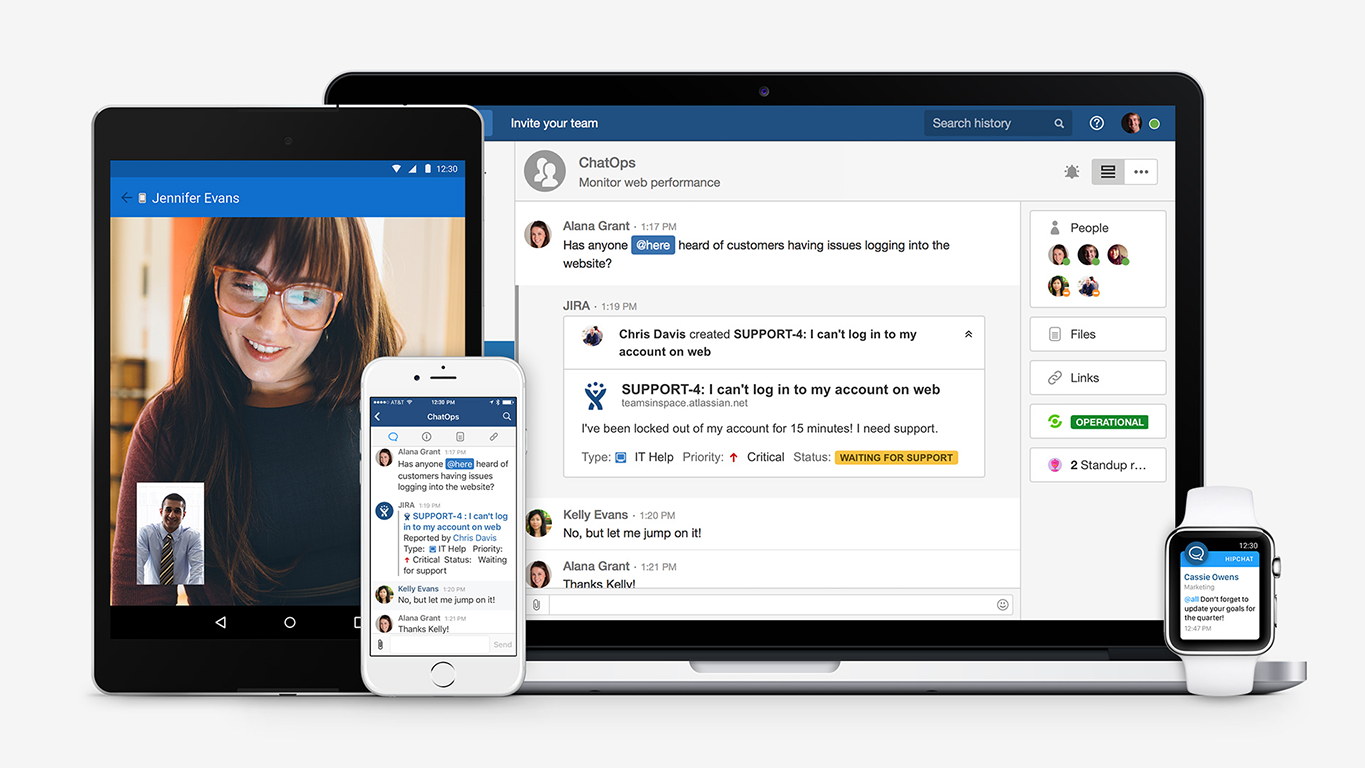
HipChat is very stable and reliable. I have never had issues with not being able to connect or being able to communicate with others on HipChat.
HipChat integrates quite well with other applications, such as Jira and Stash. This is a main selling point for my team. It provides a convenient feed of actions on a JIRA story or Stash pull request.
HipCat does a good job of allowing 1-1 and group chats. It is simple to start a new conversation and it is easy to hold a group conversation and keep track of who is in the room.
I like how HipChat has away/here/on mobile statuses. This makes it easy to see if a person is available to be contacted.
Mobile app is not very responsive on iOS. Sometimes connection to Hipchat servers is taking too long even on good networks.
Both mobile and desktop versions have no alphabetical or recent sorting for groups and chat rooms.
Video and audio calls are pretty useless, they're slow and not always work.
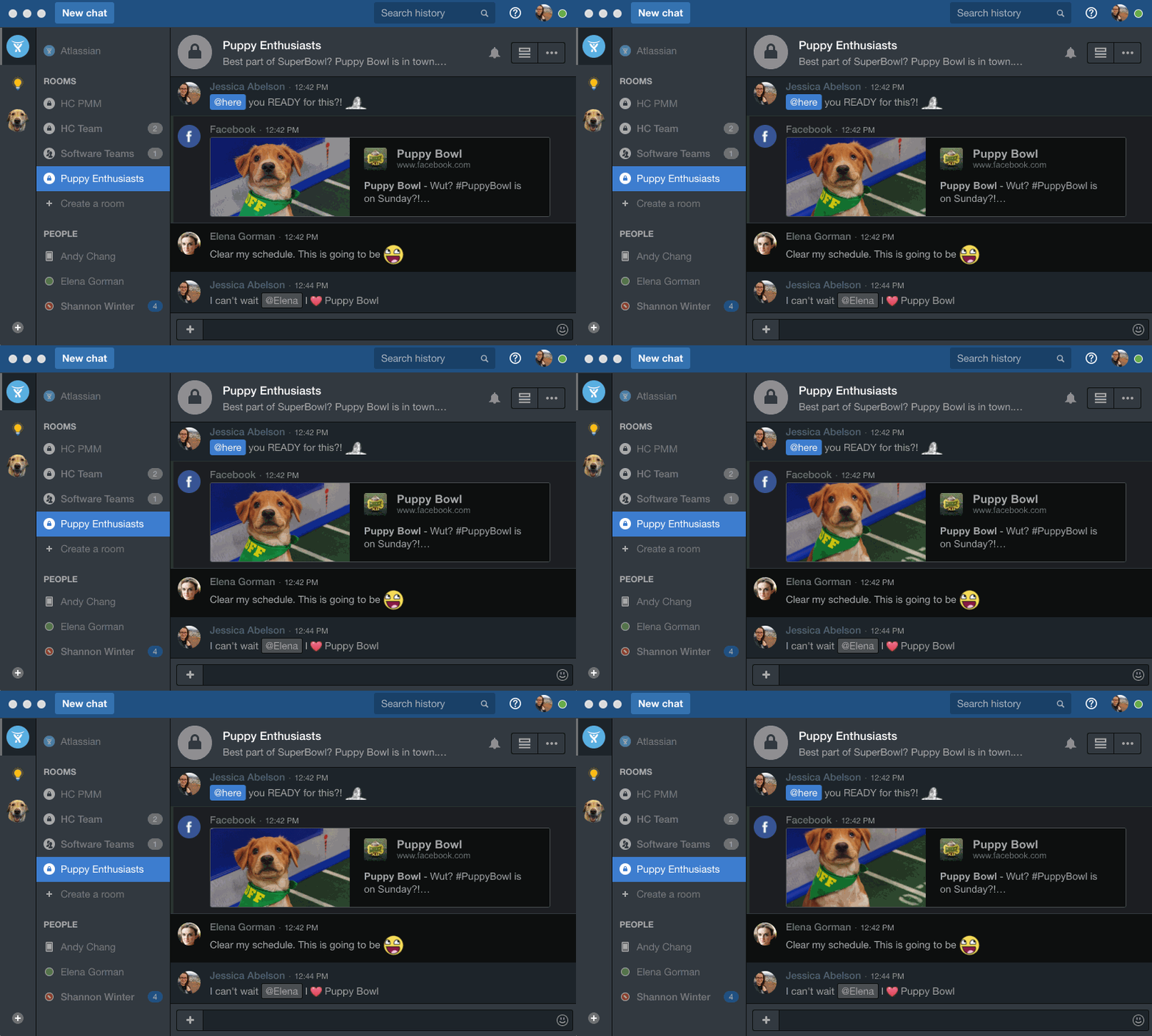
The whole user interface is simple but very outdated - apparently Atlassian didn't focus too much on Hipchat even though they tried in the last 2 years.
We give ElaBoard a 10 out of 10 rating because it has proven to be an invaluable tool for our organization. ElaBoard has allowed us to easily set and track our goals, collaborate with cross-functional teams, manage our budget, forecast our expenses, develop successful products, and track progress on various projects. Additionally, ElaBoard has enabled us to quickly and easily visualize complex data sets, create custom workflows, and create presentation-style slideshows. These features, along with ElaBoard's intuitive user interface and responsive customer support team, make it an ideal choice for our organization and make us confident that it will continue to provide the features and functionality we need in the future.
I gave ElaBoard an 8 rating for its overall usability because it provides an intuitive and user-friendly platform for teams to collaborate on a variety of tasks. The kindergarten management system was a great addition, as it allowed us to keep track of the kids inside the home or in the kindergarten. Additionally, the library of educational resources and games was also very useful. Furthermore, the platform is easy to set up and navigate, and the customer service team is responsive and helpful. Overall, ElaBoard makes it easy for teams to work together and efficiently get things done.
The app itself had a pleasant if not generic interface. As a user experience expert and engineer I can say the interface is fairly intuitive if not bland. It does what you expect it to do and it's available on iOS and Android devices. If I recall it was generally pretty light weight in terms of installation size.
I gave ElaBoard a rating of 9 out of 10 for availability because it is designed to be extremely reliable, and it is backed by a team of experienced engineers and administrators who are dedicated to ensuring the product is available whenever it is needed. Additionally, ElaBoard has multiple layers of redundancy and failover built into the system to ensure that there are no single points of failure and that the system remains available even in the event of an unexpected outage. Furthermore, ElaBoard's servers are regularly monitored and maintained to ensure that the system is running optimally.
I gave ElaBoard a rating of 9 out of 10 for performance because it is designed to be extremely fast, and it is optimized for both speed and efficiency. Pages on the platform load quickly, and reports tend to complete in a reasonable amount of time, given their complexity. Additionally, ElaBoard is designed to be light on resources, so it doesn't slow down other software or systems it might be integrated with. Furthermore, ElaBoard's servers are regularly monitored and maintained to ensure that the system is running optimally.
I give ElaBoard an 8 out of 10 rating because of the helpfulness and responsiveness of their customer service team. They have a knowledge base with detailed instructions and guides, as well as a dedicated customer service team that is available to answer questions. In my experience, the support team has been friendly, knowledgeable, and helpful in resolving my issues quickly and efficiently. Additionally, I found that the product itself was easy to use and had a wide range of features that met my needs.
HipChat support is good . Responds in timely manner when ever we have raised the request via email , phone and gives us continue update on the request .Though most of the questions are answered by HipChat FAQs , but they can still improve it and add more to the knowledge base .
Key insights regarding the implementation of ElaBoard include the importance of planning, gathering stakeholder buy-in, ensuring compatibility with existing systems, providing sufficient training and support, and monitoring the implementation process to ensure it achieves the desired outcomes. Additionally, it is important to consider the potential impact of the change on those affected by it and to ensure that data is migrated correctly. Lastly, it is important to ensure that the implementation process is completed on time and within budget.
Interface of Ela Board is better and user-friendly. It is dependent on the G Suite and may not be considered as an independent Whiteboard. Very limited tools available. Media tools are not available. Being a google product, the we were not confident on the security front. Limited and not so good templates are available. However, you can change the background colors & images but it do not give a feel of full functional and professional solution
We tried a lot of chat clients before choosing HipChat. The Skype for Business UI on the Mac side was 5 years old and terrible. Mac users hated the app including our CTO. Cisco Jabber was expensive to license and maintain; Skype was open to the public which took time away due to users dealing with spam and could allow viruses and malware. HipChat being a closed product, centrally managed and available to try without an upfront investment was perfect for our environment. All our Agile teams have their own room, chat and can communicate with others quickly and easily.
I gave ElaBoard a rating of 9 out of 10 for scalability because it is designed to be flexible and easily configurable, allowing organizations to quickly and easily adjust the system to their needs. Additionally, the product can be easily deployed in a variety of environments and scales to meet the needs of the organization. Furthermore, ElaBoard provides a wide range of features and tools that make it easy to integrate and manage data from multiple sources, as well as to create custom visualizations and reports. All of these features make ElaBoard an excellent choice for organizations looking for a highly scalable solution.
Actually I never shared of HipChat using with more than 25 persons in team simultaneously, but I believe it can be scaled for much largest collaboration teams. At least it works flawlessly for us, with transparent integration with Jira, and I am not see any reasons for some troubles for work at big scale.
HipChat has increased the effiency with which I am able to communicate with my coworkers, particularly those who work out of other offices. Having a light, portable messaging solution has been beneficial for checking in on small things without the need to send emails or schedule phone calls.