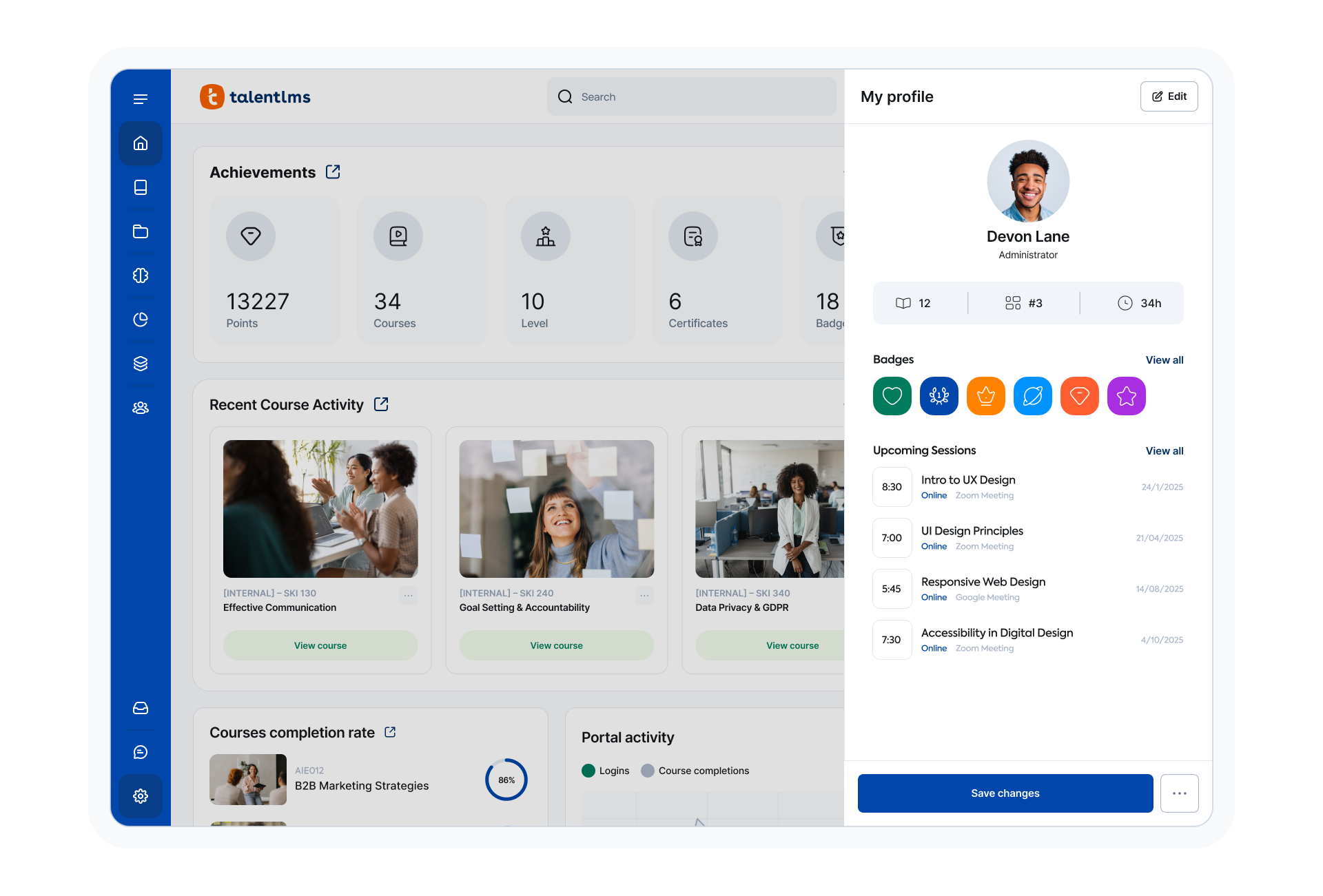
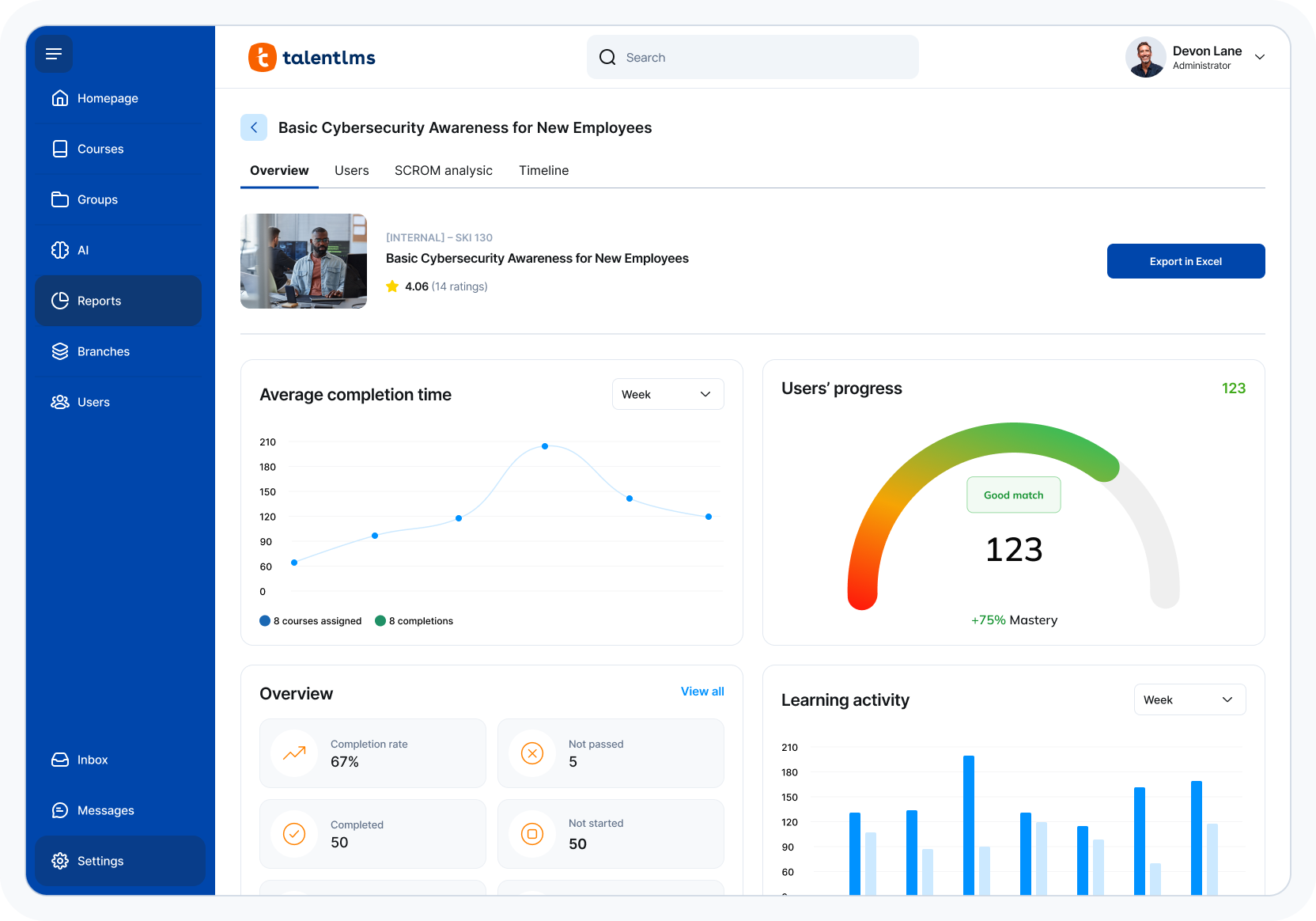
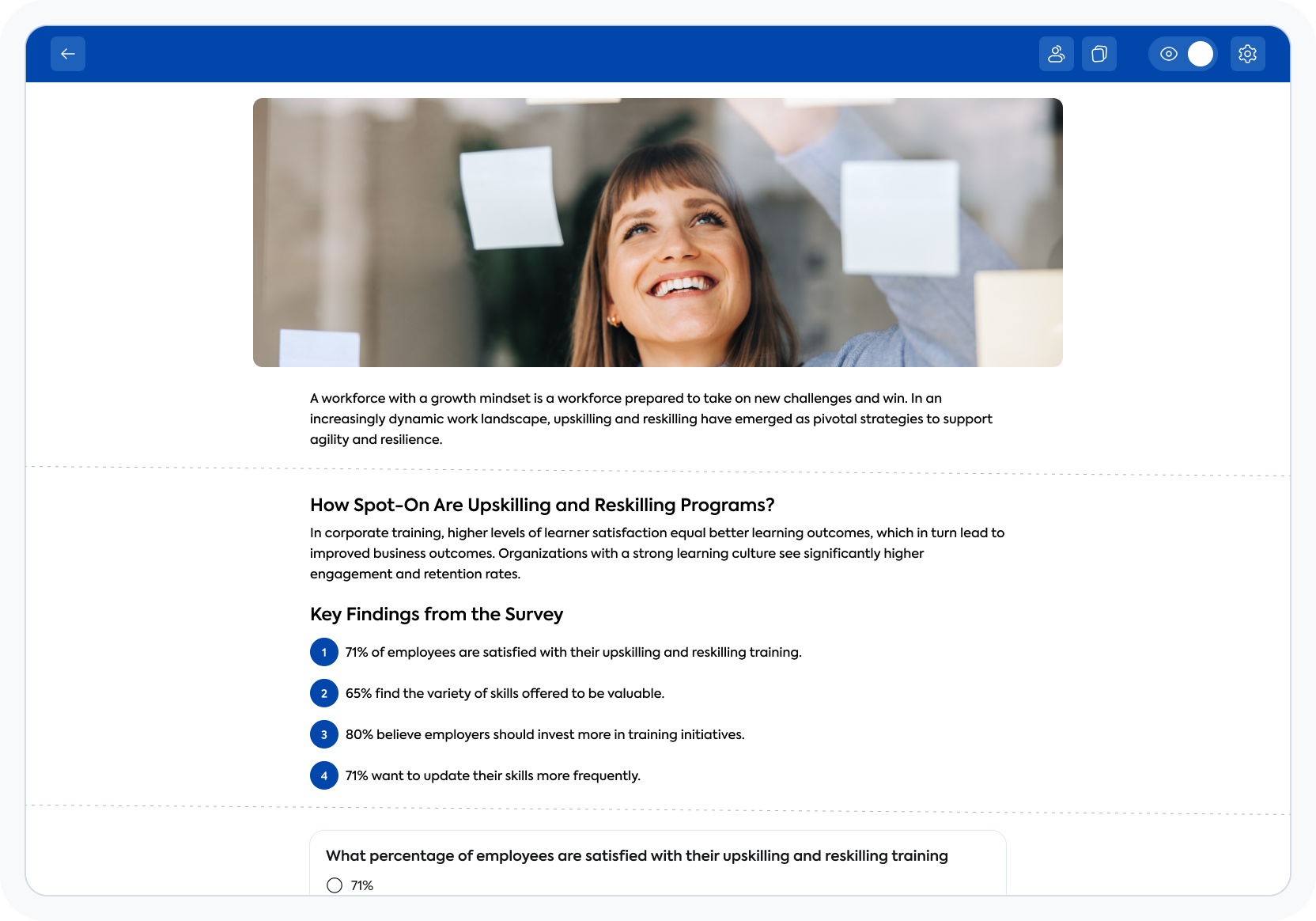
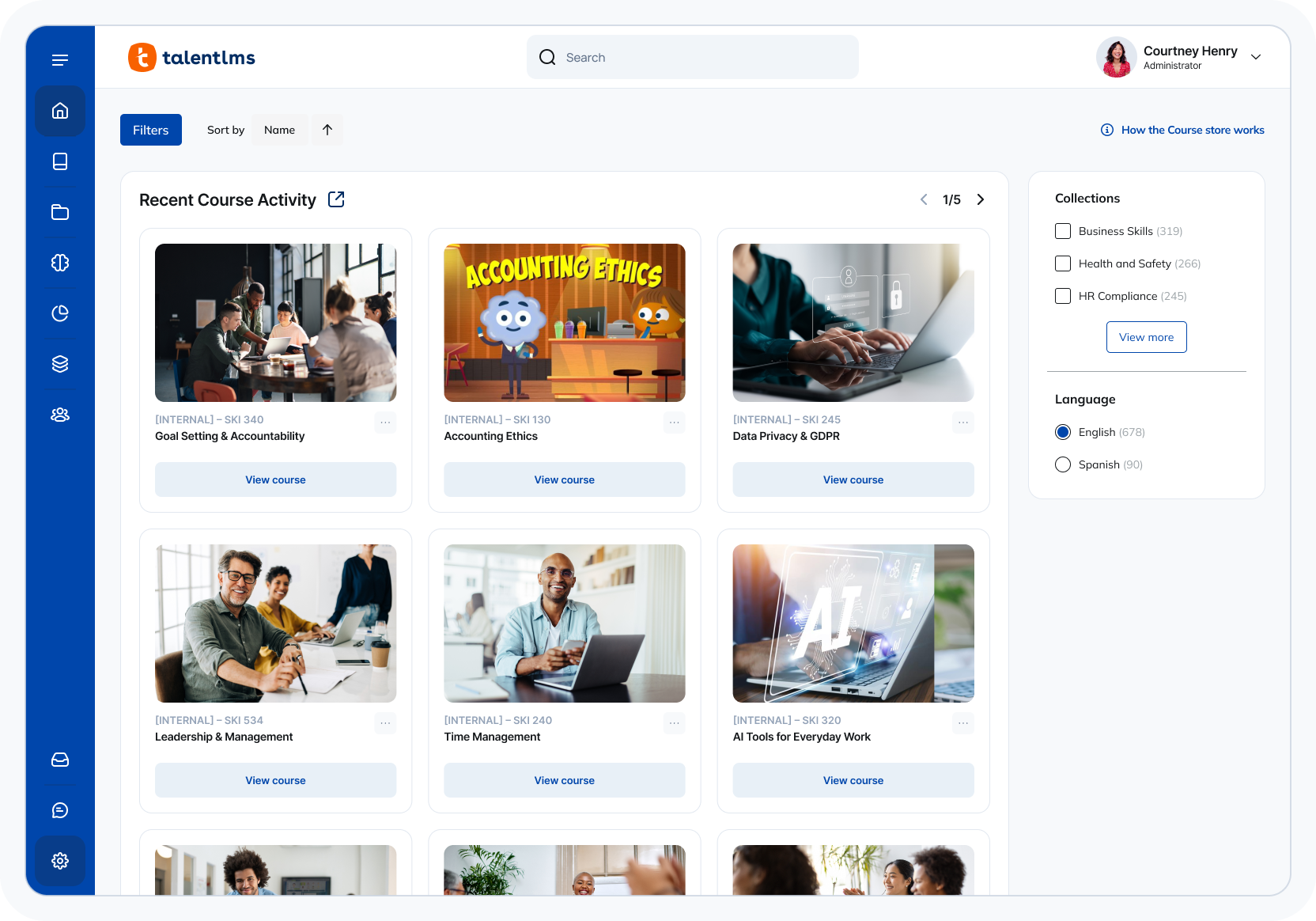
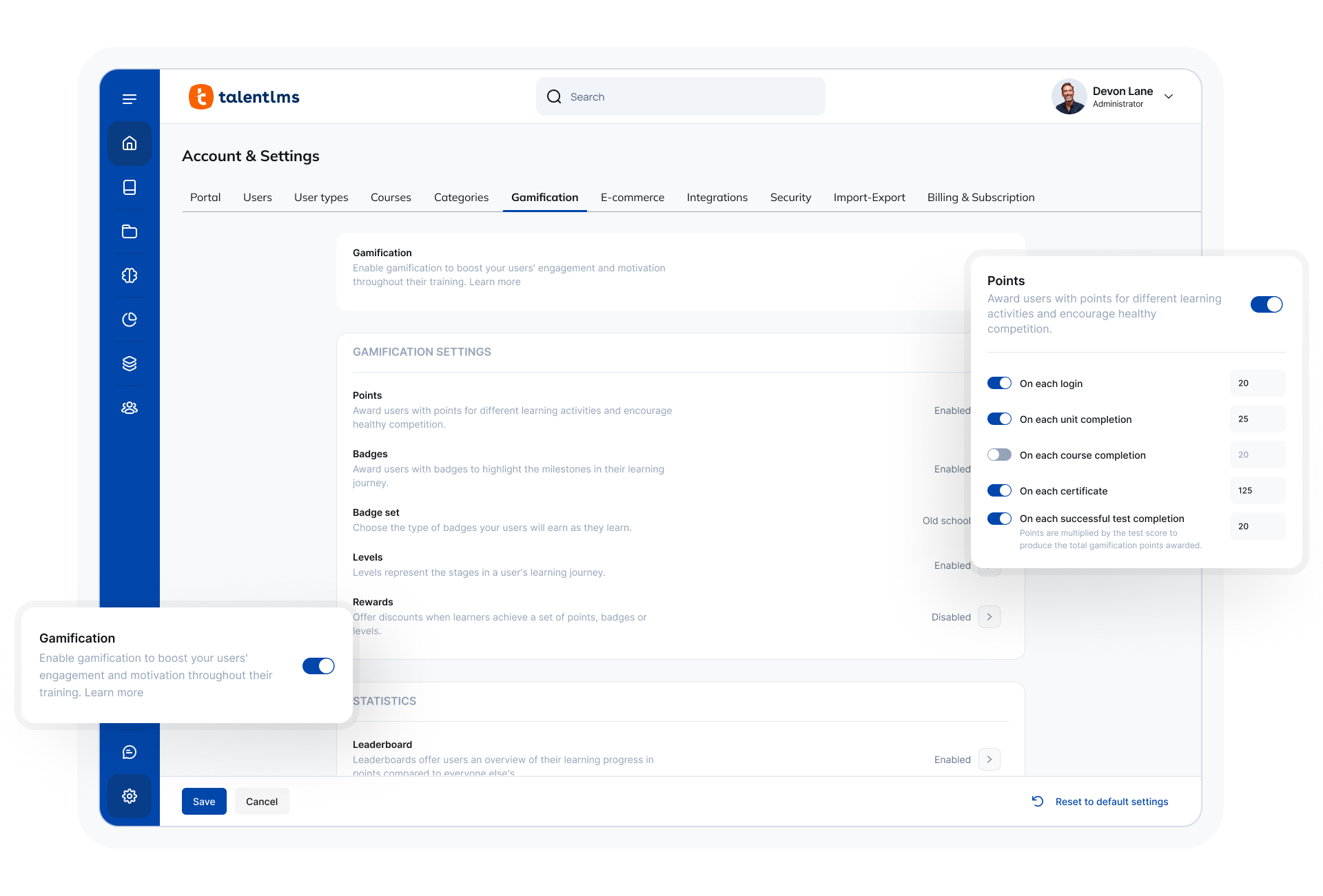
TalentLMS is an LMS built for training success, presented as fully customizable and easy to manage, so that teams embrace training while feeling right at home. It is used to provide the right training to any team and every use, while giving expert guidance and support every step of the way.
$149
per month 1-40 users
Trakstar Learn
Score 9.0 out of 10
Enterprise companies (1,001+ employees)
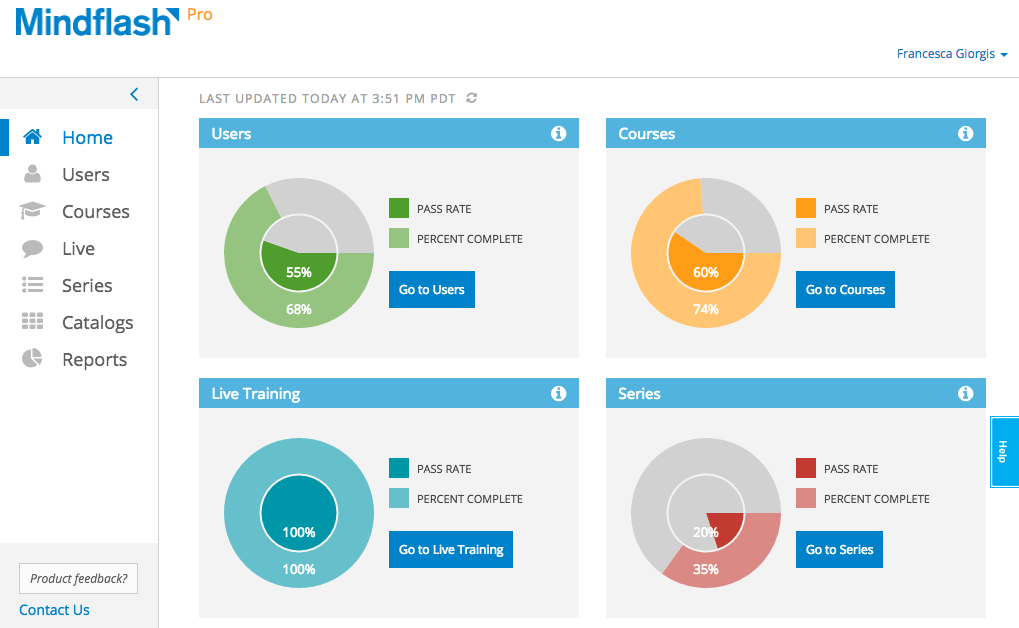
Trakstar Learn (formerly Mindflash) is an online training platform. Users can create courses, add quizzes and track results. Users can upload external content and access the platform via mobile devices. It also provides user management and reporting for internal and external training and scaling purposes.
$149
per month
Pricing
TalentLMS
Trakstar Learn
Editions & Modules
Core
$149
per month 1-40 users
Grow
$299
per month 1-70 users
Pro
$579
per month 1-100 users
Enterprise (Custom plan)
Custom
annual plan Starts at 1000 users
Basic
249/mo
Advanced
599/mo
500 trainees
Pro
1,199/mo
1000 trainees
Enterprise
Call for details
Unlimited
Offerings
Pricing Offerings
TalentLMS
Trakstar Learn
Free Trial
No
Yes
Free/Freemium Version
Yes
No
Premium Consulting/Integration Services
No
No
Entry-level Setup Fee
No setup fee
No setup fee
Additional Details
Users can stay on the Forever Free plan and upgrade, or downgrade or cancel at any time. Higher volume plans available at additional cost. Discount available for annual billing, and for nonprofits.
—
More Pricing Information
Community Pulse
TalentLMS
Trakstar Learn
Considered Both Products
TalentLMS
No answer on this topic
Trakstar Learn
Verified User
Manager
Chose Trakstar Learn
The ease of use for both learners and administrators in Mindflash is unbeatable in my opinion. The system may not have all the fancy bells and whistles that Cornerstone or Litmos has but we didn’t need all that and honestly, it was all getting in the way.
TalentLMS is user-friendly enough for someone new to LMS management can get a site up and running in a relatively quick manner. It is rather intuitive to operate. My needs have been a rather small scale of 400 learners and TalentLMS more than meets the need to produce a professional-looking and operational website to send customers and staff. The point here is that although I do not know how well it can be up-scaled, it certainly delivers for small to medium organizations to need to get content online
We use Mindflash for a lot of our internal training needs, and it is very versatile to accomplish your needs in training employees in a variety of different areas. I've never tried to use it for external needs, but I feel like the software at the advanced level wouldn't suit that need very well at all. At the Pro level, you get a lot more flexibility, but the cost is prohibitive for the size of our company.
Email notifications have arbitrary limits on what information can be included. For example, you cannot include the user password in any notification email regarding course enrollment, group enrollment, etc.
Notification emails are not sent out in a reasonable time frame. Sometimes, it takes over 20 minutes for a new user to get their registration email.
It would be nice to get reports in the base domain containing customer user fields from various branches.
Integration with Salesforce using professional level software. Mindflash's limited integration to only work with the higher level of Salesforce product.
More brand customization for multiple product line trainings.
Communication of trainers using Mindflash and sales team. We have multiple trainers sending invitations for training with no way for them to communicate with our sales team when a person has completed training.
The ease of use, the robustness of the offering, and familiarity. It does everything we need and probably more. We likley don't utilize all the functionality it has as it does what we want it to without having to dig that deep into its tools. Their course library also has saved us some time in terms of saving time from creating some basic courses.
The number of people using Mindflash is only going to rise and we need a system that remains easy to use for everyone involved. [update] This is especially vital now that we've lost head count in critical departments. Getting all of our training and Safety objectives met would be impossible without Mindflash.
The system is intuitive. It does not have a lot of features that are hidden behind secret menus or elsewhere. There are often multiple ways to get to the same place through different menus without having to go back to the home or root menu. It makes things pretty easy. Additionally, if there is something I can't figure out, there is documentation available to help with that.
The interface is just so simple to understand. It's clean and efficient. We showed Mindflash off to the Safety group, who are not computer gurus and they were beyong excited to use it.
Quick answer, comprehensive, and customized. I sent an email with multiple questions and feedback about their new UI, and the agent addressed all of them directly and honestly no sugar-coating and no call center lingo. Most questions can also be addressed directly in their UI with a really good help center widget.
Any problems or questions we have had with Mindflash have been handled promptly and effectively. I normally use the online chat option but have had to correspond with them through email and phone as well. We have never had an issue languish for weeks or months with Mindflash. They either fix the problem or let you know that the software isn't capable to handle the need at that point.
Implementation was relatively easy. When we set up a second branch, we needed a little help. But the support area is well-detailed. My clients had no experience with an LMS and their digital skills were limited. We had a long way to go. Nevertheless, it was relatively easy. It was rather quick!
If you're going to develop a short course to demo the product internally, don't bother avoiding your own topics. Mindflash rolls whatever content you create during the trial into your production environment when you decide to buy. The time taken to go from not having a system to being live with Mindflash is virtually instant. What you'll be wanting for is time to develop content and people to test it out.
Both are good, but the pricing and general value proposition of Talent LMS are better than Trainual in my opinion. Trainual is a bit more modern and cleaner looking from a user interface perspective, but it comes at a higher cost. Both platforms provide very similar features in the way of general functionality and user experience, but Talent LMS wins because of its better pricing model.
This is an alternate software that we have looked into, right now we don't have the need for the increased flexibility that Lesson.ly provides with learning from your mobile or tablet. We haven't seen a lot of those things as particularly useful for our current training methods, but we see the quality to be similar.
Mindflash has had a positive impact on our business because it allows us to train more new users with less effort, and ensure that trainees have access to the course materials for a period of time after they have started using our software to do their daily jobs. Review of the course materials allows them to get answers to common questions without having to submit requests to our support team, thereby reducing the administrative burden on our resources.