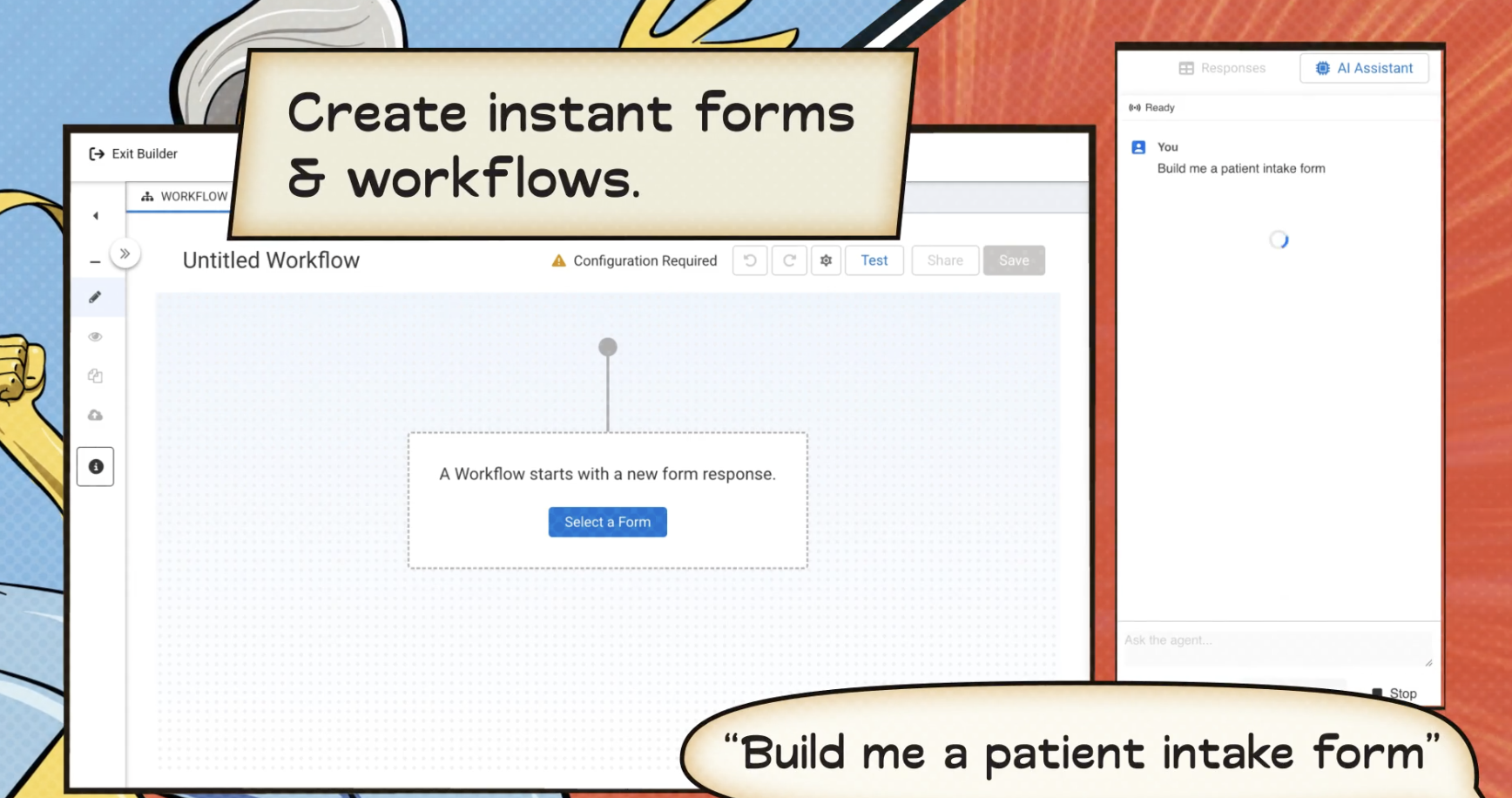
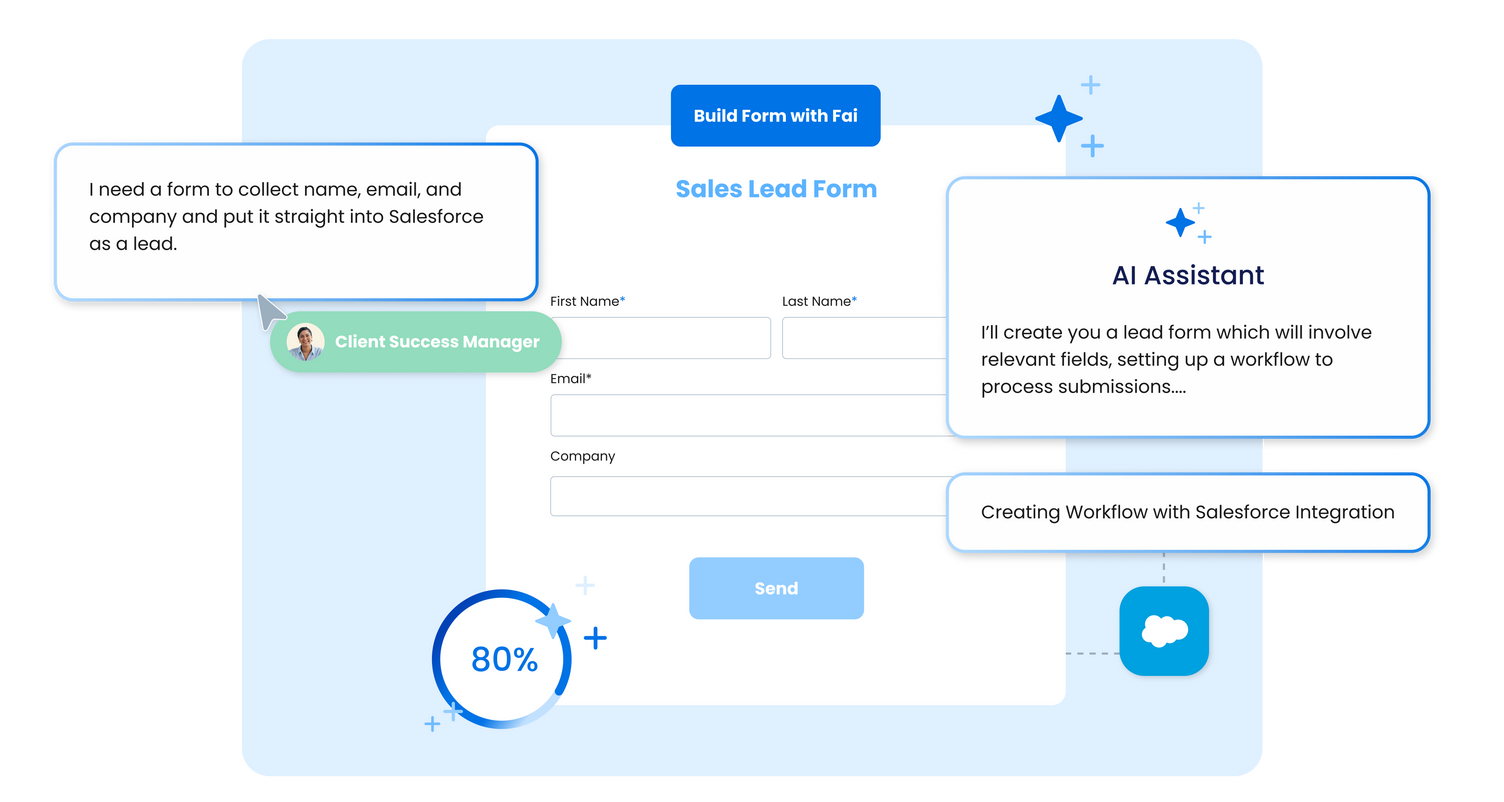
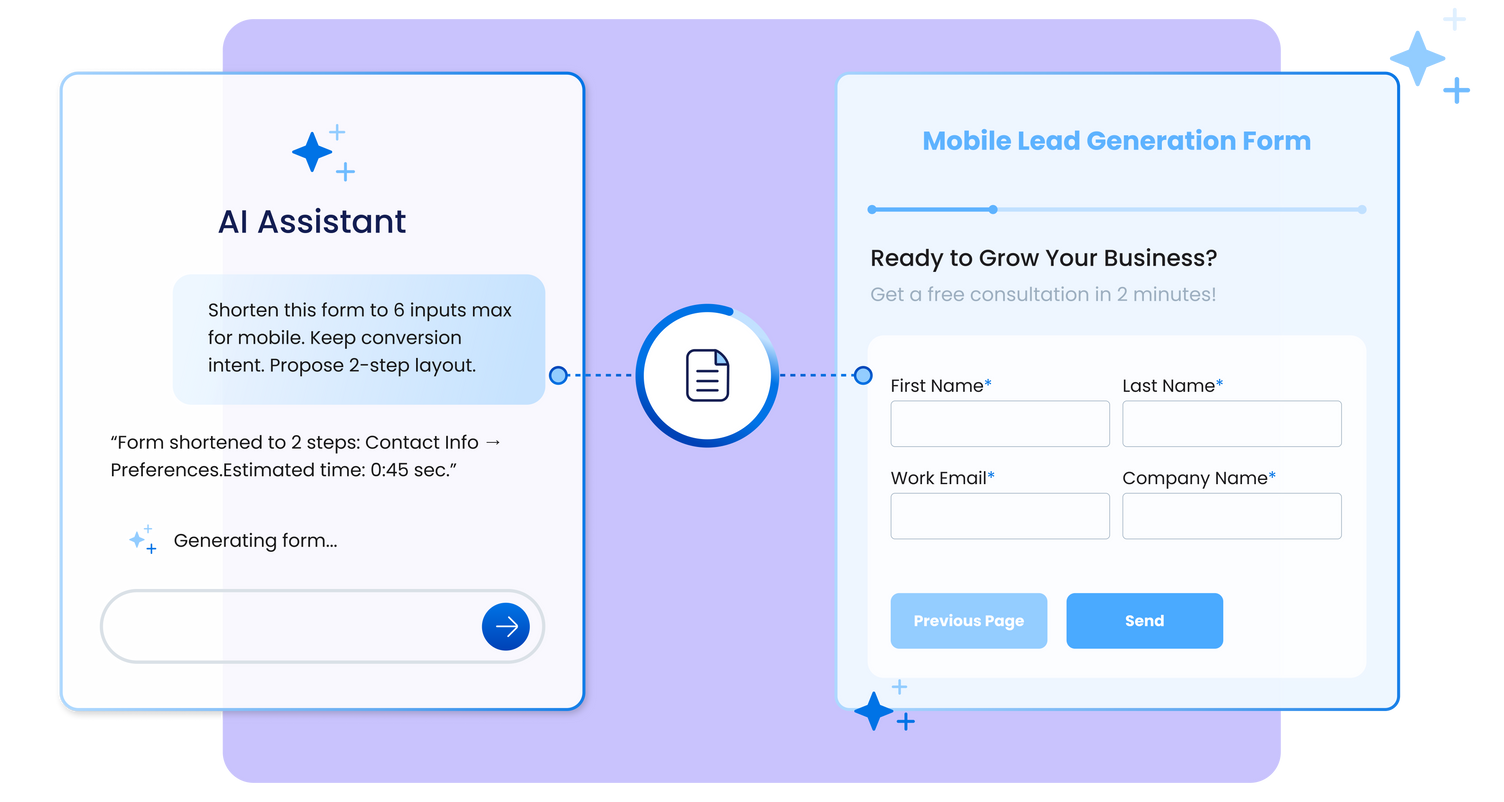
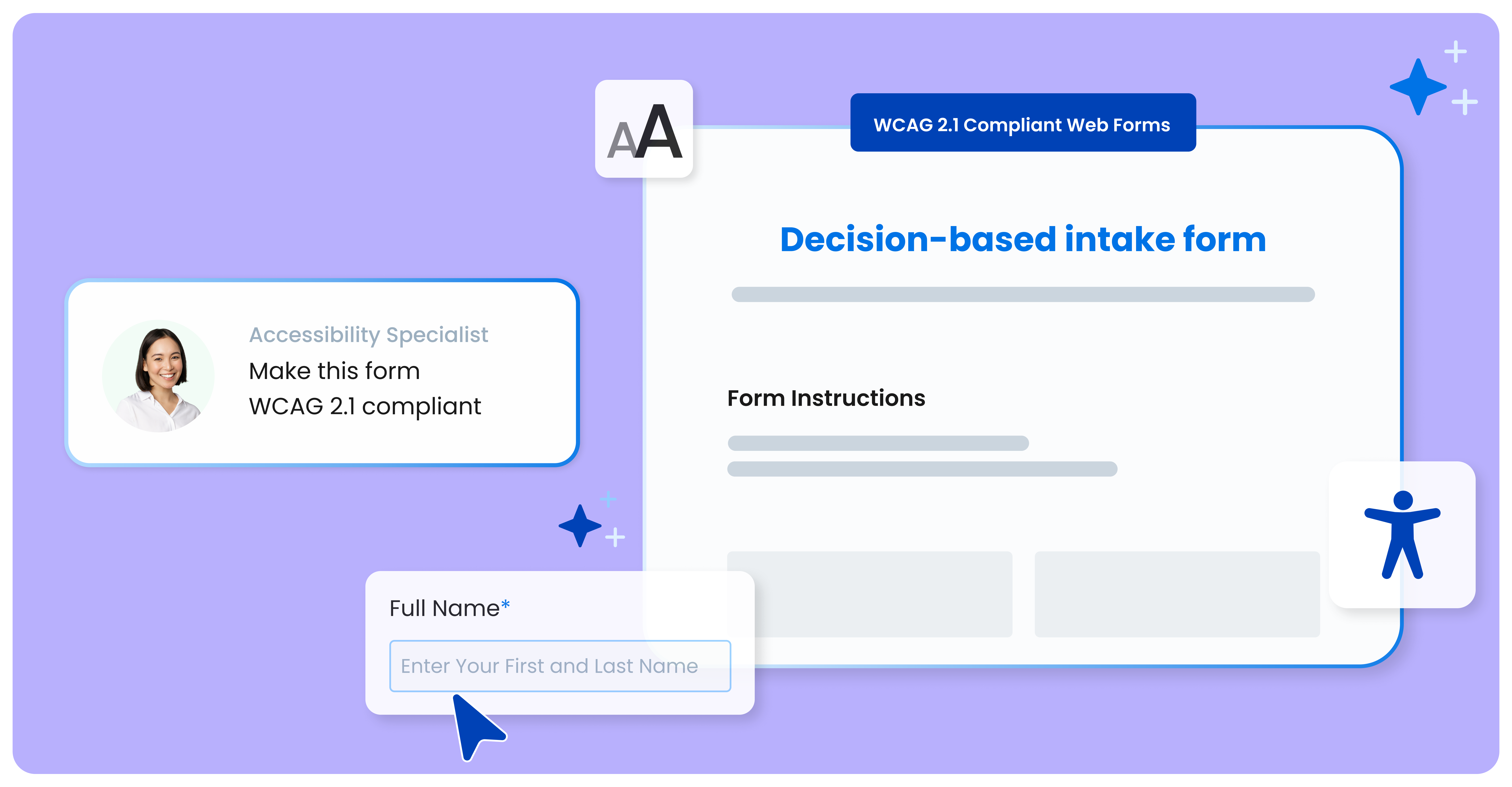
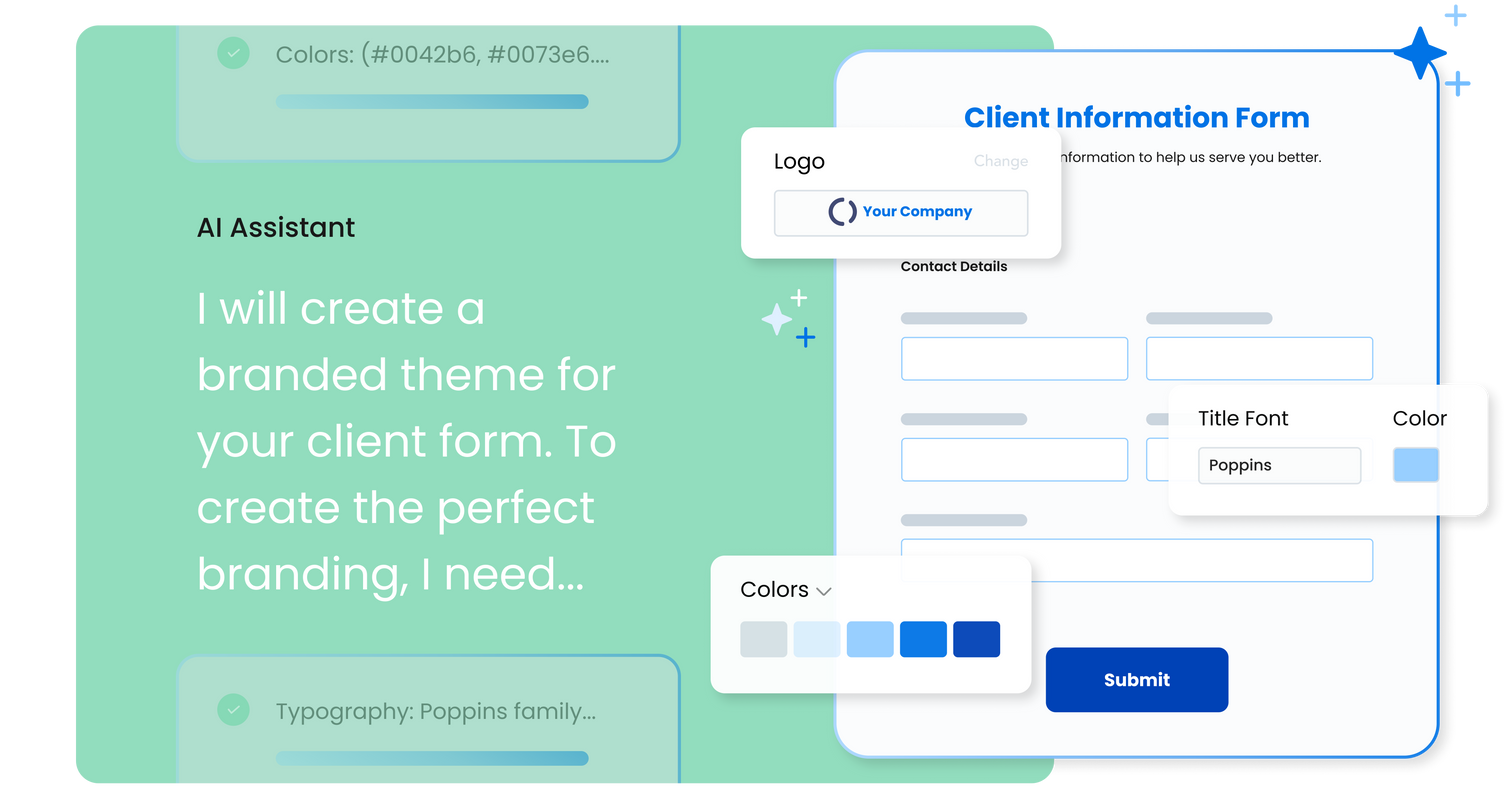
FormAssembly is an enterprise data collection and automation platform designed to enable organizations to capture clean, compliant data from the start. With the latest edition of the platform, FormAssembly Atlas, and its built-in AI assistant, Fai, forms and workflows build themselves, connect to Salesforce and other systems in just a few clicks, and ensure every record is structured, secure, and ready for automation or AI. In short, FormAssembly is designed to…
N/A
QuestionPro
Score9.2 out of 10
N/A
QuestionPro is a insights and experience management platform, designed to help organizations of all sizes, from small businesses and academic institutions to large corporations, collect and analyze data to make better decisions. The platform provides an integrated ecosystem of tools for conducting everything from simple polls to complex, multi-stage research studies, supporting both quantitative and qualitative analysis. Core platforms and use…
Well suited to get information into Salesforce. For the pricepoint you have to pay and the workflow you have to set up it is less appropriate when using Microsoft 365. The Google connector is very simple and you can use it with forms, it hinders us that is not an option unless a workflow is used.
A de minimis incentive was given to thank the reviewer for their time. The incentive was not used to bias or drive a particular response, nor was the incentive contingent on a positive endorsement. More Info
QuestionPro is great for forced-choice and Likert-scale data, and it easily turns raw data into readable statistics. The simple interface lacks attractiveness but is easy to learn and use, even for members outside the digital age. QuestionPro is less effective for qualitative data and short answer responses in large quantities. Reporting and analytic features leave this information in the bulky design, clogging the report and preventing cohesive presentation of the data.
A de minimis incentive was given to thank the reviewer for their time. The incentive was not used to bias or drive a particular response, nor was the incentive contingent on a positive endorsement. More Info
Integrating with Salesforce - mapping fields is straightforward, and custom formulas allow for some increased complexity in processing.
Scalability - we leverage the URL pre-fill and dynamic picklist features to use a single form for multiple different programs.
Simple form building via point-and-click is relatively easy. Hidden fields, conditionals, and repeat sections are useful features for more complex form needs.
Custom CSS option is useful - has allowed us to visually integrate FormAssembly forms onto our website via iframe.
A de minimis incentive was given to thank the reviewer for their time. The incentive was not used to bias or drive a particular response, nor was the incentive contingent on a positive endorsement. More Info
Before choosing QuestionPro, we evaluated it and Qualtrics, SurveyGizmo, and SurveyMonkey. A committee tested each of 141 key features on all four products. QuestionPro did well in the comparison and we have ended up using even more features that we tested. The summary of that work can be found here: https://oit.utk.edu/research/documentation/qualtrics-to-questionpro/.
The way it handles anonymous surveys is particularly good. With most products, you have to remember to check the "anonymous" box to prevent it from saving email addresses or other identifiable data. But if you forget to do so, you can't tell by taking the survey. Question pro uses "Respondent Anonymity Assurance" that must be turned on by the company (a quick request from the chat window will suffice) and then it can never be turned off. This activates a link that appears on the bottom left-hand of each survey page. Clicking it takes the survey participant to a company page which assures them that the anonymous feature is indeed turned on.
It has a very nice combination of great power and ease of use.
The support we have received from the company has been excellent. Our team has worked with around 30 research software vendors for over 35 years and this company stands out as being extremely responsive to our needs. We told them we needed a migration tool to help us move from Qualtrics to QuestionPro and they created one in just a few weeks. They've added or improved a number of other features for us, at no charge.
FormAssembly could do a much better job supporting customers. As I mentioned, FormAssembly is critical to our day-to-day operations, so it is very important to us that support is prompt and reliable when we reach out. Unfortunately, this has not been our experience. For example, on more than one occasion, I had a support case open for months without hearing back, despite repeatedly following up.
FormAssembly could make troubleshooting and configuration updates easier by improving their user interface. Salesforce, for example, has a feature called "Where is this used?" for fields, which makes it easy to address bugs and make changes efficiently and effectively.
FormAssembly could benefit from improving training and support resources.
A de minimis incentive was given to thank the reviewer for their time. The incentive was not used to bias or drive a particular response, nor was the incentive contingent on a positive endorsement. TR verified that a representative sample of customers was invited. More Info
FormAssembly continues to meet our needs, and the product functionality continues to grow, providing us with new opportunities to utilize the software. We've built many forms and associated processes on FormAssembly. It would require a large effort to migrate to another platform. We have invested a lot of time in learning FormAssembly.
A de minimis incentive was given to thank the reviewer for their time. The incentive was not used to bias or drive a particular response, nor was the incentive contingent on a positive endorsement. More Info
It's a fine product, but it's also a very competitive field, so it wouldn't take much to knock QuestionPro from top tier status. I would like to see more functionality in all programs, so whichever program does that first is likely to get my money in the next round of budgeting.
The UI is very intuitive and easy to use, even if you've never used a form building platform before. There is plenty of easy-to-find documentation so if you're unsure on anything, you can sense-check it. I also love the drag-and-drop form building. It is a breeze to use, especially compared to other form builders which are quite clunky, or where the functionality takes a lot of clicks to reach. Everything is easily accessible and ready to use with FormAssembly.
A de minimis incentive was given to thank the reviewer for their time. The incentive was not used to bias or drive a particular response, nor was the incentive contingent on a positive endorsement. More Info
QuestionPro is very easy to use. There are lots of question types and drag and drop functionality. There are lots of ways that make the platform easy to use
While it's not a true development package and misses some features like ingestion of external data for lists, etc... the product is fast, stable, easy to use, and will suit the needs of anyone needing online form functionality with SalesForce and other connectors available for your marketing needs.
A de minimis incentive was given to thank the reviewer for their time. The incentive was not used to bias or drive a particular response, nor was the incentive contingent on a positive endorsement. More Info
They offer email, chat, and phone support. I have used the chat support several times. Response time was fast, but the rep did not always have the answer. Inquiries are answered quickly and thoroughly.
A de minimis incentive was given to thank the reviewer for their time. The incentive was not used to bias or drive a particular response, nor was the incentive contingent on a positive endorsement. More Info
FormAssembly's features were more expansive than SurveyMonkey, in my opinion. When doing a comparison, we really liked that we could set up formulas to calculate expenses for us and that they would be easy to update as needed for rates that change from year to year.
A de minimis incentive was given to thank the reviewer for their time. The incentive was not used to bias or drive a particular response, nor was the incentive contingent on a positive endorsement. More Info
First of all, QuestionPro has powerful futures when we compare it with others. I am not sure but somehow interface of the product is always important for some more than its functionality. QuestionPro has many features, functionality and has a great interface. It is easy to use and a software that is easy to understand.
A de minimis incentive was given to thank the reviewer for their time. The incentive was not used to bias or drive a particular response, nor was the incentive contingent on a positive endorsement. More Info
A de minimis incentive was given to thank the reviewer for their time. The incentive was not used to bias or drive a particular response, nor was the incentive contingent on a positive endorsement. More Info
QuestionPro is being used to automate surveys that were previously done by hand. We would not have been able to do this without the anonymous tracking feature. It has cut turnaround of reports by more than half.
This is of course more efficient, but this could be expected of any software that automates a survey for you.