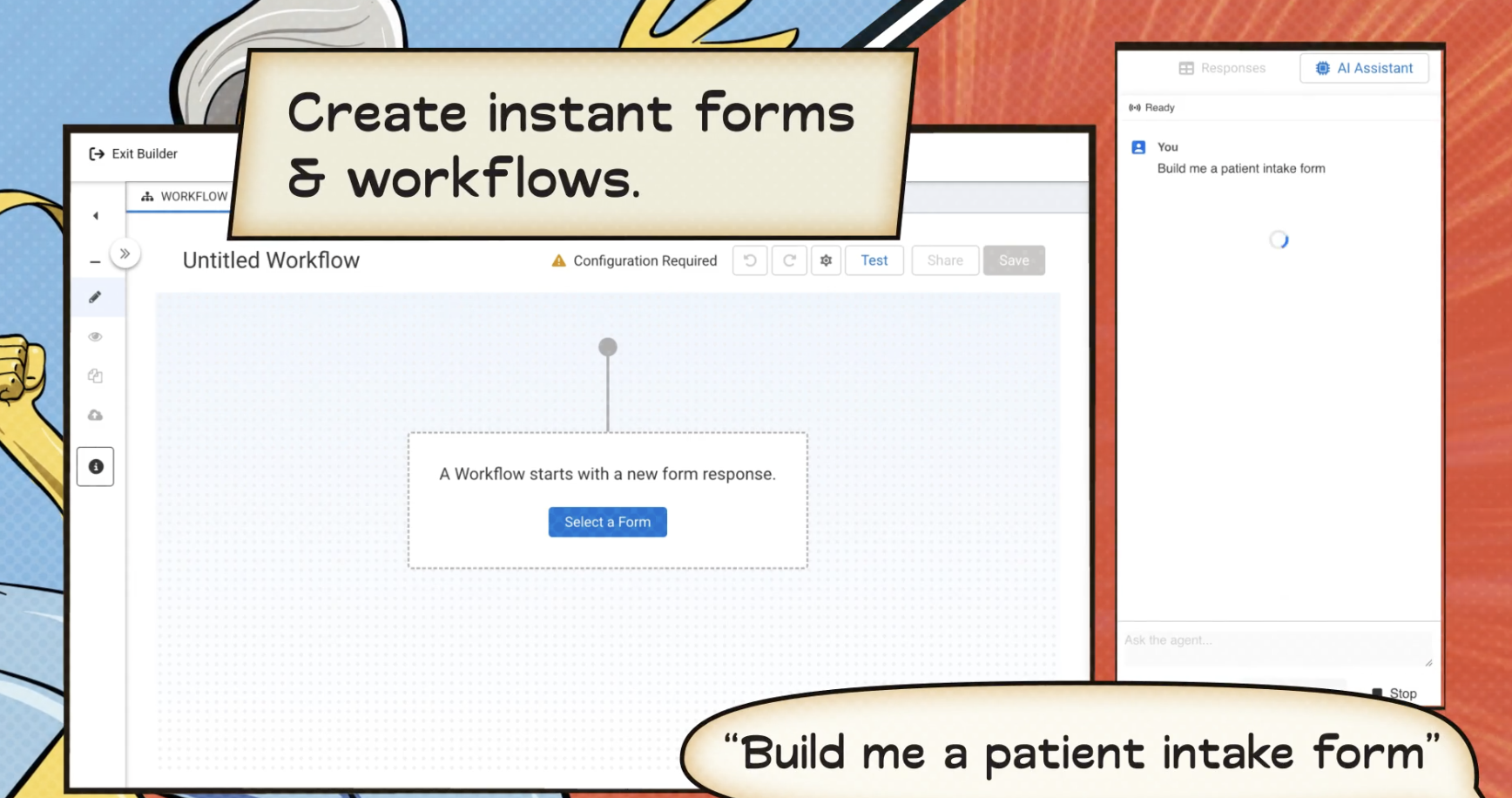
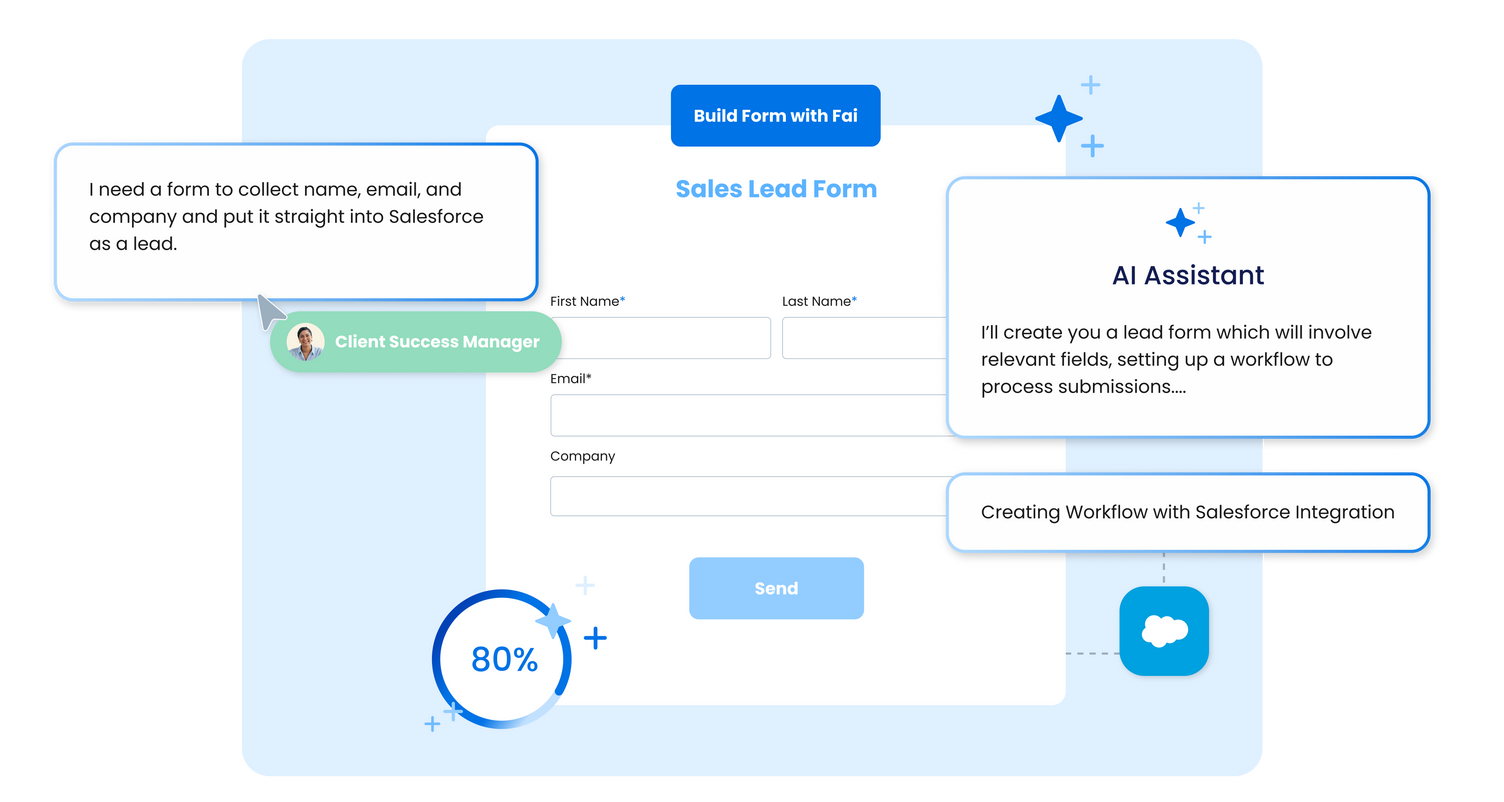
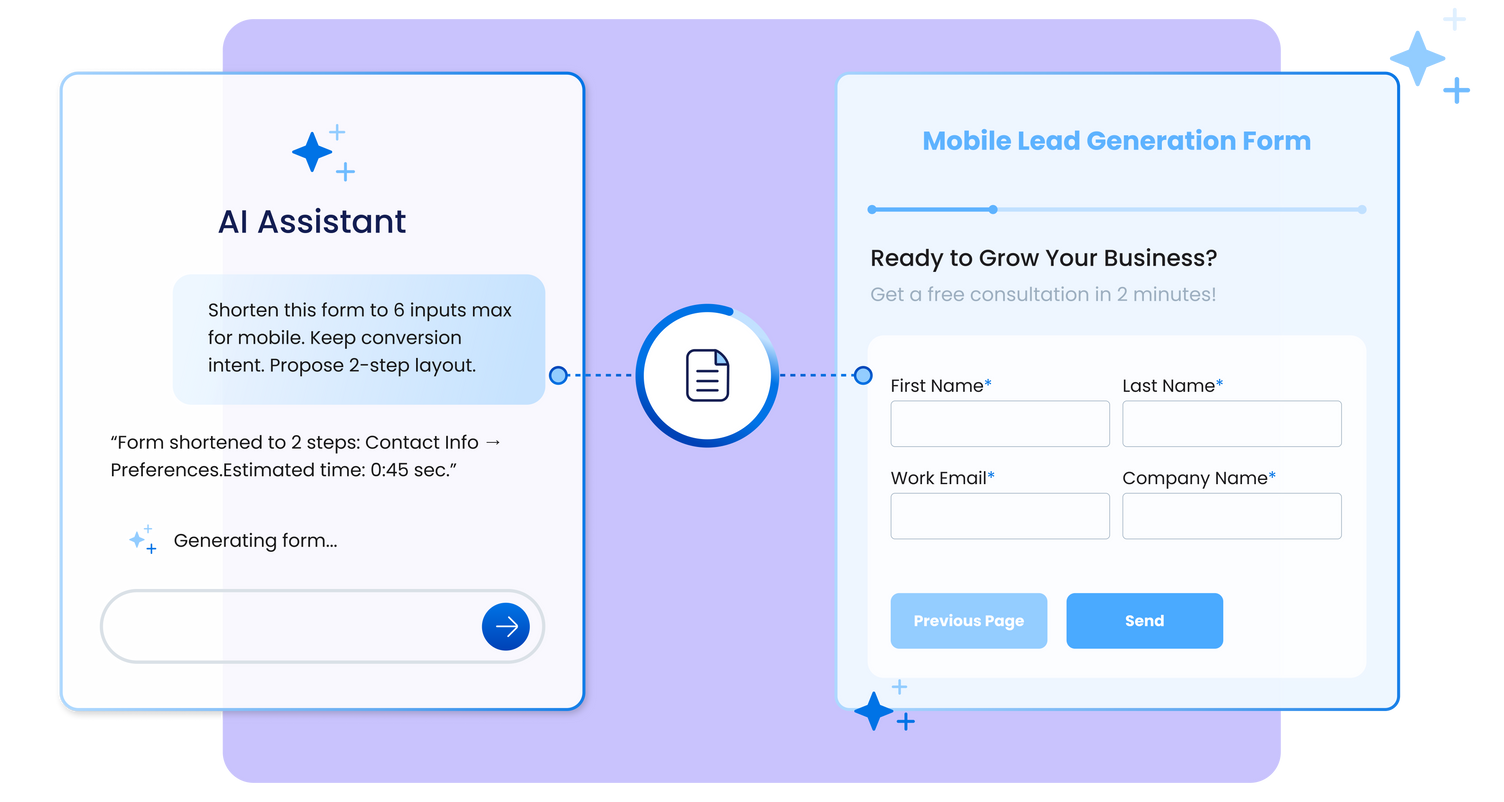
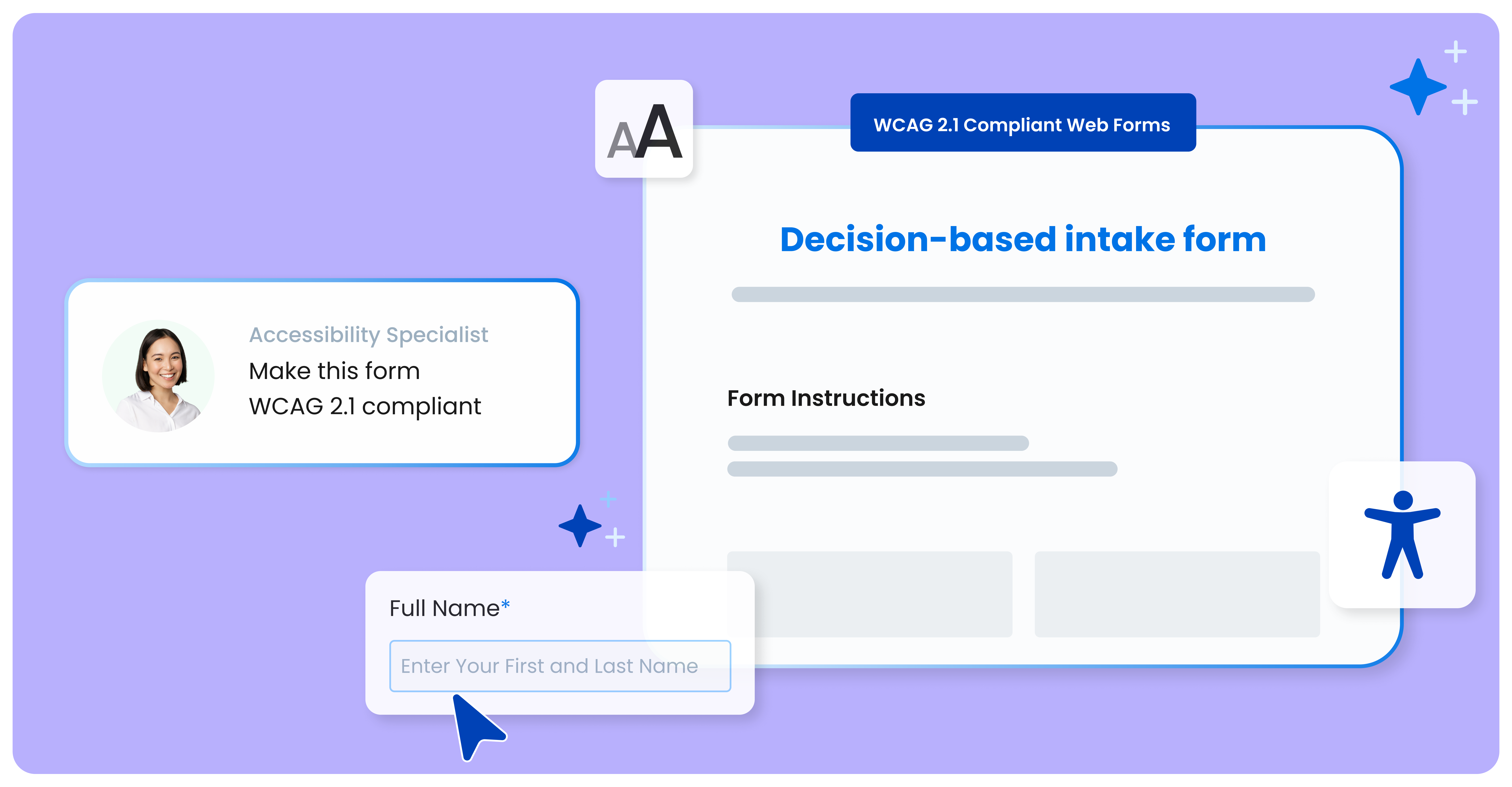
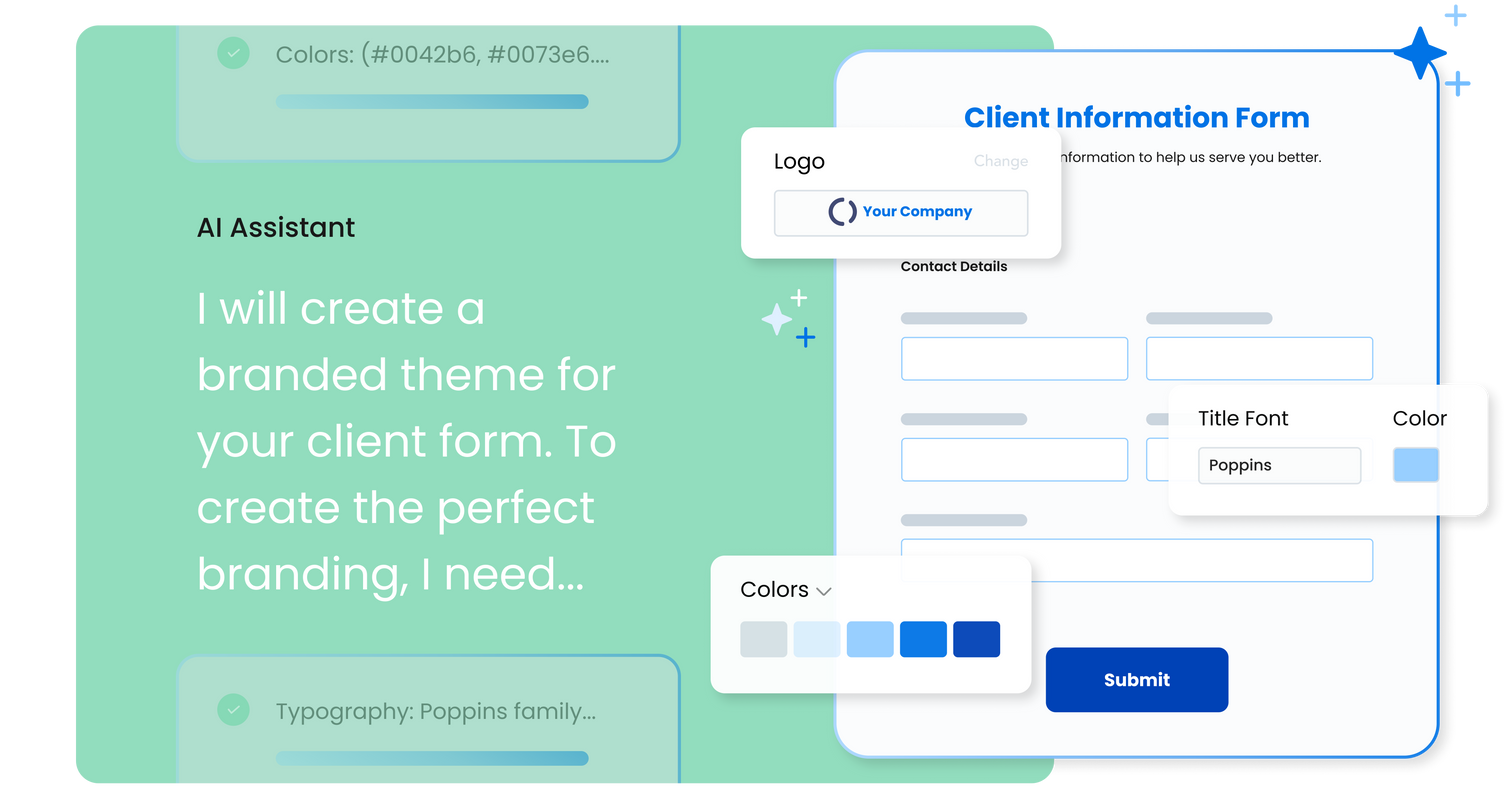
FormAssembly is an enterprise data collection and automation platform designed to enable organizations to capture clean, compliant data from the start. With the latest edition of the platform, FormAssembly Atlas, and its built-in AI assistant, Fai, forms and workflows build themselves, connect to Salesforce and other systems in just a few clicks, and ensure every record is structured, secure, and ready for automation or AI. In short, FormAssembly is designed to…
N/A
TINYpulse
Score10 out of 10
N/A
TINYpulse is an employee surveying and feedback tool. It includes employee recognition, coaching, and performance tracking functionality.
Well suited to get information into Salesforce. For the pricepoint you have to pay and the workflow you have to set up it is less appropriate when using Microsoft 365. The Google connector is very simple and you can use it with forms, it hinders us that is not an option unless a workflow is used.
A de minimis incentive was given to thank the reviewer for their time. The incentive was not used to bias or drive a particular response, nor was the incentive contingent on a positive endorsement. More Info
Well-suited for companies looking to get better feedback from employees. It's probably perfect for my organization (around 80 employees) because our COO can respond directly to our concerns. It might be less effective for larger organizations, but I can't speak much to that.
A de minimis incentive was given to thank the reviewer for their time. The incentive was not used to bias or drive a particular response, nor was the incentive contingent on a positive endorsement. More Info
Integrating with Salesforce - mapping fields is straightforward, and custom formulas allow for some increased complexity in processing.
Scalability - we leverage the URL pre-fill and dynamic picklist features to use a single form for multiple different programs.
Simple form building via point-and-click is relatively easy. Hidden fields, conditionals, and repeat sections are useful features for more complex form needs.
Custom CSS option is useful - has allowed us to visually integrate FormAssembly forms onto our website via iframe.
A de minimis incentive was given to thank the reviewer for their time. The incentive was not used to bias or drive a particular response, nor was the incentive contingent on a positive endorsement. More Info
TINYpulse provides a nice, prepackaged survey platform with a library of suggested questions to use and hard-coded timelines and processes... so it is truly a "plug and play" tool.
The platform produces some graphics and other methodology for assisting HR in delivering survey results to the rest of the executive team and/or to share with employees.
TINYpulse does a DYNAMIC job in selling the message that the employee's responses are anonymous. Not sure if it is a generational issue or the result of younger generations watching a parent go thru a RIF or other job elimination, but the notion of radically-candid feedback is not one which I've found to be present with many Millennials (here or in past organizations), so this is a big selling point for TINYpulse.
The TINYpulse platform offers a "Cheers for Peers" program, allowing the company to promote another form of peer-to-peer recognition which can even be linked to Slack (or nearly any business-based instant messaging system) to create a constant feed for all to see those receiving recognition for going above-and-beyond.
A de minimis incentive was given to thank the reviewer for their time. The incentive was not used to bias or drive a particular response, nor was the incentive contingent on a positive endorsement. More Info
FormAssembly could do a much better job supporting customers. As I mentioned, FormAssembly is critical to our day-to-day operations, so it is very important to us that support is prompt and reliable when we reach out. Unfortunately, this has not been our experience. For example, on more than one occasion, I had a support case open for months without hearing back, despite repeatedly following up.
FormAssembly could make troubleshooting and configuration updates easier by improving their user interface. Salesforce, for example, has a feature called "Where is this used?" for fields, which makes it easy to address bugs and make changes efficiently and effectively.
FormAssembly could benefit from improving training and support resources.
A de minimis incentive was given to thank the reviewer for their time. The incentive was not used to bias or drive a particular response, nor was the incentive contingent on a positive endorsement. TR verified that a representative sample of customers was invited. More Info
TINYpulse sometimes makes updates to their app and website, and when navigating as an admin, I have found some of the links to be broken after an update.
The pricing structure of TINYpulse has changed since we first began using it, changing from a pay per user amount to a bulk-buy amount. This led to some confusion when we went to add more users.
A de minimis incentive was given to thank the reviewer for their time. The incentive was not used to bias or drive a particular response, nor was the incentive contingent on a positive endorsement. More Info
FormAssembly continues to meet our needs, and the product functionality continues to grow, providing us with new opportunities to utilize the software. We've built many forms and associated processes on FormAssembly. It would require a large effort to migrate to another platform. We have invested a lot of time in learning FormAssembly.
A de minimis incentive was given to thank the reviewer for their time. The incentive was not used to bias or drive a particular response, nor was the incentive contingent on a positive endorsement. More Info
The UI is very intuitive and easy to use, even if you've never used a form building platform before. There is plenty of easy-to-find documentation so if you're unsure on anything, you can sense-check it. I also love the drag-and-drop form building. It is a breeze to use, especially compared to other form builders which are quite clunky, or where the functionality takes a lot of clicks to reach. Everything is easily accessible and ready to use with FormAssembly.
A de minimis incentive was given to thank the reviewer for their time. The incentive was not used to bias or drive a particular response, nor was the incentive contingent on a positive endorsement. More Info
A de minimis incentive was given to thank the reviewer for their time. The incentive was not used to bias or drive a particular response, nor was the incentive contingent on a positive endorsement. More Info
A de minimis incentive was given to thank the reviewer for their time. The incentive was not used to bias or drive a particular response, nor was the incentive contingent on a positive endorsement. More Info
A de minimis incentive was given to thank the reviewer for their time. The incentive was not used to bias or drive a particular response, nor was the incentive contingent on a positive endorsement. More Info
While it's not a true development package and misses some features like ingestion of external data for lists, etc... the product is fast, stable, easy to use, and will suit the needs of anyone needing online form functionality with SalesForce and other connectors available for your marketing needs.
A de minimis incentive was given to thank the reviewer for their time. The incentive was not used to bias or drive a particular response, nor was the incentive contingent on a positive endorsement. More Info
A de minimis incentive was given to thank the reviewer for their time. The incentive was not used to bias or drive a particular response, nor was the incentive contingent on a positive endorsement. More Info
A de minimis incentive was given to thank the reviewer for their time. The incentive was not used to bias or drive a particular response, nor was the incentive contingent on a positive endorsement. More Info
FormAssembly's features were more expansive than SurveyMonkey, in my opinion. When doing a comparison, we really liked that we could set up formulas to calculate expenses for us and that they would be easy to update as needed for rates that change from year to year.
A de minimis incentive was given to thank the reviewer for their time. The incentive was not used to bias or drive a particular response, nor was the incentive contingent on a positive endorsement. More Info
TINYpulse provided the most-competitive pricing of all vendors considered, with the greatest flexibility of use with desktop, mobile app, and operating system. While customer support proposed by others appeared to be closer to "live" or real-time, with closer to the 24/7 kind of environment in which we live/work in today, budget was a driving factor for us.
A de minimis incentive was given to thank the reviewer for their time. The incentive was not used to bias or drive a particular response, nor was the incentive contingent on a positive endorsement. More Info
A de minimis incentive was given to thank the reviewer for their time. The incentive was not used to bias or drive a particular response, nor was the incentive contingent on a positive endorsement. More Info
A de minimis incentive was given to thank the reviewer for their time. The incentive was not used to bias or drive a particular response, nor was the incentive contingent on a positive endorsement. More Info
It's an easy way to get feedback and suggestions. I think it contributes to the team culture of wanting to always question and improve.
It's an easy way to build rapport among teammates and I think contributes to overall sense of team building (especially for a dispersed team).
It's an easy way to keep your finger on the overall pulse of the team and allows management to be able to quickly address any frustrations or issues before they become bigger concerns.
A de minimis incentive was given to thank the reviewer for their time. The incentive was not used to bias or drive a particular response, nor was the incentive contingent on a positive endorsement. More Info