FunctionFox provides TimeFox which is a timesheet and project management solution for small creative companies. The vendor says TimeFox is currently used by over 100,000 creative professionals in Canada, the US, Europe, Asia, Australia and New Zealand.
$5
per user
Microsoft Teams
Score 8.1 out of 10
N/A
Microsoft Teams combines video conferencing software with team collaboration tools. The communications platform allows MS Office users to conduct conference calls and share files via SharePoint, and join or initiate a group chat.
$4.80
per month per user
CELUM Creative Collaboration
Score 7.7 out of 10
N/A
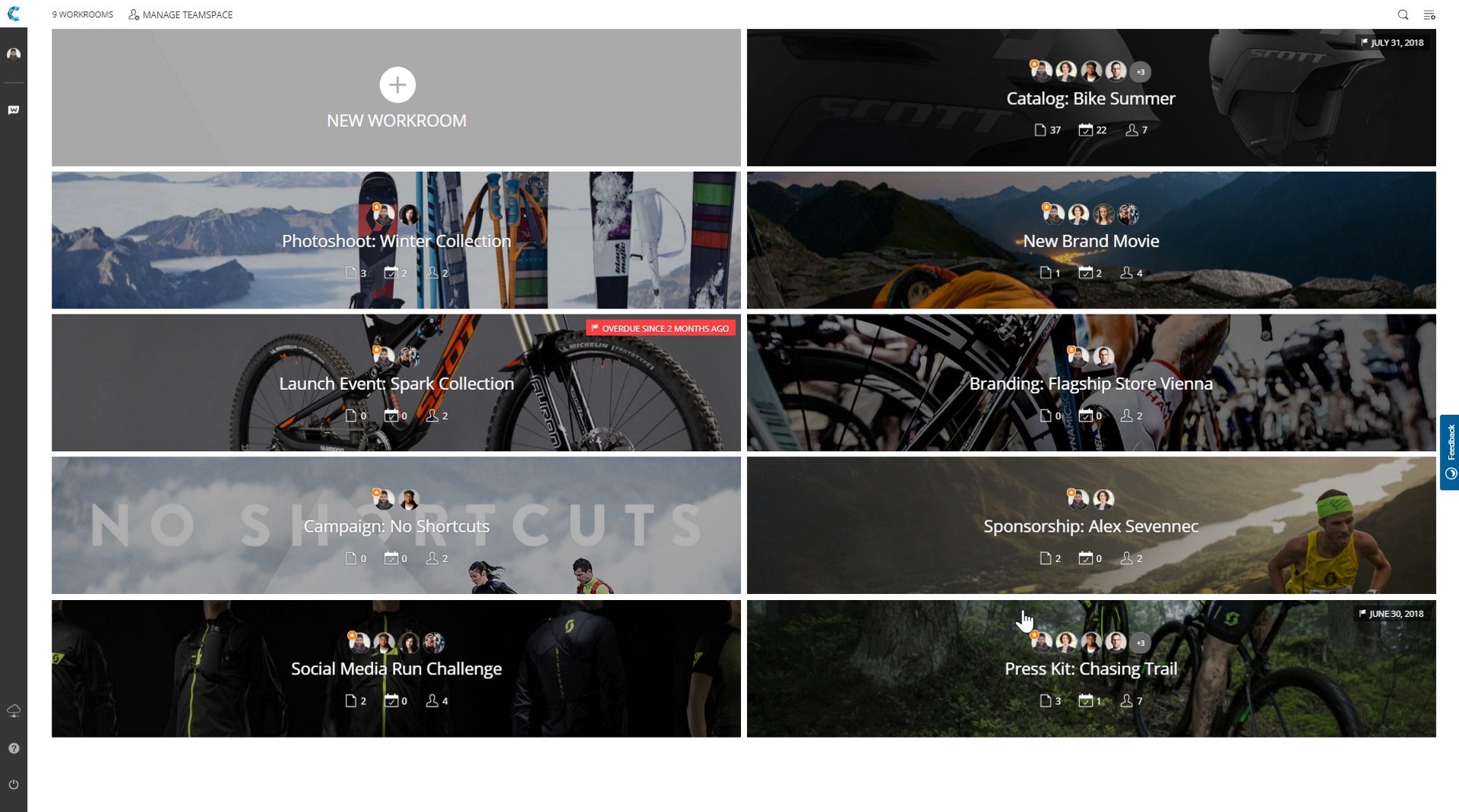
WorkRooms blends agile task management with file organization. Users get a visual overview of projects, reviews and approvals and can share files with anyone. Built with a content-centric approach, WorkRooms focuses on the production, management and approval of content such as photos and graphics, audio or video material. Kanban-style boards are enhanced by clearly defined processes, smart access…
N/A
Pricing
FunctionFox
Microsoft Teams
CELUM Creative Collaboration
Editions & Modules
FunctionFox Classic
$5
per user
FunctionFox Premier
$10
per user
FunctionFox In-House
$20
per user
Microsoft Teams Essentials
$4.80
per month per user
Microsoft Teams Enterprise
$5.25
per month (paid yearly) per user
Microsoft Teams Enterprise
$5.25
per month per user
Microsoft 365 Business Basic
$7.20
per month per user
Microsoft 365 Business Standard
$15
per month per user
No answers on this topic
Offerings
Pricing Offerings
FunctionFox
Microsoft Teams
CELUM Creative Collaboration
Free Trial
Yes
Yes
Yes
Free/Freemium Version
Yes
Yes
No
Premium Consulting/Integration Services
No
No
Yes
Entry-level Setup Fee
No setup fee
No setup fee
No setup fee
Additional Details
No hidden fees. All customer support, and regular upgrades are included free of charge.
Discounts are available for non profit organizations.
—
More Pricing Information
Community Pulse
FunctionFox
Microsoft Teams
CELUM Creative Collaboration
Features
FunctionFox
Microsoft Teams
CELUM Creative Collaboration
Project Management
Comparison of Project Management features of Product A and Product B
FunctionFox
-
Ratings
Microsoft Teams
7.9
235 Ratings
2% above category average
CELUM Creative Collaboration
6.8
2 Ratings
13% below category average
Task Management
00 Ratings
7.9174 Ratings
7.02 Ratings
Gantt Charts
00 Ratings
7.791 Ratings
00 Ratings
Scheduling
00 Ratings
8.0202 Ratings
9.02 Ratings
Workflow Automation
00 Ratings
8.1121 Ratings
00 Ratings
Mobile Access
00 Ratings
8.1223 Ratings
1.02 Ratings
Search
00 Ratings
7.4206 Ratings
7.02 Ratings
Visual planning tools
00 Ratings
8.4138 Ratings
10.02 Ratings
Communication
Comparison of Communication features of Product A and Product B
FunctionFox
-
Ratings
Microsoft Teams
8.0
244 Ratings
0% below category average
CELUM Creative Collaboration
5.3
2 Ratings
41% below category average
Chat
00 Ratings
9.0243 Ratings
3.01 Ratings
Notifications
00 Ratings
8.3242 Ratings
6.02 Ratings
Discussions
00 Ratings
8.6229 Ratings
6.02 Ratings
Surveys
00 Ratings
8.1140 Ratings
00 Ratings
Internal knowledgebase
00 Ratings
8.5152 Ratings
6.02 Ratings
Integrates with GoToMeeting
00 Ratings
6.547 Ratings
00 Ratings
Integrates with Gmail and Google Hangouts
00 Ratings
5.743 Ratings
00 Ratings
Integrates with Outlook
00 Ratings
9.1155 Ratings
00 Ratings
File Sharing & Management
Comparison of File Sharing & Management features of Product A and Product B
If you are trying to track time across teams or functions, that is really what FunctionFox is designed for. I think this would work better for individual, smaller teams with similar tasks and activities, instead of for larger companies with more complex organizational operations. If you are just getting started with time tracking, this could be a good place to start.
It's amazing as a daily driver for team communication, and document search/store. Also, if you're doing a lot of LONG meetings and have trouble remembering details, the AI summarization is amazing and convenient. It just works. I'm not saying I always do this, of course, but if I need to 'skim' instead of really digging into every detail from a meeting, the AI-generated summary is generally good enough that I can get away with it.
If you are debating how on getting an easy to use or more advanced solution. I would recommend going for WorkRooms. It has the perfect balance that you are looking for. It is very easy for small companies that want to grow and make it easy for employees and costumers.
With only a couple clicks I can still easily pull reports by employee on a weekly basis which provide the information I need to run payroll.
I pull reports by client each month for our monthly client billings, which we have broken down by project so I can easily see how our time was spent on their account.
We set a budget for the approved number of hours we can apply to any one project for the month, and the system provides the project manager with a warning as the limit comes near. That function has been fantastic!
FunctionFox's Help Desk personnel are wonderful, providing an exceptionally personalized experience. They take their time, and will even schedule a call to go into greater depth, such as an entire account review just to ensure you're able to use all the product features to your company's best advantage. Our entire team jumped on a half hour call a couple months ago, and she answered ALL of our questions, including providing us with info on some features we hadn't realized even existed.
The function of the site is not as user-friendly as others, it's sometimes hard to find certain projects and organize data in order to track effectively. I would often need to download/export reports.
Sometimes a project would accidentally be created twice and hours billed to two separate projects for the same thing. Which made tracking and billing increasingly difficult.
Little to no organization of projects for billing and finance purposes, which makes it hard when we conduct billing as there is not a clear way to know if a project is complete, ongoing, rejected etc.
The webinars feature has some missing functionally such as the ability for all users to use the Q&A feature (only those with a Microsoft Teams account can use it now), the ability to upload documents for attendees to easily access and download, and the ability for presenters and organizers to easily chat amongst themselves throughout the webinar.
The "Channels" organization hierarchy could be more clear. If you have several channels set up, it can get clunky and hard to find the specific channel you are looking for.
The MS Planner tool lacks functionality and organization. You cannot assign more than one person to a task and it's confusing when you try to share tasks with people - it would be nice if they were automatically added to someone's calendar.
All of my employees are used to it and introducing a new software to them requires them to get trained again increasing the costs. TimeFox is an easy to use and understand software. Another advantage of TimeFox is that is an online software and I can access it whenever I want to.
Microsoft Teams is included with our Office 365 subscription and we have no intention of migrating off of Office 365 and Microsoft products. Since Microsoft Teams is included for free with our Office 365 subscription, and since we enjoy all the features, benefits, and functionality, there is no question that our team will continue to use the product
It's a good tool for tracking hours and overall budget. It does not give you insight into why there are those hours, or what part of the project has over burned. The tool is also tough to export reports and find the correct information throughout. Not only this, but I also have a hard time changing project details - there's no real easy way to and there's a larger room for error
If you have the full Microsoft Office suite, it works really well because it's integrated well within its ecosystem, but if not, it can be annoying because it tries to open a shared file in the web versions of the file equivalents. The web version is also a bit slow, and the login is very difficult to handle if you have multiple Microsoft or Outlook accounts.
I haven't used FunctionFox for a lot of support requests. On the times that i've been having issues I've had the issue resolved within a day, most questions I have had i've been able to source answers online or from a colleague. From what I have experienced the support team seems great.
The overall support provided by Microsoft for Microsoft Teams has been quite good but there is still some room for improvements. Microsoft needs to proactively work on fixing the open bugs in order to provide a seamless experience to the users. But over the service and experience provided by the Microsoft team have been quite satisfactory.
Unsure on implementation of FunctionFox - was before my time at the company. Everyone at the company had a good understanding of the product and how to use it by the time I joined. My understanding is we implemented ourselves with a few training sessions for the creative team and adding hours as well as training for the account team to add projects
When we were looking for software we tested several, and FunctionFox was hands down the best value. While there are other options, and each company is different, nothing could come close to filling our needs the way FunctionFox has. The money we spend has been returned several times over.
Microsoft Teams offers a much more integrated experience between their chat and video call function compared to Google Chat and Slack. Both other tools are much better for internal communications are they have simpler UI without other features. Whereas Microsoft Teams can be used for more critical conversations, particularly between external companies, and has been very useful in sales conversations which is what we chose it for when speaking to companies that work exclusively through Microsoft.
Honestly, this tool is worth every penny. Yes, it's not free and you pay for the quality of services and the license. But the ROI and the benefits are all there. Also, the renewal, negotiation, and contract terms are all very well explained by our Microsoft account manager, and she's a charm.
I used Skype for Business to take calls, hold conferences, and provide remote assistance to users. Microsoft Teams, on the other hand, is superior to Skype for Business in my opinion. My job entails a lot of screen sharing.
FunctionFox pays for itself just about every month in terms of how much more I am able to bill than before I started using the software, and how much less time I need to spend on non-billable admin tasks. I used to create invoices based mostly on what sounded fair, rather than on accurate time & cost records. I'm sure my clients loved it, but it wasn't healthy for my business. Now I base invoices on actual time and expense records, and end up with more money in my pocket.
It's not tangible, but FunctionFox has improved my ability to communicate with clients, and with freelance partners when I'm involved in a collaborative project. I can anticipate and discuss potential budget or delivery deadline overruns before they occur. The goodwill this builds has had a tremendously positive impact on client and partnership relations.
I fell into freelancing without a lot of experience running a business. FunctionFox has been a great teacher, helping me think through many issues that I wouldn't have even recognized as important. It is simple to use, with a UI that is neither intimidating nor overwhelming, and it has been super flexible in terms of molding it to suit the way I work.
Personally, I would say that by using Microsoft Teams, it upped my collaboration with my colleagues by around 50% or around more than half of what I usually did prior to using it.
I had 100% show rate and attendance on all of my meetings in the past 6 months.
If I may add, I also have been chattier & collaborative towards my colleagues in past 3 months particularly the month of December when we had huge traffic at work. I would estimate this behavior to have been increased by around 60% than what I usually incur during normal operating days.