
GQueues vs. Paymo
GQueues vs. Paymo
| Product | Rating | Most Used By | Product Summary | Starting Price |
|---|---|---|---|---|
 GQueues | N/A | GQQueues is a project management solution with features such as task management, calendar management, and smart filtering. | $3 per month per user | |
 Paymo | N/A | Paymo is a collaborative work management platform that helps track team progress, collaborate in context, and make smarter decisions. It acts as a single source of truth, where project planning, resource scheduling, file proofing, time tracking, and billing feed into each other to co-exist under the same roof. | $0 Up to 10 users |
| GQueues | Paymo | |||||||||||||||
|---|---|---|---|---|---|---|---|---|---|---|---|---|---|---|---|---|
| Editions & Modules |
|
| ||||||||||||||
| Offerings |
| |||||||||||||||
| Entry-level Setup Fee | No setup fee | No setup fee | ||||||||||||||
| Additional Details | No credit card required. Plans billed annually. | Free version available for freelancers. | ||||||||||||||
| More Pricing Information | ||||||||||||||||
| GQueues | Paymo |
|---|
| GQueues | Paymo | ||||||||||||||||||||||||||||||||||||
|---|---|---|---|---|---|---|---|---|---|---|---|---|---|---|---|---|---|---|---|---|---|---|---|---|---|---|---|---|---|---|---|---|---|---|---|---|---|
| Project Management |
| ||||||||||||||||||||||||||||||||||||
| Professional Services Automation |
|
| GQueues | Paymo | |
|---|---|---|
| Small Businesses |  7shifts Score 9.9 out of 10 |  Stackby Score 8.9 out of 10 |
| Medium-sized Companies |  Todoist Score 9.2 out of 10 |  InEight Score 8.3 out of 10 |
| Enterprises |  TimeCamp Score 7.0 out of 10 | InEight Score 8.3 out of 10 |
| All Alternatives | View all alternatives | View all alternatives |
| GQueues | Paymo | |
|---|---|---|
| Likelihood to Recommend | 1.0 (5 ratings) | 8.0 (10 ratings) |
| Usability | - (0 ratings) | 9.0 (1 ratings) |
| Support Rating | 9.2 (2 ratings) | 8.9 (3 ratings) |
| GQueues | Paymo | |
|---|---|---|
| Likelihood to Recommend |  Gqueues LLC
 Karen Mellendorf Operations Manager | ProfitSolv
|
| Pros | Gqueues LLC
 Dawn Carey CEO (Chief Executive Officer) | ProfitSolv
 Daniel Summers Jr Head Cat |
| Cons | Gqueues LLC
 Olin Wilson Principal and Lead Consultant | ProfitSolv
 Kaitlin Berg Marketing Communications Coordinator |
| Usability | Gqueues LLC No answers on this topic | ProfitSolv
|
| Support Rating | Gqueues LLC
Dawn Carey CEO (Chief Executive Officer) | ProfitSolv
|
| Alternatives Considered | Gqueues LLC
 Kristen Houston Registrar & Director of Academic Services | ProfitSolv
 Neal Bauer President - Bauer Graphics |
| Return on Investment | Gqueues LLC
Karen Mellendorf Operations Manager | ProfitSolv
 Heather Miller Senior Graphic Designer |
| ScreenShots | GQueues Screenshots     | Paymo Screenshots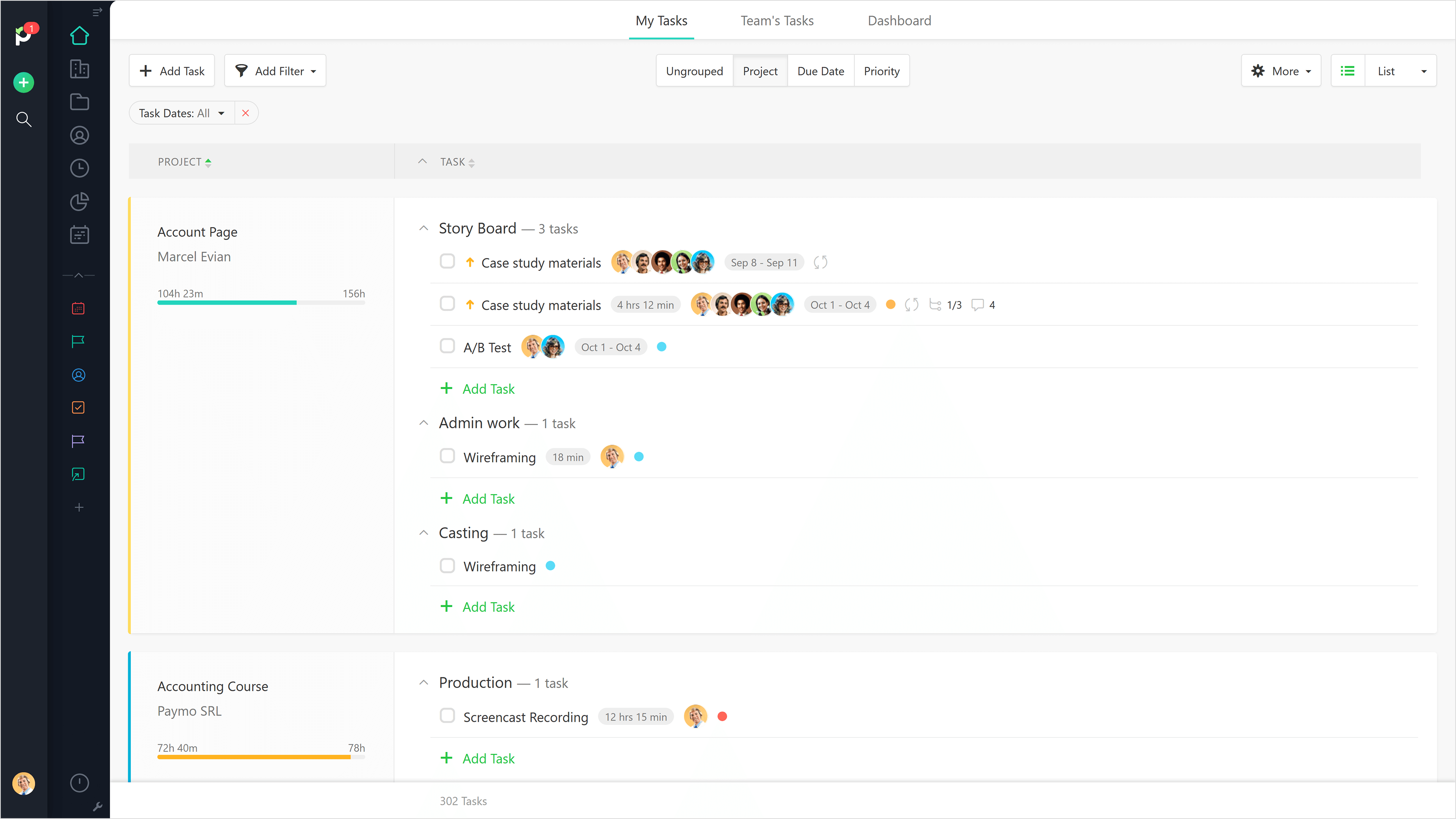 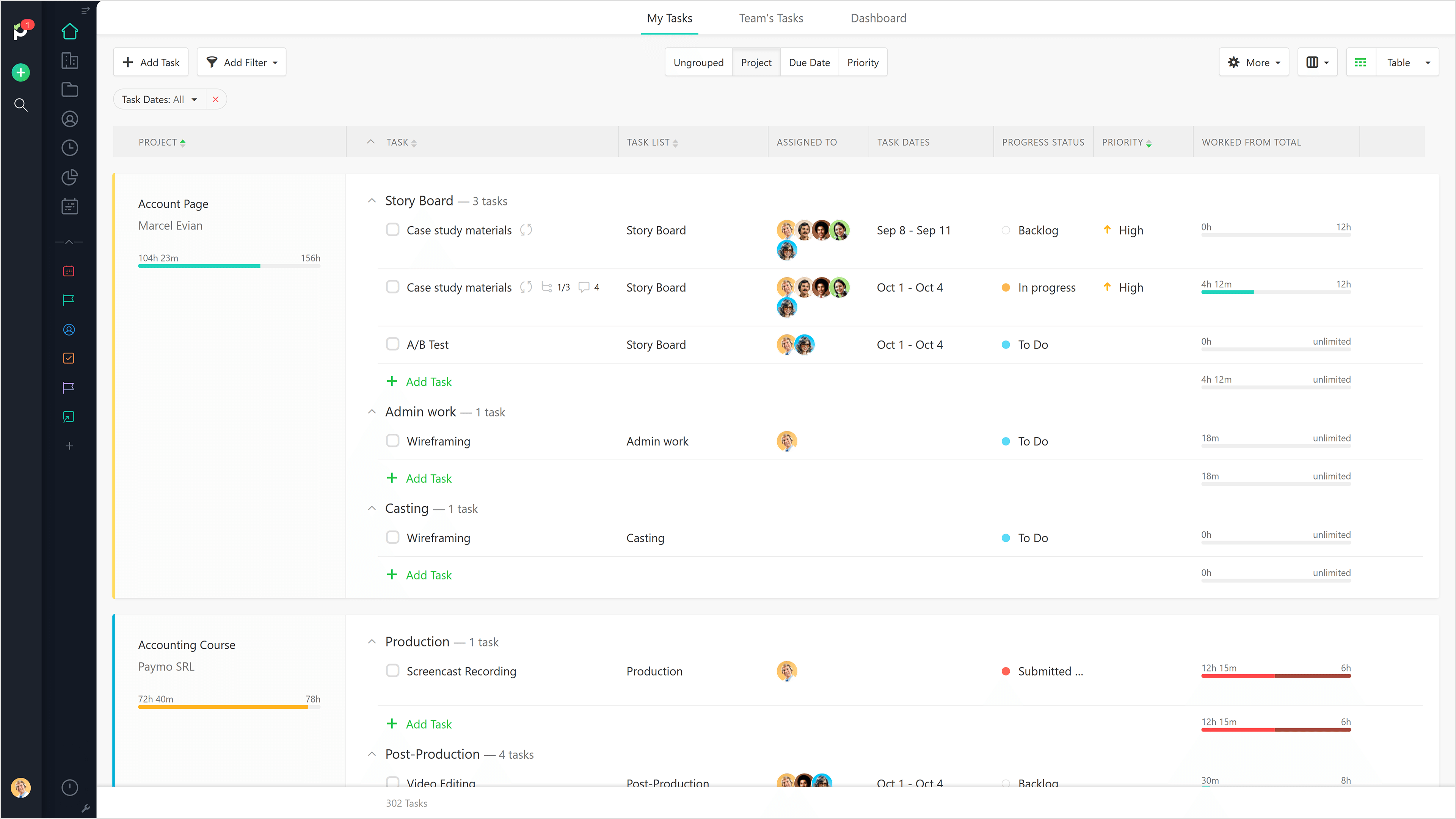     |