Notes from HCL (formerly from IBM, acquired by HCL in late 2018) is a collaboration platform based on the Lotus platform.
N/A
HipChat (discontinued)
Score 9.7 out of 10
N/A
Hipchat was discontinued by Atlassian. Users are being migrated to Slack.
N/A
Pricing
HCL Notes
HipChat (discontinued)
Editions & Modules
No answers on this topic
No answers on this topic
Offerings
Pricing Offerings
HCL Notes
HipChat (discontinued)
Free Trial
No
Yes
Free/Freemium Version
No
Yes
Premium Consulting/Integration Services
No
Yes
Entry-level Setup Fee
No setup fee
No setup fee
Additional Details
—
—
More Pricing Information
Community Pulse
HCL Notes
HipChat (discontinued)
Considered Both Products
HCL Notes
No answer on this topic
HipChat (discontinued)
Verified User
Engineer
Chose HipChat (discontinued)
While Sametime or Jabber multi people chat requires that someone who's in the chat invite you, HipChat has this nice system of a room where anyone with the right permission can join at any time. Also, the history of a Sametime or Jabber chat tends to be lost in the …
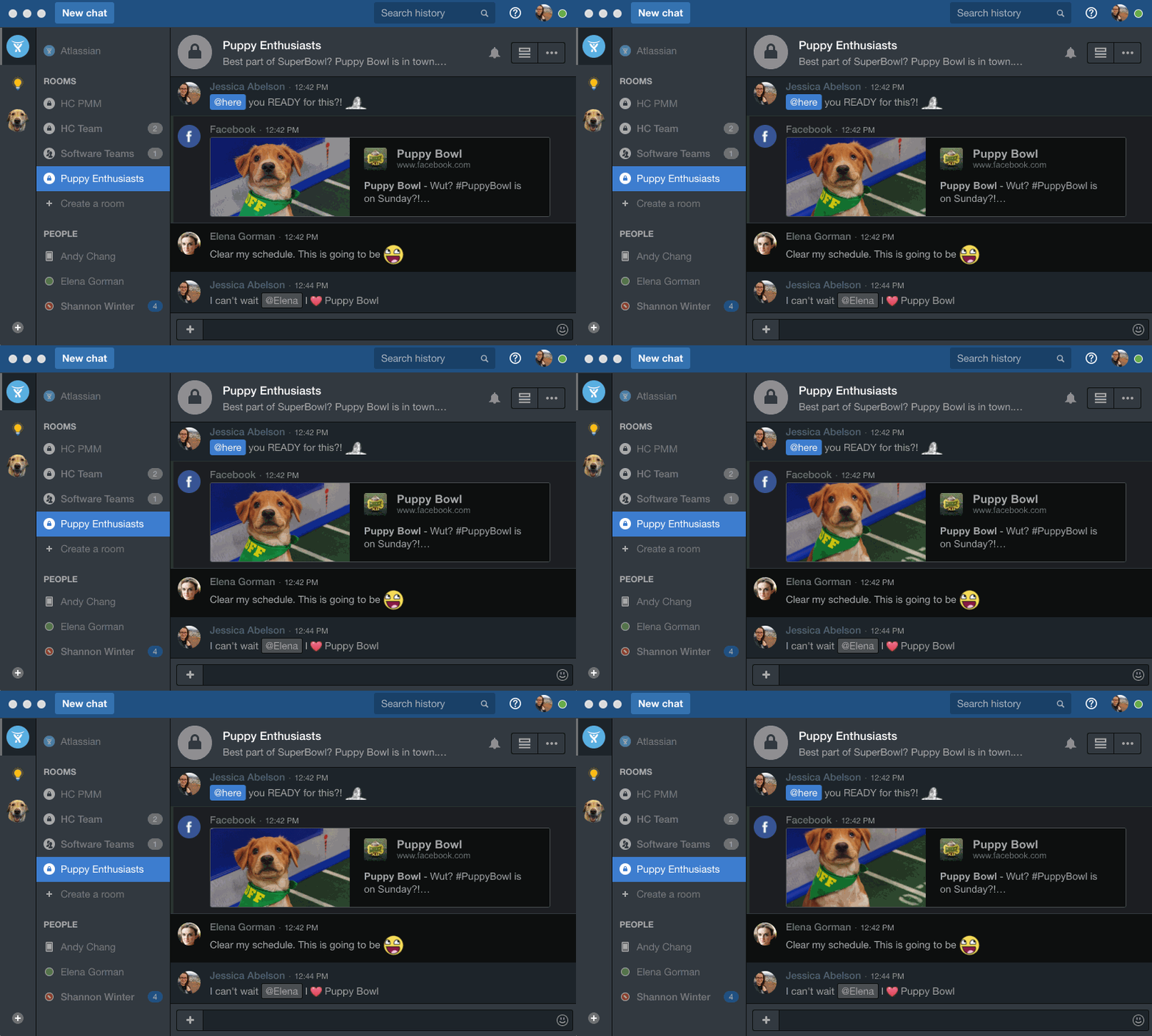
This is so much better than Lotus Notes! The UI, especially the dark theme is way better in speed/responsiveness as well. I like the ability to silence notifications If I want to, as well as having all of my chats in one tabbed window instead of individual windows for each chat.
I often work with teams from other country and regions, hence HCL Notes is a very useful platform for internal company management operations. It standardized organisational work standards in most of the offices worldwide. HCL Notes also enables chat with other team around the world that I find very helpful when initiating conversation or just want to have a quick update rather than sending emails and waiting for replies. However, HCL Notes is not very efficient in web browsing and user still need to use other internet service providers.
HipChat is very stable and reliable. I have never had issues with not being able to connect or being able to communicate with others on HipChat.
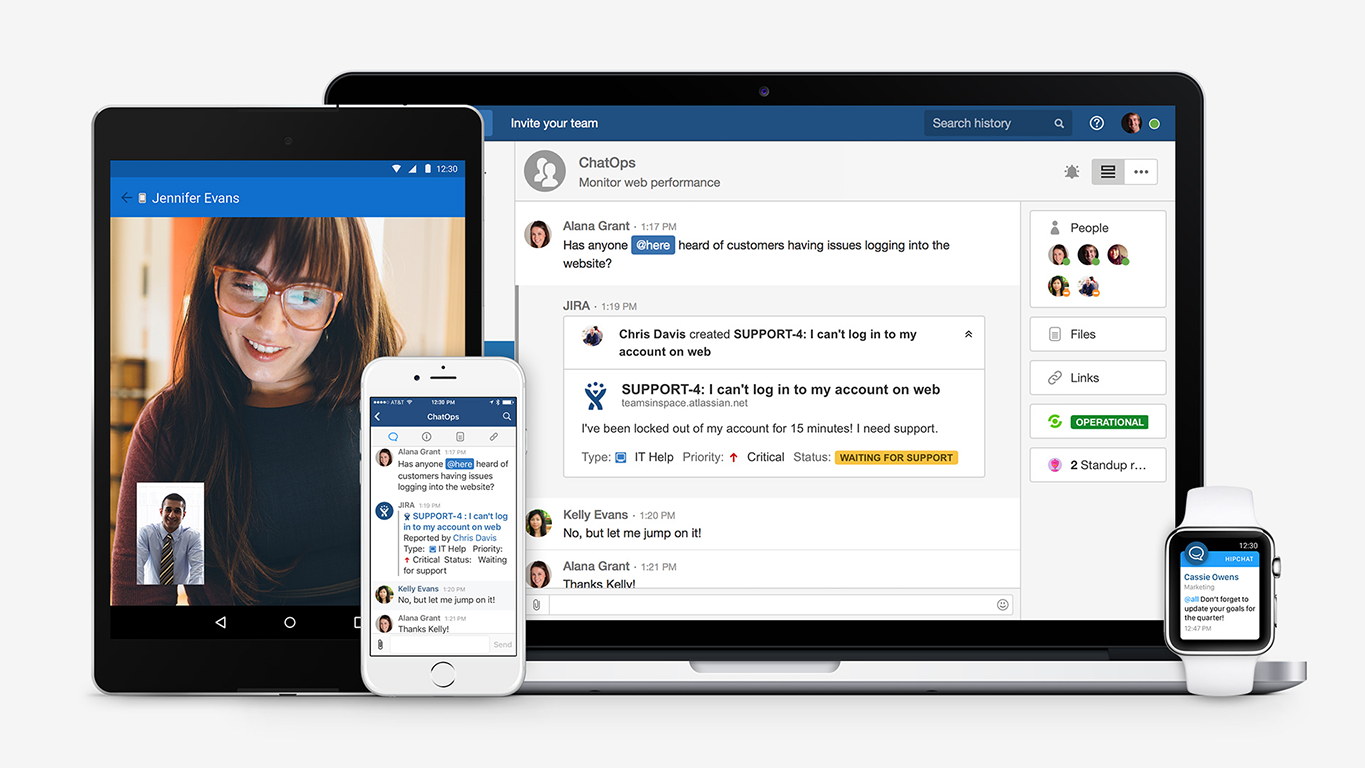
HipChat integrates quite well with other applications, such as Jira and Stash. This is a main selling point for my team. It provides a convenient feed of actions on a JIRA story or Stash pull request.
HipCat does a good job of allowing 1-1 and group chats. It is simple to start a new conversation and it is easy to hold a group conversation and keep track of who is in the room.
I like how HipChat has away/here/on mobile statuses. This makes it easy to see if a person is available to be contacted.
Notes' backwards compatibility sometimes gets in the way. Menus are cluttered with extraneous, outdated options and features that modern users will never use, and Preferences are often difficult to navigate for those coming from Gmail or Outlook. We have greatly simplified this via Policies, but users still find it daunting to go through all the options that are available.
The IBM Notes client for Windows & Mac is essentially the Eclipse Java development platform...so it is HUGE. Performance initially was very slow but IBM has done a good job of speeding things up. As IBM moves more toward cloud-delivered applications, this will not be as much of a problem.
Notes and Domino can be complex to manage for administrators who are more accustomed to ActiveDirectory, Group Policy, etc. Editing a notes.ini file to add a feature, or working with XML files by hand to create a SmartUpgrade kit can be daunting to those coming from more modern administrative roles.
Some users claim to "hate" Notes mail. While I have heard this less and less over the past 10 years, we have had 3rd party software offer plugins to Outlook and it's rare to see any for Notes.
The client update process should be automated more. I would like to see the Notes client update quietly and quickly more like an Adobe software update. If an update fails it should automatically try again without prompting the user over and over.
Notes multiple language spell checking is a downloaded add-on Java-based resource that has to be deployed in a convoluted way that is difficult for users to grasp. Therefore any foreign language spell check updates must be done individually per Notes client by IT, which is unfortunate. I would prefer to see that be a "live download" update option for users to get directly from IBM (don't make me download it and put it on my network).
Mobile app is not very responsive on iOS. Sometimes connection to Hipchat servers is taking too long even on good networks.
Both mobile and desktop versions have no alphabetical or recent sorting for groups and chat rooms.
Video and audio calls are pretty useless, they're slow and not always work.
The whole user interface is simple but very outdated - apparently Atlassian didn't focus too much on Hipchat even though they tried in the last 2 years.
I've been in IT business and as a Programmer/Developer for 20+ years with too many programming languages experiences/back ground (C/C++/Visual Basic/Basic Program/Unix/COBOL/Java). Also with 18+ years with Lotus Notes/IBM Domino, I am still and always think Lotus Notes is the best RAD platform available!. When the time where resource is very limited and the expectation is very high and the turn around is too short, IBM Domino/Notes is the platform to use and it's the only choice available.
Easy to use for the user, most of the apps we developed, there is not much need for user training. Most of the times, we just do a demo to the users group and they can pick up from there.
The app itself had a pleasant if not generic interface. As a user experience expert and engineer I can say the interface is fairly intuitive if not bland. It does what you expect it to do and it's available on iOS and Android devices. If I recall it was generally pretty light weight in terms of installation size.
I've been using the production for a very long time and very happy with it. Also, all the online resources and forums for notes is very friendly and easy/quick for getting help. I found out that compared to Microsoft or Oracle or any other platforms, IBM Notes online forum is the best I have seen.
HipChat support is good . Responds in timely manner when ever we have raised the request via email , phone and gives us continue update on the request .Though most of the questions are answered by HipChat FAQs , but they can still improve it and add more to the knowledge base .
Implementation is easy and smooth if the requirement is well gathered/documented. Notes is a RAD platform, all projects in Notes is simple in the implementation step.
Outlook has been considered for years as a replacement platform. Pricing and support staff made it prohibitive. Our long-time use of Microsoft Office productivity suite naturally led us to consider the adoption of Office365. A recent investigation told us that Azure Cloud services propel an O365 solution to the forefront. Early adopters in international divisions have paved the way for Azure and O365.
We tried a lot of chat clients before choosing HipChat. The Skype for Business UI on the Mac side was 5 years old and terrible. Mac users hated the app including our CTO. Cisco Jabber was expensive to license and maintain; Skype was open to the public which took time away due to users dealing with spam and could allow viruses and malware. HipChat being a closed product, centrally managed and available to try without an upfront investment was perfect for our environment. All our Agile teams have their own room, chat and can communicate with others quickly and easily.
Actually I never shared of HipChat using with more than 25 persons in team simultaneously, but I believe it can be scaled for much largest collaboration teams. At least it works flawlessly for us, with transparent integration with Jira, and I am not see any reasons for some troubles for work at big scale.
Over the years, we have lost countless hours of productivity from the thousands of crashes we have experienced.
One benefit of IBM Notes is that it is very simple to train a new user on. Many people prefer and are familiar with Google tools, but those that use IBM Notes have very little trouble acclimating themselves.
HipChat has increased the effiency with which I am able to communicate with my coworkers, particularly those who work out of other offices. Having a light, portable messaging solution has been beneficial for checking in on small things without the need to send emails or schedule phone calls.