HCSS is a construction software suite. It includes functionality for bidding, time card and project management, safety, planning, scheduling, equipment management, and data warehousing and reporting. Each module can be purchased separately. The suite can be hosted in the cloud.
N/A
UDA Construction Suite
Score 7.6 out of 10
N/A
N/A
N/A
Wrike
Score 8.6 out of 10
Mid-Size Companies (51-1,000 employees)
Wrike is a project management and collaboration software. This solution connects tasks, discussions, and emails to the user’s project plan. Wrike is optimized for agile workflows and aims to help resolve data silos, poor visibility into work status, and missed deadlines and project failures.
$240
per year 2 users (minimum)
Pricing
HCSS
UDA Construction Suite
Wrike
Editions & Modules
No answers on this topic
No answers on this topic
Wrike Free
$0
per month per user
Wrike Team
$10
per month (billed annually) per user (2-15 users)
Wrike Business
$25
per month (billed annually) per user (5-200 users)
Apex
Request a quote
per month per user
Pinnacle
Request a quote
per month per user
Offerings
Pricing Offerings
HCSS
UDA Construction Suite
Wrike
Free Trial
No
No
Yes
Free/Freemium Version
No
No
Yes
Premium Consulting/Integration Services
Yes
No
Yes
Entry-level Setup Fee
Required
No setup fee
No setup fee
Additional Details
—
—
Every premium plan begins with a 14-day trial period.
Our operation uses several pieces of what we call specialty equipment (not used every day on every job). The foreman when finished will give a location of where this equipment is left, this many times can be very vague and lead to a lowboy driver trying to block around to find the piece or driving down a street he cannot get turned around in. With the GPS devices, the driver can pinpoint exactly where the unit is and if he has room to turn around at that location.
I believe it's well suited if you have multiple jobs/projects that you need to keep organized. We work with multiple job types from print/creative to web, copy and digital ads so it helps us stay organized. I don't think it would be suitable for a company that doesn't have a lot of jobs to manage. We average over 1,200 requests a year.
#1 is support! HCSS is by far the best software support of any product we have ever used. Unlike most software companies HCSS utilizes their support calls to help upgrade their software. When you here them tell you that they will write down a particular issue you come across during a support call if they can't help you then and there they will research and get an answer to you extremely fast. If the software will not do it, you can bet there is a good chance it will be on the list of enhancements you will see come out in the near future.
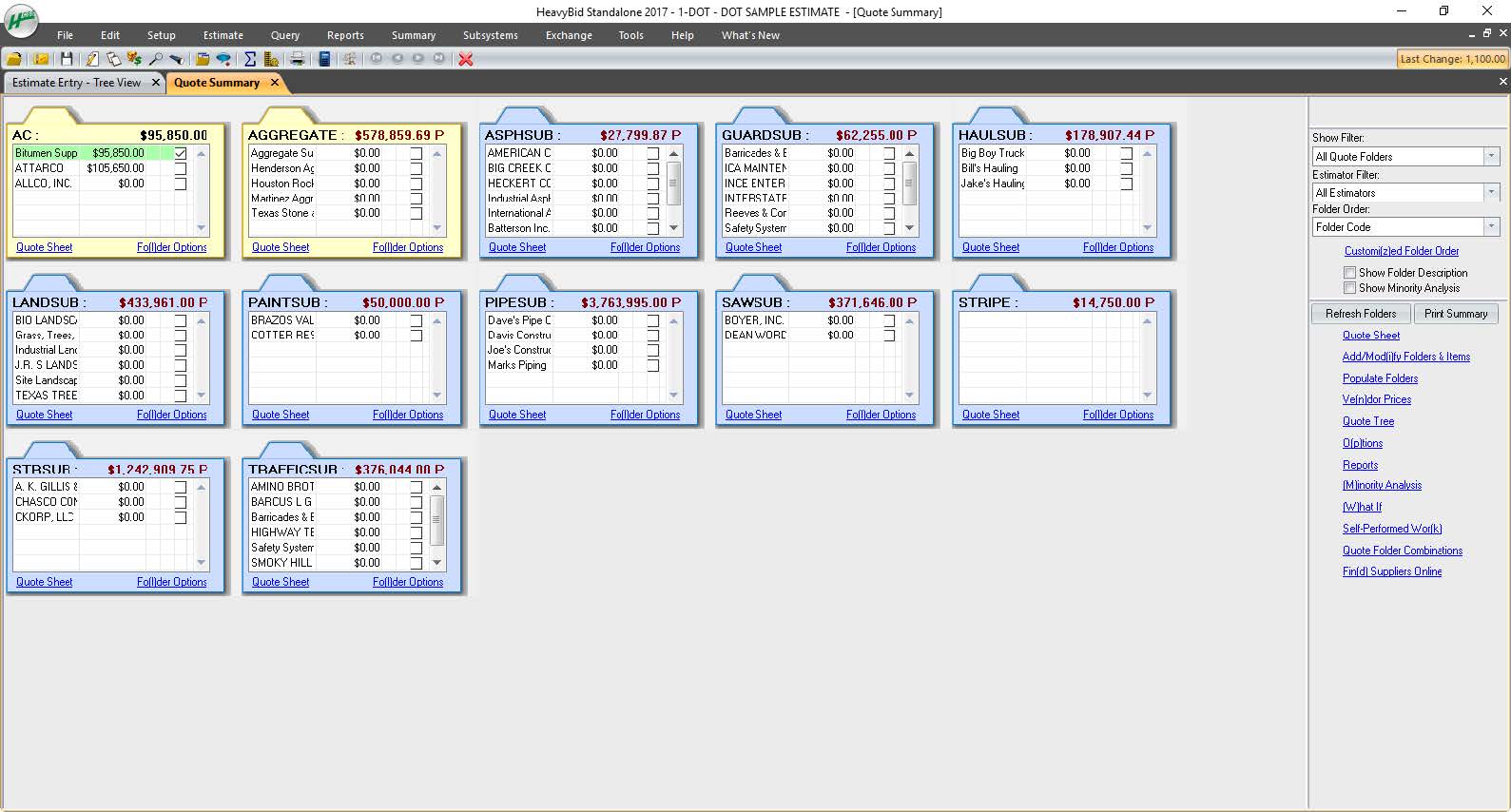
Estimating software is very extensive. Their software is capable of handling the smallest estimate all the way to the largest joint venture estimate. It has advanced features that make it extremely useful for analyzing job materials, subcontractors etc.
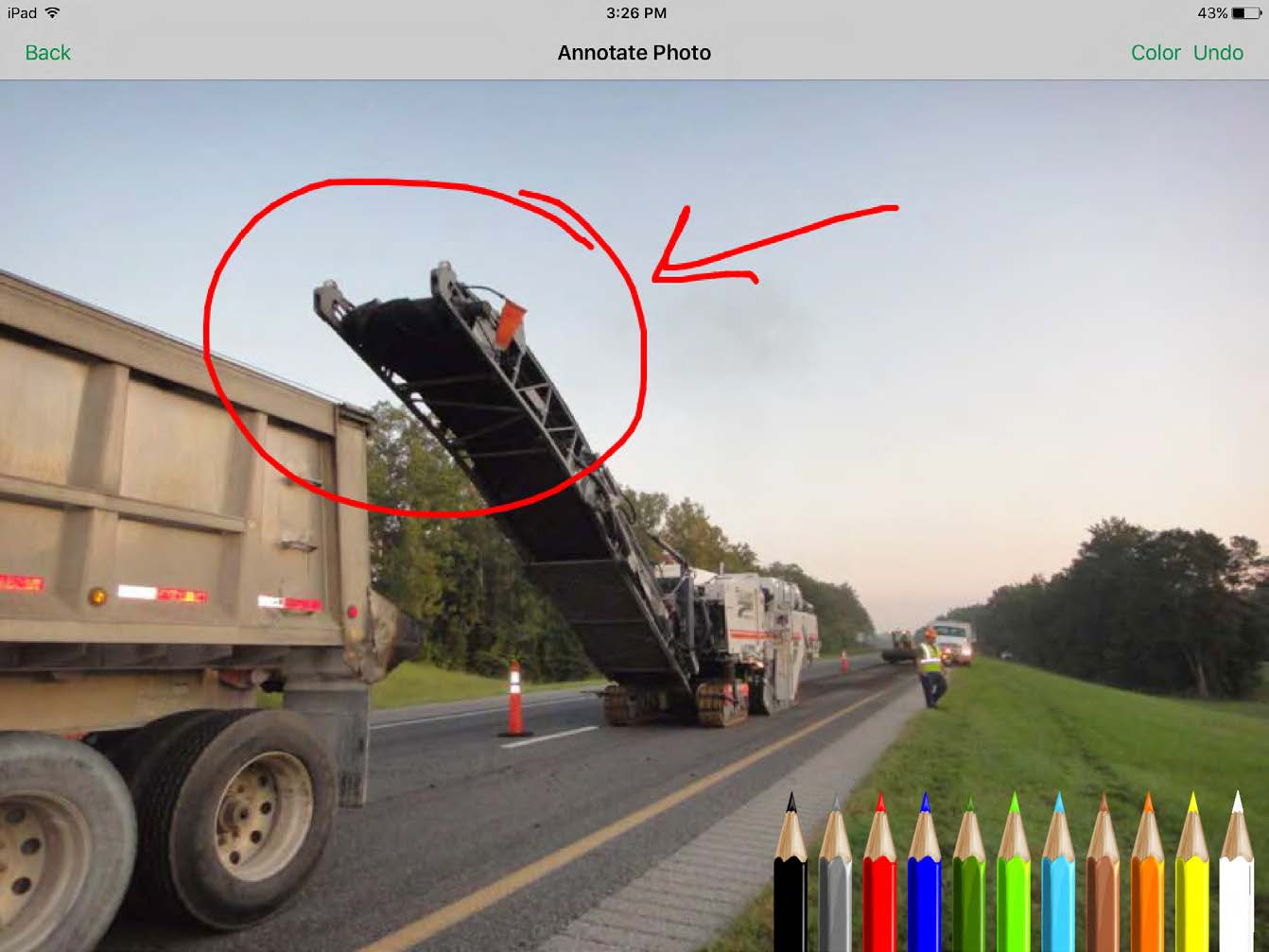
HeavyJob is an extremely useful tool for the field to keep the office up to date with job costs. Everything is at the Foreman's fingertips on Tablets to allow the information from the field to get uploaded to HeavyJob manager which then can export to accounting. We are also able to give our Foreman the ability to deal with the Daily and weekly safety needs (Tailgate Meetings, incident Investigation, observations etc.) right on the Tablets thru HeavyJob.
All their apps are on mobile devices. Although there is not a clear company policy on Android versus iPhone. Updates for features lag behind on Android. Some apps are exclusive to one platform making it hard to fully interconnect all programs.
Their spell checker creates a squiggly line to tell you that you have a misspelled word, but, doesn't allow you to correct it.
The spell checker lets you add custom words to a dictionary, but, it can only use one dictionary at a time to check spelling. So the default dictionary gets used, and your custom words still show up as being spelled wrong!
You can't select-copy addresses, in order to paste them somewhere else.
Using duplexing on my printer doesn't work right. It works for every other software I own, but not in UDA.
There is a bug in the WIP date range that doesn't pull accurate data.
"Options" in the estimate show only cost, not margin. So if you show your customer that report, you are revealing cost info, not selling price!!
You can't import a PDF into bid notes, even though the premise of UDA is to try to make it a single repository for all your information.
You can't use the arrow key to browse photos in UDA. You need to close, and click into the next one. No inuitive functionality.
The estimating module separates material and labor, in ways that create a very confusing Scope of Work. You need to select the labor item from your database, then separately select the material from your database. You end up with two line items in your Scope of Work for the same thing. Instead of writing, "Supply and Install a new window" you have "Supply a new window" and then "Install a new window." It's hard for my estimator, and confusing for my client.
UDA will WREAK HAVOC on your contacts in Outlook.
It does a terrible job of managing husband/wife or partner/partner situations. You can't mail merge them properly, or, you get forced into combining their contact into into a single contact-- and then how do you know whether the cell phone is his or hers???
There is no good way to credit design fees against the construction contract, if you happen to use that paradigm for your contracts.
There is no way to filter contracts by their date created. So, how do you find your newest contacts for entering them into something such as Constant Contact?
If you try to use integration of QuickBooks(QB) and UDA, your ITEMS list in QB will either get expanded to hundreds or even THOUSANDS of items... or, your POs in QB will get created in a summary form such that they are virtually meaningless.
The "lead funnel" graphic may look cool, but there is not a good way to actually report on the lead status, track the activities and calls that you make, note significant emails that you write, or keep track of when you send out thank-you cards or spiffs/gifts!
They might tell you that these things work, but, after spending MONTHS with UDA, I found out that these problems are deal breakers.
Within their customer service department, the left hand doesn't know what the right hand is doing. They do not use a structure such as Zendesk that so many other great companies use. Even though I was paying for priority support, there were often days going by where I could not get a call or email back to assist me with a support request or provide a tutorial on how to do something. Had I not paid extra for support, this would be acceptable. But when paying for "TotalCare" priority support, there are times when the software had me stuck, and I was stuck for a day at a time waiting for an answer. Sometimes no answer ever arrived.
I wish that Wrike had more drag and drop functionality that would be connected to assignee and also I wish that the finish date of a task would update to the date where you checked completed. It does not do that. Also finishing a task doesn't move the start date of the next task it "protects your time in that way", but our management team wants us to quickly see what we have down the pipeline rather than having to scroll down the list of upcoming tasks.
As mentioned, user interface appears messy and complicated at initial onset. Training is necessary but becomes easy to maneuver through after solid daily use.
It does take some time and work to really understand and use it properly, but I think the accessibility to help and documentation make that completely feasible. Once you know how to use it, I find it to be very user-friendly, and have very few complaints.
Over two years of (almost) daily usage without outages. Don't remember any errors. I give it 9 only because some Wrike plugins (for online document edit) are based on NPAPI architecture. These types of plugins are being phased out in new browsers, and NPAPI plugins are disabled by default in recent versions of Chrome so you have to do some browser adjustments when you switch browsers or move to another computer.
Wrike tasks loads fine, but I hate clicking files and wait for a bit of time since it is powerpoint or word, Wrike assumes I want to open those on Wrike. My suggestion is to link it to office 365 so we do not need Wrike based decoder for PPTX and DOCX
I have never had a bad experience or heard of one in 4 years of doing business with HCSS. That is unheard of even with the hurricanes and flooding in Houston area it feels like HCSS was always there and willing to help in every way.
During my learning phase with Wrike, I initially struggled with setting up automation rules and request forms. However, Wrike support was always my go-to, resolving issues within seconds or minutes. Their assistance made the learning process much easier. My best experience was receiving step-by-step screenshots to follow, with the support team on standby until I was completely satisfied.
I love the Wrike training options. Wrike Discover has tons of courses, learning plans, certifications, etc. This is an area where Wrike definitely shines! I wish these resources were more in your face for new people, because it seems like a lot of coworkers didn't know all of this training was available to them.
I was not employed with PPI upon implementation. I would prefer to reference my previous statement, that each company needs to evaluate its culture and address your implementation accordingly. The purchasing company should assign an employee as point person and really take charge of not just the technical side of the implementation (HCSS pretty much handles that), but focus on company culture and training.
There are a lot of bells and whistles in Wrike, and not all of it is easy or intuitive to understand once it's plopped in your lap. It's easier when there are a few choice people who understand Wrike as a platform and articulate it in such a way where it makes it easy to pass it along to others in the group
Other estimating products I have used consist of ICE/MC2 and MS Excel. ICE was not a good fit for our company, as they have awful technical support and offer very poor training. MS Excel is great for simple estimates where there is not a lot of data being compiled. However neither hold a candle to the power of HCSS Heavybid
QuickBooks has great quality assurance and while they don't provide support, their software is nearly flawless. Co-construct provides great support and solves problems. In comparison, UDA Construction Suite is full of flaws, and their customer service department is disorganized and overworked.
Jira did not at all help us get our work done as content creators. I think that was because Jira wasn't quite right for our uses. Wrike fits our needs so much better. I can't tell you enough the relief I felt when we adopted Wrike and I never had to use Jira again.
The sky is the limit for what can be done in Wrike. We started with 1 use case and within 5 months we migrated several key business practices over to Wrike because they were easier to manage. Use cases so far: process improvement, management review, corrective actions, maintenance requests, month-end financial closing, and document management. As we grow, it's easy to imagine putting even more into Wrike where it becomes a cornerstone for how we do business
Because of the codebooks (bid item codebook for DOT's specifically), we're able to carve off significant time in "stick-building" estimates
It's very easy to train newer estimators with HeavyBid due to the abundance of resources available on HCSS Academy and elsewhere (i.e. Arthur Nix's material)
The KPI's and Insights that Pre-Con offers helps us to make better decisions on Bid Day.
Different teams (e.g., contracting, compliance, provider relations) can view updates in real time, comment directly on tasks, and escalate items when needed.
Wrike allows us to template the contracting process (from intake to signature) to ensure consistency across payers and reduce administrative overhead.
Leadership can see the status of negotiations at a glance, identify bottlenecks, and prioritize resources accordingly.