Chose Help Scout
I also have used Zendesk previously, which is much more complicated; however, it can offer much more possibilities for customizing.

| Product | Rating | Most Used By | Product Summary | Starting Price |
|---|---|---|---|---|
 Help Scout | N/A | Help Scout is help desk software. The vendor’s value proposition is that that their solution reduces time spent on training users because Help Scout is simple to use and set up and scales like any enterprise product. This solution includes multiple mailboxes to support as many email addresses as needed in order to work collaboratively across teams, and manage several products or brands from one account. Reports on conversation trends, team performance, productivity, and customer happiness are… | $30 per month starts with 100 contacts | |
 Zendesk Suite | N/A | Zendesk is a customer support solution with built-in ticketing, conversational messaging, and live chat, designed to help businesses of all sizes and industries deliver personalized service at scale. Zendesk's AI agents are trained in CX to help Service teams resolve customer issues faster and more accurately while still providing a human-centered experience. Zendesk ultimately aims to help businesses improve time to value, reduce effort per ticket, and keep costs low. | $69 per month per agent |
| Help Scout | Zendesk Suite | |||||||||||||||
|---|---|---|---|---|---|---|---|---|---|---|---|---|---|---|---|---|
| Editions & Modules |
|
| ||||||||||||||
| Offerings |
| |||||||||||||||
| Entry-level Setup Fee | No setup fee | Optional | ||||||||||||||
| Additional Details | — | 20% discount available with annual pricing. | ||||||||||||||
| More Pricing Information | ||||||||||||||||
| Help Scout | Zendesk Suite | |
|---|---|---|
| Considered Both Products | Help Scout  Leigh Malamphy Manager, Support Chose Help Scout Help Scout is more reasonably priced compared to our other options.  Taylor Hansen Support Team Manager Chose Help Scout Help Scout is a way better looking product. In the last two years they have stepped up their game. I hope to use their live chat soon. Zendesk is clunky and the user interface is terrible.  Santiago Valdés Cofounder / Marketing, Growth, Technology, Experience Chose Help Scout This is tricky because there's helpdesk apps and chat apps (now Help Scout offers both). We first used just an email inbox (of course not scalable but we were very small), then we turned to Freshdesk, which was painful to use. It had some cool features but in general it was …  Jeffrey Schneider Chief Operating Officer Chose Help Scout They all had their positives and negatives. For us, it came down to signing a BAA (Zendesk wanted $28,000 to sign one). We enjoy working with vendors who can support healthcare initiates such as we are building.  Kaitlin Rawley Director of Growth Chose Help Scout We did test out several other support desk tools before finally deciding to go with Help Scout. The main tipping point was the fact that Help Scout almost appeared invisible to the end user (our customer). To them, it just feels as if they are reaching someone via email, not … |  Zendesk Suite  Alan Gadbois Esports Recruitng Coach Chose Zendesk Suite It's as good as ServiceNow. Zendesk was selected mainly based on price and performance. |
| Help Scout | Zendesk Suite | |||||||||||||||||||||
|---|---|---|---|---|---|---|---|---|---|---|---|---|---|---|---|---|---|---|---|---|---|---|
| Incident and problem management |
| |||||||||||||||||||||
| Self Help Community |
| |||||||||||||||||||||
| Multi-Channel Help |
|
| Help Scout | Zendesk Suite | |
|---|---|---|
| Small Businesses |  Agiloft Service Desk (discontinued) Score 9.0 out of 10 | Agiloft Service Desk (discontinued) Score 9.0 out of 10 |
| Medium-sized Companies | Agiloft Service Desk (discontinued) Score 9.0 out of 10 | Agiloft Service Desk (discontinued) Score 9.0 out of 10 |
| Enterprises |  Front Score 9.2 out of 10 | Front Score 9.2 out of 10 |
| All Alternatives | View all alternatives | View all alternatives |
| Help Scout | Zendesk Suite | |
|---|---|---|
| Likelihood to Recommend | 9.5 (23 ratings) | 8.9 (219 ratings) |
| Likelihood to Renew | 7.0 (1 ratings) | 10.0 (43 ratings) |
| Usability | 9.4 (6 ratings) | 8.8 (92 ratings) |
| Availability | - (0 ratings) | 9.1 (14 ratings) |
| Performance | - (0 ratings) | 9.1 (11 ratings) |
| Support Rating | - (0 ratings) | 5.5 (31 ratings) |
| In-Person Training | - (0 ratings) | 10.0 (1 ratings) |
| Online Training | - (0 ratings) | 6.4 (10 ratings) |
| Implementation Rating | - (0 ratings) | 9.1 (19 ratings) |
| Configurability | - (0 ratings) | 9.1 (4 ratings) |
| Contract Terms and Pricing Model | - (0 ratings) | 9.1 (1 ratings) |
| Ease of integration | - (0 ratings) | 9.1 (1 ratings) |
| Product Scalability | - (0 ratings) | 9.1 (1 ratings) |
| Professional Services | - (0 ratings) | 9.1 (1 ratings) |
| Vendor post-sale | - (0 ratings) | 9.1 (1 ratings) |
| Vendor pre-sale | - (0 ratings) | 9.1 (1 ratings) |
| Help Scout | Zendesk Suite | |
|---|---|---|
| Likelihood to Recommend | Help Scout
| Zendesk
|
| Pros | Help Scout
 Hammad Bin Idrees Acting Project Manager | Zendesk
|
| Cons | Help Scout
Santiago Valdés Cofounder / Marketing, Growth, Technology, Experience | Zendesk
 Sarah Ager Sr. Product Marketing Manager |
| Likelihood to Renew | Help Scout
| Zendesk
|
| Usability | Help Scout
| Zendesk
|
| Reliability and Availability | Help Scout No answers on this topic | Zendesk
 Chase Sheaffer Co-Founder / Devleoper of Out of Milk |
| Performance | Help Scout No answers on this topic | Zendesk
|
| Support Rating | Help Scout No answers on this topic | Zendesk
|
| Online Training | Help Scout No answers on this topic | Zendesk
Chase Sheaffer Co-Founder / Devleoper of Out of Milk |
| Implementation Rating | Help Scout No answers on this topic | Zendesk
|
| Alternatives Considered | Help Scout
| Zendesk
|
| Scalability | Help Scout No answers on this topic | Zendesk
|
| Return on Investment | Help Scout
Leigh Malamphy Manager, Support | Zendesk
|
| ScreenShots | Help Scout Screenshots  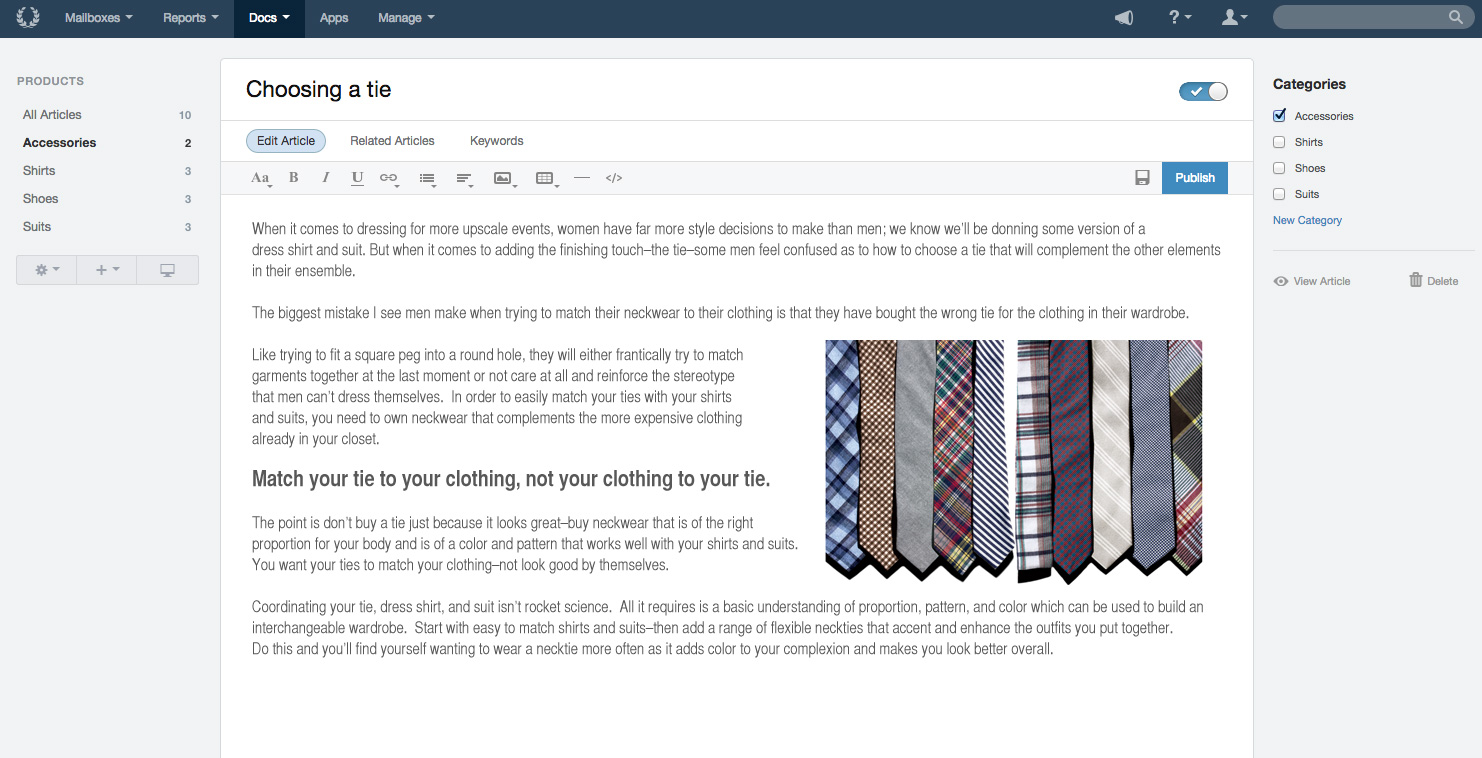    | Zendesk Suite Screenshots      |