
karthikeyan Thangaraju
Database Administrator
Chose IBM Cognos Analytics
Multiple data sources connection
Cross platform software.
Click and drag capabilities.
Cross platform software.
Click and drag capabilities.

| Product | Rating | Most Used By | Product Summary | Starting Price |
|---|---|---|---|---|
 IBM Cognos Analytics | N/A | IBM Cognos is a full-featured business intelligence suite by IBM, designed for larger deployments. It comprises Query Studio, Reporting Studio, Analysis Studio and Event Studio, and Cognos Administration along with tools for Microsoft Office integration, full-text search, and dashboards. | $10 per month per user | |
 SAP Crystal | N/A | SAP Crystal is an analytics and reporting software solution for SMBs. SAP Crystal comprises Crystal Reports for pixel-perfect reporting, and SAP Crystal Server for automated distribution and self-service access to reports, dashboards and data exploration. | $295 per single user license | |
 Toad Database Developer Tools | N/A | Toad by Quest is a database management toolset that database developers, administrators and data analysts use to simplify workflows, create code free from defects, automate frequent or repetitive processes, and minimize risks. Editions include Toad for Oracle, which automates administration tasks and helps proactively manage databases while embracing performance optimization and risk mitigation. Similar editions exist for IBM DB2, SQL Server, SAP, or MySQL and Postgres environments (Toad Edge). | $229 per year |
| IBM Cognos Analytics | SAP Crystal | Toad Database Developer Tools | ||||||||||||||||||||||
|---|---|---|---|---|---|---|---|---|---|---|---|---|---|---|---|---|---|---|---|---|---|---|---|---|
| Editions & Modules |
|
|
| |||||||||||||||||||||
| Offerings |
| |||||||||||||||||||||||
| Entry-level Setup Fee | Optional | Optional | No setup fee | |||||||||||||||||||||
| Additional Details | — | * SAP Crystal Reports 2020 Viewer allows you to view static data within a SAP Crystal Reports file. * SAP Crystal Reports 2020 - Full version allows you to create powerful, richly formatted, and dynamic reports from virtually any data source, delivered in dozens of formats, in up to 28 languages. If you already have an older version of Crystal Reports, buy a license for SAP Crystal Reports 2020 - Upgrade at a discounted, upgrade price. * SAP Crystal Server 2020, 1 NUL includes 1 license of: SAP Crystal Reports 2020 - SAP Crystal Server 2020. * As an add-on to SAP Crystal Server 2020 1 NUL, SAP Crystal Server 2020 5 CAL allows you to support a wider, intermittent audience of end users, up to five logged on at the same time. | — | |||||||||||||||||||||
| More Pricing Information | ||||||||||||||||||||||||
| IBM Cognos Analytics | SAP Crystal | Toad Database Developer Tools | |
|---|---|---|---|
| Considered Multiple Products | IBM Cognos Analytics karthikeyan Thangaraju Database Administrator Chose IBM Cognos Analytics Multiple data sources connection Cross platform software. Click and drag capabilities.  Gos Yao Professional Service Consultant Chose IBM Cognos Analytics IBM Cognos stood out presumably because of the target market - we have been doing it in telco market so IBM Cognos could be a good fit due to its powerful capacity to establish the reports and data sets.  Lesa Brosch,SHRM-CP, MPA, PHR Human Resources Manager Chose IBM Cognos Analytics Crystal Reports does not seem to be as user friendly as IBM Cognos.  Dwight Taylor Manager of BI Reporting Chose IBM Cognos Analytics IBM Cognos shines when it comes to setting up slow changing historical reports that need to be delivered on a predefined schedule to a predetermined set of recipients.  Joyce DuPree Assistant HR Manager Chose IBM Cognos Analytics Cognos is more intuitive and I think easier to use. | SAP Crystal  Charanya Rajagopalan Project Lead Chose SAP Crystal
 Larry Jones I.T. Black Knight Chose SAP Crystal We selected Crystal Reports almost 20 years ago due to its feature set, flexibility, and cost. The only other reporting tool evaluate at that time was Cognos and it was much more expensive then. 17 years ago we spent a few thousand dollars on some developer/designer licenses and …  Nathan Patrick Taylor Clinical Informatics Consultant Chose SAP Crystal Crystal Reports fits a niche for us in standard reporting. We don't use it for creating dashboards or interactive data analysis. That's where Tableau excels. For on-demand reports, we prefer Microsoft Reporting Service and Analysis Services. Crystal Report is very good when it … |  Toad Database Developer Tools Charanya Rajagopalan Project Lead Chose Toad Database Developer Tools The one big difference in the area of usability is the Object Browser in Toad for Oracle. It's very easy to navigate between different database objects at different schema levels without hassle. This is not true with SQL Developer. The ability to code and execute different … |
| IBM Cognos Analytics | SAP Crystal | Toad Database Developer Tools | |||||||||||||||||||||||||||
|---|---|---|---|---|---|---|---|---|---|---|---|---|---|---|---|---|---|---|---|---|---|---|---|---|---|---|---|---|---|
| BI Standard Reporting |
| ||||||||||||||||||||||||||||
| Ad-hoc Reporting |
| ||||||||||||||||||||||||||||
| Report Output and Scheduling |
| ||||||||||||||||||||||||||||
| Data Discovery and Visualization |
| ||||||||||||||||||||||||||||
| Access Control and Security |
| ||||||||||||||||||||||||||||
| Mobile Capabilities |
| ||||||||||||||||||||||||||||
| Application Program Interfaces (APIs) / Embedding |
| ||||||||||||||||||||||||||||
| Database Development |
| ||||||||||||||||||||||||||||
| Database Administration |
|
| IBM Cognos Analytics | SAP Crystal | Toad Database Developer Tools | |
|---|---|---|---|
| Small Businesses |  Yellowfin Score 8.7 out of 10 | Yellowfin Score 8.7 out of 10 |  DBeaver Score 8.5 out of 10 |
| Medium-sized Companies |  Reveal Score 10.0 out of 10 | Reveal Score 10.0 out of 10 |  ER/Studio Score 9.9 out of 10 |
| Enterprises |  Kyvos Semantic Layer Score 9.5 out of 10 | Kyvos Semantic Layer Score 9.5 out of 10 | ER/Studio Score 9.9 out of 10 |
| All Alternatives | View all alternatives | View all alternatives | View all alternatives |
| IBM Cognos Analytics | SAP Crystal | Toad Database Developer Tools | |
|---|---|---|---|
| Likelihood to Recommend | 7.6 (146 ratings) | 7.0 (159 ratings) | 9.5 (34 ratings) |
| Likelihood to Renew | 8.1 (30 ratings) | 10.0 (19 ratings) | 9.0 (1 ratings) |
| Usability | 7.3 (9 ratings) | 7.3 (31 ratings) | 9.0 (2 ratings) |
| Availability | 8.6 (4 ratings) | 8.0 (1 ratings) | - (0 ratings) |
| Performance | 9.0 (5 ratings) | 8.0 (1 ratings) | - (0 ratings) |
| Support Rating | 1.0 (9 ratings) | 8.6 (21 ratings) | 8.2 (7 ratings) |
| In-Person Training | 8.7 (4 ratings) | 10.0 (1 ratings) | - (0 ratings) |
| Online Training | 8.0 (4 ratings) | - (0 ratings) | - (0 ratings) |
| Implementation Rating | 7.0 (7 ratings) | 8.8 (14 ratings) | - (0 ratings) |
| Configurability | 7.0 (3 ratings) | 8.0 (1 ratings) | - (0 ratings) |
| Ease of integration | 5.7 (5 ratings) | 7.0 (1 ratings) | - (0 ratings) |
| Product Scalability | 2.7 (4 ratings) | 7.0 (1 ratings) | - (0 ratings) |
| Vendor post-sale | 7.0 (1 ratings) | 8.0 (1 ratings) | - (0 ratings) |
| Vendor pre-sale | 7.0 (1 ratings) | 7.0 (1 ratings) | - (0 ratings) |
| IBM Cognos Analytics | SAP Crystal | Toad Database Developer Tools | |
|---|---|---|---|
| Likelihood to Recommend | IBM
 Nishant Thakkar Senior Analyst | SAP
| Quest Software
 Ravinder Gupta Senior Oracle Database Administrator |
| Pros | IBM
| SAP
| Quest Software
|
| Cons | IBM
 Josepe Bonfante Social Media Strategist | SAP
 Frank Hunt Business Development Manager | Quest Software
|
| Likelihood to Renew | IBM
 Sachin Karkun Technical Lead | SAP
| Quest Software
|
| Usability | IBM
 Robert Goodman Director, Business Intelligence & Analytics | SAP
 Greg Goss SQL Database and Business Intelligence Manager | Quest Software
|
| Reliability and Availability | IBM
 Gerrit Goewey Senior Analytics Consultant | SAP No answers on this topic | Quest Software No answers on this topic |
| Performance | IBM
 Meghdeep Raval, PMP Manager, Data Architecture | SAP No answers on this topic | Quest Software No answers on this topic |
| Support Rating | IBM
 Jonathan Kyrlach Business Intelligence Architect | SAP
Nathan Patrick Taylor Clinical Informatics Consultant | Quest Software
 Jatel Desai Programmer Analyst |
| In-Person Training | IBM
Robert Goodman Director, Business Intelligence & Analytics | SAP
| Quest Software No answers on this topic |
| Online Training | IBM
Gerrit Goewey Senior Analytics Consultant | SAP No answers on this topic | Quest Software No answers on this topic |
| Implementation Rating | IBM
 Toni McKee HR Systems Analyst II | SAP
| Quest Software No answers on this topic |
| Alternatives Considered | IBM
| SAP
| Quest Software
|
| Scalability | IBM
Robert Goodman Director, Business Intelligence & Analytics | SAP No answers on this topic | Quest Software No answers on this topic |
| Return on Investment | IBM
| SAP
 Rohit Narang Assistant Vice President | Quest Software
 Dhruba Jyoti Nag Associate |
| ScreenShots | IBM Cognos Analytics Screenshots      | SAP Crystal Screenshots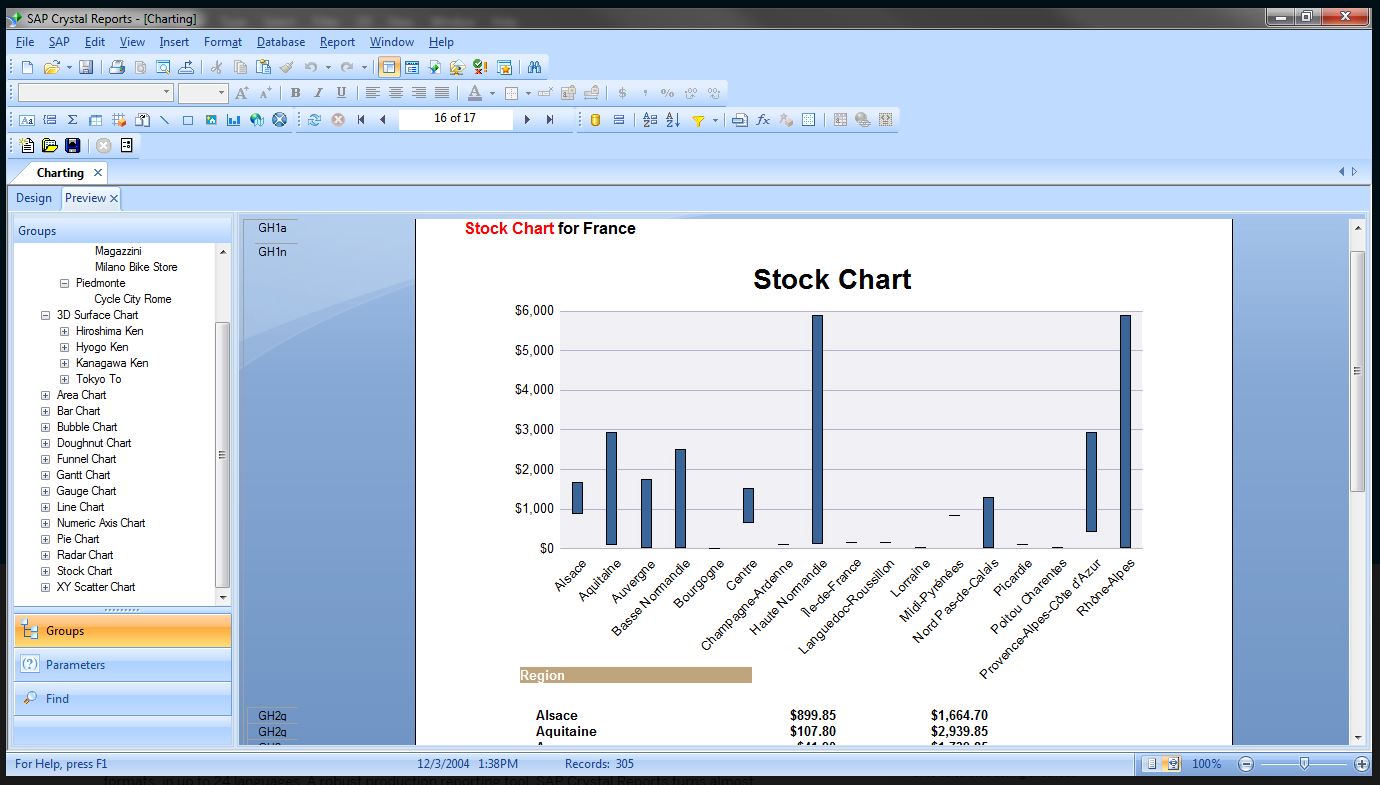   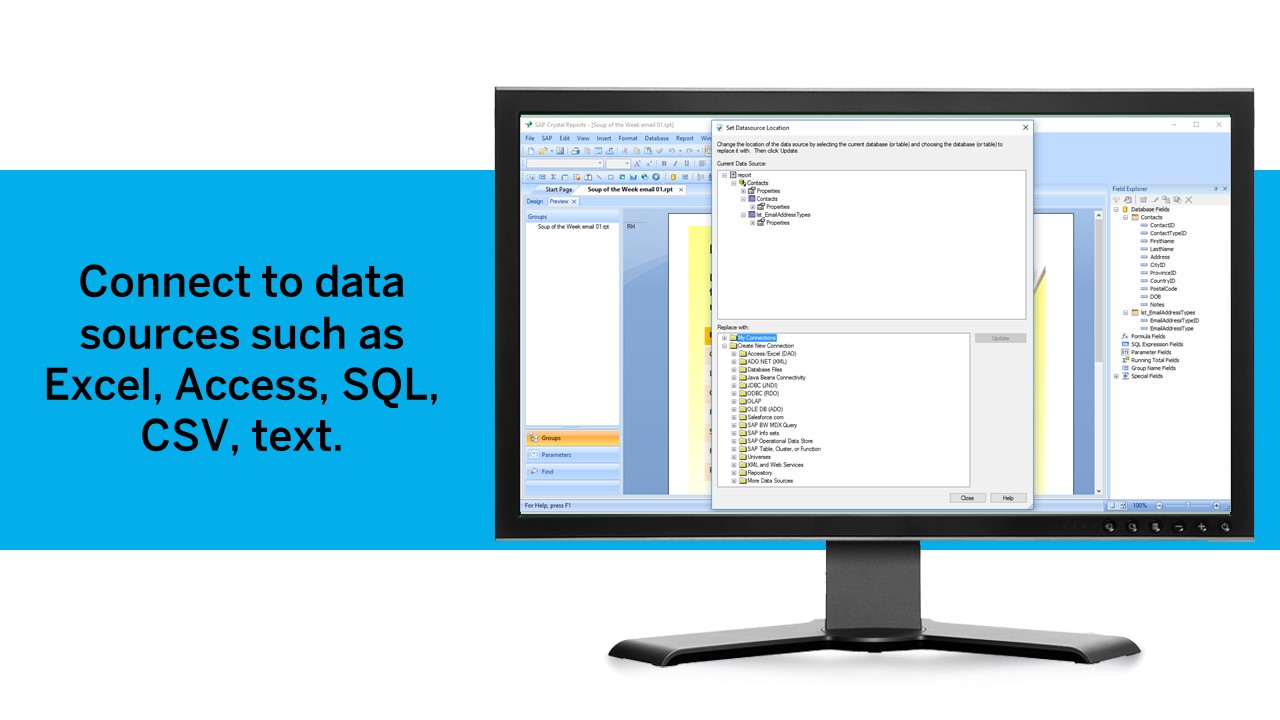 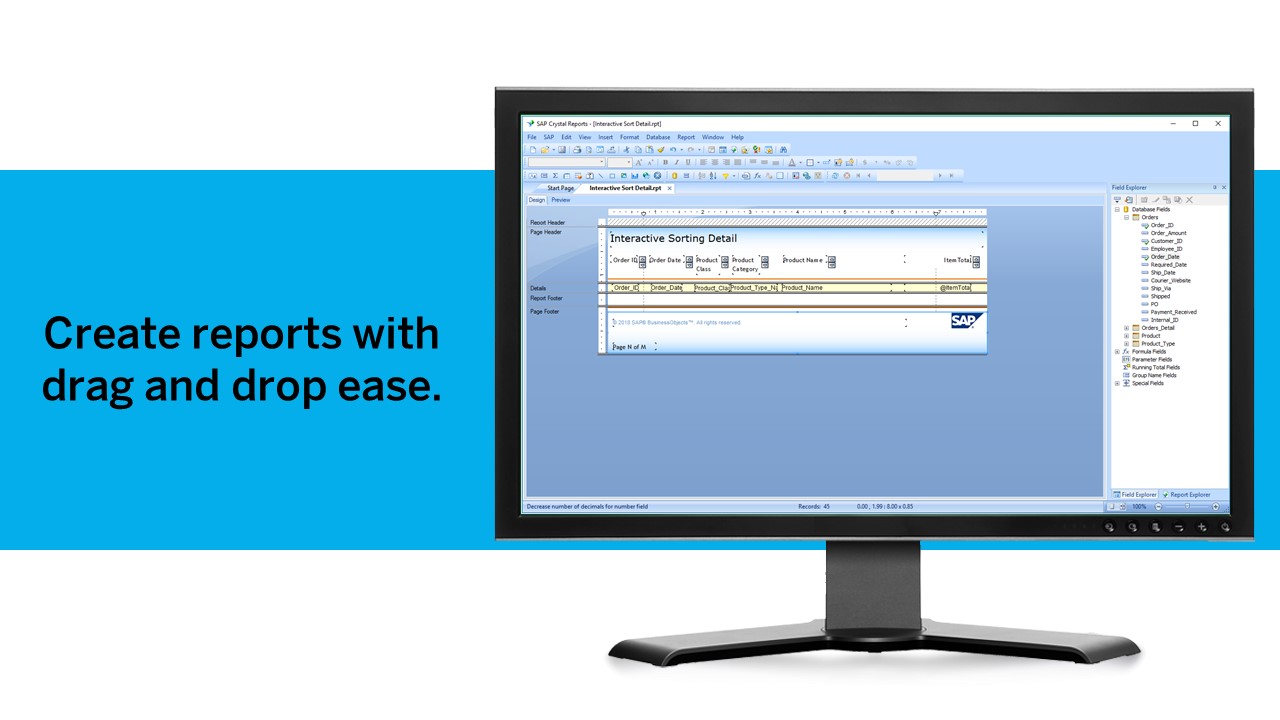  |