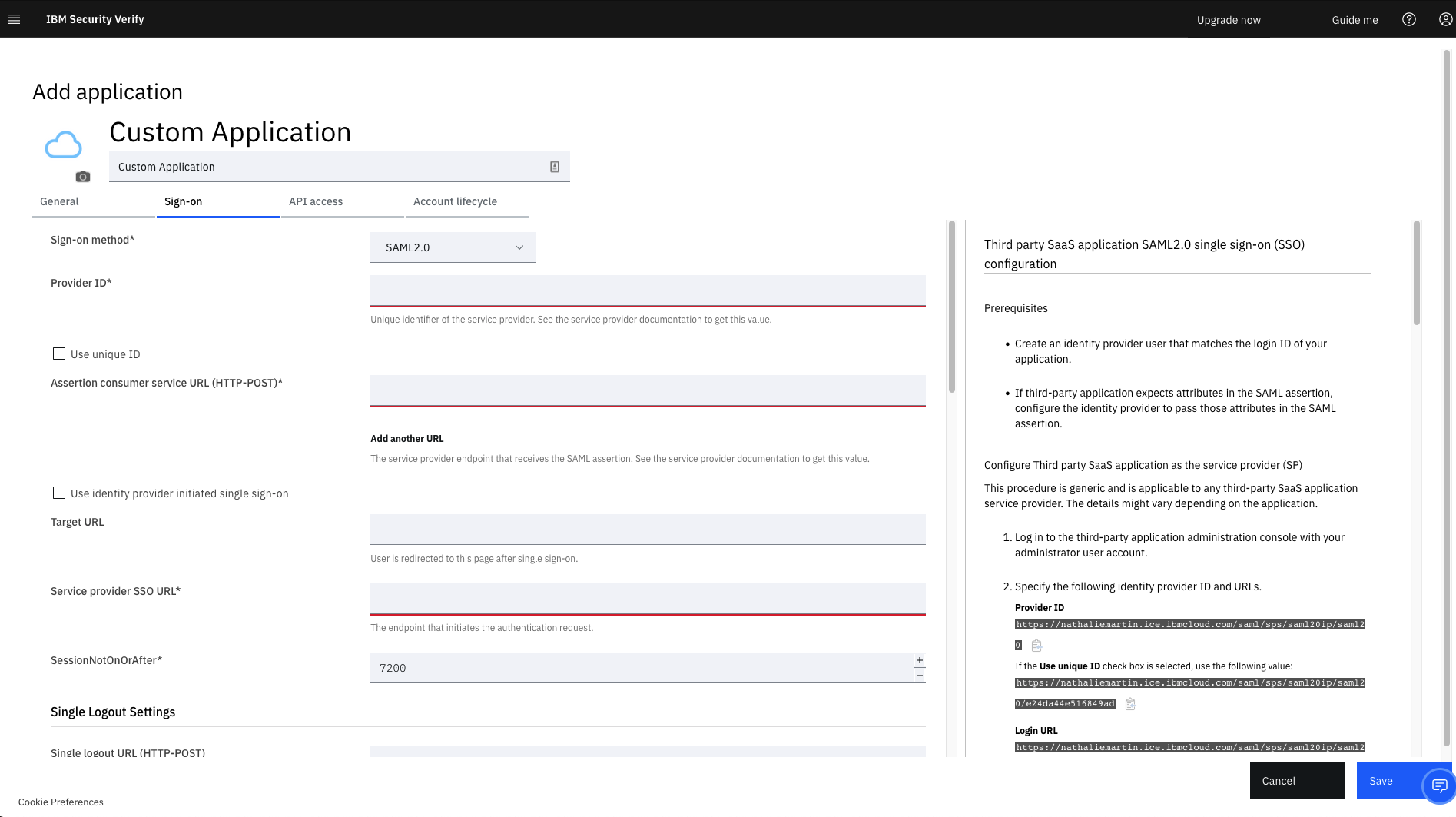
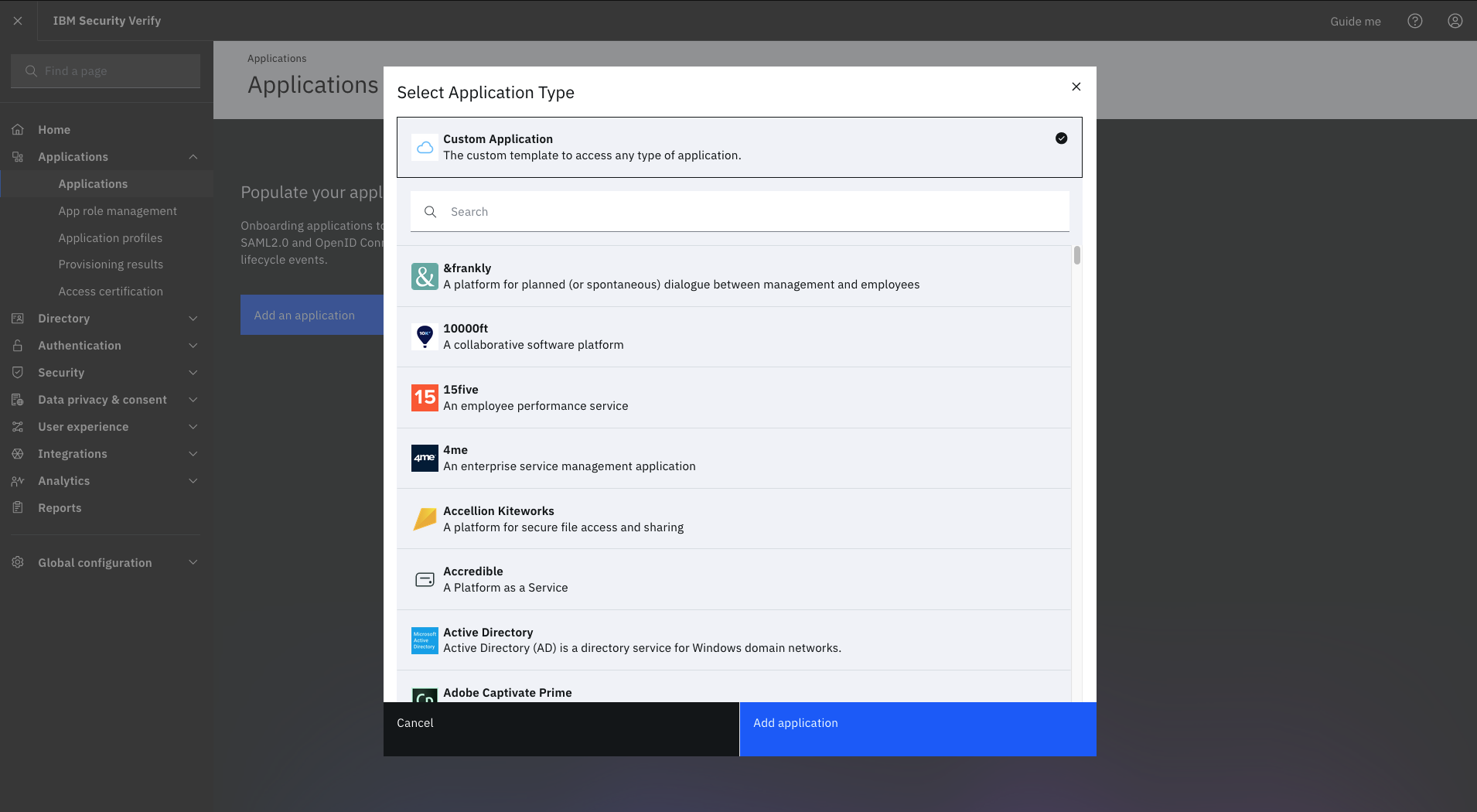
IBM Verify, formerly known as IBM Cloud Identity, is an identity-as-a-service (IDaaS) offering that aggregates dynamic user, device and environmental context to automate risk protection and continuously authenticate any user to any resource.
$1.81
per month per user
Microsoft 365
Score 8.6 out of 10
N/A
Microsoft 365 (formerly Office 365) is a Microsoft Cloud subscription service that includes Microsoft Office products (Word, Excel, PowerPoint, OneNote, Outlook, Publisher, and Access). The software can be installed across multiple devices and ensures that users always have the most up-to-date version of the included Office applications.
$5
Per User Per Month
Microsoft Office 2016 (discontinued)
Score 8.6 out of 10
N/A
Microsoft Office 2016 is the familiar suite of Office products including applications such as Word, Excel, and PowerPoint for use on a single PC or Mac. The 2016 is no longer available for sale from Microsoft, and support is at an end since 2020.
N/A
Pricing
IBM Verify
Microsoft 365
Microsoft Office 2016 (discontinued)
Editions & Modules
No answers on this topic
Business Basic
$5.00
Per User Per Month
Individual
$5.84
*Per Month
Business - Apps
$8.25
Per User Per Month
Enterprise - F3
$10.00
Per User Per Month
Business Standard
$12.50
Per User Per Month
Business Premium
$20.00
Per User Per Month
Enterprise - E3
$32.00
Per User Per Month
Enterprise - E5
$57.00
Per User Per Month
No answers on this topic
Offerings
Pricing Offerings
IBM Verify
Microsoft 365
Microsoft Office 2016 (discontinued)
Free Trial
Yes
No
No
Free/Freemium Version
No
No
No
Premium Consulting/Integration Services
Yes
No
No
Entry-level Setup Fee
Optional
No setup fee
No setup fee
Additional Details
Sample Pricing Breakdown (NOTE: for competitive pricing per contract, please consult with your IBM Security Account Rep)
Users: 5,000
SSO* -- USD 1.71 per user per month
MFA* -- USD 1.71 per user per month
Adaptive Access* -- USD 1.71 per user per month
Lifecycle and provisioning** -- USD 2.01 per user per month
Identity analytics** -- USD 2.13 per user per month
* Single sign-on (SSO), multifactor authentication (MFA) and adaptive access pricing based on total active monthly users per use case. Costs decrease if users are active less than once per month.
** Lifecycle and provisioning and identity analytics pricing based on total users per use case.
Owing to the general findings formulated in this paper, comparing Okta and Microsoft Entra ID to IBM Verify, the latter appears to be the only tool that delivers a number of features for integrating with legacy systems. However, since IBM Verify has the upper hand in terms of …
We conducted a comparison study between IBM Verify and Okta as well as Duo Security before making our selection. IBM Verify emerged as the perfect fit because its superior capability to integrate with our current system environment surpassed competitor security solutions. IBM …
Microsoft Office 365 is more complete than Microsoft Office 2016. It is cloud-based, and this is a great advantage. Furthermore, now updates and upgrades are automatic and can be scheduled or accepted, really saving time compared to Office 2016.
No comparison, we can do more with Microsoft 365 and we are more efficient. The pricing model is very fair. We don't have to worry about updating the software on each machine, the updates are handled by Microsoft directly and the Microsoft 365 programs seem much more stable and …
We had been using Microsoft Office for a long time, but moving to Microsoft 365 [(formerly Office 365)] was a game changer because it is a cloud based system. Having the ability to access your email, files, or whatever you need wherever you are from any device is what really …
In our company we have both Office 365 and regular Office 2016. We are transitioning more to 365 for the ease of managing the licensing. We don't have to keep license cards or numbers stored anywhere because 365 uses your microsoft login which you are using anyway. Compared to …
We were looking to stay in the Microsoft Office 365 family, so it was either the cloud or a current desktop version. Ultimately the lower startup cost of refreshing all licenses at once, it was decided by the board to go with the new subscription-based Microsoft Office 365. At …
Microsoft Office 365 simply drives through the cloud platform allowing to set a huge variety of options that can be set from custom to standard software in a single package or just to set an specific range of options enabled to the end users, and given the chance to the company …
Verified User
Account Manager
Chose Microsoft 365
Microsoft Office 365 is the easiest to access on the go and is always up to date. It is also affordable given all of the features it offers. Being able to use most of Microsoft's products for one price is convenient and allows our organization to store and sort information over …
Having all of the offerings and services in one easy to use administrative interface makes administration of our Microsoft suite of applications much easier. We are not able to get that same integration with separated applications. Gmail is not very intuitive if you're coming …
Google Apps made famous real-time collaborative editing in Google Docs. Now that Office 365 offers Word Online, there is no competition. Google Apps have always been "Microsoft Office-Lite" products, giving very basic functionality. With Office Online apps, it's hard not to see …
For certain situations there is a benefit to the "standalone" package of Office 2106, vs. a subscription-based product like Office 365. Especially in the case where there are shared computers, or computers that are used as a kiosk, Microsoft Office 2016 would be one of the few …
Not as robust and feature filled as office 2016. Also missing a mail client like outlook that can be integrated with exchange. have not used any further applications besides this.
Microsoft Office provides the complete package. Everyone else is just a piece to the puzzle. Sure Microsoft Office costs more, but they give you all the software you need to have in one package. I don't want or need to find replacements for 5 different purposes.
Microsoft Office 365 brings the same tools of Office 2016, but renewed. Office 2016 was sold for a one time, up front fee, on the other hand, Microsoft Office 365 is the new way Microsoft wants you to buy Office, you pay a monthly or yearly fee and get access to its latest …
It is well-suited for managing different users and roles and assigning permissions based on their defined roles. It is well-suited when one needs to add extra layers of authentication for certain roles or users, create custom rules for some users, and so on.
Microsoft 365 would be well suited for medium to large enterprises. This is where there are several hundreds or thousands of people. Since most everyone has used one of the applications the learning curve would be reduced. Another reason would be the ability to implement security measures to prevent access to sensitive data. This could justify the cost of an Enterprise license.
I'd recommend [Microsoft] Office2016 for any business that has more than a couple of users, as the software is very scalable from just a small business to a large enterprise corporation. I don't know of any case where it might not be appropriate, as even home users and students use the software suite as well.
Data manipulation. Excel takes the raw data we receive and allows us to digest it in ways that are useful to our business processes.
Communication. Outlook serves as our primary means of communication and setting up appointments.
Documentation. Word is the default standard when it comes to using a word processor and we are no different in this regard. Nearly every user has to use the application on a regular basis in order to accomplish their work.
Slack is 1000x better than teams. Why put a 250 limit on a chat? Our company hasn't moved fully to channels and it's making us lose transparency. Plus, the teams channels we do have nobody is going to. 90% loss in visibility and engagement.
Teams for web meetings. I think the UI/UX should match Zoom which is the standard for all our customers. They don't like it when we use Teams.
Chats and Channels need to somehow be on one screen automatically without having to choose that view because majority of our company hasn't opened Teams Channels and only stays in chats.
It works flawlessly, i have never faced any major issues with this. It has all the features such as Iam and security management. I think its a good investment and the benefits we reap from this software are worth the price.
We believe that office 2016 offers the best value when it comes to features included out of the box. The software is used in its entirety by our organization and is easily supported by our staff of IT technicians. Users find this software to be easy to learn and easy to use with minimal learning curve.
While setup and implementation takes work and time, the flexibility and possibilities make up for that in the long run. This is not a product you can just install and run, but if you design and implement your ruleset well, it will save you a lot of work afterwards. Just make sure that the systems you want to use it for have an existing and proven connector.
Microsoft 365 is the gold standard for performing project tasks in a professional environment, enabling the quick transfer and exchange of files and ideas for team members who work locally and remotely. Its suite of tools is familiar and has evolved to being cloud based, allowing for files to be updated in real time from near and far.
It's fairly easy to use, but the automatic formatting or capturing of formatting when pasting is wonky - especially when there are outlines or other bullets/numbered lists. Fixing and sizing up tables can be annoying, and there are sometimes formatting issues that we just absolutely cannot fix for some reason
It has never let us down since its inception and installation. User credentials and secure access have always been guaranteed. Ironclad security (through single sign-on, MFA, etc.) has ensured that our user credential details are safe as is our information/data. The correct access is given to users, based on role-based access with segregation of duty and the principle of least privilege being deployed. The IBM support has also been first class and they have proactively resolved any minor issues we have encountered.
The support team has always been the primary consultation base when we are faced by performance problems. From the deployment stage the team has managed to monitor the operation lifecycle and give best insights based on their observation. It works 24/7 to enhance productive service delivery to clients. The IBM Security Verify Support team has been the main player in the successful performance of this software.
Over the past 8 years of using Microsoft 365, I have noticed that they change vendors often. This always leads to a poor experience in the beginning, then levels out after some time for the company to get things worked out. As a customer, it is really frustrating because I don't have time when something isn't working to have them "look into my issue" and get back with me. They have even closed a ticket I specifically told them to keep open. Your applications are only as good as the support.
I am an MS feedback hub participant and they certainly don't pay enough attention to several bugs several people raise it in the portal. For the enterprise, it seems to me based on my prior experience that yes, they have a dedicated team to support operations. For mid to small companies or single users, it has been a struggle. So, you are pretty much with MS Blogs and others.
We conducted a comparison study between IBM Verify and Okta as well as Duo Security before making our selection. IBM Verify emerged as the perfect fit because its superior capability to integrate with our current system environment surpassed competitor security solutions. IBM Verify demonstrated superior reliability through its enterprise-class scalability and fully transparent auditing mechanisms.
Its very user-friendly, collaborative and efficient that boosts productivity using cloud tools. their security is strong and it provides data protection. There are regular updates that shields us from attackers too. It offers a wealth of learning resources, including tutorials, help articles and video guide to help users make the most of the application and personally upgrade their skills.
We use Microsoft Office 2016 because at the time it was the best tool for us, but now with full attention to cloud products, we may be thinking of migrating our solution to a cloud service.
The licensing terms were favourable due to their flexibility based on the size and purpose of implementation. The billing frequency is done on quarterly basis. The vendor team has enacted best user policies that gives the company the full control of this platform. It is cost-effective as compared to most security verification tools in the market.
In the case of adjustments, we were often able to carry them out completely on our own and only used professional services for new requirements. Particularly in the case of access management, it is very positive that we usually needed IBM for a task in less than an hour and then developed the solution further on our own.
Use of the software has enabled us to track access to our premises and systems, which has, in turn, reduced unauthorised access.
The software has enabled us to centralize identify and access management.
IBM Verify use in our organisation has reduced security risks by ensuring compliance, streamlining, and automating all critical identity management processes.
We have a lot of nonprofit users, so they have a good ROI.
I like the constant updates without having to purchase the software repeatedly.
I used to purchase each Office (insert year here) often, so the software was up to date and had the newest options and connectors. I think my return on investment would have been much better if Microsoft had updated those versions to keep them current; after all, we did pay for them.
Microsoft 365's offering a monthly fee or a discount for a year helps, and you can look at it as a free backup if you have everything set to back up to One Drive. (Cloud-based document filing you can access anywhere ( with an internet connection)—you Can't beat that!)
Microsoft Office 2016 saves me a lot of time daily. I have functions and macros set up that calculate and show me a lot of things just from a couple of my inputs. This would take full days sometimes if not for that.
Apart from time, it saves me money, I manage data in Excel, I don't have to buy software specifically for that.
Sooner or later my company will have to switch to new edition, which will hurt revenues because of a subscription model.