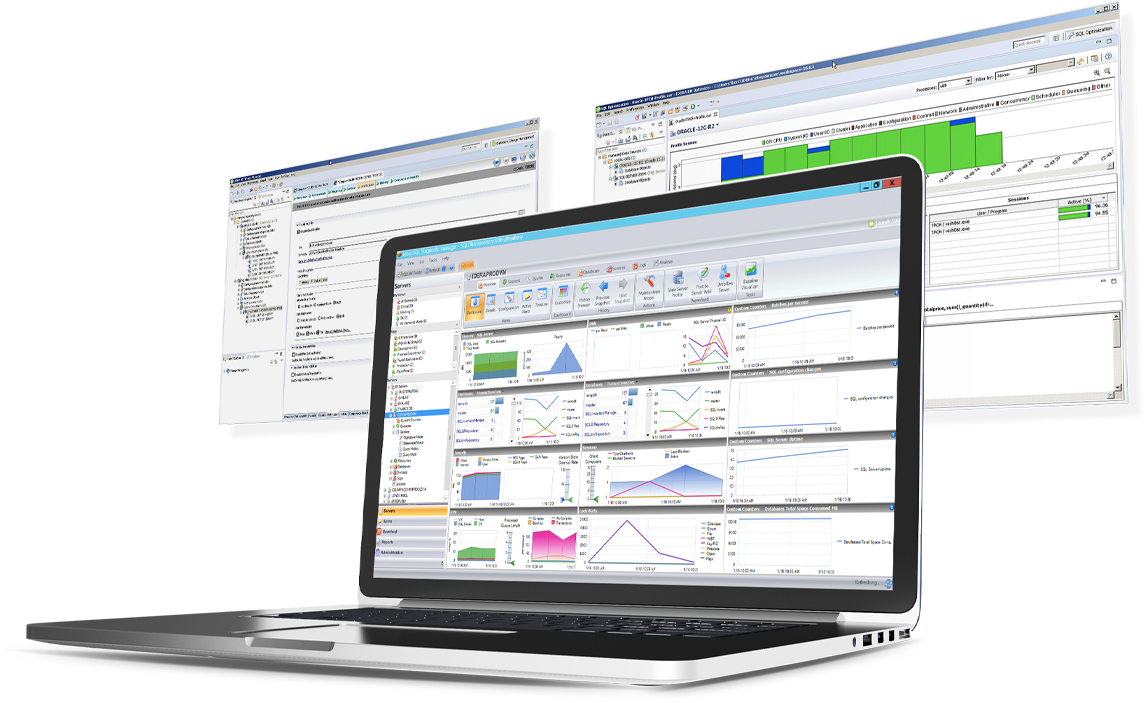
SQL Diagnostic Manager for Microsoft SQL Server helps database administrators to find and fix Microsoft SQL Server performance problems in physical, virtual, and cloud environments. Unlike its competition, it provides effective scalability, advanced SQL query analysis and optimization, prescriptive analysis with corrective SQL scripts, powerful automated alert responses, broad PowerShell integration, complete customization, and extensive support for current and legacy Microsoft SQL Server and…
$1,996
per instance with first year maintenance included
LogicMonitor
Score 9.0 out of 10
Mid-Size Companies (51-1,000 employees)
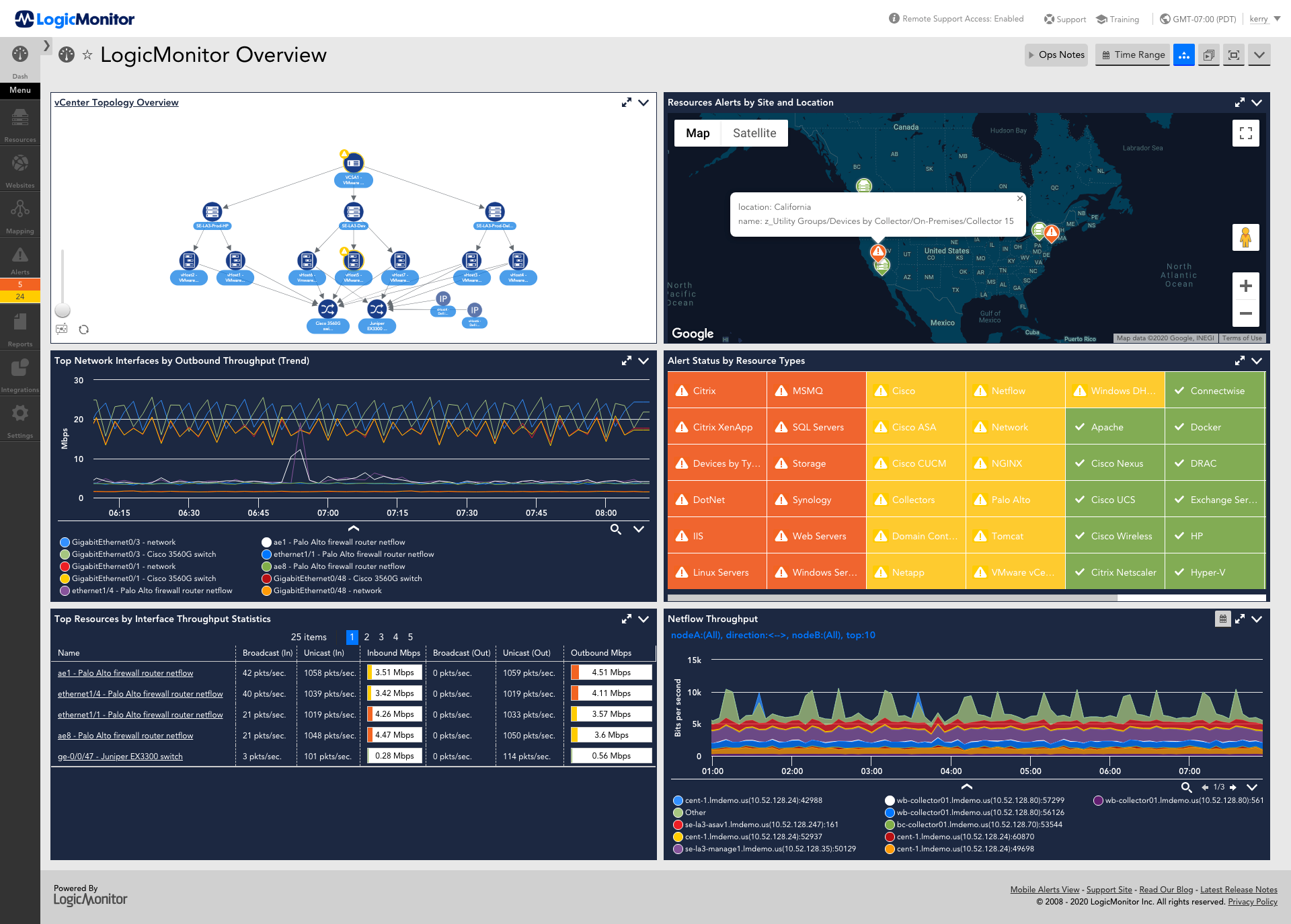
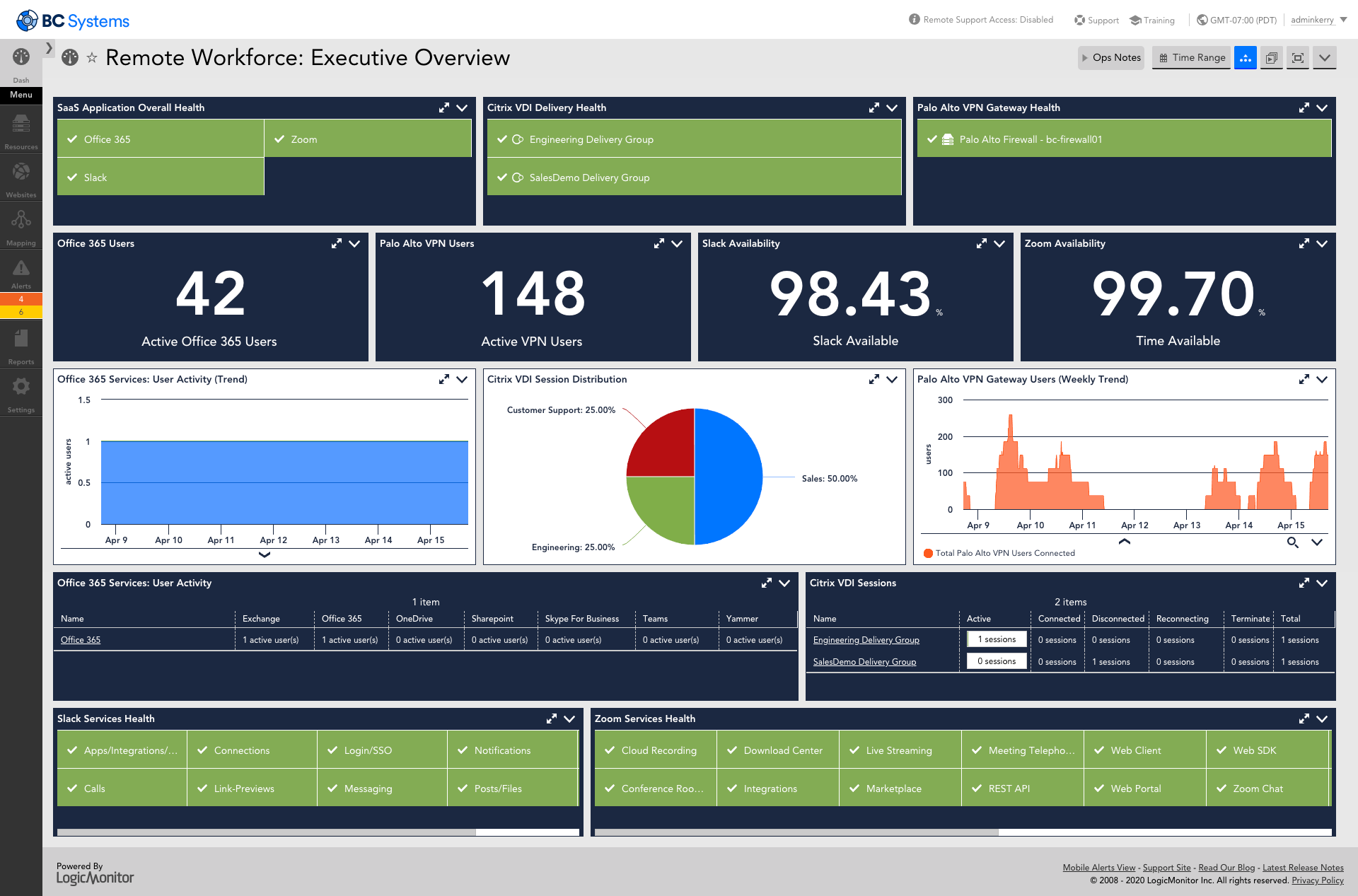
LogicMonitor’s SaaS-based platform, LM Envision, enables observability across on-prem and multi-cloud environments. It provides IT and business teams operational visibility and predictability across their technologies and applications.
N/A
Pricing
IDERA SQL Diagnostic Manager
LogicMonitor
Editions & Modules
Standard via eCommerce
1,996.00
per instance with first year maintenance included
Enterprise
Contact sales team
Website Monitoring
Contact sales team
Offerings
Pricing Offerings
IDERA SQL Diagnostic Manager
LogicMonitor
Free Trial
Yes
Yes
Free/Freemium Version
No
No
Premium Consulting/Integration Services
No
Yes
Entry-level Setup Fee
No setup fee
No setup fee
Additional Details
—
Our platform is broken down into Pro and Enterprise Pricing. Pro includes monitoring for all of your cloud, hybrid, and on-premises infrastructure. Our Enterprise package includes all of this, plus our AIOps and Machine Learning functionality that provides dynamic thresholds, root cause analysis, anomaly detection and more!
LogicMonitor only charges by the device. What is considered a device? A device is anything with an IP address that you want to monitor, including a physical device or a cloud resource. This means multiple data sources under the same IP address can be monitored for the same price. Unlike some monitoring platforms. we don’t charge per node, interface, or metric.
For being a product that can monitor a wide variety of resource types it is a strong tool. It just breaks down against some of the more in depth database monitoring tools that we need in the DBA team. We need more detail tracking on SPIDs and query level analysis and this is …
SQL Server [Business Intelligence] Manager is useful for tracking performance across SSIS, SSRS and SSA and have the data represented in dashboards. It helps improve performance and helps end users. However, several features are redundant for smaller organization that can use the tools that comes with existing Microsoft products. These features also takes time to learn and use.
I would recommend LogicMonitor to mid-sized IT teams or MSPs. I thought it was going to be just another monitoring tool, but the more you work with it, the more you realize how solid it actually is; now it's a full-on platform. I've had a really good experience with Logic Monitor. It's powerful, a little messy in Parts. But once it's running smoothly, it's kind of a beast, definitely made my life easier.
SQLdm does a good job of providing information at a high level, but also allows me to drill down to specific queries and events if needed. I don't always need to sift through tons of details to get the information I need. It also gives a very wide range of information from SQL specific metrics, to OS metrics, to VM metrics, all the way up to host server metrics.
I like how the alert and notification system can be customized. For example, if you know a certain server regularly has long-running queries, you can adjust the alert to not fire unless a query has been running for 30 minutes while the rest of the servers fire after 30 seconds. That is very helpful in not being bombarded at dinner with alerts from a server similar to, "I've been at 90% cpu for 26 milliseconds!!!!!!!...and now it's back down to 30%" Good information to know, but not something you need to literally lose sleep over.
I like how you can configure different servers to be monitored differently. For example, you can have a group of servers called DEVELOPMENT that you can turn on heavier monitoring on so you can test how changes in applications might affect the SQL environment, but in the PRODUCTION group, you may only want to enable the heavier analysis and logging when performance issues are actively being reported.
Windows client has some issues. When you have small time intervals for your data collection, it can cause the client to become unresponsive and require you to restart it.
It takes more time to get the web client running than it does to get the windows client running.
The visualizations have been the same for the last eight years--could use a little bit of a refresh.
This product has met virtually all of our needs. It was easy to implement and has been simple to support. Customization has been intuitive with many options available. They keep adding features and expanding available options. The future of LogicMonitor looks even better than it is today which is very promising. The management and support teams at LogicMonitor are always helpful
Set up is super easy. Just stand up a small Linux or Windows server to act as a collector. There are no agents to install on monitored devices and all you need is SNMP or WMI access. When creating dashboards, all you have to do is find the widget on the device you want to show up and choose the menu option to add it.
The sales team support we received was top notch. They worked hand in hand to make sure the product met all expectations. So far we have not really had to work with support that much; we have worked with setup team after purchase to deploy product fully. No issues so far and we are four weeks in.
The implementation experience was awesome for me, as the LogicMonitor team was really helpful to us. They installed everything on our primary server and provided clear, intelligible explanations. They even trained our non-tech team on it as well. Therefore, my team and I had a very simple and pleasurable implementation experience.
IDERA SQL Diagnostic Manager for SQL, Redgate SQL, and MonitorLogicMonitor are similar products to each other. We decided on IDERA SQL Diagnostic Manager for SQL because our experience with locating heavy queries has been very good and it provides real-time monitoring of all servers and databases. It also allows you to have a large volume of historical data which allows you to analyze trends in the databases.
Our business used the trial period they provided on one of our systems and conducted sessions with all of this software. Our team tested all of these software options before deciding on LogicMonitor, as our business is expanding daily and we needed a system that could accommodate our growing workforce and automatically add systems to our network, which LogicMonitor alone provided.
Pricing seems to be getting more and more aggressive, I worry that it's going to turn into ServiceNow or SAP and everything minor feature will be an extreme cost that prices out us and our customers
Haven't really used it but our initial onboarding PS was disappointing. Felt like we were being told what we needed to cover as opposed to what we wanted to cover. In addition, we were pushed into using the PS in tight time frames and we were not ready to do so.