Chose Infinite Campus
Infinite Campus and Google Classroom serve different purposes for my job, so they really aren’t comparable.

| Product | Rating | Most Used By | Product Summary | Starting Price |
|---|---|---|---|---|
 Infinite Campus | N/A | Infinite Campus headquartered in Blaine offers their student information system (SIS) to educational institutions, boasting onboarding support, parent and student portal, grade book and academic planner, and access to the platform's inbuilt LMS Campus Learning. | N/A | |
 Schoology Learning | N/A | Schoology aims to combine as many parts of the learning process as possible into a single platform for K-12 students. By doing this they aim to simplify the learning experience for students, parents, and teachers. | N/A | |
 PowerSchool SIS | Mid-Size Companies (51-1,000 employees) | The PowerSchool Student Information System covers administrative needs, such as scheduling, attendance, reporting, data management, faculty management, emergency/medical and health management, registration, and more for K-12 schools and districts. It is easy to use and boasts an industry-leading gradebook, PowerTeacher Pro. Users enjoy a fully web-based SIS that is flexible, configurable, and scalable with real-time updates on any operating system, browser or device. | N/A |
| Infinite Campus | Schoology Learning | PowerSchool Student Information System | ||||||||||||||||||||||
|---|---|---|---|---|---|---|---|---|---|---|---|---|---|---|---|---|---|---|---|---|---|---|---|---|
| Editions & Modules | No answers on this topic |
| No answers on this topic | |||||||||||||||||||||
| Offerings |
| |||||||||||||||||||||||
| Entry-level Setup Fee | No setup fee | No setup fee | No setup fee | |||||||||||||||||||||
| Additional Details | — | Reach out to the vendor for pricing options based on your needs. | — | |||||||||||||||||||||
| More Pricing Information | ||||||||||||||||||||||||
| Infinite Campus | Schoology Learning | PowerSchool Student Information System | |
|---|---|---|---|
| Considered Multiple Products |  Infinite Campus  Craig Barnum Executive Director of Digital Literacy Chose Infinite Campus While PowerSchool has a rich feature set, we found the cobbled-together nature of the tool can make support problematic. The Infinite Campus toolset is much more internally tightly integrated -- many fewer user touches than PowerSchool. |  Schoology Learning  Scott Herring Database Support Specialist Chose Schoology Learning Schoology fit the right price point, was a familiar platform for some of our students because they use it at their other schools, which were two reasons we did not choose [an] Infinite Campus. Additionally, we used Moodle before, but it was not as robust for the areas that we …  Tiffany LoSasso Digital Teacher Librarian Chose Schoology Learning As mentioned before, Schoology has a lot more capabilities than Google Classroom. Granted that Schoology is an actual LMS and Google Classroom is not. Assessments are better; guardian views and information; communication with our Student Information System; Better organization …  Erika Muller English Teacher Chose Schoology Learning Schoology has far more options than any of the above three as far as communication, dissemination of information, and assignment and test updates and tracking. Moodle was fairly primitive in its design; Blackboard is a bit clunky in its use, and, while Google Classroom is …  Mike Rich Director of Innovation Chose Schoology Learning Schoology surpasses the alternatives, in our situation, because it interfaces directly with our SIS (PowerSchool). This feature saves time for teachers and provides quick grading updates. Schoology also has a robust LTI interface that allows outside tools to be connected.  Shawn Gray Instructor Chose Schoology Learning We looked at several program and we liked Schoology the best. I have used Blackboard as a college instructor, so I didn't feel that it was appropriate for the K-12 platform. I also felt that Canvas was Blackboard like, so we didn't pick it either. Schoology reminds me of a …  Brian Green, M.Ed. Online Professional Development Consultant Chose Schoology Learning Schoology outperforms all other learning management system platforms. Its interface and platform are intuitive and easy to learn how to use. Plus, it has an abundance of features that make differentiation possible and powerful. | PowerSchool SIS  Joanne Riker Teacher Chose PowerSchool Student Information System I used Infinite Campus previously while working at a different school. My position was the same at both schools. PowerSchool is more user-friendly than Infinite Campus for those staff members who are not strong with utilizing technology. Infinite Campus allows users to print …  Spencer Cook Director Of Technology Chose PowerSchool Student Information System I have heard good things for Infinite Campus and Skyward. I would [evaluate] each of them and see what fits your needs. Each has their strengths and weaknesses and so picking the right one for your needs is important. PowerSchool [Student Information System] does have some …  Ai Ashe Hampton City Schools Chose PowerSchool Student Information System We used a different grade management system over 5 years ago that was efficient but not as user-friendly as Powerschool. I cannot remember the name of that application. Our school system has been using PowerSchool for over 5 years and so far it has served our purpose. Each year … Erika Muller English Teacher Chose PowerSchool Student Information System Each of the above products has great features, but PowerSchool has features that each of the above products has, all in one system. This means that you could more easily use JUST PowerSchool without needing extensions and other systems to supplement features. This is less … |
| Infinite Campus | Schoology Learning | PowerSchool Student Information System | |||||||||||||||||||||||||||||||||||||||||||||||||||
|---|---|---|---|---|---|---|---|---|---|---|---|---|---|---|---|---|---|---|---|---|---|---|---|---|---|---|---|---|---|---|---|---|---|---|---|---|---|---|---|---|---|---|---|---|---|---|---|---|---|---|---|---|---|
| Student and Faculty Administration |
| ||||||||||||||||||||||||||||||||||||||||||||||||||||
| Learning Management |
|
| Infinite Campus | Schoology Learning | PowerSchool Student Information System | |
|---|---|---|---|
| Small Businesses | No answers on this topic |  iSpring LMS Score 9.5 out of 10 | No answers on this topic |
| Medium-sized Companies |  Schoolmint Hero Score 9.7 out of 10 | iSpring LMS Score 9.5 out of 10 | Schoolmint Hero Score 9.7 out of 10 |
| Enterprises | Schoolmint Hero Score 9.7 out of 10 |  Axonify Score 10.0 out of 10 | Schoolmint Hero Score 9.7 out of 10 |
| All Alternatives | View all alternatives | View all alternatives | View all alternatives |
| Infinite Campus | Schoology Learning | PowerSchool Student Information System | |
|---|---|---|---|
| Likelihood to Recommend | 8.4 (18 ratings) | 3.0 (112 ratings) | 9.0 (32 ratings) |
| Likelihood to Renew | - (0 ratings) | 4.5 (6 ratings) | 10.0 (2 ratings) |
| Usability | - (0 ratings) | 3.7 (9 ratings) | 8.0 (1 ratings) |
| Availability | - (0 ratings) | 7.3 (1 ratings) | - (0 ratings) |
| Performance | - (0 ratings) | 6.4 (1 ratings) | - (0 ratings) |
| Support Rating | 9.3 (6 ratings) | 1.0 (9 ratings) | 8.5 (12 ratings) |
| Online Training | - (0 ratings) | 4.5 (1 ratings) | - (0 ratings) |
| Implementation Rating | - (0 ratings) | - (0 ratings) | 8.0 (1 ratings) |
| Product Scalability | - (0 ratings) | 3.6 (1 ratings) | - (0 ratings) |
| Vendor post-sale | - (0 ratings) | 7.3 (1 ratings) | 10.0 (1 ratings) |
| Vendor pre-sale | - (0 ratings) | 7.3 (1 ratings) | 10.0 (1 ratings) |
| Infinite Campus | Schoology Learning | PowerSchool Student Information System | |
|---|---|---|---|
| Likelihood to Recommend | Infinite Campus
| PowerSchool Group LLC
Scott Herring Database Support Specialist | PowerSchool Group LLC
 Sachi Subaran Administrative Support Manager |
| Pros | Infinite Campus
| PowerSchool Group LLC
Tiffany LoSasso Digital Teacher Librarian | PowerSchool Group LLC
|
| Cons | Infinite Campus
 Michele Roy Special Education Teacher and Current Interim Site Director | PowerSchool Group LLC
| PowerSchool Group LLC
|
| Likelihood to Renew | Infinite Campus No answers on this topic | PowerSchool Group LLC
 Robert Schuetz Technology Coordinator | PowerSchool Group LLC
|
| Usability | Infinite Campus No answers on this topic | PowerSchool Group LLC
 Natasha Monsaas-Daly iLearn Specialist | PowerSchool Group LLC
|
| Reliability and Availability | Infinite Campus No answers on this topic | PowerSchool Group LLC
 Philip Pulley Teacher | PowerSchool Group LLC No answers on this topic |
| Performance | Infinite Campus No answers on this topic | PowerSchool Group LLC
Philip Pulley Teacher | PowerSchool Group LLC No answers on this topic |
| Support Rating | Infinite Campus
| PowerSchool Group LLC
 Sheila Majask, MLIS History Teacher & Social Studies Curriculum Leader | PowerSchool Group LLC
 Whitney Garnai, M. Ed. Special Educator |
| In-Person Training | Infinite Campus No answers on this topic | PowerSchool Group LLC
Philip Pulley Teacher | PowerSchool Group LLC No answers on this topic |
| Online Training | Infinite Campus No answers on this topic | PowerSchool Group LLC
Philip Pulley Teacher | PowerSchool Group LLC No answers on this topic |
| Alternatives Considered | Infinite Campus
| PowerSchool Group LLC
| PowerSchool Group LLC
Spencer Cook Director Of Technology |
| Scalability | Infinite Campus No answers on this topic | PowerSchool Group LLC
Philip Pulley Teacher | PowerSchool Group LLC No answers on this topic |
| Return on Investment | Infinite Campus
| PowerSchool Group LLC
 Stacy Dunn High School Math Teacher | PowerSchool Group LLC
|
| ScreenShots | Schoology Learning Screenshots | PowerSchool SIS Screenshots  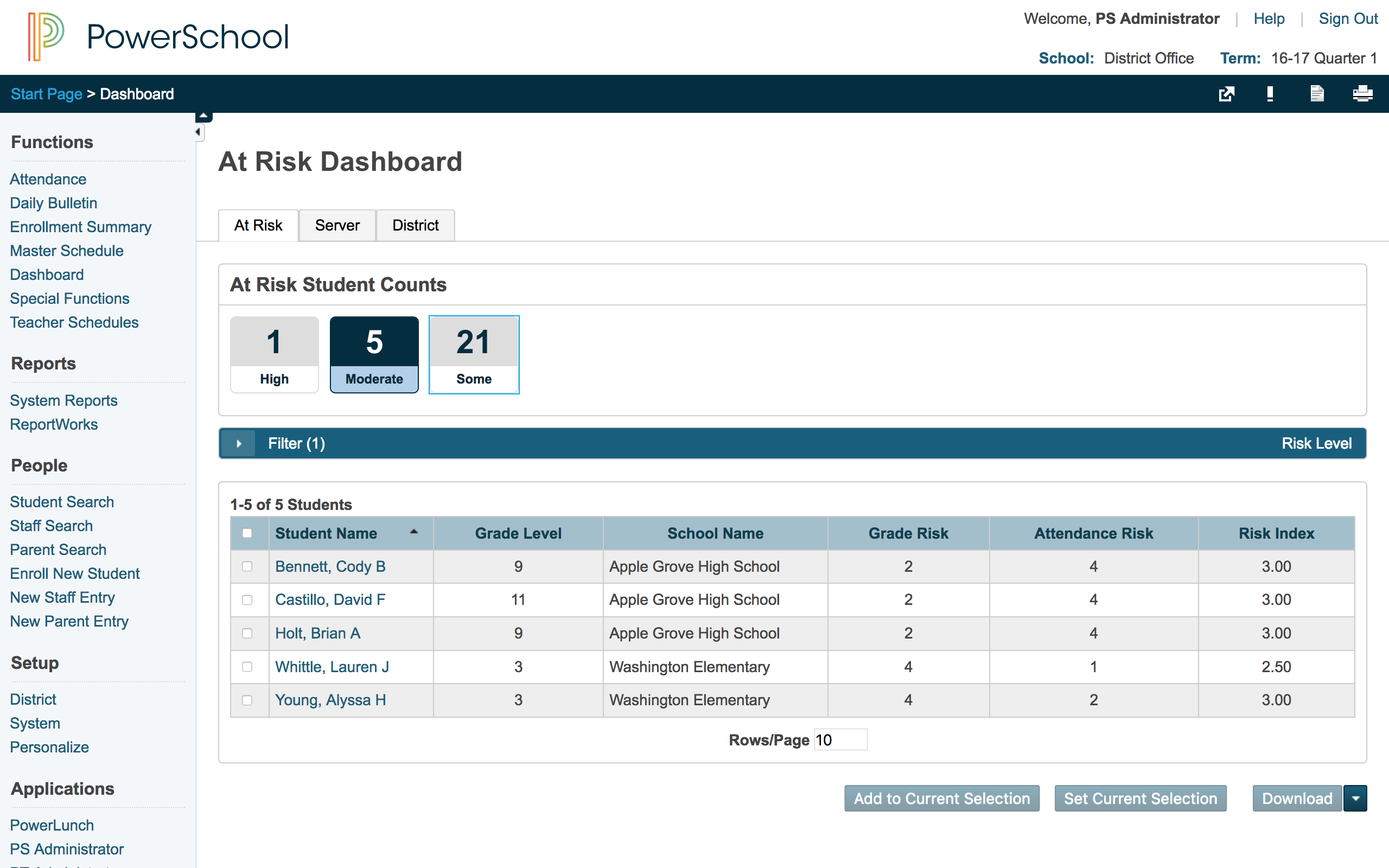 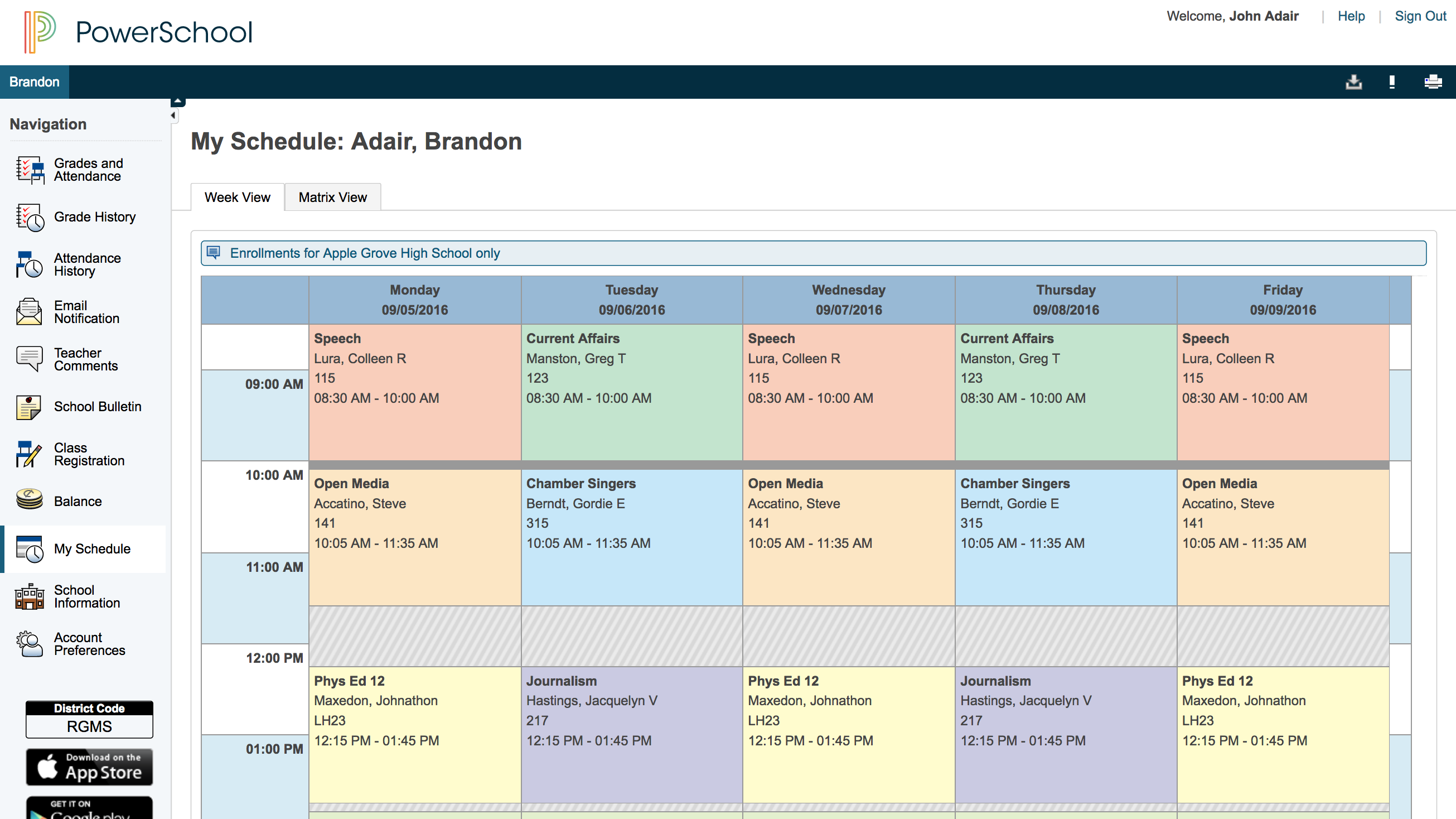 |