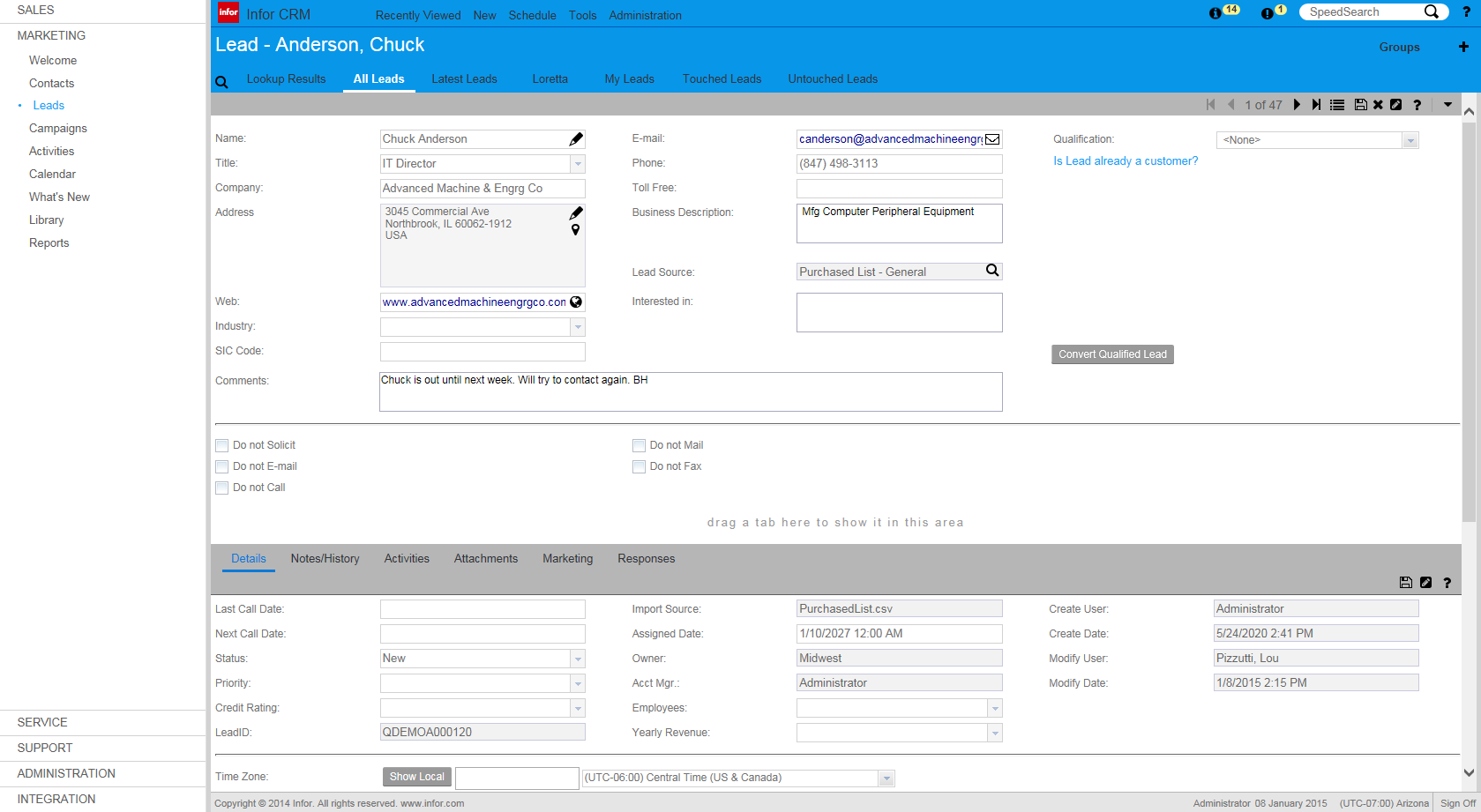
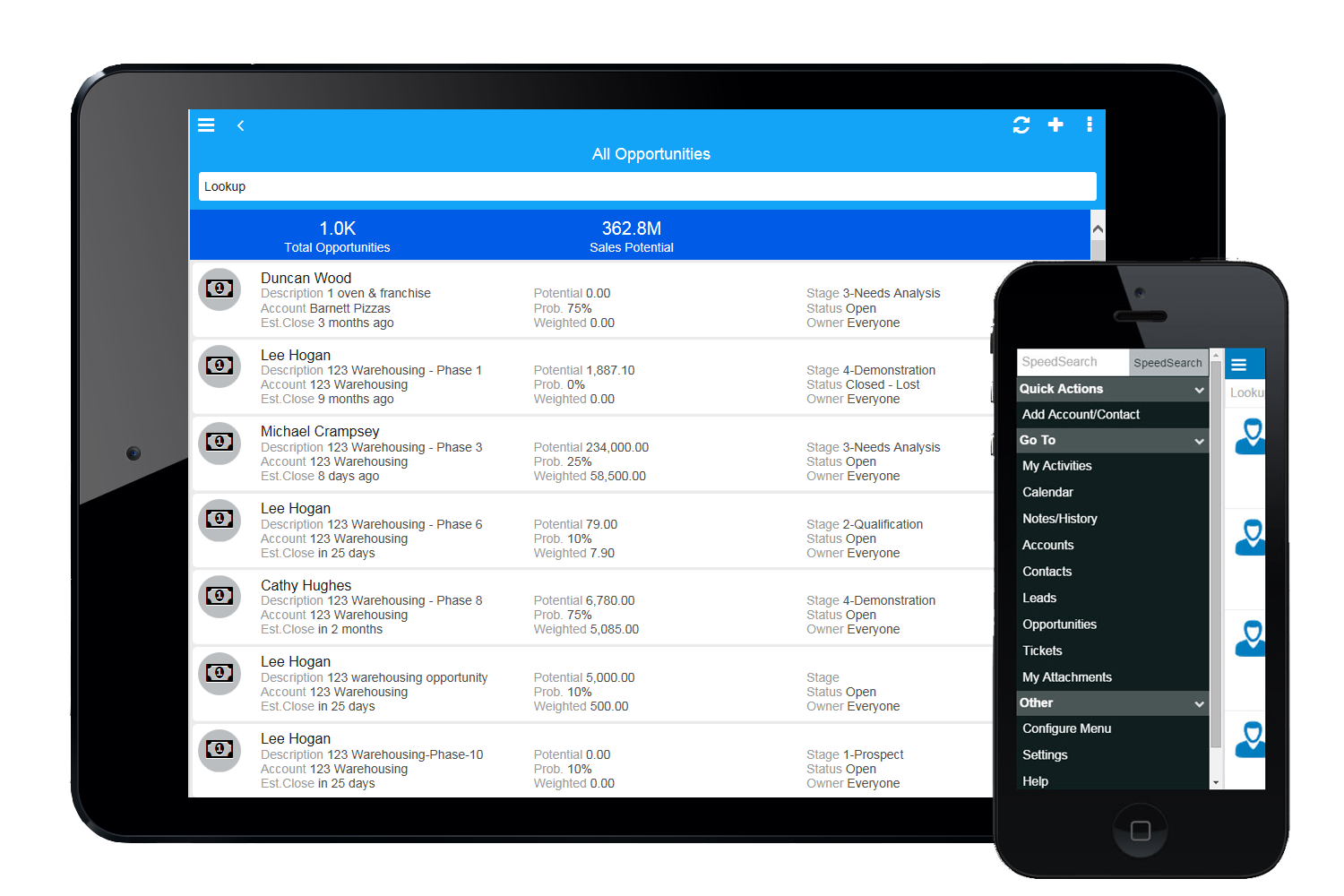
Infor CRM delivers tools for individuals, teams, and companies focused on increasing sales performance and the insights to optimize sales, marketing, and service strategy and execution. Infor CRM provides sales teams with rich customer information from interactions and transactions across the business and accommodates the modern flexible workforce with multiple access methods. Robust process automation capabilities enable efficiencies and the application of best practices across sales…
N/A
Nimble
Score7.5 out of 10
N/A
Nimble is a social customer relationship management (CRM) system with features such as contact management and data-driven analytics.
VP of Sales and Marketing in Corporate at SmartThoughts LLC. (Computer Software, 1-10 employees)
Chose Nimble
Nimble fits nicely in the "contact management" "social crm" space. As mentioned, it's not a full fledged CRM tool yet (sales, marketing, service, projects, defect tracking) etc. but it's in a good class for those small organizations who haven't any experience with automated …
If you have a mobile workforce, it likely wouldn't be as appropriate (keep in mind we're using the desktop client, and have very limited experience with the web app). It is well suited if your business needs lots of custom processes- find a good vendor. We utilize SimpleSoft out of Ohio, and they have been excellent. Key question: think about where your business is going to be in 5-10 years, and will this CRM solution be able to grow with us?
A de minimis incentive was given to thank the reviewer for their time. The incentive was not used to bias or drive a particular response, nor was the incentive contingent on a positive endorsement. More Info
This tool is suitable for all sizes of organizations since it has the capacity to manage customer relations in the best possible way. Its features like task management, reports, social collaboration, and forecasting are always considered important for CRM and they all work without causing any trouble. But its Reports need to be more elaborate and its interface should be made easier and less tricky.
A de minimis incentive was given to thank the reviewer for their time. The incentive was not used to bias or drive a particular response, nor was the incentive contingent on a positive endorsement. TR verified that a representative sample of customers was invited. More Info
Saleslogix functionality can be managed to a very granular level for each individual using it. Within the users profile you can restrict access to modules, remove write permission, remove export privileges, etc.
Saleslogix has one of the best sync engines I have ever seen. If you allow your outside sales reps to have their own database, they can modify customer record while off line and when they do have internet access they can sync changes in both directions. This functionality works great when you have inside and outside sales staff covering the same territory.
Saleslogix can be customized using Visual Basic Code syntax. This is a positive aspect as well as a negative. Our existing Saleslogix is so customized that if we were to upgrade to 8.0 it would cost us over $20k to redo some of the customizations. Upgrades are frequently incompatible with customizations.
A de minimis incentive was given to thank the reviewer for their time. The incentive was not used to bias or drive a particular response, nor was the incentive contingent on a positive endorsement. More Info
InforCRM has made dramatic improvements in the web client though in some cases it has been painfully slow to get the most needed things updated. An example is the slow speed of the web client. The newest update is supposed to fix this.
The web client does not autosave, so users have to remember to hit the 'save' button at each screen. This is the biggest complaint of users going from the desktop client to the web client.
I personally would like to see data panes (account, contact, etc.) with the capability to set up a different view for each team and/or security level that would access the data.
A de minimis incentive was given to thank the reviewer for their time. The incentive was not used to bias or drive a particular response, nor was the incentive contingent on a positive endorsement. More Info
A de minimis incentive was given to thank the reviewer for their time. The incentive was not used to bias or drive a particular response, nor was the incentive contingent on a positive endorsement. More Info
Because we've already made the investment in the original on-premise version, the cost per user is relatively low. The product has grown with us and we can now choose a LAN or Web client version and host the site internally, giving us total control of our data. The iPhone and iPad versions allow the sales team quick access in the field and the voice-to-text option is quite handy. SalesLogix doesn't require that our technology stack be constantly up to date which again, keeps our cost down. They are always making enhancements to the product and we can choose to update/upgrade when those enhancements appeal to us enough to justify adding the service pack.
It's truly a great system if you get it for the right reasons. Don't expect it to do everything a mid market organization would require but for any small business or mid to large organizations which would like to integrate to it for the social insights capabilities this is a leading solution which can add value immediately
A de minimis incentive was given to thank the reviewer for their time. The incentive was not used to bias or drive a particular response, nor was the incentive contingent on a positive endorsement. More Info
The platform has more advantages and positives as compared to challenges or negatives in comparison to other comparable products and platforms available in the marketplace. It was extremely easy to get started with the initial deployment which makes the choice much clearer. Finally its tight integration not just with Microsoft O365 suite, but also with [the] most popular social media platforms available makes it a very favorable platform in its domain.
A de minimis incentive was given to thank the reviewer for their time. The incentive was not used to bias or drive a particular response, nor was the incentive contingent on a positive endorsement. More Info
A de minimis incentive was given to thank the reviewer for their time. The incentive was not used to bias or drive a particular response, nor was the incentive contingent on a positive endorsement. More Info
It was productive to be able to access remote support sessions from nimble employees, whom we decided to contact to have one of the features mentioned above explained to us. They were methodical and easy to explain solutions, so we recommend them for any kind of doubt.
A de minimis incentive was given to thank the reviewer for their time. The incentive was not used to bias or drive a particular response, nor was the incentive contingent on a positive endorsement. More Info
We selected INFOR CRM over Salesforce simply because it was affordable and didn't have so many 'bells & whistles' that Salesforce has that we were not using. We didn't realize that the compatibility with upgrades were going to be such an issue.
A de minimis incentive was given to thank the reviewer for their time. The incentive was not used to bias or drive a particular response, nor was the incentive contingent on a positive endorsement. More Info
Nimble has proven to be a positive and well-respected application within our company for setting us up for success at building personal and meaningful associations with decision makers. It has been a significant reason why we have gained acceptance and trust from those who we have introduced ourselves to over time. The ability to feel a true understanding of our prospects and customers as real human beings with unique interests and common aspirations opens up doors of valuable conversation. The other options that were reviewed and considered provided many of the common ways from the past that stored CRM information. This method was much more of a static representation of the real interactions made between a company or salesperson with the prospects and customers. Nimble has brought back what should never have been lost - being like neighbors who spoke to each other about more things than just business.
A de minimis incentive was given to thank the reviewer for their time. The incentive was not used to bias or drive a particular response, nor was the incentive contingent on a positive endorsement. More Info
A de minimis incentive was given to thank the reviewer for their time. The incentive was not used to bias or drive a particular response, nor was the incentive contingent on a positive endorsement. More Info
Time-Saving is one of the biggest ROIs for me. 30-60 minutes a day means I can focus on more marketing, sales, or client work.
A soft ROI is in better contact relationships. People are often impressed that I follow-up after meetings, and especially when they say to contact them in 6 months or next year.
A de minimis incentive was given to thank the reviewer for their time. The incentive was not used to bias or drive a particular response, nor was the incentive contingent on a positive endorsement. More Info