Kanban Tool is a visual project management application based on Kanban that helps companies visualize workflow, track project progress, analyze and improve business processes. Some key features include: time tracking and time reports, real-time collaboration and Kaban analytics.
$6
per month per user
Paymo
Score 9.2 out of 10
N/A
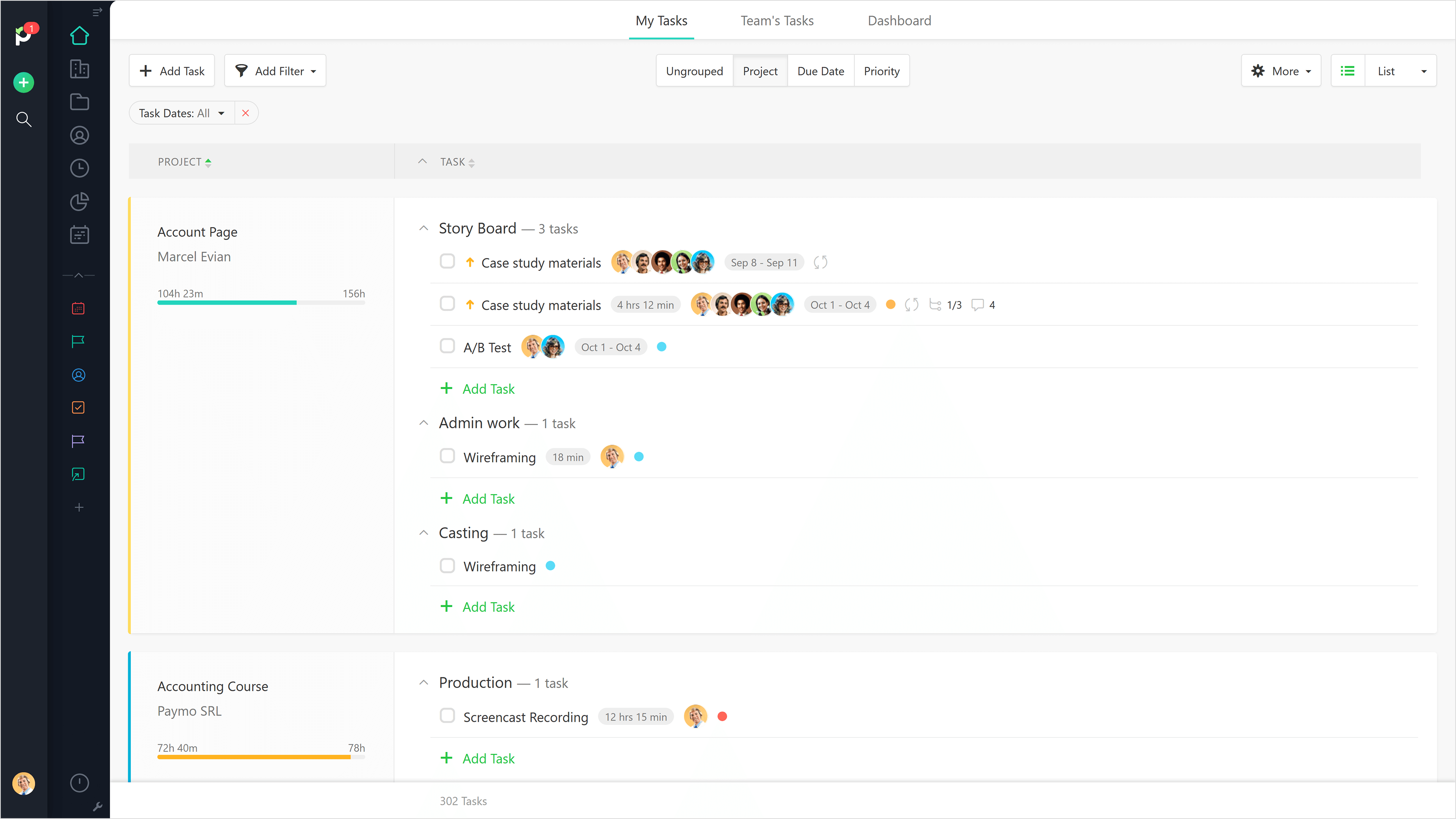
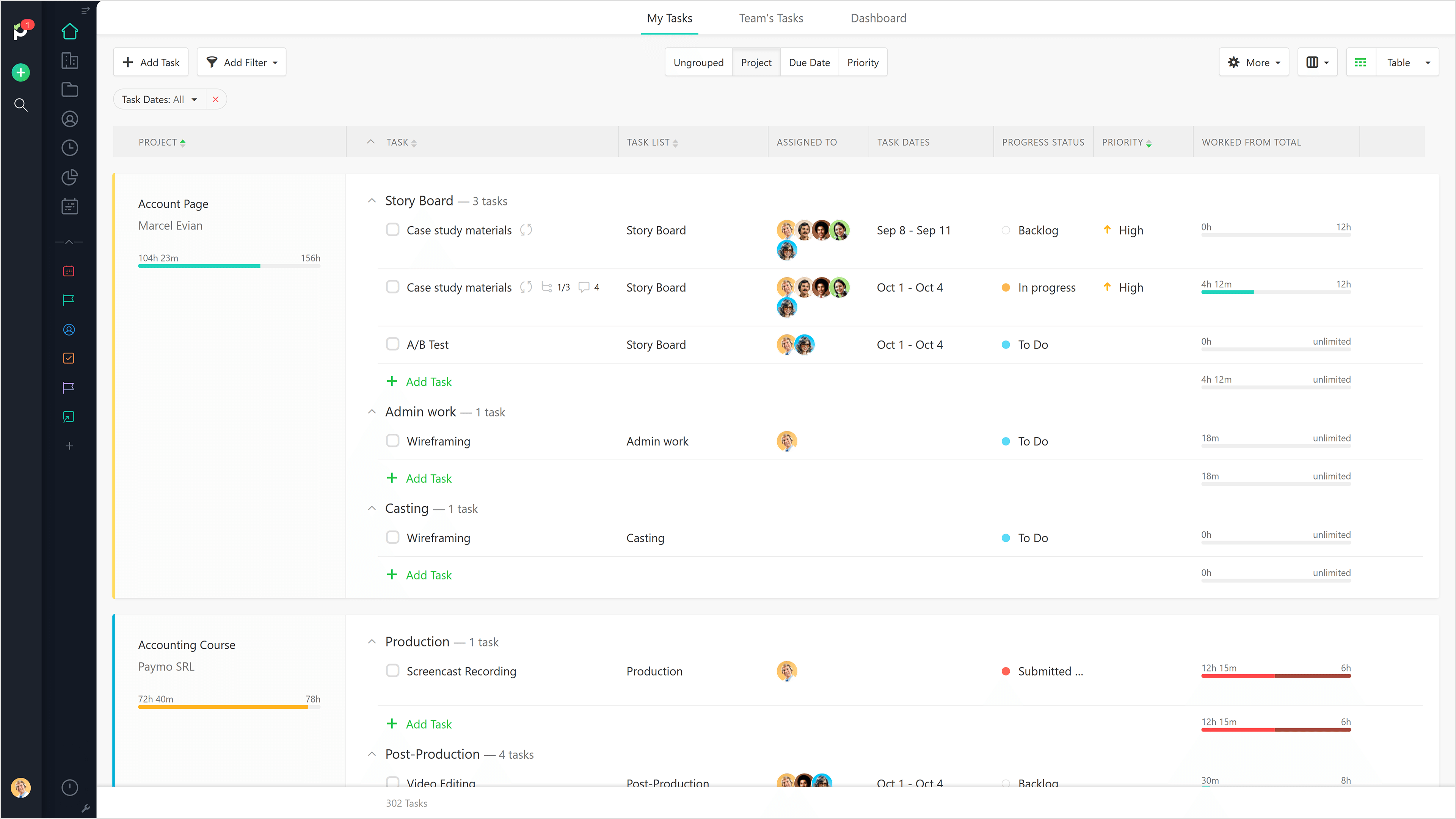
Paymo is a collaborative work management platform that helps track team progress, collaborate in context, and make smarter decisions. It acts as a single source of truth, where project planning, resource scheduling, file proofing, time tracking, and billing feed into each other to co-exist under the same roof.
$0
Up to 10 users
Pricing
Kanban Tool
Paymo
Editions & Modules
Kanban Tool Team
$6
per month per user
Kanban Tool Enterprise
$11
per month per user
Kanban Tool On-Site Team
$720
per year per 10-user pack
Kanban Tool On-Site Enterprise
$1,320
per year per 10-user pack
Free
$0
Up to 10 users
Small Office
$11.95
per user/per month
Business
$18.95
per user/per month
Offerings
Pricing Offerings
Kanban Tool
Paymo
Free Trial
Yes
Yes
Free/Freemium Version
Yes
Yes
Premium Consulting/Integration Services
No
No
Entry-level Setup Fee
No setup fee
No setup fee
Additional Details
—
Free version available for freelancers.
More Pricing Information
Community Pulse
Kanban Tool
Paymo
Features
Kanban Tool
Paymo
Project Management
Comparison of Project Management features of Product A and Product B
Kanban Tool
6.3
13 Ratings
20% below category average
Paymo
5.9
9 Ratings
26% below category average
Task Management
8.513 Ratings
3.59 Ratings
Resource Management
6.48 Ratings
5.36 Ratings
Gantt Charts
1.03 Ratings
4.43 Ratings
Scheduling
6.111 Ratings
7.06 Ratings
Workflow Automation
7.311 Ratings
00 Ratings
Team Collaboration
6.113 Ratings
4.16 Ratings
Support for Agile Methodology
7.311 Ratings
00 Ratings
Support for Waterfall Methodology
3.96 Ratings
7.82 Ratings
Document Management
6.49 Ratings
5.06 Ratings
Email integration
7.39 Ratings
5.04 Ratings
Mobile Access
8.510 Ratings
5.37 Ratings
Timesheet Tracking
8.06 Ratings
9.09 Ratings
Change request and Case Management
8.28 Ratings
00 Ratings
Budget and Expense Management
3.04 Ratings
8.88 Ratings
Professional Services Automation
Comparison of Professional Services Automation features of Product A and Product B
Kanban is well suited for a fast-paced working environment for larger teams who want continuous communication with users. Kanban is good for rapid development and daily meetings for updates and statuses. Kanban is less suited for smaller teams or groups who don't require collaboration and constant communication with involved users. Kanban is time-consuming and it takes additional effort outside of your regular work to maintain and manage the tool.
Beautiful interface throughout, easy setup, most natural progressions are fluid and easy to use. Browser functionality allows us to use it cross-platform. Very reasonable pricing model as well. We have had a little trouble using Paymo for the entire creative process to have proofs reviewed and approved. Also, have to use external forms to have work submitted from campus.
The ability to code exactly what time I worked on a project enables me to bill clients more accurately and within different minimums, which besides more accurately tracking time, this has been extremely helpful as I negotiate contracts for services and offer different deals with potential clients. Some are billed to the minute, some in 15-minute minimums, and some in 20-minute blocks.
The live reports are great, showing time spent in the minimums that I've set, while also including as much detail as I wish to share.
I've now started just writing my notes into the tracker, which are then carried into the live reports - this eases my needing to send logs to clients, as well as helping me to keep projects on track.
Kanban does not show the task or story clearly. You have to open the project separately to view the details of the project.
Kanban gives a higher level project management view but it lacks customization and personal settings features.
I would like to see Kanban provide mobile access to their tool, data, and board. This would be very useful for all companies and provide an increase in efficiency and productivity.
It would be really helpful if on the timer tool, they asked you to switch projects when you stop the timer, so it could fill that time in right away for you.
I never use the 'My Tasks' because I don't fully understand how to integrate it to be useful to what our purposes are in Paymo. Some Youtube tutorials might be helpful
The integration with Teams is well suited. This works wonderful for my company. Our team can easily prioritize tasks based on their importance. It help our team identify and reduce inefficiencies in workflow. With great visibility in data our team can make informed decisions. Ensuring clear accountability and responsibility of team members
It is a complete, a bit overambitious app but with many features that are needed. I didn't need most of the features but managed to make the most of the two I was using. Also, I think it is a well-rounded app and I am considering moving some team collab there.
Good! Fast, excellent, speedy responses. They always wanted to know why and how they could improve on something (good on receiving feedback, too). Not that they were much needed, but my limited experience with them is good; they were really keen to understand what the problem was really about and how they could help with it.
We've only tried JIRA Agile and KanbanFlow before. Kanban Tool was the one that our team actually liked and enjoyed working with. Also - it's been much easier to get started with and to understand than some of the other two (JIRA in particular). Although JIRA has many more features that we would have possibly used, the user feedback on it was so poor we were afraid that the negativity would create time wasted and less "job satisfaction" amongst the team.
We still use Trello and Slack, but Basecamp and HubSpot are too much for our operation to manage or integrate. Paymo is missing some of the tracking features of HubSpot and isn't as universally used as Basecamp but we've been with them for 8 years and they seem to know what matters most to their user base
Gives me more accurate time that I've spent on projects compared to older methods I've used.
Has data that I can pull together, for example my boss wanted to know the percentage of time I'd spent working on projects for one client compared to everything else - I was able to give them an accurate percentage.
Forces you to stay on top of jobs, which can lengthen the time to complete something