
Livestorm vs. MangoApps vs. ON24
Livestorm vs. MangoApps vs. ON24
| Product | Rating | Most Used By | Product Summary | Starting Price |
|---|---|---|---|---|
 Livestorm | N/A | French company Livestorm offers their webinar platform which integrates with many other enterprise applications via Zapier and features polling, session recording and sharing, and webinar data collection and tracking. | $0 A free plan to discover Livestorm. All features included, such as unlimited webinars and instant meetings. Up to 20 minutes per webinar and up to 10 registrants per webinar. | |
 MangoApps | Mid-Size Companies (51-1,000 employees) | MangoApps is a unified workforce platform designed to help organizations inform employees, align teams, and run daily work—especially across frontline and distributed environments where execution happens shift by shift. MangoApps brings together employee communications, intranet, collaboration, workforce operations, and HR support. Instead of relying on disconnected tools for messaging, knowledge, scheduling, tasks, and employee support, organizations can use MangoApps… | $299 per month 25 users included | |
 ON24 | N/A | ON24 is an intelligent engagement platform, that enables customers to continuously engage audiences with AI-powered, hyper-personalized webinar, virtual event and content experiences. | N/A |
| Livestorm | MangoApps | ON24 | ||||||||||||||||||||||
|---|---|---|---|---|---|---|---|---|---|---|---|---|---|---|---|---|---|---|---|---|---|---|---|---|
| Editions & Modules |
|
| No answers on this topic | |||||||||||||||||||||
| Offerings |
| |||||||||||||||||||||||
| Entry-level Setup Fee | No setup fee | Optional | No setup fee | |||||||||||||||||||||
| Additional Details | — | Volume discounts apply for large enterprise organizations. Non-profit organization discounts also available. | — | |||||||||||||||||||||
| More Pricing Information | ||||||||||||||||||||||||
| Livestorm | MangoApps | ON24 |
|---|
| Livestorm | MangoApps | ON24 | |||||||||||||||||||||||||||
|---|---|---|---|---|---|---|---|---|---|---|---|---|---|---|---|---|---|---|---|---|---|---|---|---|---|---|---|---|---|
| Reporting & Analytics |
| ||||||||||||||||||||||||||||
| Performance & Compatibility of Online Events Software |
| ||||||||||||||||||||||||||||
| Online Meetings / Events |
| ||||||||||||||||||||||||||||
| Online Events Collaboration |
| ||||||||||||||||||||||||||||
| Online Events Security |
| ||||||||||||||||||||||||||||
| Online Events Marketing |
| ||||||||||||||||||||||||||||
| Virtual Event |
|
| Livestorm | MangoApps | ON24 | |
|---|---|---|---|
| Small Businesses |  BigMarker Score 6.0 out of 10 |  HCL Connections Score 9.0 out of 10 |  Whova Score 9.4 out of 10 |
| Medium-sized Companies |  Zoho Meeting Score 8.8 out of 10 |  RWS Tridion Sites Score 9.0 out of 10 |  Cvent Event Diagramming Score 9.3 out of 10 |
| Enterprises | ON24 Score 7.6 out of 10 | RWS Tridion Sites Score 9.0 out of 10 | Cvent Event Diagramming Score 9.3 out of 10 |
| All Alternatives | View all alternatives | View all alternatives | View all alternatives |
| Livestorm | MangoApps | ON24 | |
|---|---|---|---|
| Likelihood to Recommend | 9.5 (3 ratings) | 9.0 (2 ratings) | 8.1 (458 ratings) |
| Likelihood to Renew | - (0 ratings) | - (0 ratings) | 7.3 (43 ratings) |
| Usability | 9.0 (2 ratings) | - (0 ratings) | 7.0 (27 ratings) |
| Availability | - (0 ratings) | - (0 ratings) | 7.0 (209 ratings) |
| Performance | - (0 ratings) | - (0 ratings) | 2.5 (7 ratings) |
| Support Rating | 10.0 (2 ratings) | - (0 ratings) | 5.9 (32 ratings) |
| In-Person Training | - (0 ratings) | - (0 ratings) | 9.1 (3 ratings) |
| Online Training | - (0 ratings) | - (0 ratings) | 4.1 (5 ratings) |
| Implementation Rating | - (0 ratings) | - (0 ratings) | 1.0 (11 ratings) |
| Configurability | - (0 ratings) | - (0 ratings) | 2.7 (5 ratings) |
| Ease of integration | - (0 ratings) | - (0 ratings) | 1.0 (4 ratings) |
| Product Scalability | - (0 ratings) | - (0 ratings) | 7.8 (228 ratings) |
| Vendor post-sale | - (0 ratings) | - (0 ratings) | 9.0 (5 ratings) |
| Vendor pre-sale | - (0 ratings) | - (0 ratings) | 1.0 (6 ratings) |
| Livestorm | MangoApps | ON24 | |
|---|---|---|---|
| Likelihood to Recommend | Livestorm
 Jaclyn Kafesjian Head of Client Success | MangoApps
| ON24
|
| Pros | Livestorm
| MangoApps
| ON24
|
| Cons | Livestorm
 Corey Haines Marketing Manager | MangoApps
| ON24
|
| Likelihood to Renew | Livestorm No answers on this topic | MangoApps No answers on this topic | ON24
|
| Usability | Livestorm
Jaclyn Kafesjian Head of Client Success | MangoApps No answers on this topic | ON24
 Tyler Hershberger Production Director |
| Reliability and Availability | Livestorm No answers on this topic | MangoApps No answers on this topic | ON24
 Gabriel Smith Program/Research Associate |
| Performance | Livestorm No answers on this topic | MangoApps No answers on this topic | ON24
|
| Support Rating | Livestorm
| MangoApps No answers on this topic | ON24
|
| In-Person Training | Livestorm No answers on this topic | MangoApps No answers on this topic | ON24
|
| Online Training | Livestorm No answers on this topic | MangoApps No answers on this topic | ON24
 Joshua Chelmo Marketing Webinar Manager |
| Implementation Rating | Livestorm No answers on this topic | MangoApps No answers on this topic | ON24
 Erika Tomatore Program & Events Associate |
| Alternatives Considered | Livestorm No answers on this topic | MangoApps
| ON24
|
| Scalability | Livestorm No answers on this topic | MangoApps No answers on this topic | ON24
|
| Return on Investment | Livestorm
Corey Haines Marketing Manager | MangoApps
| ON24
|
| ScreenShots | Livestorm Screenshots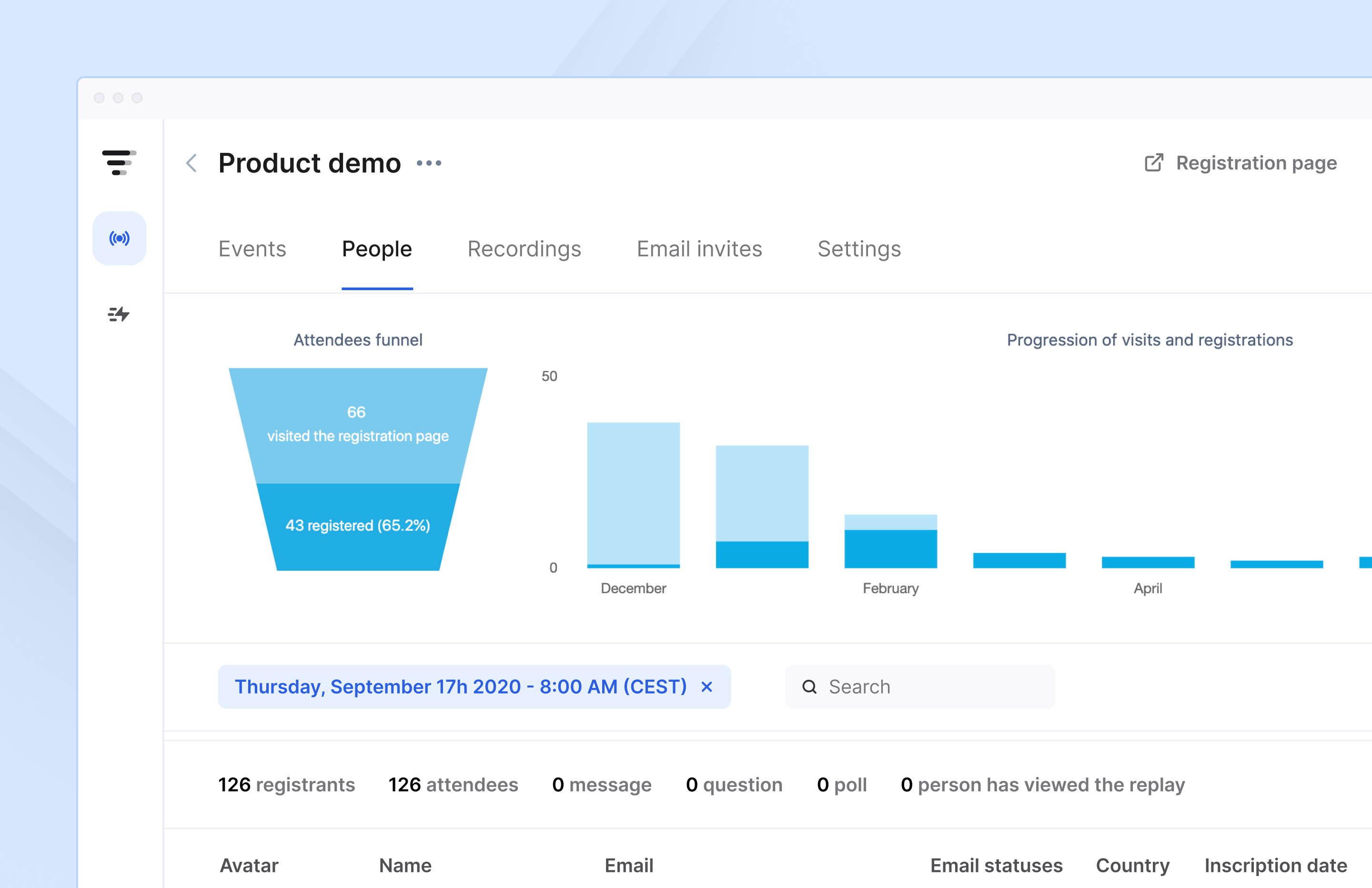 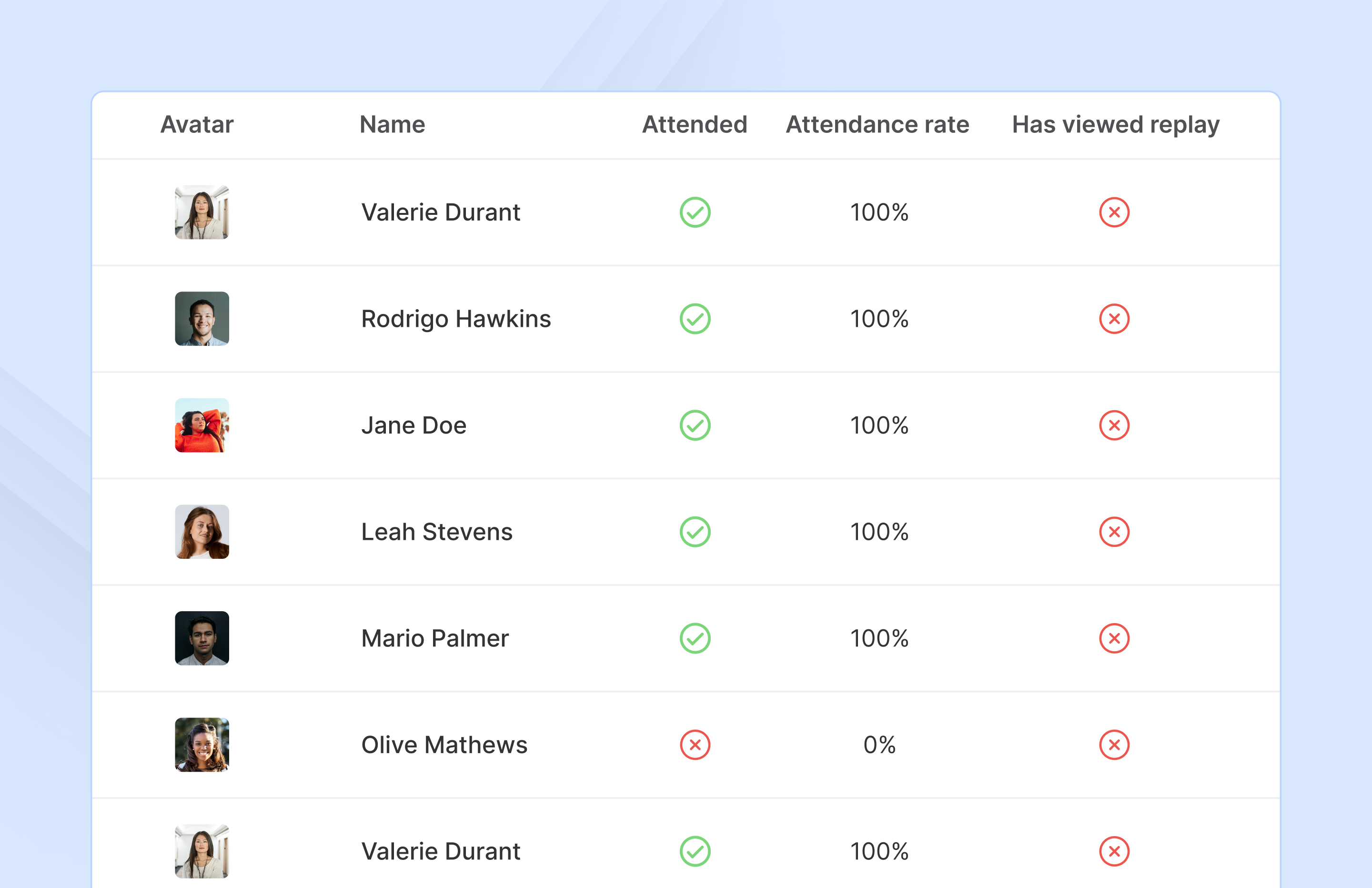  | MangoApps Screenshots      | ON24 Screenshots     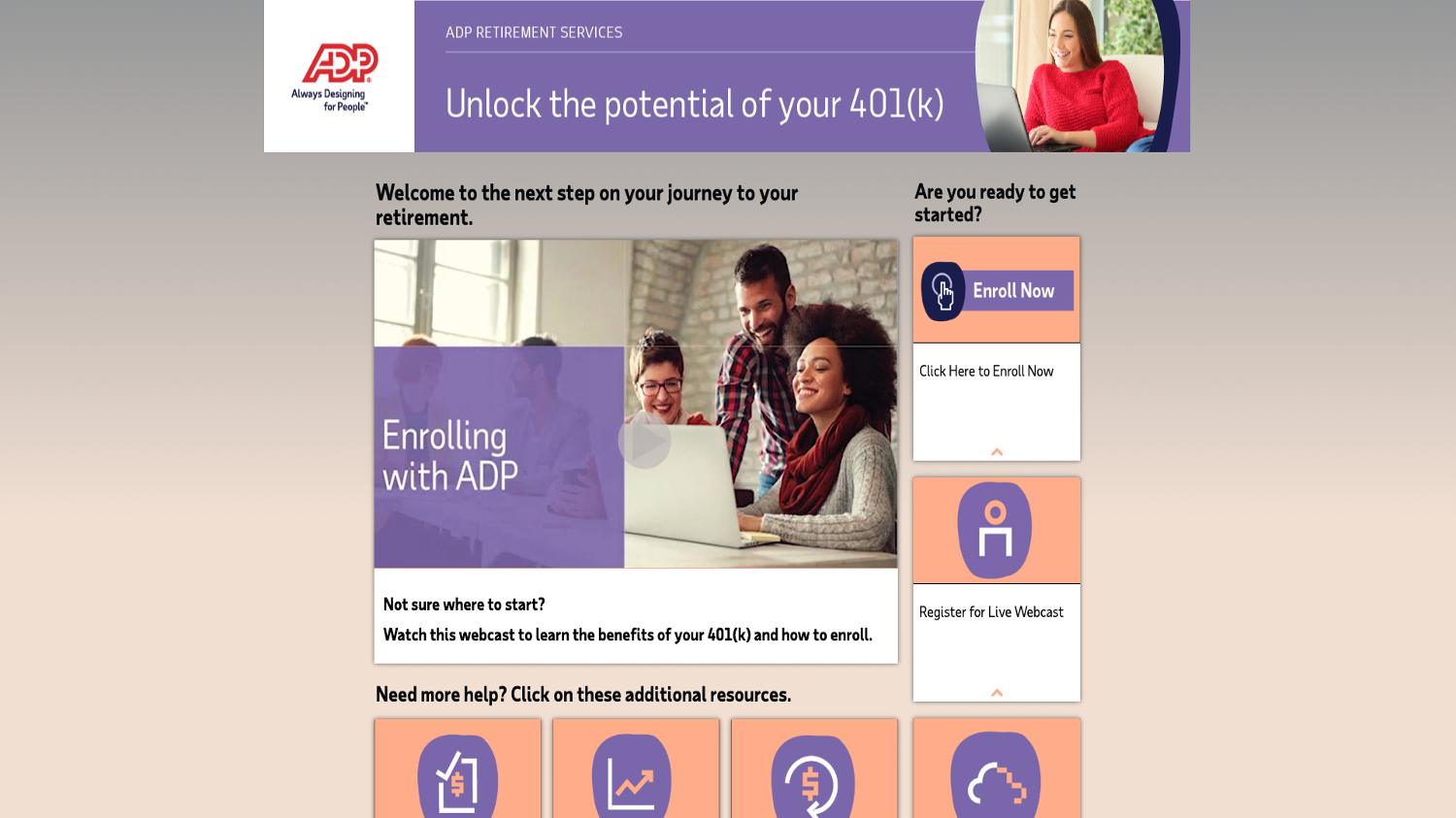 |