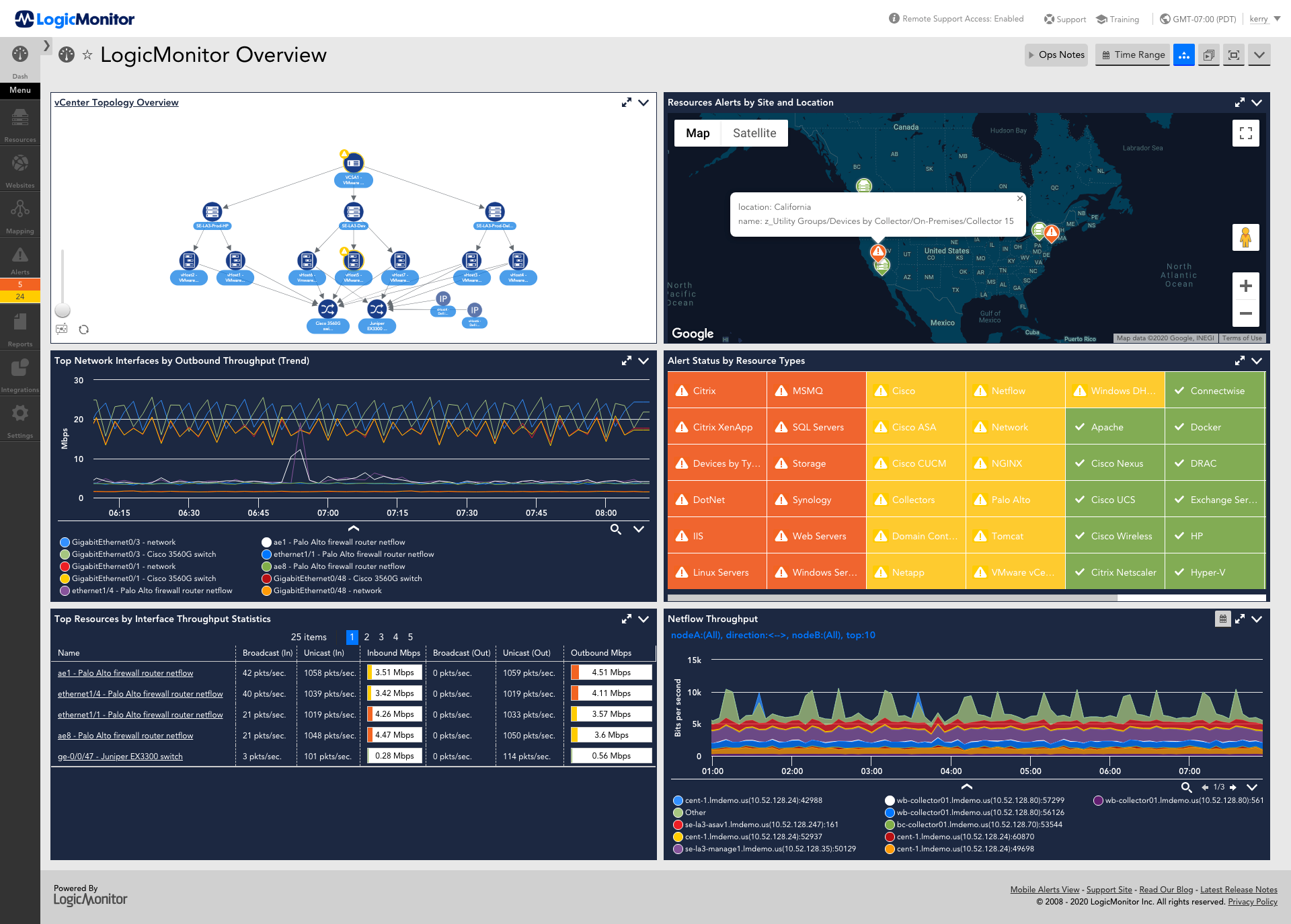
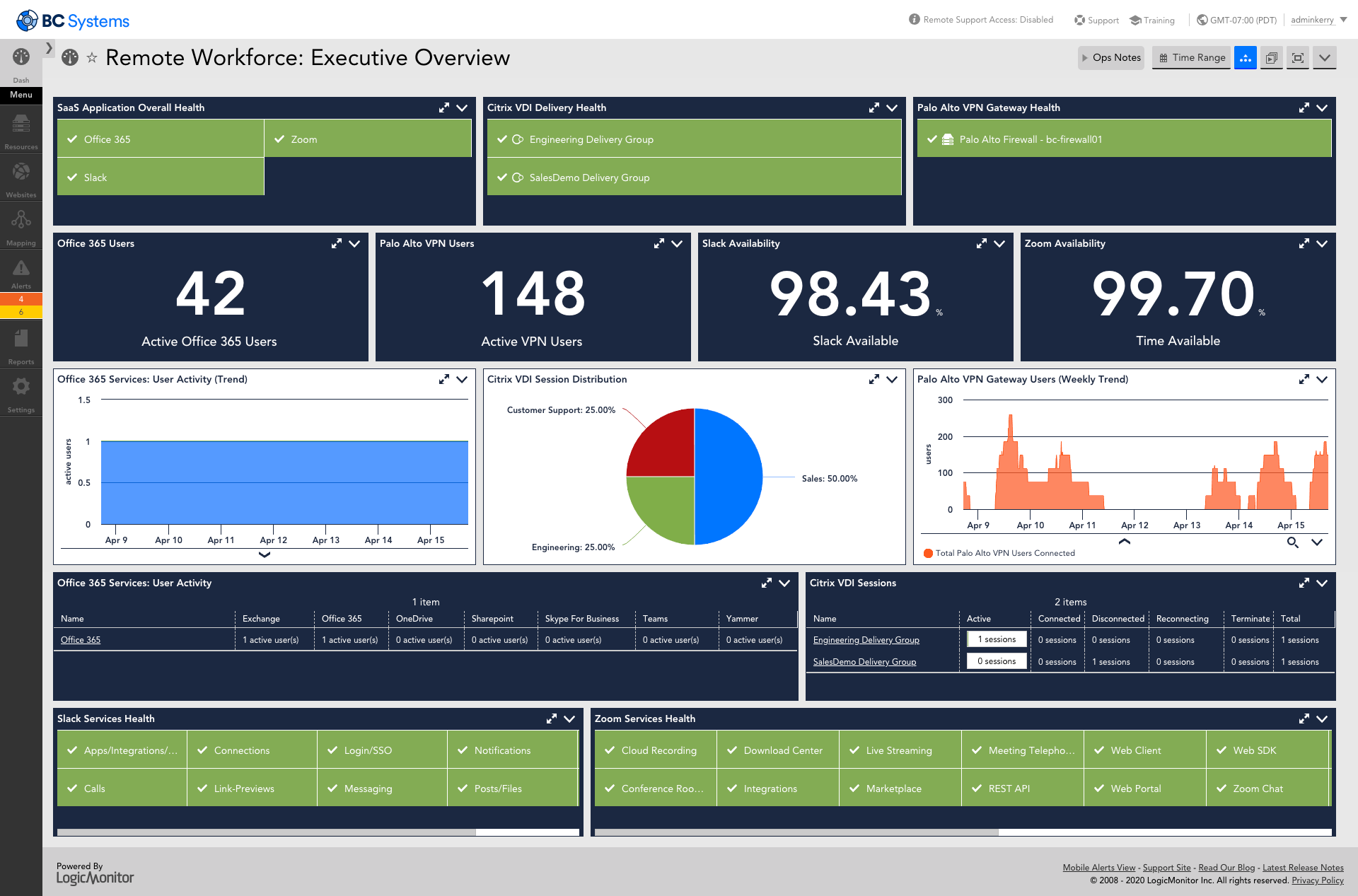
LogicMonitor’s SaaS-based platform, LM Envision, enables observability across on-prem and multi-cloud environments. It provides IT and business teams operational visibility and predictability across their technologies and applications.
N/A
SolarWinds Virtualization Manager (VMAN)
Score10 out of 10
N/A
SolarWinds® Virtualization Manager (VMAN) is a tool for monitoring, performance management, capacity planning and optimization for on-premises or cloud-based virtual environments. It also integrates with other SolarWinds products.
N/A
Pricing
LogicMonitor
SolarWinds Virtualization Manager (VMAN)
Editions & Modules
Enterprise
Contact sales team
Website Monitoring
Contact sales team
No answers on this topic
Offerings
Pricing Offerings
LogicMonitor
SolarWinds Virtualization Manager (VMAN)
Free Trial
Yes
Yes
Free/Freemium Version
No
No
Premium Consulting/Integration Services
Yes
No
Entry-level Setup Fee
No setup fee
No setup fee
Additional Details
Our platform is broken down into Pro and Enterprise Pricing. Pro includes monitoring for all of your cloud, hybrid, and on-premises infrastructure. Our Enterprise package includes all of this, plus our AIOps and Machine Learning functionality that provides dynamic thresholds, root cause analysis, anomaly detection and more!
LogicMonitor only charges by the device. What is considered a device? A device is anything with an IP address that you want to monitor, including a physical device or a cloud resource. This means multiple data sources under the same IP address can be monitored for the same price. Unlike some monitoring platforms. we don’t charge per node, interface, or metric.
System Engineer in Information Technology at Kovarus (Information Technology & Services, 51-200 employees)
Chose LogicMonitor
LogicMonitor is the most stable and reliable monitoring solution I have worked with. Being a SaaS product is a leg up on most solutions like SolarWinds which does not offer a clear cloud offering. Would recommend LogicMonitor over all over products I have used to monitor …
A de minimis incentive was given to thank the reviewer for their time. The incentive was not used to bias or drive a particular response, nor was the incentive contingent on a positive endorsement. More Info
Associate Consultant in Engineering at HCL Technologies (Information Technology & Services, 10,001+ employees)
Chose SolarWinds Virtualization Manager (VMAN)
Datadog and Log Monitor are doing great in bringing in new technologies for monitoring, however SolarWinds has still got edges since we are using it [for] many years. By using [it], we know that their product development team was always on top of new technologies monitoring. …
A de minimis incentive was given to thank the reviewer for their time. The incentive was not used to bias or drive a particular response, nor was the incentive contingent on a positive endorsement. More Info
For environments that mostly use VMs and baremetal devices, LogicMonitor is a fantastic choice. It lends itself especially well to situations where you want individual teams to be able to manage the monitoring and observability of their own domains, and if you take the time to customize it to your environment in the frontend, you can get to the point where your LogicMonitor platform administrators are very rarely needed.
A de minimis incentive was given to thank the reviewer for their time. The incentive was not used to bias or drive a particular response, nor was the incentive contingent on a positive endorsement. More Info
On the whole, Solarwinds Virtualization Manager (VMAN) is an excellent product which gives us a single point to monitor our virtual environment. After our initial trial I was sold on the product and what it had to offer. Immediately after implementing VMAN, we were able to spot virtual machines with old snapshots which were never deleted and no longer needed, we could spot virtual machines which either had over allocated resources or under allocated resources meaning we could make changes and fine tune them for best performance. We could also monitor virtual machine latency, IOPS, and show us where our bottlenecks were.
A de minimis incentive was given to thank the reviewer for their time. The incentive was not used to bias or drive a particular response, nor was the incentive contingent on a positive endorsement. More Info
A de minimis incentive was given to thank the reviewer for their time. The incentive was not used to bias or drive a particular response, nor was the incentive contingent on a positive endorsement. TR verified that a representative sample of customers was invited. More Info
I created custom dashboards, to view the different elements of the virtual environment. For example, you can view the number of online VMs and those off, or disconnected. You can also choose to see the status of every virtual cluster, the storage disk usage on every VM, the RAM usage, CPU usage.
I used this application to see the growth of virtual memory in each cluster and accordingly do forecasting for future growth. A capacity planner included in this application would help in doing accurate estimations and setting a future upgrade budget.
Another powerful tool was the customized reports, where i could generate reports on any element of the VM or cluster. Reports can be exported to Excel or PDF and are very useful for sharing information with colleagues and management.
Alerts can be customized. For example, you can set a rule to get an email alert if any virtual server RAM usage exceeds 85% and send a text message if RAM usage exceeds 90% for more than 10 minutes.
A de minimis incentive was given to thank the reviewer for their time. The incentive was not used to bias or drive a particular response, nor was the incentive contingent on a positive endorsement. More Info
A de minimis incentive was given to thank the reviewer for their time. The incentive was not used to bias or drive a particular response, nor was the incentive contingent on a positive endorsement. More Info
We did have issues during the setup, with successfully connecting to some of our hosts and vCenters and we found support were just sending us back to articles we had already read, it was also taking long periods before getting a response. The issue is still ongoing, in fact.
A de minimis incentive was given to thank the reviewer for their time. The incentive was not used to bias or drive a particular response, nor was the incentive contingent on a positive endorsement. More Info
This product has met virtually all of our needs. It was easy to implement and has been simple to support. Customization has been intuitive with many options available. They keep adding features and expanding available options. The future of LogicMonitor looks even better than it is today which is very promising. The management and support teams at LogicMonitor are always helpful
A de minimis incentive was given to thank the reviewer for their time. The incentive was not used to bias or drive a particular response, nor was the incentive contingent on a positive endorsement. More Info
Currently, there is no other tool that gives us what we need to monitor a geographically disperse environment with multiple non-related instances of VM clusters. In addition, the level of reporting, historical data trending, and alerting that VMAN provides is essential for our business process. Lastly, the effort to customize and set up any monitoring system is not trivial. This makes switching to any other product very difficult without being able to clearly demonstrate a ROI.
A de minimis incentive was given to thank the reviewer for their time. The incentive was not used to bias or drive a particular response, nor was the incentive contingent on a positive endorsement. More Info
Set up is super easy. Just stand up a small Linux or Windows server to act as a collector. There are no agents to install on monitored devices and all you need is SNMP or WMI access. When creating dashboards, all you have to do is find the widget on the device you want to show up and choose the menu option to add it.
A de minimis incentive was given to thank the reviewer for their time. The incentive was not used to bias or drive a particular response, nor was the incentive contingent on a positive endorsement. More Info
SolarWinds VMAN is easy to use for everyone. When I say everyone which literally means anyone e.g. Virtualization Environment SME, Consultant, Support Team, Management Officers etc. Anyone who have worked on IT technologies could easily deploy SolarWinds by reading videos, Thwack posts or Virtual Classrooms (Custom Success Centers) - this makes this application easy to operation and for maintenance support is always there.
A de minimis incentive was given to thank the reviewer for their time. The incentive was not used to bias or drive a particular response, nor was the incentive contingent on a positive endorsement. More Info
A de minimis incentive was given to thank the reviewer for their time. The incentive was not used to bias or drive a particular response, nor was the incentive contingent on a positive endorsement. More Info
A de minimis incentive was given to thank the reviewer for their time. The incentive was not used to bias or drive a particular response, nor was the incentive contingent on a positive endorsement. More Info
The sales team support we received was top notch. They worked hand in hand to make sure the product met all expectations. So far we have not really had to work with support that much; we have worked with setup team after purchase to deploy product fully. No issues so far and we are four weeks in.
A de minimis incentive was given to thank the reviewer for their time. The incentive was not used to bias or drive a particular response, nor was the incentive contingent on a positive endorsement. More Info
SolarWinds gives good support. I have never had a time when i was working through a support case where I did not get the support I needed for the required issues to be resolved. I have always had resolutions from SolarWinds support. They are top notch. Issues once had are no more.
A de minimis incentive was given to thank the reviewer for their time. The incentive was not used to bias or drive a particular response, nor was the incentive contingent on a positive endorsement. More Info
A de minimis incentive was given to thank the reviewer for their time. The incentive was not used to bias or drive a particular response, nor was the incentive contingent on a positive endorsement. More Info
A de minimis incentive was given to thank the reviewer for their time. The incentive was not used to bias or drive a particular response, nor was the incentive contingent on a positive endorsement. More Info
The implementation experience was awesome for me, as the LogicMonitor team was really helpful to us. They installed everything on our primary server and provided clear, intelligible explanations. They even trained our non-tech team on it as well. Therefore, my team and I had a very simple and pleasurable implementation experience.
A de minimis incentive was given to thank the reviewer for their time. The incentive was not used to bias or drive a particular response, nor was the incentive contingent on a positive endorsement. More Info
Its really the best product on the market for someone looking to have total control over their VM environment. anyone interested should download a demo and try it, I know you will buy it after you do. It changing the way you have to manage on a daily basis
A de minimis incentive was given to thank the reviewer for their time. The incentive was not used to bias or drive a particular response, nor was the incentive contingent on a positive endorsement. More Info
Our business used the trial period they provided on one of our systems and conducted sessions with all of this software. Our team tested all of these software options before deciding on LogicMonitor, as our business is expanding daily and we needed a system that could accommodate our growing workforce and automatically add systems to our network, which LogicMonitor alone provided.
A de minimis incentive was given to thank the reviewer for their time. The incentive was not used to bias or drive a particular response, nor was the incentive contingent on a positive endorsement. TR verified that a representative sample of customers was invited. More Info
The operation began using Nagios XI, after a year of use, and based on the results obtained, we realized that what our client wanted was not fully met. Our client asked us to use WhatsUp, however, SolarWinds covered in a more efficient way what was required by our client (IT) and even more.
A de minimis incentive was given to thank the reviewer for their time. The incentive was not used to bias or drive a particular response, nor was the incentive contingent on a positive endorsement. TR verified that a representative sample of customers was invited. More Info
Pricing seems to be getting more and more aggressive, I worry that it's going to turn into ServiceNow or SAP and everything minor feature will be an extreme cost that prices out us and our customers
A de minimis incentive was given to thank the reviewer for their time. The incentive was not used to bias or drive a particular response, nor was the incentive contingent on a positive endorsement. More Info
A de minimis incentive was given to thank the reviewer for their time. The incentive was not used to bias or drive a particular response, nor was the incentive contingent on a positive endorsement. More Info
Haven't really used it but our initial onboarding PS was disappointing. Felt like we were being told what we needed to cover as opposed to what we wanted to cover. In addition, we were pushed into using the PS in tight time frames and we were not ready to do so.
A de minimis incentive was given to thank the reviewer for their time. The incentive was not used to bias or drive a particular response, nor was the incentive contingent on a positive endorsement. More Info
A de minimis incentive was given to thank the reviewer for their time. The incentive was not used to bias or drive a particular response, nor was the incentive contingent on a positive endorsement. TR verified that a representative sample of customers was invited. More Info
VMAN has been used for reports provided to executive-level meetings. These reports showed our growth patterns, allowing for easier decisions on purchasing additional hardware.
VMAN has provided a positive impact on allowing for near real-time monitoring of resources, able to pinpoint when services are using more memory than expected, not running at all, or other options as defined.
VMAN was purchased to help monitor our VMware platform, the added abilities for AWS allowed us to migrate clients from on-prem to cloud-based with the same views.
A de minimis incentive was given to thank the reviewer for their time. The incentive was not used to bias or drive a particular response, nor was the incentive contingent on a positive endorsement. More Info