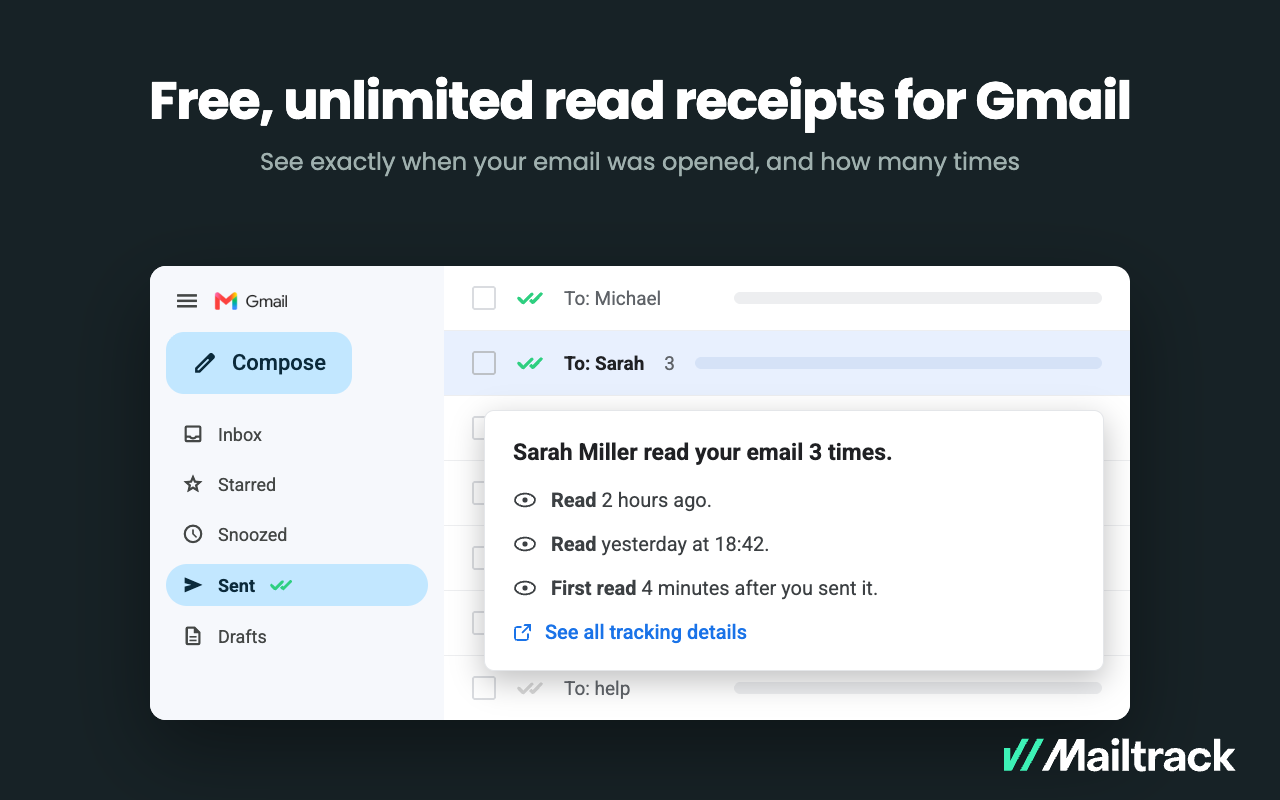
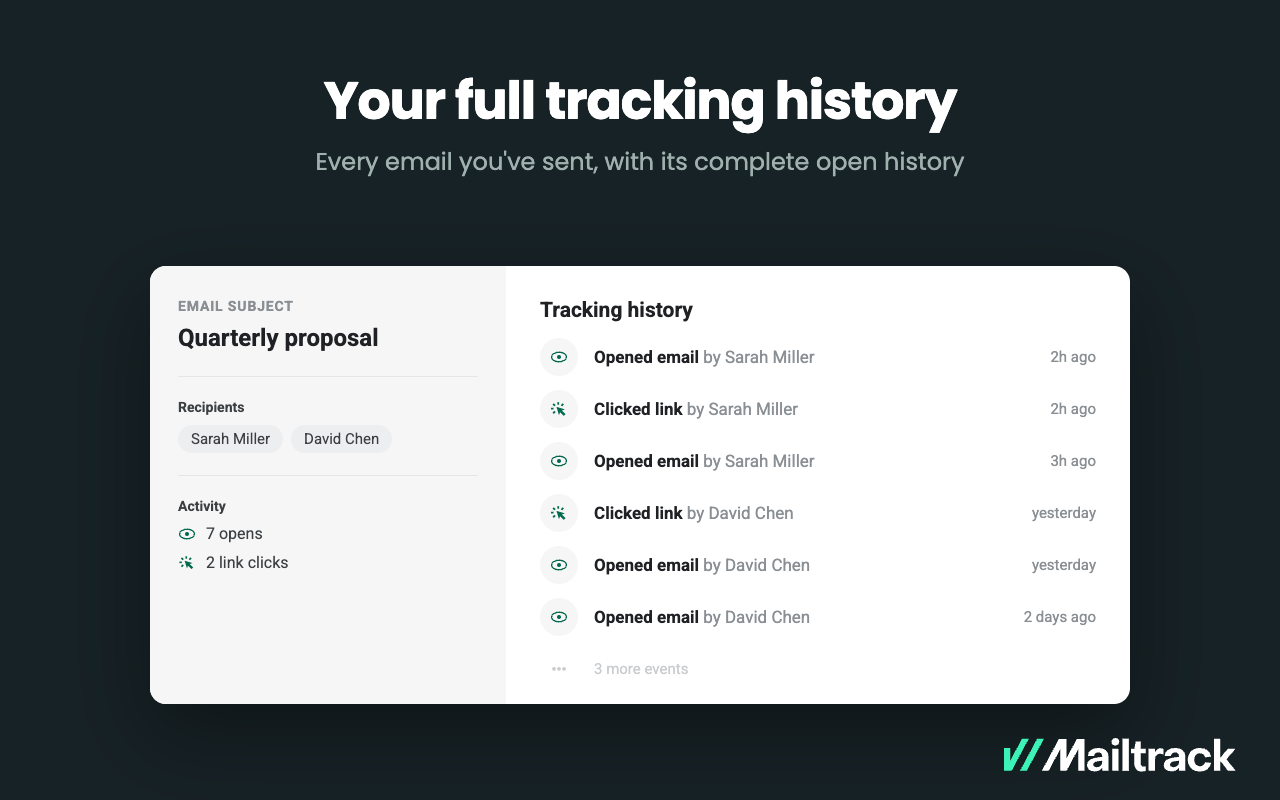
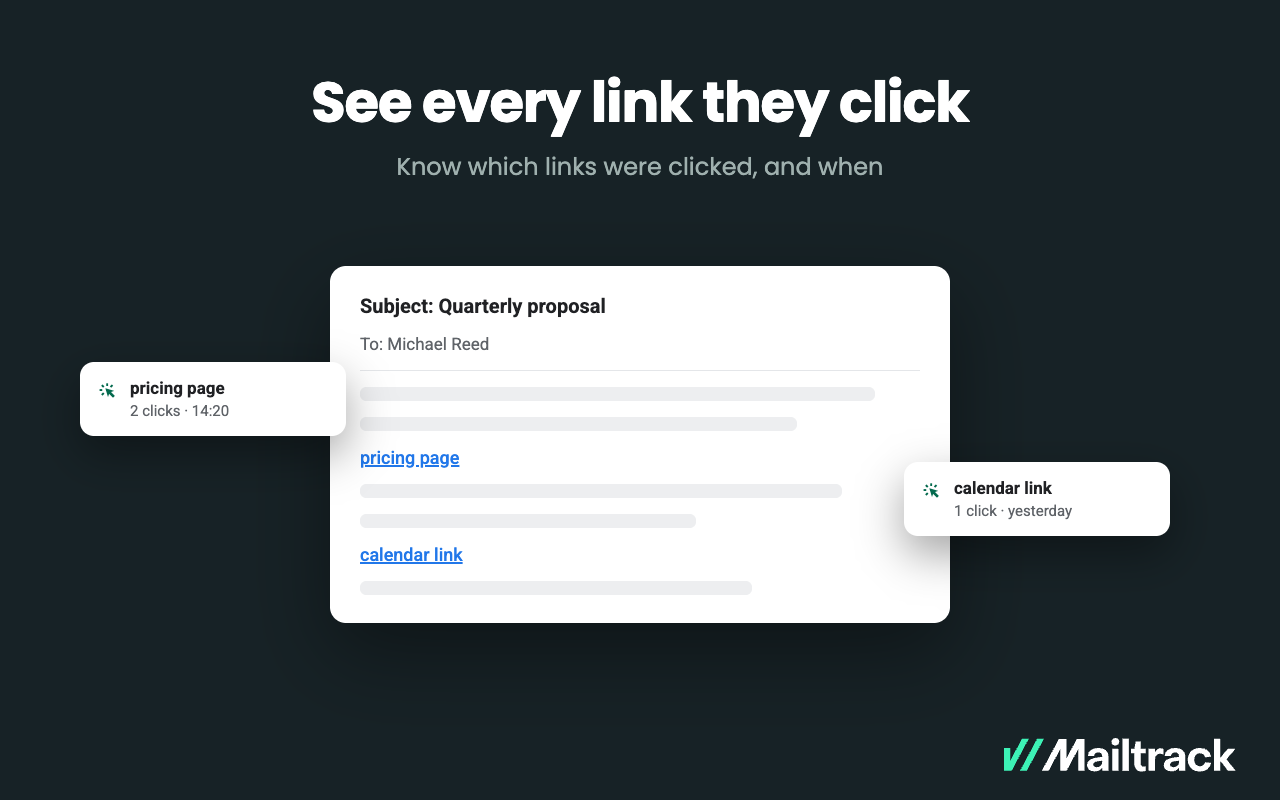
Mailtrack is an email-tracking extension for Gmail and part of Mailsuite. It adds delivery and read-status indicators to sent messages, showing when recipients open an email or click a tracked link without requiring users to leave Gmail. Key Capabilities Gmail read receipts: Mailtrack adds one or two checkmarks to sent messages. Grey checkmarks indicate delivery; green checkmarks indicate that the message was opened. Open and…
$2.99
per month per user
Outreach
Score8.3 out of 10
N/A
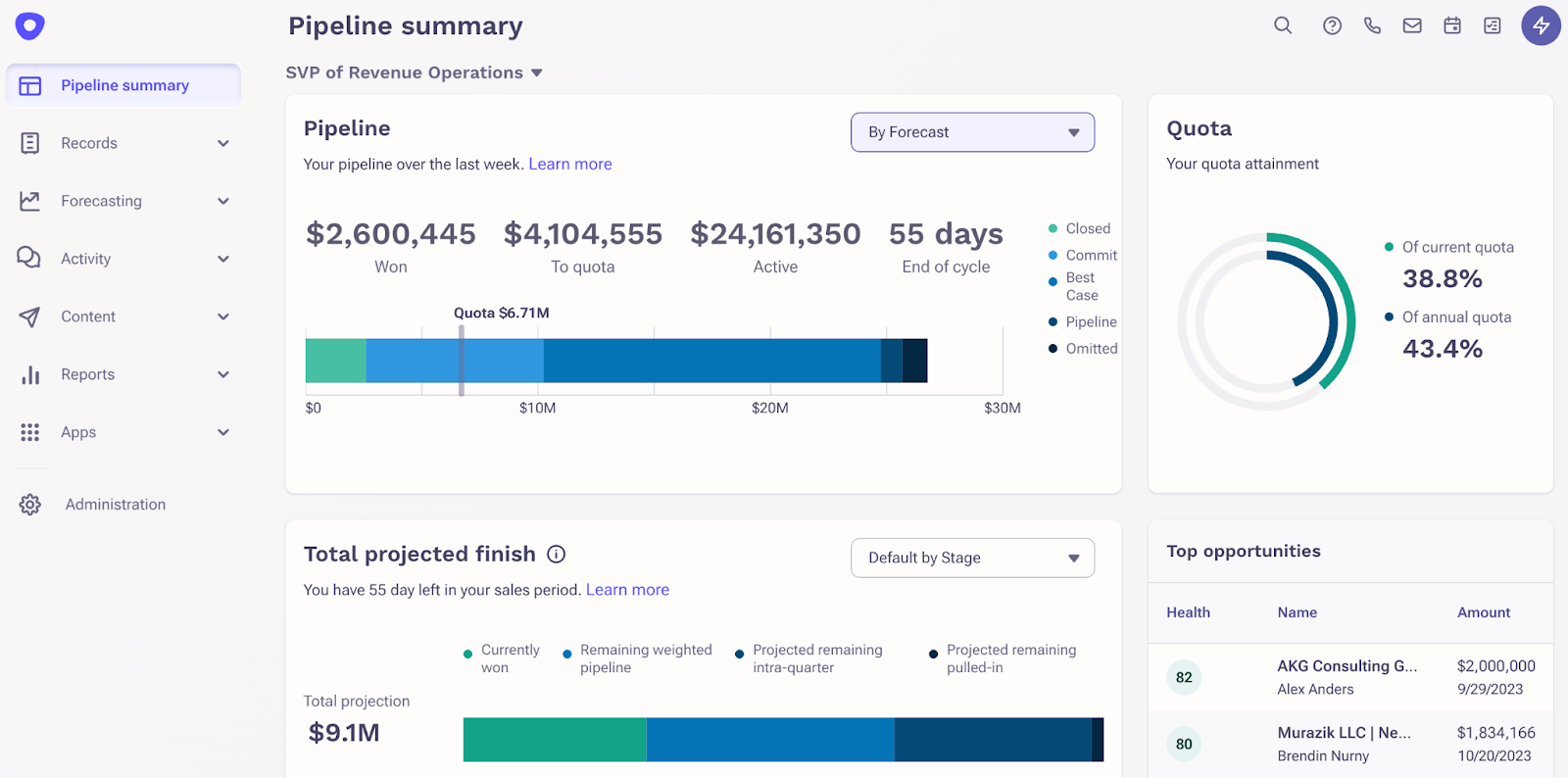
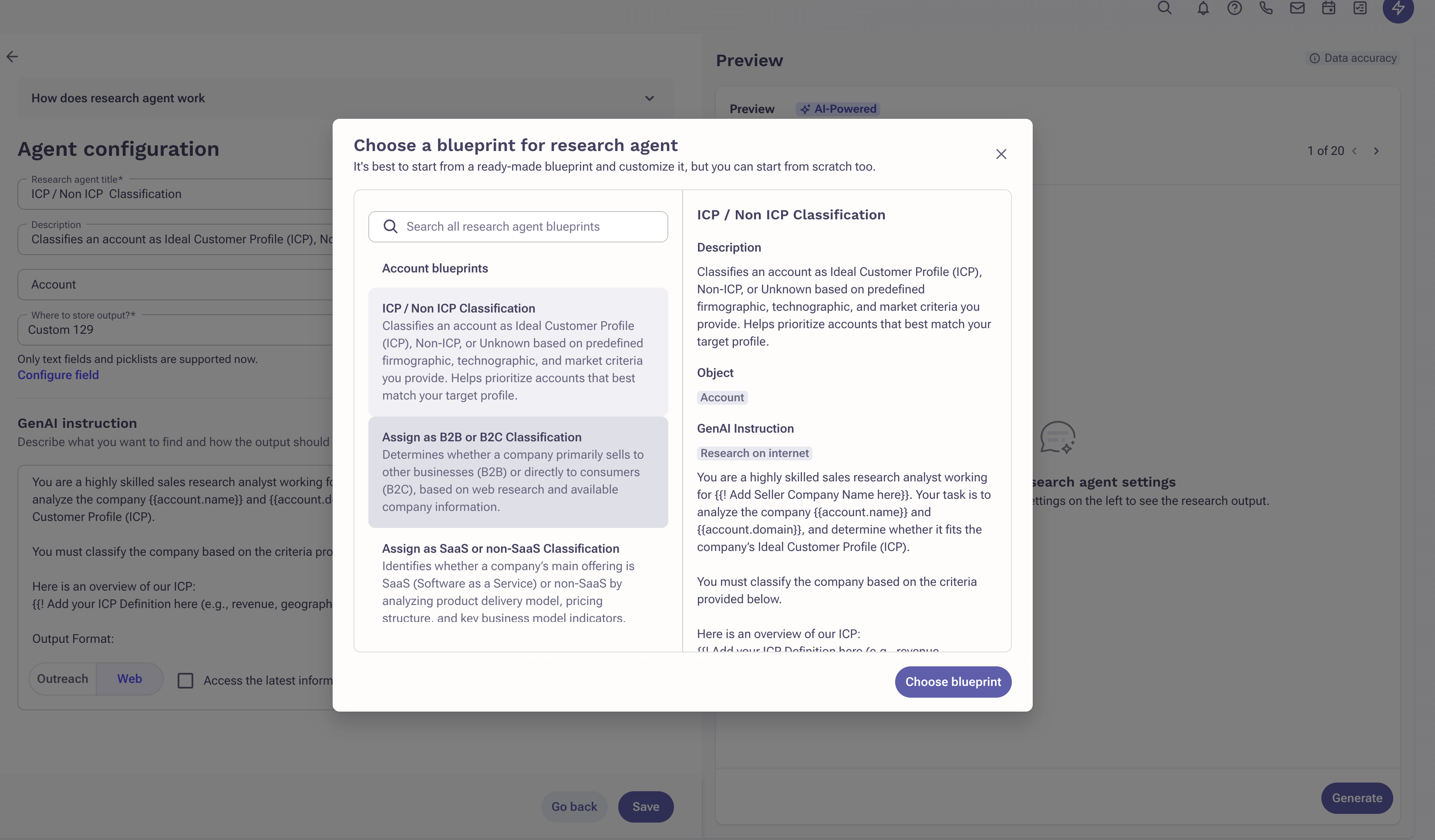
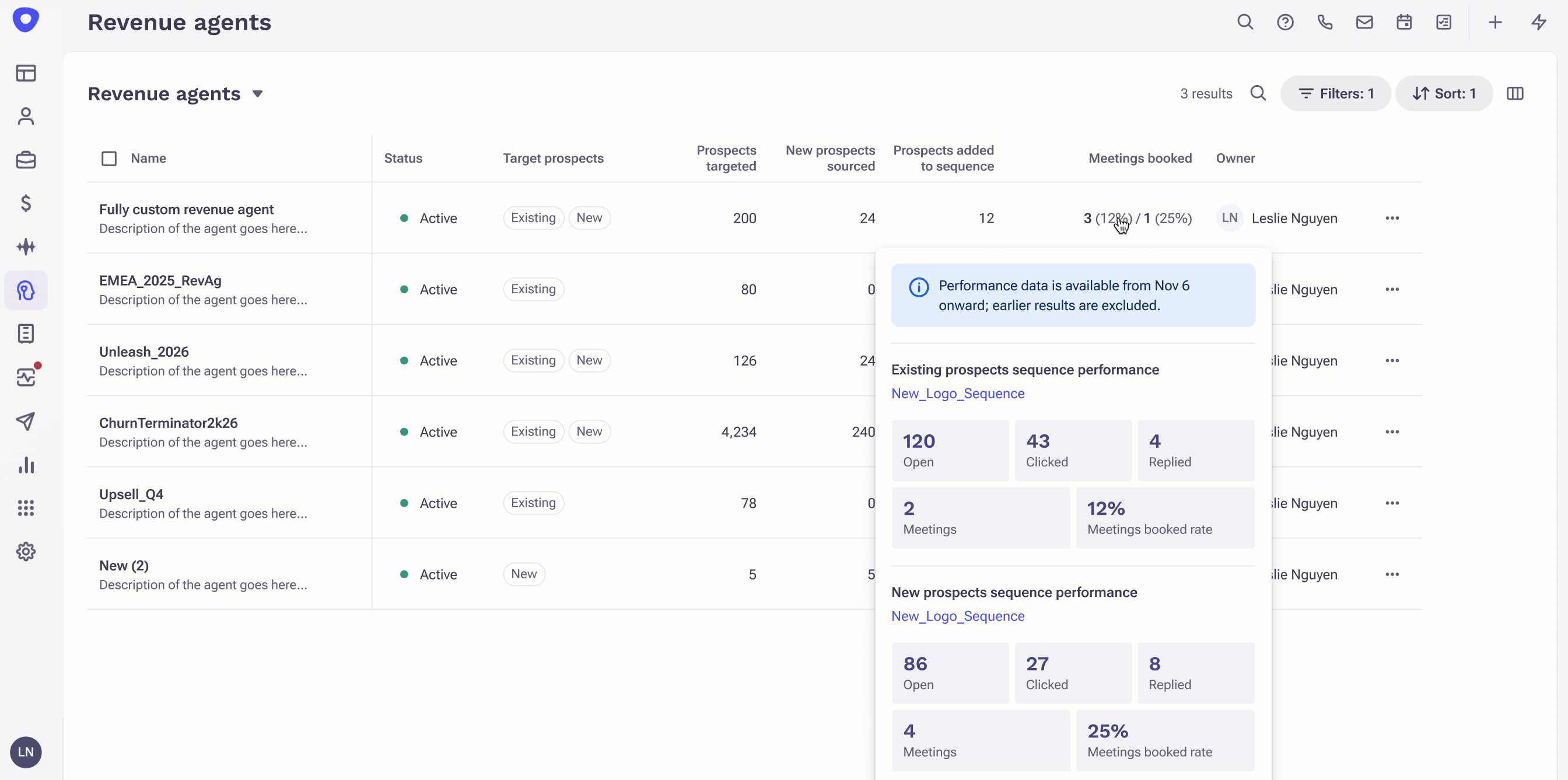
Outreach is an agentic AI platform for revenue teams that infuses purpose-built agents, conversation intelligence, and assistive insights to power use cases across revenue motions, from new logo prospecting to expansions, deal acceleration, driving retention, and forecasting.
Mailtrack is great for tracking emails if you do not want to pay for larger more complicated tools that do the same thing. If you already love your system but just want to add some convenient read tracking, that's exactly what this is for. If you have a system that doesn't work well, I would take the time to evaluate alternatives that also include read tracking (Salesforce for example). This also applies if you're trying to use this for large outbound sales emails - there are a lot of applications that have email tracking built in (Outreach.io is a great example) so it may just be worth switching your whole system.
A de minimis incentive was given to thank the reviewer for their time. The incentive was not used to bias or drive a particular response, nor was the incentive contingent on a positive endorsement. More Info
Outreach is very useful for all aspects of work organization. I can keep my tasks organized and complete them quickly and efficiently. I'd like to see an app-based tracking feature to keep my tasks up-to-date with reminders, which would make things much more efficient and eliminate the need to constantly check the website. Outreach es muy útil en todo lo que refiere a organización de trabajo, puedo mantener un orden de actividades y me permite completarlas de manera ágil y rápida. Quisiera un seguimiento desde aplicativo para tener siempre al dia las tareas con recordatorios lo que haría mucho más eficiente y así no ingresar todo el tiempo a la pagina This review was originally written in Spanish and has been translated into English using a third-party translation tool. While we strive for accuracy, some nuances or meanings may not be perfectly captured.
A de minimis incentive was given to thank the reviewer for their time. The incentive was not used to bias or drive a particular response, nor was the incentive contingent on a positive endorsement. More Info
A de minimis incentive was given to thank the reviewer for their time. The incentive was not used to bias or drive a particular response, nor was the incentive contingent on a positive endorsement. More Info
Outreach is great at managing my data to day tasks and reminders for next steps with prospects
The click to dial works great from Salesforce, and I love the integration with Salesforce where I can upload contacts into Outreach to start a sequence
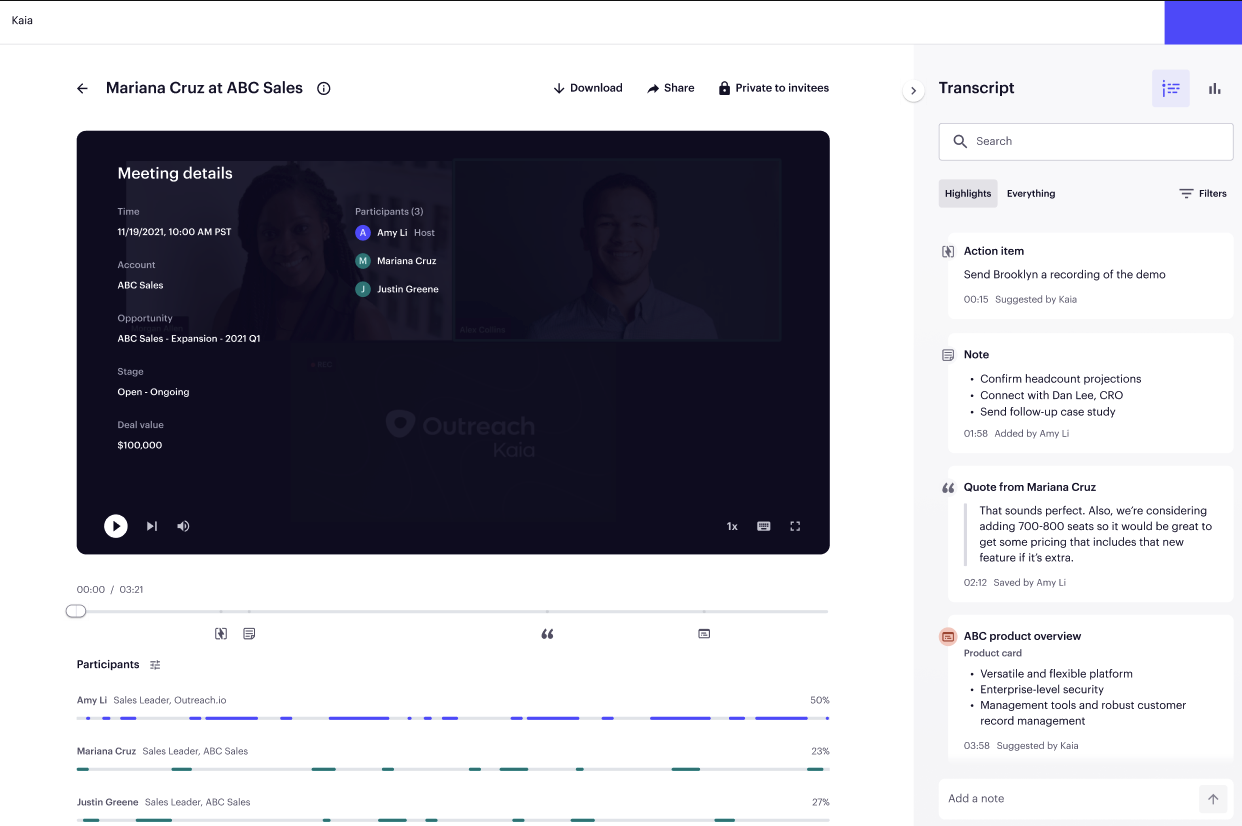
Outreach Kaia is perfect to capture calls and search provide actionable next steps. I also like going in and listening to other reps calls
I like the overview section for reports where I can see how I am doing compared to my peers. Especially on all metrics
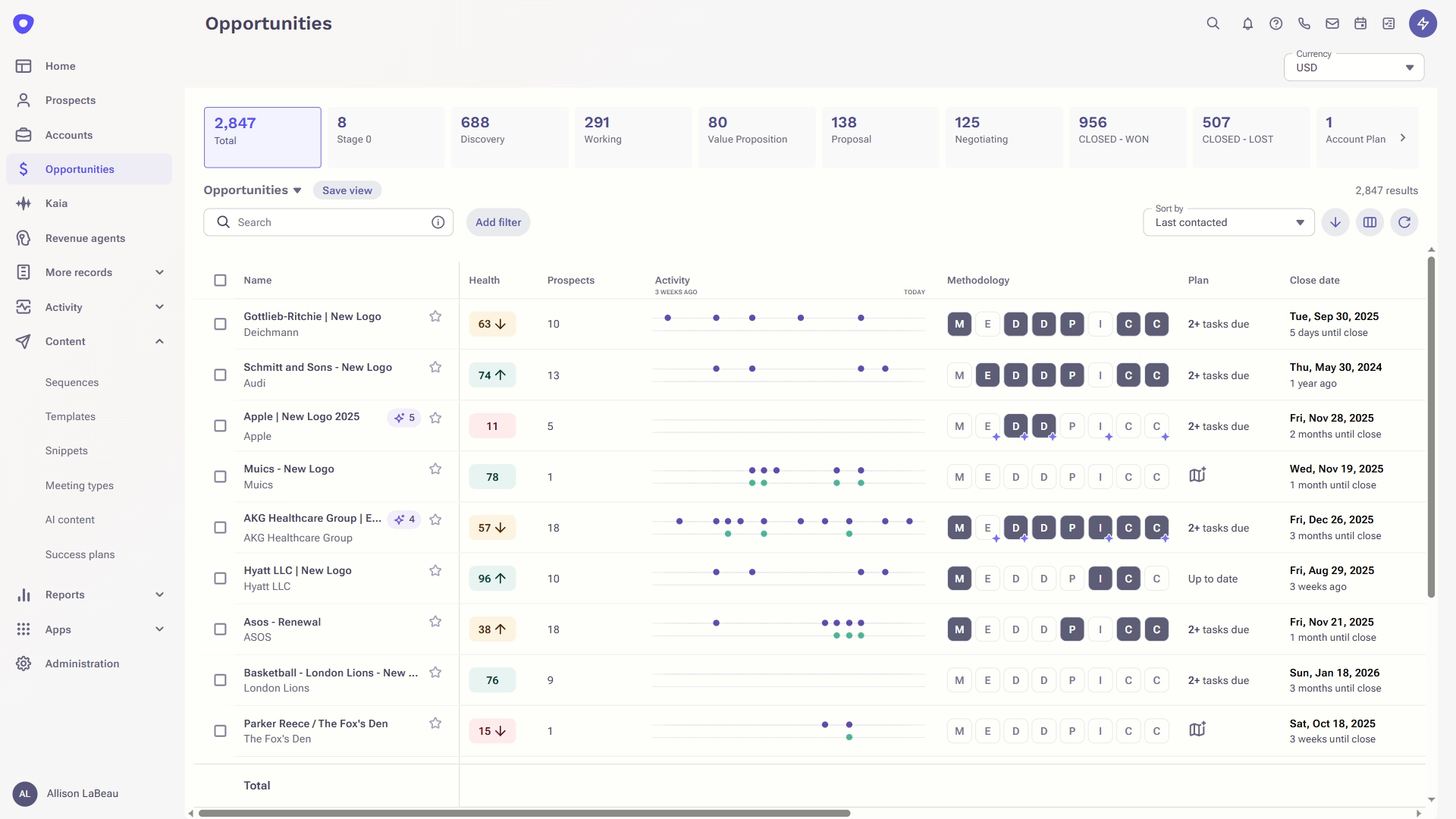
The accounts tab is great to see at a glance which accounts have had the most engagement
A de minimis incentive was given to thank the reviewer for their time. The incentive was not used to bias or drive a particular response, nor was the incentive contingent on a positive endorsement. TR verified that a representative sample of customers was invited. More Info
A de minimis incentive was given to thank the reviewer for their time. The incentive was not used to bias or drive a particular response, nor was the incentive contingent on a positive endorsement. TR verified that a representative sample of customers was invited. More Info
It's a strong tool that helps our sales development team manage a large number of qualified leads. The sequence framework ensures that every lead receives enough contact attempts that we have confidence that we're not abandoning our prospecting too early without the overhead of managing those activities manually.
A de minimis incentive was given to thank the reviewer for their time. The incentive was not used to bias or drive a particular response, nor was the incentive contingent on a positive endorsement. More Info
I would rate Mailtrack's overall usability as a ten out of ten. The reasons for this are actually quite simple. For now, only I have been using Mailtrack. However, looking at the rather easy to use characteristics Mailtrack has to offer, I would not hesitate to recommend it to the rest of my colleagues.
A de minimis incentive was given to thank the reviewer for their time. The incentive was not used to bias or drive a particular response, nor was the incentive contingent on a positive endorsement. More Info
It's not as simple as it used to be -- getting pretty bloated, and I'm not a fan of the UI. I think it could be a far more usable product (and indeed, at one point it was) if the most important things for a seller were the most prominent. Take cold emailing, for example: the window where messages are being composed is tiny, and it's frustrating to use—maybe that's just me, though.
A de minimis incentive was given to thank the reviewer for their time. The incentive was not used to bias or drive a particular response, nor was the incentive contingent on a positive endorsement. More Info
In our years as Outreach customers, I can count the number of outages we've experienced on one hand. Generally, outages have been very brief and have not completely frozen our access to the platform. Scheduled maintenance is always proactive communicated and the hours never interfere with standard business hours or scheduled sequences.
A de minimis incentive was given to thank the reviewer for their time. The incentive was not used to bias or drive a particular response, nor was the incentive contingent on a positive endorsement. More Info
Outreach's performance overall is very high quality. Pages load right away. Occasionally it might take a minute to generate a report, but not any slower than in other platforms I've used. Outreach is integrated into many of our other tools and seems to be a very clean integration. Everything runs very quickly.
A de minimis incentive was given to thank the reviewer for their time. The incentive was not used to bias or drive a particular response, nor was the incentive contingent on a positive endorsement. More Info
I didn't really need to use the customer support but the fact that they proactively make the installation process so easy by providing step by step instructions with videos and everything is kind of pro-active customer support that is needed. Good for them because at the end of the day, it's everyone's dream to use a product that they don't need support for.
There is almost zero customer support. What they do offer is a live chat feature which is active during "normal" business hours which is nice for instant inquiries if someone is available. However, you do not have a dedicated representative to address questions or concerns and their billing process is confusing and messy without any support.
A de minimis incentive was given to thank the reviewer for their time. The incentive was not used to bias or drive a particular response, nor was the incentive contingent on a positive endorsement. More Info
We were trained in person and it was very easy to understand. And if we missed any pointers there was more training given to us. So i always like this tool. The drafts were also prepared for us to sync outreach with our devices so it was straightforward. Highly recommend
A de minimis incentive was given to thank the reviewer for their time. The incentive was not used to bias or drive a particular response, nor was the incentive contingent on a positive endorsement. More Info
Lots of attention from the Outreach training team, with a great willingness to customize to our needs. To be clear, you get out what you put in. If you don't work with them, you'll get cookie-cutter training. But we asked for a lot of customization, and they delivered what we asked for.
I expected more assistance in connecting Outreach with Salesforce. We have a basic connection, but many fields were left without a sync. We can apparently sync data without adding the app into Salesforce, but believe we could get more functionality with a better integration. The basics of setting up our sequences and using Outreac to run them was was fine.
A de minimis incentive was given to thank the reviewer for their time. The incentive was not used to bias or drive a particular response, nor was the incentive contingent on a positive endorsement. More Info
There's a free tier. Obviously, there are other things to love, like notifications about your email being read, the fact that if an email hasn't been responded to in some time it gets bumped up. The fact that if other people have Mailtrack you will actually get notified who read your email. But the fact that there is a free tier is HUGE.
They're not direct competitors, but they share many of the same functionalities. Gong has a greater focus on spoken communications, such as calls and demos, rather than emails. I think Gong also has stronger AI capabilities at the moment. However, I don't believe so, Gong would be ideal for prospecting and mass outreach, as Outreach is. Outreach is more suitable for exploration and outbound communications management, whereas Gong is better suited for deal and pipeline management and analysis.
A de minimis incentive was given to thank the reviewer for their time. The incentive was not used to bias or drive a particular response, nor was the incentive contingent on a positive endorsement. TR verified that a representative sample of customers was invited. More Info
As a business of 100+ people, we are on the smaller side. We took it on when we were 50 people overall with 15 sellers. We are now double that it has scaled brilliantly. We would completely trust the system to scale with us if we doubled in size
A de minimis incentive was given to thank the reviewer for their time. The incentive was not used to bias or drive a particular response, nor was the incentive contingent on a positive endorsement. More Info
I'm currently using the free version so my investment was time spent downloading the browser extension. I would say it's worth the investment because I can make more value through each email by finding the right time to send replies or know when is the exact time I should follow up.
Knowing when an email is read multiple times helps me know the importance of the content in my email.
The paid version allows Mailtrack to tell you which recipient read the email if there was more than 1.
Increase in call metrics as it is easy to make more calls using Outreach features. Basically cutting down admin work time before the call.
Prospect journey and experience has been a positive flowing through a set amount of emails and calls rather than just being blasted with random emails. Helps BDRS stay focused on more important parts of the job.
A de minimis incentive was given to thank the reviewer for their time. The incentive was not used to bias or drive a particular response, nor was the incentive contingent on a positive endorsement. TR verified that a representative sample of customers was invited. More Info