Maximizer CRM is a customer relationship management (CRM) software built to maximize sales leads and calls.
$29
Per User / Month
Oracle CRM On Demand
Score 9.3 out of 10
N/A
The basis of this offering is the Market2Lead product that Oracle acquired in 2010. It has now been fully integrated with Oracle's On Demand CRM product and is a full-featured marketing automation product with features from lead management and nurturing, to measuring marketing ROI.
N/A
Recruit CRM
Score 8.8 out of 10
N/A
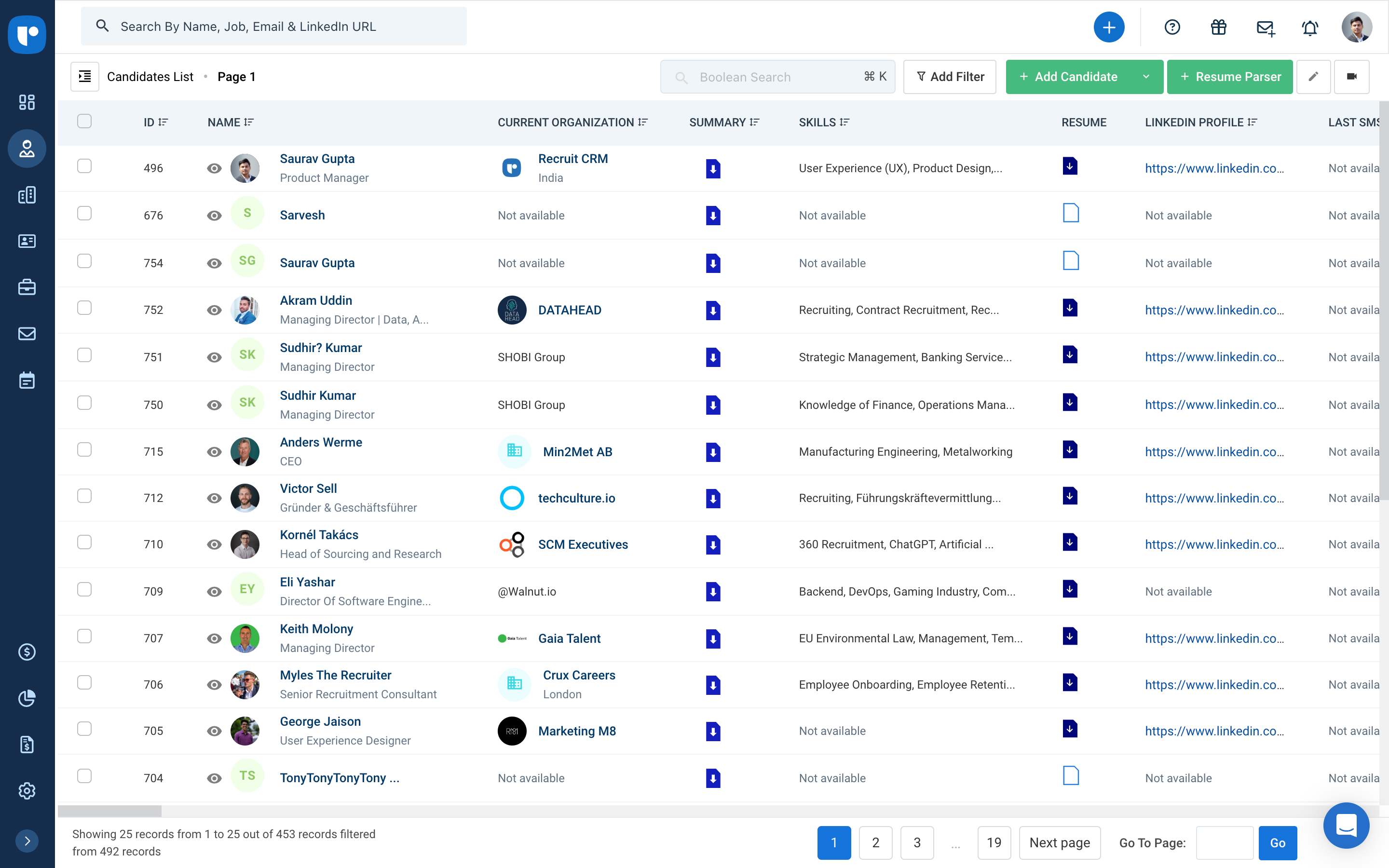
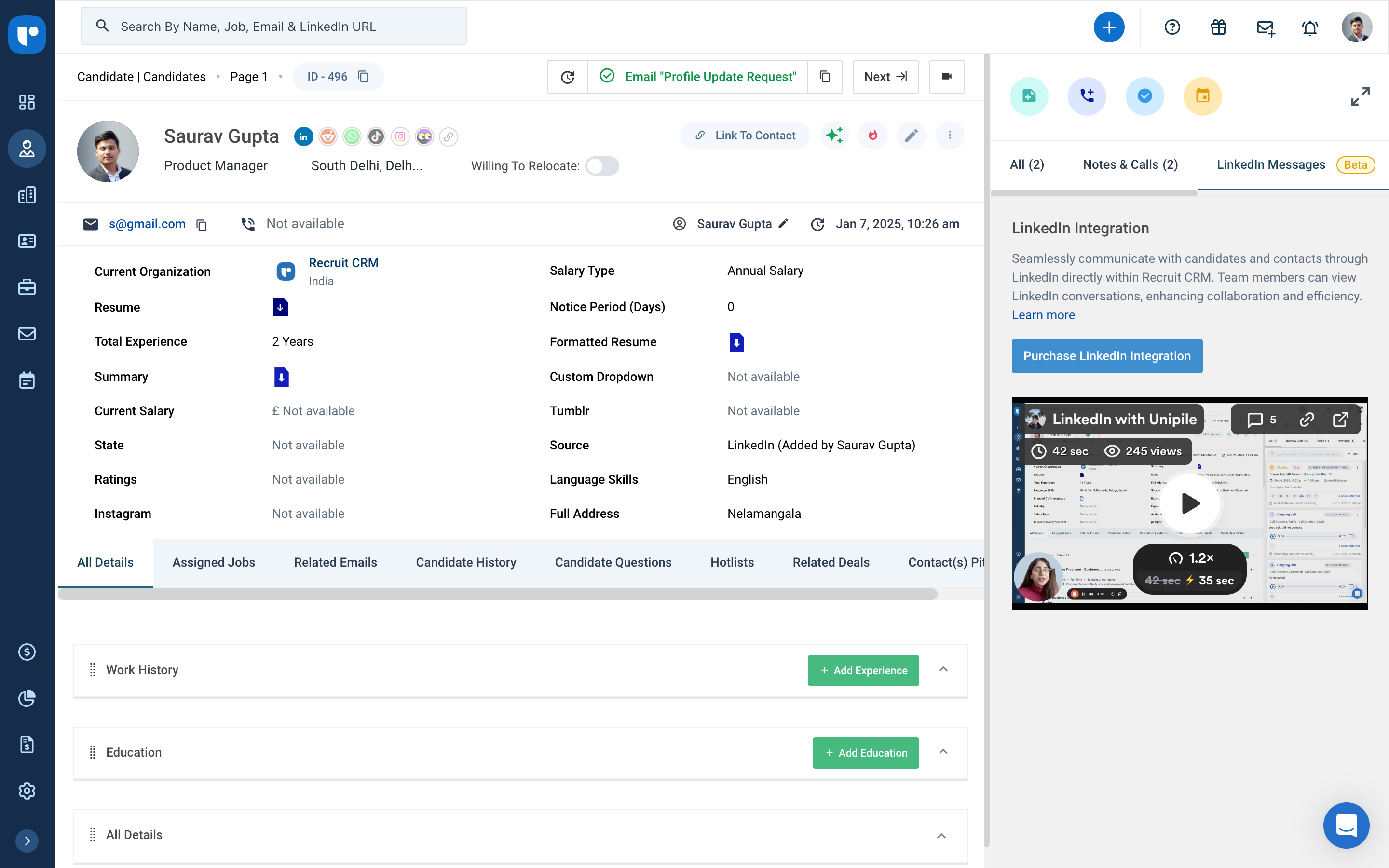
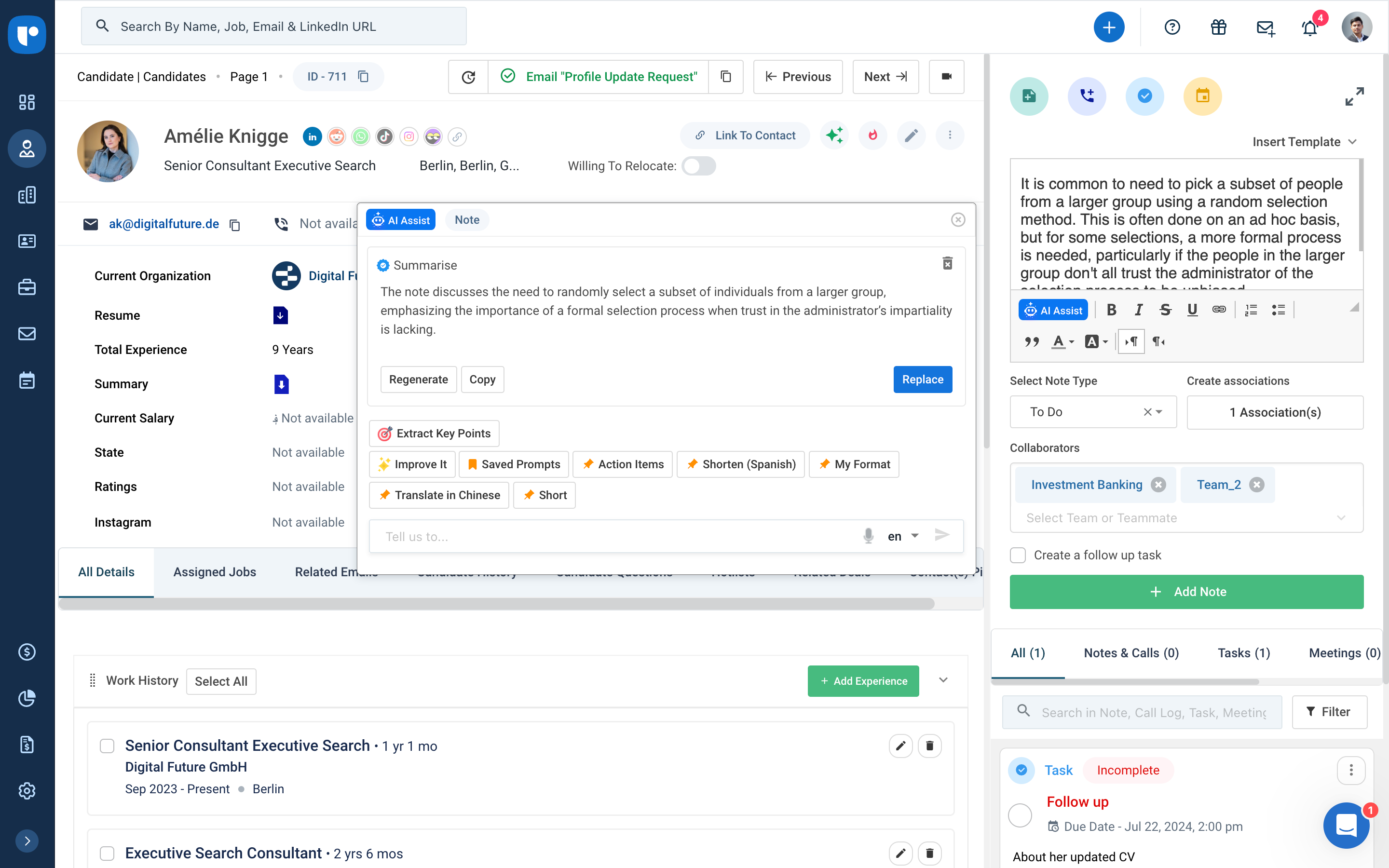
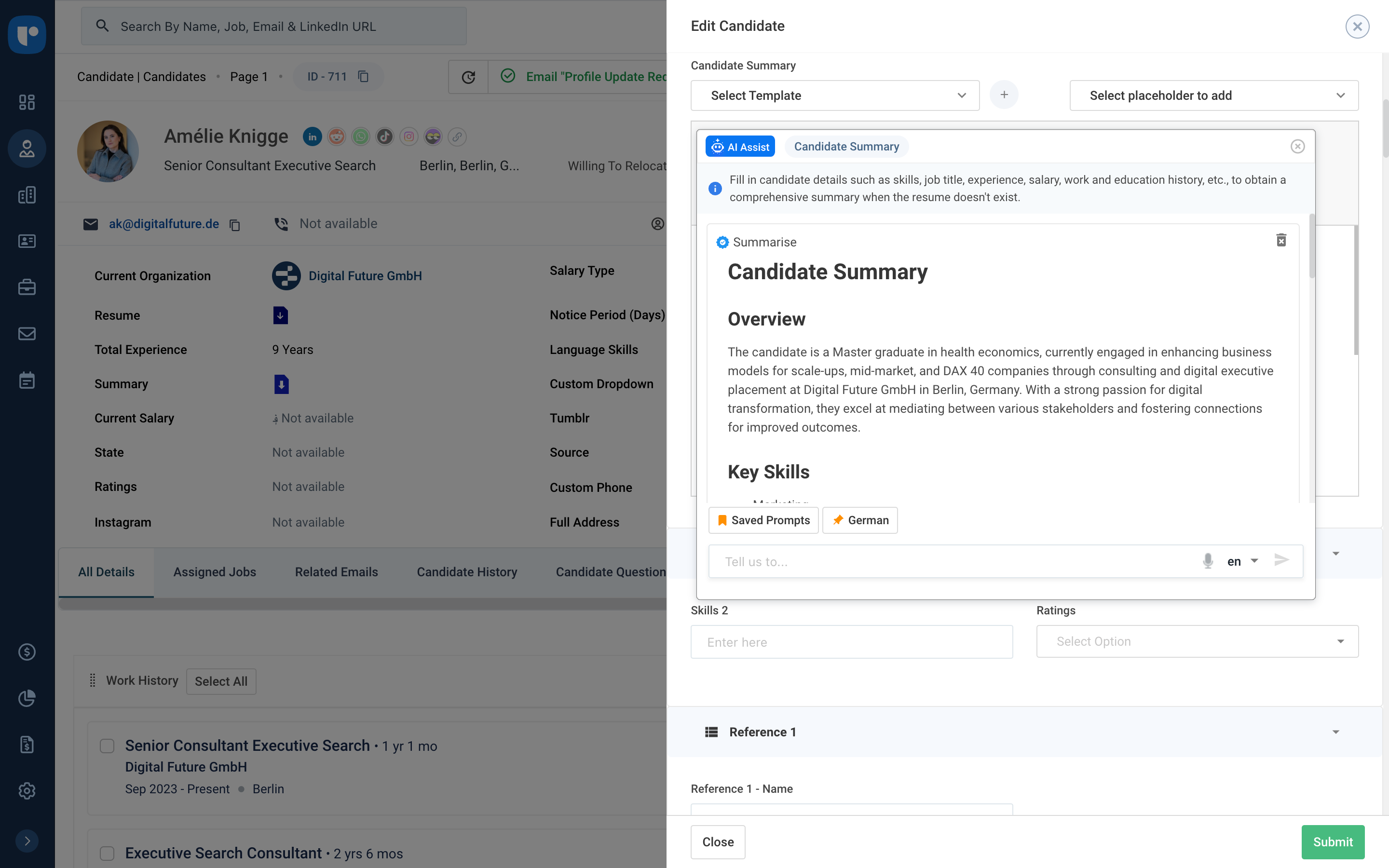
Recruit CRM is an ATS + CRM built for recruitment and executive search firms. It centralizes candidates, clients, jobs, and candidate communications. Key features include AI resume parsing, intelligent candidate matching, automated sourcing, GPT-powered content generation, and customizable workflow automation. A visual Kanban pipeline, AI search, and no-code integrations streamline operations, reduce manual work, and help recruiters fill roles faster while maintaining a structured, data-driven…
$95
per month per user
Pricing
Maximizer CRM
Oracle CRM On Demand
Recruit CRM
Editions & Modules
Small Office
$29
Per User / Month
Business Plus
$49
Per User / Month
Business Plus
$49
Per User / Month
Insights
$89
Per User / Month
Insights
$89
Per User / Month
No answers on this topic
Pro
$95
per month per user
Business
$125
per month per user
Business
$135
per month per user
Enterprise
$259
per month per user
Offerings
Pricing Offerings
Maximizer CRM
Oracle CRM On Demand
Recruit CRM
Free Trial
Yes
No
Yes
Free/Freemium Version
No
No
Yes
Premium Consulting/Integration Services
Yes
No
Yes
Entry-level Setup Fee
$29 per user/Month
No setup fee
No setup fee
Additional Details
All pricing in USD. Monthly no contract subscription option available.
—
Up to 20% discount for annual pricing on Pro and Business plans.
More Pricing Information
Community Pulse
Maximizer CRM
Oracle CRM On Demand
Recruit CRM
Features
Maximizer CRM
Oracle CRM On Demand
Recruit CRM
Sales Force Automation
Comparison of Sales Force Automation features of Product A and Product B
Maximizer CRM
1.8
5 Ratings
125% below category average
Oracle CRM On Demand
8.9
25 Ratings
13% above category average
Recruit CRM
-
Ratings
Customer data management / contact management
1.15 Ratings
8.025 Ratings
00 Ratings
Workflow management
1.14 Ratings
9.024 Ratings
00 Ratings
Territory management
1.14 Ratings
8.024 Ratings
00 Ratings
Opportunity management
1.15 Ratings
8.025 Ratings
00 Ratings
Integration with email client (e.g., Outlook or Gmail)
1.14 Ratings
9.022 Ratings
00 Ratings
Contract management
3.14 Ratings
9.024 Ratings
00 Ratings
Quote & order management
1.13 Ratings
10.023 Ratings
00 Ratings
Interaction tracking
4.05 Ratings
9.024 Ratings
00 Ratings
Channel / partner relationship management
2.15 Ratings
10.023 Ratings
00 Ratings
Customer Service & Support
Comparison of Customer Service & Support features of Product A and Product B
Maximizer CRM
1.1
4 Ratings
150% below category average
Oracle CRM On Demand
9.7
24 Ratings
23% above category average
Recruit CRM
-
Ratings
Case management
1.14 Ratings
10.024 Ratings
00 Ratings
Call center management
1.13 Ratings
10.023 Ratings
00 Ratings
Help desk management
1.13 Ratings
9.024 Ratings
00 Ratings
Marketing Automation
Comparison of Marketing Automation features of Product A and Product B
Maximizer CRM
1.1
5 Ratings
150% below category average
Oracle CRM On Demand
8.5
24 Ratings
9% above category average
Recruit CRM
-
Ratings
Lead management
1.15 Ratings
8.024 Ratings
00 Ratings
Email marketing
1.15 Ratings
9.022 Ratings
00 Ratings
CRM Project Management
Comparison of CRM Project Management features of Product A and Product B
Maximizer CRM
1.1
5 Ratings
150% below category average
Oracle CRM On Demand
9.0
24 Ratings
16% above category average
Recruit CRM
-
Ratings
Task management
1.15 Ratings
9.023 Ratings
00 Ratings
Billing and invoicing management
1.13 Ratings
9.022 Ratings
00 Ratings
Reporting
1.14 Ratings
9.023 Ratings
00 Ratings
CRM Reporting & Analytics
Comparison of CRM Reporting & Analytics features of Product A and Product B
Maximizer CRM
1.1
5 Ratings
150% below category average
Oracle CRM On Demand
8.5
24 Ratings
10% above category average
Recruit CRM
-
Ratings
Forecasting
1.15 Ratings
10.024 Ratings
00 Ratings
Pipeline visualization
1.15 Ratings
6.623 Ratings
00 Ratings
Customizable reports
1.15 Ratings
9.024 Ratings
00 Ratings
Customization
Comparison of Customization features of Product A and Product B
Maximizer CRM
1.1
5 Ratings
150% below category average
Oracle CRM On Demand
8.2
24 Ratings
7% above category average
Recruit CRM
-
Ratings
Custom fields
1.15 Ratings
9.024 Ratings
00 Ratings
Custom objects
1.04 Ratings
9.024 Ratings
00 Ratings
Scripting environment
1.15 Ratings
5.820 Ratings
00 Ratings
API for custom integration
1.15 Ratings
9.023 Ratings
00 Ratings
Security
Comparison of Security features of Product A and Product B
Maximizer CRM
1.1
5 Ratings
154% below category average
Oracle CRM On Demand
9.5
25 Ratings
12% above category average
Recruit CRM
-
Ratings
Single sign-on capability
1.13 Ratings
10.022 Ratings
00 Ratings
Role-based user permissions
1.14 Ratings
9.025 Ratings
00 Ratings
Social CRM
Comparison of Social CRM features of Product A and Product B
Maximizer CRM
1.1
3 Ratings
149% below category average
Oracle CRM On Demand
9.0
18 Ratings
19% above category average
Recruit CRM
-
Ratings
Social data
1.13 Ratings
9.018 Ratings
00 Ratings
Social engagement
1.13 Ratings
9.018 Ratings
00 Ratings
Integrations with 3rd-party Software
Comparison of Integrations with 3rd-party Software features of Product A and Product B
Maximizer CRM
1.0
5 Ratings
153% below category average
Oracle CRM On Demand
9.0
22 Ratings
18% above category average
Recruit CRM
-
Ratings
Marketing automation
1.05 Ratings
9.022 Ratings
00 Ratings
Compensation management
1.04 Ratings
9.020 Ratings
00 Ratings
Platform
Comparison of Platform features of Product A and Product B
Maximizer CRM
1.1
5 Ratings
149% below category average
Oracle CRM On Demand
9.0
18 Ratings
17% above category average
Recruit CRM
-
Ratings
Mobile access
1.15 Ratings
9.018 Ratings
00 Ratings
Recruiting / ATS
Comparison of Recruiting / ATS features of Product A and Product B
It was not a good experience. Nothing was as advertised, from the user experience to the security of purchase. The address book was not able to be converted from the Leads module and the maps feature wasn’t able to connect from Leads. The mobile version has a lot of bugs and isn’t very functional. They have a tutorial, yet [I think they] aren’t proactive in distributing it to new users. Their focus is on sales. And it’s not a very salable product in my opinion. The worst aspect of this company is that they aren’t risk free. If you purchase a year software and decide after a few weeks it simply isn’t for your company, there are no refunds. I had to initiate a chargeback with my bank after being told that “unfortunately, due to the terms and conditions...” No customer wants to hear that. [I feel] they tried to bully me into keeping their software. There are far too many options in 2021 for CRM to be forced into one, especially one so difficult to use. When I asked about a feature that I needed, I was told, “Perhaps later this year...” Not what I need if I’m paying good money for a software. Their sales VP wouldn’t call me when I requested a call after being denied a refund. When I went through their main website again after my experience with Maximizer, I [felt] that everything they advertise is not in line with the product they put out. They say that there’s a free trial available. Not the truth [in my experience]. This maybe would have been a good CRM in say, 1999. [I think] it’s antiquated and didn’t serve the needs of my business. I used well-known CRM previously and didn’t find Maximizer to be better than the free version of that one. There was a disconnect in usage that wasn’t able to be overcome by myself or my employees in several weeks of trials.
I think it is well suited for organizations which are large with a lot of users so as to be able to minimize the cost of operations. Also, the organization which interacts mostly with customers can use Oracle CRM on demand.
Another way to describe your CRM experience is to show your skills and abilities in using CRM software and tools. For example, you can mention the specific CRM platforms or systems that you have used or are familiar with, such as Salesforce, HubSpot, Zoho, or Microsoft Dynamics.Highlight both technical and transferable skills. Showcase your ability to collaborate with and contribute to a team in addition to your capabilities in CRM applications. This way, the interviewer can see how your skills are assets to their organization. Highlight any special certifications in CRM software you haveTalent Shortage.Attracting the Right Candidates.Targeting Passive Candidates.Engaging with Qualified Candidates.Reducing Time-to-hire.Building a Strong Employer Brand.Creating an Efficient Recruiting Process.Eliminating Bias in Hiring.
Several of our members were not familiar with various IT functions within CRM prior to working with it and so they were able to develop a working knowledge of IT pretty quickly afterwards.
It has a familiar feel to it as it allows users to work the data into a spreadsheet type layout with pivot tables and graphs and so it is quick to adopt.
Customization is great with a working knowledge of HTML, which isn't too hard to learn. You can really adapt CRM to any needs stylistically or content wise.
The ability to schedule and push out reports is missing from this system. If we want to mass deliver a report on a schedule, we must run it, export it and email it out to the group, or purchase a 3rd party system.
The ability to trigger workflow events on a schedule is missing this system. Currently, there has to be a trigger initiated by a user and we have situations where we'd like to be able to schedule a work flow routine to go out and check from specific situations and then trigger an action. We'd also like to be able to trigger workflow actions on one object based on something in another object and this capability is very limited.
We are heavily entrenched in Maximizer and trying to pull our data out and into another CRM, with the same amount of customization and workflow would take a lot of effort.
Compared to other competitors I find it very easy to use and learn .It has been helpful in our organisation and we have been able to manage our projects and operations well without interference.
There is always room for improvement and I believe RCRM is a great system that is adapting to what it's users want and need. The system suits our needs and is a huge improvement from our previous system. I can't say enough good things about the customer service. They have great follow up and always get back to me within the same day. If there is ever an unknown, there is a timeline given for follow up and a promise to get it resolved. They always come through. It's important to have a team behind your software that listens and adapts.
Again, the customer service team is awesome. They always respond in the same day and have resolved any issue I have ever had. They have made improvements to the system on a weekly basis, always improving for their users. There is a forum where you can leave your feature suggestions and vote on ones left by other users. The reps will jump on a call or screen share with you if you need to be walked through anything. They go above and beyond.
We chose to go with Microsoft Dynamics CRM over Maximizer because of the customization and marketing options that were associated with Dynamics. The ease of use with Maximizer, however, was far better than that of Microsoft Dynamics.
MS Dynamics was easy to integrate to MS Power BI. This BI and reporting aspect is a clear strong point for Microsoft. MS solutions seem easier to integrate and learn, but this depends on the IT landscape and the complexity of integrations in a respective company.
We evaluated about 3-5 different vendors. The low barrier to entry made it an easy target to test out. Forcing an upfront annual fee was not in our interest without extensively testing the product. We also had a very basic requirement - an easy way to intake a large number of candidates and move them through a recruitment process. We didn't need anything else special at the time and recruit CRM was the most straightforward application that would provide us with a solution.
This software can display in real-time when an order is submitted, received, fulfilled, and shipped out. We are able to know within the week of what new orders came in and how effective we are being from targeting specific regions of the nation.