Chose Microsoft Teams
Is the best application between others

| Product | Rating | Most Used By | Product Summary | Starting Price |
|---|---|---|---|---|
 Microsoft Teams | N/A | Microsoft Teams combines video conferencing software with team collaboration tools. The communications platform allows MS Office users to conduct conference calls and share files via SharePoint, and join or initiate a group chat. | $4.80 per month per user | |
 Nconnect | N/A | Nconnect (formerly OnSemble Intranet) is an mployee intranet that keeps everyone connected, a digital workplace to make employees feel valued. It is designed to keep remote teams engaged, and acts as the culture champion for the organization. | N/A |
| Microsoft Teams | Nconnect | |||||||||||||||
|---|---|---|---|---|---|---|---|---|---|---|---|---|---|---|---|---|
| Editions & Modules |
| No answers on this topic | ||||||||||||||
| Offerings |
| |||||||||||||||
| Entry-level Setup Fee | No setup fee | Optional | ||||||||||||||
| Additional Details | Discounts are available for non profit organizations. | — | ||||||||||||||
| More Pricing Information | ||||||||||||||||
| Microsoft Teams | Nconnect | |
|---|---|---|
| Considered Both Products |  Microsoft Teams  Vigram Vinayagamoorthy SAP Consultant Chose Microsoft Teams It has both mobile and desktop application which are very friendly to use and the features it has are very updated on the market. Microsoft Teams is better than Skype for business and any other chat services. Positives: easy integration with Cloud application like …  Jayson Cadano In-Country Manager Chose Microsoft Teams Breakout rooms are a very good feature that should be added to the platform. Google Meet ranks above Teams on the web, as it's pretty lightweight; Teams tries to do so much, making it very slow or unstable when just using the web version. Teams is superior to Zoom when it comes …  Keith James Veloso Virtual Assistant Chose Microsoft Teams Personally, I believe that Microsoft Teams stands tall against all of its competitors. What I value most that it brings ahead of its competitors is its options for customization; the modern look and feel of its user interface; the security that it exemplifies; and its …  Hyacinth Bangero Research Assistant II Chose Microsoft Teams The advantage of using Microsoft Teams over Zoom is that Teams seamlessly works with Outlook Calendar, Outlook Email, Lists, Forms, etc. If I create a Zoom meeting, I will have to do twice as much work. Working at a Microsoft 365 organization, it is more convenient to use a …  Mark Romney Senior Vice President Chose Microsoft Teams In my experience, Microsoft Teams is superior to Zoom | Nconnect  Melissa Porter Digital Marketing Manager Chose Nconnect The software is easy to use, customizable, and intuitive to its users. |
| Microsoft Teams | Nconnect | |||||||||||||||||||||||||||
|---|---|---|---|---|---|---|---|---|---|---|---|---|---|---|---|---|---|---|---|---|---|---|---|---|---|---|---|---|
| Project Management |
| |||||||||||||||||||||||||||
| Communication |
| |||||||||||||||||||||||||||
| File Sharing & Management |
|
| Microsoft Teams | Nconnect | |
|---|---|---|
| Small Businesses |  Stackby Score 8.9 out of 10 |  HCL Connections Score 9.0 out of 10 |
| Medium-sized Companies |  Troop Messenger Score 9.8 out of 10 |  RWS Tridion Sites Score 9.0 out of 10 |
| Enterprises | HCL Connections Score 9.0 out of 10 | RWS Tridion Sites Score 9.0 out of 10 |
| All Alternatives | View all alternatives | View all alternatives |
| Microsoft Teams | Nconnect | |
|---|---|---|
| Likelihood to Recommend | 8.6 (0 ratings) | 8.5 (0 ratings) |
| Likelihood to Renew | 9.0 (0 ratings) | - (0 ratings) |
| Usability | 8.7 (0 ratings) | 8.5 (0 ratings) |
| Availability | 9.0 (0 ratings) | - (0 ratings) |
| Performance | 8.0 (0 ratings) | - (0 ratings) |
| Support Rating | 8.0 (0 ratings) | 8.9 (0 ratings) |
| Implementation Rating | 10.0 (0 ratings) | - (0 ratings) |
| Product Scalability | 10.0 (0 ratings) | - (0 ratings) |
| Microsoft Teams | Nconnect | |
|---|---|---|
| Likelihood to Recommend |
|
|
| Pros |
Keith James Veloso Virtual Assistant |
 Audra Williams Marketing Coordinator |
| Cons |
|
|
| Likelihood to Renew |
 Phil Parrish Co-founder, Managing Director | No answers on this topic |
| Usability |
|
Audra Williams Marketing Coordinator |
| Reliability and Availability |
| No answers on this topic |
| Performance |
| No answers on this topic |
| Support Rating |
 RAJESH VENGILOT Lead (Unified Communications) |
|
| Implementation Rating |
 Sarath Kumar Pujari Staff Engineer | No answers on this topic |
| Alternatives Considered |
Jayson Cadano In-Country Manager |
Melissa Crum Digital Marketing Manager |
| Scalability |
| No answers on this topic |
| Return on Investment |
|
|
| ScreenShots | Nconnect Screenshots  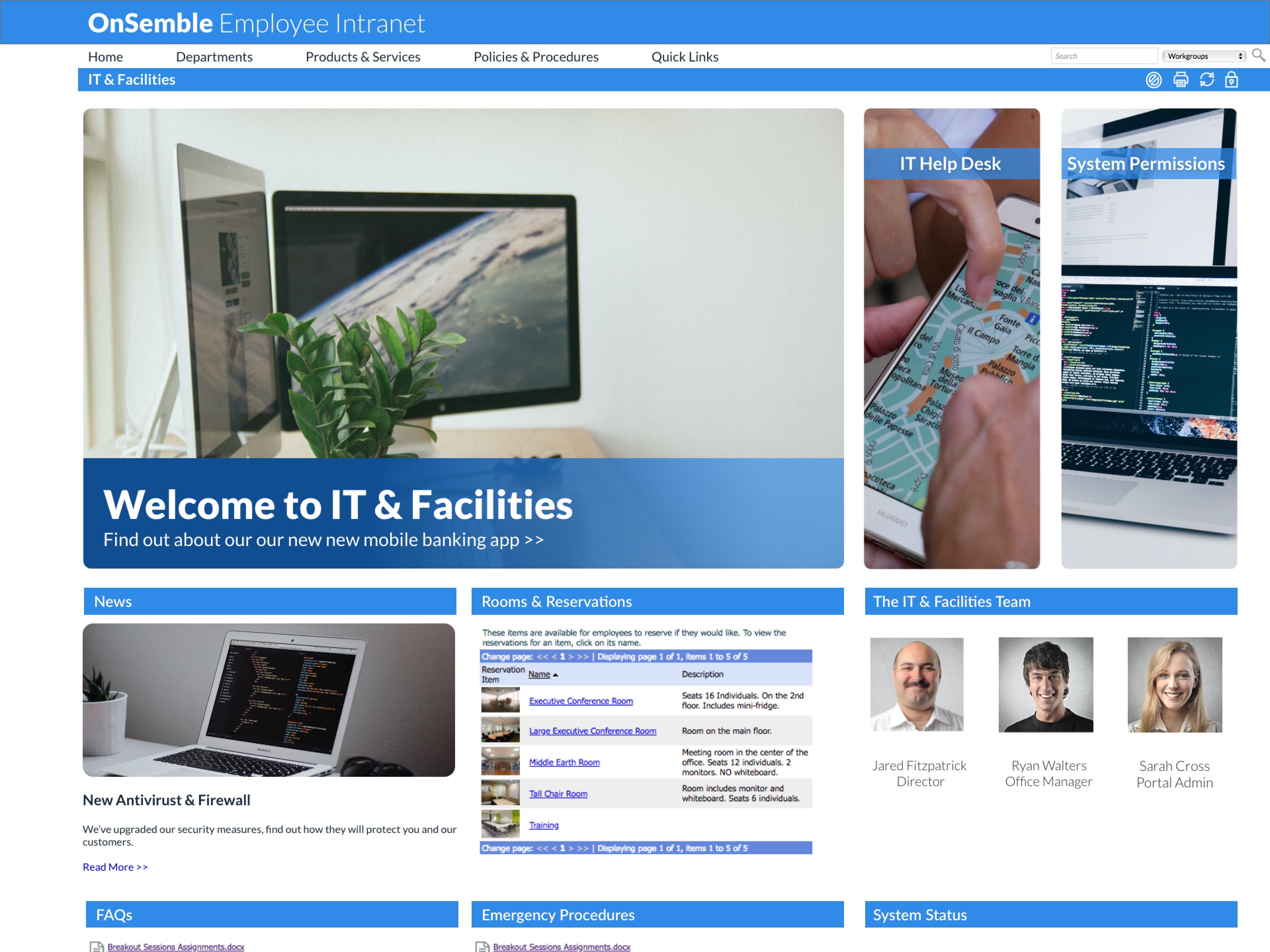  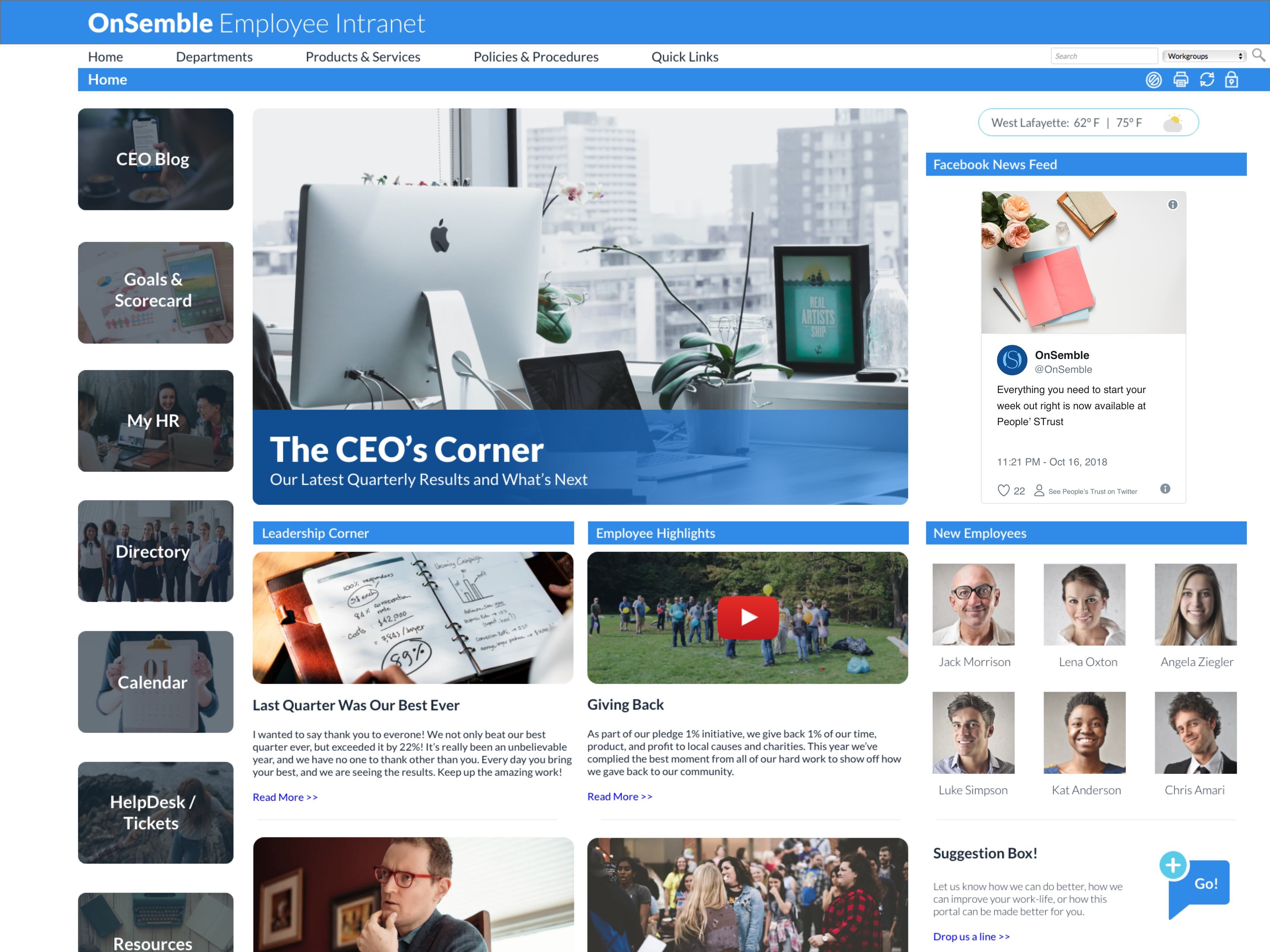 |