
Paymo vs. TMetric
Paymo vs. TMetric
| Product | Rating | Most Used By | Product Summary | Starting Price |
|---|---|---|---|---|
 Paymo | N/A | Paymo is a collaborative work management platform that helps track team progress, collaborate in context, and make smarter decisions. It acts as a single source of truth, where project planning, resource scheduling, file proofing, time tracking, and billing feed into each other to co-exist under the same roof. | $0 Up to 10 users | |
 TMetric | Small Businesses (1-50 employees) | TMetric is a cloud-based SaaS (Software as a Service) Time Tracking platform designed to capture employee work hours and align service delivery directly with budgeting, financial invoicing, and client billing. Key Capabilities Automated Time Tracking: Captures labor hours across tasks and projects in real time. The platform provides desktop clients, browser extensions, and mobile applications for iOS (iPhone Operating System) and Android (a mobile operating system… | $7 per month per seat |
| Paymo | TMetric | |||||||||||||||
|---|---|---|---|---|---|---|---|---|---|---|---|---|---|---|---|---|
| Editions & Modules |
|
| ||||||||||||||
| Offerings |
| |||||||||||||||
| Entry-level Setup Fee | No setup fee | No setup fee | ||||||||||||||
| Additional Details | Free version available for freelancers. | Discount of up to 20% for annual billing. | ||||||||||||||
| More Pricing Information | ||||||||||||||||
| Paymo | TMetric |
|---|
| Paymo | TMetric | ||||||||||||||||||||||||||||||||||||
|---|---|---|---|---|---|---|---|---|---|---|---|---|---|---|---|---|---|---|---|---|---|---|---|---|---|---|---|---|---|---|---|---|---|---|---|---|---|
| Project Management |
| ||||||||||||||||||||||||||||||||||||
| Professional Services Automation |
|
| Paymo | TMetric | |
|---|---|---|
| Small Businesses |  Kintone Score 9.7 out of 10 |  Buddy Punch Score 10.0 out of 10 |
| Medium-sized Companies | Kintone Score 9.7 out of 10 | Buddy Punch Score 10.0 out of 10 |
| Enterprises |  Planview AgilePlace Score 7.8 out of 10 |  Zoho People Score 9.0 out of 10 |
| All Alternatives | View all alternatives | View all alternatives |
| Paymo | TMetric | |
|---|---|---|
| Likelihood to Recommend | 8.0 (10 ratings) | 9.9 (4 ratings) |
| Usability | 9.0 (1 ratings) | 10.0 (1 ratings) |
| Support Rating | 8.9 (3 ratings) | 8.3 (2 ratings) |
| Paymo | TMetric | |
|---|---|---|
| Likelihood to Recommend | ProfitSolv
| Devart
 Dr. Tom G. Beaufort Wilson CTO (Chief Technical Officer) |
| Pros | ProfitSolv
 Daniel Summers Jr Head Cat | Devart
|
| Cons | ProfitSolv
 Kaitlin Berg Marketing Communications Coordinator | Devart
 Josh Rubino Project Manager |
| Usability | ProfitSolv
| Devart
Josh Rubino Project Manager |
| Support Rating | ProfitSolv
| Devart
Dr. Tom G. Beaufort Wilson CTO (Chief Technical Officer) |
| Alternatives Considered | ProfitSolv
 Neal Bauer President - Bauer Graphics | Devart
|
| Return on Investment | ProfitSolv
 Heather Miller Senior Graphic Designer | Devart
|
| ScreenShots | Paymo Screenshots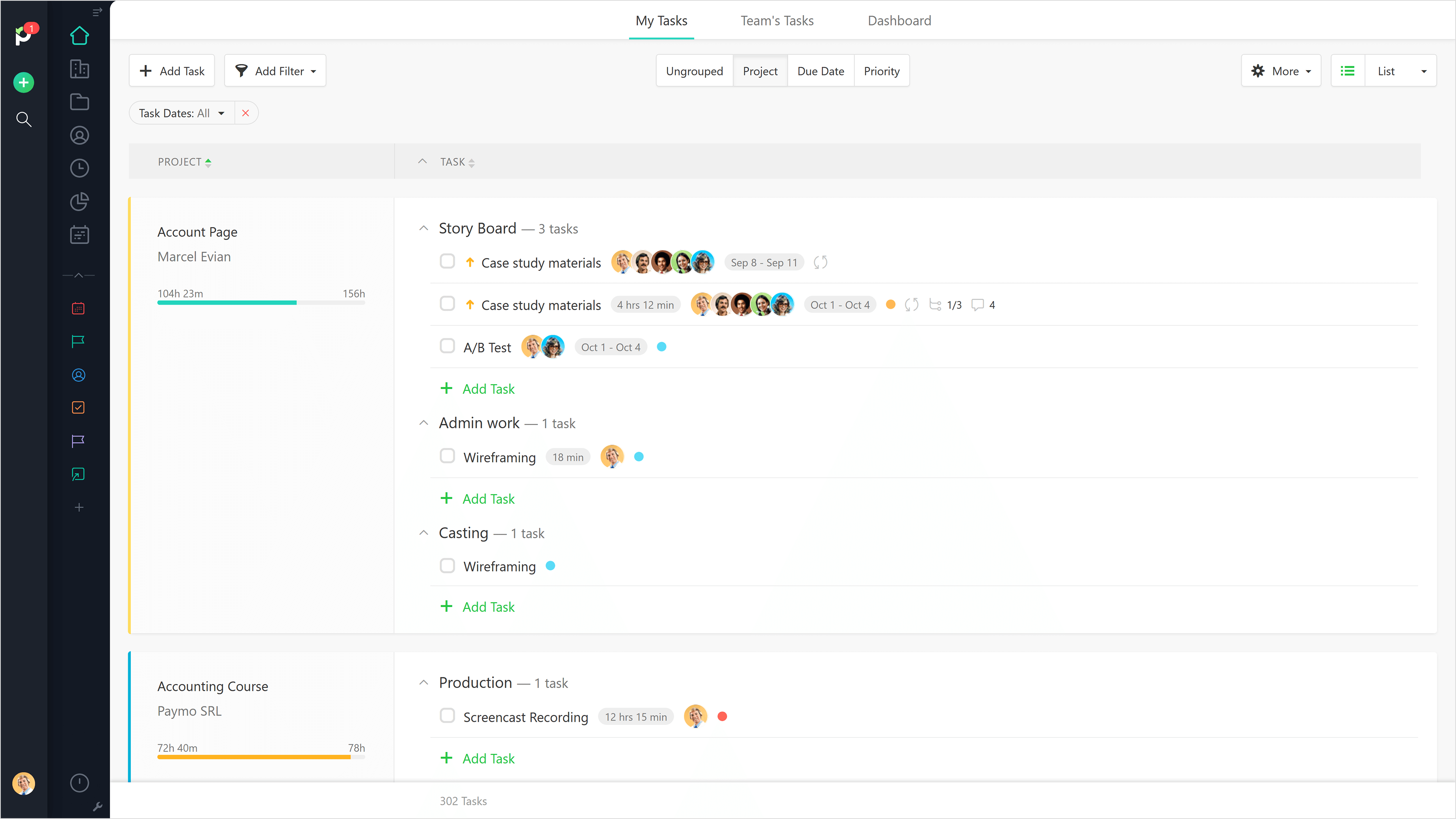 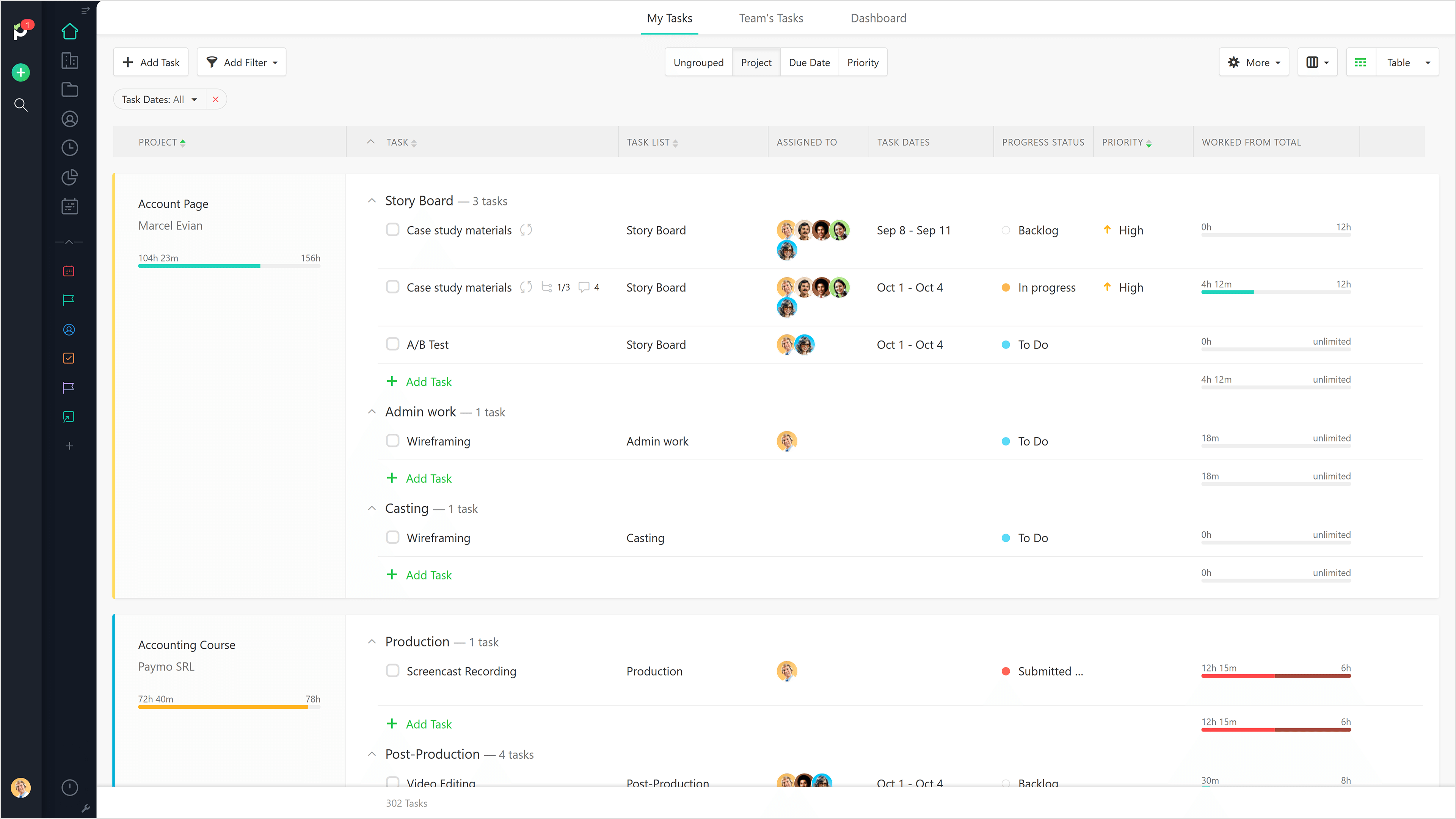     | TMetric Screenshots     |