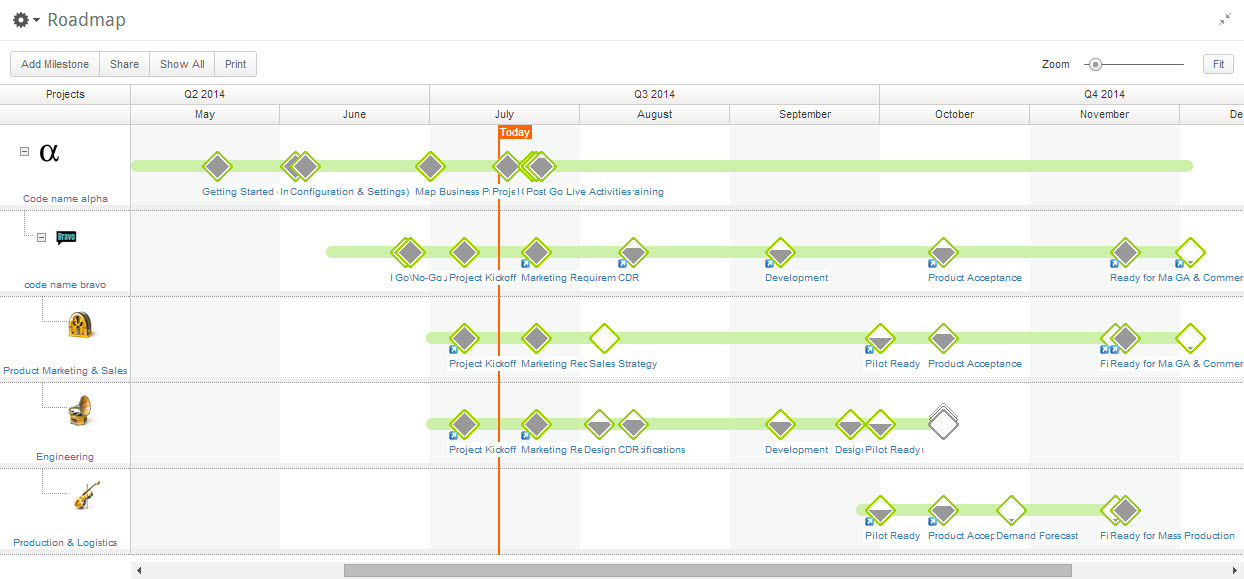
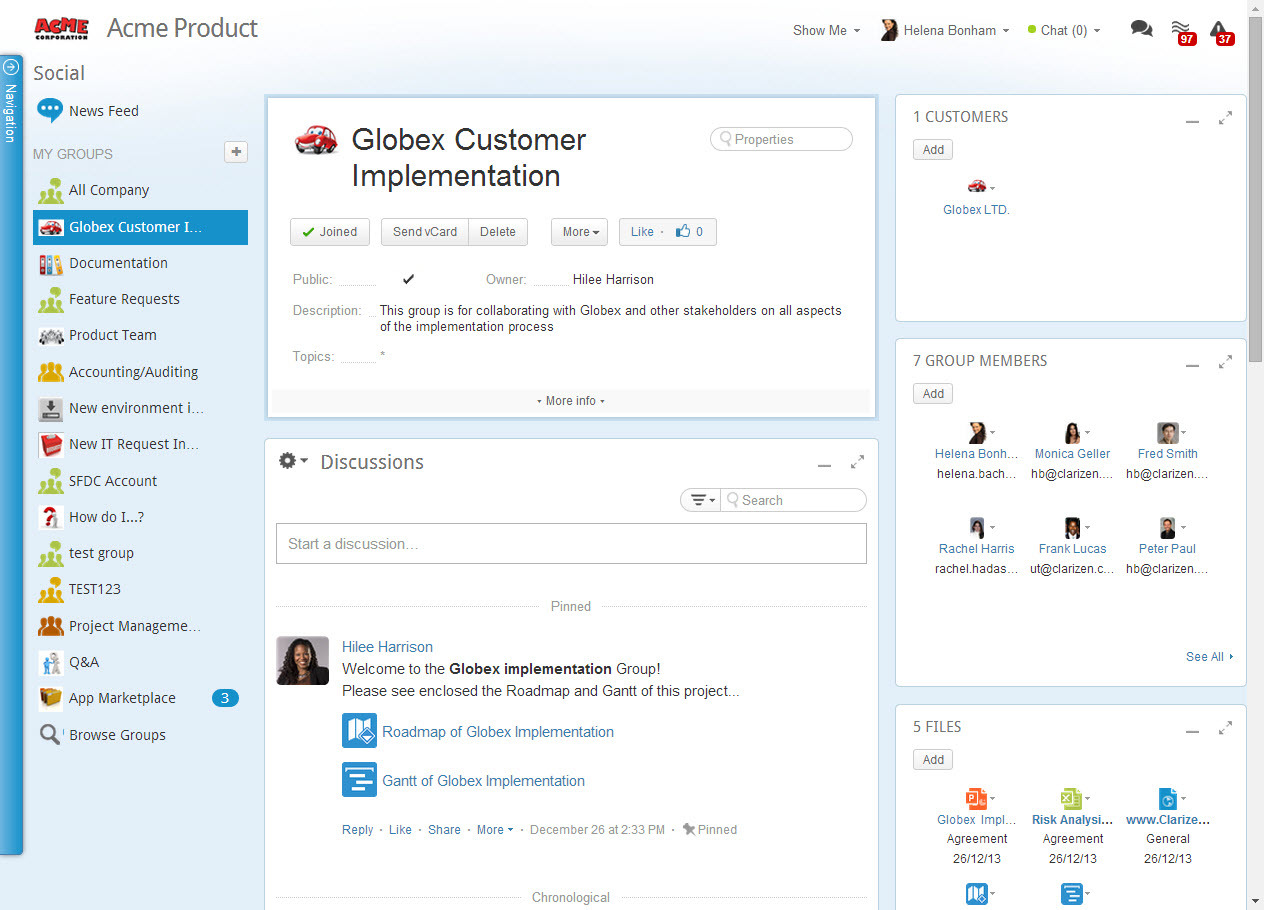
Planview AdaptiveWork is a web-based collaborative work management software. Planview AdaptiveWork enables users to connect employees and partners and create documents, reports and specialized workflow automation. Planview AdaptiveWork is designed to work across multiple teams to enable cross-company task, project, and resource management.
N/A
Webtrends Analytics
Score3 out of 10
N/A
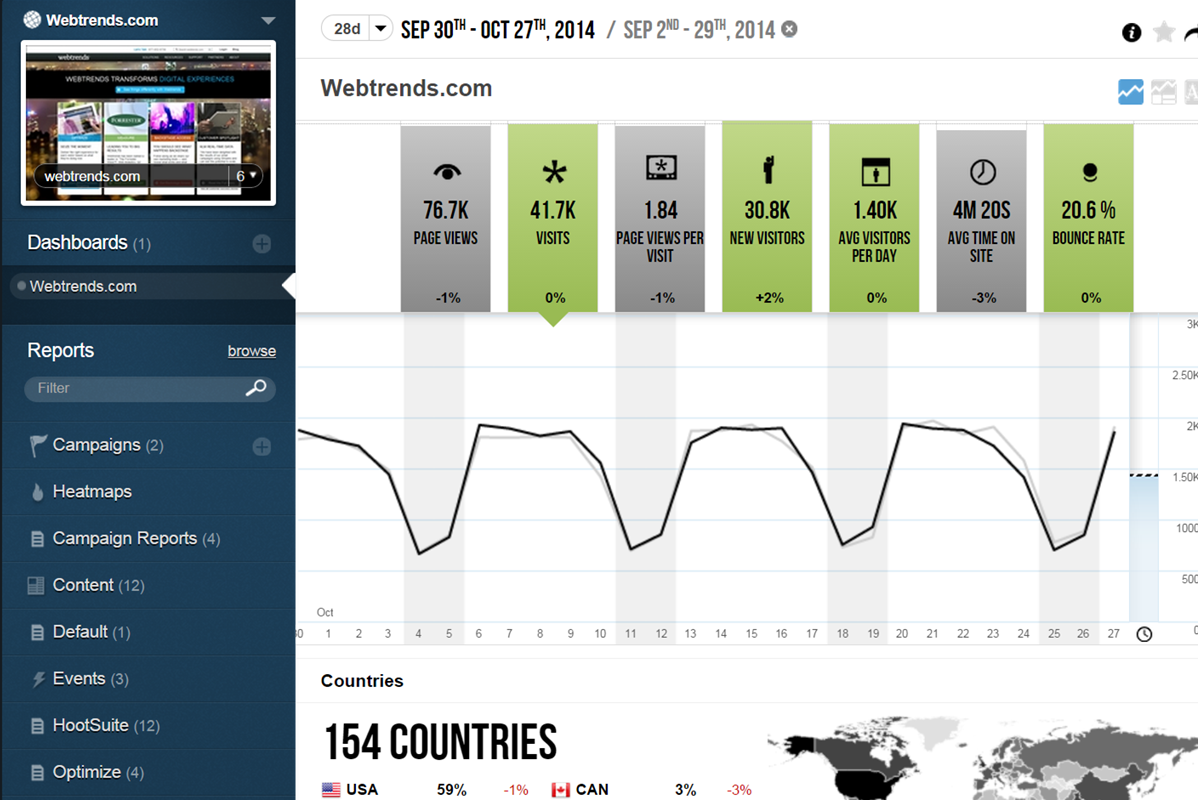
WebTrends provides an enterprise web analytics platform and, according to Forrester, has a strong focus on support for mobile and social channels and a very open platform. Webtrends competes directly with Adobe Site Catalyst, IBM Coremetrics. and comScore DigitalAnalytix.
I've been an AdaptiveWork (Clarizen) admin for the past 14 years, so I've seen much improvement since I started working with the product. I'm very happy we can utilize the hybrid mode by using the cards, I think this was long overdue but it works very well.
A de minimis incentive was given to thank the reviewer for their time. The incentive was not used to bias or drive a particular response, nor was the incentive contingent on a positive endorsement. TR verified that a representative sample of customers was invited. More Info
Scenarios 1. If you want to use web server log files as input to your web analytics, then Webtrends will provides a good product, with great ease of implementation. Don't even think about being cheap on hardware, and make sure Webtrends runs on real servers, not in a VM environment. 2. If you want to use Data Tagging, similar to Google Analytics or Site Catalyst, Webtrends has a powerful product, just be prepared to pay. 3. If you are new to Web Analytics, but it is the strategic direction, start with Webtrends on Premises. Questions to Ask 1. What are you trying to accomplish? 2. Can you place a dollar value on the benefit that you expect/need from Webtrends? 3.Can you live with Webtrends running SaaS?
Many ways to acclimate to the system; documentation, videos, community, and contacts.
Planview provides scalable customization options tailored to the unique needs of each business unit or department. Easily add or remove fields in the system. As the admin, it was easy to learn how to configure.
Offers flexibility to adapt to existing systems and align with organizational workflows and processes. There are multiple ways to customize each part of the system to meet our needs.
A de minimis incentive was given to thank the reviewer for their time. The incentive was not used to bias or drive a particular response, nor was the incentive contingent on a positive endorsement. TR verified that a representative sample of customers was invited. More Info
Control privacy, data sharing and competitive industrial knowledge using Webtrends on premises
Great control over custom reports, custom dimensions and metrics
Flexible tool which allows multiple methods of data capture. To my knowledge it was the first tool with a Tag Builder / Tag Management function built in via a supporting website.
When it comes to reports, it would be great if there was an easy way to roll-up the results instead of having to create configurations to summarize data.
The consultant experience has not been great when it comes to more advanced needs for configurations. The consultants are in a different timezone which limits hours to work together and it seems hours are spent trying to determine what the requirement is and when the initial thought is that the configuration is possible, it may result in not being able to assist.
Charts in the reports section are not able to be exported
When pulling a report together, you need to make sure you pull from the right "item" or level. If you decide you need data that resides in another "item" or level, you need to re-do the report from the beginning.
Because the system is so configurable and I imagine different clients use the system differently, when you need something automated in your account, where you need to pull a consultant or SME in, the person doesn't necessarily understand your configurations and how things work so they are unable to give recommendations on how to solve problems that don't impact other configurations you already have set up in the system.
Templates cannot be updated unless they are pulled into a project and then re-saved. In the templates module, you are not able to open a template and edit to re-save. Therefore, making updates to a template can be very time consuming having to find a project to use to pull it in, make updates, re-save and then pull out. It would be great if the templates module allowed you to edit the templates and re-save.
A de minimis incentive was given to thank the reviewer for their time. The incentive was not used to bias or drive a particular response, nor was the incentive contingent on a positive endorsement. TR verified that a representative sample of customers was invited. More Info
The big downside, the elephant in the room, is that it does not (as of right now) have on-demand segmenting, drilldowns, etc. You have to think of what you want in advance and create those reports then analyze some data. This is huge. You can, of course, re-analyze old data after creating new reports but you still have to wait. (This deficiency may become obsolete with the release of Webtrends Explore later this month (May 2014).)
It has fewer mature integrations with other products and databases than competitors do, although I'm told it works with SharePoint better than anything else does.
Its attribution modeling capability is behind Google Analytics'. In my humble opinion, this could be changed quickly if Webtrends would make some tweaks to its standard visitor history files (i.e. preserve the order in which past visits were sourced beyond the single most recent one, rather than storing all those past sources as a randomized list).
It doesn't incorporate statistical tests, confidence intervals, or statistical associations. However, this same criticism can be applied to its competitors (other than A/B Testing products). It's a tabulation program, as they all are. In this respect, web analytics tools as a group are relatively primitive. Sorry to bring this up as a criticism of Webtrends but it's my pet peeve about the whole industry and I just have to say it. (p.s. take advantage of the heavy-duty Webtrends Scheduled Export functionality to get really granular data that you can feed to a stats program to get significances.)
Although the documentation, help screens, phone support and the knowledge base have improved tremendously in recent years, there is still a pretty steep learning curve because it is different from the tools that entry-level users may have already been exposed to. This can be a shock and many users are alienated at first because they just don't get some of the fundamentals at first. I'd like to see much better help screens that are thoroughly interlinked with the KB and documentation. Having superb online support would make a world of difference with the adoption of this basically powerful tool.
I give my renewal of this product a 9. It's only because we never know what product may come out next and how other factors in our office political environment may cause impact upon this. If I always had my way, this is what we'd settle on as our de facto project management system.
I would be willing to try Webtrends again AFTER some research from other users. I would need to see that users mention better and faster customer support on questions and issues that arise while using the software. The software is capable of vast and incredible things, but if it isnt properly set up and supported during use, it is just a big hassel and waste of everyones time and money.
It is easy to configure, intuitive. The customization process is in some ways better than Salesforce.com. It has a great UI. It does however depend on how it's implemented.
The design of it is generally fine, however the ability to data upload people from a spreadsheet is an obvious miss.
If I could give it a 0, I would. Not having an intuitive user interface made it impossible to convince non-analytic business users to use the tool on their own. Even as a seasoned analyst, frequent calls were needed to get what should be simple tasks done. Account managers don't understand the tool either, and have to refer you to technical support
Sometimes it is slow when everyone is entering their time on Fridays or Mondays but other than that we rarely see downtime and maintenance notifications are well in advance.
Most Ancillary Pages: Quick to Reasonable (By "ancillary" I mean lesser used/master data maintenance pages - e.g. People, Customers, Individual Tasks, Milestones, etc.)
Work Plan (with 100 sub items): Reasonable to Slow
The v9 admin interface and v10 reporting interface work as well as expected, but have a tendency to be pokey, especially for bulky reports and whenever you're connected to wifi. I much prefer using the REST API for all reporting for this reason, which simply dumps out the data and doesn't bother with the user interface.
It's a good experience overall. Clarizen was useful when needed. It's mostly needed for advice on how to do more sophisticated actions or how to change something that was set up administratively. It's seldom used otherwise. The product consistently works, the documentation is acceptable, and the generally intuitive product is easy enough for most staff to pick up without much issue.
A de minimis incentive was given to thank the reviewer for their time. The incentive was not used to bias or drive a particular response, nor was the incentive contingent on a positive endorsement. More Info
I once went on to Twitter to ask for help from my network of analytics people, and Webtrends themselves responded. They have been an excellent partner in making sure that their product is being used to the best of it's ability and I greatly appreciate that. Both Omniture and Google Analytics, do not have that level of support over social media
• We worked with a Project Manager on their side. He was very good about developing a project plan to hit our goal. I think we had weekly or twice weekly calls – very steady cadence over 3 month period. • Their PM skills were great – kept us on task. For the last week, they sent 2 people on site and they did training for power users. After that a couple of them revisited here
The in-person training was comprehensive enough to get you started, but I strongly recommend having a more experienced person when beginning with the tool.
Our trainer, Alex, is exceptional and knows the product really well. I swear he must have wrote the product himself! His manner with training is very easy going, gives you homework that is applicable to what you need to learn and stages it correctly for you. It was a pleasure to be trained by him.
Webtrends provides several free webinars over the course of the year, many of which I would expect to pay for. The people providing the webinars seem to have a good feel for real-world application of the product.
We have been able to implement AdaptiveWork pretty easily but it requires updating of resource availability and continuous training as roles change and new people join the company. Other documentation is used such as spreadsheets for longer range planning and project approval
A de minimis incentive was given to thank the reviewer for their time. The incentive was not used to bias or drive a particular response, nor was the incentive contingent on a positive endorsement. More Info
Careful planning and patience. Use a non-public test site to fine tune tags and reporting. Despite best laid plans, there will be surprises when you collect the data, run the analysis and begin generating reports using the tool. Perform a tag audit to ensure tags fire as desired.
Planview AdaptiveWork was the right size, at the right price point that fit our customization and integration flexibility. It is intuitive to use but allowed us to add complexity as our needs grew
A de minimis incentive was given to thank the reviewer for their time. The incentive was not used to bias or drive a particular response, nor was the incentive contingent on a positive endorsement. More Info
Webtrends has its work cut out for itself considering you have the behemoth Google Analytics and Google Analytics Premium having a strong offering and brand recognition for the price of free. After reviewing the paid service I'd suggest you start off with GA as a cheaper alternative that is just as robust, if not much more flexible in regards to the reporting and goal tracking needs for our company.
A de minimis incentive was given to thank the reviewer for their time. The incentive was not used to bias or drive a particular response, nor was the incentive contingent on a positive endorsement. More Info
By implementing Planview AdaptiveWork on a company-wide level, we have been able to remove the other project management tools we have been using and consolidate our costs for technology down to a single tool
The ability to incorporate cross-departmental work and communication has streamlined our project management processes to a point where we can work seamlessly together without interruption trying to consider the gaps between tools
Reporting capabilities from the unified tool has given our leadership insight and the ability to make strategic business decisions more effectively than ever
A de minimis incentive was given to thank the reviewer for their time. The incentive was not used to bias or drive a particular response, nor was the incentive contingent on a positive endorsement. More Info
Webtrends has had a positive impact on site visitation because it allowed us to understand the sources by domain for site traffic and find out ways to increase visits from those domains.
Webtrends has also allowed us to understand areas of optimization on the site, which has had a positive impact on the overall user journey on the site, likely leading to longer site duration and engagement.