ActiveBatch from Advanced Systems Concepts in New Jersey is IT workload automation software.
N/A
Laserfiche
Score 8.9 out of 10
N/A
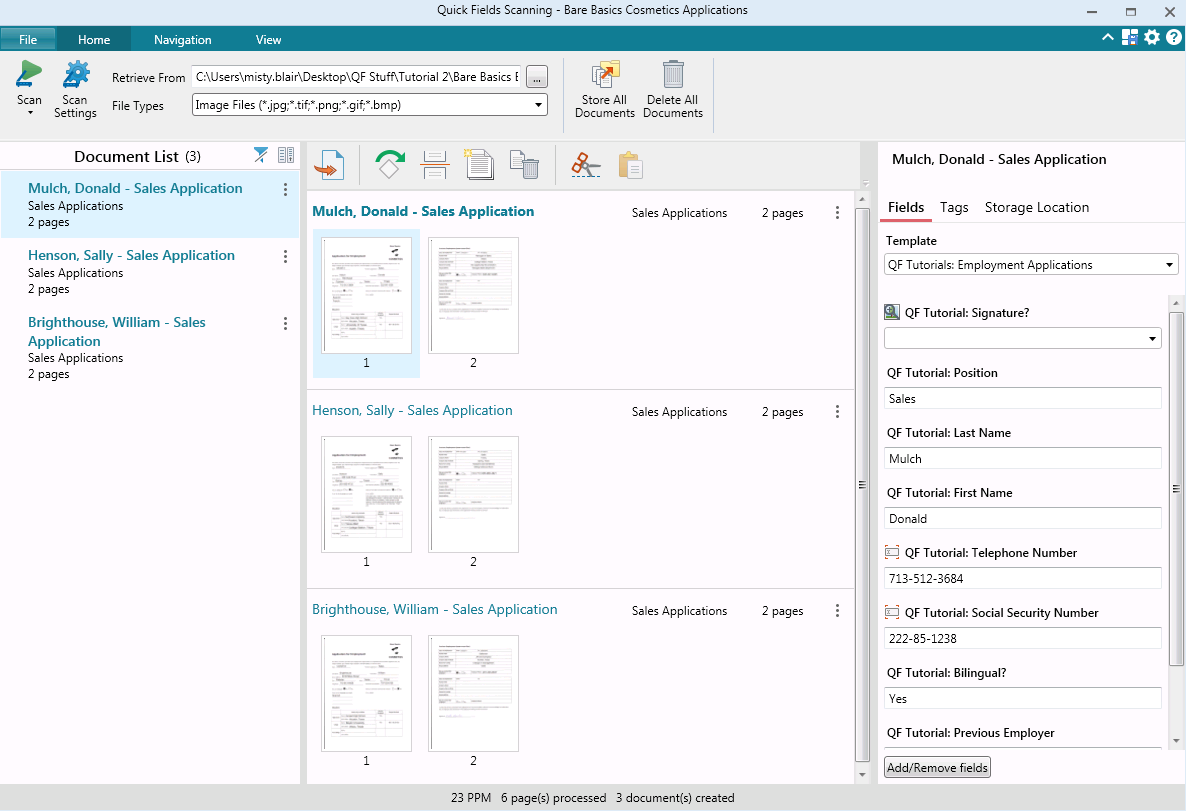
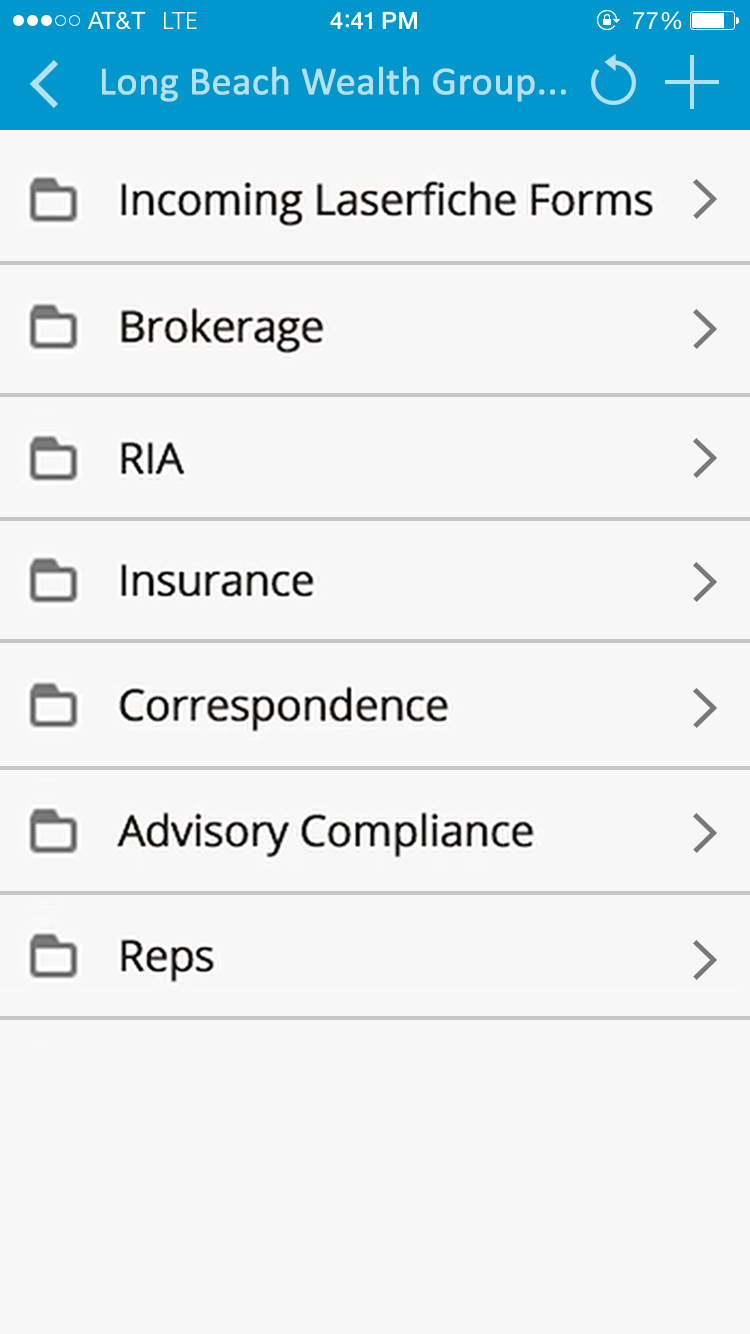
Laserfiche has two main editions: Rio and Avante: Laserfiche Rio is designed to meet the needs of large organizations that have more than 100 users. It combines content management functionality with business process management (BPM), security and auditing, unlimited servers and a thin-client interface. Add-ons include records management functionality, public Web portals and production-level document capture and processing.
Laserfiche Avante is an ECM suite for small to medium organizations with…
$540
per year per user
Redwood RunMyJobs
Score 9.6 out of 10
N/A
Redwood Business Process Automation is a workload automation and job scheduling solution designed for and
delivered via Software-as-a-Service (SaaS). It transforms the digital
enterprise with scalability and integration with all
technologies in the modern enterprise. Redwood unifies workflows across
on-premises, private, hybrid and public cloud environments. It bridges gaps in
complex processes that function between mainframe, distributed, virtual and
cloud resources. Clients use Redwood to…
N/A
Pricing
ActiveBatch Workload Automation
Laserfiche
Redwood RunMyJobs
Editions & Modules
No answers on this topic
Starter
$540
per year per user
Starter
$600
per year per user
Professional
$710
per year per user (starts at 10 users)
Professional
$830
per year per user (starting at 5 users)
Business
$830
per year per user (starts at 25 users)
Business
$950
per year per user (starting at 25 users)
Enterprise
Custom
No answers on this topic
Offerings
Pricing Offerings
ActiveBatch Workload Automation
Laserfiche
Redwood RunMyJobs
Free Trial
Yes
Yes
Yes
Free/Freemium Version
No
No
No
Premium Consulting/Integration Services
Yes
No
Yes
Entry-level Setup Fee
Optional
No setup fee
No setup fee
Additional Details
—
—
—
More Pricing Information
Community Pulse
ActiveBatch Workload Automation
Laserfiche
Redwood RunMyJobs
Features
ActiveBatch Workload Automation
Laserfiche
Redwood RunMyJobs
Workload Automation
Comparison of Workload Automation features of Product A and Product B
ActiveBatch Workload Automation
9.6
22 Ratings
15% above category average
Laserfiche
-
Ratings
Redwood RunMyJobs
9.4
21 Ratings
12% above category average
Multi-platform scheduling
9.620 Ratings
00 Ratings
9.621 Ratings
Central monitoring
9.622 Ratings
00 Ratings
9.421 Ratings
Logging
9.621 Ratings
00 Ratings
9.421 Ratings
Alerts and notifications
9.622 Ratings
00 Ratings
9.421 Ratings
Analysis and visualization
9.621 Ratings
00 Ratings
9.621 Ratings
Application integration
9.621 Ratings
00 Ratings
9.220 Ratings
Enterprise Content Management
Comparison of Enterprise Content Management features of Product A and Product B
ActiveBatch Workload Automation
-
Ratings
Laserfiche
8.5
25 Ratings
5% above category average
Redwood RunMyJobs
-
Ratings
Content capture & imaging
00 Ratings
9.024 Ratings
00 Ratings
File sync, storage & archiving
00 Ratings
8.024 Ratings
00 Ratings
Document management
00 Ratings
8.525 Ratings
00 Ratings
Records management
00 Ratings
9.024 Ratings
00 Ratings
Content search & retrieval
00 Ratings
8.524 Ratings
00 Ratings
Enterprise content collaboration
00 Ratings
8.019 Ratings
00 Ratings
Content publishing & creation
00 Ratings
8.516 Ratings
00 Ratings
Security, risk management & information governance
Any large business or organisation that wants to manage their workload effectively and with the least amount of room for error might choose the ActiveBatch Automation tool. Being a consultant I feel that It aids in task automation and has the flexibility to change in response to varying company requirements. It helps to save huge time by doing all the repetitive tasks on daily basis. During the patching activity the schedulers can be stopped. It also help by alerting us if any system/job is down so that SLA can be saved. Overall ActiveBatch Automation stands as a dependable cornerstone for ensuring the seamless operation of our tasks.
Laserfiche is well suited to the submission of simple routine reports to create a record repository. We use it for routine transport reports, audit reports, and anonymous citizen complaints. It creates a simple chronological record of routine events that can be reviewed and easily stored and recalled. Because the reports are in PDF format, it is not well suited to anything that needs to be imported into a common database or amended after submission.
The automation of batch processing operations like file transfers, data backups, and report production is a good fit for Redwood Workload Automation. Organizations' IT operations can be streamlined and made more efficient because to its capacity to automate and schedule these procedures across a variety of platforms. Redwood Workload Automation is highly suited for automating complicated business operations within SAP settings and has a close interaction with SAP systems. Organizations may automate and streamline their SAP processes with the help of its ability to handle SAP tasks, spools, and workflows. Redwood Workload Automation excels at automating workloads on a variety of operating systems, including Windows, Linux, Unix, and other cloud environments. This makes it a viable option for businesses that need automation across numerous systems and have complex IT infrastructures. For large businesses with complicated IT environments, Redwood Workload Automation was created. It is the perfect option for enterprises with high-volume transaction processing requirements due to its scalability and capacity for handling large-scale workloads.
Businesses can use ActiveBatch to plan tasks based on parameters like frequency, dependencies, and the time of day. By automating typical actions like backups and data transfers, businesses can make sure that crucial operations go off without a hitch.
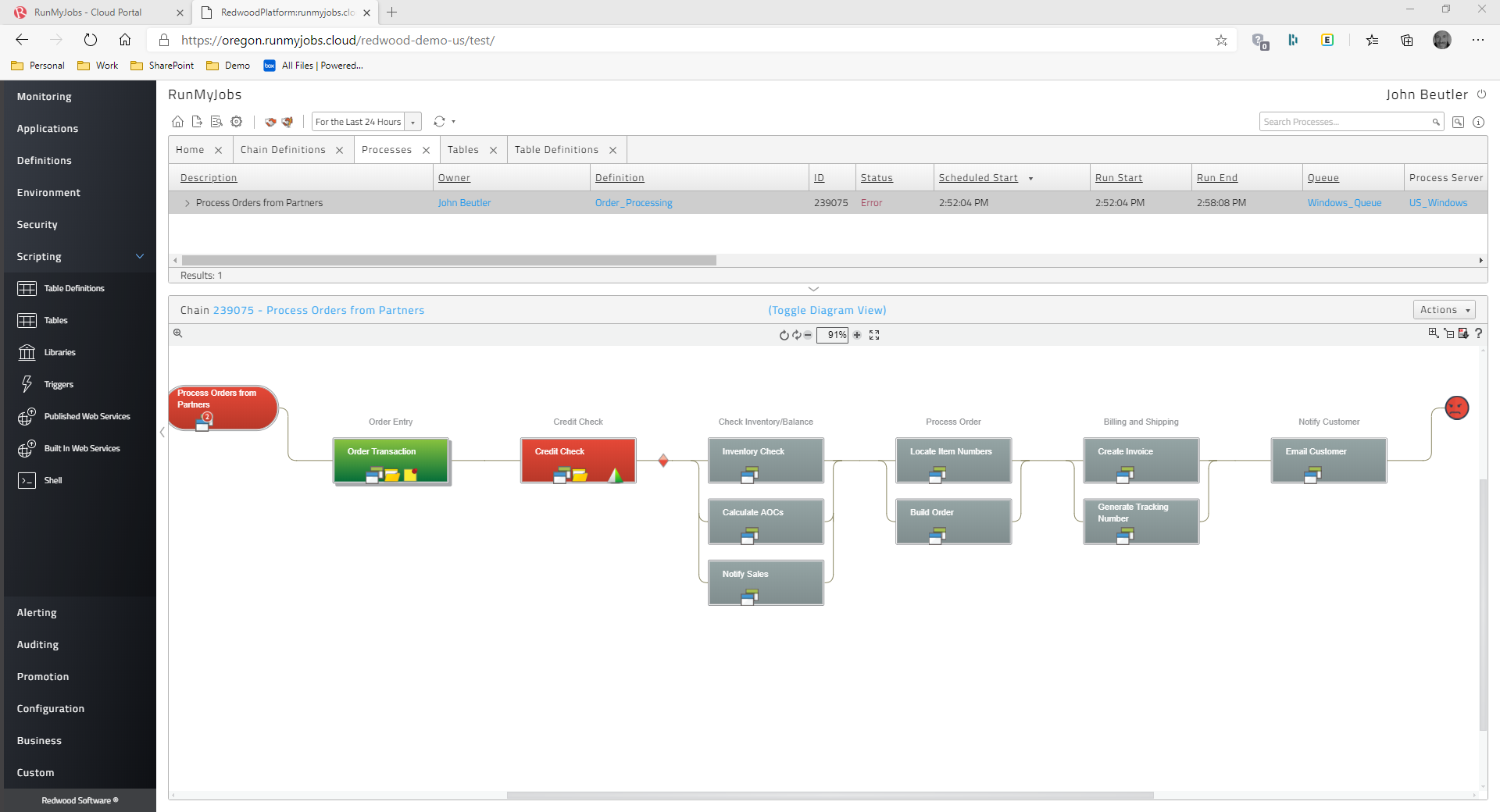
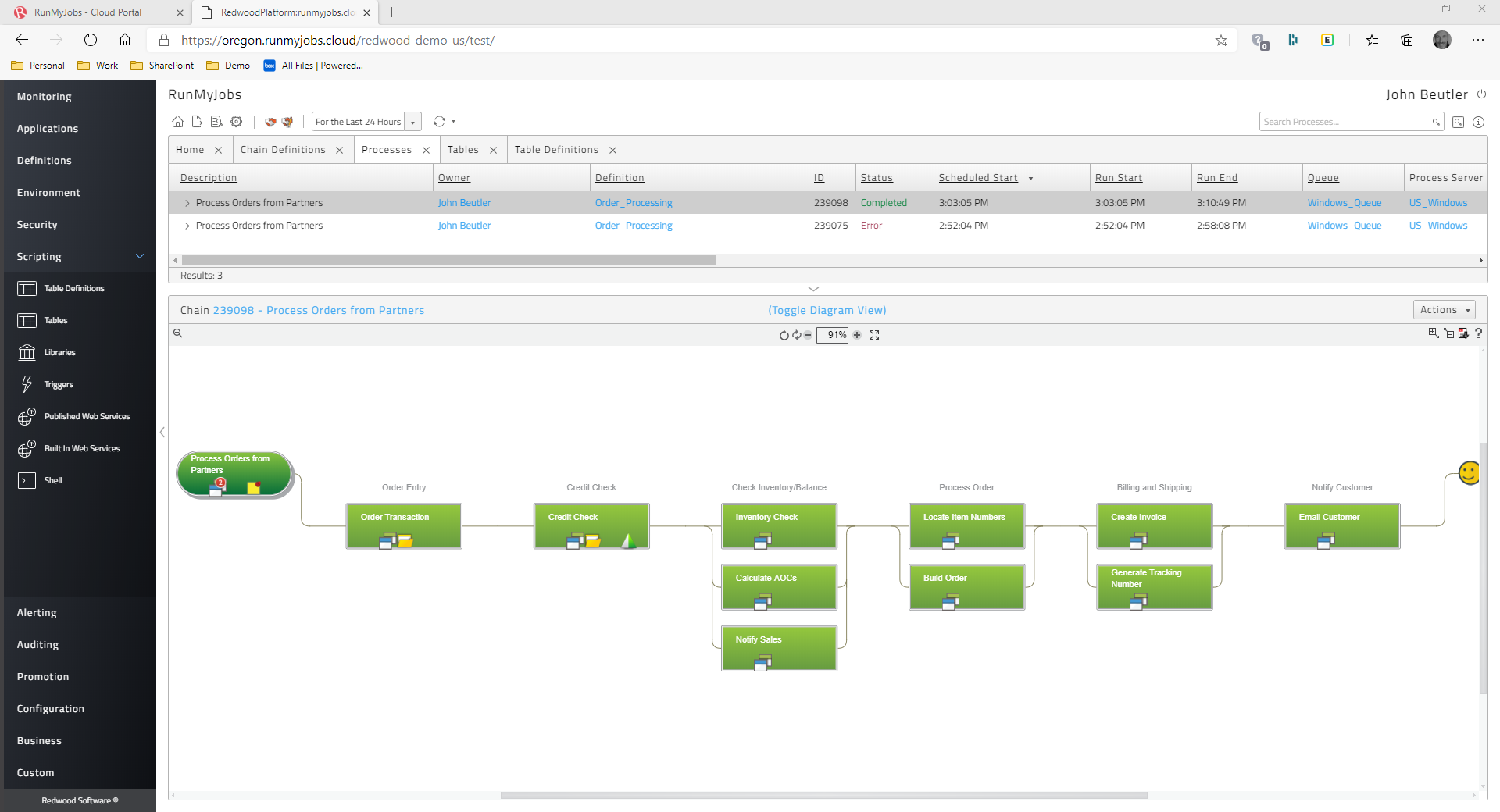
Multiple systems and apps can be used in complicated workflows that ActiveBatch can automate. For instance, it can automate a workflow for processing orders from beginning to end, from the customer order through inventory control and delivery through the processing of invoices and payments.
Files can be sent between many platforms and systems safely with ActiveBatch. Transfers to cloud-based storage systems like Amazon S3 and Microsoft Azure are also included in this. SFTP and FTP transfers are also included.
SAP Batch Scheduling - This is THE BEST tool for triggering SAP jobs, bar none.
User management- Other scheduling tools make it much more difficult to manage user access. Redwood user access management is a breeze and take less than half the time it take in other products.
Scheduling Flexibility- The ease with which you can make custom time windows with Redwood is one of my favorite pluses. You can build as simple or as complex of a time window as you need to with Redwood.
Support- The support that you get from Redwood is in my opinion the best in the world. I have dealt with all the big name players in IT and they all pale in comparison to Redwood. You will never feel like you are in it alone with the best support in the world right at your fingertips.
While Laserfiche has some powerful development tools, it is difficult to manage configurations while promoting code across environments. For example, SQL connections and other environment specific resources have to be manually configured in each environment.
Laserfiche forms are a newer addition to the product family and could use some product maturity. While easy to use for simple forms, once your forms become more complex, you need to accomplish tasks by heavy JavaScript coding.
A dashboard for checking the overall health of the tool
Direct excel export option is unavailable to transport the jobs.
Mobile notification is also helpful for those user who worked in 24*7 shift. if this option will available it is very useful for those user who needs to check system again and again
We plan on renewing Laserfiche for the coming year but also have been considering a scanning and document management solution that can be purchased from our new accounting system company, we are implementing the accounting system this year. It will be a couple years before we make a decision to stay with Laserfiche or change.
Being in the cloud is a big help, with less hardware to maintain, the patches and updates are fast and easily done, we have built a good working relationship with Redwood.
We can easily add new plans/jobs in our batch schedules. Also, coordination with reporting and QA jobs is simple to do. Building schedules, restarting jobs, triggering dependencies is easy to understand. The system is very stable and allows us to easily see overall processing times.
It has an intuitive design that feels very natural to any user that has ever used Outlook or Windows Explorer. There are multiple ways to perform every action in order to help users with various software experiences find the shortcuts and actions they seek quickly and effectively.
The Redwood user interface is straightforward. The script can be used to renew the Redwood license by just copying the text from the. txt file from start to finish of license. The current page and the status of the work can both be refreshed automatically by setting a timer in Redwood. Redwood software's eye-catching features include online help through documentation and help support, which may be accessed by clicking the "I" button in the top right corner.
I am very satisfied with Laserfiche. I have found that certain larger jobs may are slow. This may also be related to our infrastructure environment. We have been able to tune Laserfiche to increase performance on larger jobs.
Performance, of course, is largely dependent on the underlying environment. Laserfiche does its part with multi-threading, taking advantage of multi-core servers on scanning, workflows, and bots. A SQL-Server back-end is suitable for small to medium-sized company, but may not scale to large, where Oracle would be the better choice. Workflows can be poorly written and perform recursive work slowing down the system. It's better to run batch type workflows at night when possible.
I have never had to wait for help from Laserfiche. If I cannot find the answer online, I can easily send an email to a customer support representative. I have always been helped the same day and my questions have always been resolved. The Empower conference is always a great learning opportunity and the online resources and webinars are top-notch.
It seems many pressing issues have to be escalated to their dev team, which I believe is mostly overseas. The response time isn't always the greatest. I go back to the documentation as well, if that was better there would be less need of support from myself. There are also times when they figure out the resolution, it has to be included with a fix in which you have to wait for the next release, however long that may be. Update - the support response time and quality of answers has greatly increased in the past 6 months or more.
Easily accessible 24/7 so am able to complete courseware whenever time allows: Commute to work; waiting for friends or family; at night while relaxing [with a delicious glass of wine!]; whenever and wherever time and circumstances permit. Courseware is well written and presented in an easy to follow and understand format.
The workload automation solution is based on the specific needs of an organization, as well as the features, capabilities, and costs of various solutions. A thorough evaluation process and consideration of these factors can help ensure the selection of a solution that aligns with overall business objectives and meets the specific needs of the organization.
The core infrastructure of Laserfiche, and the end user experience, is vastly superior. OnBase has a TERRIBLE UI and administration console by comparison. The core architecture of OnBase is also more scattered, while all Laserfiche processes go through a single service. Overall, the Laserfiche product is easier and more intuitive to install, maintain, and use.
Hi, We use redwood workload automation for scheduling jobs and for automatic alerts generation in case of long running and failed jobs. It provides easy access of managing jobs and controlling the flow of automation. Alerts generated keeps us up to date of the long running jobs as well as failed jobs. Configuring the jobs is easy and scheduling them through redwood makes it very effective for 24hours monitoring. The Redwood Support team is very helpful and gives prompt response and faster resolution when needed.
I have not run numbers to determine hard impact, but a quick estimate is that at least one job is running for a average of about 6 hours per day - that 6 hours, if done by hand, would equate to about 30 - 40 hours per day (and in some cases, could not be duplicated manually, as the job repeats faster than a person could accomplish one cycle.)
Laserfiche has increased the efficiency of our sales reps by giving making all of the historical sales deal information very simple and fast to retrieve.
Laserfiche has increased our efficiency with our AP department and gave department heads the ability to approve invoices where ever they are.
I would say the biggest ROI came with the transparency of the order process for new deals. Before there would be numerous phone calls made daily to find out where an order was within the process, and now you can simply look at all deals at any time.
Simple to install Redwood Workload Automation agent servers on every server side and trigger the necessary jobs in keeping with business needs.
Allows for the interdependent scheduling of groups of Windows scripts and shell scripts.
Many problems have been fixed, such as the ability to gather data on the number of activities that are executed each day, receive email notifications when a job expires, and connect system agents to monitors.
capable of adhering to SLAs for complicated order flows