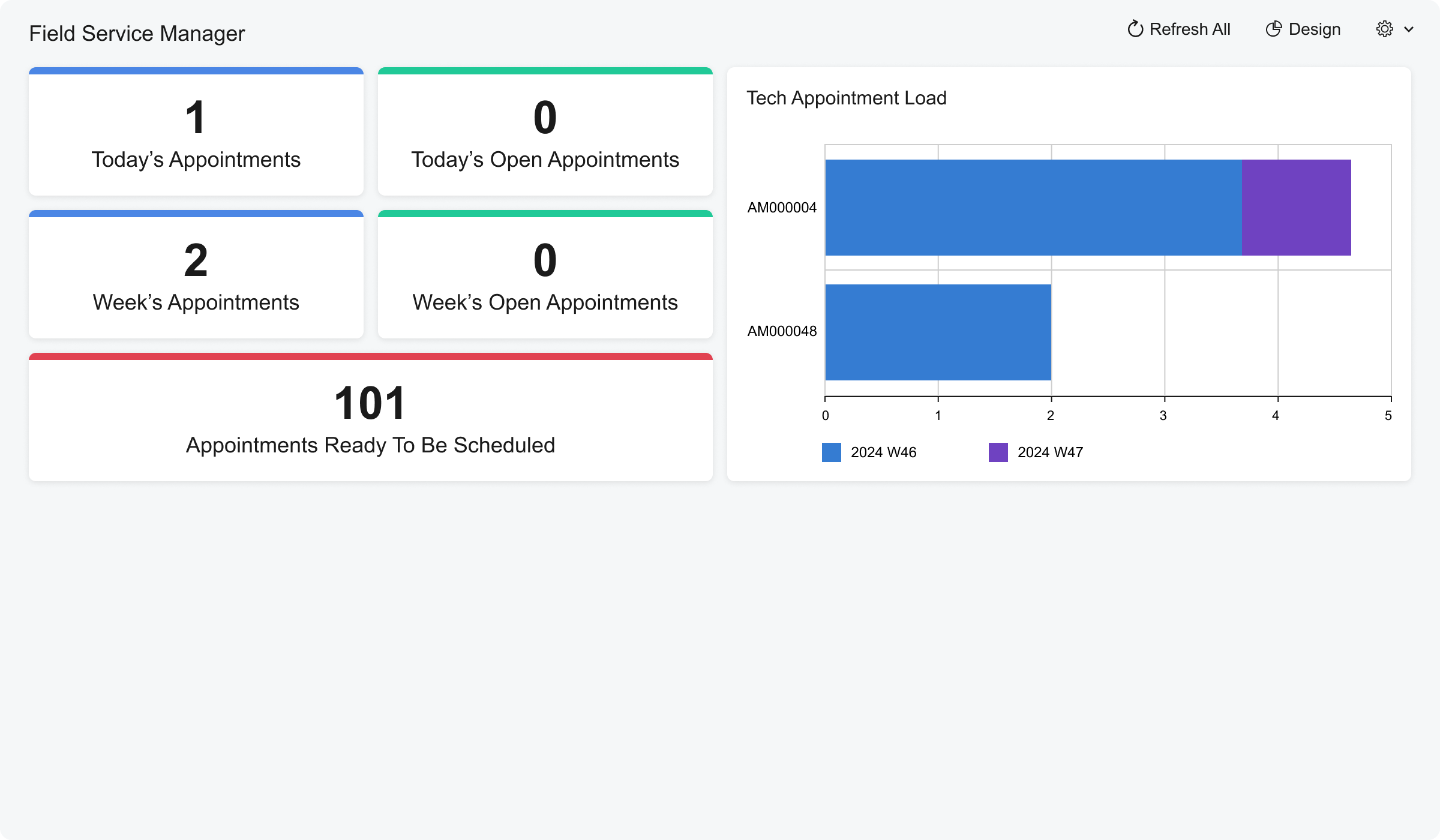
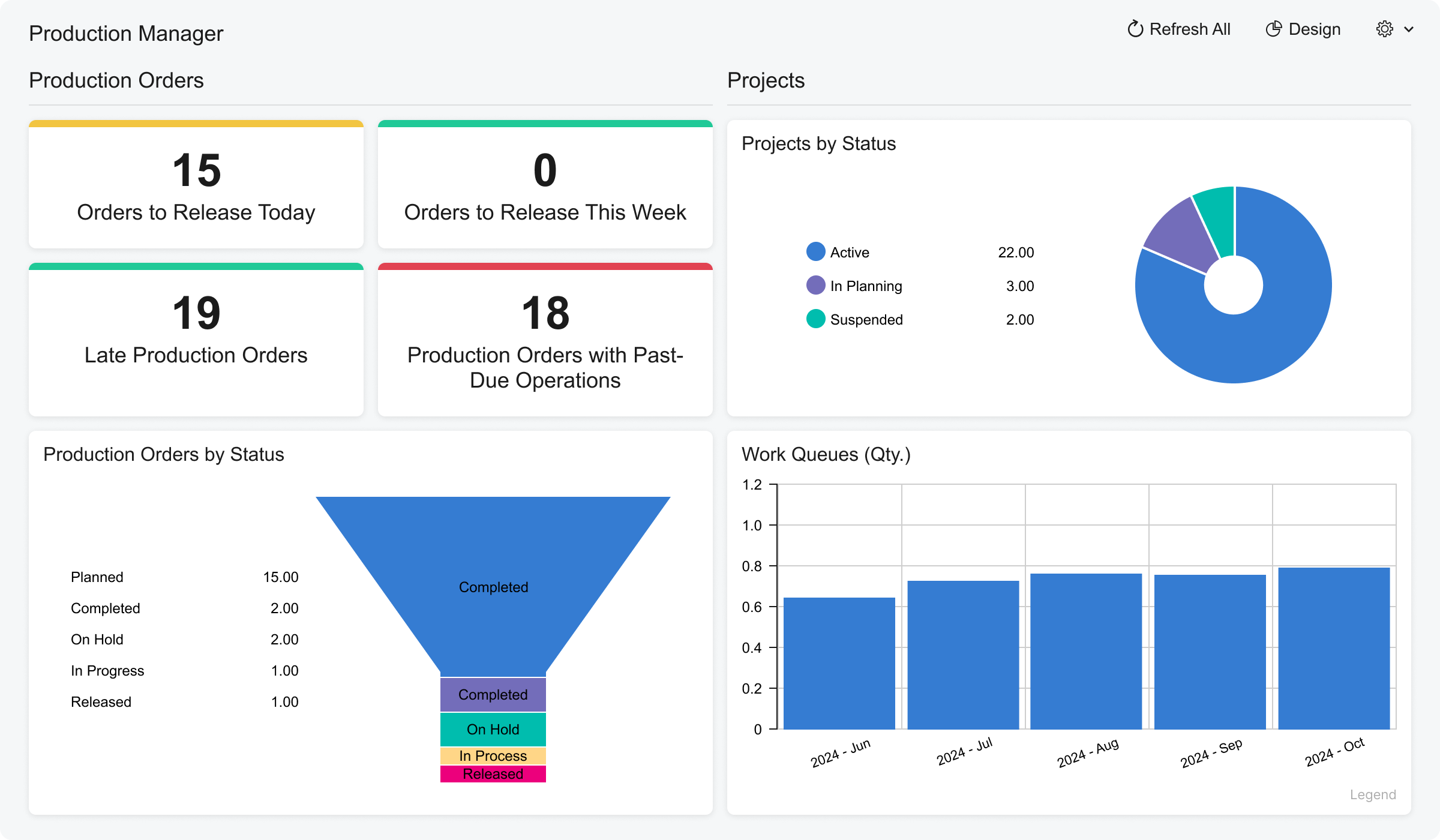
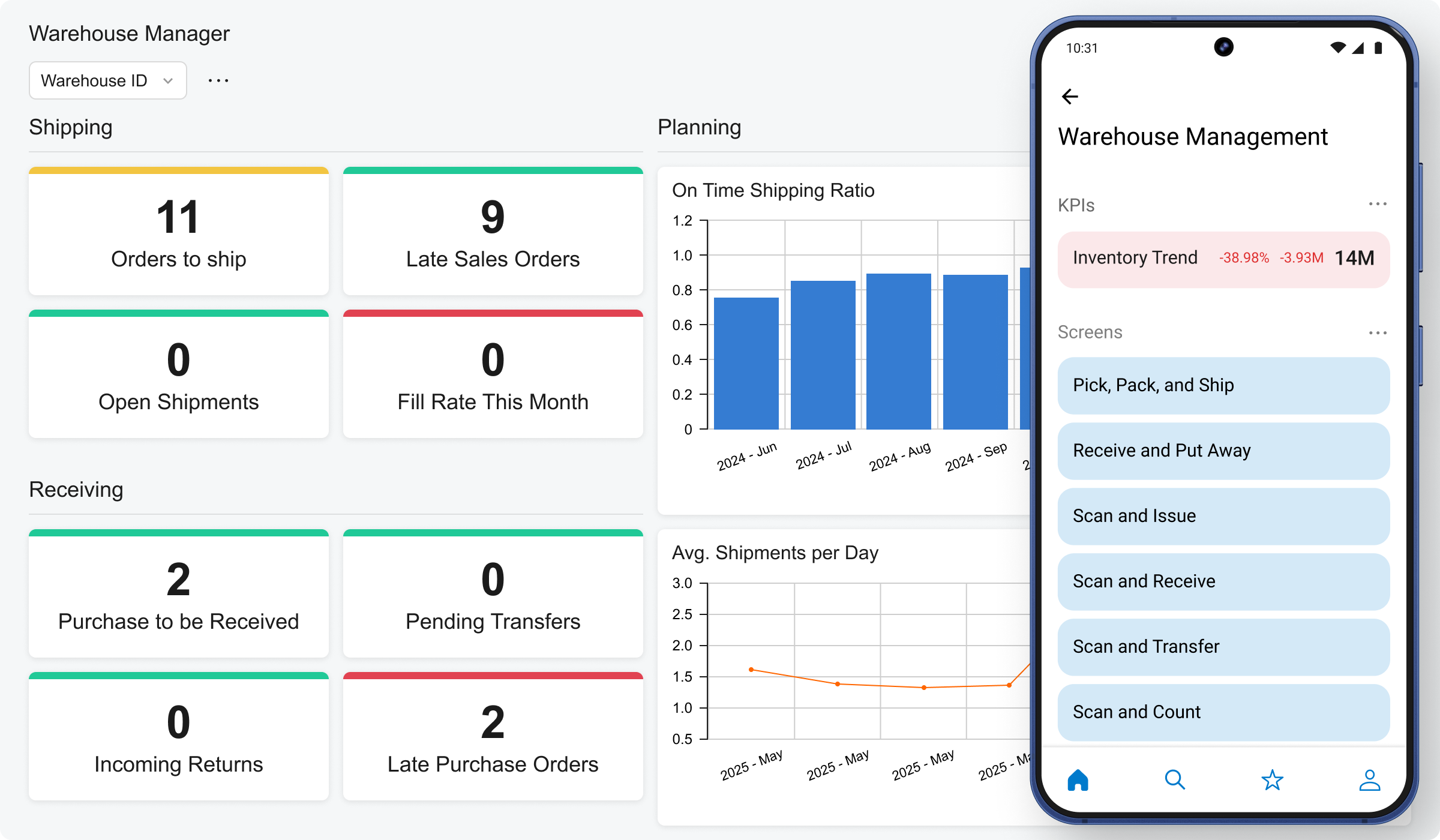
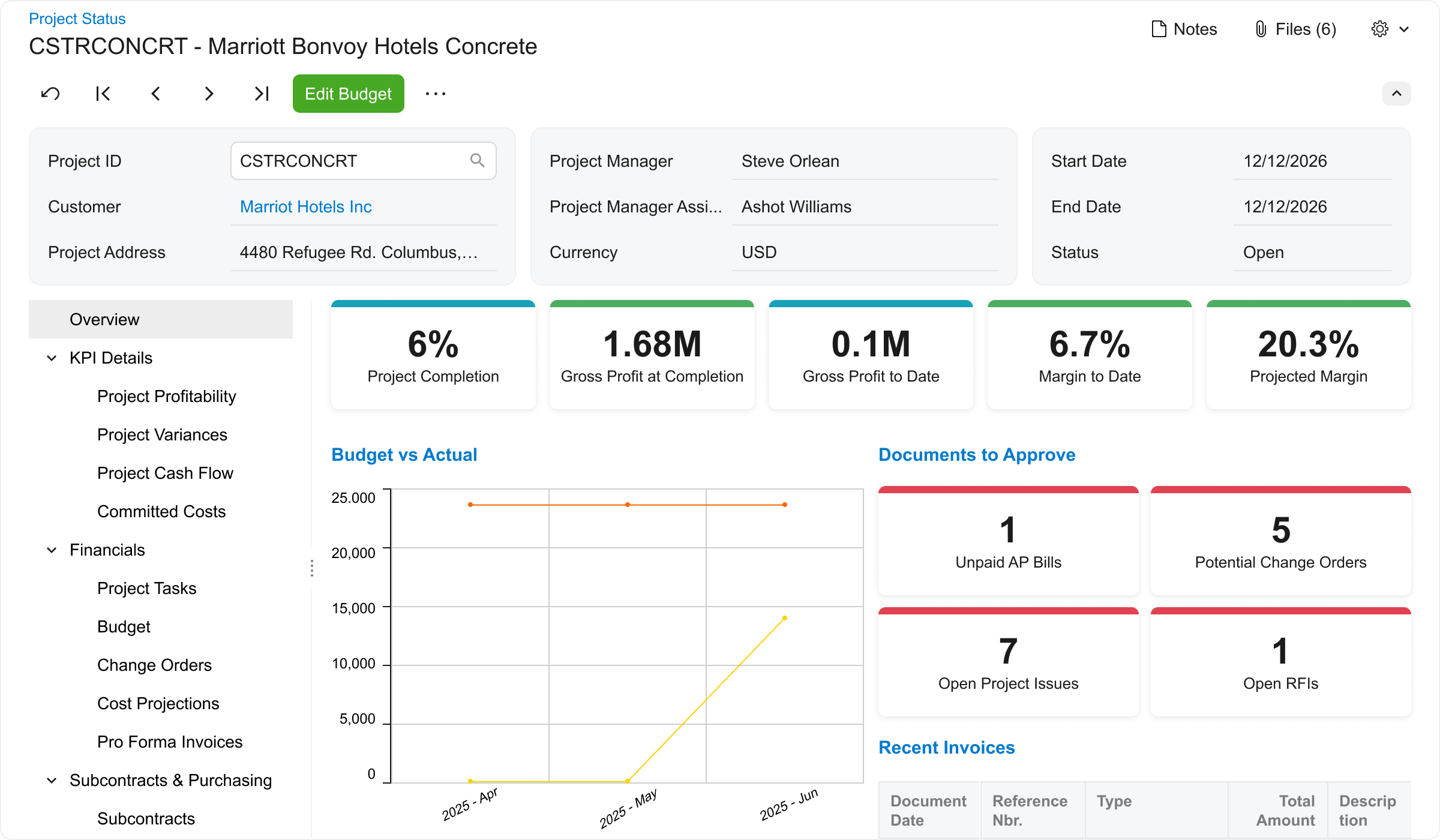
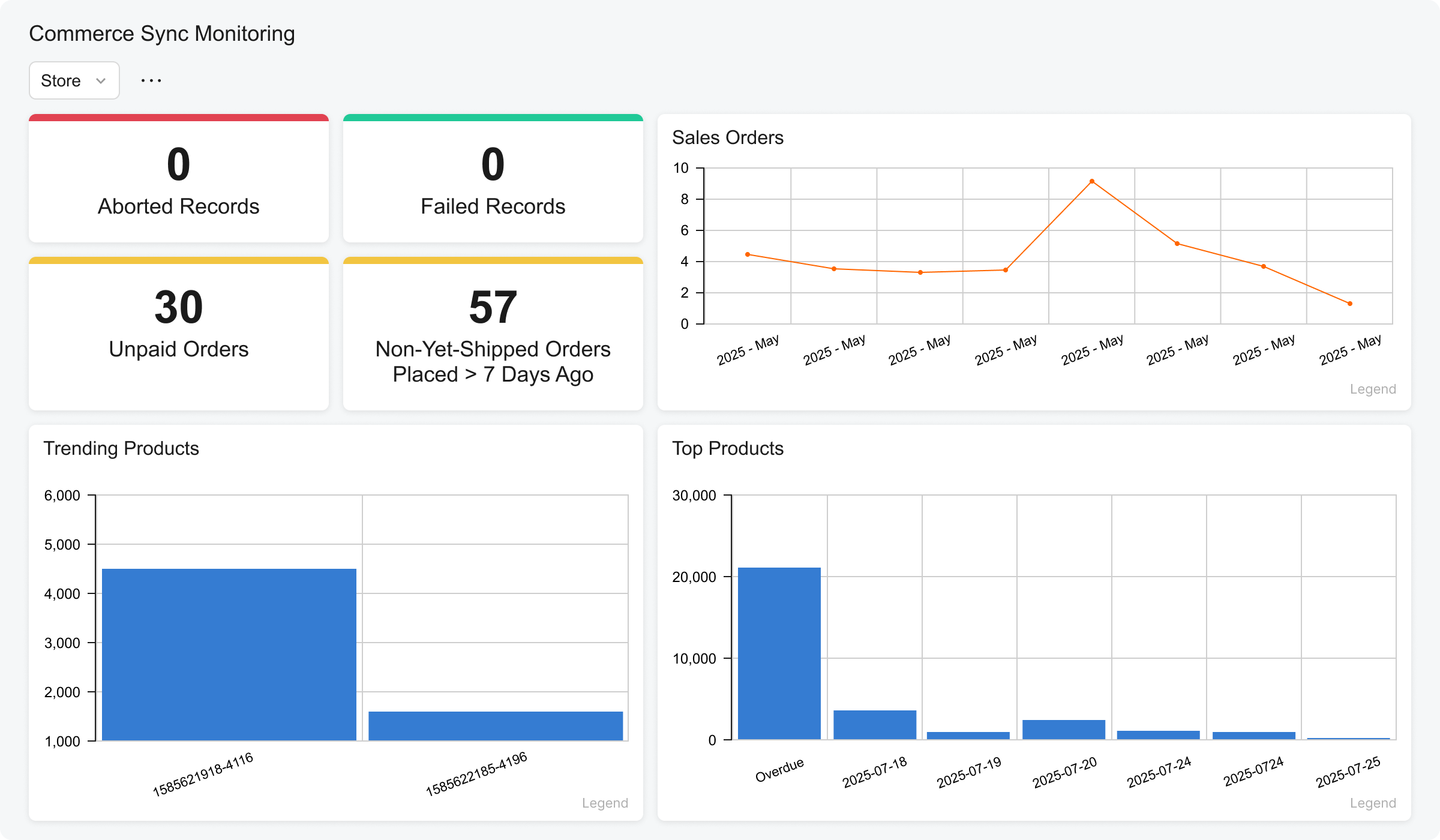
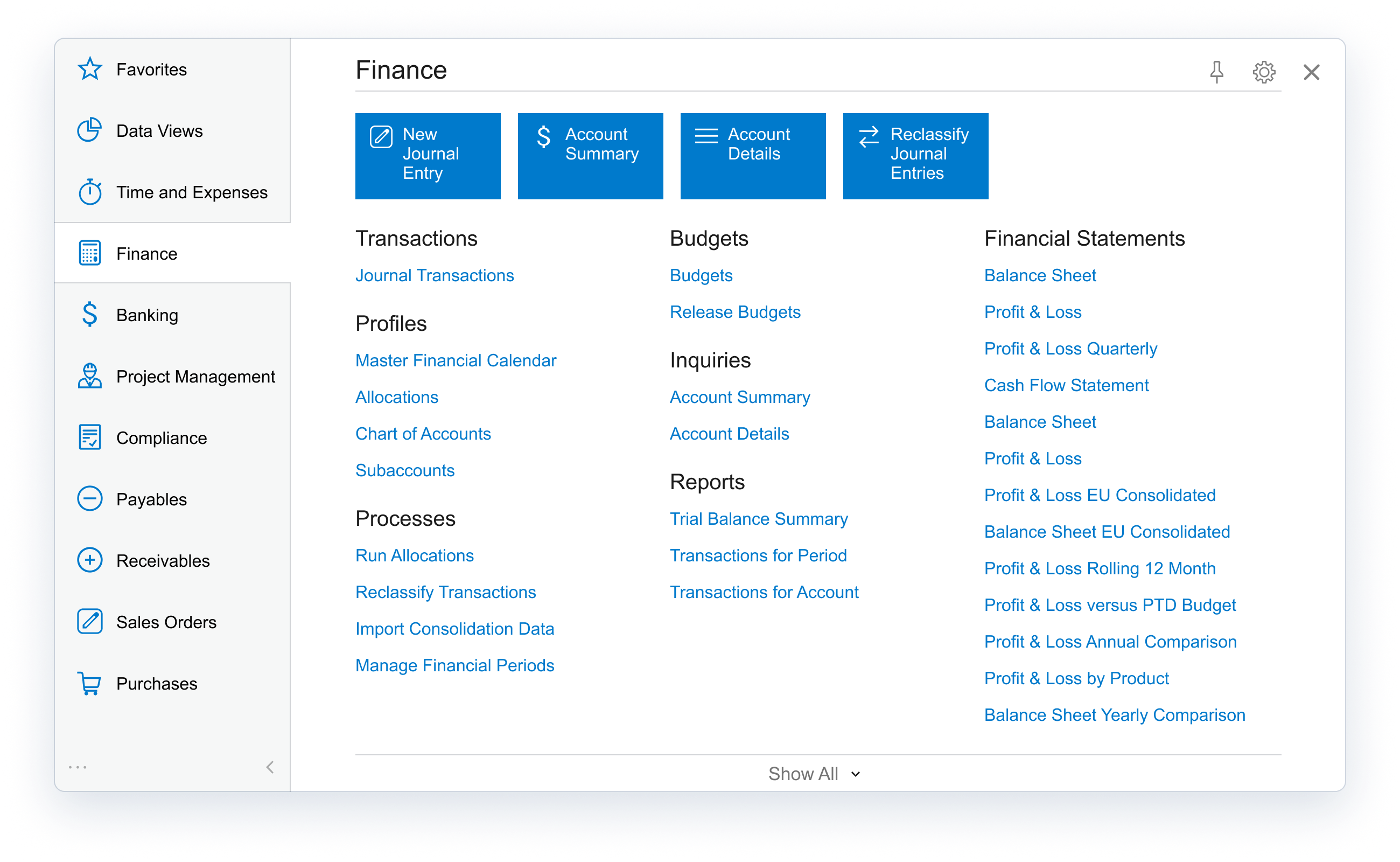
Acumatica delivers a set of cloud-based business software applications with dashboards, reporting tools, integrated document management, centralized security, and customization tools.
$1,000
per year
Microsoft Dynamics SL
Score 5.5 out of 10
N/A
Microsoft Dynamics SL is one of the ERP products in the Dynamics family.
This product was acquired from Solomon 2000.
The product is typically used by SMBs, particularly in project-based businesses (e.g. construction). It has strong accounting and project management capabilities.
N/A
Sage 500
Score 7.7 out of 10
N/A
Sage 500 ERP includes accounting and finance, distribution and supply chain, and manufacturing operations support modules. The latest Sage 500 release includes accounts payable enhancements, credit card processing, and general updates, as well as updates to the solution's modules.
N/A
Pricing
Acumatica
Microsoft Dynamics SL
Sage 500 ERP
Editions & Modules
No answers on this topic
No answers on this topic
No answers on this topic
Offerings
Pricing Offerings
Acumatica
Microsoft Dynamics SL
Sage 500
Free Trial
No
No
No
Free/Freemium Version
No
No
No
Premium Consulting/Integration Services
Yes
No
No
Entry-level Setup Fee
No setup fee
No setup fee
No setup fee
Additional Details
Pricing is always consumption-based with no five-year lock-ins or termination penalties.
The Acumatica ERP pricing structure allows adding casual users, suppliers, and customers without paying for additional licenses.
The cost is based on the features and resources utilized, not on the number of users who access the system. An Acumatica partner works with users to understand specific requirements, determine the proper resources and modules for the company, and presents a price for the license.
Being cloud based it is more cost effective from a hardware and licensing standpoint. You have more vendors that support the product as well for 3rd party add ons.
Acumatica offered the easiest tailoring for our unique needs, specifically regarding dropship transactions for food products. We were able to build out multiple modules to handle these scenarios on top of the core functionality that simply wasn't available in several other …
Acumatica pulls together the pieces that I used to have to build myself or use multiple systems to accomplish. Most recently having used Sage Quantum Accounting, I was struggling with needing to build many reports from scratch for reporting that I find Acumatica does with …
Dynamics SL is our current platform that we are migrating away from due to the lack of new features and future support. We attempted to launch with Dynamics 365 but found many screens and work flows do not work as intended. We left those project deployments and went with …
We transitioned from Dynamics SL to Acumatica in March of 2020. Acumatica met our needs, was less expensive and easier to use.
Verified User
Manager
Chose Acumatica
Far superior in automation, reporting, inventory management, and production processing.
Verified User
C-Level Executive
Chose Acumatica
Acumatica is cloud based which is a plus. Implementation was difficult in both. We switched because Dynamics SL was becoming unsupported and we were always running into a lack of licenses.
So much better than Sage500. Sage was not investing in making the product better and was becoming irrelevant and hard to work with. Moving to the Cloud has allowed us to take the load off our IT team and allow staff to be more mobile.
Acumatica provided the most "yeses" to our wishlist. Acumatica also had the ability to customize to fit our needs whereas a lot of the other options could not. Acumatica was not priced on a "per user" model, which was very important to us, allowing us to have all the field …
Coming from Sage, when you have to post financial data, it locks the system. Acumatica, there is no delay, there is no downtime. Dashboards. My CEO recently asked me, "I really want to see what our top customers are and what markets that they're spending the most money in." Acumatica had that widget already prepared for me.
For a small to mid-size business, MS Dynamics SL is effective. We are capable of managing our finances with a very low risk of error. We have worked with MS Dynamics for almost 15 years and have more than doubled the size of our business in that time with very few issues from the program. We have exponentially increased our revenue and reporting demands and have found SL to be very dependable and stable. The program does have the occasional glitch and those are sometimes outside of the realm of expertise of our IT department. SL support is excellent, but their timeliness is not as urgent as ours.
Sage 500 ERP is great for companies with core accounting needs, distributors, and discrete manufacturers. Some areas, such as process manufacturing, would require a companion product from an ISV for the software to be truly functional. Some areas, such as construction or retail apparel, may simply not be well-served.
Real-time access to financials across firm's locations in India for better in-house sales, cost and financial health analysis
The tool is great with respect to the creation of dashboards and KPI reporting to get visual picture of profitability and cash flow metrics across projects
Provides flexibility for complex project based cost accounting
Strong and flexible allocation processer for cost allocations, markups, and pricing
A "Flexible Billing" module under the project controller series that allows for multiple billing formats ranging from fixed price schedule of values, T&M or Cost Plus, and scheduled billing.
Flexible reporting with options using Crystal Reports, SSRS, a Quick Query tool, and ability to tie into MS Office tools such as MS Access and MS Excel
Tight integration with Financials, but also the ability to integrate with modules such as Sales Order, Inventory, and Field Service
Customization abilities ranging from a VBA (visual basic for application) foundation to allow customizing existing forms to the ability to use the SDK (Software Development Kit) to build more complex customizations that integrate with Dynamics SL.
Sage is the one-stop-shop for all of our needs. We're able to control contracts, subcontracts, and field reports from the program.
Another strength is the ability to database all the information and export it to excel. This makes data-based investigations a breeze.
The ability for Timberscan to be imported to Sage is a huge help with invoice management. Prior to this it all had to be done manually and slowed the process to an essential halt as there are thousands of invoices per month.
Mass updating existing BOMs or Production Order Details. For larger orders, especially if many things need to be changed it can take a painstakingly long time to update each production order one-by-one.
The product configurator is too flat, we definitely need nested configurations that can capture variable subassemblies.
Accounting has room for improvement, I don't really like the idea of SO Invoices living in a separate spot until they are Released. I have had complaints from our accounting personnel since they have to leave the "Accounting World".
Reporting in the Project module is lacking functionality. I understand that most companies have specific needs when it comes to tracking project information but the standard reports are not good.
I would recommend a product like Management Reporter that is for Projects only. Project Reporter should allow users to pull in all Project related data into reports.
Fixing suspended batches. Obviously all of us users have experienced this mess. SL knows what needs to be corrected and there could be some step by step fixes in a separate repair module to do the steps we do in Query Analyzer.
We are highly likely to renew because Acumatica has become the foundation of our ERP strategy replacing another ERP system with a more flexible, scalable platform while improving governance, planning, and operational visibility. Ongoing stabilization, roadmap investment in IBP and automation, and strong alignment across Finance and Operations give us long‑term confidence in the platform.
Unfortunately, Dynamics' lack of ability to smoothly integrate with our CRM system is causing us to look at other solutions. The efficiencies that we gain by using Dynamics for our day to day accounting are lost in the constant headaches of getting sales quotes to import properly into the system for invoicing. Another major issue for us has been budgeting and reporting. We currently do all of our budgeting and board reporting in Excel, which is too time consuming and inefficient, especially when a system as robust as Dynamics should easily be able to handle this relatively simple task.
The processes are very intuitive and easy to use. Whether you are entering AP bills, timecards for payroll, or AR invoices, the processes are similar and easy to use. The drill-down capability is also a huge plus as you can easily toggle between different modules without having to leave the screen you are in and navigating through a menu to get the information you need. We found that the standard reports out of the box are lacking. Our implementation did not go so well and when we were finally ready to run financial reports, it was both disappointing and frustrating to discover that the P&L was highly summarized and to get a detailed report required having to do a lot of formatting myself. I was able to figure it out on my own, but when our financials were already delayed getting published, I did not really have the time to spend trying to figure out how to build my own P&L.
I rate it a 10 because we have removed the fields we don't need so users can really crank the data into the system. The software was designed for the professional services firm in mind but does a tremendous job for construction firms and "blended" companies that are both distribution firms but project centric as well. Perhaps they drop ship inventory to a project where their employees or subs need to work on a project for example.
I have been using Intacct for almost 10 years in 2 different companies and I just simply love it. I tried SAP (GUI) and Netsuite and they dont come close to what Ive seen.
We have had only one unplanned outage for 2 hours in the last 30 months. We shut down for 30 min to 1 hour once a month, but that is for Microsoft OS updates to the servers. Being a 24/7 world wide operation, the reliability is really important. We do get an 8 hour window on the weekend that we can be down for a short period to install Microsoft Dynamics SL updates, but we do not have many of those. On our last version upgrade, we shut the users out at 9:30 am and were fully operational in less than 6 hours. The upgrade was New SQL server, New SL server and 2 new Citrix servers.
I would rate the overall support for Acumatica an 8 out of 10. The support team is generally responsive, knowledgeable, and helpful when resolving issues or answering questions. Documentation and community resources are also useful. However, response times can occasionally vary depending on the complexity of the issue or support queue, which slightly affects the overall experience.
Support is only used when needed, so unfortunately ,they get all the odd issues. It's a difficult business, but Microsoft and our firm do a great job of meeting customer needs. We get routine feedback that our support services are very good.
I'd say the partner selection is critically important. I think the software is very easy to implement. It's very customizable to your business. Finding a partner that will work with you to understand your business and your needs is the critical piece to make sure that the system goes along with it.
Just to let it take its course. The implementation for me once I became a part of my former organization was pretty seamless. Just get to know the basics and call the support team to ask questions if you need help on an issue, should they arise. They are ready, willing, and able to help!
Keep your database and application in different servers. Install Microsoft Office on your application server so you can use some of the data analysis tools in Sage.
Having used Pastel for a long time in the business, it lacked certain features, or the system was not probably setup for our business needs and requirements at the time. It was also not 100% cloud based and needed to be used through remote desktop which had its limitations. Zero just had 10% of what our business needed.
Of the comparable mid-range ERP systems, Dynamics SL competes at the lower end based on price, but also above the high-end based on flexibility, data, and reporting. Being able to stay with the same core accounting from a $100 million dollar company to a $3 billion dollar company shows the range of capabilities.
500 seems much smoother at handling some of the basic accounting tasks, for example both issuing and later reconciling checks in Dynamics AX seems a little tedious.
From my understanding, the P.O. module is not very robust, at least the last time I inquired about it. At the time, it had a one-to-one match, with one invoice for one P.O. and that isn't practical for many businesses. I don't believe it would be an easy system to use for sending out invoices, if we had thousands of retail utility customers. We do a small number of invoices because we sell wholesale power, not retail, so we only Invoice the municipality. Not each utility customer.
They are very responsive and knowledgeable about the product. If the rep doesn't have the ability to solve the issue, they quickly get someone else involved to assist us.
I feel like I am not using it to it's potential and it's frustrating to know that it can do more than I am able to use and more help with that would be great
The implementation was a lot of customize building and I felt like some of it could have been built by my partner rather than having them sit and watch me enter a bunch of stuff, especially when a lot of it was over my head in understanding
Positive: The program allows for a lot of data entry and splitting of information. It has the capability of replacing multiple programs and therefore saving cost.
Negative: The modules are cumbersome and not user friendly at all. As a result not many user are comfortable using it. This means that the program is not being used to its capacity.
Negative: Although the program has the capacity to be great, the user interface destroys that potential. Sage needs to seriously work on their program to simplify it. It's as if it still uses Command-line entries from 1995. Needs to be updated ASAP.