Chose Acumatica
We selected Acumatica because it is more configurable and more adaptable than Dynamics.

| Product | Rating | Most Used By | Product Summary | Starting Price |
|---|---|---|---|---|
 Acumatica | N/A | Acumatica delivers a set of cloud-based business software applications with dashboards, reporting tools, integrated document management, centralized security, and customization tools. | N/A | |
 AccountEdge | Small Businesses (1-50 employees) | AccountEdge is a small business accounting software for Mac and Windows users. AccountEdge allows business owners to organize, process, and report on their financial information. Its features include accounting, integrated payroll, sales and purchases, contact management, inventory, and time billing. It was acquired by Priority Software in January 2018 to expand that company's small business portfolio. | $20 per month |
| Acumatica | AccountEdge | |||||||||||||||
|---|---|---|---|---|---|---|---|---|---|---|---|---|---|---|---|---|
| Editions & Modules | No answers on this topic |
| ||||||||||||||
| Offerings |
| |||||||||||||||
| Entry-level Setup Fee | No setup fee | No setup fee | ||||||||||||||
| Additional Details | Pricing is always consumption-based with no five-year lock-ins or termination penalties. The Acumatica ERP pricing structure allows adding casual users, suppliers, and customers without paying for additional licenses. The cost is based on the features and resources utilized, not on the number of users who access the system. An Acumatica partner works with users to understand specific requirements, determine the proper resources and modules for the company, and presents a price for the license. | — | ||||||||||||||
| More Pricing Information | ||||||||||||||||
| Acumatica | AccountEdge | |
|---|---|---|
| Considered Both Products |  Acumatica  Hardik Thacker Financial research analyst Chose Acumatica Acumatica excels well against other tools due to its rich set of capabilities like deep integrated project management, financial management, scalable unlimited users, robust real-time visibility and strong customisation, outperforming Odoo's variable modules and QuickBook's …  Darren Francis Chief Risk & Compliance Officer Chose Acumatica Acumatica beats them hands down. No comparison  Brian Flaten It Director Chose Acumatica The go live time is better in Acumatica. The developer learning path is better in Acumatica. The Acumatica community is so strong |  AccountEdge  John Readwin Digital Life Coach Chose AccountEdge More complete feature set, i.e. time tracking  Dan Workman Owner Chose AccountEdge I have considered Quickbooks, but a cursory use did not lead me to believe that it was a good replacement for us. I might take a look again in the future if we can't link bank accounts to AccountEdge soon.  Edward Komyshyn Owner / CEO Chose AccountEdge Originally Account Edge topped out other comparable accounting suites with the feature set sought after for account management, order-invoice creation & user based role deployment on the server side out to workstation use. This has not changed to current revision & we are …  Jay Crabtree President Chose AccountEdge I think AccountEdge is superior to Peachtree, which is not a high bar. Its compatibility with MAC OS is good, but I think Xero will be taking much of the Mac based customers as it appears to be a better product.  joAnn Ortiz Owner Chose AccountEdge My hands down preference is to keep my accounting off of the cloud but that is not always the case with my clients. So, to make this comparison somewhat fair I will consider only the items containing parity in cloud vs desktop. AccountEdge vs Xero. AccountEdge has superior …  Thomas Healy Shareholder Chose AccountEdge A number of my clients use QuickBooks, mostly on PCs, so I'm quite familiar with what it does. I'm just glad I'm using AccountEdge for my own accounting, because it's more straightforward and doesn't create 'hidden' transactions. Some years ago, a client on QuickBooks …  Brent Blackburn Owner Chose AccountEdge For Mac enthusiasts, AccountEdge is the complete installed software solution for small to medium-sized businesses, as it has so many capabilities that QuickBooks for Mac lacks. However, it holds your hand less than QuickBooks for Mac does, so you ought to know what your are …  Sharon L. Nash Personal Angel with a Financial Background Chose AccountEdge Some of my clients use QuickBooks, some use AccountEdge. Hands down I prefer the user friendliness of AccountEdge over QuickBooks. There is no comparison in the return on profit when having the proper tools to be able to do a task efficiently and quickly. The more time wasted …  Jeremy Doyle Director, Special Accounts Chose AccountEdge AccountEdge had already been implemented when I started working at Lake Industries.I have some experience in several other accounting & CRM software. AccountEdge has really come together in the last couple of years. The software is strong, easy-to-use, and great for daily …  Valerie Gabriel Customer Service/Sales Representative/Social Media Manager Chose AccountEdge AccountEdge is more adaptable as a large and diverse inventory control system.  Linda Gonzales Bookkeeper, Payroll Administrator Chose AccountEdge I have a client who is in the firearms manufacturing industry that makes components. They had been using QuickBooks credit card processing feature and their service was recently canceled by QuickBooks for political reasons. QuickBooks is a privately held company so they can do …  Amy Griffie, MBA Owner and Electrical Contractor Chose AccountEdge I have used QuickBooks in the past and, although I really liked it when I started with them, when I switched to a Mac computer they were not at all compatible. AccountEdge filled the gap with a small learning curve where QuickBooks just couldn't satisfy. The only other products … |
| Acumatica | AccountEdge | |||||||||||||||||||||||||||||||||||||||||||||||||||
|---|---|---|---|---|---|---|---|---|---|---|---|---|---|---|---|---|---|---|---|---|---|---|---|---|---|---|---|---|---|---|---|---|---|---|---|---|---|---|---|---|---|---|---|---|---|---|---|---|---|---|---|---|
| Payroll Management |
| |||||||||||||||||||||||||||||||||||||||||||||||||||
| Customization |
| |||||||||||||||||||||||||||||||||||||||||||||||||||
| Security |
| |||||||||||||||||||||||||||||||||||||||||||||||||||
| Reporting & Analytics |
| |||||||||||||||||||||||||||||||||||||||||||||||||||
| General Ledger and Configurable Accounting |
| |||||||||||||||||||||||||||||||||||||||||||||||||||
| Inventory Management |
| |||||||||||||||||||||||||||||||||||||||||||||||||||
| Order Management |
| |||||||||||||||||||||||||||||||||||||||||||||||||||
| Subledger and Financial Process |
| |||||||||||||||||||||||||||||||||||||||||||||||||||
| Project Financial Management |
| |||||||||||||||||||||||||||||||||||||||||||||||||||
| Project Execution Management |
| |||||||||||||||||||||||||||||||||||||||||||||||||||
| Grants Management |
| |||||||||||||||||||||||||||||||||||||||||||||||||||
| Procurement |
| |||||||||||||||||||||||||||||||||||||||||||||||||||
| Risk Management |
| |||||||||||||||||||||||||||||||||||||||||||||||||||
| Logistics |
| |||||||||||||||||||||||||||||||||||||||||||||||||||
| Manufacturing |
| |||||||||||||||||||||||||||||||||||||||||||||||||||
| Supply Chain |
| |||||||||||||||||||||||||||||||||||||||||||||||||||
| Product Lifecycle Management |
|
| Acumatica | AccountEdge | |
|---|---|---|
| Small Businesses |  Zoho One Score 9.3 out of 10 |  QuickBooks Self-Employed (discontinued) Score 5.1 out of 10 |
| Medium-sized Companies |  Infor VISUAL Score 7.3 out of 10 |  Zoho Books Score 9.0 out of 10 |
| Enterprises |  24SevenOffice Score 9.0 out of 10 |  Oracle Fusion Cloud Enterprise Performance Management Score 7.4 out of 10 |
| All Alternatives | View all alternatives | View all alternatives |
| Acumatica | AccountEdge | |
|---|---|---|
| Likelihood to Recommend | 8.8 (0 ratings) | 6.0 (0 ratings) |
| Likelihood to Renew | 9.5 (0 ratings) | 8.8 (0 ratings) |
| Usability | 8.2 (0 ratings) | 9.0 (0 ratings) |
| Availability | 9.0 (0 ratings) | 9.1 (0 ratings) |
| Performance | 7.7 (0 ratings) | - (0 ratings) |
| Support Rating | 7.6 (0 ratings) | 9.0 (0 ratings) |
| In-Person Training | 6.6 (0 ratings) | - (0 ratings) |
| Online Training | 7.7 (0 ratings) | - (0 ratings) |
| Implementation Rating | 6.9 (0 ratings) | 7.0 (0 ratings) |
| Configurability | 7.6 (0 ratings) | - (0 ratings) |
| Ease of integration | 7.1 (0 ratings) | - (0 ratings) |
| Product Scalability | 8.0 (0 ratings) | - (0 ratings) |
| Vendor post-sale | 5.2 (0 ratings) | - (0 ratings) |
| Vendor pre-sale | 6.9 (0 ratings) | - (0 ratings) |
| Acumatica | AccountEdge | |
|---|---|---|
| Likelihood to Recommend |
|
Dan Workman Owner |
| Pros |
|
Brent Blackburn Owner |
| Cons |
|
|
| Likelihood to Renew |
|
Sharon L. Nash Personal Angel with a Financial Background |
| Usability |
|
|
| Reliability and Availability |
 DANYEL SULLIVAN-MARRERO, CPA, MBA Controller |
joAnn Ortiz Owner |
| Performance |
| No answers on this topic |
| Support Rating |
|
|
| In-Person Training |
DANYEL SULLIVAN-MARRERO, CPA, MBA Controller | No answers on this topic |
| Online Training |
 Julie Weber Director of Finance & Accounting | No answers on this topic |
| Implementation Rating |
 Scott Rutkowski, CLP CIO (Chief Information Officer) |
Jeremy Doyle Director, Special Accounts |
| Alternatives Considered |
Hardik Thacker Financial research analyst |
joAnn Ortiz Owner |
| Scalability |
DANYEL SULLIVAN-MARRERO, CPA, MBA Controller | No answers on this topic |
| Return on Investment |
|
Thomas Healy Shareholder |
| ScreenShots | Acumatica Screenshots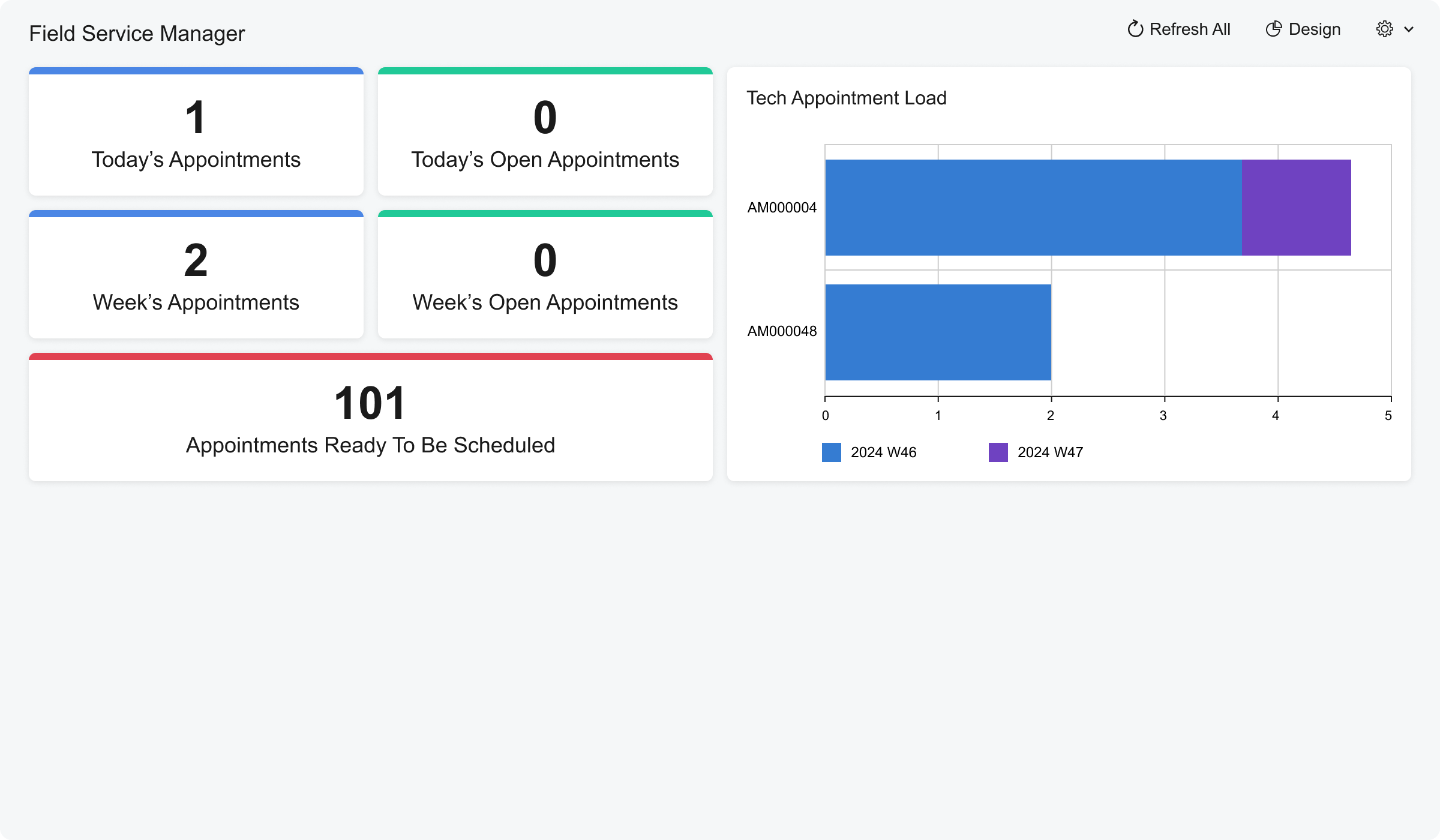 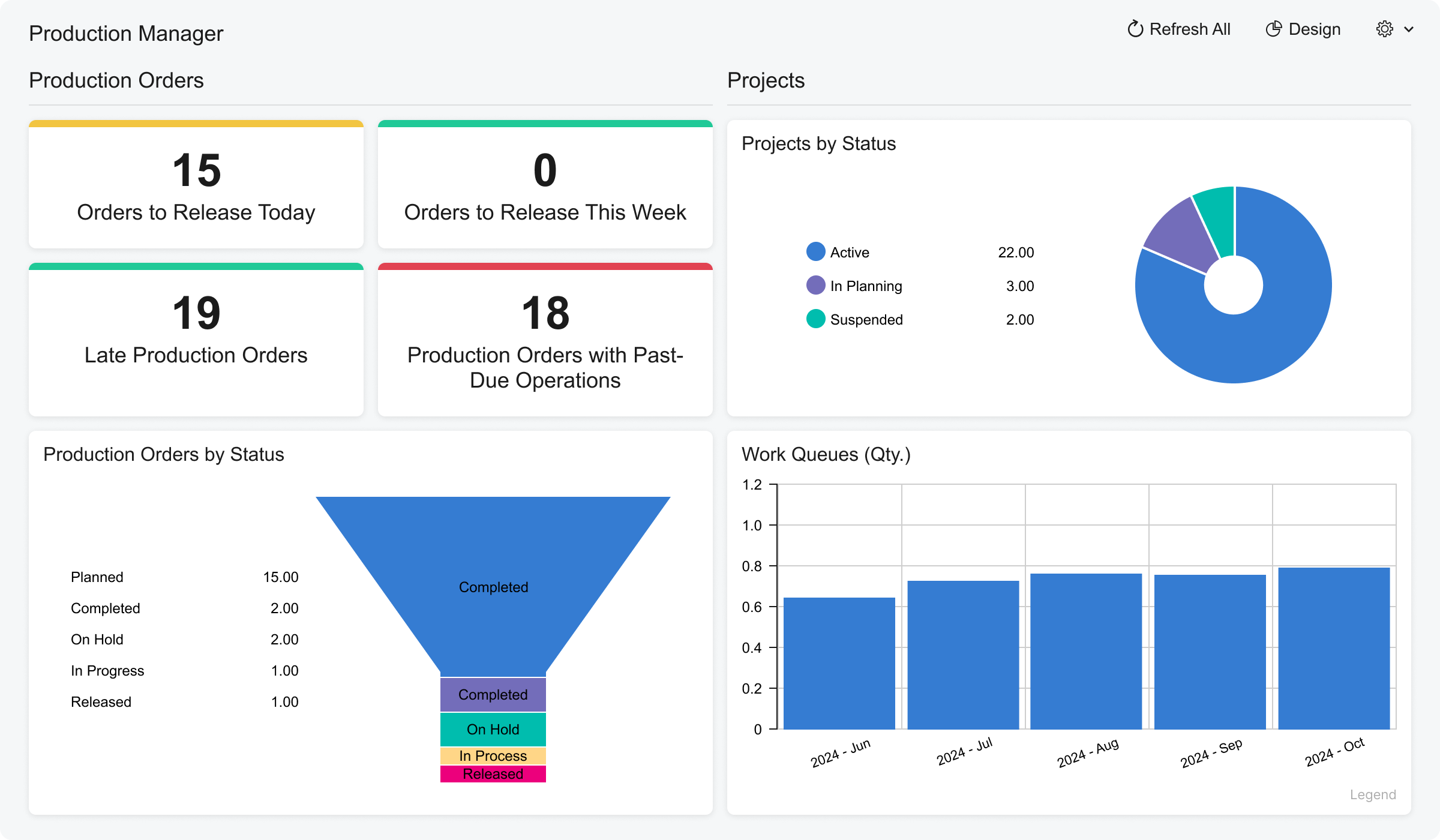 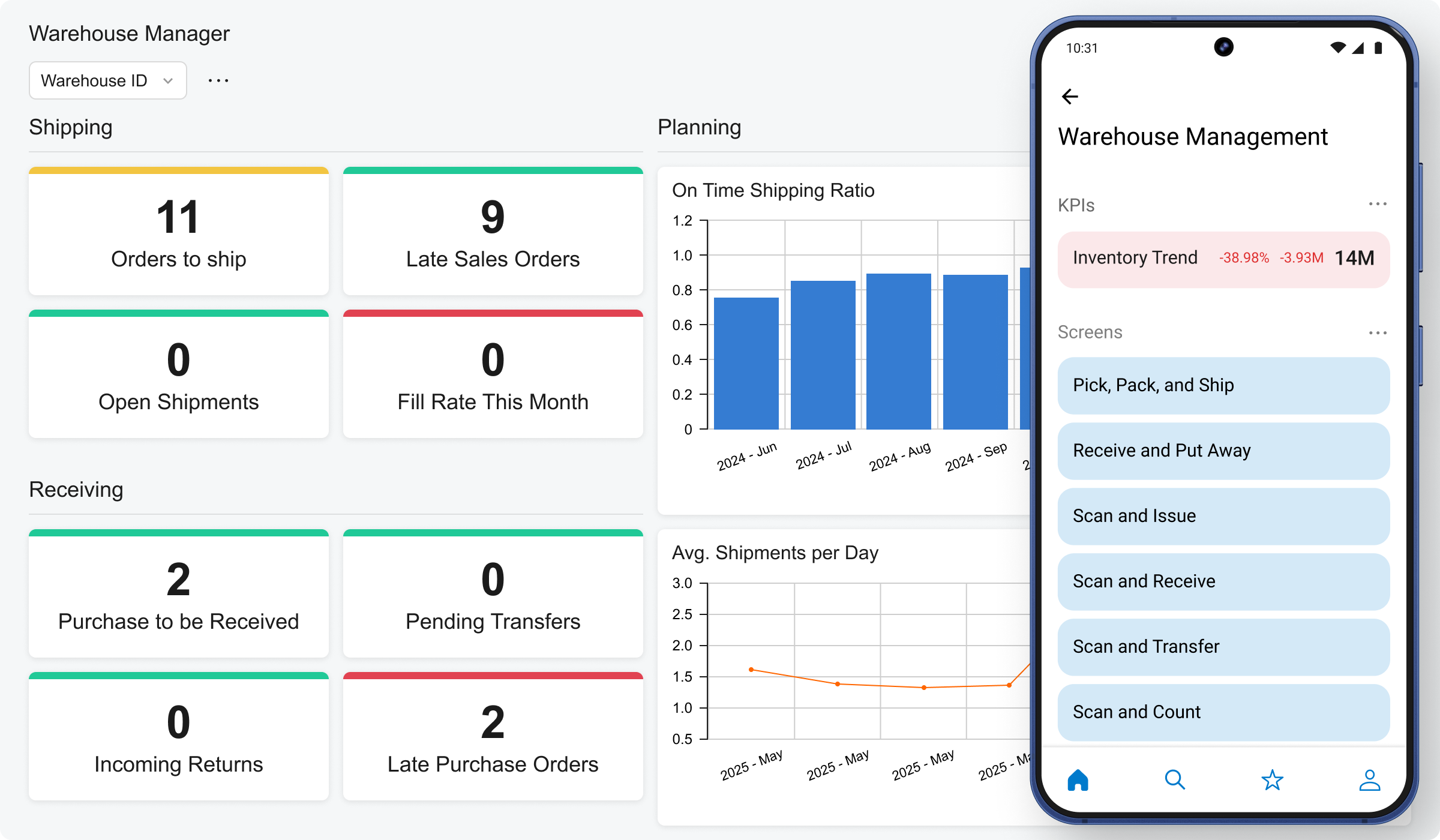 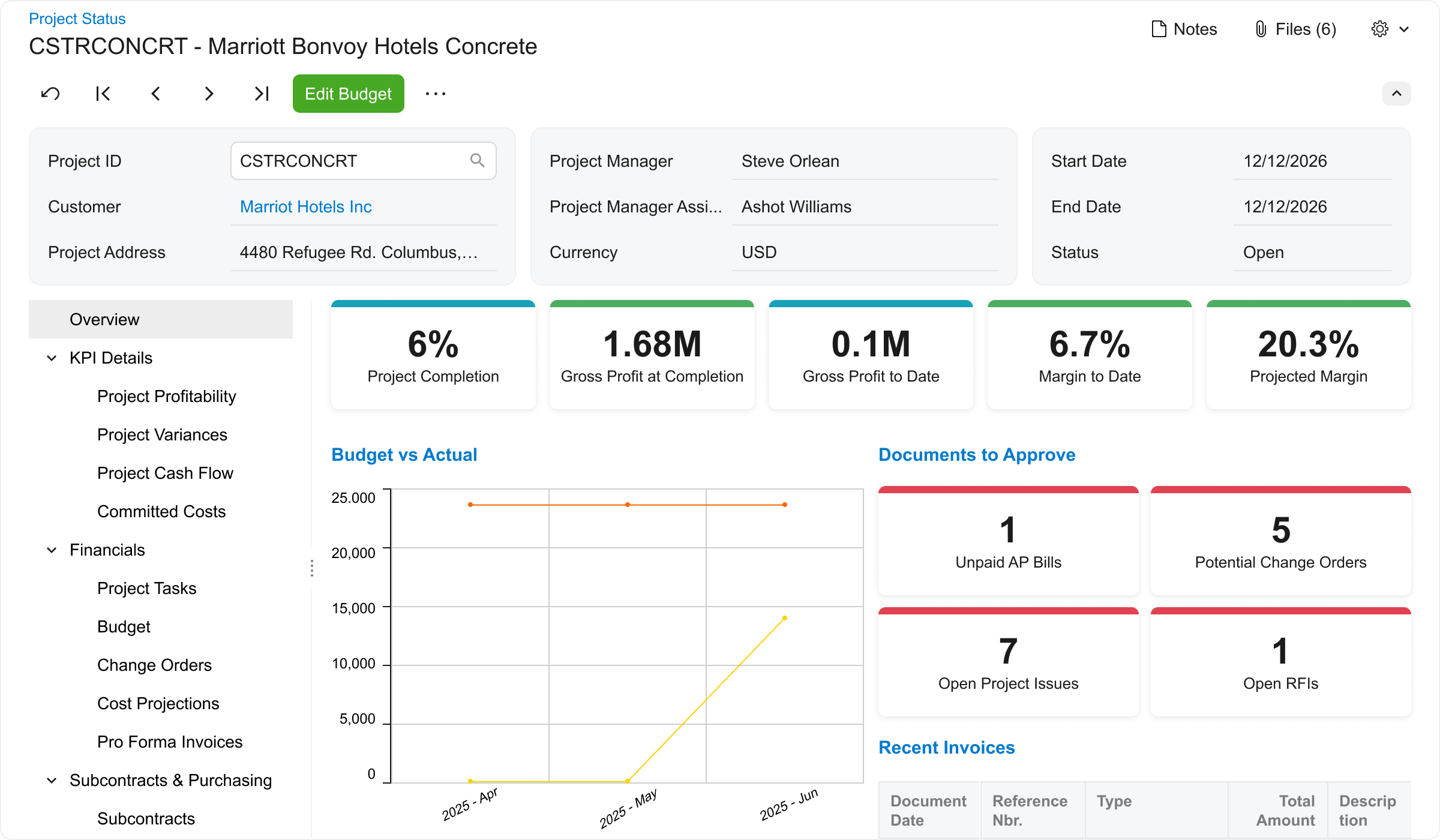 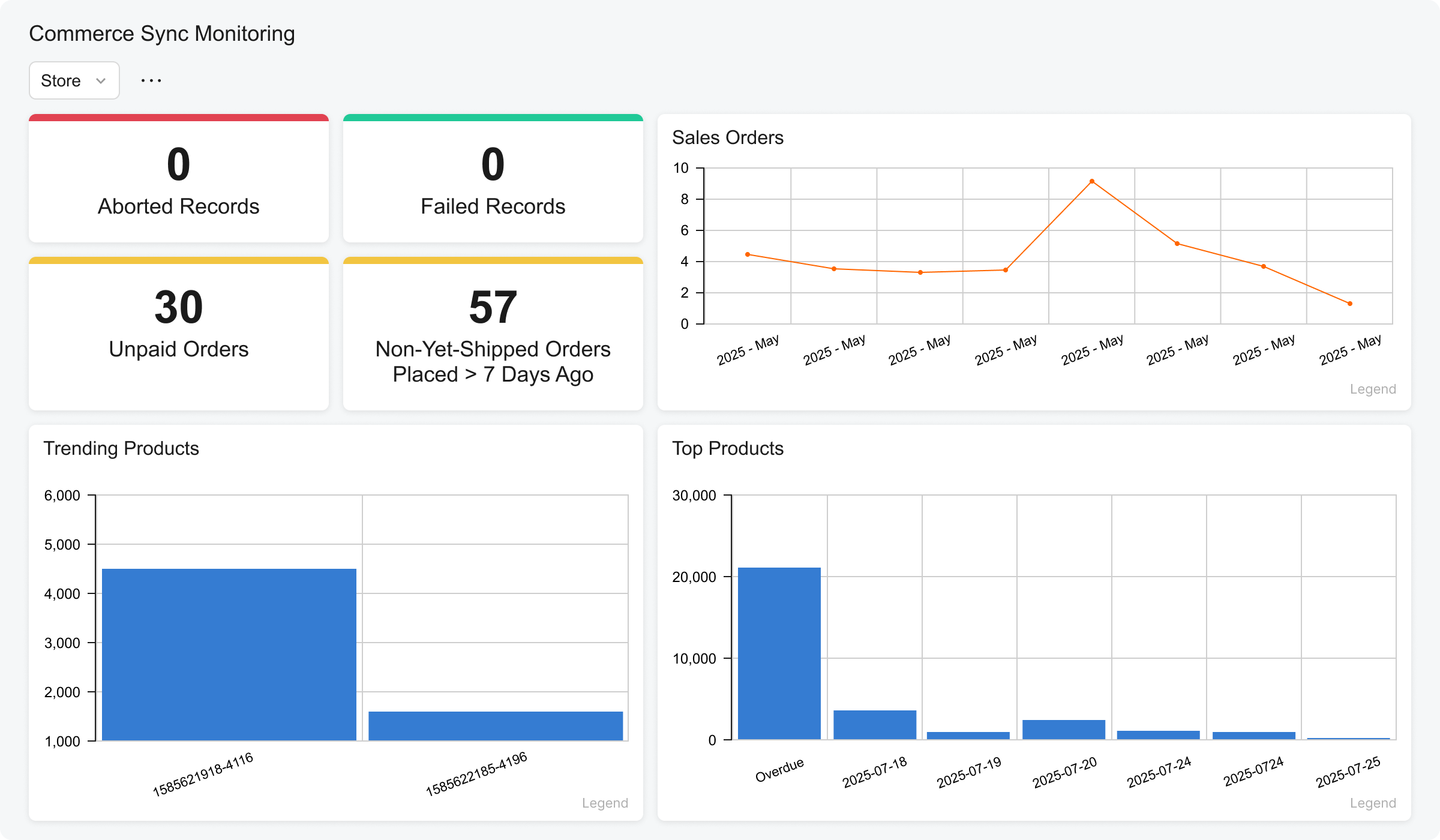 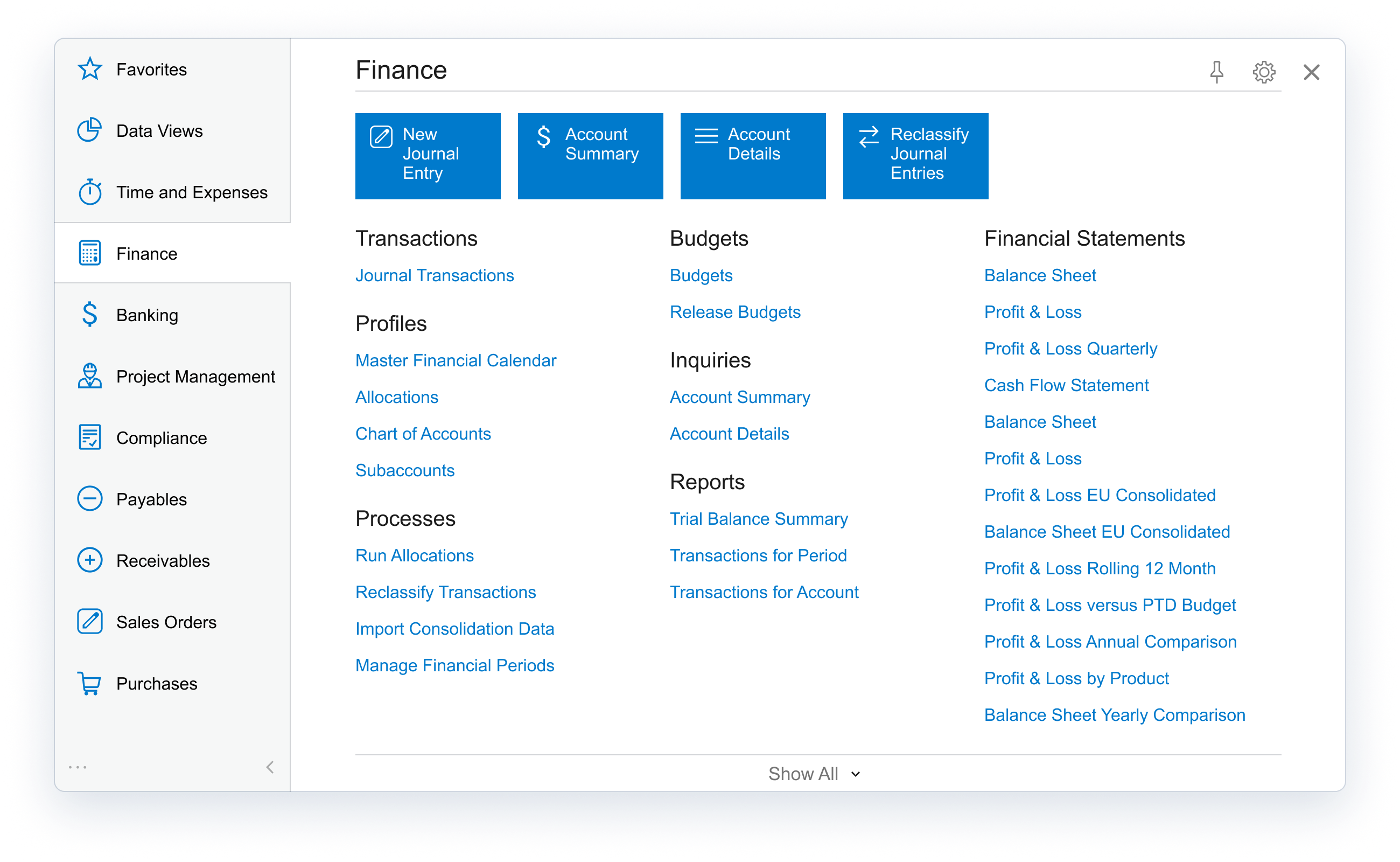 | AccountEdge Screenshots 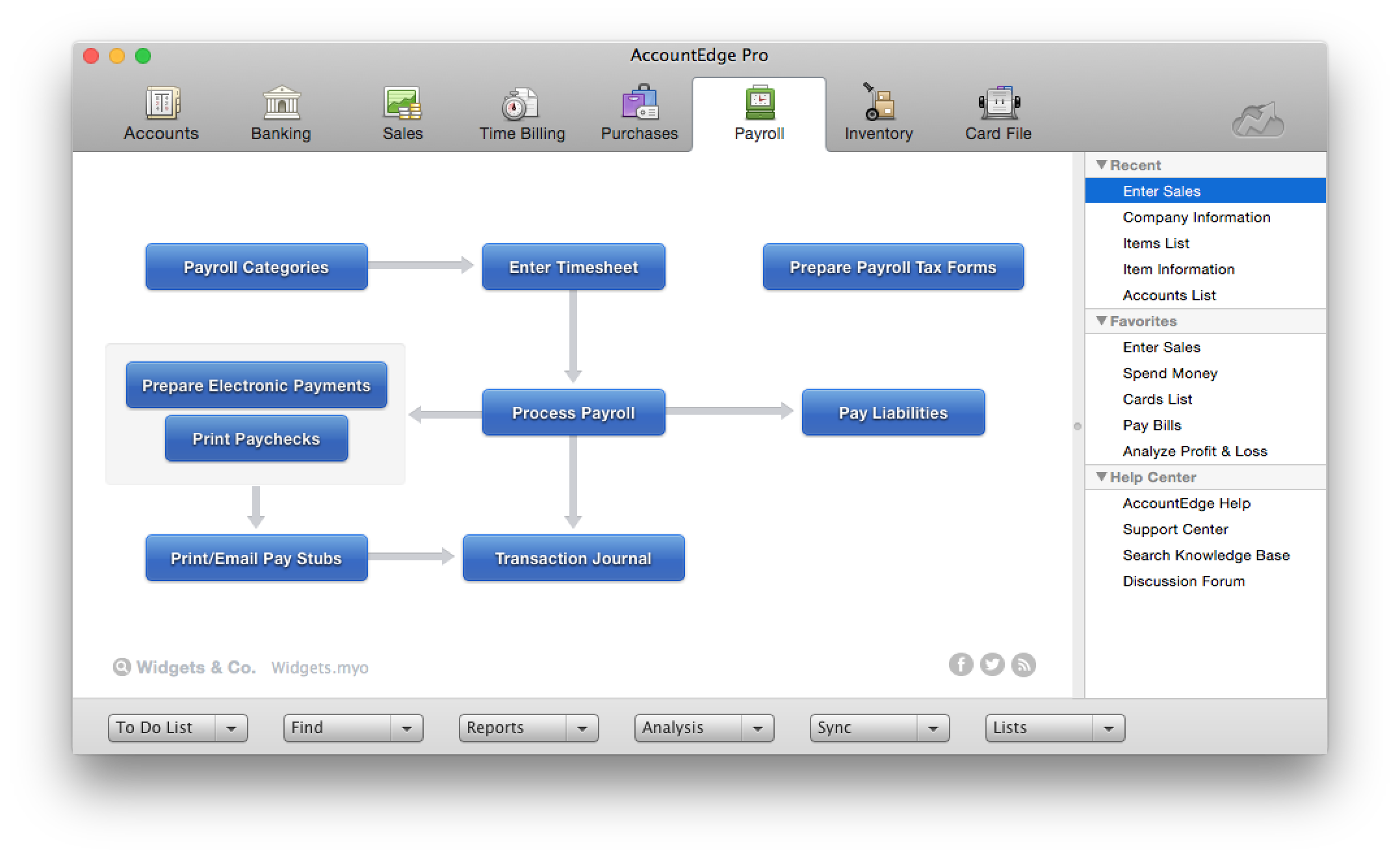   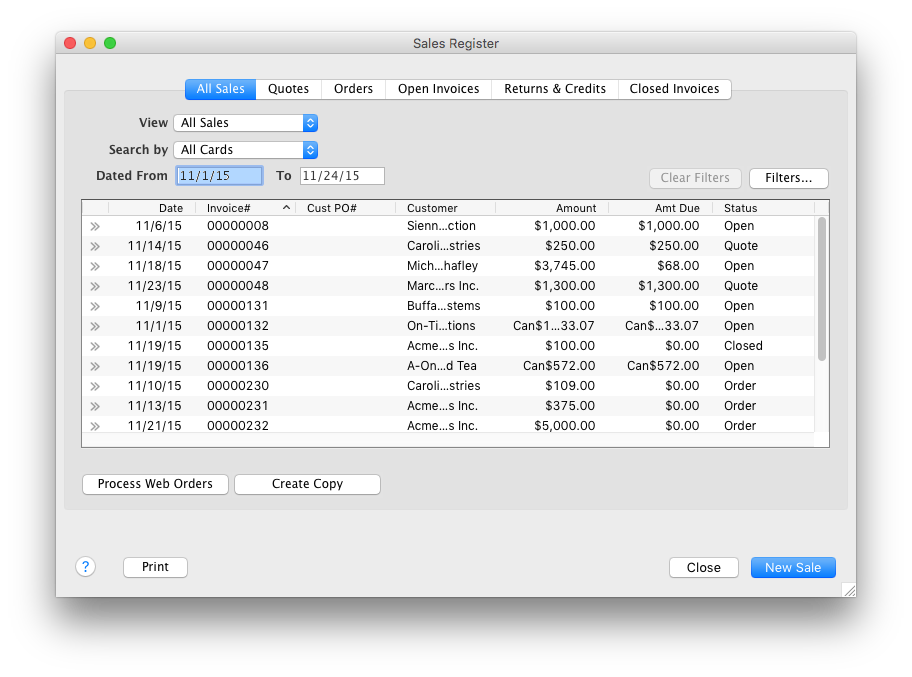 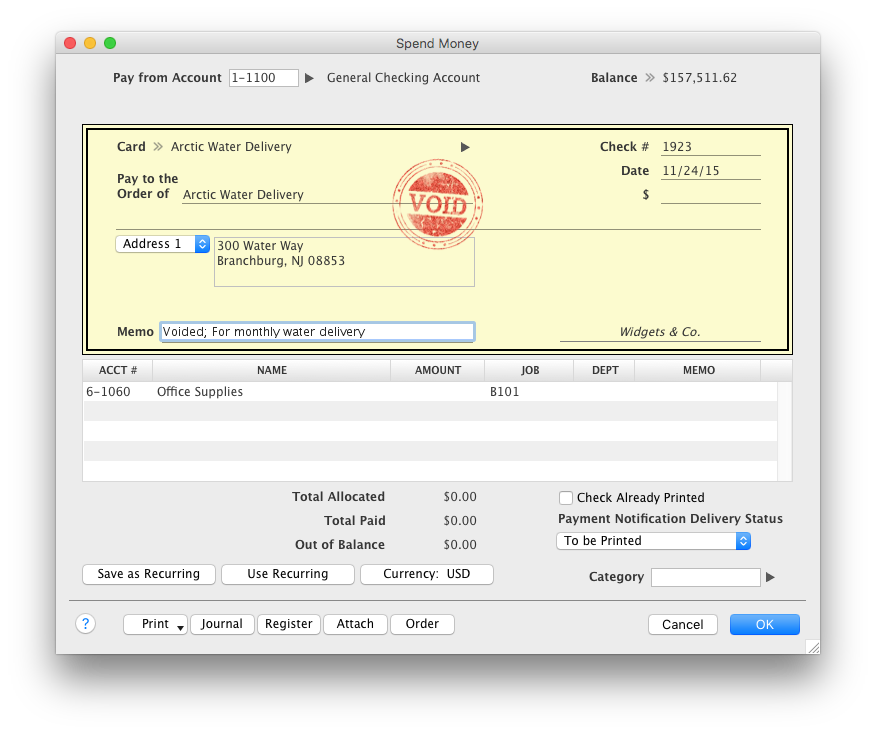 |