Adobe Dynamic Tag Management (discontinued) vs. Adobe Experience Platform Launch vs. Qubit OpenTag

Overview
ProductRatingMost Used ByProduct SummaryStarting Price
Adobe Dynamic Tag Management (discontinued)
Score 10.0 out of 10
N/A
Adobe Dynamic Tag Management (DTM) was a tool used by marketers to manage tags, and for collecting and distributing data across digital marketing systems. Adobe DTM is a legacy, and it will not receive feature updates. Adobe invites users to upgrade to Launch on the Adobe Experience Platform.N/A
Adobe Experience Platform Launch
Score 7.7 out of 10
N/A
Adobe Experience Platform Launch is a new "next-gen" tag management solution. Like Adobe's other tag management product, Dynamic Tag Manager, Launch is based on the acquisition of Satellite from Search Discovery in 2013. But Launch is built to facilitate a more open, integrated marketing technology stack. Launch plays nicely with Adobe and non-Adobe products. It includes an open API and a catalog of extensions (like an app store of pre-built integrations to other platforms) so that data can flow…N/A
Qubit OpenTag
Score 8.7 out of 10
N/A
Opentag is an open source enterprise tag management solution that runs on Qubit's open Universal Variable data model. Some key features include: Container Tag, CPA De-duplication and Privacy Consent.N/A
Pricing
Adobe Dynamic Tag Management (discontinued)Adobe Experience Platform LaunchQubit OpenTag
Editions & Modules
No answers on this topic
Offerings
Pricing Offerings
Adobe Dynamic Tag Management (discontinued)Adobe Experience Platform LaunchQubit OpenTag
Free Trial
NoNoYes
Free/Freemium Version
NoNoYes
Premium Consulting/Integration Services
NoNoYes
Entry-level Setup FeeNo setup feeNo setup feeNo setup fee
Additional Details
More Pricing Information
Community Pulse
Adobe Dynamic Tag Management (discontinued)Adobe Experience Platform LaunchQubit OpenTag
Features
Adobe Dynamic Tag Management (discontinued)Adobe Experience Platform LaunchQubit OpenTag
Security
Comparison of Security features of Product A and Product B
Adobe Dynamic Tag Management (discontinued)
10.0
5 Ratings
18% above category average
Adobe Experience Platform Launch
7.8
12 Ratings
7% below category average
Qubit OpenTag
10.0
1 Ratings
18% above category average
Role-based user permissions10.05 Ratings7.812 Ratings10.01 Ratings
Tag Management
Comparison of Tag Management features of Product A and Product B
Adobe Dynamic Tag Management (discontinued)
9.4
5 Ratings
15% above category average
Adobe Experience Platform Launch
7.8
14 Ratings
4% below category average
Qubit OpenTag
8.6
2 Ratings
6% above category average
Tag library9.04 Ratings8.513 Ratings9.02 Ratings
Tag variable mapping10.05 Ratings7.914 Ratings5.01 Ratings
Ease of writing custom tags10.05 Ratings7.714 Ratings9.02 Ratings
Rules-driven tag execution9.05 Ratings8.214 Ratings10.02 Ratings
Tag performance monitoring10.04 Ratings7.512 Ratings10.01 Ratings
Page load times10.05 Ratings7.613 Ratings7.02 Ratings
Mobile app tagging10.04 Ratings7.812 Ratings9.01 Ratings
Library of JavaScript extensions7.12 Ratings7.413 Ratings10.01 Ratings
Data Management & Integrity
Comparison of Data Management & Integrity features of Product A and Product B
Adobe Dynamic Tag Management (discontinued)
7.6
4 Ratings
7% below category average
Adobe Experience Platform Launch
8.0
14 Ratings
1% below category average
Qubit OpenTag
10.0
1 Ratings
21% above category average
Event tracking10.04 Ratings8.614 Ratings10.01 Ratings
Mobile event tracking10.04 Ratings7.711 Ratings10.01 Ratings
Data distribution management7.03 Ratings7.911 Ratings10.01 Ratings
Universal data layer10.04 Ratings8.513 Ratings10.01 Ratings
Automated error checking1.03 Ratings7.410 Ratings10.01 Ratings
Best Alternatives
Adobe Dynamic Tag Management (discontinued)Adobe Experience Platform LaunchQubit OpenTag
Small Businesses
Google Tag Manager
Google Tag Manager
Score 9.3 out of 10
Google Tag Manager
Google Tag Manager
Score 9.3 out of 10
Google Tag Manager
Google Tag Manager
Score 9.3 out of 10
Medium-sized Companies
Google Tag Manager
Google Tag Manager
Score 9.3 out of 10
Google Tag Manager
Google Tag Manager
Score 9.3 out of 10
Google Tag Manager
Google Tag Manager
Score 9.3 out of 10
Enterprises
Tealium Customer Data Hub
Score 8.4 out of 10
Tealium Customer Data Hub
Score 8.4 out of 10
Tealium Customer Data Hub
Score 8.4 out of 10
All AlternativesView all alternativesView all alternativesView all alternatives
User Ratings
Adobe Dynamic Tag Management (discontinued)Adobe Experience Platform LaunchQubit OpenTag
Likelihood to Recommend
10.0
(6 ratings)
8.6
(14 ratings)
9.0
(4 ratings)
Likelihood to Renew
10.0
(1 ratings)
-
(0 ratings)
8.2
(1 ratings)
Usability
5.0
(2 ratings)
8.3
(13 ratings)
10.0
(1 ratings)
Support Rating
10.0
(1 ratings)
7.0
(13 ratings)
10.0
(1 ratings)
Implementation Rating
10.0
(1 ratings)
-
(0 ratings)
-
(0 ratings)
User Testimonials
Adobe Dynamic Tag Management (discontinued)Adobe Experience Platform LaunchQubit OpenTag
Likelihood to Recommend
Discontinued Products
If you're on the Adobe stack at all, you absolutely need DTM. It will make your life infinitely easier. It's so simple to update your Adobe Analytics code and have version control, and when we implemented Adobe Target, it took literally less than 15 minutes for me to do. I also think it's significantly simpler than Google Tag Manager. I went through all manner of difficulty when implementing tags on that and have not had similar problems on DTM. If you're frequently placing pixels, it's a great tool that will speed their deployment. The only situation in which I think a tag manager is not appropriate is if you have a dev with too much time on their hands. Otherwise, get a TMS and get DTM.
Read full review
Adobe
It's great for reporting and putting data in one place. Building real-time profiles can help a business run better by understanding what is going on with its customers. I do not believe this would be as necessary for small businesses but would be good to implement with growth. I also wouldn't recommend this if you weren't going to put the work into fully utilizing their features.
Read full review
Open Source
Pros: Easy tagging process, custom alerts, and Notifications, KPIs dashboard, Marketing operations alignment. Cons: Could use some improvement around the custom export options for data visualization.
Read full review
Pros
Discontinued Products
  • It is a rules based tag management system that allows the application of tracking pixels much easier than hard coding.
  • By placing 2 pieces of code on the top and bottom of each page of a website, we can create rules that track certain events and relay the information back to Adobe Media Optimizer and Google analytics.
  • It has simplified the coding process so one doesn't have to generate tons of gory javascript to deploy on each individual page to get tracking.
Read full review
Adobe
  • Easy and intuitive interface
  • Having different environments for development and testing
  • Simple integration of other tools by using the built-in connectors
  • Vast pallet of options to use as trigger and actions of the rules
  • Great flexibility for the user
Read full review
Open Source
  • Deploy/disable pixels to production on demand
  • Be able to control pixel position and firing criteria
  • Use a directory of third party vendors which makes it even faster
Read full review
Cons
Discontinued Products
  • It is only available with Adobe Marketing Cloud so you can't buy it as an independent product.
  • It is easier to use than Google Tag Manager, but not nearly as popular.
  • Whereas Google Tag Manager is free, Dynamic Tag Management must be purchased as part of Adobe Marketing Cloud.
Read full review
Adobe
  • The right amount of video tutorials.
  • While using Luma for learning purposes, it's hard because we do not have access to edit the script at the code end. If this is shown how we can extract data while we are learning it makes people learn faster.
Read full review
Open Source
  • Being able to preview in the same way Qubit Deliver experiments can be previewed would be a great feature before publishing changes.
Read full review
Likelihood to Renew
Discontinued Products
As it interfaces so well with AMO, we shall be utilizing the DTM for any future client additions.
Read full review
Adobe
No answers on this topic
Open Source
Qubit has supported us with our business goals and continues to do so.
Read full review
Usability
Discontinued Products
It is easy to use at a basic level, however without JavaScript resource you will struggle.
Read full review
Adobe
Adobe Experience Platform Launch is a difficult product to learn but once learnt, easy to jump from beginner to experienced level user very quickly. Every area of the product seems designed for the user, which translates to it being very usable and flexible. Product settings are always where you expect them to be, which makes things a lot easier to get used to!
Read full review
Open Source
Easy to set up and integrate with other tools, boosts efficiencies within the team, provides great insights, custom dashboards, and notifications.
Read full review
Support Rating
Discontinued Products
Although it is a newer product to Adobe, they seem to truly care about our challenges and are very proactive in making sure that we have the most knowledgeable support available in a timely manner.
Read full review
Adobe
They are quick to respond and are part of the reason why this resource is such a great tool. I am able to get the response and feedback I need with any issue or when trying to learn how to use a new tool properly. Really grateful for their responsiveness
Read full review
Open Source
Friendly and knowledgeable customer support team.
Read full review
Implementation Rating
Discontinued Products
It was quite seamless with the outstanding support from our Adobe account manager.
Read full review
Adobe
No answers on this topic
Open Source
No answers on this topic
Alternatives Considered
Discontinued Products
Adobe DTM provides a more secure data analytics solution. It is customized and best used on large scale deployments of websites with pages 10,000+. The Adobe Analytics tool, once learned, is very easy to use and provides more robust, customized graphics and ability to export data to "securely" via FTP from the cloud to SQL database.
Read full review
Adobe
I was not actively involved in the process of actually buying the tool. What I know is that Adobe Experience Platform Launch covered "the majority of our tickbox." Moreover, our responsible people really enjoyed the discussions with the people from adobe and were reassured that what we need can and will be delivered on the agreed dates.
Read full review
Open Source
Qubit is much easier to use and select object vs. Google Tag Manager.
Read full review
Return on Investment
Discontinued Products
  • The key factor is that my devs are not tied up with petty things like adding JS or advertising pixels. Simple work like that can be handled by me while they work on feature development.
  • Release cycle is much shorter when a dev is needed, say for a direct call rule that involves JS being written. We don't have to go through the normal release cycle and can do it on an ad hoc basis without all the rigmarole of a hot fix.
Read full review
Adobe
  • Improves ROI by allowing better data metrics to see what works/ doesn't work.
  • Increases productivity or number of emails sent out and drafted.
  • Decreases the amount of time it takes to draft emails and programs.
Read full review
Open Source
  • One of the most obvious and beneficial features is the huge reduction in HTTP requests, giving us a great site performance benefit.
  • Managing all of our tags in one place has removed a lot of potential complications.
Read full review
ScreenShots

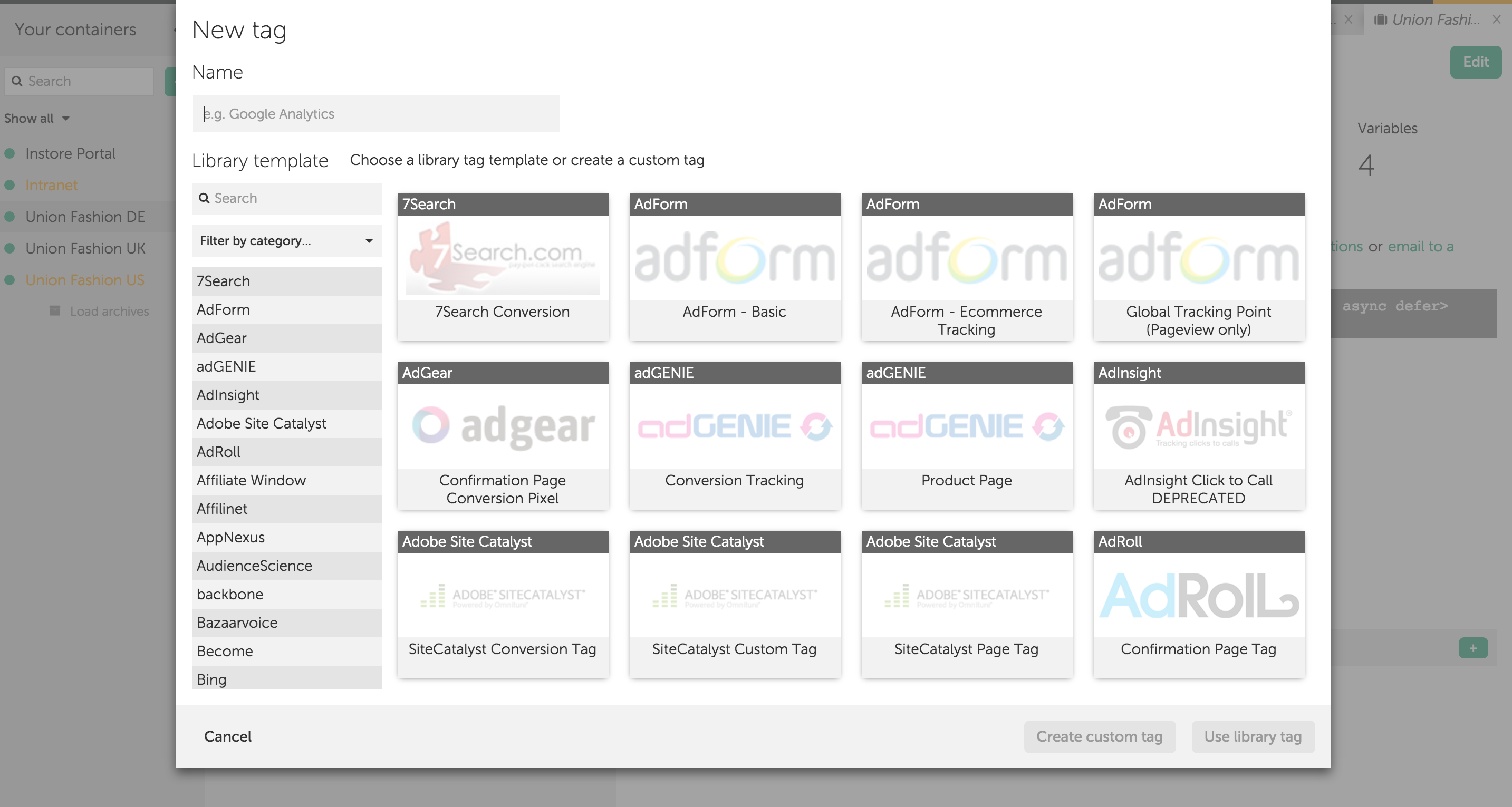
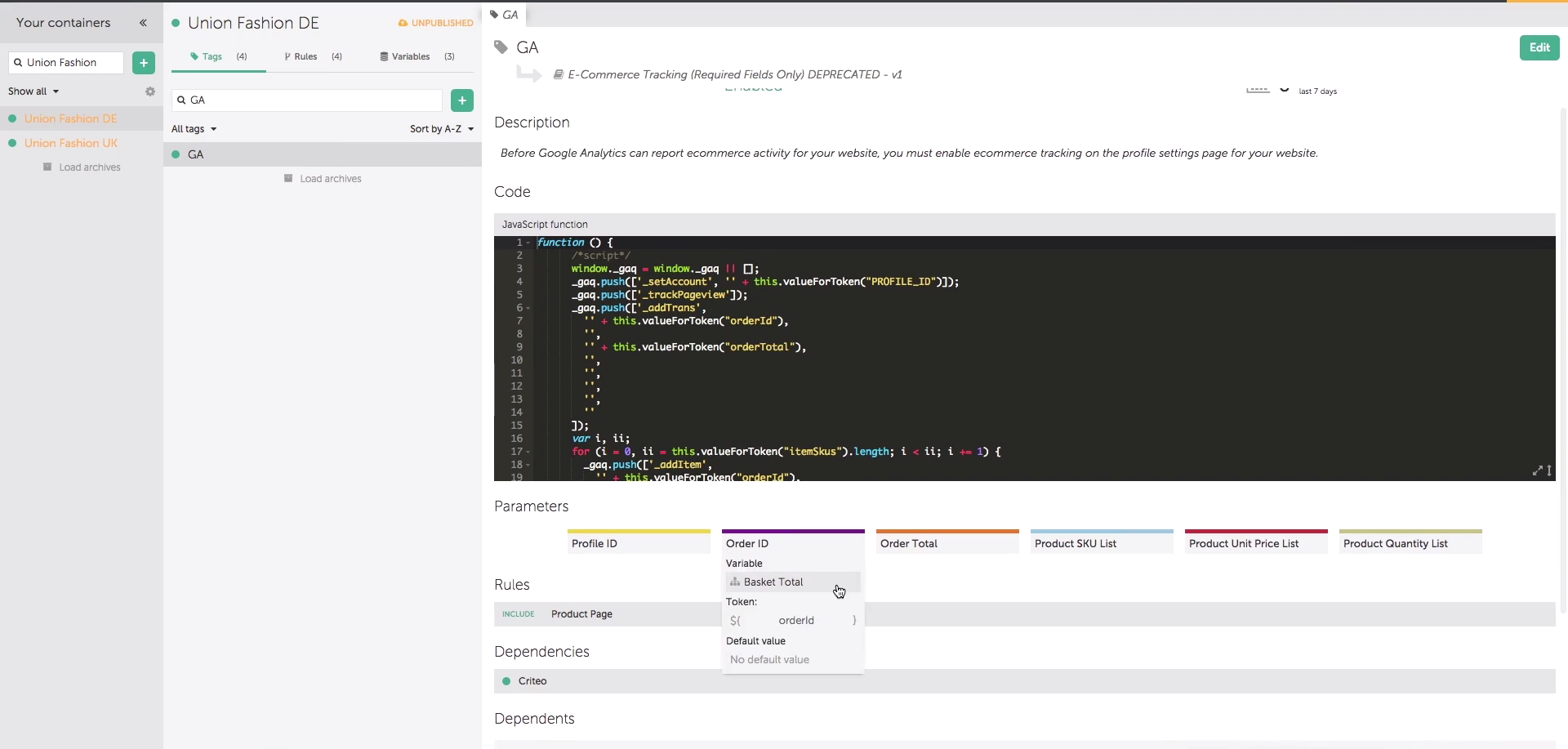
Qubit OpenTag Screenshots

Screenshot of Screenshot of