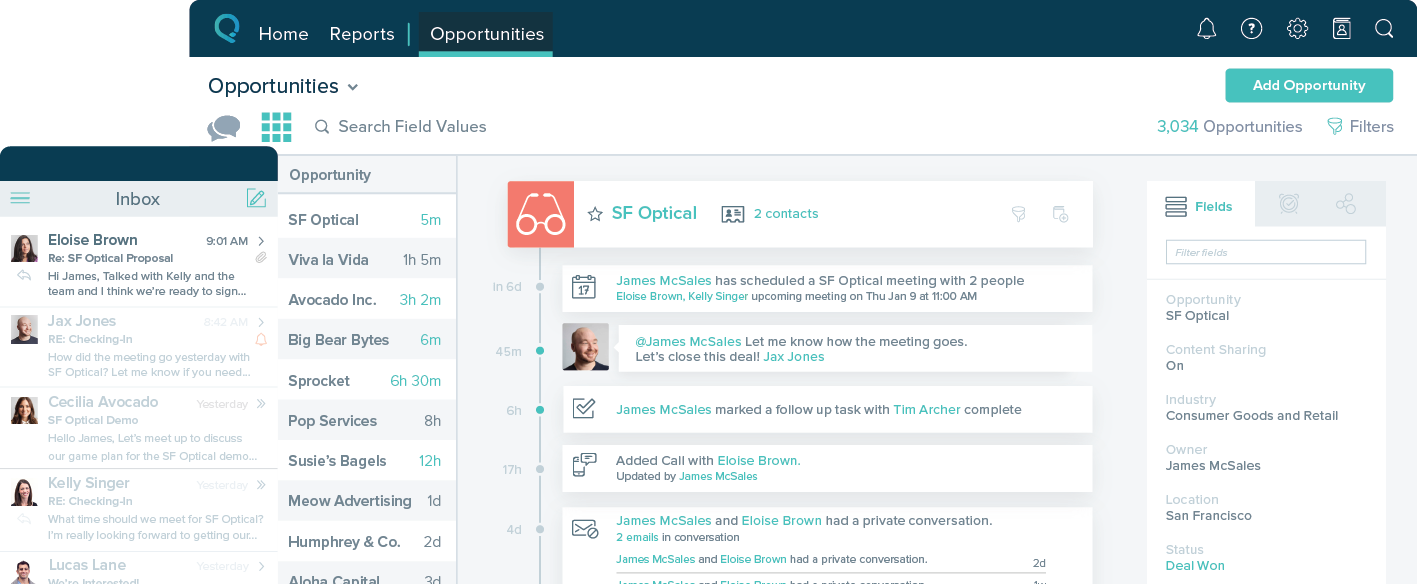
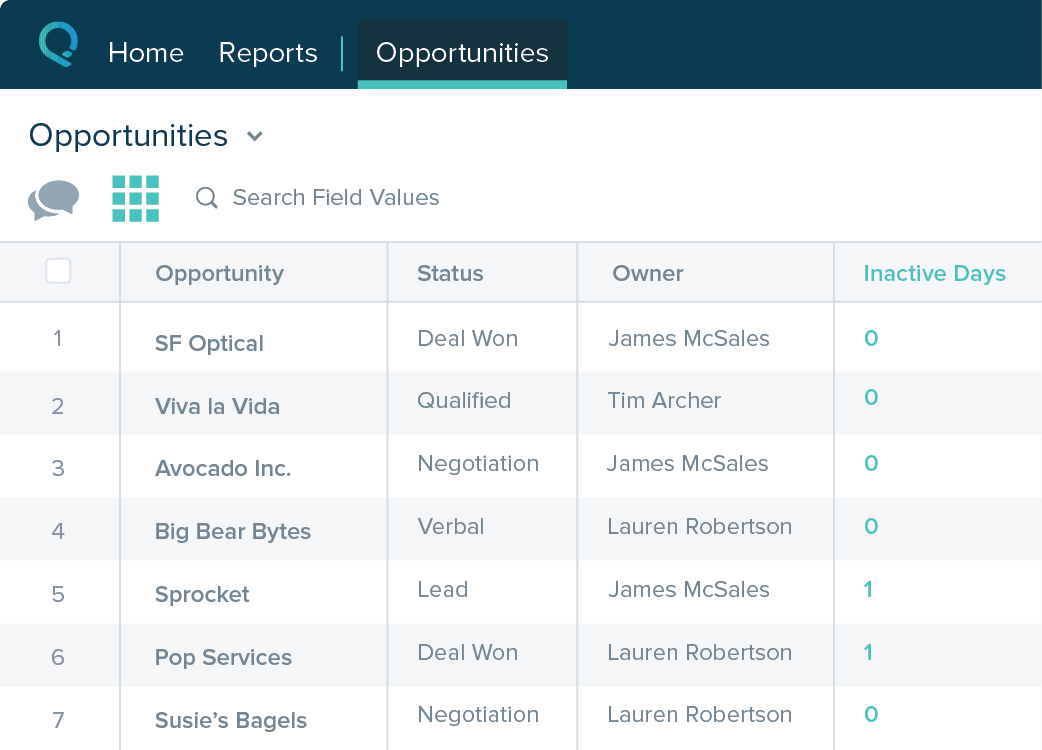
Agile CRM is a customer relationship management (CRM) software built to make the entire marketing and sales lifecycles more efficient, built around features like sales enablement, marketing automation, social suite, and web engagement.
$14.99
per month per user
Nimble
Score 7.8 out of 10
N/A
Nimble is a social customer relationship management (CRM) system with features such as contact management and data-driven analytics.
$15
per month
Salesforce Starter
Score 8.9 out of 10
Small Businesses (1-50 employees)
Salesforce Starter (formerly Salesforce Essentials) is a small business CRM that replaces the former SalesforceIQ product. It is priced at $35 per user, on a monthly basis, or at $25 per month for if billed annually ($300) and can be tried free for 14 days on a trial.
$35
per month per user
Pricing
Agile CRM
Nimble
Salesforce Starter
Editions & Modules
Starter
$14.99
per month per user
Regular
$49.99
per month per user
Enterprise
$79.99
per month per user
Business
$19.00
Per User Per Month
No answers on this topic
Offerings
Pricing Offerings
Agile CRM
Nimble
Salesforce Starter
Free Trial
No
Yes
Yes
Free/Freemium Version
Yes
No
No
Premium Consulting/Integration Services
No
No
Yes
Entry-level Setup Fee
No setup fee
No setup fee
No setup fee
Additional Details
Discount available for annual billing (34%), and additional discounts available for 2-year plans (40%).
—
—
More Pricing Information
Community Pulse
Agile CRM
Nimble
Salesforce Starter
Features
Agile CRM
Nimble
Salesforce Starter
Sales Force Automation
Comparison of Sales Force Automation features of Product A and Product B
Agile CRM
3.2
19 Ratings
83% below category average
Nimble
8.5
30 Ratings
9% above category average
Salesforce Starter
8.8
7 Ratings
12% above category average
Customer data management / contact management
3.619 Ratings
9.529 Ratings
7.87 Ratings
Workflow management
5.516 Ratings
8.428 Ratings
00 Ratings
Territory management
2.311 Ratings
8.724 Ratings
7.77 Ratings
Opportunity management
3.416 Ratings
8.128 Ratings
9.07 Ratings
Integration with email client (e.g., Outlook or Gmail)
1.118 Ratings
9.429 Ratings
9.76 Ratings
Contract management
4.211 Ratings
8.523 Ratings
00 Ratings
Quote & order management
3.512 Ratings
6.621 Ratings
9.35 Ratings
Interaction tracking
3.718 Ratings
9.227 Ratings
8.36 Ratings
Channel / partner relationship management
1.79 Ratings
8.126 Ratings
9.75 Ratings
Customer Service & Support
Comparison of Customer Service & Support features of Product A and Product B
Agile CRM
1.8
16 Ratings
124% below category average
Nimble
8.1
22 Ratings
6% above category average
Salesforce Starter
-
Ratings
Case management
1.814 Ratings
7.922 Ratings
00 Ratings
Call center management
1.814 Ratings
8.220 Ratings
00 Ratings
Help desk management
1.816 Ratings
8.321 Ratings
00 Ratings
Marketing Automation
Comparison of Marketing Automation features of Product A and Product B
Agile CRM
3.3
19 Ratings
80% below category average
Nimble
8.7
27 Ratings
12% above category average
Salesforce Starter
7.8
6 Ratings
1% above category average
Lead management
5.518 Ratings
8.426 Ratings
7.86 Ratings
Email marketing
1.119 Ratings
9.026 Ratings
00 Ratings
CRM Project Management
Comparison of CRM Project Management features of Product A and Product B
Agile CRM
3.6
17 Ratings
72% below category average
Nimble
8.2
29 Ratings
7% above category average
Salesforce Starter
8.4
5 Ratings
9% above category average
Task management
4.915 Ratings
8.529 Ratings
9.45 Ratings
Billing and invoicing management
1.410 Ratings
8.418 Ratings
6.95 Ratings
Reporting
4.417 Ratings
7.725 Ratings
9.05 Ratings
CRM Reporting & Analytics
Comparison of CRM Reporting & Analytics features of Product A and Product B
Agile CRM
1.4
18 Ratings
138% below category average
Nimble
8.9
27 Ratings
16% above category average
Salesforce Starter
9.1
5 Ratings
18% above category average
Forecasting
1.314 Ratings
8.923 Ratings
9.15 Ratings
Pipeline visualization
1.916 Ratings
8.827 Ratings
8.85 Ratings
Customizable reports
1.117 Ratings
9.023 Ratings
9.35 Ratings
Customization
Comparison of Customization features of Product A and Product B
Agile CRM
4.1
19 Ratings
60% below category average
Nimble
8.6
29 Ratings
12% above category average
Salesforce Starter
7.6
6 Ratings
1% below category average
Custom fields
3.919 Ratings
9.029 Ratings
8.06 Ratings
Custom objects
6.013 Ratings
8.322 Ratings
8.05 Ratings
Scripting environment
1.49 Ratings
8.518 Ratings
6.75 Ratings
API for custom integration
5.011 Ratings
8.820 Ratings
8.05 Ratings
Security
Comparison of Security features of Product A and Product B
Agile CRM
5.9
16 Ratings
35% below category average
Nimble
9.3
26 Ratings
11% above category average
Salesforce Starter
9.0
6 Ratings
7% above category average
Single sign-on capability
5.915 Ratings
9.424 Ratings
9.06 Ratings
Role-based user permissions
5.916 Ratings
9.324 Ratings
9.06 Ratings
Social CRM
Comparison of Social CRM features of Product A and Product B
Agile CRM
3.0
12 Ratings
85% below category average
Nimble
8.4
29 Ratings
13% above category average
Salesforce Starter
8.2
5 Ratings
10% above category average
Social data
3.012 Ratings
8.429 Ratings
00 Ratings
Social engagement
3.012 Ratings
8.429 Ratings
8.25 Ratings
Integrations with 3rd-party Software
Comparison of Integrations with 3rd-party Software features of Product A and Product B
Agile CRM
5.2
14 Ratings
35% below category average
Nimble
8.8
25 Ratings
17% above category average
Salesforce Starter
8.0
5 Ratings
7% above category average
Marketing automation
6.514 Ratings
8.725 Ratings
8.25 Ratings
Compensation management
3.89 Ratings
8.919 Ratings
7.85 Ratings
Platform
Comparison of Platform features of Product A and Product B
Agile CRM is well suited if an existing customer business process is defined or drafted thoroughly. Agile allowed automating workflows and marketing to improve lead management and suppress tedious tasks so users can focus on more important matters. However, Agile CRM costs can increase significantly if you want additional features and customizations. If you know what you're doing with CRMs and marketing automation or customer contracts and management then AgileCRM is worth a try.
This tool is suitable for all sizes of organizations since it has the capacity to manage customer relations in the best possible way. Its features like task management, reports, social collaboration, and forecasting are always considered important for CRM and they all work without causing any trouble. But its Reports need to be more elaborate and its interface should be made easier and less tricky.
If you own a business that has complex selling processes or requires integrations with 3rd party tools/systems, you should look at Professional, Enterprise, or Unlimited editions. Salesforce operates very well across pretty much every industry, but not all sales, marketing, and operational processes are created equal. If your marketing process requires a long list of sendable contacts then I would recommend adding on Pardot or Hubspot. Always start small and scale up, to avoid boxing yourself in down the road.
The email template building tool is inflexible although it is simple to use and looks nice if you can work within its parameters.
Customer Support is not committed to finding answers and providing the best solutions. Many times each support person has a different answer or fixing a bug will take up to 2 weeks to address. They do not seem to understand that they are an online marketing platform that requires solutions within hours (or maybe days) and not weeks.
At some point in mid-2021, the process for sending out emails to 10s of thousands of contacts stopped functioning as simply and effectively as it had in the past. My staff (which I use as test cases) was no longer receiving emails, even though it showed in the system that they had received it (and no, it wasn't in spam). The bandaids that they provided me would work for one or two mailings and then stop working again. I was regularly trying to get customer support to find my answers but they were never able to solve my problem. The basic functionality that I appreciated - sending out nicely formatted email newsletters - is now completely gone and the platform is useless for our needs.
The reporting tools are awful and poorly configured. Querying on groups of people is inconsistent and inaccurate. There is no segmentation feature that I found that was actually effective.
Table views can be sorted by column. Filters can be applied, but only to one column. Multi-column filtering like Excel allows would be extremely useful and a big improvement.
The ability to quick copy data in a table view would also be helpful, like (ctrl ') in excel.
There was a little bit of a learning curve and some bumps along the way to managing this platform, but AgileCRM appears to be responsive to any challenges that arise, which I consider to be of vital importance.
It's truly a great system if you get it for the right reasons. Don't expect it to do everything a mid market organization would require but for any small business or mid to large organizations which would like to integrate to it for the social insights capabilities this is a leading solution which can add value immediately
Until the email issues are resolved I cannot recommend agile for any function. The email delivery rate has halved in the last six months and halved again in the last two with no resolution in sight. The customer service discussions start from zero information anytime suggesting agile are not writing notes or using a ticketing system to track customers' complaints. This results in our staff having to send emails manually and defeating the purpose of the system.
The platform has more advantages and positives as compared to challenges or negatives in comparison to other comparable products and platforms available in the marketplace. It was extremely easy to get started with the initial deployment which makes the choice much clearer. Finally its tight integration not just with Microsoft O365 suite, but also with [the] most popular social media platforms available makes it a very favorable platform in its domain.
The system is very user-friendly on a desktop but lacks mobile friendliness. The Customer relationship manager disappears after the deal is signed. We struggled to get the system in a usable format, which was not cost-effective. The CRM system on desktop was great but way more complicated than it should be.
The training sessions are very helpful, because you have specialist that is available to answer any questions, guide you and coach you on how to dominate a certain feature of the platform. That being said,Whenever I have an issue that needs to be resolved, I can send email or call a support line. I usually use the support line.
The performance of AgileCRM has been acceptable to date. I'm pleased with the ability to modify leads in the system and search for them and add groups to campaigns.
The technical support of this software I liked a lot because whenever we need help to solve any problem or even to answer any questions about the software, Agile CRM's support was quick and efficient and guided us on the best solution to solve the problem. I admire and respect that a lot.
It was productive to be able to access remote support sessions from nimble employees, whom we decided to contact to have one of the features mentioned above explained to us. They were methodical and easy to explain solutions, so we recommend them for any kind of doubt.
Each section of the AgileCRM platform has an instructional video that describes in detail all of the features of that section. I found this to be very instructional way to learn about each section. Whenever I had more questions, I could always schedule a conference call with a tutor..
It was able to do most of the functions needed but was the most cost-effective to get us started. If you are a new company and looking to get started with a CRM start here for a year or two and when you have the money you can pay for one of the bigger players. This platform will give you all you need to be successful. We have been using it for 2 years and we profited more each year.
Nimble has proven to be a positive and well-respected application within our company for setting us up for success at building personal and meaningful associations with decision makers. It has been a significant reason why we have gained acceptance and trust from those who we have introduced ourselves to over time. The ability to feel a true understanding of our prospects and customers as real human beings with unique interests and common aspirations opens up doors of valuable conversation. The other options that were reviewed and considered provided many of the common ways from the past that stored CRM information. This method was much more of a static representation of the real interactions made between a company or salesperson with the prospects and customers. Nimble has brought back what should never have been lost - being like neighbors who spoke to each other about more things than just business.
This products Starts with a free Limited version. You can upgradeTo an affordable paid version with minimal features. There's also an enterprise version which is what I have. It's much more expensive, however it allows me to access the full range of features available.
It may be me but I spent a disproportionate amount of time figuring out how to derive more ROI from Agile CRM. The functionality and facilities were there but I eventually gave up as it was taking too much time and attention.
Time-Saving is one of the biggest ROIs for me. 30-60 minutes a day means I can focus on more marketing, sales, or client work.
A soft ROI is in better contact relationships. People are often impressed that I follow-up after meetings, and especially when they say to contact them in 6 months or next year.