
Chose Dashlane Password Manager
Bitwarden vs. Dashlane Password Manager vs. Google Authenticator
Bitwarden vs. Dashlane Password Manager vs. Google Authenticator
| Product | Rating | Most Used By | Product Summary | Starting Price |
|---|---|---|---|---|
 Bitwarden | N/A | Bitwarden headquartered in Santa Barbara offers open source password management solutions for individuals, teams, and business organizations. | $48 per year per user | |
 Dashlane Password Manager | N/A | Dashlane is a credential manager that secures every credential, every user, and every employee device to proactively protect against breaches. Brands worldwide can use Dashlane to stay ahead of evolving threats. | $240 per year 10 employees | |
 Google Authenticator | N/A | Google Authenticator is a mobile authentication app. | N/A |
| Bitwarden | Dashlane Password Manager | Google Authenticator | ||||||||||||||||||||||
|---|---|---|---|---|---|---|---|---|---|---|---|---|---|---|---|---|---|---|---|---|---|---|---|---|
| Editions & Modules |
|
| No answers on this topic | |||||||||||||||||||||
| Offerings |
| |||||||||||||||||||||||
| Entry-level Setup Fee | No setup fee | No setup fee | Optional | |||||||||||||||||||||
| Additional Details | — | — | — | |||||||||||||||||||||
| More Pricing Information | ||||||||||||||||||||||||
| Bitwarden | Dashlane Password Manager | Google Authenticator | |
|---|---|---|---|
| Considered Multiple Products | Bitwarden No answer on this topic | Dashlane Password Manager  Deepak Gupta Product Marketing Manager Chose Dashlane Password Manager Dashlane is more secure in compare to another password manager. They have very good support team who are ready to help while setting up for the first time and also for any different issues. Dashlane keeps use giving alerts about any data breaches in recent times and if they … |  Google Authenticator  Matt Hoffman Chief Executive Officer Chose Google Authenticator Google Authenticator is only really competing against SMS two-factor. Instead of getting a text from random phone numbers all the time, you go to one app/ website to get access to any account. In addition, we can allow our members to share the same Google account (with a master … |
| Bitwarden | Dashlane Password Manager | Google Authenticator | |
|---|---|---|---|
| Small Businesses |  RoboForm Score 9.1 out of 10 | RoboForm Score 9.1 out of 10 |  WatchGuard AuthPoint Score 9.1 out of 10 |
| Medium-sized Companies |  1Password Score 9.2 out of 10 | 1Password Score 9.2 out of 10 | WatchGuard AuthPoint Score 9.1 out of 10 |
| Enterprises |  KeePass Score 8.9 out of 10 | KeePass Score 8.9 out of 10 |  Cisco Duo Score 9.4 out of 10 |
| All Alternatives | View all alternatives | View all alternatives | View all alternatives |
| Bitwarden | Dashlane Password Manager | Google Authenticator | |
|---|---|---|---|
| Likelihood to Recommend | 9.7 (8 ratings) | 9.4 (157 ratings) | 9.0 (50 ratings) |
| Likelihood to Renew | - (0 ratings) | 8.5 (3 ratings) | 8.0 (1 ratings) |
| Usability | 9.5 (4 ratings) | 9.1 (144 ratings) | 8.8 (7 ratings) |
| Availability | - (0 ratings) | - (0 ratings) | 10.0 (1 ratings) |
| Performance | - (0 ratings) | - (0 ratings) | 10.0 (1 ratings) |
| Support Rating | - (0 ratings) | 5.7 (6 ratings) | 8.6 (8 ratings) |
| Implementation Rating | - (0 ratings) | - (0 ratings) | 10.0 (1 ratings) |
| Configurability | - (0 ratings) | - (0 ratings) | 4.0 (1 ratings) |
| Ease of integration | - (0 ratings) | - (0 ratings) | 8.0 (1 ratings) |
| Product Scalability | - (0 ratings) | - (0 ratings) | 5.0 (1 ratings) |
| Vendor post-sale | - (0 ratings) | - (0 ratings) | 8.0 (1 ratings) |
| Vendor pre-sale | - (0 ratings) | - (0 ratings) | 8.0 (1 ratings) |
| Bitwarden | Dashlane Password Manager | Google Authenticator | |
|---|---|---|---|
| Likelihood to Recommend | Bitwarden
| Dashlane
| Google
|
| Pros | Bitwarden
 Nick Mitchell Owner | Dashlane
| Google
|
| Cons | Bitwarden
| Dashlane
| Google
 Ravinder Gupta Database Technology Architect |
| Likelihood to Renew | Bitwarden No answers on this topic | Dashlane
 Carlos Fernando Morales Sr Manager of Opportunity Generation | Google
|
| Usability | Bitwarden
 Kristofer Masker Systems Administrator | Dashlane
 Robert Boyett Co-founder | Google
 Jesus Mata Estimator |
| Reliability and Availability | Bitwarden No answers on this topic | Dashlane No answers on this topic | Google
|
| Performance | Bitwarden No answers on this topic | Dashlane No answers on this topic | Google
|
| Support Rating | Bitwarden No answers on this topic | Dashlane
 Tyler Oates, M.Ed Director of Vendor Relations | Google
|
| Implementation Rating | Bitwarden No answers on this topic | Dashlane No answers on this topic | Google
|
| Alternatives Considered | Bitwarden
 Jon Moore Chief Consultant and Deployment Specialist | Dashlane
| Google
|
| Scalability | Bitwarden No answers on this topic | Dashlane No answers on this topic | Google
|
| Return on Investment | Bitwarden
| Dashlane
| Google
|
| ScreenShots | Bitwarden Screenshots      | Dashlane Password Manager Screenshots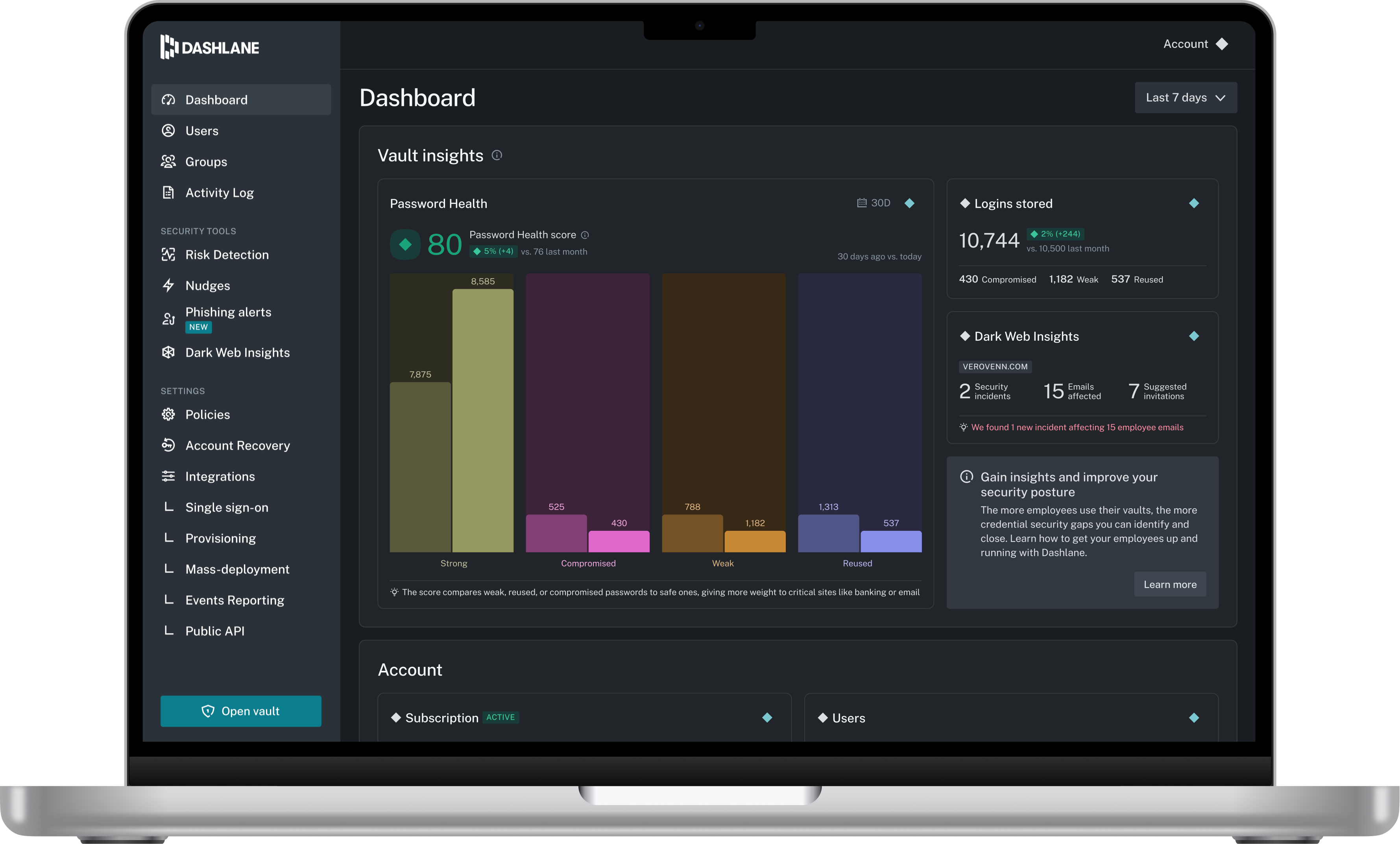 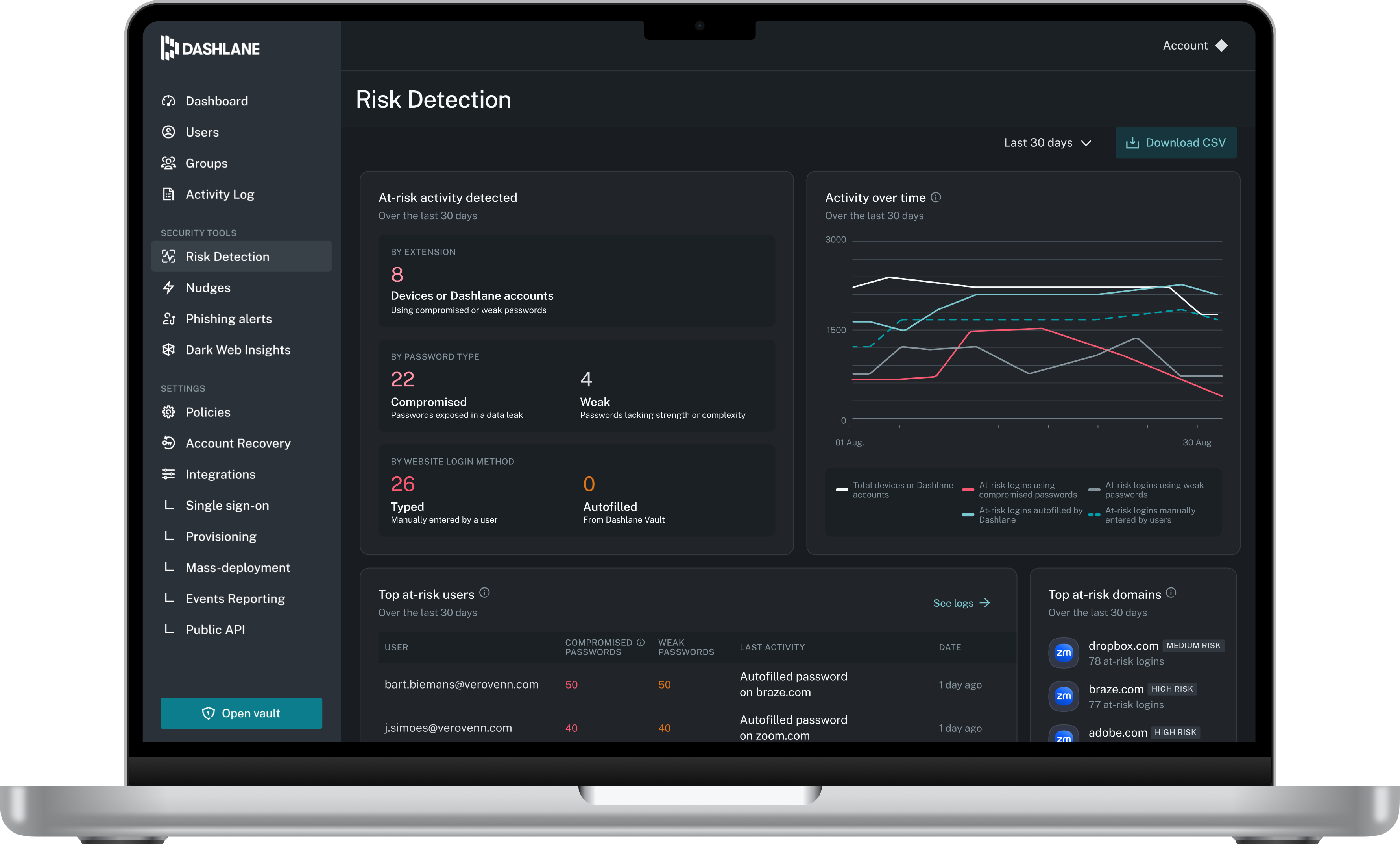 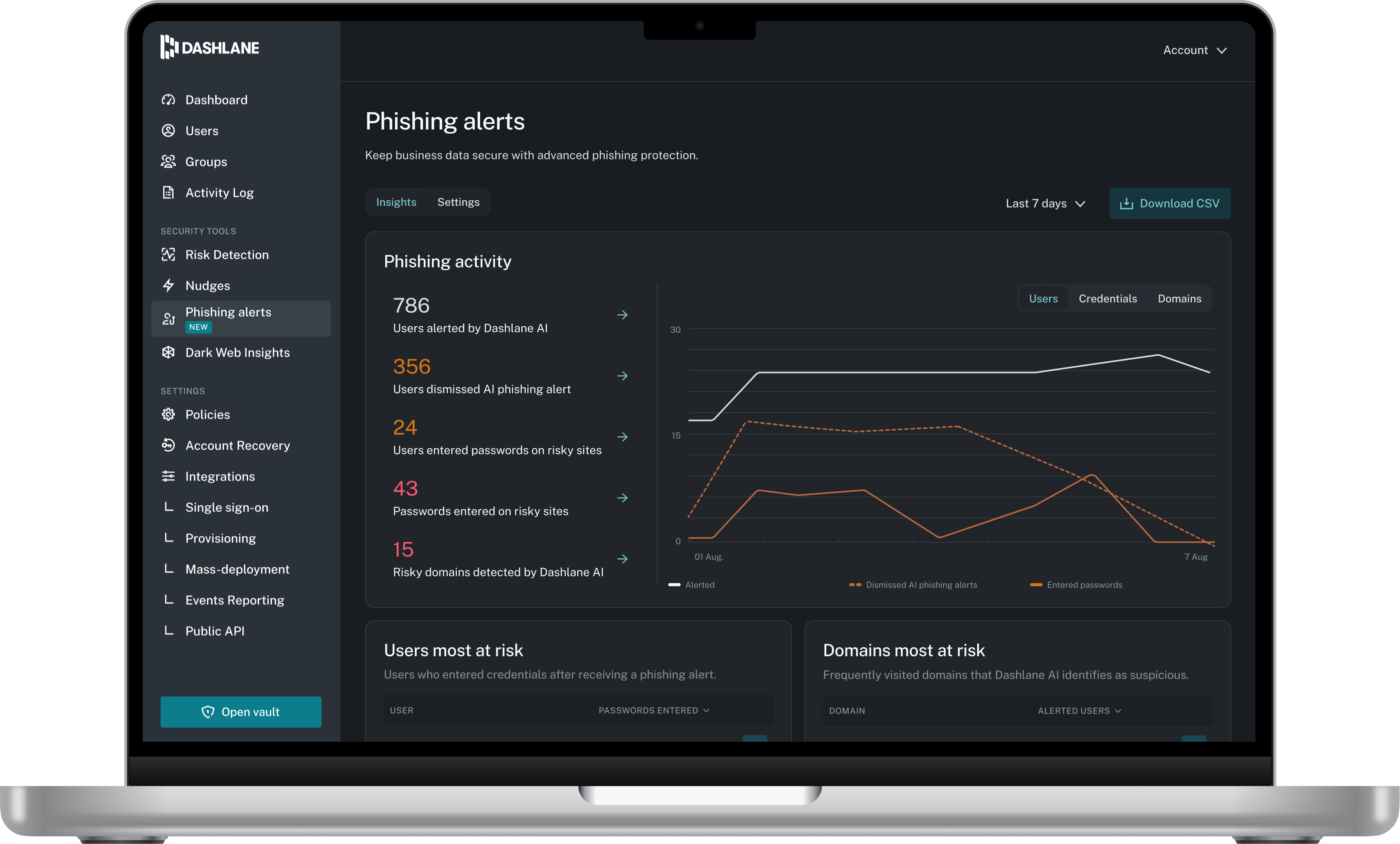 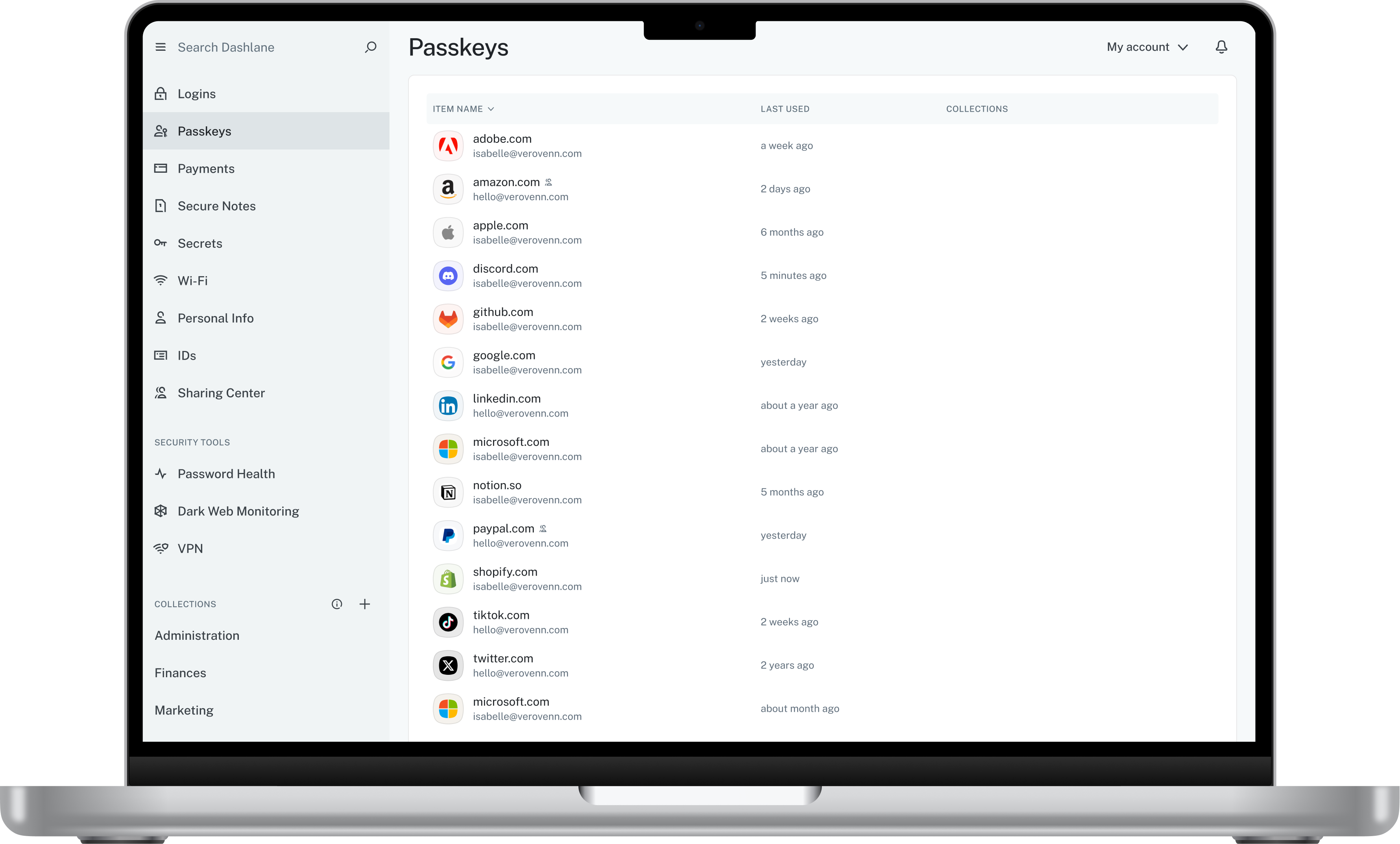 |