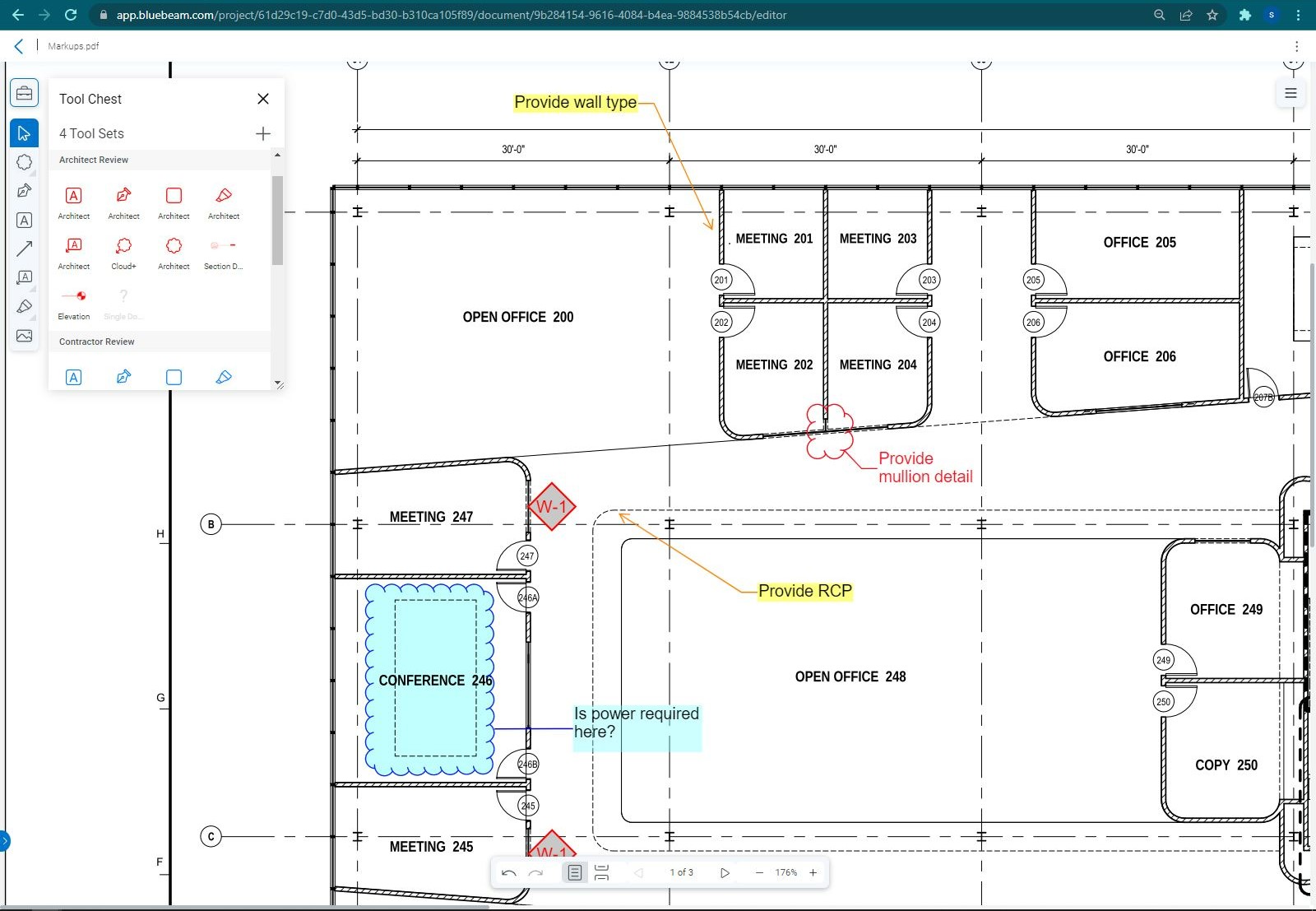
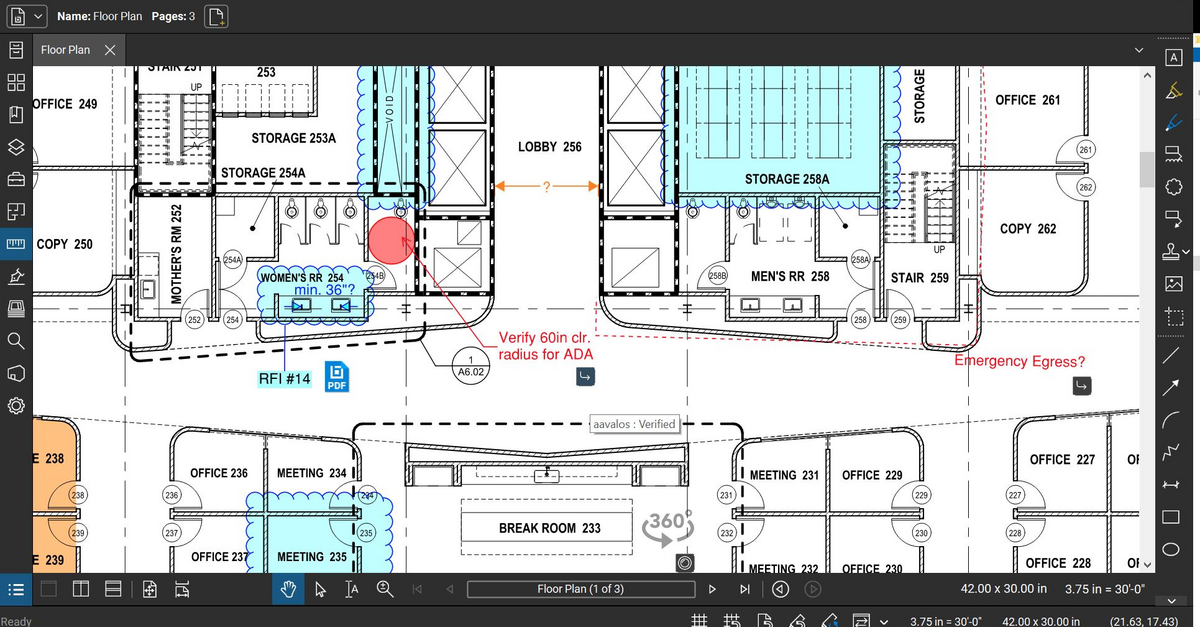
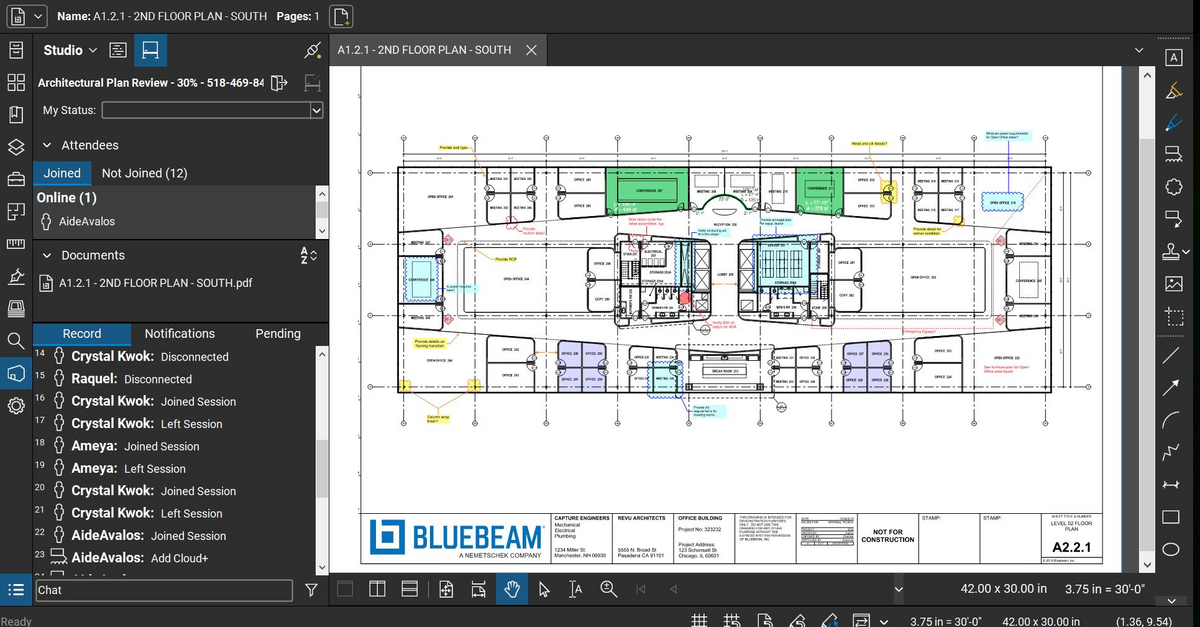
Bluebeam Revu is a PDF management, control, and editing tool. It enables collaboration and markup within shared documents across projects’ life cycles and has takeoff and bid creation capabilities.
$240
per year per user
Microsoft Teams
Score 8.2 out of 10
N/A
Microsoft Teams combines video conferencing software with team collaboration tools. The communications platform allows MS Office users to conduct conference calls and share files via SharePoint, and join or initiate a group chat.
$4.80
per month per user
Pricing
Bluebeam
Microsoft Teams
Editions & Modules
Revu Standard
$349
per seat
Revu CAD
$449
per seat
Revu eXtreme
$599
per seat
Microsoft Teams Essentials
$4.80
per month per user
Microsoft Teams Enterprise
$5.25
per month (paid yearly) per user
Microsoft Teams Enterprise
$5.25
per month per user
Microsoft 365 Business Basic
$7.20
per month per user
Microsoft 365 Business Standard
$15
per month per user
Offerings
Pricing Offerings
Bluebeam
Microsoft Teams
Free Trial
Yes
Yes
Free/Freemium Version
No
Yes
Premium Consulting/Integration Services
Yes
No
Entry-level Setup Fee
No setup fee
No setup fee
Additional Details
—
Discounts are available for non profit organizations.
More Pricing Information
Community Pulse
Bluebeam
Microsoft Teams
Considered Both Products
Bluebeam
Verified User
Consultant
Chose Bluebeam
Bluebeam is a more advanced PDF editor and better suited for the engineering and construction industry. It has far more tools and better capabilities for collaborative viewing, marking up, and sharing of documents.
Bluebeam Revu is a no-brainer in the AEC space. Stop wasting money on owning adobe and Revu. Revu can replace all of your Adobe usage. With a good change management process, Revu can meet the needs of your entire organization. The Bluebeam team will be with you every step …
We've used these other products in conjunction with Bluebeam mainly because Bluebeam lacks RFI/COR/PO/Mark-up/revision tracking, and doesn't handle punch lists or tasks.
Bluebeam Revu has a much more sophisticated interface that allows you to mark up documents in many different ways. It can store tools for standard markup use. It provides digital signatures which can be very useful for many document types. By creating a Revu studio, multiple …
Microsoft Teams is better overall when used in a workstation to get things done collectively. You can share your screen with a simple call, @mention someone to notify them of things, insert your files or drive. It can do every thing these other applications are doing. What you …
We have used Skype for Business and Google Messenger. Google Messenger doesn't integrate with business platform and servers, so we were having to use personal emails to log in, and MS teams took over Skype for Business, ultimately improving the product, and making use of Skype …
The program is great for editing construction drawings, stamping/approving official documents and overlaying revised documents to see design changes. You can use it as an estimating takeoff tool, estimating database, document control, cloud document storage, the list goes on! Bluebeam poses many applications for the user to utilize for the desired needs. There may be some other software that has one specific function that can perform the specific task better, but Bluebeam is a holistic program with many tools for use.
It's amazing as a daily driver for team communication, and document search/store. Also, if you're doing a lot of LONG meetings and have trouble remembering details, the AI summarization is amazing and convenient. It just works. I'm not saying I always do this, of course, but if I need to 'skim' instead of really digging into every detail from a meeting, the AI-generated summary is generally good enough that I can get away with it.
Once you set Bluebeam Revu as your default PDF handler, it launches immediately when clicking a PDF to open. The speed with which it opens documents is impressive.
Creating PDF's out of other documents, such as Word, Excel, JPG's, etc. is simple.
Digitally signing documents is a simple, secure process. You can keep your signature password-protected, yet still access it quickly.
The Bluebeam Revu mobile application ( I use the iOS version on an iPad Pro), is awesome. Not only does it handle PDF's like you would expect it to, it allows for effortless digital signing of documents on the fly. Nice to be able to quickly sign a document and email right back out from the tablet no matter where I am.
If you have several tabs open and you try to drag one out for a side by side view then you do not have all the modification options and you have to combine them back together.
There is a lag time when hitting the print option.
There is also a lag time when opening files, sometimes I think the window is frozen.
I wish the basic version also had basic file editing, as in editing a document as Adobe does.
The webinars feature has some missing functionally such as the ability for all users to use the Q&A feature (only those with a Microsoft Teams account can use it now), the ability to upload documents for attendees to easily access and download, and the ability for presenters and organizers to easily chat amongst themselves throughout the webinar.
The "Channels" organization hierarchy could be more clear. If you have several channels set up, it can get clunky and hard to find the specific channel you are looking for.
The MS Planner tool lacks functionality and organization. You cannot assign more than one person to a task and it's confusing when you try to share tasks with people - it would be nice if they were automatically added to someone's calendar.
Bluebeam is a powerful PDF viewer and mark-up tool. We are more familiar with it than Adobe Acrobat Pro or other viewers, and it has more features geared towards construction document managers than Acrobat Pro does.
Microsoft Teams is included with our Office 365 subscription and we have no intention of migrating off of Office 365 and Microsoft products. Since Microsoft Teams is included for free with our Office 365 subscription, and since we enjoy all the features, benefits, and functionality, there is no question that our team will continue to use the product
I'm constantly finding that Bluebeam Revu does more than I knew it could. And when I find something that it can't do, I've found that Bluebeam truly listens to its user base and will work to incorporate any good suggestion when feasible.
If you have the full Microsoft Office suite, it works really well because it's integrated well within its ecosystem, but if not, it can be annoying because it tries to open a shared file in the web versions of the file equivalents. The web version is also a bit slow, and the login is very difficult to handle if you have multiple Microsoft or Outlook accounts.
Its hard for me to give a rating on this one as we rarely have to use the support feature for Bluebeam. However, when we have used it, they have been ultra supportive in helping us get exactly what we needed. I know another engineer was trying to figure out a feature and the rep gave a detailed tutorial on how to complete the task
The overall support provided by Microsoft for Microsoft Teams has been quite good but there is still some room for improvements. Microsoft needs to proactively work on fixing the open bugs in order to provide a seamless experience to the users. But over the service and experience provided by the Microsoft team have been quite satisfactory.
We feel there is not another program out there that would compare to Bluebeam at this current time. Some of the other programs out there do not include studio or the overlaying process which is one of our main uses. The ease of hyperlinking makes this product stand out the most.
Microsoft Teams offers a much more integrated experience between their chat and video call function compared to Google Chat and Slack. Both other tools are much better for internal communications are they have simpler UI without other features. Whereas Microsoft Teams can be used for more critical conversations, particularly between external companies, and has been very useful in sales conversations which is what we chose it for when speaking to companies that work exclusively through Microsoft.
Honestly, this tool is worth every penny. Yes, it's not free and you pay for the quality of services and the license. But the ROI and the benefits are all there. Also, the renewal, negotiation, and contract terms are all very well explained by our Microsoft account manager, and she's a charm.
I used Skype for Business to take calls, hold conferences, and provide remote assistance to users. Microsoft Teams, on the other hand, is superior to Skype for Business in my opinion. My job entails a lot of screen sharing.
A major positive aspect is being able to take your computer home without taking the entire set of paper drawings. They have made it so easy to navigate a set of drawings that I can work at home using only the digital drawings.
Collaboration with owners and architects has been a great feature. Setting up a Bluebeam studio and having everyone get in and mark things up, then having the architect be able to go in and see what markups have been added, has made the constructability review process much much better.
Even when not working on drawings, Bluebeam is a very good tool for working with standard PDF documents. The markup tools are very easy to use.
The negative aspect is the takeoff function because some people would like estimators to use the Bluebeam takeoff because it would make their job easier down the road; however, the actual act of doing a full scale takeoff in Bluebeam would require much more time.
Personally, I would say that by using Microsoft Teams, it upped my collaboration with my colleagues by around 50% or around more than half of what I usually did prior to using it.
I had 100% show rate and attendance on all of my meetings in the past 6 months.
If I may add, I also have been chattier & collaborative towards my colleagues in past 3 months particularly the month of December when we had huge traffic at work. I would estimate this behavior to have been increased by around 60% than what I usually incur during normal operating days.