BrowserStack is a test platform built for developers and QAs to expand test coverage, scale and optimize testing with cross-browser, real device cloud, accessibility, visual testing, test management, and test observability. BrowserStack states it currently powers over a billion tests a year for customers who include Amazon, Paypal, Well Fargo Bank, Nvidia, MongoDB, Pfizer, GE, Discovery, React JS, Apache, JQuery and several others rely on BrowserStack to test their web and mobile apps.
$0
per month Unlimited users and 5000 free screenshots
Jenkins
Score 8.4 out of 10
N/A
Jenkins is an open source automation server. Jenkins provides hundreds of plugins to support building, deploying and automating any project. As an extensible automation server, Jenkins can be used as a simple CI server or turned into a continuous delivery hub for any project.
N/A
Pricing
BrowserStack
Jenkins
Editions & Modules
Percy - Free
$0
per month Unlimited users and 5000 free screenshots
App Percy - Free
$0
per month 5000 free screenshots and 100 minutes of infrastructure
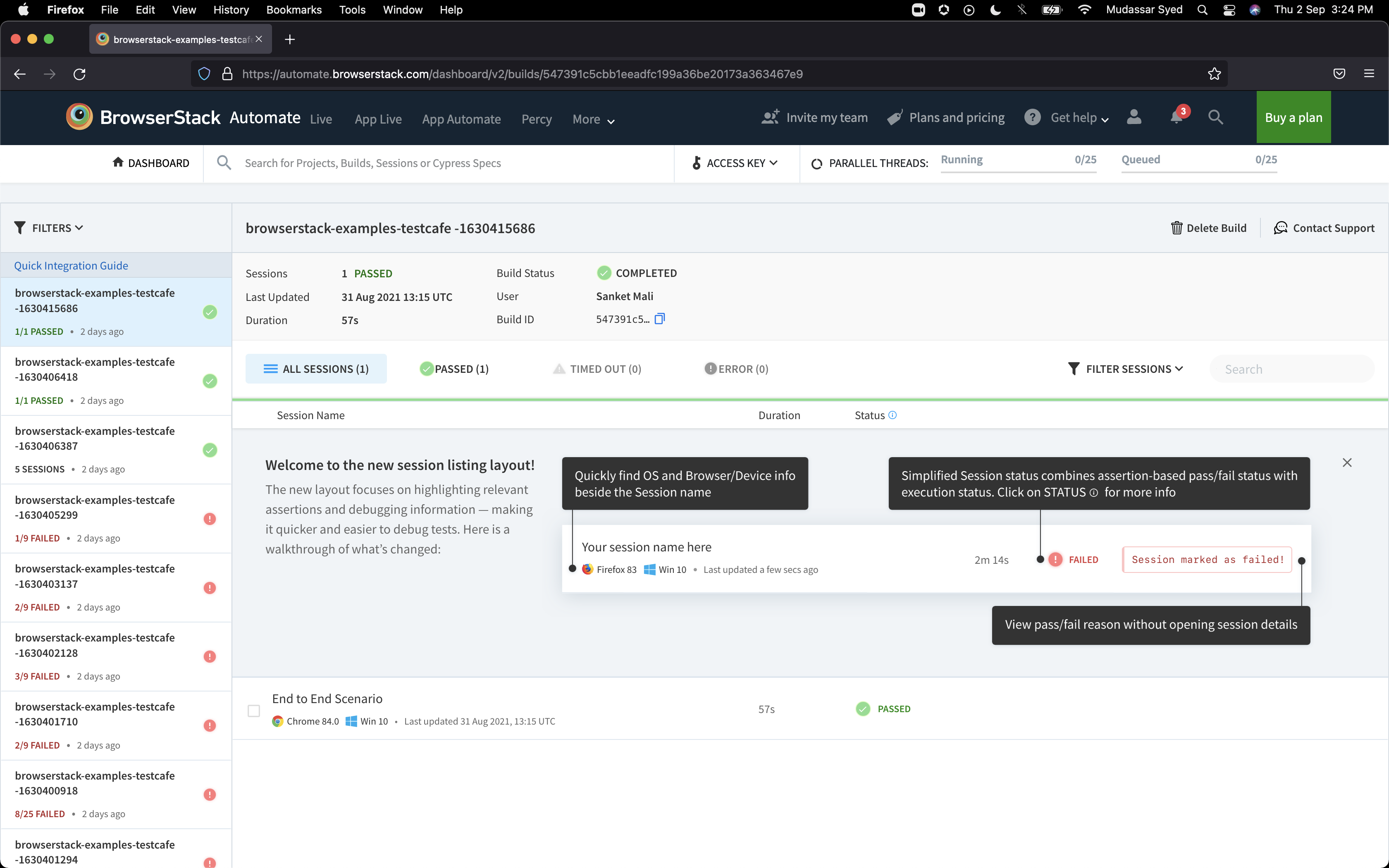
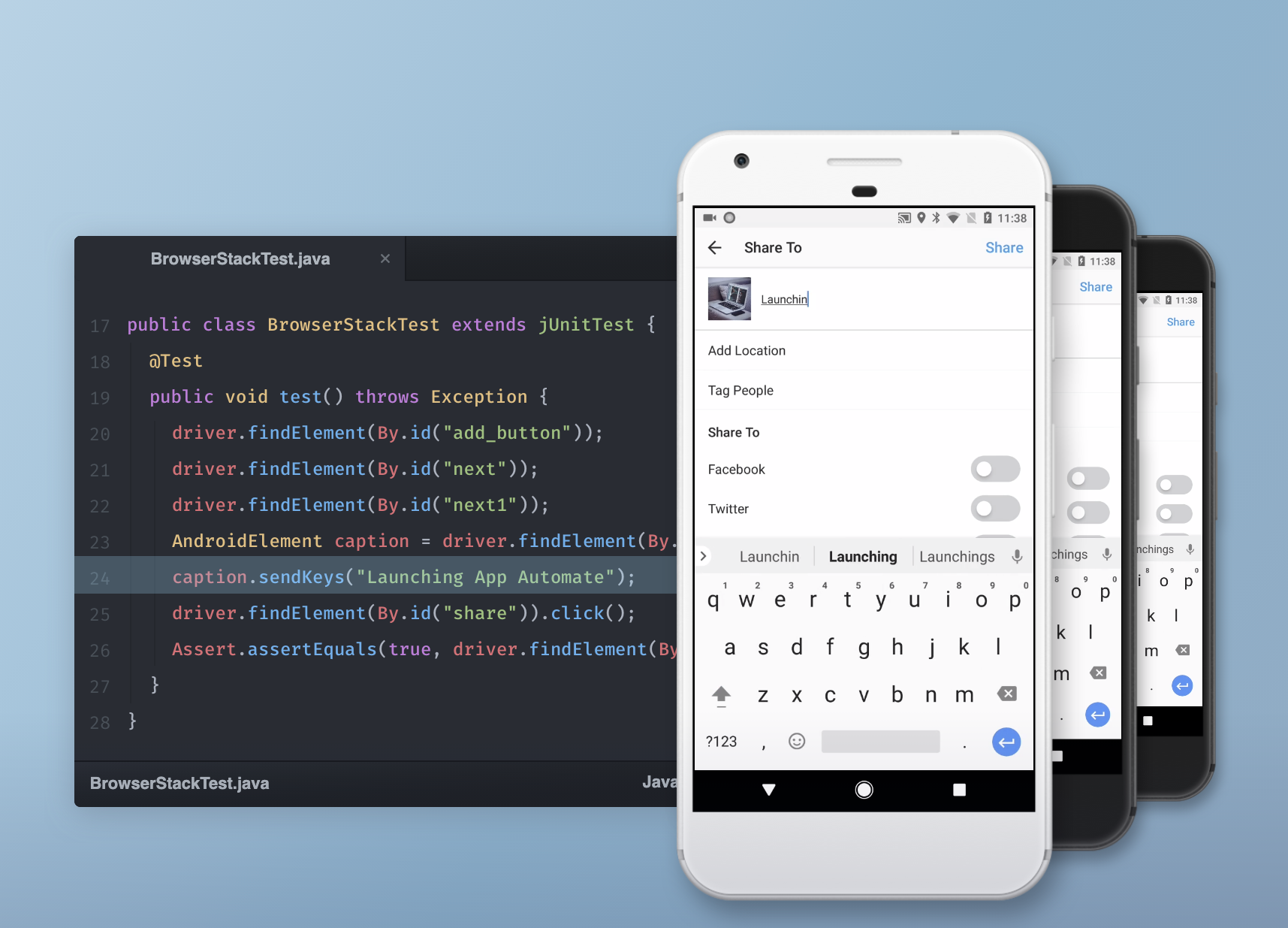
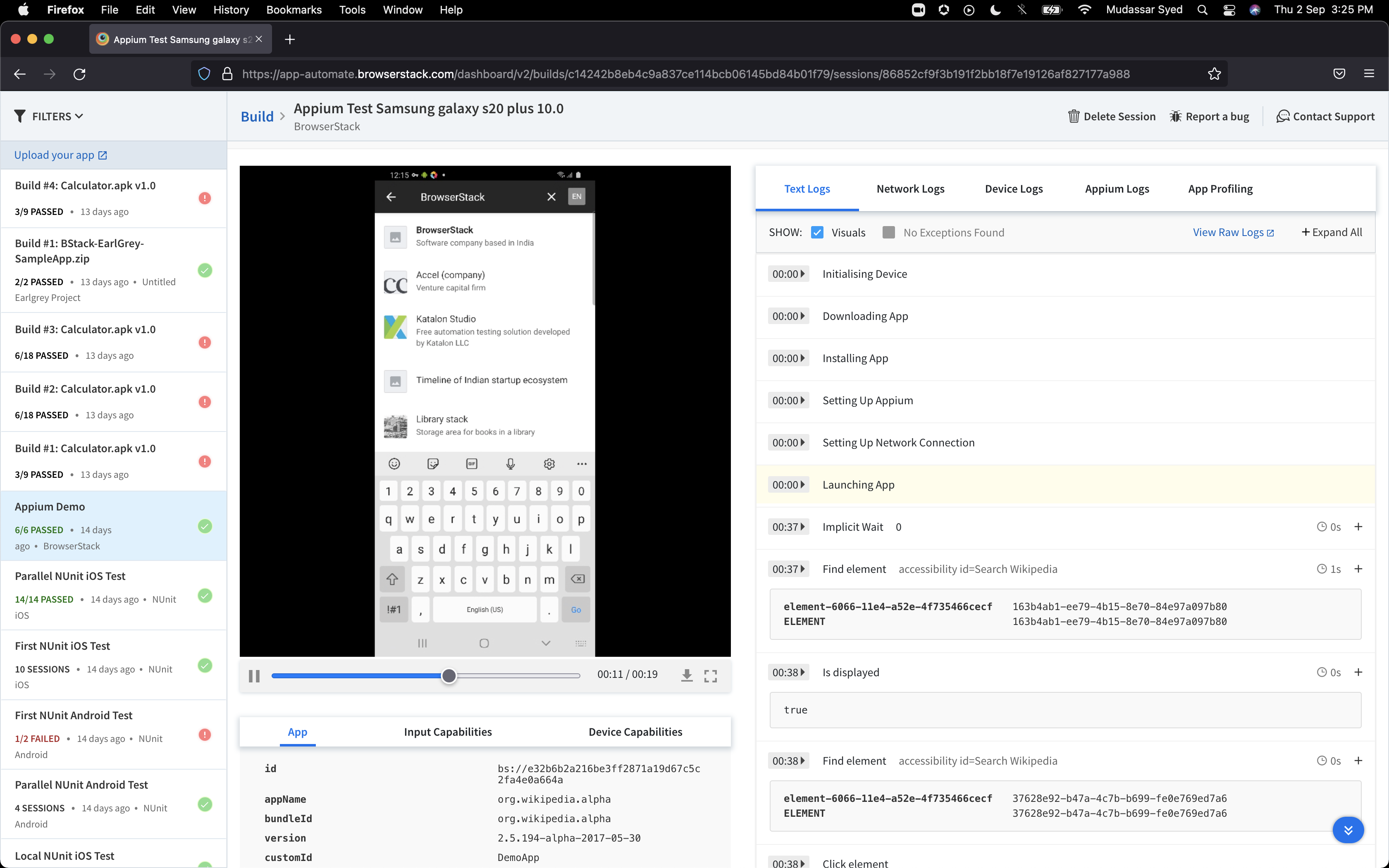
I'm using the app automate feature for Automation of mobile application. So, we are add Jenkins for CI process to use on BrowserStack. For mobile application testing, We are using Appium with java client in our framework and also integrate with BrowserStack capabilities.
I have used Saucelabs with Jenkins and would say both of them are really comprehensive. Yet I suggested BrowserStack to our customers and team since I have used it recently and felt it easy to use and implement Tests on it. BrowserStack support team is another reason behind why …
When we are comparing BrowserStack have faster session start times compared to Sauce Labs. And also simpler, user friendly setup and UI. This help to our team members to navigate and use. Browser stacks have reliable parallel execution with stable performance. We can get better …
We chose BrowserStack as our solution as it provides a comprehensive, all-in-one package. This integrated approach ensures that all your needs are met in one place, eliminating the need for multiple tools or services. It streamlines processes, improves efficiency, and …
The tests on SauceLabs were less stable, the live devices took more time to load. We were unable to easily access the devtools when running on mobile devices and the support team took more time to answer us.
If you need immediate testing (for example, from Azure pipelines agents), use BrowserStack instead of LambdaTest (which makes you wait in a "pool" until the device/platform combo you are querying is accessible). If you don't need your tests to be immediate and prefer a wider range of devices, then use Lambdatest.
Jenkins is a highly customizable CI/CD tool with excellent community support. One can use Jenkins to build and deploy monolith services to microservices with ease. It can handle multiple "builds" per agent simultaneously, but the process can be resource hungry, and you need some impressive specs server for that. With Jenkins, you can automate almost any task. Also, as it is an open source, we can save a load of money by not spending on enterprise CI/CD tools.
Automated Builds: Jenkins is configured to monitor the version control system for new pull requests. Once a pull request is created, Jenkins automatically triggers a build process. It checks out the code, compiles it, and performs any necessary build steps specified in the configuration.
Unit Testing: Jenkins runs the suite of unit tests defined for the project. These tests verify the functionality of individual components and catch any regressions or errors. If any unit tests fail, Jenkins marks the build as unsuccessful, and the developer is notified to fix the issues.
Code Analysis: Jenkins integrates with code analysis tools like SonarQube or Checkstyle. It analyzes the code for quality, adherence to coding standards, and potential bugs or vulnerabilities. The results are reported back to the developer and the product review team for further inspection.
It's almost the 3rd year for us and it's renewal time for us. So yes, we are already discussing how many licenses we need to increase as users are increasing internally. So it's 100% sure that we are already planning renewal this year as well BrowserStack with live and app automate.
We have a certain buy-in as we have made a lot of integrations and useful tools around jenkins, so it would cost us quite some time to change to another tool. Besides that, it is very versatile, and once you have things set up, it feels unnecessary to change tool. It is also a plus that it is open source.
So many options that it can be a little overwhelming, but the core functions are easy to find and use and it's usually not too hard to figure things out for the more complex tasks. Very easy to boot up a device and a specific browser from the dashboard to begin a manual website test.
Jenkins streamlines development and provides end to end automated integration and deployment. It even supports Docker and Kubernetes using which container instances can be managed effectively. It is easy to add documentation and apply role based access to files and services using Jenkins giving full control to the users. Any deviation can be easily tracked using the audit logs.
I rated BrowserStack's availability a 10 because it is consistently reliable, with minimal to no downtime or unplanned outages. The platform is accessible whenever needed, ensuring uninterrupted testing. Its robust infrastructure and proactive monitoring ensure a seamless experience, allowing us to meet deadlines without delays caused by availability issues and all
The tests are fast considering the fact that they're Appium tests. I've seen tests reliably pass or fail when they're supposed to, with next to zero issues on the BrowserStack side of things. Tests launch only seconds after I kick off them off from my CLI.
No, when we integrated this with GitHub, it becomes more easy and smart to manage and control our workforce. Our distributed workforce is now streamlined to a single bucket. All of our codes and production outputs are now automatically synced with all the workers. There are many cases when our in-house team makes changes in the release, our remote workers make another release with other environment variables. So it is better to get all of the work in control.
I've not had much direct interaction with the BrowserStack support team. The help and community are great and we've not run into any issue that has really required us to reach out. I guess having a stable and easy to use system means you may never need to contact support.
As with all open source solutions, the support can be minimal and the information that you can find online can at times be misleading. Support may be one of the only real downsides to the overall software package. The user community can be helpful and is needed as the product is not the most user-friendly thing we have used.
Yes, it was online training on meet, and trainer looks like skilled and technical strong, he has covered end to end all the features and he has answers all the queries. because of this trainings we are able to implement it by our own in the organization, thank you for support and training.
It was a quick training from the support of browserstack, it was nice and easy to understand, thanks again for the support given by the team. and regularly I used to receive mails for training from support for any new feature they launch, I was able to spread same training to all my team and dev.
I rated the implementation satisfaction an 8 because while it went smoothly overall, there were some challenges during the initial learning phase and integration with existing tools. Key insights include the importance of providing sufficient training upfront and ensuring seamless integration with other systems to minimize disruptions and improve adoption speed.
It is worth well the time to setup Jenkins in a docker container. It is also well worth to take the time to move any "Jenkins configuration" into Jenkinsfiles and not take shortcuts.
BrowserStack products has been found better for low code automations and visual regression techniques. We have been struggling to maintain the API endpoint sanity tests and writing a lot of code for them while releasing the builds, while we chose BrowserStack accessibility solutions, we found it a way easier than we thought and worked it up.
Overall, Jenkins is the easiest platform for someone who has no experience to come in and use effectively. We can get a junior engineer into Jenkins, give them access, and point them in the right direction with minimal hand-holding. The competing products I have used (TravisCI/GitLab/Azure) provide other options but can obfuscate the process due to the lack of straightforward simplicity. In other areas (capability, power, customization), Jenkins keeps up with the competition and, in some areas, like customization, exceeds others.
I may not be the best person to answer this as I am only using it for 1 department and at 1 site but will still try my best As far as Scalability for Devices for Mobile Automation is concerned, it gets a Solid 10, as the users can run cases on upto 10 device parallel and also have the best choices of devices to choose