ClickUp is a productivity platform that brings together work apps, data, and workflows. Also presented as a Converged AI Workspace, ClickUp eliminates work sprawl to provide context and a single place for humans and agents to work together. The platform currently boasts over 20 million users worldwide. ClickUp Brain² is deeply embedded into the workspace, offering conversational intake for project scoping and autonomous task generation. It can transform brainstorming docs…
$0
per month per seat
Nifty
Score 8.4 out of 10
N/A
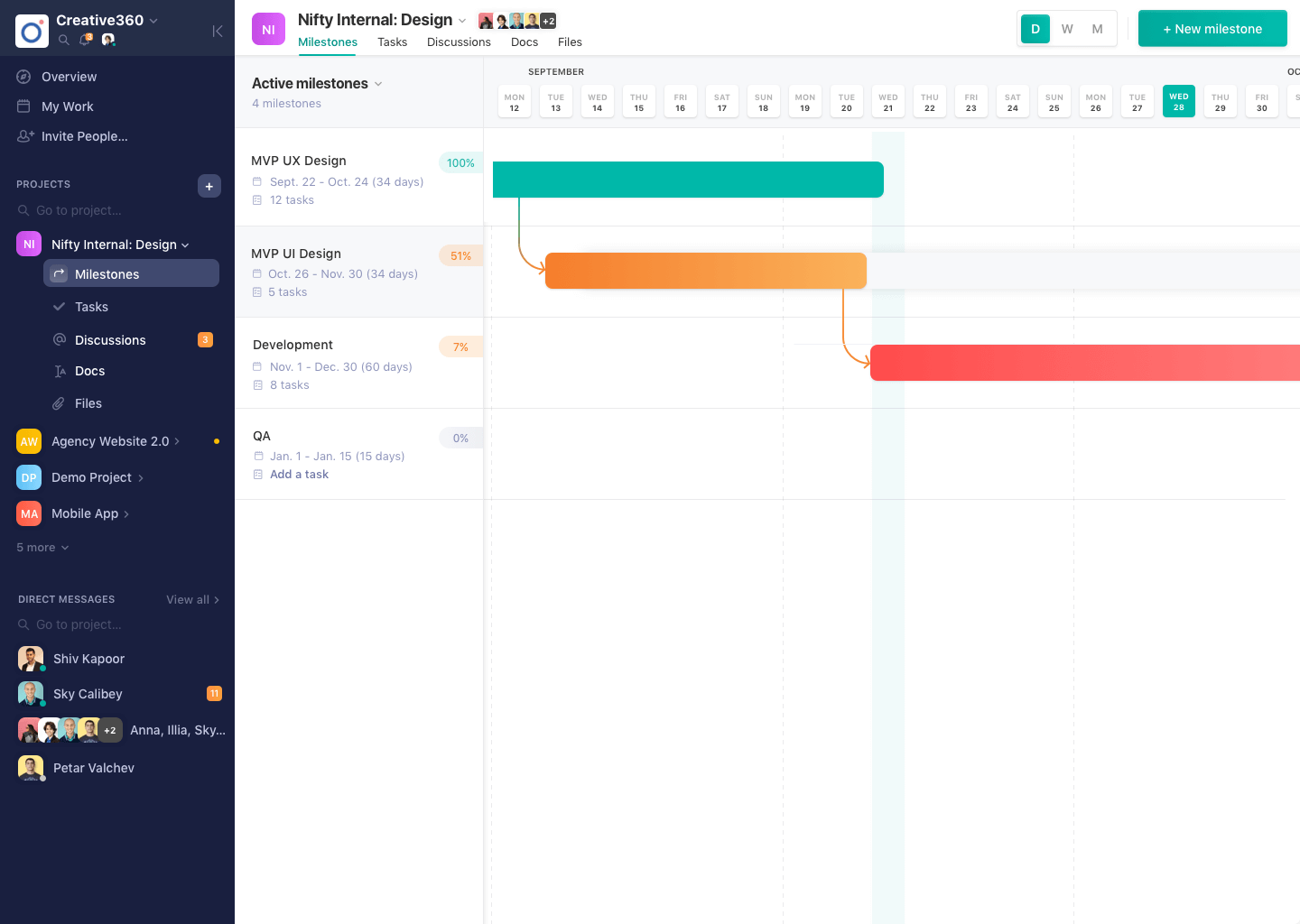
Nifty consolidates projects, work, and communications in one place. Nifty simplifies and automates the tracking of project milestones, communications with teammates and clients, collaborative document creation, and more in a centralized workspace! Nifty enables organizational oversight across projects and teammates with project & team workload overviews. With communications, project management, and workflow collaboration centralized in one place, teams can consolidate their workday as well…
N/A
SAP Build
Score 8.1 out of 10
N/A
SAP Build is a business application development and automation solution with a comprehensive suite of low-code, pro-code, and generative AI tools. SAP Build is for developers, IT professionals, and business users/citizen developers who want to create and customize business applications.
$1.82
per month per user
Pricing
ClickUp
Nifty
SAP Build
Editions & Modules
Unlimited
$10
per month per user
Business
$19
per month per user
Enterprise
Custom
No answers on this topic
SAP Build Process Automation - Standard User
$1.82
per month per user
SAP Build Process Automation - Advanced User
$15
per month per user
SAP Build Process Automation - Attended Automation
$534
per month
SAP Build Process Automation - Unattended Automation
It has been great for all of my needs - tracking elaborate tasks/subtasks and their timelines, instructions, time spent, reporting on time, etc. I did try to use it for lesson planning and time tracking for homeschool and it got too hard to view and keep track of all the automations I had set up and if they were firing at the right times. But that's the only time I can think of where it didn't really work for what I needed!
SAP Build is a strong and reliable partner with a rich FAQ and consulting power. New features make sense and are easy to distribute within the team and to end users. The community is nice, and there are many discussions on product development, shared solutions, and productivity improvements. UI is also one of the strongest points.
SAP Build Workzone is a cloud ready service that it can provide access to users over cloud. It really liked it because for Non-SAP users they don't need to have seperate logins to access SAP systems
SAP Build LCNC helps to create an app either from scratch or take reference from existing apps and develop on top of it
SAP Build Code is pro-developer tool helps for creating enterprise ready web apps
Time Expense could be improved since we cannot edit the previous/past time logs entered.
Lacks expense management and Purchase order management functionality
Newest product updates are not always stable and I had to reach Nifty's support team a couple of times in the past to fix the issues with new updates e.g. our document management and meeting integrations had to be re-authorized
Comparing to other RPA Tools, SAP Build automation lacks enough user guidance.
Licensing is a little bit confusing.
From a technical perspective, older versions of the automation part are not always stable, but the other services (workflow, business rules, apps, etc.) are much more stable.
It has been a game-changer in terms of project tracking, as animation is a demanding product that requires multiple layers of analysis, revisions, tracking, scheduling, etc. ClickUp simplifies many approvals as anyone can easily add items, and you can tag the people who need to look at them.
SAP Build that enables rapid creation of enterprise-grade applications, automations, and business sites. It empowers both business users and developers to collaborate effectively while leveraging SAP-grade security, identity, and integration capabilities. SAP Build integrates seamlessly with SAP systems, supports governance and lifecycle management, and accelerates digital transformation by reducing development time and effort.
In general, I think the usability is probably great. The reason I didn't give it as high of a score is because at the last 2 companies I worked at, they each used different software. So I was already used to those. Learning their UI isn't hard, but always a little annoying to learn something new.
The overall re-usability is very good for SAP Build app. Rating 9 shows that it is very effectively uses the No code or low code functionality. Drag and drop of UI components is very effective in this SAP Build app. No prior coding experience is needed but to develop some logic flow you need to be very logical and optimistic thinker
For over a year ClickUp was unavailable to us just twice for a couple of hours. I would say for a system this big and working globally that was a minor issue. They managed to fix all the issues within a couple hours and then it was back up and running perfectly fine.
The speed of ClickUp is average to be honest. This is one of the biggest flaws of the system, sometimes it's also lagging a little bit but we also have a lot of documents, lists etc. on our workspace. However, with the next version of ClickUp I've seen they are planning to increase the speed by almost 500%, probably by changing the technology, so I am more than looking forward to it.
I started using ClickUp when it was what most would consider a baby company. There were the occasional bugs that made working in ClickUp a little bit of a headache, but the support feature allowed me to chat with a real persona and communicate my issues. I would always get prompt support and someone willing to really help me, not just point me to FAQ pages. Not feeling like a number really makes a difference.
There are, for example, great blog writings about automation cases and examples. The studio version is updated often. There are also useful OpenSAP online courses.
There are multiple guides on literally all of the functions you can find within the system, therefore it's easy to learn anything you'd really like to use, starting from project and people management, down to Gantts, mind maps, time tracking, inviting Clients as guests to work with you on the projects and so much more.
Online training helped to understand the drag and drop processes, building UI. Creating a workflow and process automation. Developing workflow and deploying WF. Helped to reduce the errors. It helped to understand the training easily. And online training gave good insights for low code no code solutions and create actions, forms.
Start small. Don’t try to build the most elaborate plans first. Resist the urge to get into Gantt charts if no one is used to them. Just get work written, add dates and assignees, and start getting used to it. If you did not use a work management tool before, you need to be gracious with yourself about the fact that you likely do not have the muscle memory for working this way yet. But you will get there.
And leverage people who know it if possible. Look for ClickUp experts and vendors. They can really supercharge your effectiveness at building the tool out and speed up the process.
For me the customizability of ClickUp was unmatched. It really felt like there was no limit on what I could use it for and how I could organize things. For specific features, their Docs are really my favorite part. The customizability and ability to directly link to related tasks/docs/etc. is incredible. The closest I've found to it is Notion, but Notion is not as user friendly and doesn't offer all of the other capabilities that ClickUp does. When I first started using ClickUp, their pricing played a huge factor too. I thought their pricing was the most reasonable given the number of capabilities it came with. However, that's definitely changed over the years. They have a bad habit of moving certain functionalities from one tier up to a higher one. Or they put a one-time usage limit on a certain feature and once it runs out, you're forced to upgrade. Their pricing has become less competitive because of it
There's no comparison. Nifty does what all of these do all in one place (with the exception of Slack's community aspect with hashtagging - not sure if Nifty can do this, never tried) Nifty even has the ability to import directly from many other platforms - I've personally imported projects from Trello and Asana, saving tons of time in migration.
Seamlessly connected to SAP S4 Hana systems and development and deployment is easy as compared to Microsoft Visual Studio. Low code no code facility is awesome in SAP Build app where as in Visual Studio drag and drop of components is provided but still needs to write bulky code for functionality. Performance is better for SAP Build app.
Scaling with ClickUp is superb. If you create a workflow best suited for your organization then it's all about creating new accounts and teaching the new employees the workflow you're using. It's that simple. There is no black magic when it comes to Clickup.
Allow us to provide reports and updates via computer to leadership.
Leadership in our organization have praised IT for the use of ClickUp because the tool is exactly what was needed. Before, we were depending on spreadsheets to keep track of work.
ClickUp brings organizatins together in ways that other software has not. It provides everything we lacked and needed to get out organization up to the standard as other large universities.