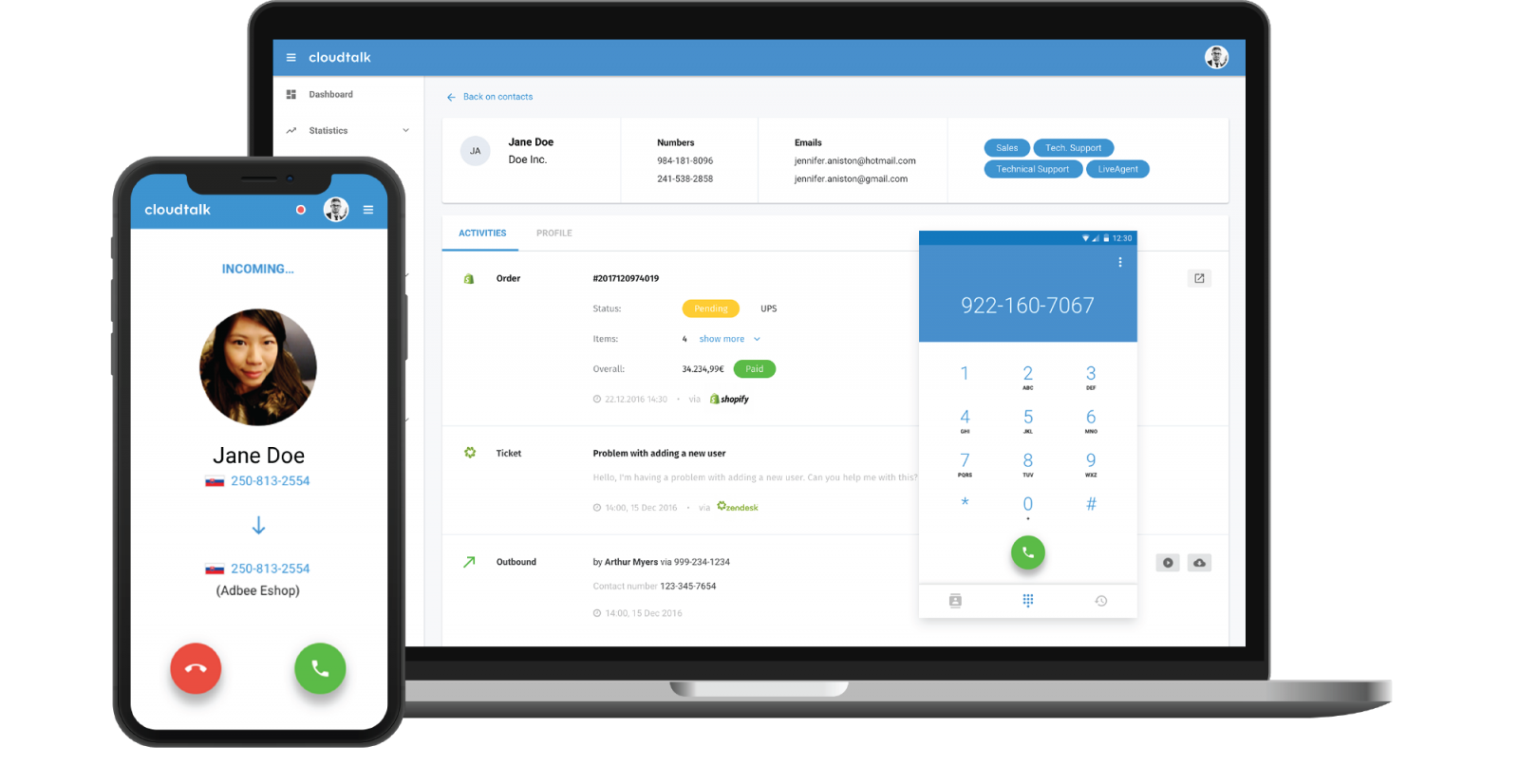
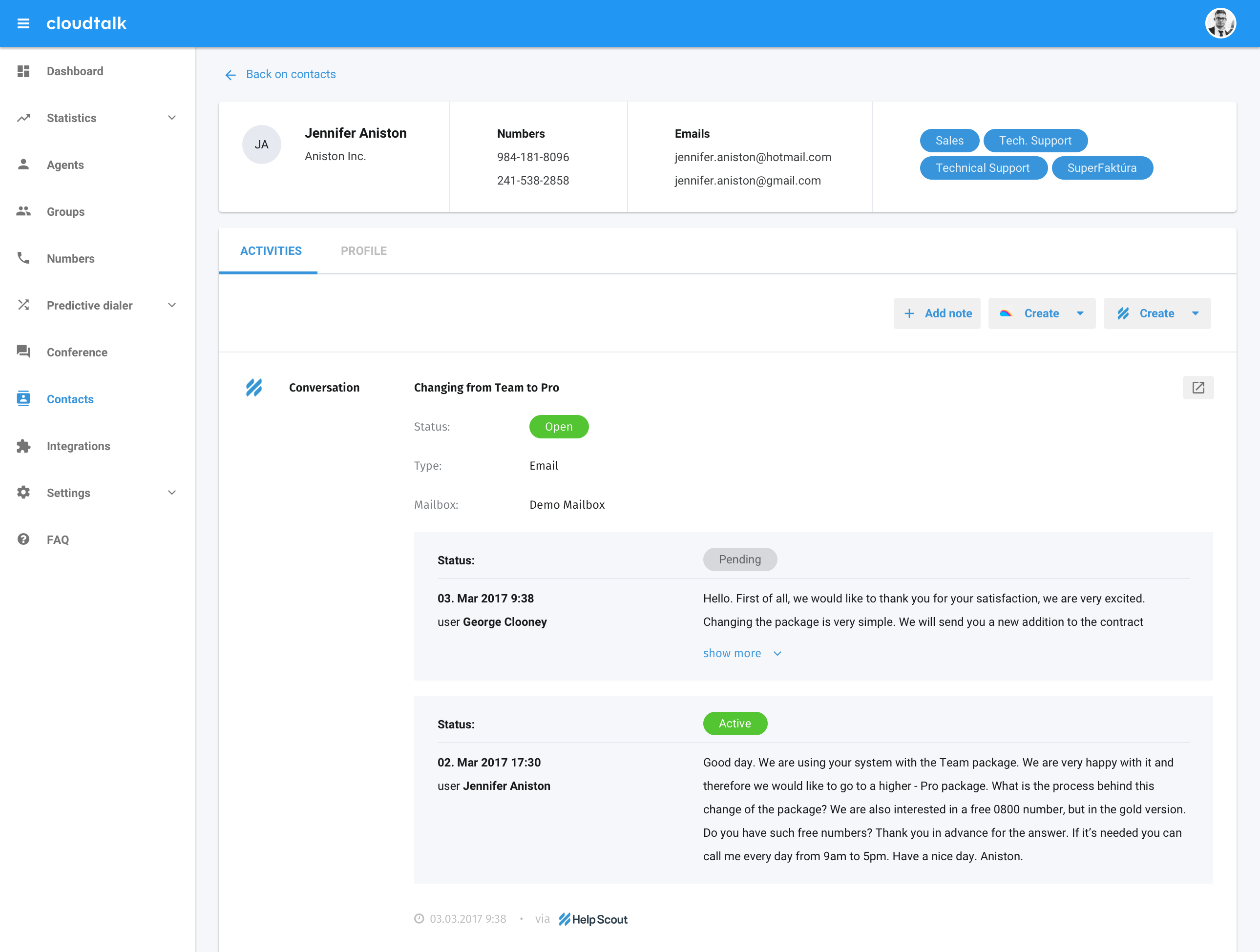
CloudTalk is cloud-based call center software for sales and support teams of all sizes, looking to improve customer experiences through more personalized, data-driven customer interactions. The vendor aims to help teams communicate clearly and efficiently. With CloudTalk users can get local, mobile or toll-free numbers from more than 140+ countries across the world. The vendor says they offer integration with important tools (such a CRM, Helpdesk, or…
$27
per month per user
GoTo Connect
Score8 out of 10
N/A
GoToConnect, from GoTo, is a cloud-based business phone system with built-in web-based video conferencing solutions. It includes features such as call analytics, call recording, softphone, fax to email, voicemail to email, and desktop integration.
Cloudtalk is by far the best value-for-price software out there for call center solutions. Packed with features, very accessible, kind and accessible customer support, and cheap, especially when compared with their competitors for the same range of features. Easy entry-level software, especially if you're a startup that doesn't want to make big initial commitments but needs a solution that scales with the business.
It is absolutely perfect for flexible hybrid teams that want to combine daily calls, texts, and video meetings without needing a dedicated IT person. However, I would completely skip this software if you run a massive outbound call center because the system reporting is just way too basic right now.
A de minimis incentive was given to thank the reviewer for their time. The incentive was not used to bias or drive a particular response, nor was the incentive contingent on a positive endorsement. More Info
Call reports: You can see and review calls received from the first receptor until the last who attend this call, also you can review all calls make and received by your teams
Voicemail options: Availability to create some voicemail with multiple receptors
Devices option: with several options to change on your devices
Audio library: Multiple option to create your own audio library with or without ambien music
A de minimis incentive was given to thank the reviewer for their time. The incentive was not used to bias or drive a particular response, nor was the incentive contingent on a positive endorsement. More Info
A de minimis incentive was given to thank the reviewer for their time. The incentive was not used to bias or drive a particular response, nor was the incentive contingent on a positive endorsement. More Info
A de minimis incentive was given to thank the reviewer for their time. The incentive was not used to bias or drive a particular response, nor was the incentive contingent on a positive endorsement. More Info
A de minimis incentive was given to thank the reviewer for their time. The incentive was not used to bias or drive a particular response, nor was the incentive contingent on a positive endorsement. More Info
They are knocking it out of the park on all fronts. I love the service and support I am receiving and have no complaints. If they raised their prices substantially I would reconsider but I don't think that will happen anytime soon. They would have to mess up something consistently moving forward to make me want to move
A de minimis incentive was given to thank the reviewer for their time. The incentive was not used to bias or drive a particular response, nor was the incentive contingent on a positive endorsement. More Info
CloudTalk is super easy to use and has a great quality. It helps to communicate with the clients easily and we can feel that the sound quality is high, while speaking to the client and while listening to the recordings. This is for our department essential in our day to day work.
Overall, it's a decent product for the price. It has the basic features our company needed when it was brand new and was not overly difficult to set up. As we've grown, it's become increasingly difficult to build out the features we want to implement within the PBX, and customer support can be less than helpful. Many of the more advanced features (dial plans, queues, etc.) take a lot of research to understand how to implement. Some of the features we paid for weren't even available when we were attempting to set them up.
A de minimis incentive was given to thank the reviewer for their time. The incentive was not used to bias or drive a particular response, nor was the incentive contingent on a positive endorsement. More Info
I have never experienced or heard of unplanned outages when it comes to GoTo Connect. Most of the time the unplanned outage is always local power at a site or internet service provider having an unplanned outage. GoTo's service has never failed any of our orgs yet that I know of.
A de minimis incentive was given to thank the reviewer for their time. The incentive was not used to bias or drive a particular response, nor was the incentive contingent on a positive endorsement. More Info
There is no lag in phone calls. There is no background noise or static/fuzz. Calls are crystal clear. With other dialers and phone systems, I have experienced delays between dialogue or delays with the caller picking up the phone and then being able to hear you. We do not experience this with Go To Connect.
A de minimis incentive was given to thank the reviewer for their time. The incentive was not used to bias or drive a particular response, nor was the incentive contingent on a positive endorsement. More Info
They are skilled, experienced, and anytime I need something and contact the support time, I get the right person who understands my needs and reacts to them accordingly. So far I was only pleasantly surprised by the level of support these guys provide and coming from a customer service oriented background myself, I can only say keep it up guys, you are doing a fantastic job!
One of the MOST challenging things in tech support is that some of the offshore agents "don't speak Texan/English", and are really hard to understand. GoTo Connect's support is usually someone who is VERY easy to understand their US/English, and are very helpful. In dozens of interactions for our business & our clients, we've only had a few tickets that couldn't be resolved on the first call
A de minimis incentive was given to thank the reviewer for their time. The incentive was not used to bias or drive a particular response, nor was the incentive contingent on a positive endorsement. More Info
The training videos could be more in-depth. This would help our user base so that they can feel impowered to look up information that they need without having to ask our admins every time they have a question about the system. Online training videos are also inferior to an actual person explaining systems.
A de minimis incentive was given to thank the reviewer for their time. The incentive was not used to bias or drive a particular response, nor was the incentive contingent on a positive endorsement. More Info
It was great. Provisioning the phones was the trickiest part, but once we figured that out, actually setting up users, lines, dial plans, and everything like that was really easy. We were easily able to provision phones, ship them out to all our outside locations, and make changes from the home office.
A de minimis incentive was given to thank the reviewer for their time. The incentive was not used to bias or drive a particular response, nor was the incentive contingent on a positive endorsement. More Info
It was a gamble if I'm being honest, plus this is a very nuanced and intricate topic. We didn't necessarily substitute one for the other, it was a much needed state of affairs where we needed the call monitoring and agent tracking pros of CloudTalk more so than ever before.
Go-To was the more cost-effective option between these. They also had the closest alignment to our goals and what we needed for our company without going overboard. We are happy with our decision and will continue to recommend Go-To.
A de minimis incentive was given to thank the reviewer for their time. The incentive was not used to bias or drive a particular response, nor was the incentive contingent on a positive endorsement. More Info
Its not readily apparent to me, other than cost, where you would run into any issues with larger scale deployments. When we went live on the product, the Jive team was always willing to do mass updates for us on our extensions, users, etc. in the system, so we didn't have to do too much manual one-by-one updates.
Cost Savings have been realized from reducing hardware .
We are all able to collaborate remotely and it has been seamless and easy to setup.
I'm able to pull reports, i wish there was improvement on the data analysis side. It has gotten better since LogMeIn, but something is a miss and can be improved.
A de minimis incentive was given to thank the reviewer for their time. The incentive was not used to bias or drive a particular response, nor was the incentive contingent on a positive endorsement. More Info