
Chose CoConstruct
CoConstruct vs. e-Builder vs. Procore
CoConstruct vs. e-Builder vs. Procore
| Product | Rating | Most Used By | Product Summary | Starting Price |
|---|---|---|---|---|
 CoConstruct | N/A | CoConstruct, from Buildertrend since the November 2021 acquisition, is a custom builder & remodeler software. It allows users to enter data once and have that information flow through the estimate, specs, selections, bids, proposals, change orders, and budgets, including to and from QuickBooks. In addition, CoConstruct includes scheduling and 3-way communication between builder, client, and trade partners. Everything is captured via email and texting. Login isn't required for… | $49 per month | |
 e-Builder | N/A | e-Builder is a cloud-based construction program management solution that manages capital program cost, schedule, and documents. It allows owners to measure and manage the capital project delivery process from planning, design, procurement, construction and operations. | N/A | |
 Procore | N/A | Procore is a project management software designed specifically for the construction industry. Procore is cloud-based and allows unlimited users per instance, so that construction team members and stakeholders can all access project information and documents. | N/A |
| CoConstruct | e-Builder | Procore | ||||||||||||||||||||||
|---|---|---|---|---|---|---|---|---|---|---|---|---|---|---|---|---|---|---|---|---|---|---|---|---|
| Editions & Modules |
| No answers on this topic |
| |||||||||||||||||||||
| Offerings |
| |||||||||||||||||||||||
| Entry-level Setup Fee | No setup fee | Required | No setup fee | |||||||||||||||||||||
| Additional Details | CoConstruct pricing is based on active job sites that have client access online, which means it is adaptable to builders & remodelers businesses. This means that there are an unlimited amount of projects available for estimates and proposals, so that customers only pay when they win a contract. Also built into the pricing are a myriad of services: a dedicated implementation coach, free estimate & scheduling templates based on industry best practices from successful builders and the NAHB, unlimited storage and users, software branded with the customer's logo, unlimited amount of warranty projects, and unlimited phone & email support. The vendor offers a money-back guarantee that is good for the first 90 days of service. | — | Procore charges an upfront annual fee by product and based upon Annual Construction Volume (ACV) - the aggregate dollar value of the construction work across the customer's projects. Procore contracts include access for unlimited users, customer support, unlimited data storage, and product enhancements, at no additional cost. Multi-year pools: Contract volume is set for the entire multi-year term and can be consumed at any time during that period to help smooth out variability in consumption. Volume opt-in: Up-front contractual pricing is put in place for additional volume that might need to be added mid-term, to increase predictability of costs. Renewal rate protection: Up-front setting of rates is locked now, so businesses can budget accordingly for future renewals and improve cost predictability in future years. | |||||||||||||||||||||
| More Pricing Information | ||||||||||||||||||||||||
| CoConstruct | e-Builder | Procore | |
|---|---|---|---|
| Considered Multiple Products | CoConstruct | e-Builder |  Procore  Natalie Johnson Administrative Assistant Chose Procore  Brian Tomlin Project Manager Chose Procore  Ruben Fonseca Field Engineer Chose Procore  Keith Jensen MArch RA LEED AP EDAC Architect, Project Manager Chose Procore Procore is in the top 3 but the decision to use on a project is driven by the Institutional Owner or General Contractor.  Kevin Kaslatas Project Manager Chose Procore Not a fan of eBuilder - hard to implement and too many ways to get lost in the program. |
| CoConstruct | e-Builder | Procore | |||||||||||||||||||||||||||||||||||||||||||||||||||||||||||
|---|---|---|---|---|---|---|---|---|---|---|---|---|---|---|---|---|---|---|---|---|---|---|---|---|---|---|---|---|---|---|---|---|---|---|---|---|---|---|---|---|---|---|---|---|---|---|---|---|---|---|---|---|---|---|---|---|---|---|---|---|---|
| Construction Project & Field Management |
| ||||||||||||||||||||||||||||||||||||||||||||||||||||||||||||
| Human Resource Management |
| ||||||||||||||||||||||||||||||||||||||||||||||||||||||||||||
| Payroll Management |
| ||||||||||||||||||||||||||||||||||||||||||||||||||||||||||||
| Reporting & Analytics |
| ||||||||||||||||||||||||||||||||||||||||||||||||||||||||||||
| Estimating |
|
| CoConstruct | e-Builder | Procore | |
|---|---|---|---|
| Likelihood to Recommend | 8.0 (14 ratings) | 7.1 (11 ratings) | 8.9 (871 ratings) |
| Likelihood to Renew | - (0 ratings) | 8.0 (2 ratings) | 8.6 (70 ratings) |
| Usability | - (0 ratings) | 7.0 (2 ratings) | 10.0 (57 ratings) |
| Availability | - (0 ratings) | - (0 ratings) | 9.9 (15 ratings) |
| Performance | - (0 ratings) | - (0 ratings) | 9.5 (15 ratings) |
| Support Rating | 9.8 (10 ratings) | 5.0 (3 ratings) | 9.7 (69 ratings) |
| In-Person Training | - (0 ratings) | - (0 ratings) | 8.1 (5 ratings) |
| Online Training | - (0 ratings) | - (0 ratings) | 9.3 (13 ratings) |
| Implementation Rating | - (0 ratings) | 8.0 (2 ratings) | 10.0 (114 ratings) |
| Configurability | - (0 ratings) | - (0 ratings) | 9.3 (15 ratings) |
| Ease of integration | - (0 ratings) | - (0 ratings) | 9.1 (310 ratings) |
| Product Scalability | - (0 ratings) | - (0 ratings) | 9.8 (15 ratings) |
| Vendor post-sale | - (0 ratings) | - (0 ratings) | 9.9 (13 ratings) |
| Vendor pre-sale | - (0 ratings) | - (0 ratings) | 9.8 (14 ratings) |
| CoConstruct | e-Builder | Procore | |
|---|---|---|---|
| Likelihood to Recommend | Buildertrend
| Trimble
| Procore Technologies
 David Noah Controls Engineer |
| Pros | Buildertrend
| Trimble
 Susan Evans Project Coordinator | Procore Technologies
|
| Cons | Buildertrend
 Alison McLennan Co-Owner | Trimble
| Procore Technologies
 Laura Samoisette, LEED AP, WELL AP High Performance Division Project Manager |
| Likelihood to Renew | Buildertrend No answers on this topic | Trimble
| Procore Technologies
|
| Usability | Buildertrend No answers on this topic | Trimble
| Procore Technologies
 Jason Glover President |
| Reliability and Availability | Buildertrend No answers on this topic | Trimble No answers on this topic | Procore Technologies
|
| Performance | Buildertrend No answers on this topic | Trimble No answers on this topic | Procore Technologies
 Phillip Li COO (Chief Operations Officer) |
| Support Rating | Buildertrend
| Trimble
| Procore Technologies
|
| In-Person Training | Buildertrend No answers on this topic | Trimble No answers on this topic | Procore Technologies
Jason Glover President |
| Online Training | Buildertrend No answers on this topic | Trimble No answers on this topic | Procore Technologies
|
| Implementation Rating | Buildertrend No answers on this topic | Trimble
| Procore Technologies
|
| Alternatives Considered | Buildertrend
| Trimble
 LIZET MELGOZA Office Manager | Procore Technologies
|
| Scalability | Buildertrend No answers on this topic | Trimble No answers on this topic | Procore Technologies
 Ariana Marsiglia Operations Manager |
| Return on Investment | Buildertrend
| Trimble
Susan Evans Project Coordinator | Procore Technologies
 Diana Smith Site Engineer |
| ScreenShots | CoConstruct Screenshots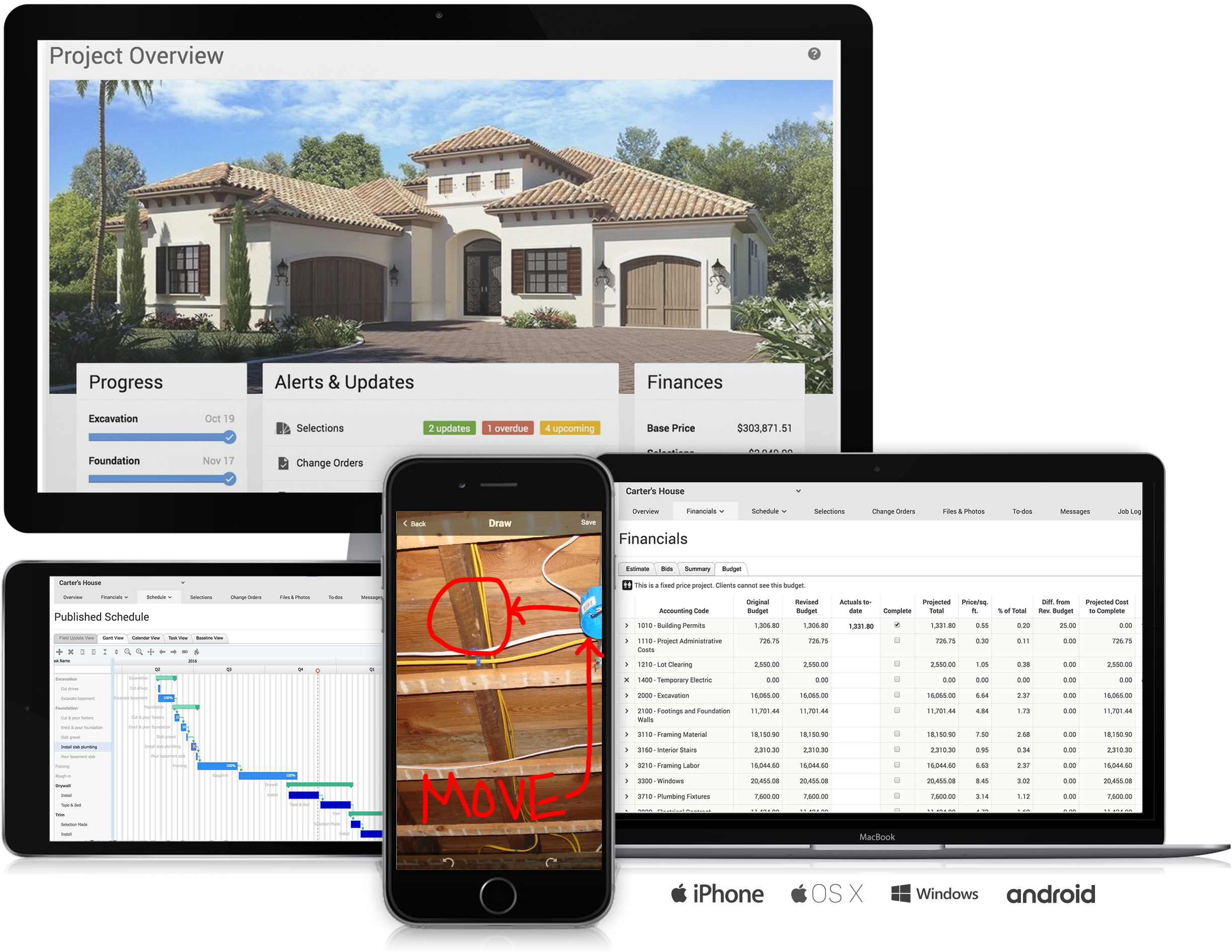 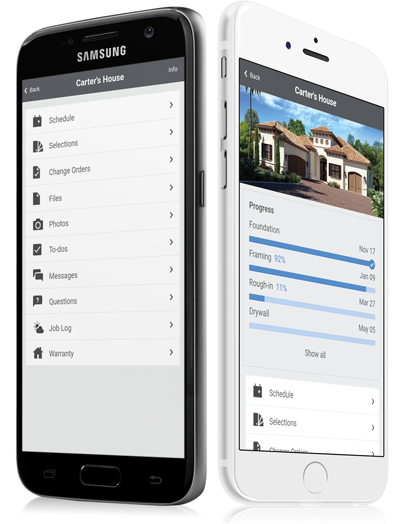     |